
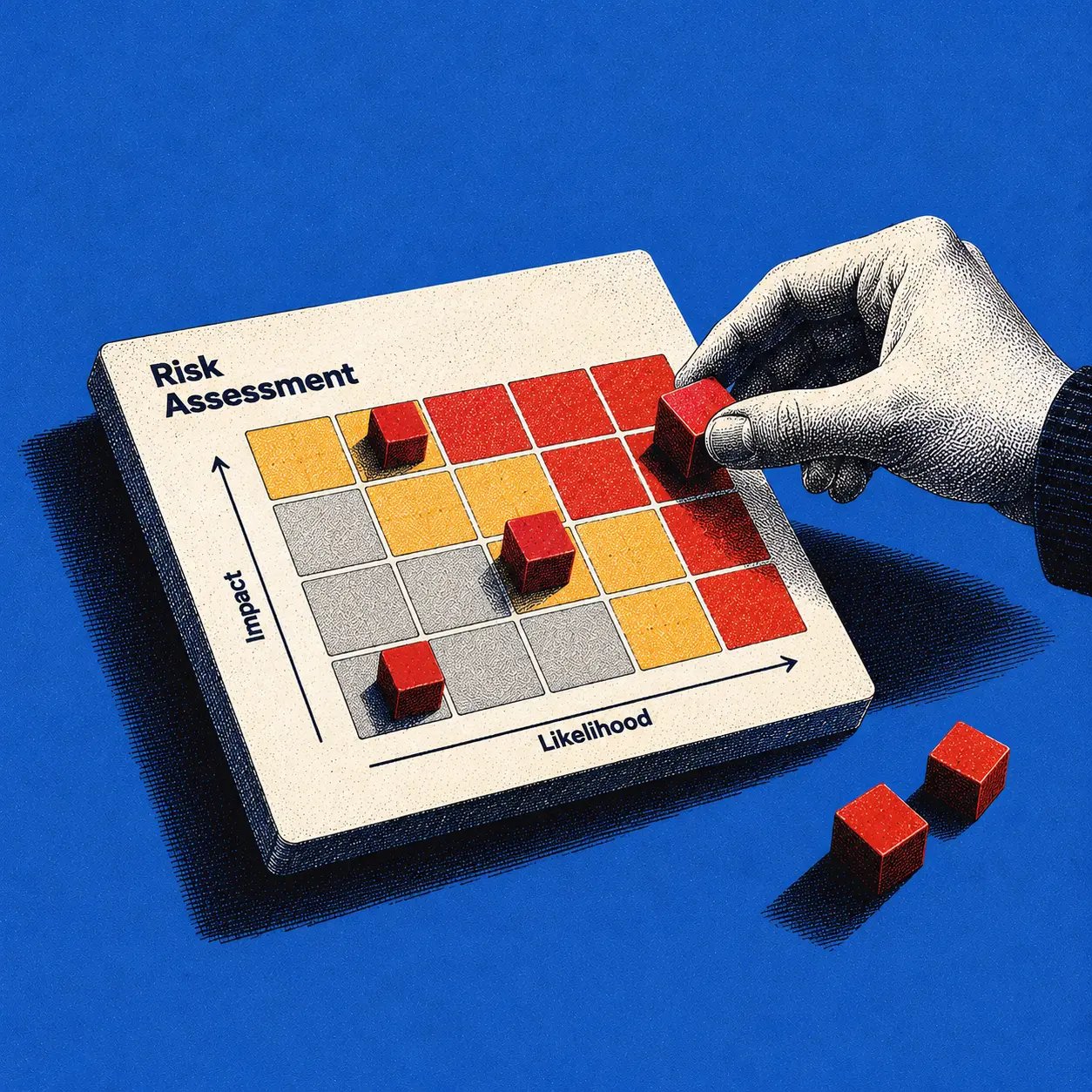
10 Risk Assessment Template Examples for Product Teams
A launch can look ready until someone asks what happens when a signed-out customer opens checkout with a keyboard. A delivery tracker may show green, yet no one has tested that journey or decided who owns the failure. These risk assessment template examples help product managers, designers, and engineering leads find those missing rows before users do.
Below are ten copy-ready, illustrative templates covering discovery, design, development, and launch. Each has editable fields, a completed hypothetical example, an owner, a mitigation, and a review trigger. They are not official NIST, ISO, CISA, or IEC forms. Choose the template that fits your decision, then keep the resulting risks in one maintained register.
What is a product risk assessment, and when do you need one?
A product risk assessment records what might go wrong, who or what it affects, how you will respond, and when you will reassess. Use one before committing to a feature, changing permissions, introducing an integration, approving a release, or learning that a key assumption was wrong. A risk is a possible future event; an issue that has already happened belongs in an issue tracker, though it may create new risks.
The reusable base row is: ID | decision and time horizon | scenario and cause | affected journey or system | existing controls | likelihood | impact | rationale and evidence | owner | mitigation and due date | residual score | review trigger | status.
NIST SP 800-30 Rev. 1 describes preparing, conducting, and maintaining an assessment, including analysis of likelihood and impact. ISO 31000:2018 provides broader risk-management guidance. Neither specifies the ten product templates below. During product discovery, use the row to test assumptions; closer to launch, attach evidence that a mitigation actually works.
Which 10 risk assessment template examples can product teams copy?
These ten templates cover different decisions. Copy the field line for the relevant category and add the base row above when the risk needs ongoing tracking. Every completed example is fictional. The L × I numbers use the illustrative 1-to-5 scoring definitions later in this article, not measured probabilities.
1. Product launch risk assessment template
Purpose: Decide whether a rollout can proceed without exposing users to an unhandled failure.
Copy: Release and cohort | critical journey | failure scenario | L | I | launch gate | owner | mitigation | residual L/I | review trigger
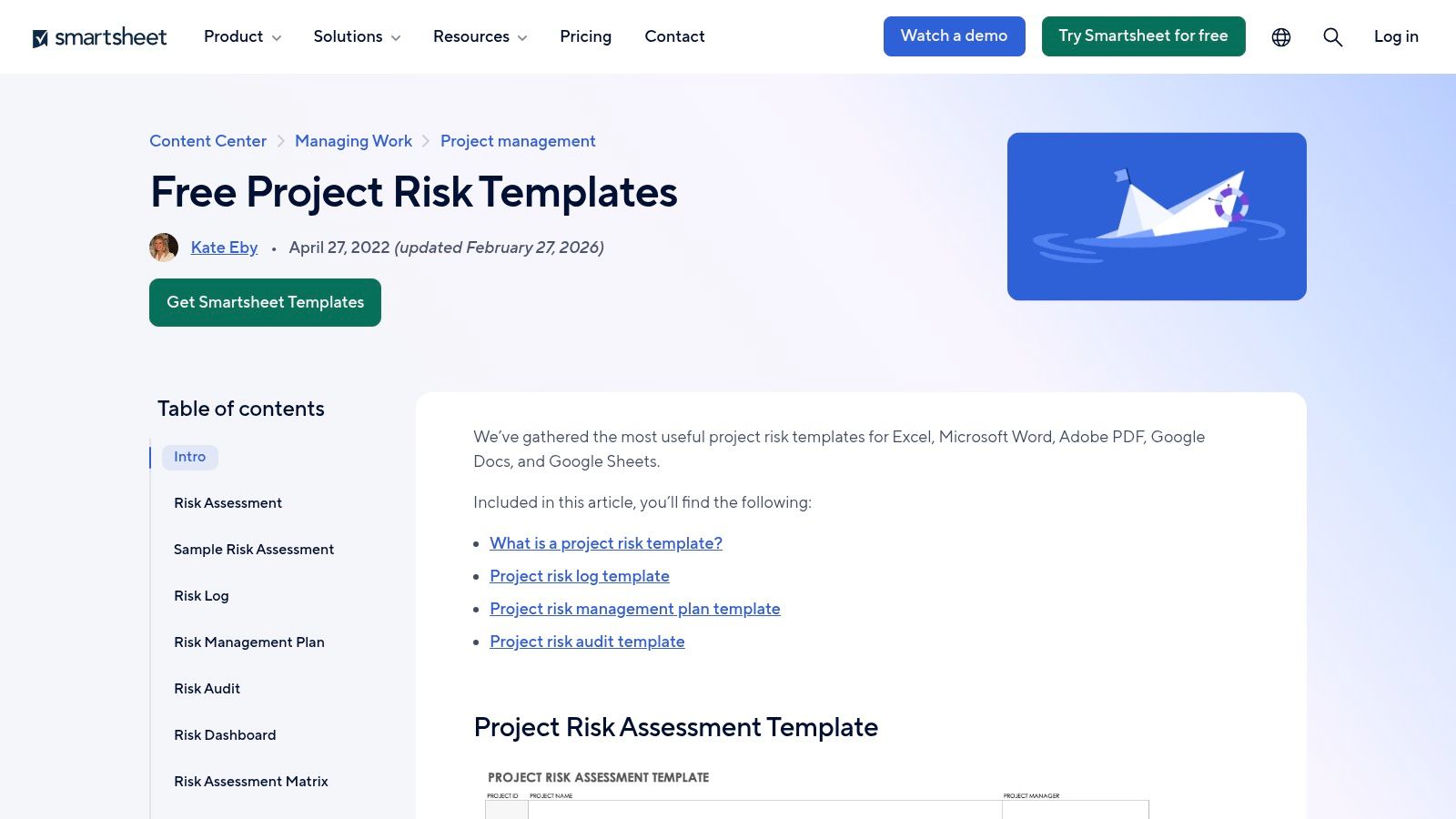
Completed example: New checkout, 10% cohort | signed-out keyboard checkout | modal traps focus | 3 | 4 | block rollout until keyboard test passes | Design lead | fix focus order and add regression test | 1/4 | failed test or checkout abandonment spike. Inherent score: 12; proposed residual score: 4, pending test evidence. Reassess before expanding the cohort. A Smartsheet project risk template can hold this in a downloadable sheet; its example image is below.
2. Feature prioritization risk assessment template
Purpose: Expose the assumptions that could make a promising roadmap bet wasteful.
Copy: Feature | assumed user need | failure scenario | evidence gap | L | I | validation action | owner | residual L/I | review trigger
Completed example: Bulk export | admins need weekly exports | low adoption after build | no observed workflow | 4 | 3 | interview admins and test a clickable flow | PM | 2/3 if validated | research readout. Inherent 12; proposed residual 6 only after evidence supports the need. The PM decides whether to build, revise, or stop at the readout. An Airtable response template can serve as an ongoing workspace, while the decision should remain visible in the product brief or PRD.
3. UX and usability risk assessment template
Purpose: Capture user-facing failures that a technical delivery plan may overlook.
Copy: Persona | task and screen | state or edge case | user harm | L | I | test evidence | owner | mitigation | residual L/I | review trigger
Completed example: New admin | invite teammate | expired invite shows no recovery path | cannot onboard team | 3 | 3 | prototype test | Product designer | add resend and expiry explanation | 2/2 | usability test or new support pattern. Inherent 9; proposed residual 4 after validation. The designer owns the flow, not just the screen. For more scenario prompts, see edge-case documentation before development and a UX review approach.
4. Technical feasibility risk assessment template
Purpose: Check whether an attractive feature depends on unproven performance or architecture.
Copy: Architecture assumption | failure mode | load or dependency | L | I | proof needed | owner | mitigation | residual L/I | review trigger
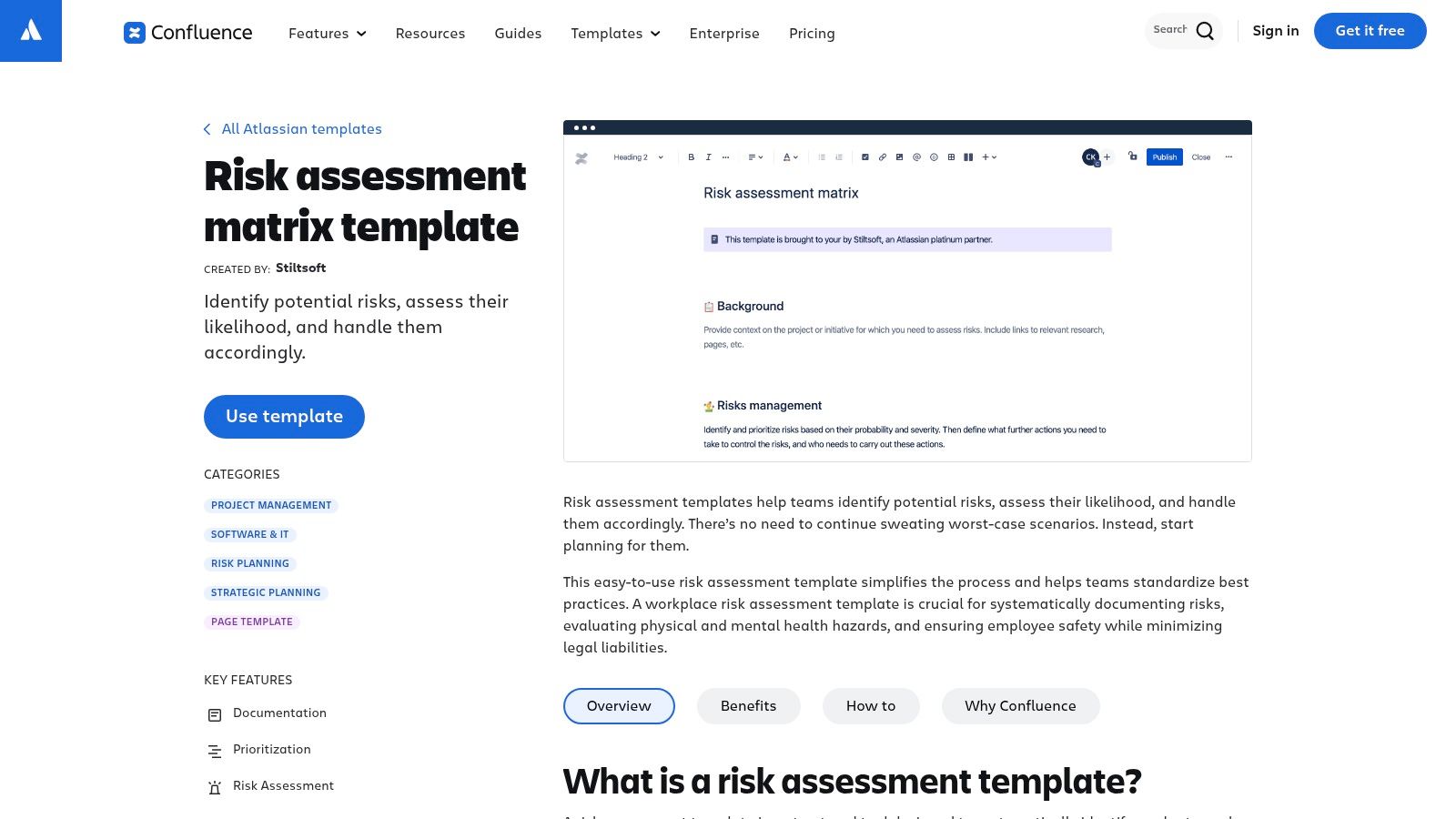
Completed example: Real-time dashboard | queries time out at peak load | shared reporting database | 3 | 4 | production-like load test | Engineering lead | add caching and set a query budget | 2/3 | load-test failure or traffic change. Inherent 12; proposed residual 6 after the test passes. An engineering lead should revisit the row when usage assumptions change. A Confluence risk assessment matrix can make the discussion visible alongside the design decision.
5. Security and privacy risk assessment template
Purpose: Escalate possible exposure of sensitive data to qualified security and privacy reviewers.
Copy: Asset and data type | threat scenario | vulnerable flow | existing control | L | I | security owner | treatment and verification | residual L/I | review trigger
Completed example: Customer invoices | cross-tenant document access | shared download link | authorization middleware | 2 | 5 | Security lead | enforce tenant checks and run authorization tests | 1/5 | access-control change or failed test. Inherent 10; proposed residual 5 only after verification. High consequence still requires escalation even with a modest composite score. CISA's Secure by Design guidance favors building security into products; a UX template cannot certify compliance or replace a threat model. The Finchum Fixes IT security template offers another owner-and-decision format, not a substitute for your security process.
6. Integration and API risk assessment template
Purpose: Make third-party failures and unclear handoffs visible before customers depend on them.
Copy: Provider and endpoint | failure or change | affected task | detection signal | L | I | owner | fallback and contract test | residual L/I | review trigger
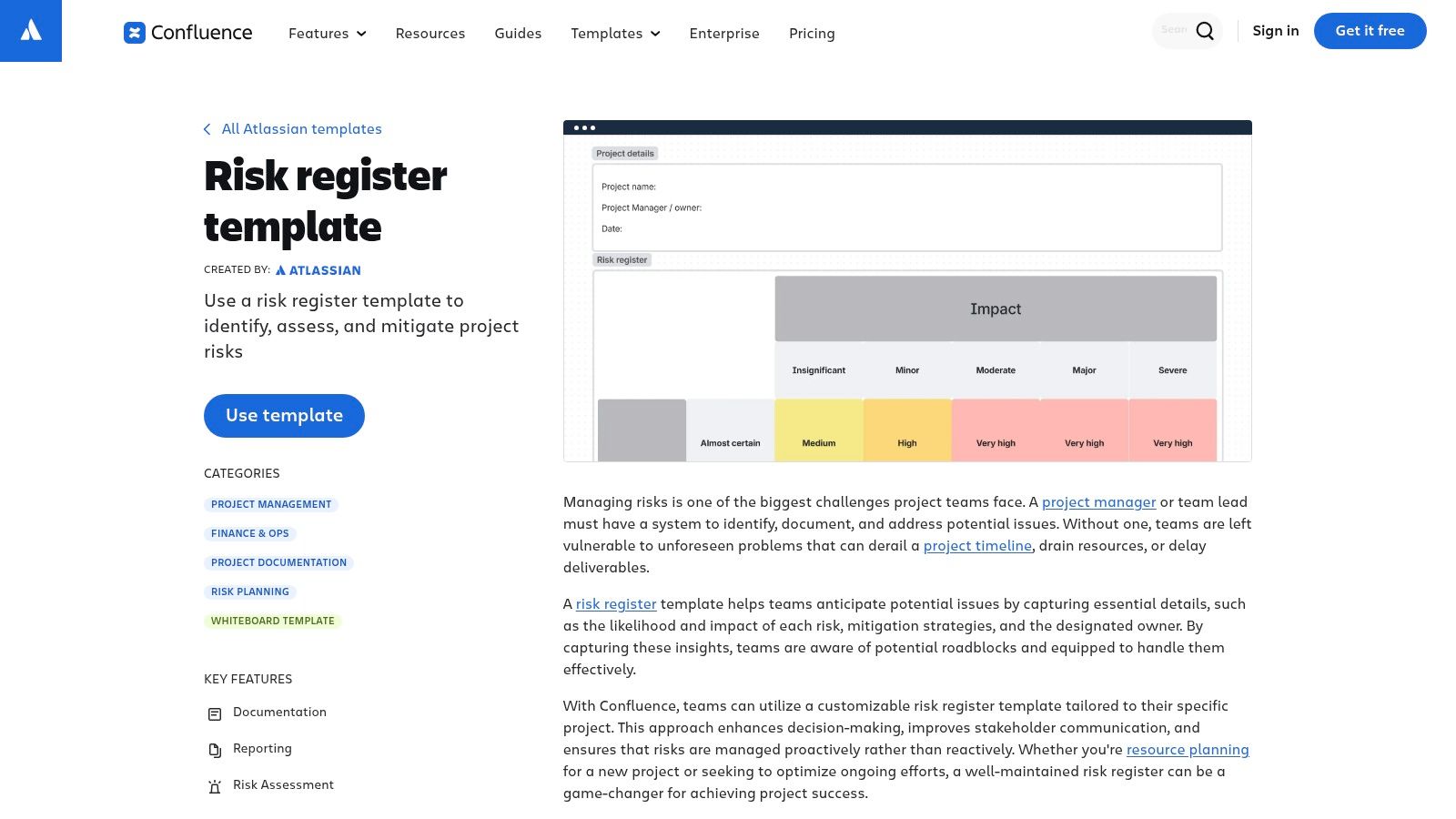
Completed example: Billing API | webhook arrives twice | customer charged twice if replay mishandled | duplicate-event log | 3 | 5 | Integrations lead | idempotency key, replay test, alert | 1/5 | provider change or replay alert. Inherent 15; proposed residual 5 after test evidence. Review the test-case handoff when the provider's behavior or API version changes. A Confluence risk register can preserve the owner and status between releases.
7. Accessibility risk assessment template
Purpose: Assess whether a critical task remains usable across input and assistive-technology needs.
Copy: Task | affected users and input | barrier and state | relevant criterion | L | I | owner | remediation and manual test | residual L/I | review trigger
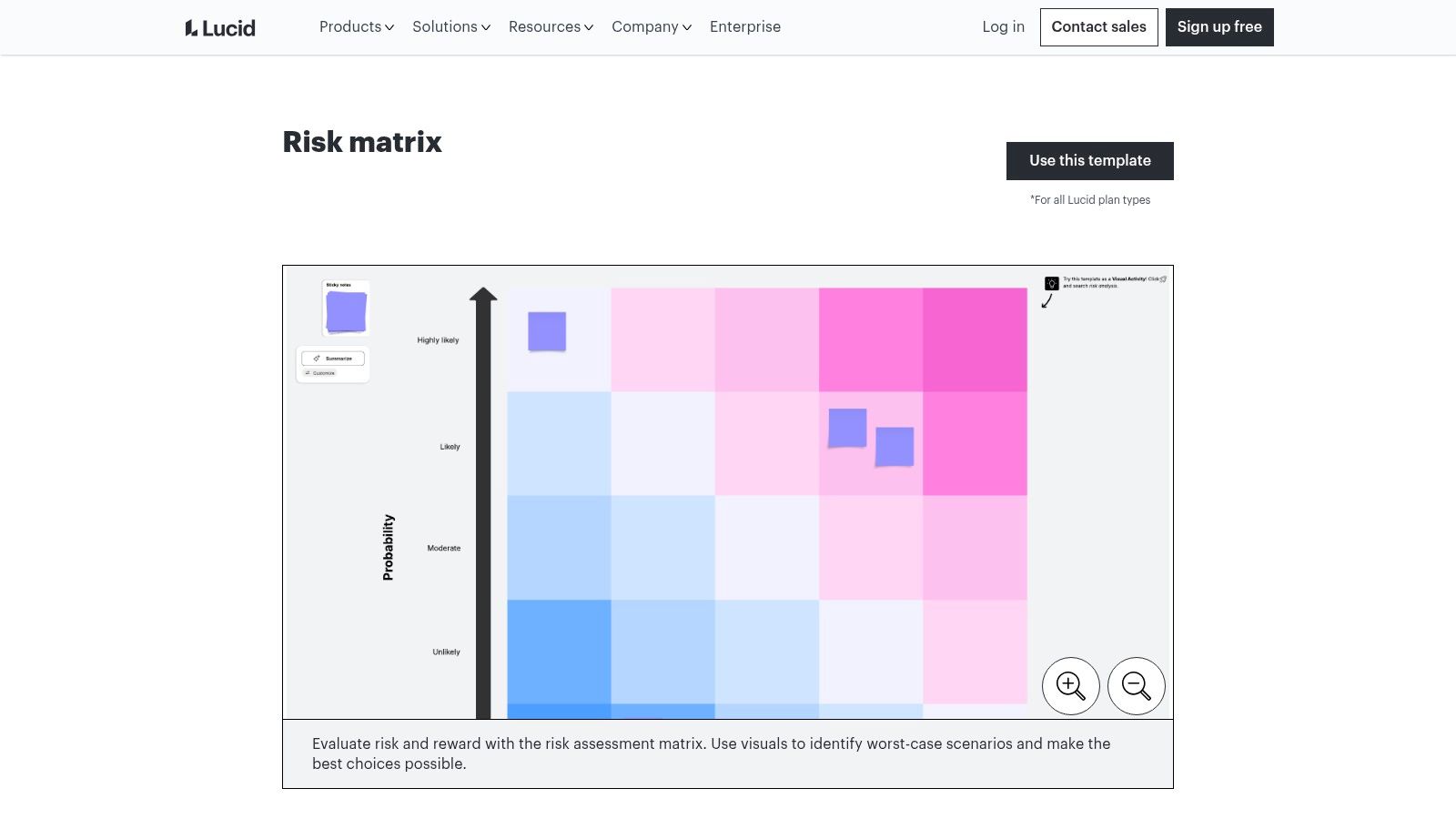
Completed example: Change plan | screen-reader user | confirmation error is not announced | applicable WCAG criterion to verify | 3 | 4 | Accessibility lead | connect error message to field and test with screen reader | 1/4 | failed manual test or component change. Inherent 12; proposed residual 4, subject to an accessibility review. The owner must identify the applicable requirement rather than guess a criterion. A Lucid risk matrix can highlight priority, but keep the test result in the register.
8. AI feature risk assessment template
Purpose: Check where generated output may mislead a user or trigger an unsafe downstream action.
Copy: AI-assisted task | failure scenario | affected decision | input and output boundary | L | I | owner | evaluation and fallback | residual L/I | review trigger
Completed example: Support reply draft | model invents a refund promise | agent sends inaccurate response | draft requires approval | 3 | 4 | AI product lead | evaluation set, visible source context, human approval | 2/3 | evaluation regression or policy change. Inherent 12; proposed residual 6 only after evaluation. Review sample failures after rollout, not just the launch demo. A ClickUp risk assessment workshop can surface scenarios before owners transfer them into a maintained register.
9. Operational risk assessment template
Purpose: Test whether people and systems can support a feature after it ships.
Copy: Service or workflow | failure scenario | detection and response window | L | I | owner | runbook and capacity control | residual L/I | review trigger
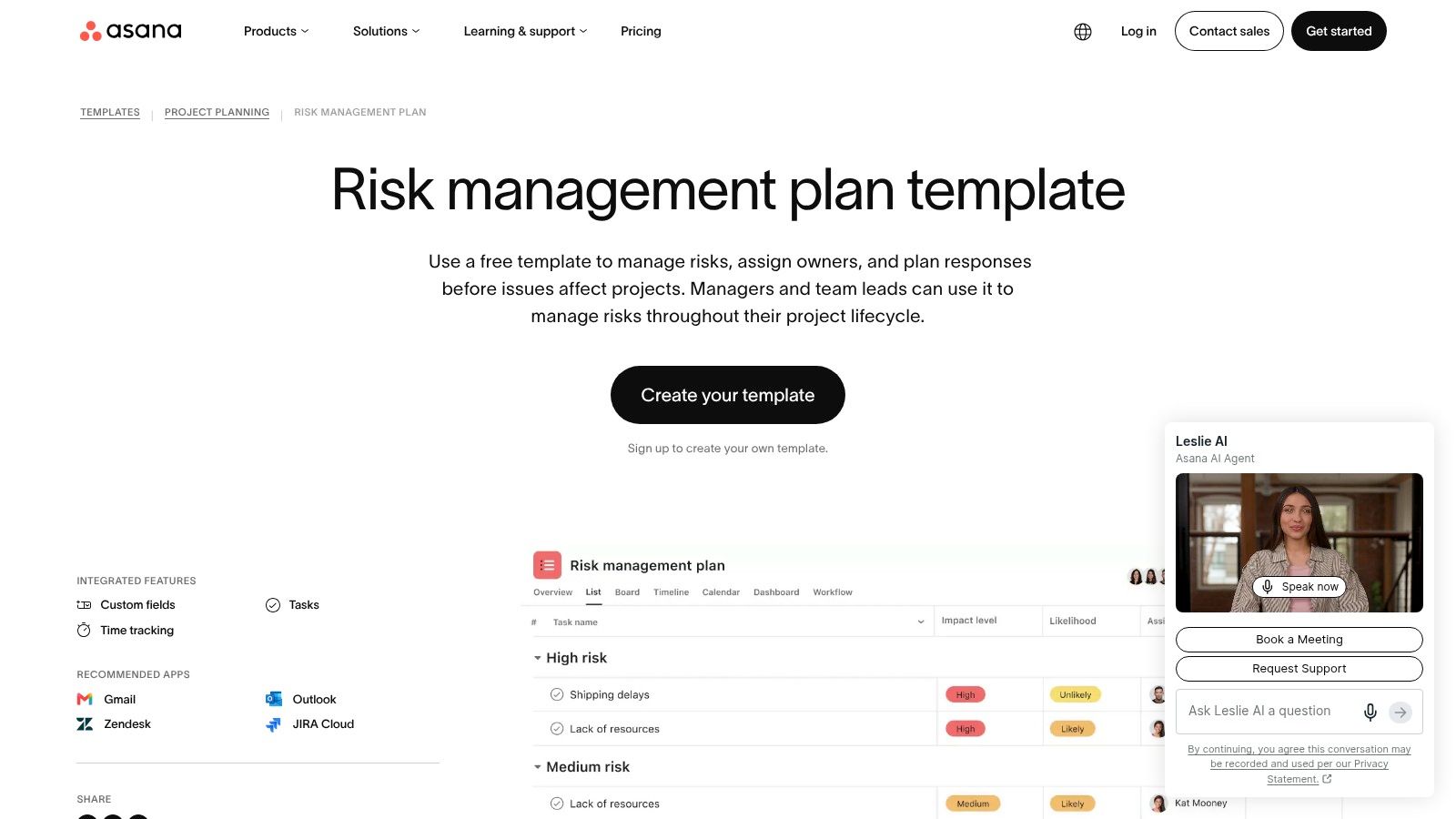
Completed example: Data import | retries fill the queue | customers wait without status | queue-depth alert | 4 | 3 | Operations lead | cap retries, add visible status and runbook | 2/3 | queue alert or import-volume change. Inherent 12; proposed residual 6 after an incident drill. An Asana risk management plan can tie the mitigation to assigned work rather than leaving it in meeting notes.
10. Release readiness risk assessment template
Purpose: Turn unresolved cross-team dependencies into explicit go, hold, or staged-rollout decisions.
Copy: Release | open dependency | customer consequence | L | I | go/no-go authority | owner | gate or rollback action | residual L/I | review trigger
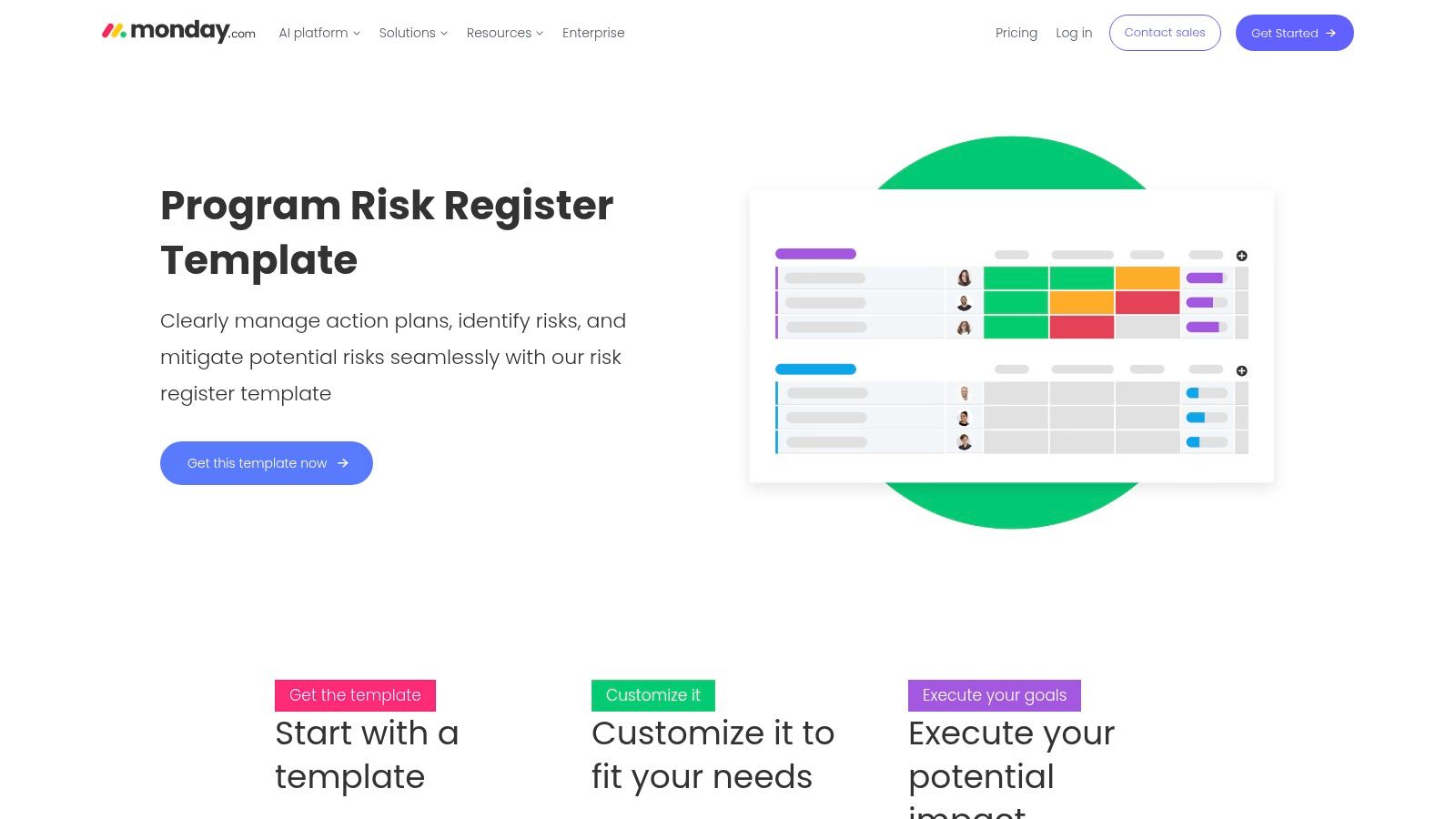
Completed example: Mobile launch | store approval delayed | rollout misses coordinated campaign | 3 | 3 | hold launch until approved | Release manager | decouple campaign and prepare rollback communication | 2/2 | review response or campaign deadline. Inherent 9; proposed residual 4 after the plan is agreed. Consider app review dependencies alongside technical gates. For a large multi-team program, a monday.com program register can track shared dependencies; a California state IT capability assessment is a governance reference, not a feature-launch checklist.
How do the ten product risk templates compare?
Choose by the decision and evidence required, not by the number of columns. These examples are a quick routing guide; each can feed the same risk register template.
Template: Product launch
Best stage: Rollout
Decision or proof needed: Gate critical journeys and cohort expansion
Template: Feature prioritization
Best stage: Discovery
Decision or proof needed: Validate the problem before building
Template: UX and usability
Best stage: Design
Decision or proof needed: Test recovery paths and task completion
Template: Technical feasibility
Best stage: Planning and build
Decision or proof needed: Prove architecture under expected load
Template: Security and privacy
Best stage: Design through operation
Decision or proof needed: Obtain specialist review and control evidence
Template: Integration and API
Best stage: Build and operation
Decision or proof needed: Verify fallbacks and third-party contracts
Template: Accessibility
Best stage: Design through QA
Decision or proof needed: Test a critical task with relevant inputs
Template: AI feature
Best stage: Discovery through operation
Decision or proof needed: Evaluate outputs and monitor failures
Template: Operational
Best stage: Pre-launch and operation
Decision or proof needed: Test alerts, capacity, and runbooks
Template: Release readiness
Best stage: Launch
Decision or proof needed: Decide go, hold, staged rollout, or rollback
Which risk assessment method should you use?
Use a register for ownership, a matrix for relative priority, FMEA for systematic failure analysis, and a checklist for a specific gate. They solve different problems and can be combined.
- Risk register: One living row per scenario, with an owner, action, evidence, residual risk, and review date. It works best when multiple teams need follow-through. A Confluence register or a task-linked workspace can hold it.
- Likelihood-impact matrix: A fast visual sorting aid for a workshop. Define the scales and escalation rules first; a colored cell is not a mitigation. The older ISO 31000 reference is useful historical context, while the linked 2018 standard above is the current edition cited here.
- FMEA: A more detailed way to examine failure modes, effects, causes, and controls. IEC 60812:2018 describes the method. Some teams use
severity × occurrence × detectionas a risk priority number, but that ordinal product is a screening aid, not an exact loss estimate. - Pre-launch checklist: A short list of proof and sign-offs tied to a release decision. Use it to check gates, then move unresolved scenarios into the register instead of marking them complete by default.
For broad discussion, a whiteboard may help quieter experts raise scenarios. Afterward, transfer decisions into an owned register. Established product management practices and product lifecycle planning provide context for deciding when that review belongs.
How do you score and assess product risks consistently?
Define the decision, score the scenario against written anchors, and record why the team chose those values. This illustrative 5 × 5 model calculates priority score = likelihood (L) × impact (I). It does not calculate a real probability.
Score: 1
Likelihood over this release: Exceptional under stated conditions
Impact if it occurs: Minor friction, easy recovery
Score: 2
Likelihood over this release: Unlikely but plausible
Impact if it occurs: Limited task disruption
Score: 3
Likelihood over this release: Plausible; needs targeted testing
Impact if it occurs: Important task blocked for some users
Score: 4
Likelihood over this release: Expected in a meaningful subset
Impact if it occurs: Critical journey or substantial operational disruption
Score: 5
Likelihood over this release: Frequent under expected conditions
Impact if it occurs: Severe user harm, sensitive-data exposure, or major outage
Worked risk assessment matrix: The entries below are grouped by likelihood, with scores for impact levels 1 to 5. Each score is L × I.
Likelihood: 5
Impact 1: 5
Impact 2: 10
Impact 3: 15
Impact 4: 20
Impact 5: 25
Likelihood: 4
Impact 1: 4
Impact 2: 8
Impact 3: 12
Impact 4: 16
Impact 5: 20
Likelihood: 3
Impact 1: 3
Impact 2: 6
Impact 3: 9
Impact 4: 12
Impact 5: 15
Likelihood: 2
Impact 1: 2
Impact 2: 4
Impact 3: 6
Impact 4: 8
Impact 5: 10
Likelihood: 1
Impact 1: 1
Impact 2: 2
Impact 3: 3
Impact 4: 4
Impact 5: 5
The checkout keyboard trap starts at 3 × 4 = 12. If manual testing and a regression check credibly reduce likelihood to 1, its proposed residual score becomes 1 × 4 = 4. Impact remains 4 because the failure would still block a critical task. The release owner should accept that residual risk only after reviewing the evidence. As another example of explicitly defined bands, GOV.UK's climate risk worksheet uses its own matrix rules; do not borrow its thresholds without adapting them. A UK health-security likelihood scale likewise serves a different decision context.
Sample risk register, ready to copy:
ID: UX-01
Scenario: Keyboard focus trapped in checkout
L × I: 3 × 4 = 12
Owner: Design lead
Risk mitigation plan and evidence: Fix focus; manual and regression tests
Residual: 1 × 4 = 4, pending
Trigger: Test failure or cohort expansion
ID: API-02
Scenario: Duplicate billing webhook
L × I: 3 × 5 = 15
Owner: Integrations lead
Risk mitigation plan and evidence: Idempotency and replay test
Residual: 1 × 5 = 5, pending
Trigger: Provider change or replay alert
ID: OPS-03
Scenario: Import retries flood queue
L × I: 4 × 3 = 12
Owner: Operations lead
Risk mitigation plan and evidence: Retry cap, alert, incident drill
Residual: 2 × 3 = 6, pending
Trigger: Queue alert or volume increase
Scores are ordinal prioritization aids: the gap between 1 and 2 is not necessarily the gap between 4 and 5. Escalate severe security, safety, privacy, or accessibility consequences regardless of the product. For decisions requiring actual probability or loss estimates, obtain specialist analysis. NIST's assessment guidance supports documenting assumptions and uncertainty; this particular multiplication rule is an illustrative team convention, not a NIST-mandated formula.
Use this short assessment checklist:
- Name the decision and time horizon. What changes if the score is high?
- Identify scenarios across journeys and dependencies. Include permissions, errors, vendors, and handoffs.
- Define anchors before scoring. Record evidence and uncertainty alongside L and I.
- Assign one accountable owner. Specify an action, due date, and proof of completion.
- Rescore after the control is verified. Record who accepts any remaining risk.
- Set a review trigger. Reopen the row when a flow, control, provider, or rollout changes.
How do you choose a product risk assessment template?
Match the template to your stage, risk category, team, and immediate decision. Discovery teams usually need a lightweight assumption and validation row. Designers need user journeys and missing states. Engineers need failure modes, dependencies, and test evidence. A release team needs explicit gates, rollback actions, and acceptance authority.
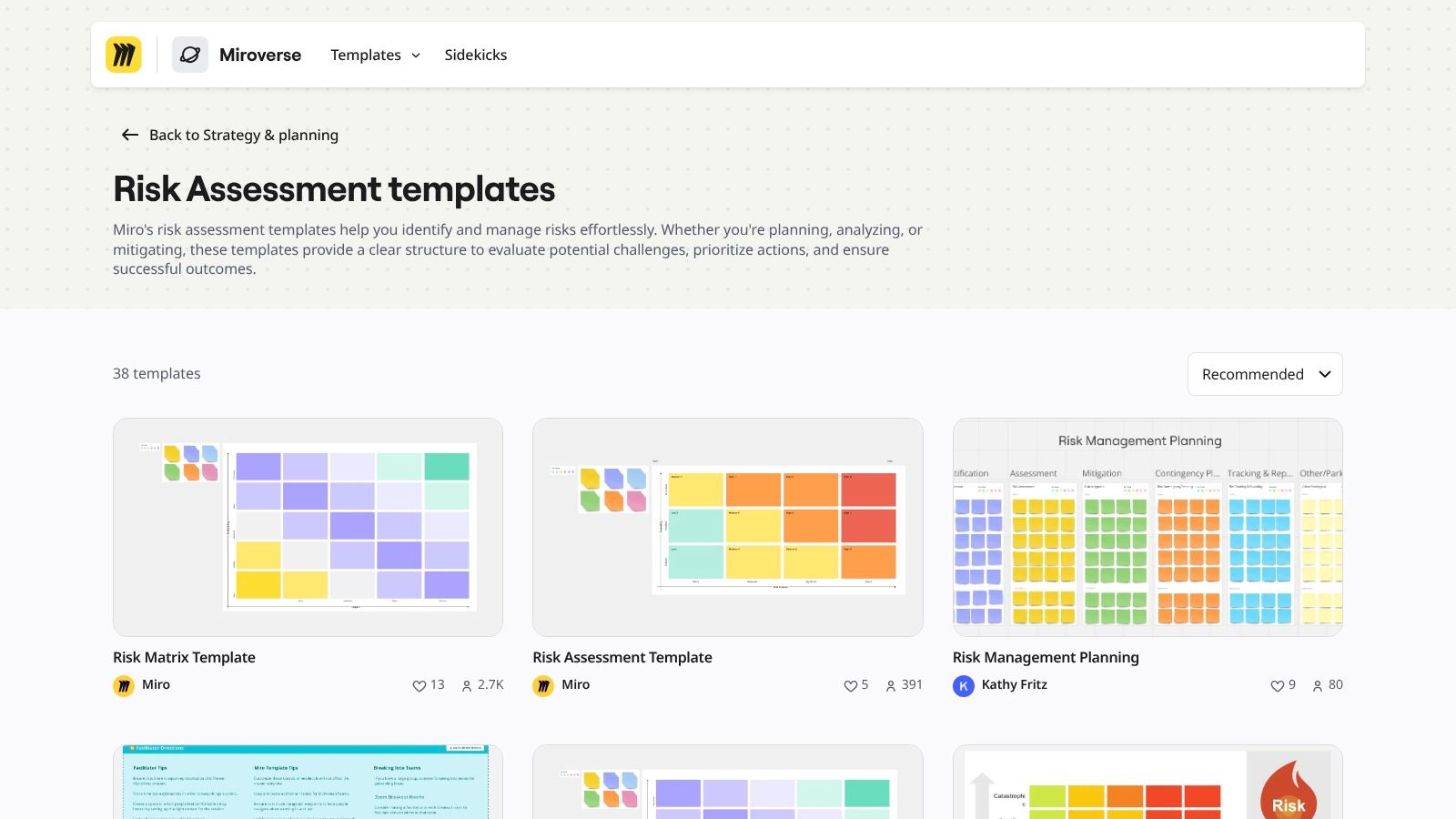
For a single workshop, start with a matrix, perhaps in Miro or Lucid. For sustained product risk management, choose a register with review reminders, whether in Airtable, Asana, or an existing project tool. A broad enterprise risk survey and an industry discussion of GRC technology may inform organizational reporting choices, but neither determines the right template for one feature. Keep the method as simple as the decision permits.
What mistakes make a risk assessment unreliable?
A complete-looking sheet is unreliable if no one can act on it. Check for these five failure modes before approving a score:
- No owner: Replace “team to investigate” with one accountable person and a review date.
- Inconsistent scales: Publish likelihood and impact anchors before comparing risks.
- Hidden dependencies: Include vendors, permissions, support, and developer handoffs.
- Vague mitigation: Replace “monitor closely” with a control, threshold, test, and response.
- Stale assessments: Reopen rows after a scope change, failed test, incident, or new evidence.
Do not treat a completed checklist as evidence that a control worked. A risk acceptance decision needs the remaining exposure and the person authorized to accept it.
How can Figr help explore UX risks before development?
Figr can help a team inspect UX failure states and design implications, then hand those findings to the people who own the risk register. Its UX Reasoning helps map flows, states, edge cases, and trade-offs. Figr's documentation and changelog describe Context Pods and design-system workflows; its Visual Context Graph connects visual, behavioral, product-knowledge, design-system, and implementation context. These capabilities support exploration, not formal security, financial, or compliance assessment.
Suppose a SaaS team is designing delegated permissions. In a Context Pod, the team gathers existing screens, requirements, and design-system context. They then map a scenario: an admin invites an editor, loses admin access while the invitation is pending, and the editor follows an expired link. An edge-case map surfaces the permission transition; a UX Review examines whether the error explains what happened and offers a recovery route. The team compares alternatives, prototypes the expired, revoked, loading, and successful states, and prepares Figma-ready output. The security lead still assesses authorization and data exposure; the product designer owns the recovery experience.
Add the UX finding to the register as: Pending invitation after admin role revoked | invited user cannot complete setup | L 3 × I 3 | owner: Product designer | mitigation: explain expiry and offer a safe re-invite path | trigger: role-policy change or failed usability test. Confirm behavior with engineering and test it before reducing the residual score. This is where Figr's edge-case mapping and multi-state prototypes can make a risk concrete without pretending to approve a launch. See edge-case testing for more prompts.
Frequently asked questions about risk assessment templates
NIST SP 800-30 Revision 1 on the NIST Computer Security Resource Center site
These answers cover the practical distinctions teams need when starting a product risk assessment.
What is a risk assessment template?
A reusable set of fields for describing a potential failure, assessing it, assigning a response, and deciding when to review it again.
Business Law Today on digital accessibility under Title III of the ADA
What should a product risk assessment include?
Include the decision, scenario, affected users or system, existing controls, likelihood, impact, evidence, owner, mitigation, residual risk, and review trigger.
How do you calculate a risk assessment score?
With the illustrative matrix above, multiply a defined likelihood rating by a defined impact rating. Treat the result as a priority indicator, not a measured probability.
What is the difference between a risk matrix and a risk register?
A matrix visualizes relative priority. A register tracks each scenario's owner, treatment, evidence, status, and next review.
How often should product teams update risk assessments?
Review them at decision gates and whenever a relevant requirement, user journey, control, dependency, incident, or rollout condition changes.
Pick one template for your next decision and test its highest-risk row against the actual product flow. Figr can help surface missing UX states and prepare designs for review; the team remains responsible for scoring, specialist assessments, and accepting residual risk.