One price. Full product thinking.

UX reviews, edge cases, prototypes, and memory that compounds. All included.

Free

Discover what Figr can do for you.

Getting started for free
  • 10 credits (refreshes monthly)
  • Only 3 canvases
  • 1 Context Pod setup
  • Limited Design System
  • Upto 200MB context per Context Pod
  • Export designs to Figma

Starter

Best for high-output individuals

Everything in Free, plus
  • 200 credits/month
  • Unlimited canvases
  • Includes 1 full-access seat
  • 3 Context Pods
  • Upto 1GB context per Context Pod
  • Unlimited view-only guests
  • 3 Full design system
  • Custom MCPs

Max

Best for collaboration in small teams

$149
/month
Sign up for Max
Everything in Starter, plus
  • 1,000 shared credits/month
  • Upto 3 full-access seats (Admin + 2 assignable)
  • Unlimited team Context Pods (shared, any seat holder can edit)
  • Upto 3GB context per Context Pod
  • Unlimited shared Design System
  • Real-time collab, comments, export
  • Remove Figr branding

Enterprise

Best for large high-output teams

Everything in Team, plus
  • Unlimited full-access seats
  • Per-seat credit allocation - Each seat gets its own budget per contract
  • SSO (Google, Okta, Custom SAML)
  • Audit logs + activity export
  • RBAC (role-badsed access control)
  • Unlimited Context Pod storage
  • Custom MCPs at scale, custom integrations
  • Custom design system setup, includes custom integrations like with storybooks, Github, and more

Free

Discover what Figr can do for you.

Getting started for free
  • 10 credits (refreshes monthly)
  • Only 3 canvases
  • 1 Context Pod setup
  • Limited Design System
  • Upto 200MB context per Context Pod
  • Export designs to Figma

Starter

Best for high-output individuals

Everything in Free, plus
  • 200 credits/month
  • Unlimited canvases
  • Includes 1 full-access seat
  • 3 Context Pods
  • Upto 1GB context per Context Pod
  • Unlimited view-only guests
  • 3 Full design system
  • Custom MCPs

Max

Best for collaboration in small teams

$1490
/year
Sign up for Max
Everything in Starter, plus
  • 1,000 shared credits/month
  • Upto 3 full-access seats (Admin + 2 assignable)
  • Unlimited team Context Pods (shared, any seat holder can edit)
  • Upto 3GB context per Context Pod
  • Unlimited shared Design System
  • Real-time collab, comments, export
  • Remove Figr branding

Enterprise

Best for large high-output teams

Everything in Team, plus
  • Unlimited full-access seats
  • Per-seat credit allocation - Each seat gets its own budget per contract
  • SSO (Google, Okta, Custom SAML)
  • Audit logs + activity export
  • RBAC (role-badsed access control)
  • Unlimited Context Pod storage
  • Custom MCPs at scale, custom integrations
  • Custom design system setup, includes custom integrations like with storybooks, Github, and more

What does a credit get you?

Credits are design effort. Small thinking tasks cost less. Larger screen generation costs more.

Work in Figr
Typical credit usage
Quick Brainstorm
0.75 - 1
Flow diagram
0.75 - 1
Design review
2 - 3
Mobile screens (First Generation)
4 - 5
Full web page (First Generation)
5 - 6
Compete Landing page (First Generation)
5 - 6
Design Iterations
0.75 - 1

Credits scale with effort. Final cost depends on what you ask for.

Figr pricing is built around product context

The more real product work you do in Figr, the more you need context, memory, collaboration, and control.
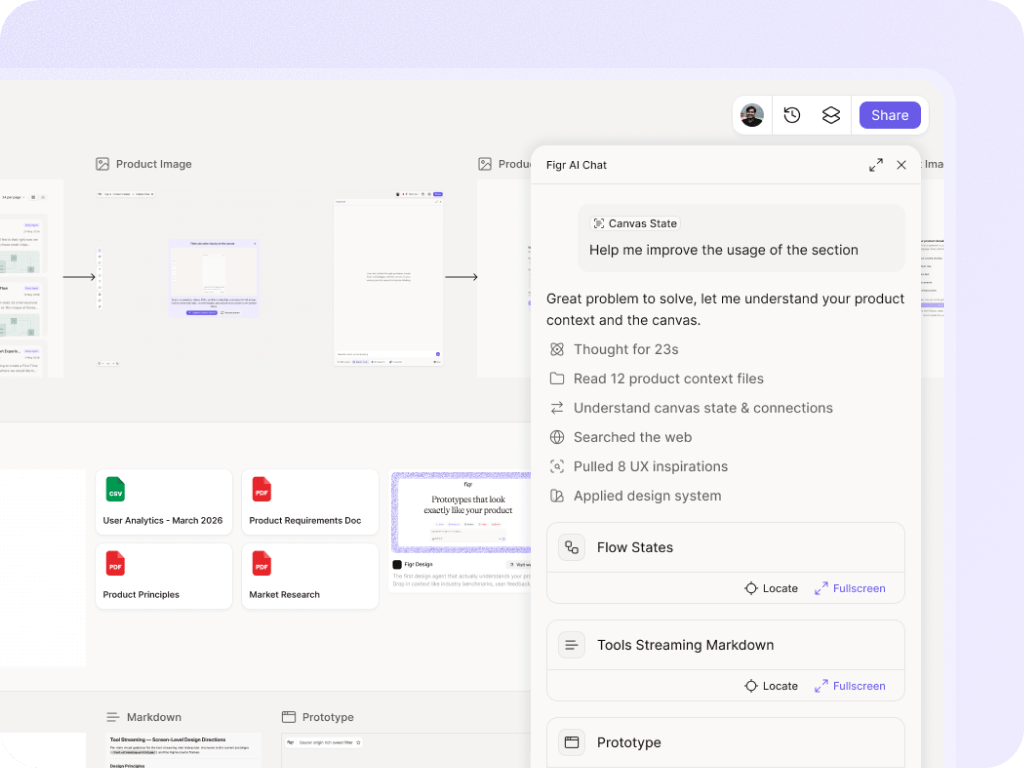
Credits for product thinking

Use credits for UX reviews, flows, edge cases, design exploration, prototypes, and Figma-ready screens.
Starts with
Free

Context Pods

Give Figr the product knowledge it needs: PRDs, docs, research, recordings, analytics files, and product walkthroughs.
Starts with
Free
Scales with

Design-system grounding

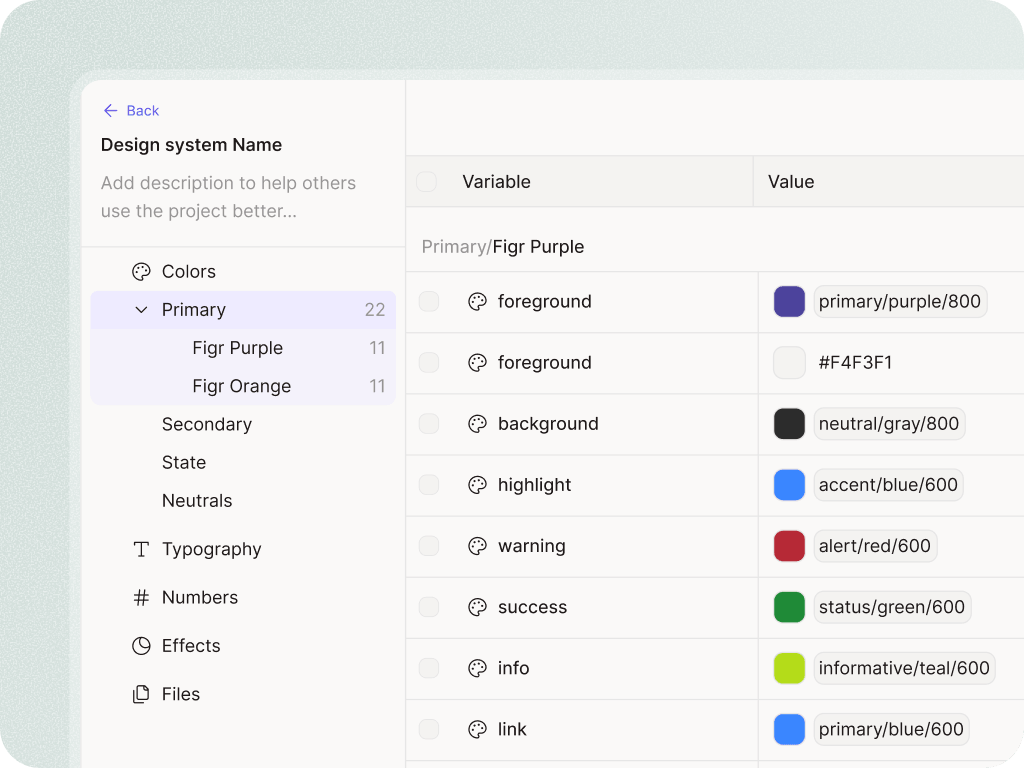
Help output follow your product patterns, components, tokens, and visual rules instead of looking generic.
Starts with
Free
Scales with

Team memory and controls

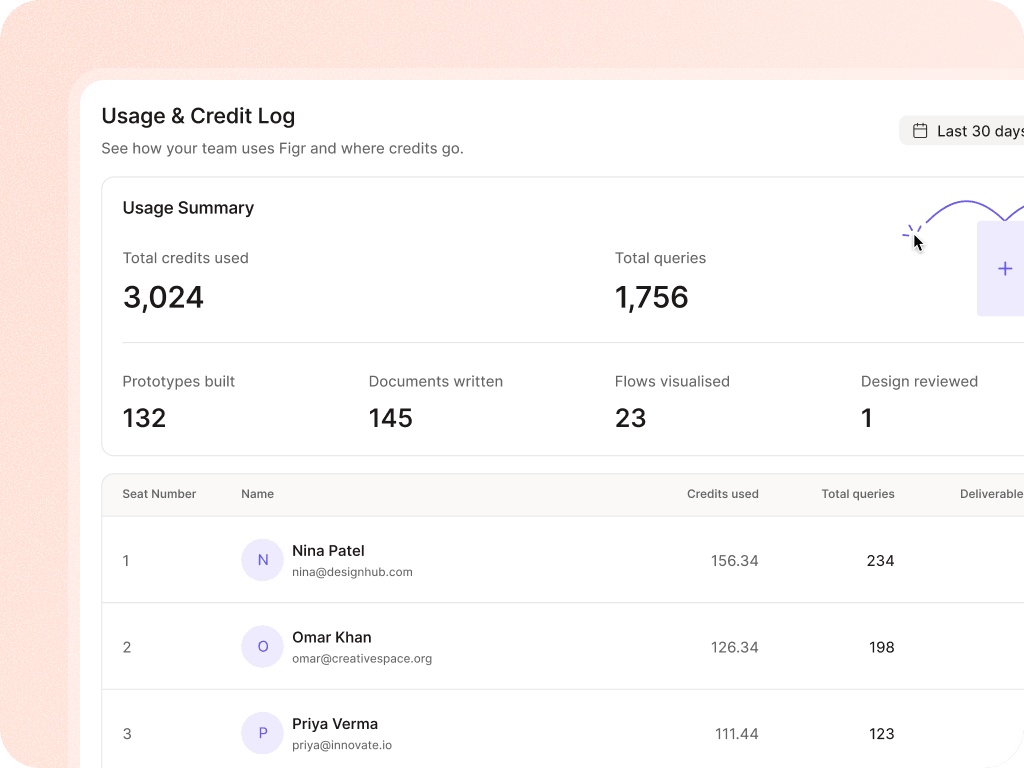
Use shared credits, shared context, comments, real-time collaboration, audit logs, SSO, and RBAC as the team grows.
Starts with
Enterprise

Compare every plan

For the details people actually ask during evaluation: credits, seats, Context Pods, design systems, collaboration, export, security, and support.

Free

Starter

Max

Enterprise

AI & credits
Monthly credit allocation
10 (user wallet)
200 (workspace)
1,000 (shared)
Per-seat, contract
Credit carry-over
resets monthly
resets monthly
resets monthly
Contract-defined
Query on own canvas
Model access — base
Persistent memory (sessions remember context)
Model access — pro (higher quality)
Boost packs
Custom MCPs (Model Context Protocol tools)
Query on others' canvases
Model access — custom / fine-tuned
Canvases
Max active canvases (user)
3
Unlimited
Unlimited
Unlimited
Credit carry-over
50 nodes
500 nodes
Unlimited
Unlimited
Version history retention
24 hrs
30 days
90 days
Custom
Create own canvases
Edit own canvases
View others' canvases
Restore previous version
Fork / branch a canvas
Public share link canvas
Comments on canvas
Edit others' canvases
Real-time co-editing
Password-protected shares
Context Pods
Context Pods per workspace
1 (read-only)
3
Unlimited
Unlimited
Max size per Pod
200 MB
1 GB
3 GB
Custom
Semantic search within Pod
Basic
Standard
Advanced
Advanced + analytics
Create Context Pods
Edit shared Context Pods
Design System
Multi-brand (multiple DS per workspace)
1
3
Unlimited
Unlimited
Queries for design system
(upto 3 queries)
(upto 10 queries)
Unlimited
Unlimited
Use a shared DS as grounding
DS versioning
Last 3 versions
Last 10 versions
Unlimited
DS from code (Storybook)
Export & handoff
Export to image (PNG, JPG)
Export artifacts via MCP
Export to Figma
Export to React / TSX code
Collaboration
Paid seats in workspace
0
1
3 max
Unlimited
Free members (view-only)
Unlimited
Unlimited
Unlimited
Unlimited
Invite new members
Admin
Owner only
Owner / admin
Comments and threads
Email / in-app notifications
Admin & governance
Workspace settings access
Admin only
Owner only
Owner / admin
Usage reports
Monthly summary
Per-member breakdown
Full, exportable, API
Data export (all workspace data)
Yes via MCP Server only
On-demand
Workspace analytics
Basic (usage summary)
Standard (per-member)
Advanced (exportable)
Member management (invite, remove)
Admin
Owner
Fine-grained
Permission granularity
All-or-nothing
Admin (RBAC)
Workspace transfer to another user
Ownership handoff on admin departure
Admin (RBAC)
Custom roles (RBAC)
Security & compliance
Password authentication
Data residency choice
US default
US default
US default
US / EU / custom
Encryption at rest
AES-256
AES-256
AES-256
AES-256 + BYOK option
SOC 2 Type II report
Public
Public
Public
Available on request
SSO SAML
Enforced SSO (disable password login)
Audit logs
Custom NDA / security review
Pen test reports shared
Integrations
Figma plugin (two-way sync)
Default MCPs (Linear, Confluence, Notion, Granola, Miro…)
Custom MCPs
Access to Figr MCP
Support
Email support
Live chat
Priority support queue
Custom Support over Slack
Dedicated CSM
Custom onboarding session
1 hr group
Multi-session, custom
Roadmap influence
Direct access to our PM
Training sessions
Quarterly group
On-demand team
Early-access features
Opt-in beta
Opt-in beta
Private preview
Incident response SLA
None
None
Standard
Priority escalation
Uptime SLA
None
None
99.5%
99.9%
Usage limits (hard caps)
Storage per workspace
500 MB
5 GB
50 GB
Custom
File upload size (single file)
20 MB
100 MB
500 MB
2 GB
Canvas load size
Upto 10 Queries
Upto 100 Queries
upto 1000 Queries
Unlimited
Team member hard cap
N/A (all free)
1 paid + unlimited free
3 paid + unlimited free
Unlimited

Frequently asked questions

What is Figr?
Chevron Down

Figr is product-aware AI design software. It uses your screens, specs, docs, analytics, and design system to create UX reviews, flows, edge cases, prototypes, and designs that fit your product.

How is Figr different from other AI design tools?
Chevron Down
How do credits work?
Chevron Down

Credits are fractional. Not every action costs the same.

A quick brainstorm or flow diagram can use 0.1 credits. A design review can use 0.2. A mobile screen can use 0.25 to 0.5. A full web page can use 1 to 1.5.

Think of credits like design effort.

Is there a message limit?
Chevron Down

No hard message limit. Your credits are the limit. In many cases, multiple messages can use less than one credit.

What happens when I hit my credit limit?
Chevron Down
Can I use Figr with existing Figma files?
Chevron Down
Do I need to know how to design?
Chevron Down
Is my product data used for training?
Chevron Down
Which plan should I start with?
Chevron Down
Can I change plans?
Chevron Down
I have more questions about Figr. How can I get in touch?
Chevron Down