FIGMA SYNC

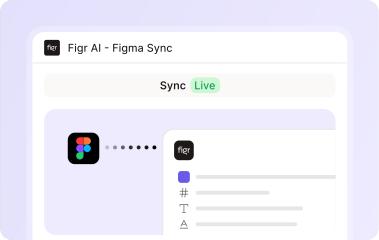
Bring product context from Figma. Move better starting points back toward Figma.

Your Figma files already contain product memory: components, screens, patterns, decisions, and the visual language your team uses every day. Figr helps use that context during AI product design, then creates Figma-ready output your team can review, edit, and refine.

Trusted by 500+ teams who value user experience
THE PROBLEM

AI output is only useful if it survives the Figma workflow

A generated image may impress in a demo.

  • Product teams need something different: output that respects existing files, components, layout conventions, and the way designers actually work.

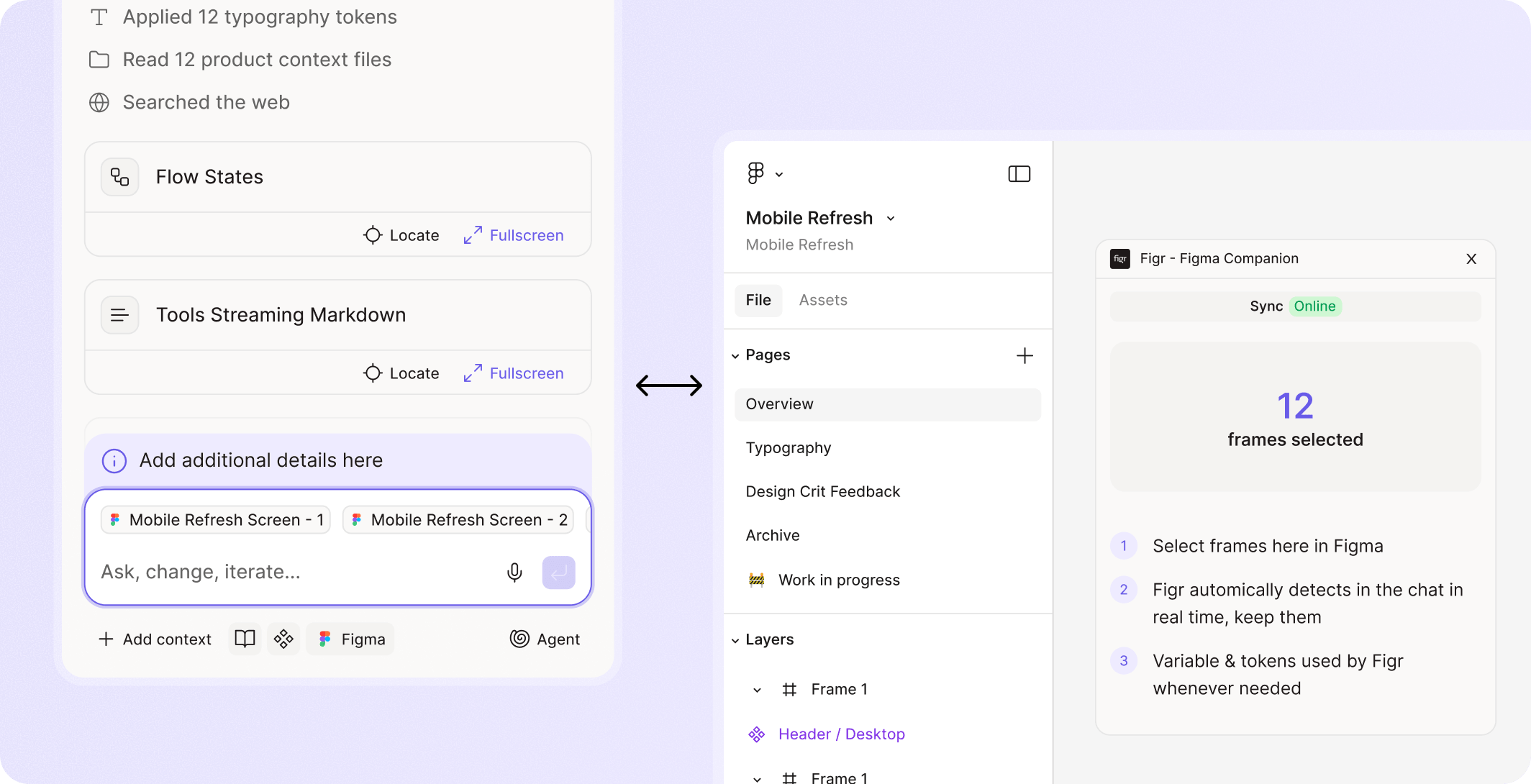
Figr uses Figma context before generation, then makes the result easier to bring back into design review.
What Figma sync brings

Import product and design context

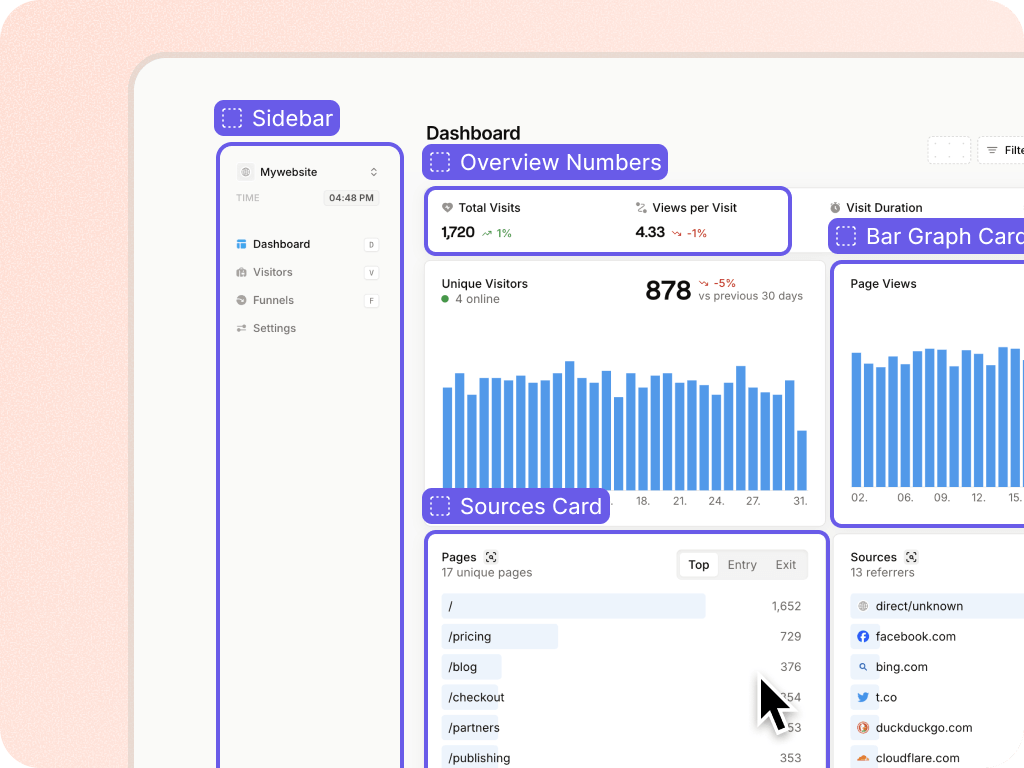
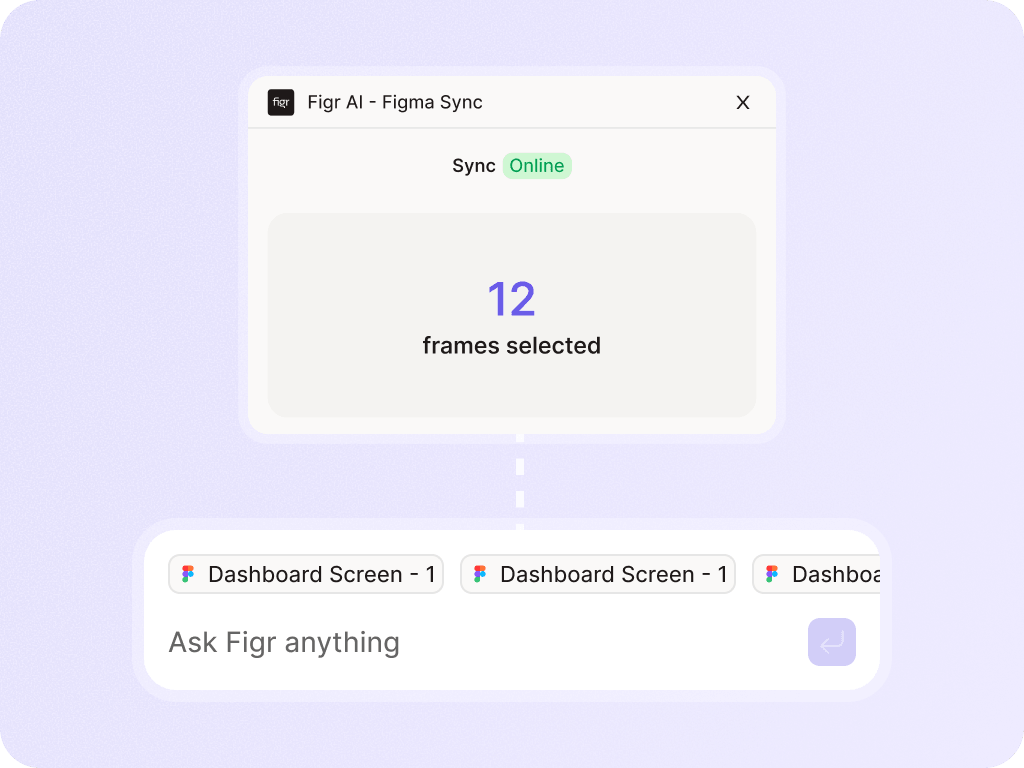
  • Figr can use Figma files, frames, components, and design systems as context.
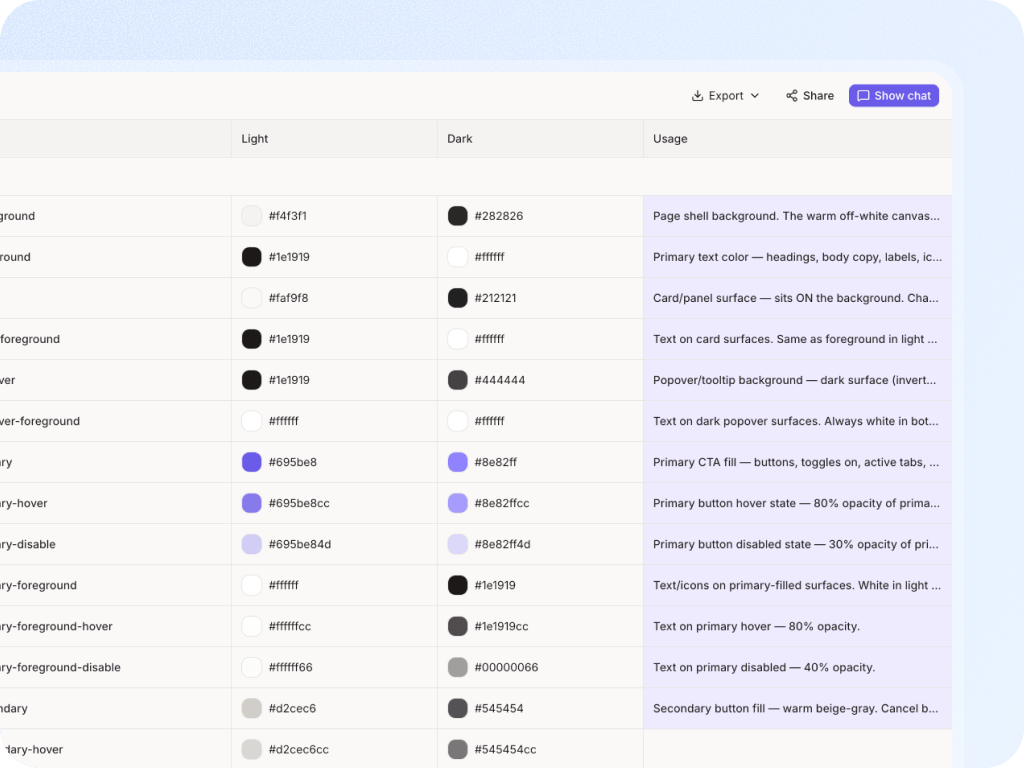
  • That helps the AI understand existing screens, product patterns, tokens, and visual decisions.

Understand components and usage

  • With design-system intelligence, Figr can learn more than what a component looks like.
  • It can learn variants, states, sizing, usage notes, and where components appear in real product screens.

Generate Figma-ready screens

  • Figr can create high-fidelity product screens grounded in product context and design-system rules, giving designers an editable starting point rather than a disconnected image.

Keep designers in control

  • Figma Sync should make design review easier, not disappear.
  • Designers still refine the work, apply judgment, and decide what ships.

With you at every stage of the product development process

Give AI the design system context designers already use

Figr helps teams generate product design work that starts from the system, not from a generic UI guess.

Frequently asked questions

Does Figr import Figma files?
Chevron Down

Yes, Figr can use Figma files and design context. Keep exact import details aligned with current product docs.

Does Figr export to Figma?
Chevron Down

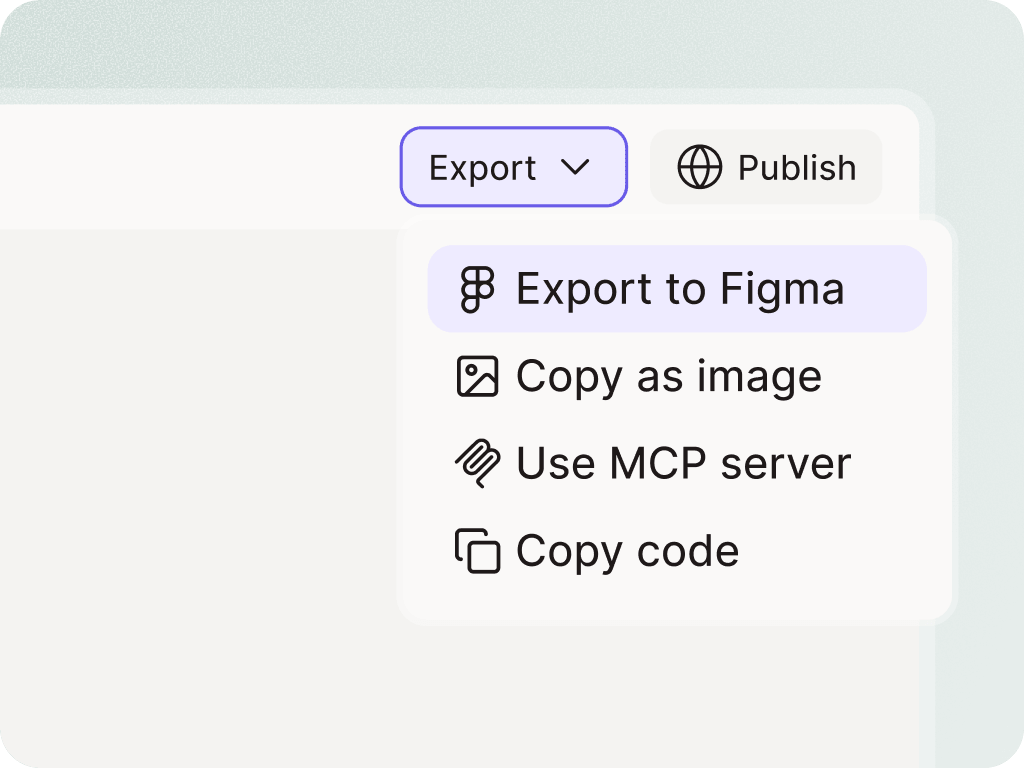
Use current product language. The safe website framing is that Figr creates Figma-ready output and helps teams move work toward Figma faster.

Is Figr a Figma replacement?
Chevron Down

No. Figr helps with product context, UX reasoning, and design generation around the Figma workflow. Designers still use Figma for review, refinement, and final production work.