
PRDs, research notes, specs, analytics exports, and interview summaries are full of useful product knowledge. The problem is that teams rarely get all of it into the next UX decision. Figr helps turn written product context into questions, flows, edge cases, specs, and Figma-ready design direction.


















The insight may be in a research note.
The constraint may be in an old PRD.
The rationale may be in a workshop doc.
The customer quote may be buried in a transcript.
When the team starts designing, that context often gets reduced to a short summary.


Figr helps keep the product knowledge connected to the work it should shape.
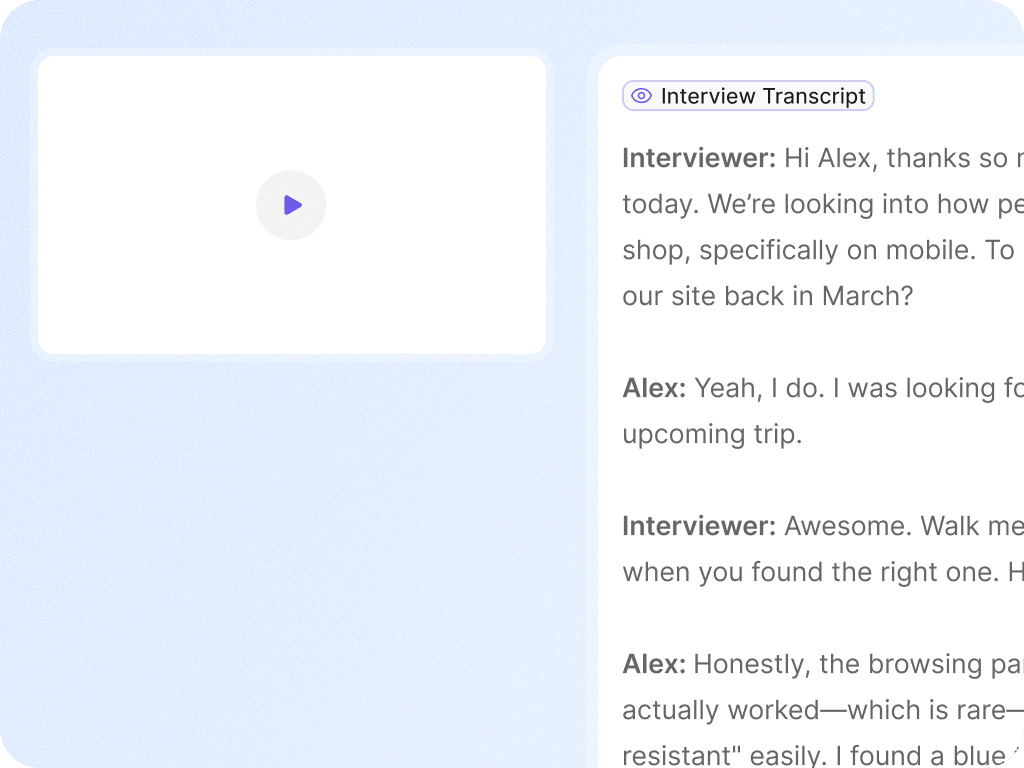
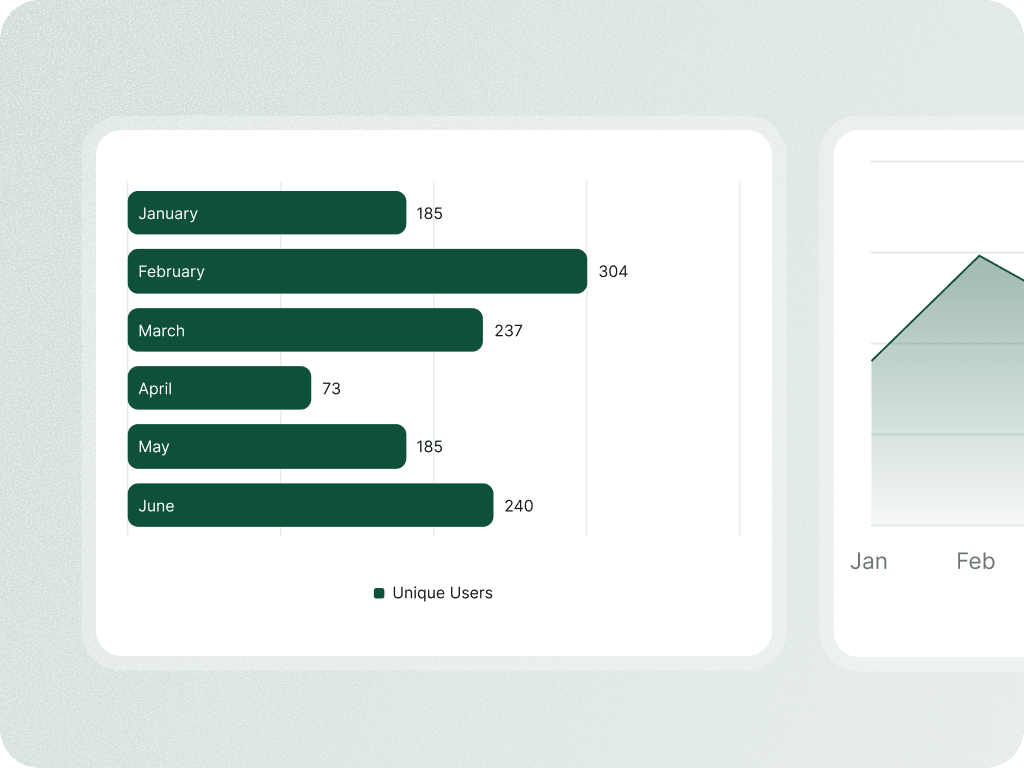
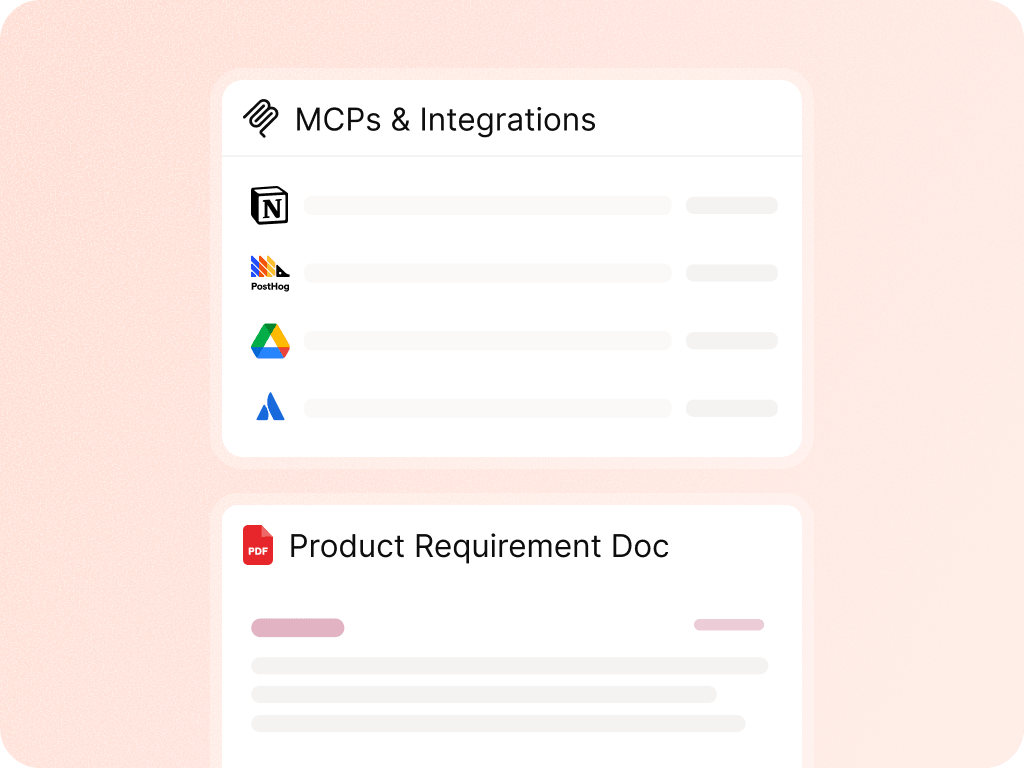
%201.svg)
Figr can identify ambiguity, missing decisions, and assumptions inside a PRD or research brief.

Turn requirements or research into journey maps, flow diagrams, and screen lists.

Find hidden states, permission issues, validation needs, empty states, and exceptions implied by the document.

Convert research and docs into structured UX recommendations and design direction.
%201.svg)
Use the written context alongside visual product context to generate screens and prototypes that reflect the product goals.
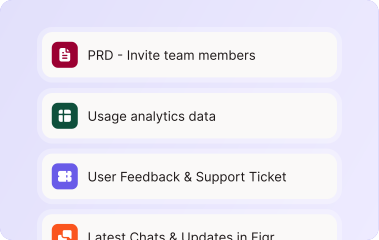
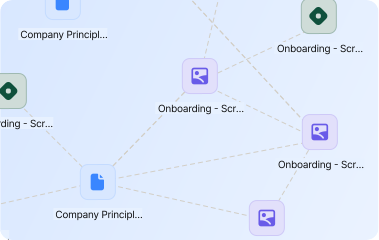
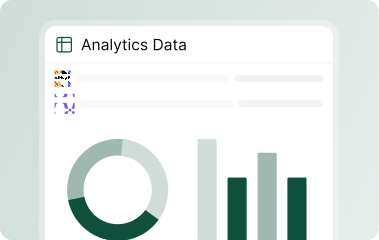

Give Figr the documents, research, and product context your team already has. Turn them into flows, decisions, edge cases, and design direction.


Yes. PRDs are a strong input, especially when paired with screens, flows, design system context, or product walkthroughs.
Figr can use research notes and interview material as product context. Keep final research interpretation and prioritization with your team.
Use current product docs for exact supported file types. Common context examples include docs, PDFs, CSVs, PRDs, research notes, screenshots, and recordings.