
A new feature does not enter a blank canvas. It enters a product with old decisions, active users, permissions, components, data states, and workflows that already exist. Figr helps teams design new SaaS features with that context in view, from requirements and flows to edge cases and Figma-ready screens.
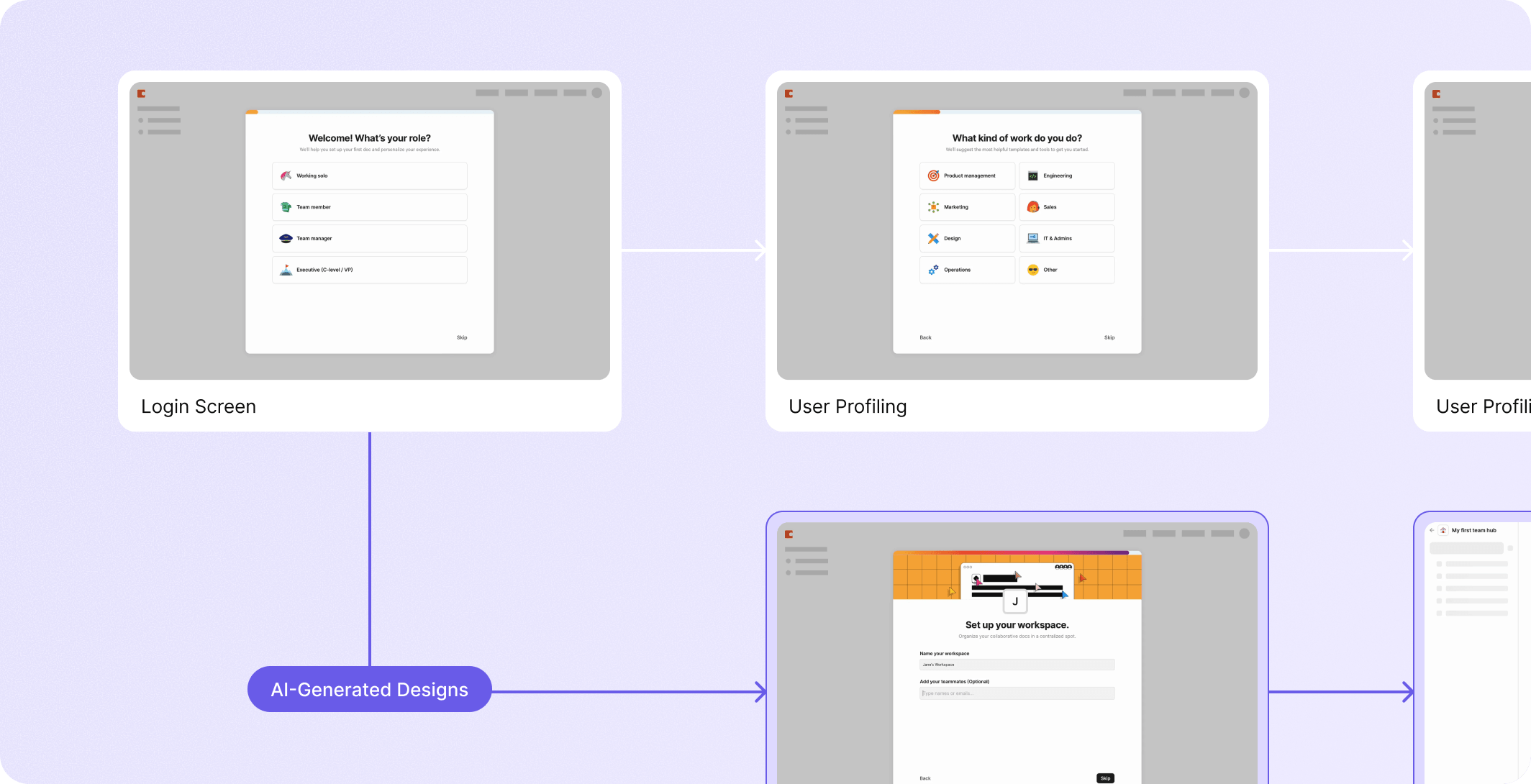


















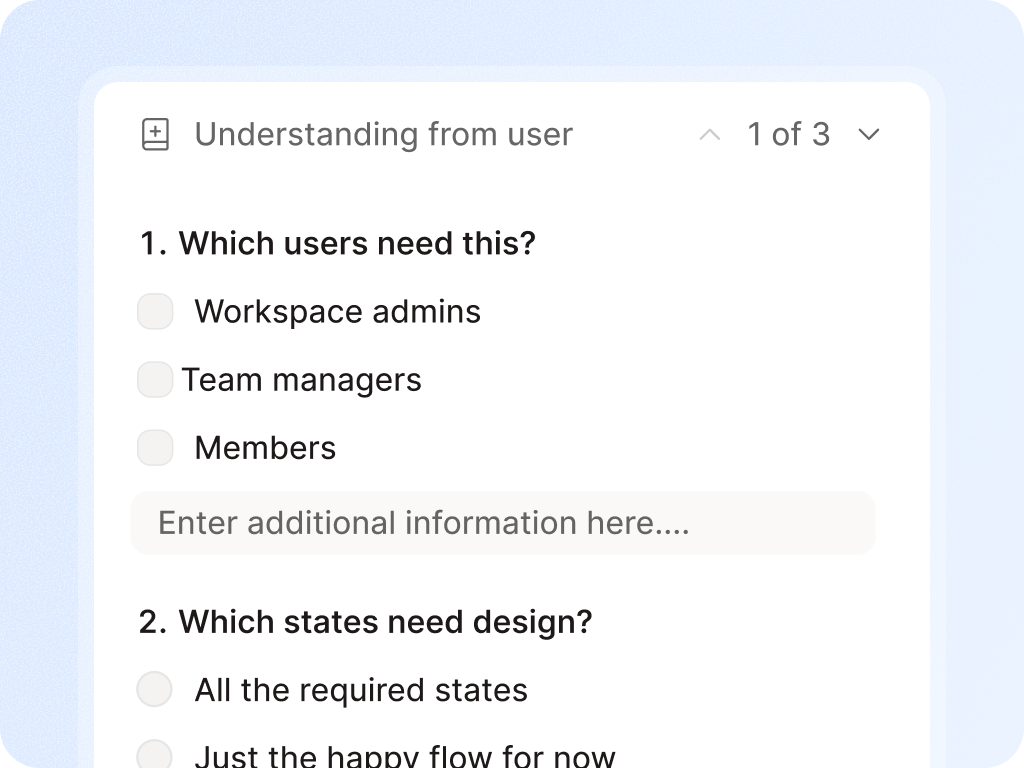
A product team says, we need an approval workflow. The feature sounds simple until the team asks.
Where it lives?
Who can approve?
What happens after rejection?
How comments work?
What appears in notifications?
Whether admins can override decisions.
How the audit trail behaves?
New features fail when teams design them like isolated screens.


Figr is built for the product work around the screen: the context, decisions, states, constraints, and handoff.
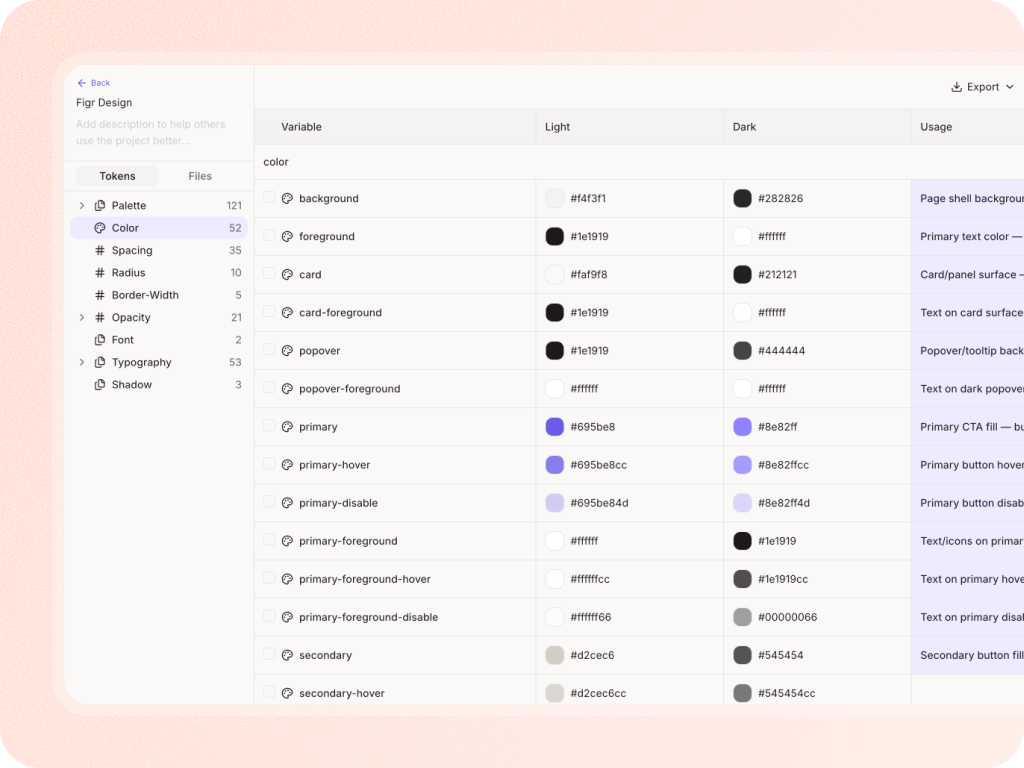
Admin and dashboard features
Settings and preferences
Onboarding and setup flows
Role-based workflows
Approval flows
AI copilots and generated UI
Notification and collaboration features
Analytics and reporting surfaces
Data tables and bulk actions
Enterprise configuration screens

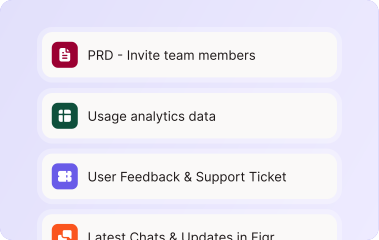
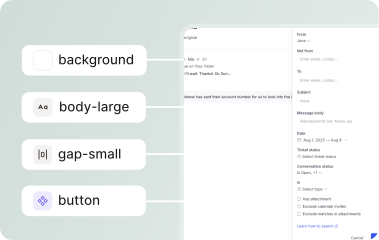
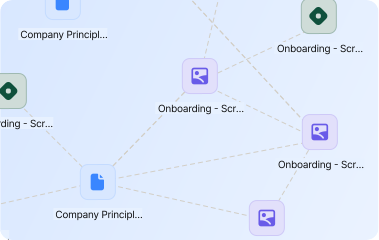

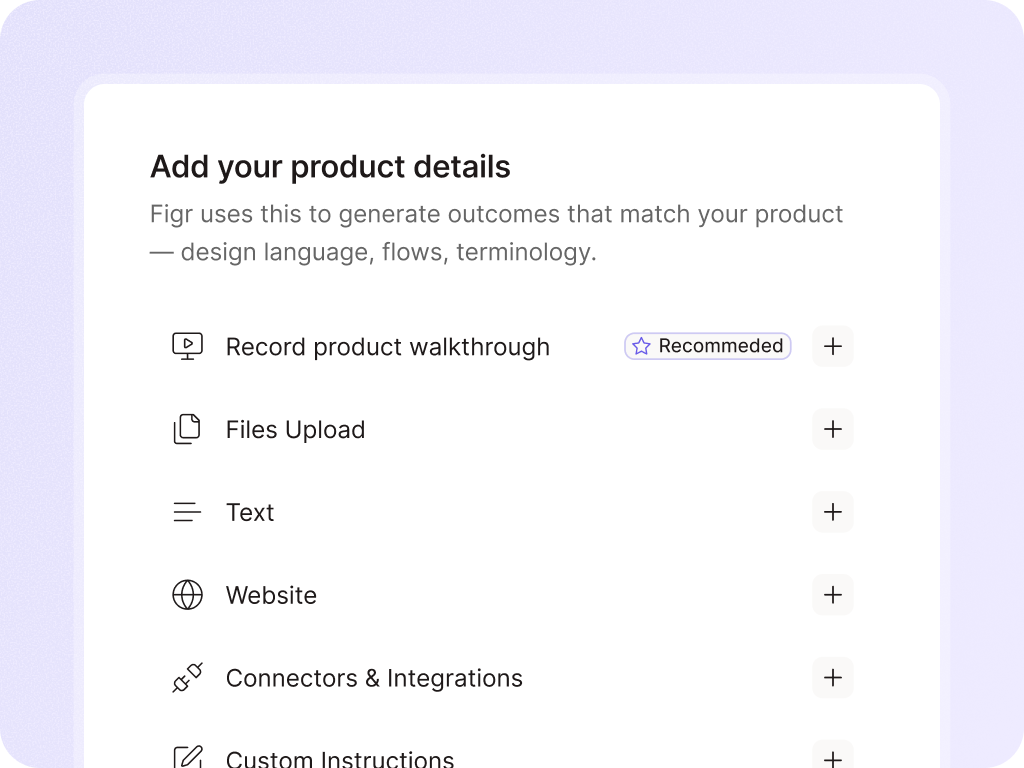
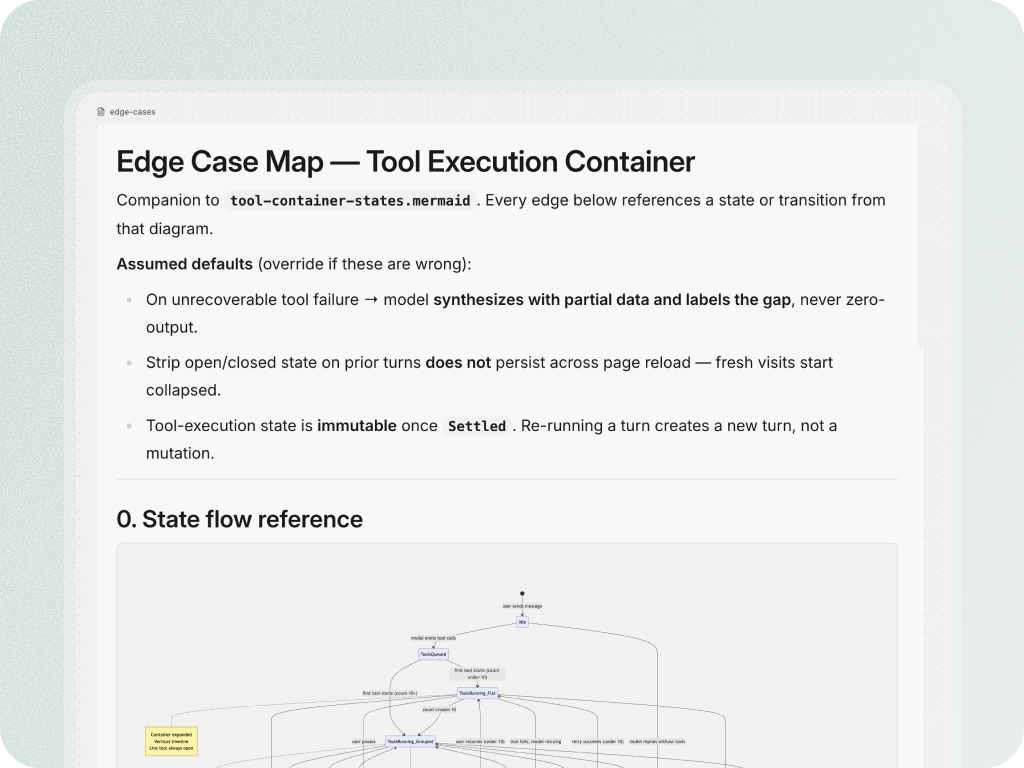
Bring Figr the PRD, screens, design system, docs, walkthrough, or live product capture. Get UX decisions, flows, edge cases, and Figma-ready feature direction.


Yes. Figr is strongest when the team has an existing product, current flows, and product context that should shape the new feature.
Yes. PMs can use Figr to clarify flows, edge cases, and design direction before involving designers. The goal is to make the starting point better, not to skip design review.
Figr can help explore different UX directions while staying grounded in the product context and design system you provide.