AI UX REASONING

AI that asks better product questions before it designs

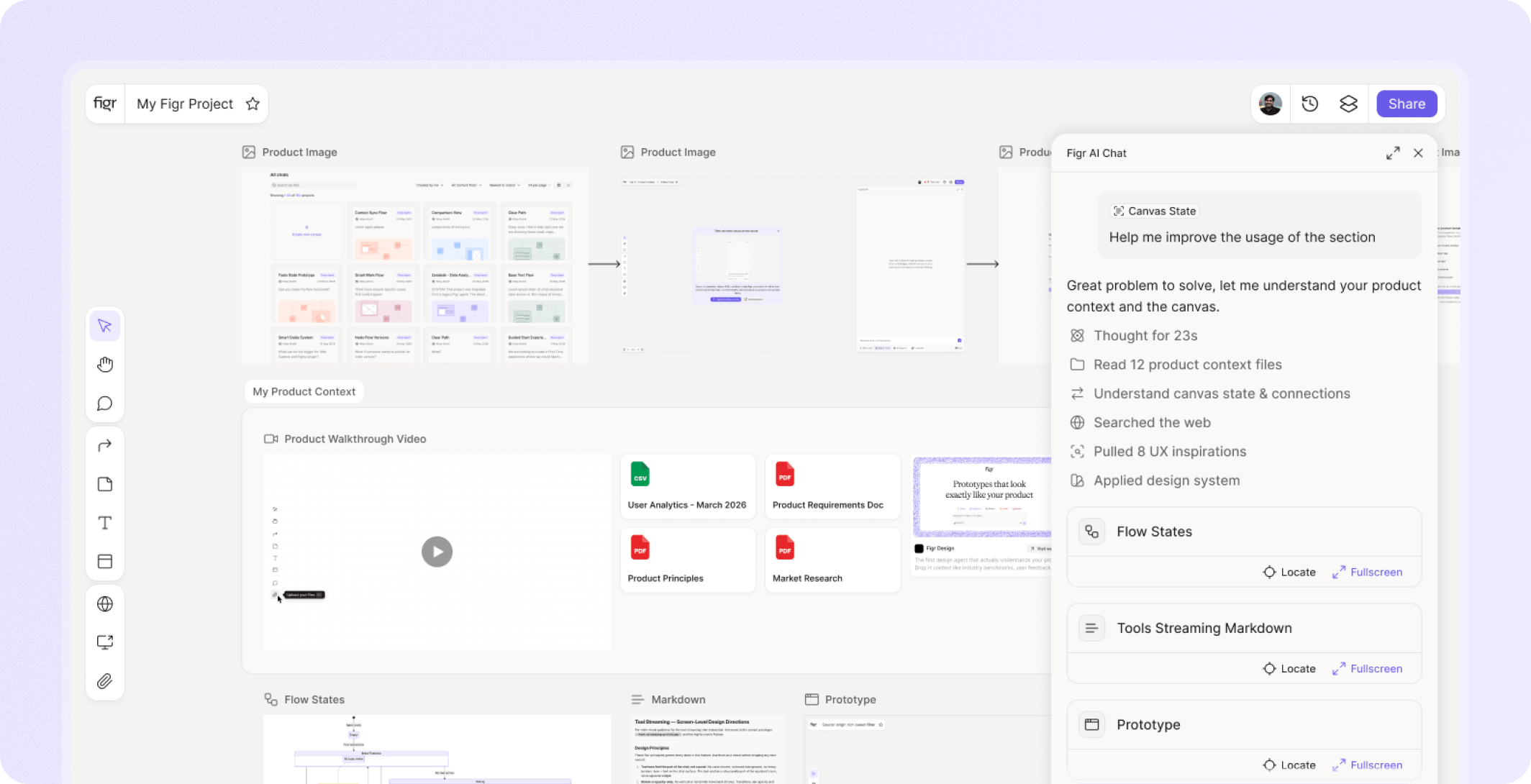
Most AI design tools jump from prompt to screen. That feels fast until the team realizes the flow is incomplete, the edge cases are missing, and the design does not fit the product. Figr reasons through UX first, using product context to ask questions, map flows, identify states, review tradeoffs, and explain decisions before creating design output.

Trusted by 500+ teams who value user experience
THE PROBLEM

The missing middle is where product quality lives

The screen is the visible part. The hard part is deciding how the product should behave.

  • Who can take this action?

  • What happens after failure?

  • What should be shown before data exists?

  • What does the user need to know before committing?

  • Which existing pattern should this reuse?

  • What is the tradeoff between speed and control?

When AI skips those questions, it produces confident design with fragile product thinking.

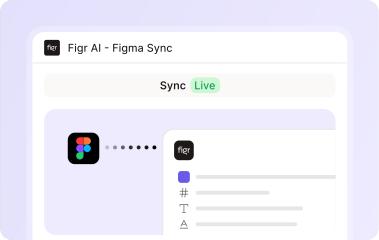
Figr uses Figma context before generation, then makes the result easier to bring back into design review.

How the workflow feels

Ask Figr a product question

  • Bring a PRD, screen, recording, live product capture, or design file.
  • Ask Figr to review, redesign, map, or reason through a workflow.

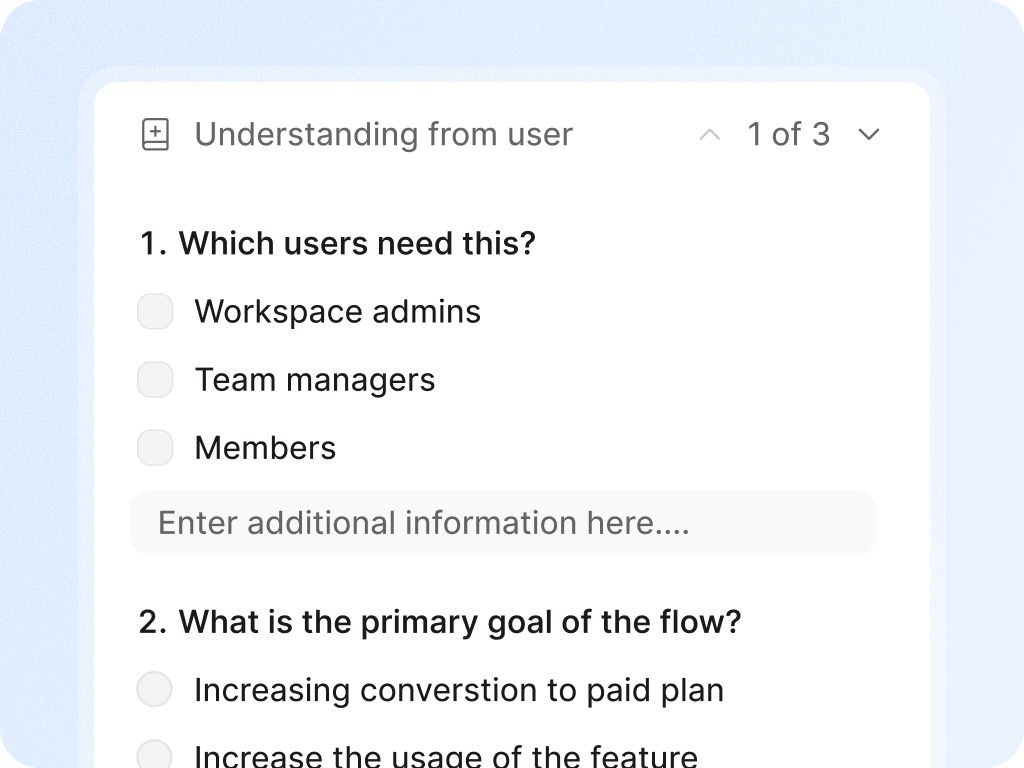
Review questions and assumptions

  • Figr should surface what it needs to know and what assumptions it is making.

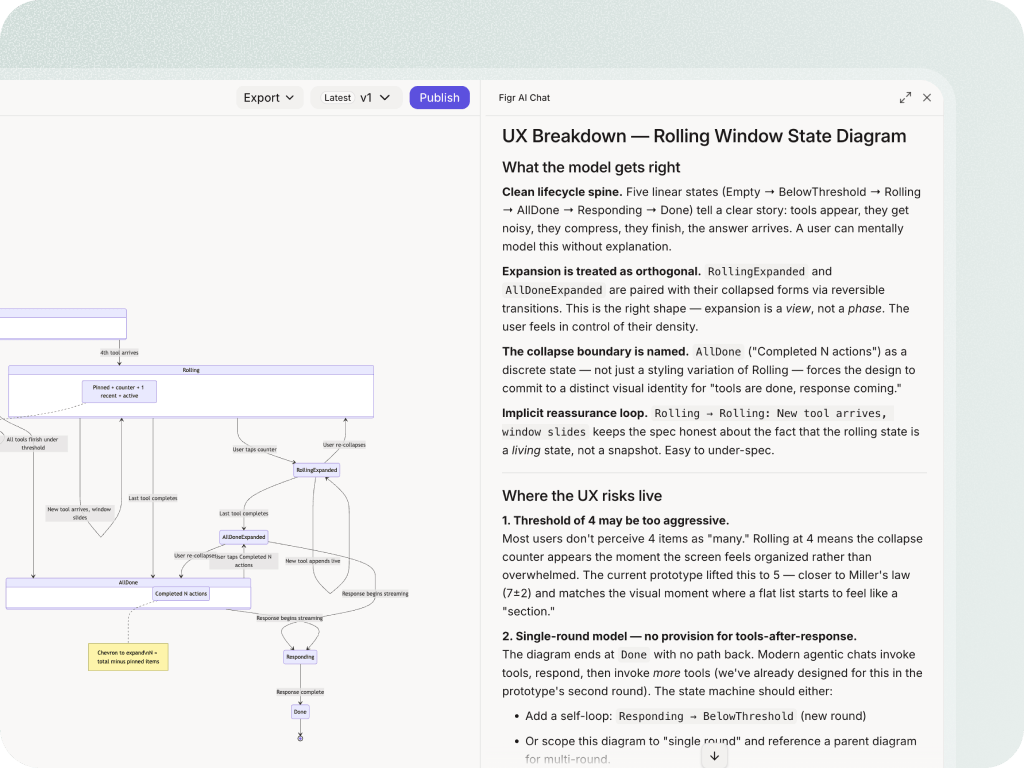
Inspect the flow

  • Before looking at polished screens, review the user journey, branches, and missing decisions.

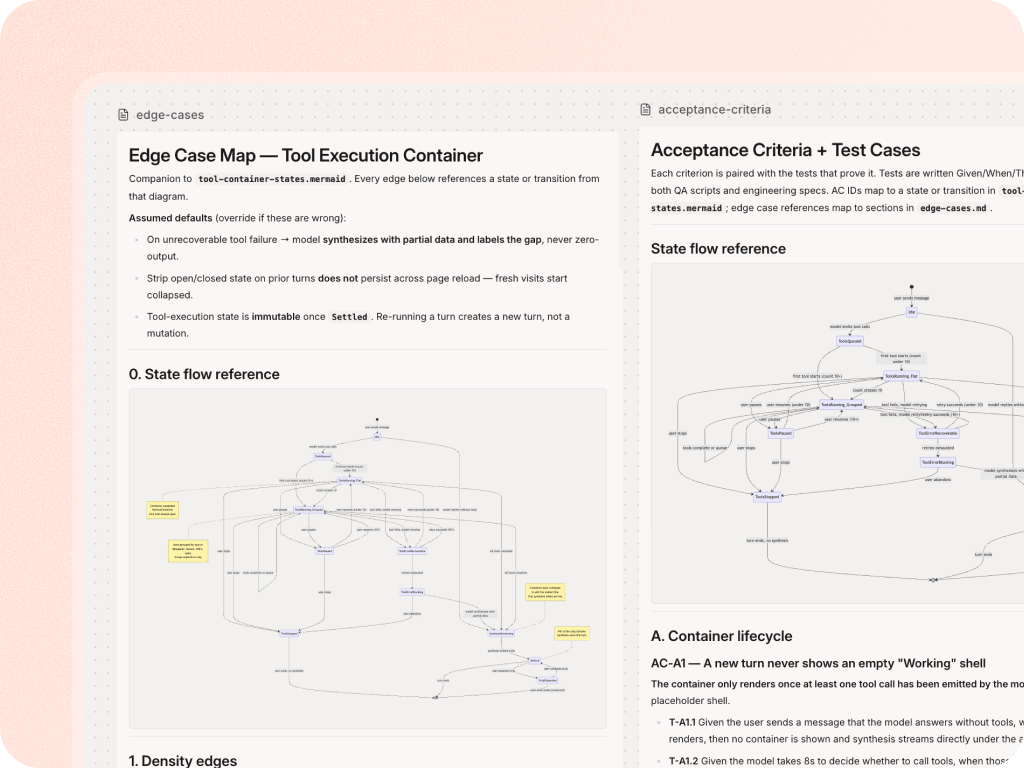
Map edge cases

  • Make the hidden states visible so PMs, designers, engineers, and QA share the same understanding.

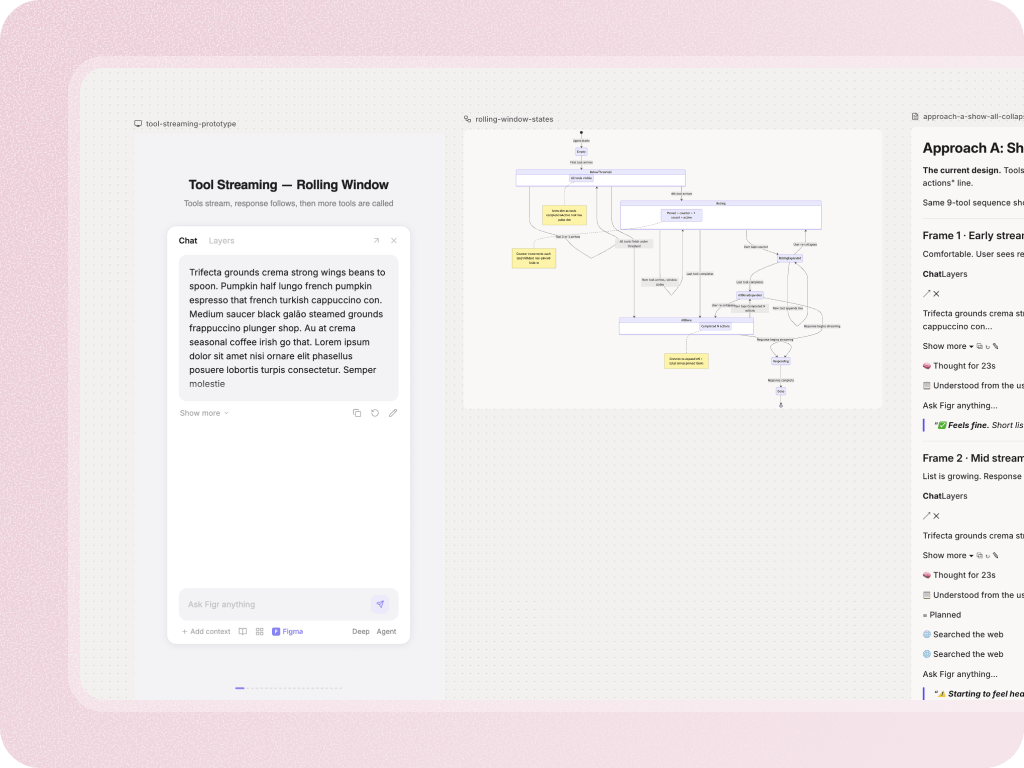
Generate artifacts and design direction

  • Once the reasoning is clear, Figr can create specs, test scenarios, UX reviews, diagrams, and Figma-ready designs.

Why teams care

PMs get clearer decisions

Figr helps PMs turn messy requirements into structured UX questions, flows, and artifacts.

Designers get better starting points

Designers receive context, rationale, and states instead of a screen that needs basic product logic added later.

Engineers get fewer vague specs

When states and decisions are visible earlier, implementation has fewer gaps to infer.

Product leaders get less late rework

The team can catch unclear decisions before they become design debt, dev rework, or launch risk.

With you at every stage of the product development process

Stop starting every UX decision from scratch

Add your product knowledge to Context Pod and give Figr the context it needs to help your team reason, design, and align faster.

Frequently asked questions

What is UX reasoning?
Chevron Down

UX reasoning is the work between a prompt and a design: asking questions, mapping flows, identifying states, weighing tradeoffs, and explaining product decisions.

Does Figr automatically make the right UX decision?
Chevron Down

No tool should be framed that way. Figr helps teams reason, surface options, and create artifacts. The team still reviews and decides.

How is UX reasoning different from UX review?
Chevron Down

UX review evaluates an existing flow. UX reasoning is broader: it helps shape new flows, requirements, edge cases, and design decisions before or during creation.