UX EDGE CASE MAPPING AI

Find the product states your team usually catches too late

The happy path is easy to design. The expensive work hides in everything around it. Figr helps product teams map empty states, loading states, validation, permissions, retries, quotas, errors, and enterprise exceptions before those details become design rework or engineering ambiguity.

Trusted by 500+ teams who value user experience
THE PROBLEM

The PRD looks done until design starts

  • A checkout works until payment fails.

  • A dashboard works until there is no data.

  • An admin flow works until the user has the wrong role.

  • An AI feature works until confidence is low, evidence is missing, or the generated result needs review.

Most product teams do not ignore edge cases because they are careless. They miss them because edge cases live across product context: user roles, backend behavior, plan limits, old decisions, component states, and real user behavior.

Figr is built for the product work around the screen: the context, decisions, states, constraints, and handoff.
How Figr helps design new features

Start from the actual product flow

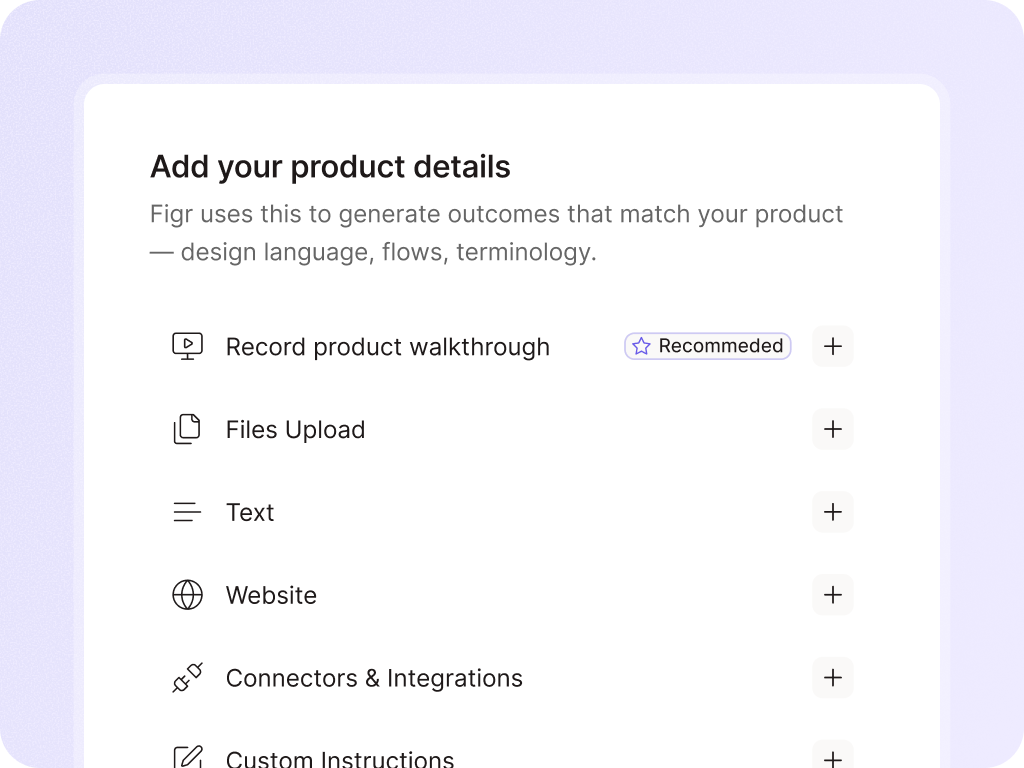
  • Figr can begin with a PRD, screenshots, Figma file, live product capture, screen recording, or existing flow.
  • It studies the current behavior before suggesting what else needs to happen.

Separate the happy path from the real path

  • Before designing, Figr can ask the questions that shape the feature.

Explain why each state matters

  • Edge case mapping should not be a random checklist.
  • Figr can explain the user impact, product risk, and design implication behind each missing state.

Turn edge cases into artifacts

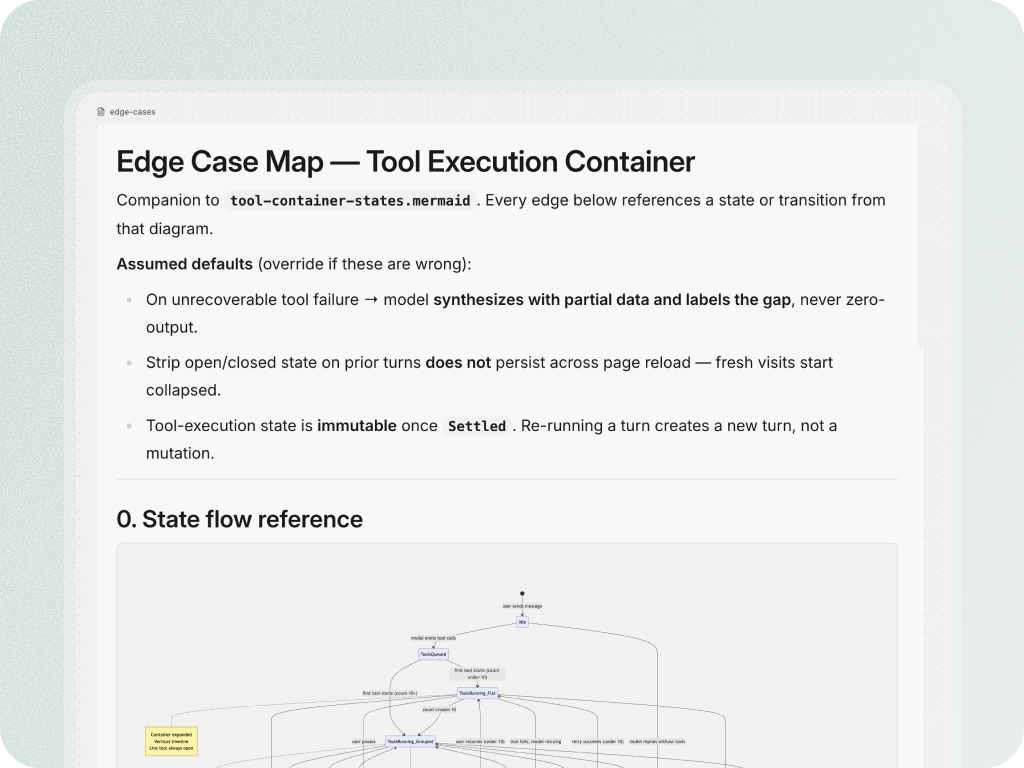
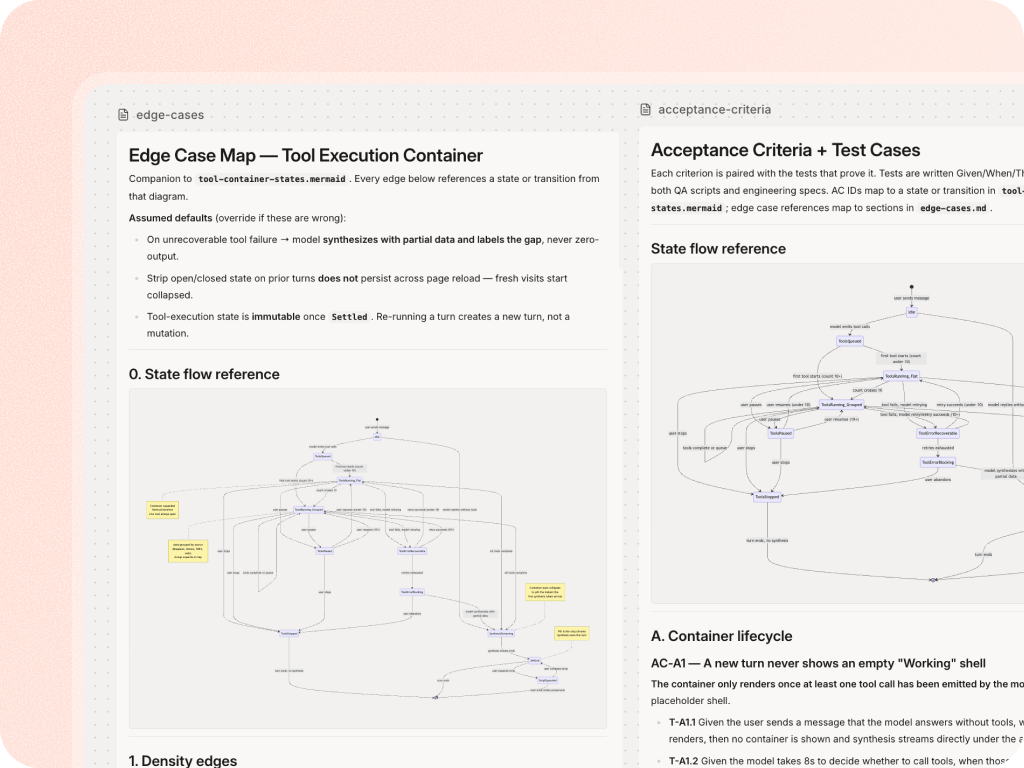
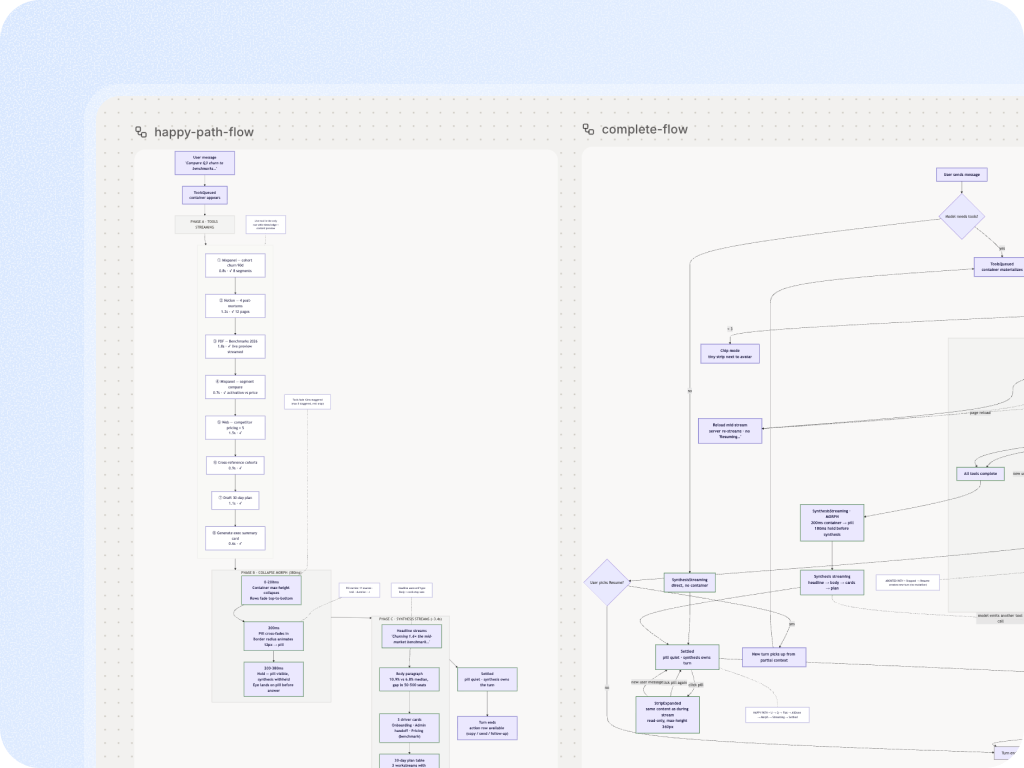
  • Figr can help create edge case maps, state diagrams, test cases, acceptance criteria, and screen-level design directions.
  • These artifacts give PMs, designers, engineers, and QA a shared model of the workflow.
WHY THIS MATTERS FOR TEAMS

Why teams use Figr for edge cases

By the time QA finds a missing state, the team has already made design and implementation assumptions. Figr helps surface those assumptions earlier.

For PMs, this means clearer requirements.

For designers, it means fewer late-state additions.

For engineers, it means fewer vague tickets.

For product leaders, it means less rework hiding under the word polish.

Some features making this possible

Generate Figma-ready designs from real product context

Bring Figr your screens, flows, design system, PRD, or walkthrough. Get design output that starts closer to your product and gives your team less to rebuild.

Frequently asked questions

What kinds of edge cases can Figr help find?
Chevron Down

Figr can help identify empty states, loading states, validation, errors, permissions, quota limits, retries, partial success, role-specific behavior, and accessibility issues.

Is this only for QA teams?
Chevron Down

No. Edge case mapping is useful before QA. PMs use it to clarify requirements, designers use it to cover states, and engineers use it to understand behavior before implementation.

Can Figr create test cases from UX edge cases?
Chevron Down

Figr can help turn UX decisions and edge cases into test scenarios and acceptance criteria. Keep final QA review with your team.