
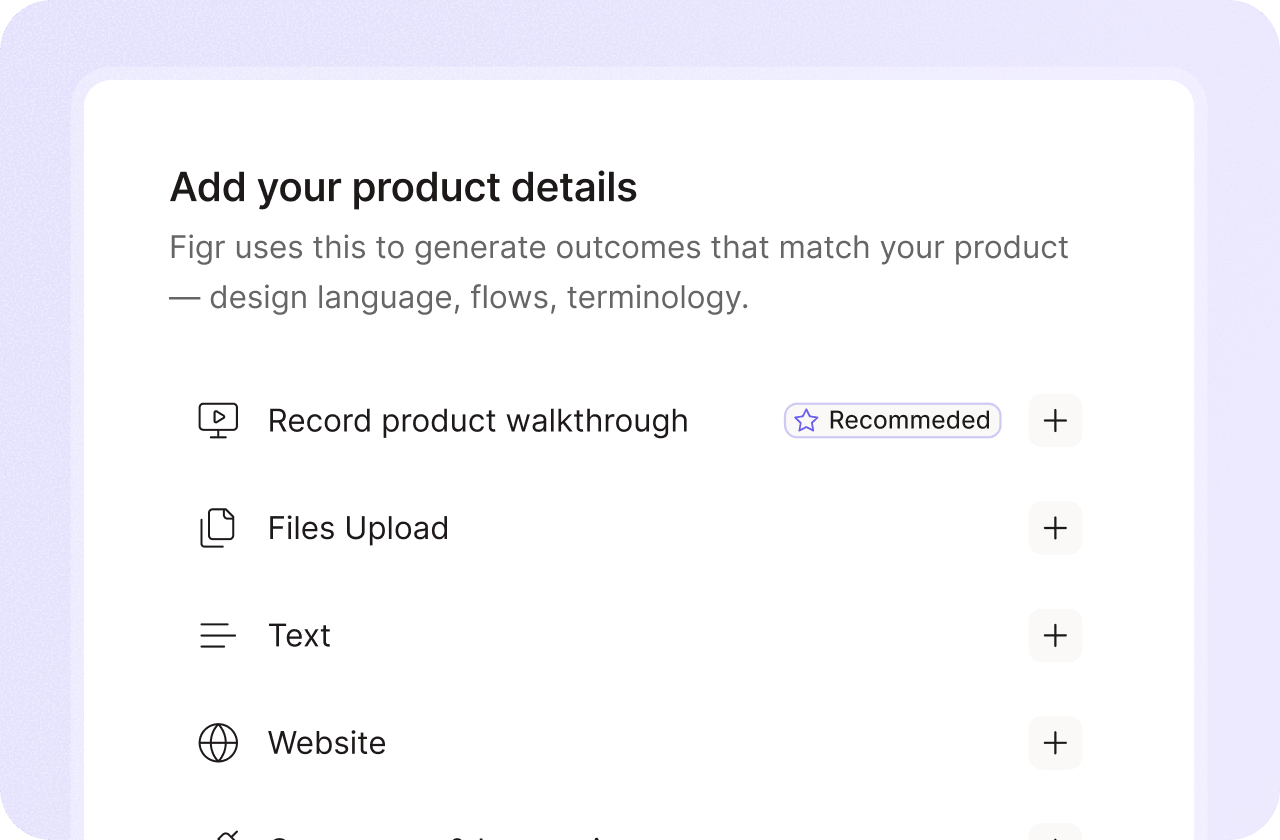
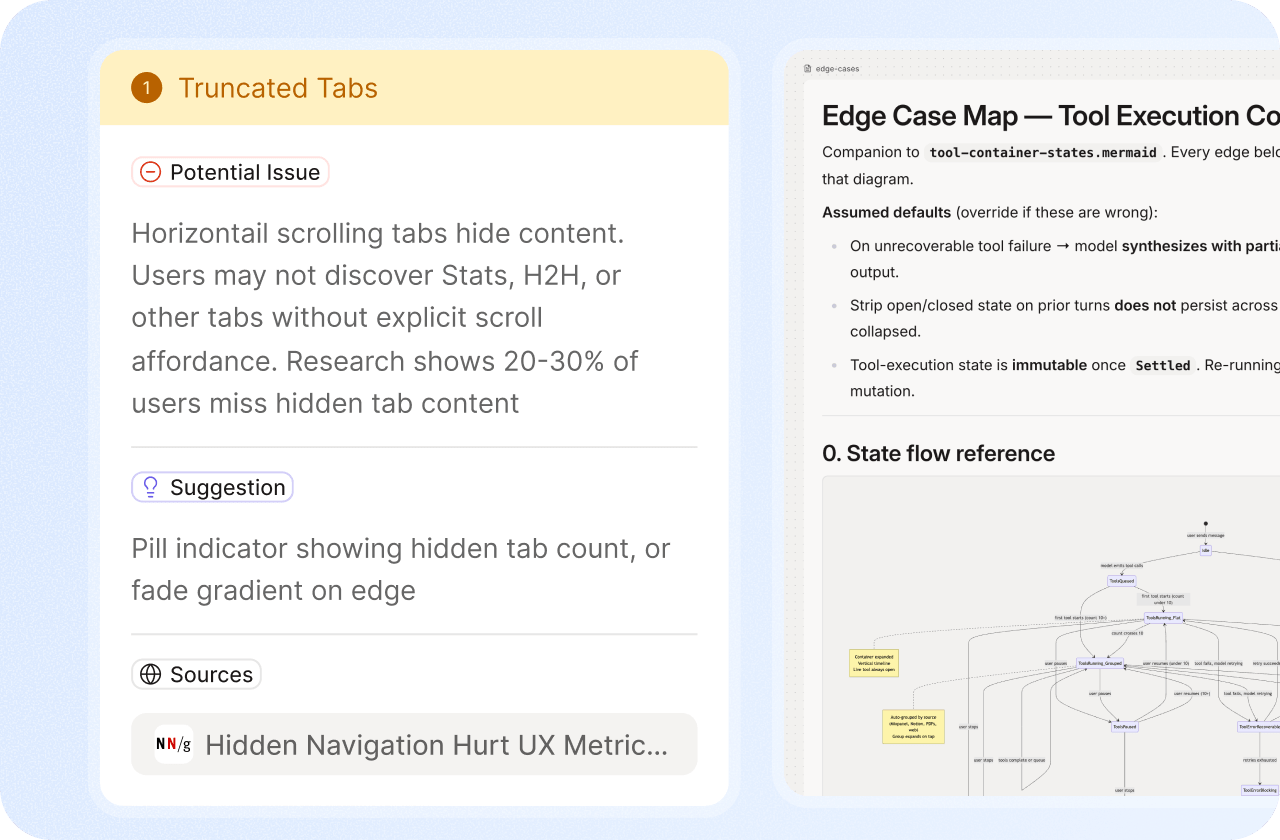
Bring a PRD, screenshot, Figma file, or screen recording. We'll show how Figr turns product context into UX reviews, flows, edge cases, prototypes, and Figma-ready design direction.

















“Over the last couple of years I've tested every major AI model (Claude, ChatGPT, etc.) and a bunch of dedicated design tools. They've consistently produced UX that looks nothing like our actual product. Useful for early exploration, maybe, but not for real work.
With Figr, I spent about five minutes capturing our live product with their Chrome extension. After that, it could mock up new features in our own style - same components, same styling. It also draws flows and navigation. For smaller features, I can now go straight from idea to development without the usual designer handoff.”

One workflow. The full path from context to product-ready output.
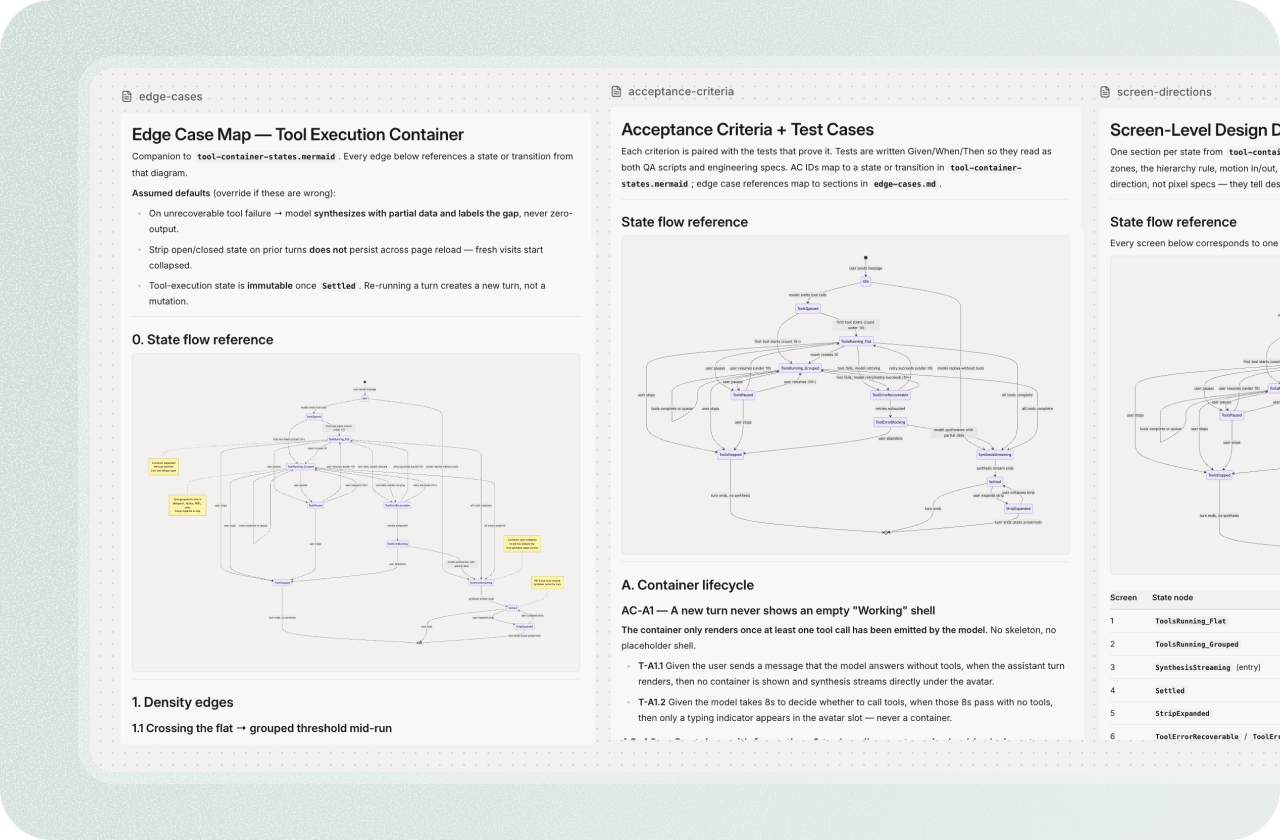
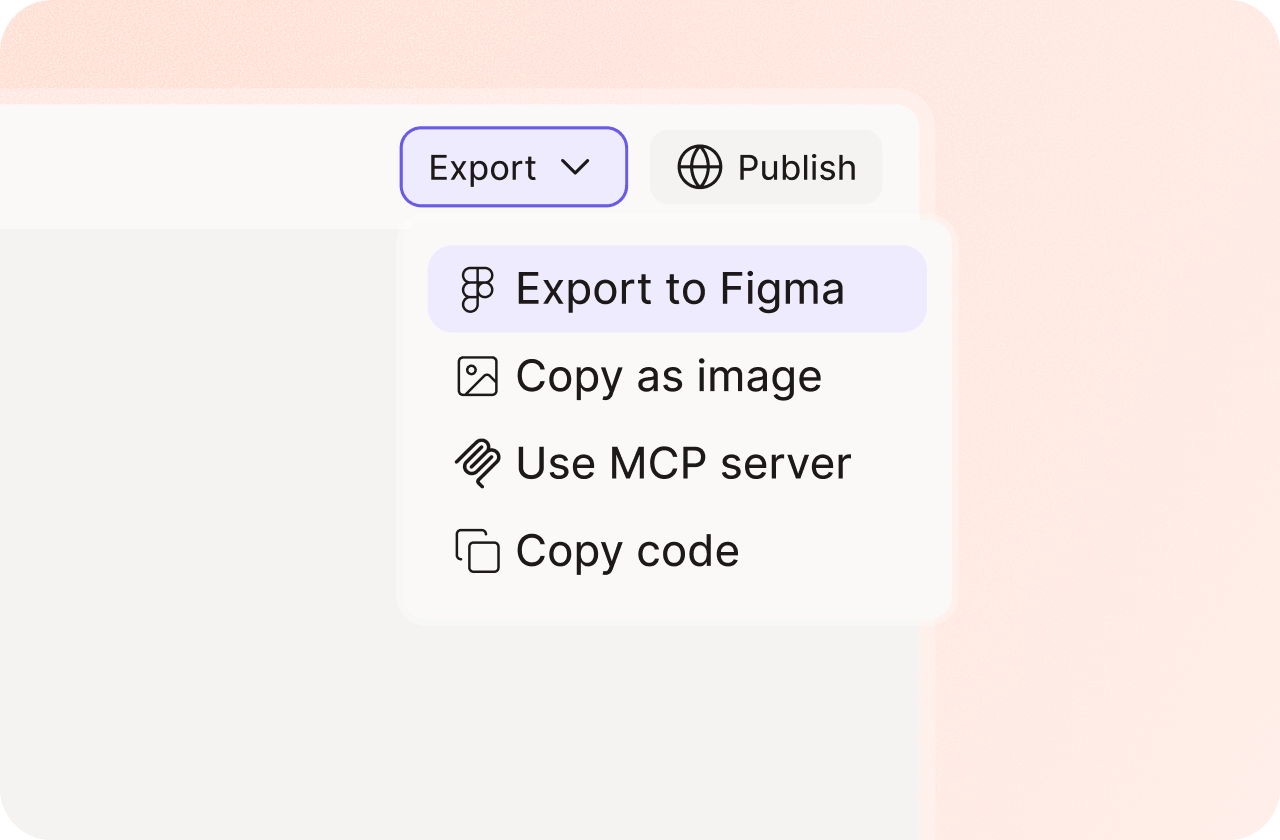
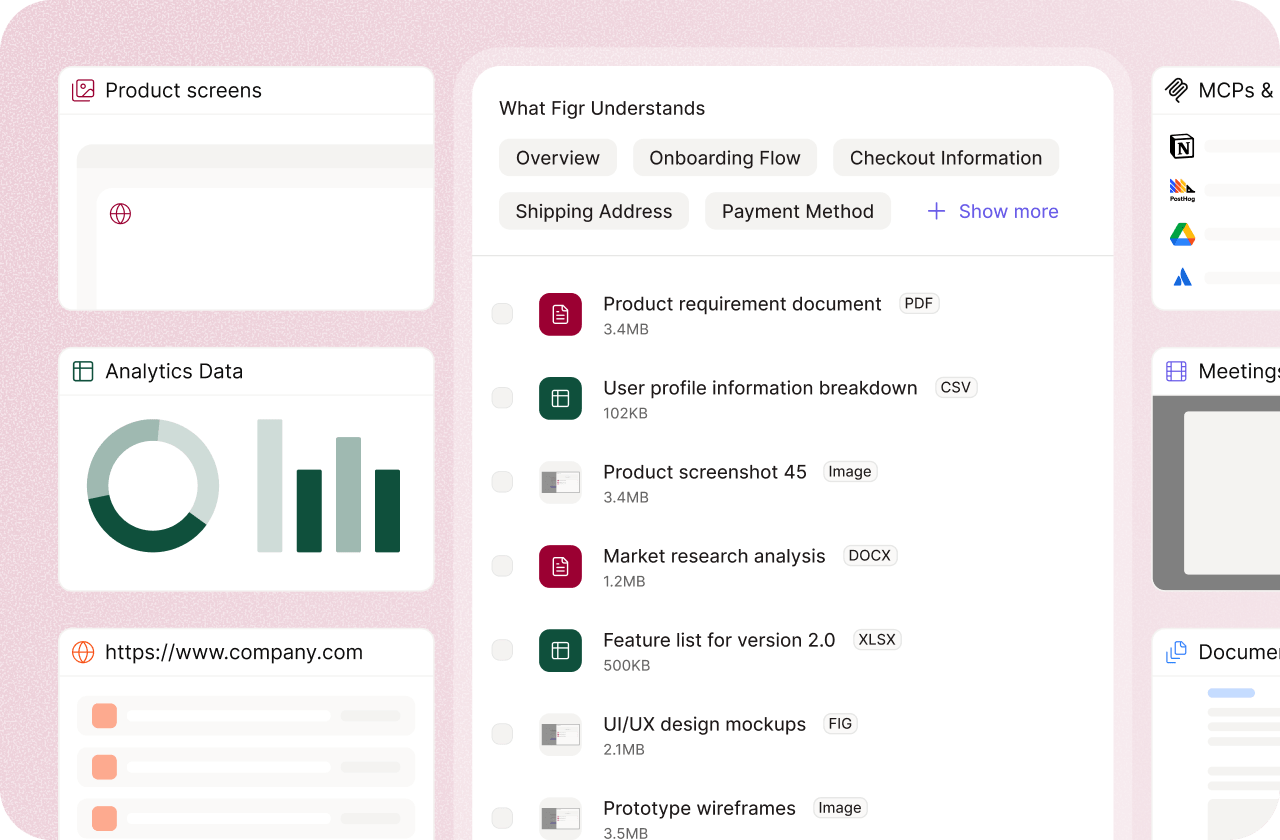

Most demos are 30 minutes.
No. Bring a workflow if you have one. A PRD, screenshot, Figma file, or recording is enough.
Yes, if you can safely share it during the call. If not, we'll use a similar public workflow.
No. Anyone can book a demo. Max and Enterprise teams usually benefit most from a tailored walkthrough.
Yes. The best demos include product and design. Figr is not a designer replacement.
Yes. We'll explain Free, Starter, Max, Enterprise, credits, seats, Context Pods, and team controls.
Yes. For Enterprise evaluations, we can cover SSO, RBAC, audit logs, data residency, procurement, and security review.