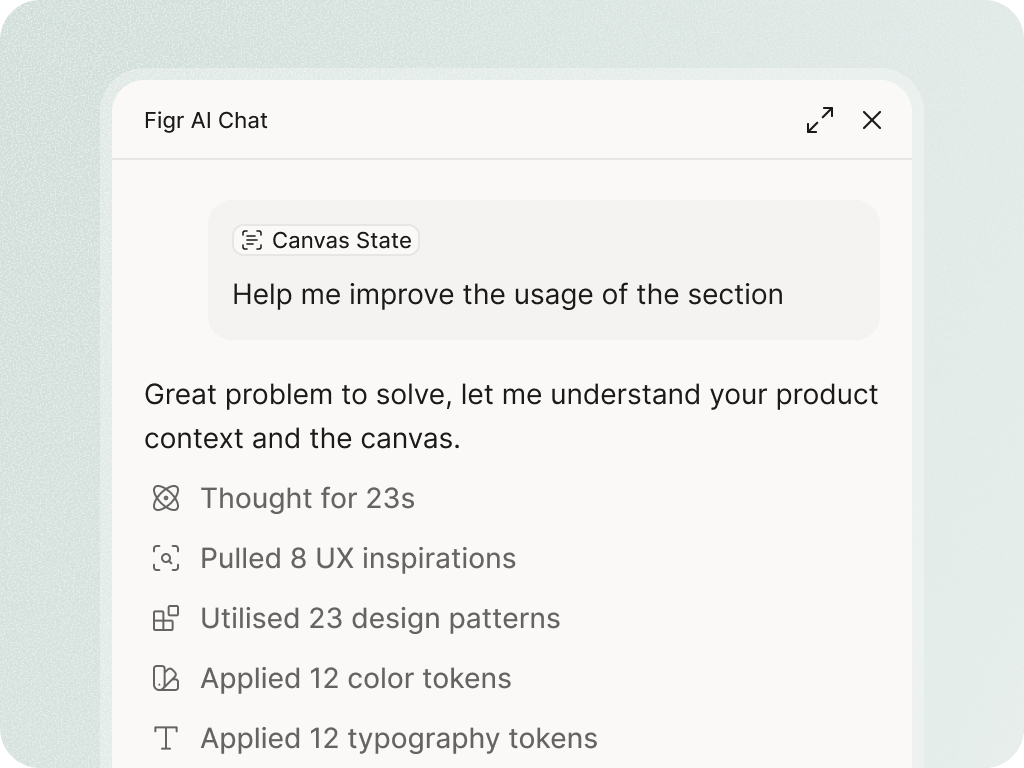
A design system is not just a library of components. It is the judgment behind when to use them.Figr helps turn tokens, components, variants, states, usage rules, and existing product screens into AI context, so generated designs can start closer to your product system.


















It may use a button that looks close enough.
It may choose a spacing rhythm that feels almost right.
It may draw a table, but miss the density, empty state, bulk action pattern, and filter behavior your product already uses.
That is how AI design debt starts.


Design-system-aware AI needs to understand the product's visual rules and the reasoning behind them.

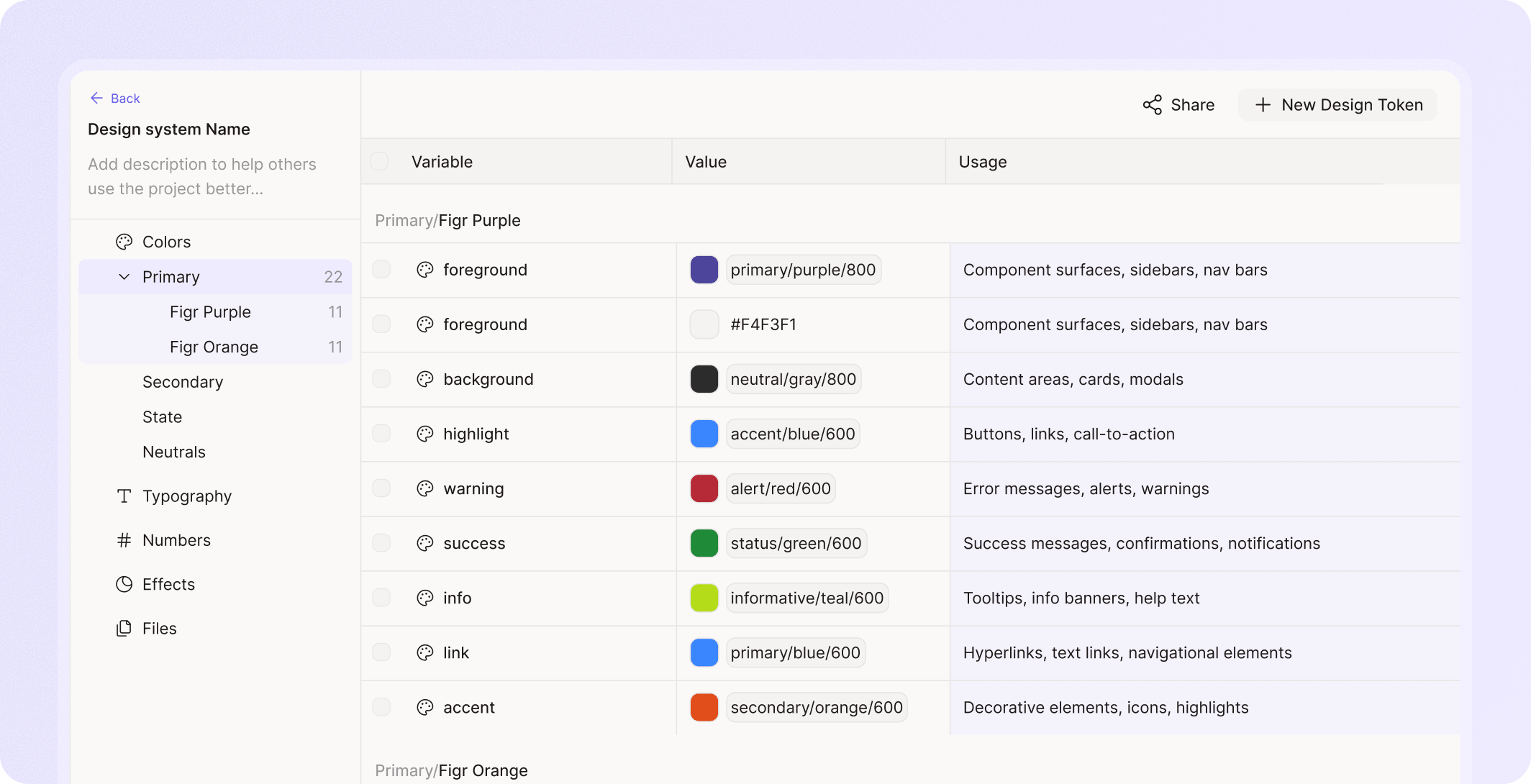
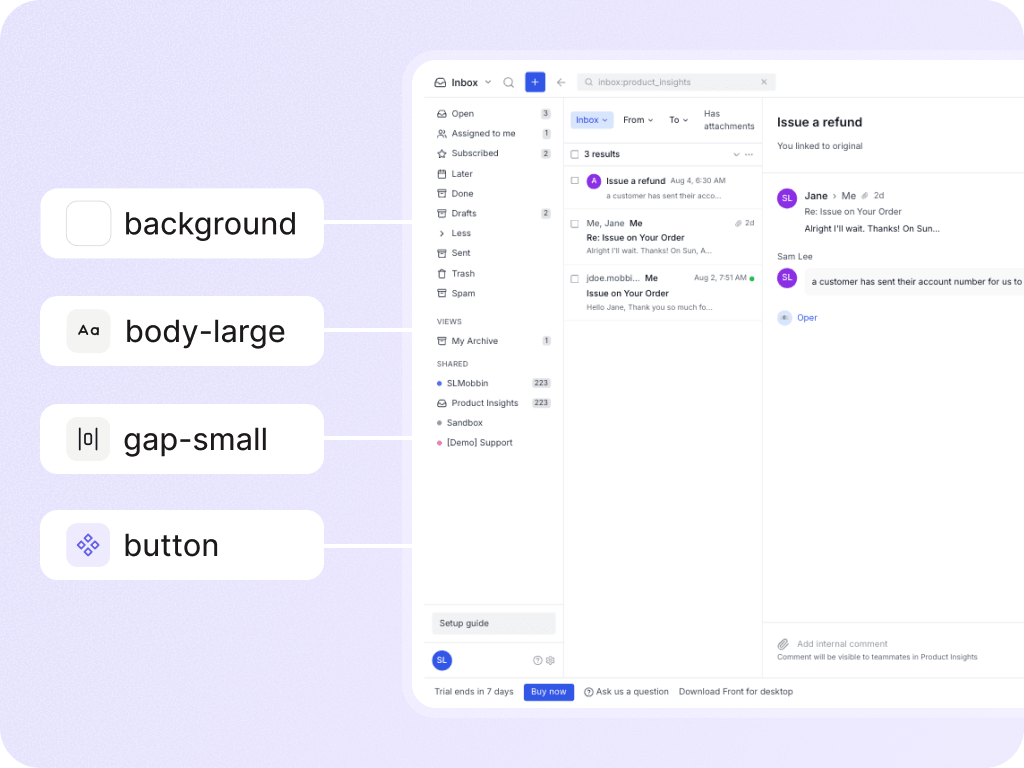
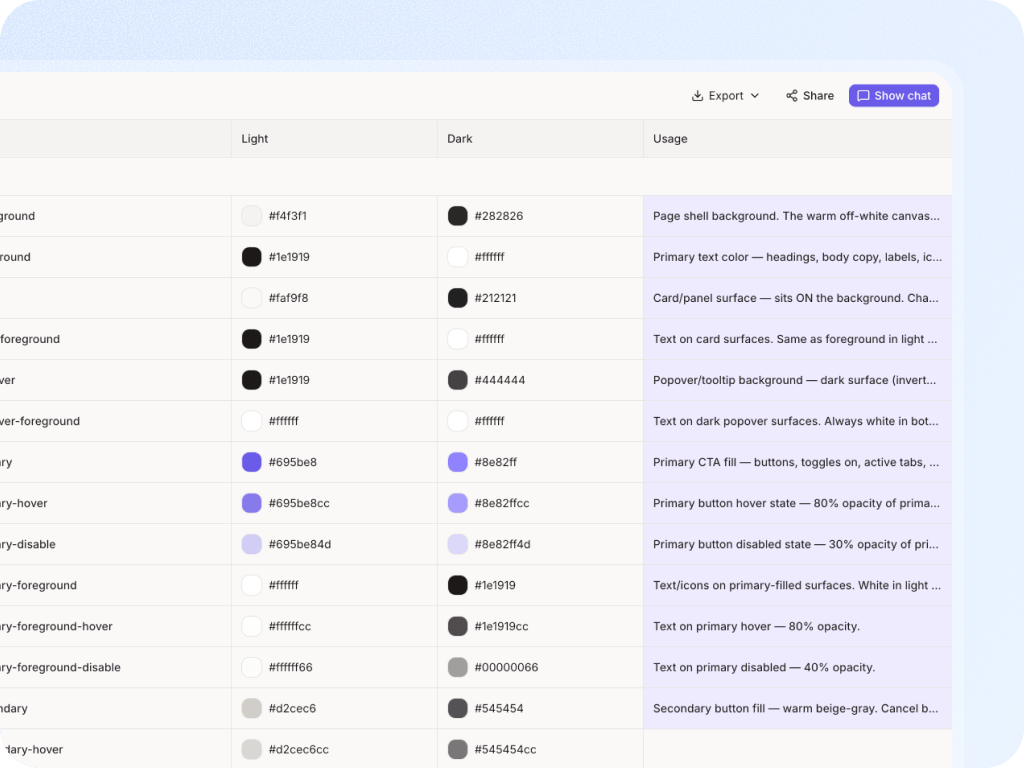
Figr can learn color, typography, spacing, radius, elevation, and token relationships. The important part is not only the token name, but what the token means in the product.

Figr can use components, variants, states, sizes, and patterns so generated screens reuse the system instead of inventing new UI.

Design systems often contain unwritten knowledge: when to use a modal, which table density fits which workflow, what warning language should sound like, how error states behave.

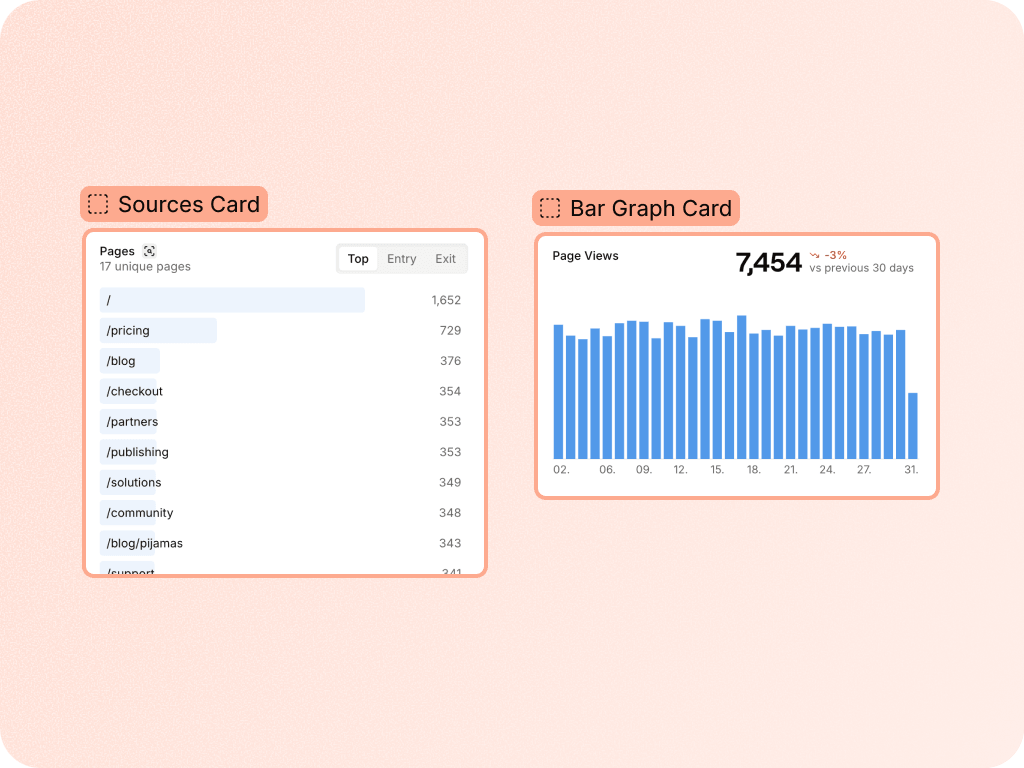
Screens show how the design system behaves in real product context. Figr can learn from those examples, not only the isolated library.

Figr helps teams generate product design work that starts from the system, not from a generic UI guess.


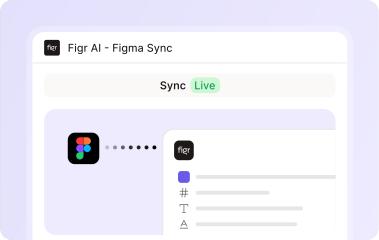
Figr can use Figma files and design-system context. Use current product language for exact import and sync behavior.
No. Figr helps make the system usable in AI workflows. Designers and design leaders still own governance, review, and final quality.
Figr can still learn from screens, components, and examples. A messy system may need more setup, usage notes, and review before teams rely on generated output.