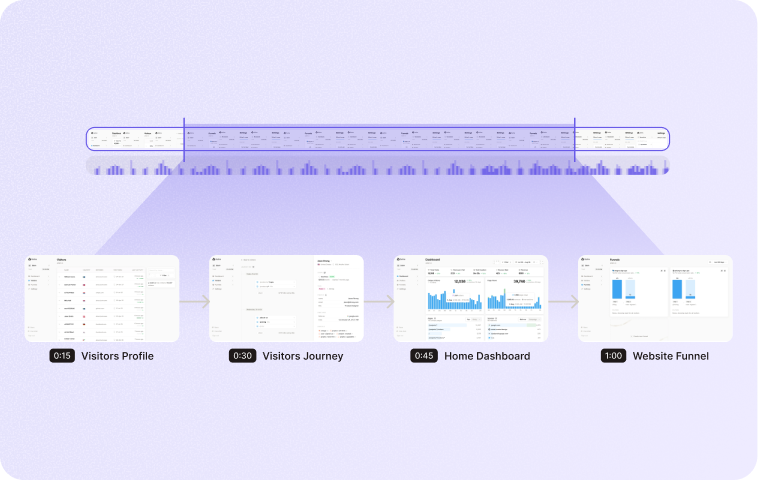
FIGMA-READY AI DESIGN

Generate designs that belong in your product

A pretty mockup is not enough when your team still has to rebuild it in Figma. Figr helps teams generate high-fidelity, Figma-ready designs grounded in existing product flows, design system rules, components, visual patterns, and UX decisions.

Trusted by 500+ teams who value user experience
THE PROBLEM

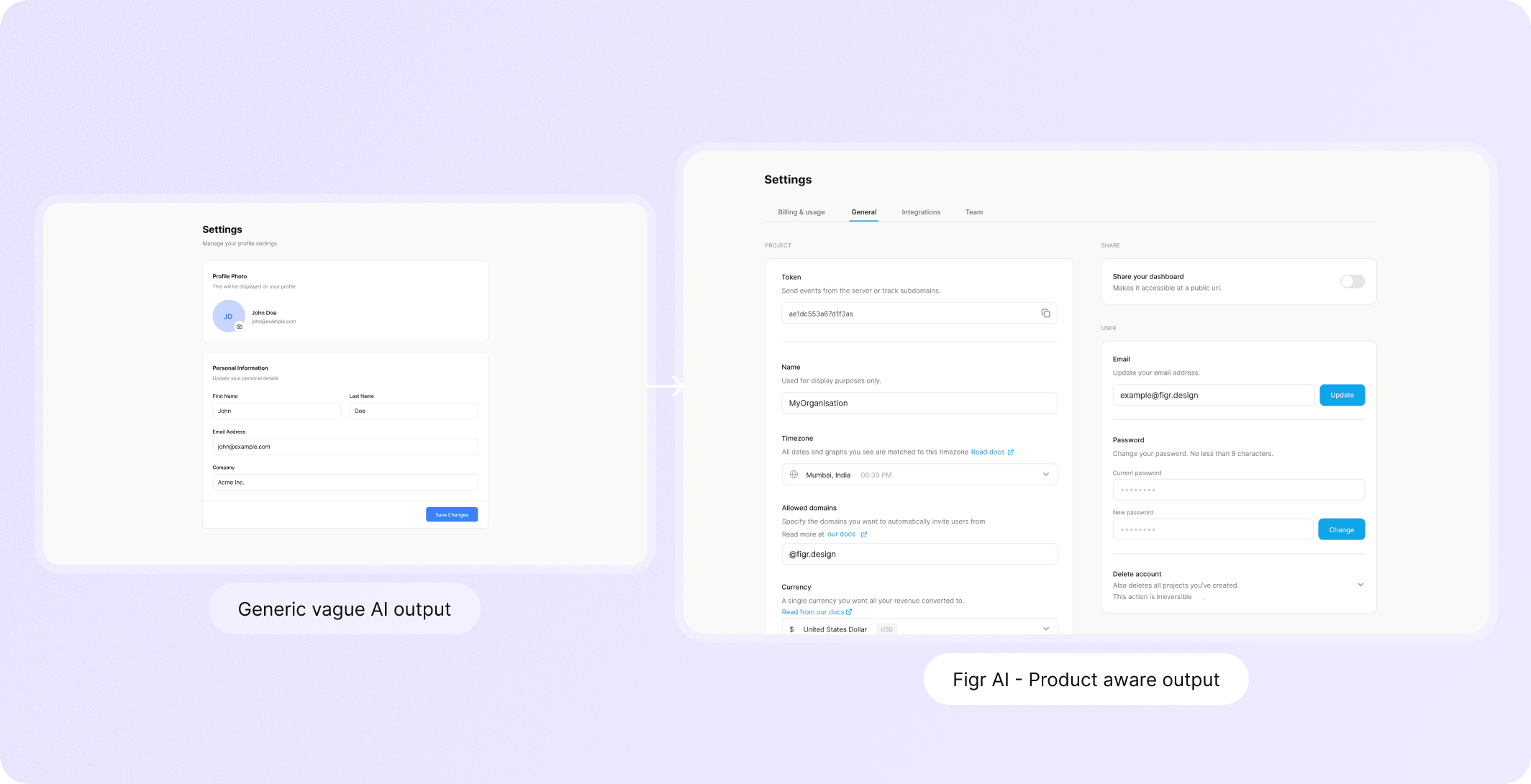
AI UI often creates new work for designers

Many AI design tools can produce a polished screen. The problem comes five minutes later.

  • The spacing is unfamiliar.

  • The components are invented.

  • The interaction states are missing.

  • The flow ignores permissions.

  • The design looks plausible, but it does not feel like the product.

So the designer rebuilds it.

Figr is built for teams that care about the difference between a nice image and a usable product design starting point.
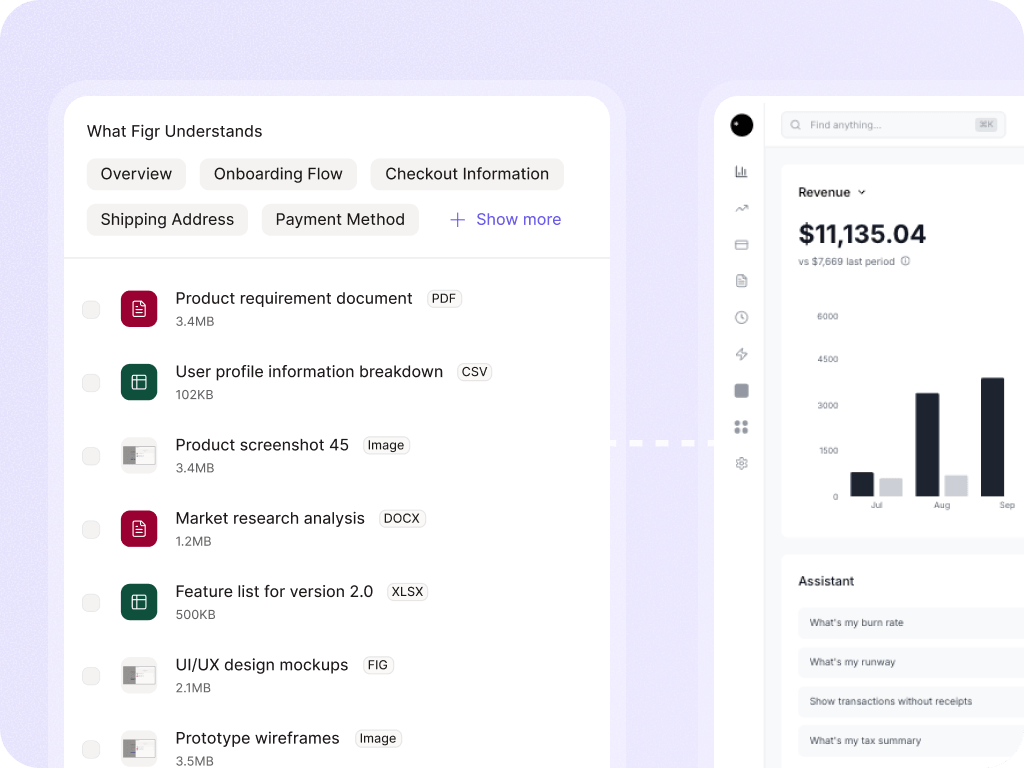

How Figr generates better starting points

It learns the product before generating UI

  • Figr can use live product capture, Figma files, screenshots, docs, PRDs, recordings, and design systems to understand what already exists.

It reasons through the UX first

  • Before generating screens, Figr can ask questions, map flows, identify missing states, and explain the design direction.
  • That gives the output a product logic, not just a visual style.

It uses design-system intelligence

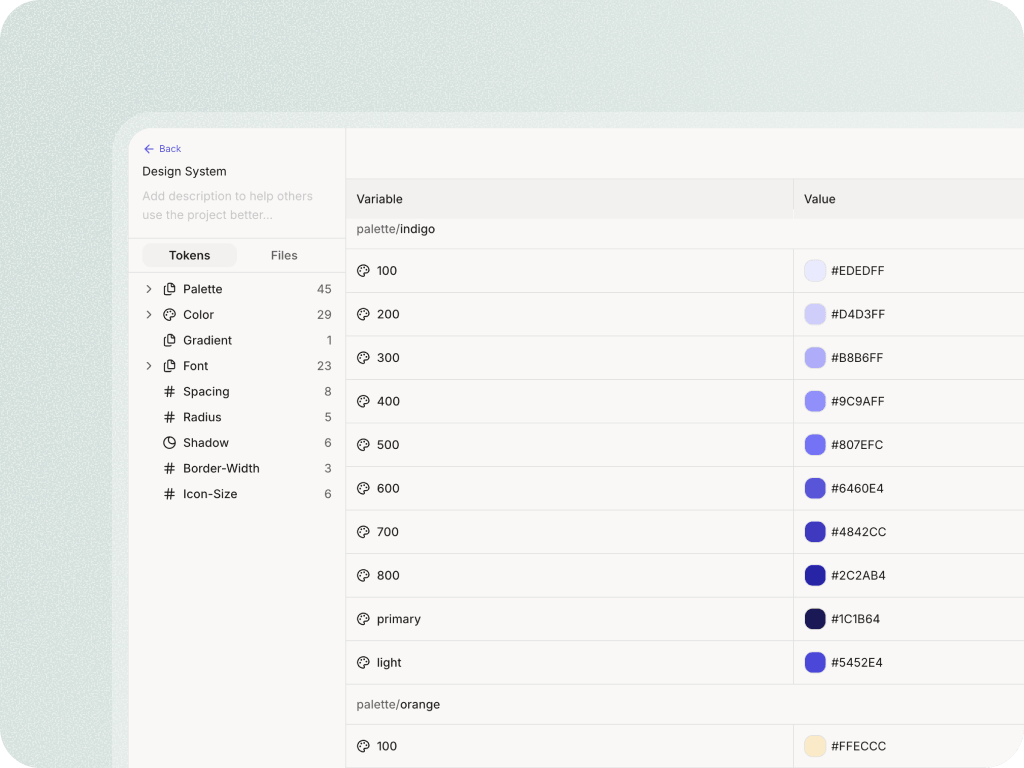
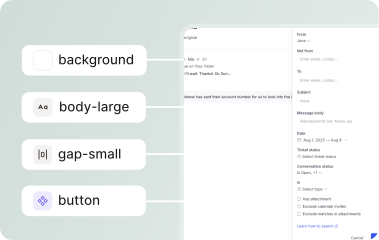
  • Figr can learn from tokens, components, variants, states, usage rules, and product examples.
  • The goal is to keep output closer to the team's system rather than inventing a new UI language.

It moves work toward Figma

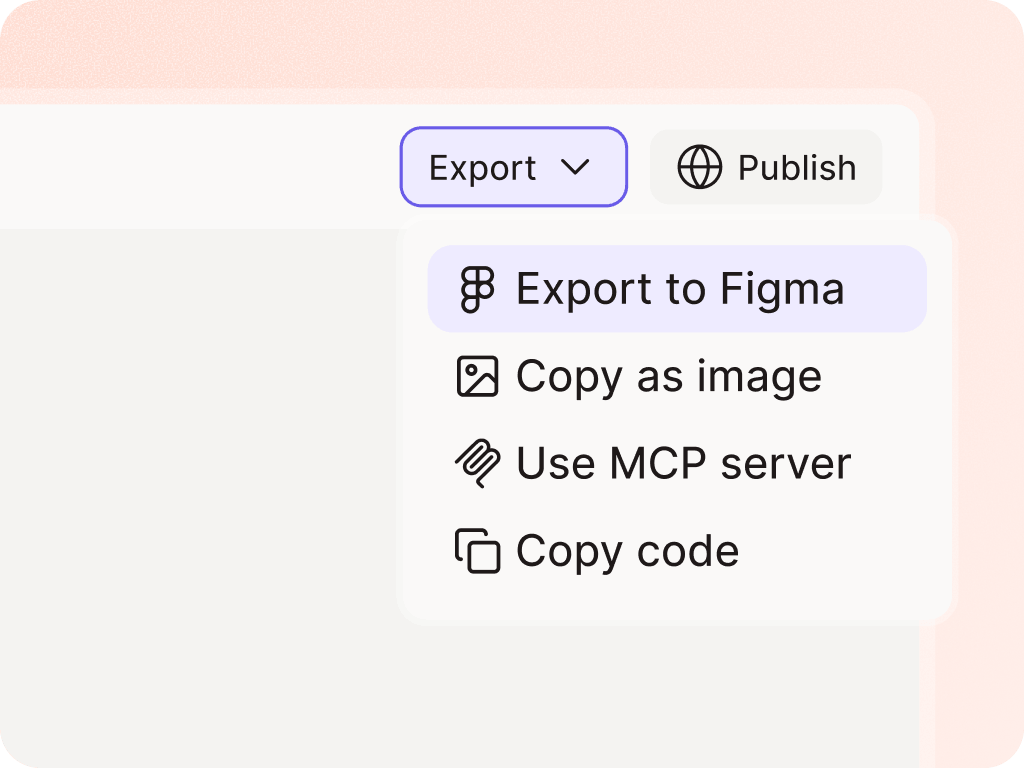
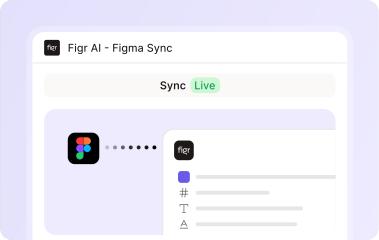
  • Figr's workflow should help teams get from context and reasoning to editable, Figma-ready output faster.
  • Designers can then refine, approve, and apply judgment inside the toolchain they already use.
WHY THIS MATTERS FOR TEAMS

Better starting points without designer cleanup debt

PMs often want to move faster, but not by throwing vague wireframes over the wall. Figr helps PMs bring designers clearer product thinking.

PMs save time without handing designers a mess

Figr helps PMs bring better design starting points to designers because the output is connected to product context, not because designers are removed from the workflow.

Designers protect quality while exploring faster

Designers can use Figr to explore variants, review UX, identify missing states, and produce options that start closer to the system.

Design leaders reduce AI design debt

AI design debt happens when teams generate fast, but the product becomes less coherent. Figr's product-context-first workflow helps teams move faster while protecting the system.

Some features making this possible

Generate Figma-ready designs from real product context

Bring Figr your screens, flows, design system, PRD, or walkthrough. Get design output that starts closer to your product and gives your team less to rebuild.

Frequently asked questions

Does Figr export to Figma?
Chevron Down

Figr is built around Figma-ready workflows and can help move generated output toward editable Figma work. Use current product language on the site to describe the exact export behavior.

Are the designs editable?
Chevron Down

Position the output as editable, product-native starting points where supported. Designers should still review and refine final work.

How is this different from AI UI generators?
Chevron Down

Figr starts with product context and UX reasoning. Generic AI UI generators often start with a prompt and produce a screen without understanding the existing product.