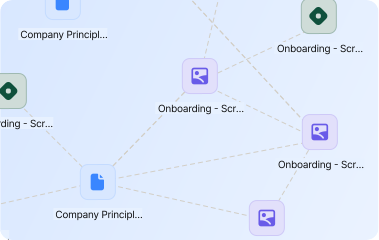
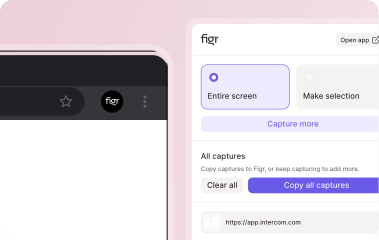
The most natural way to explain a product is often to share your screen and talk through it.Figr can use screen recordings and product walkthroughs as context, helping teams move from video to UX review, user flows, edge case maps, specs, and Figma-ready design direction.
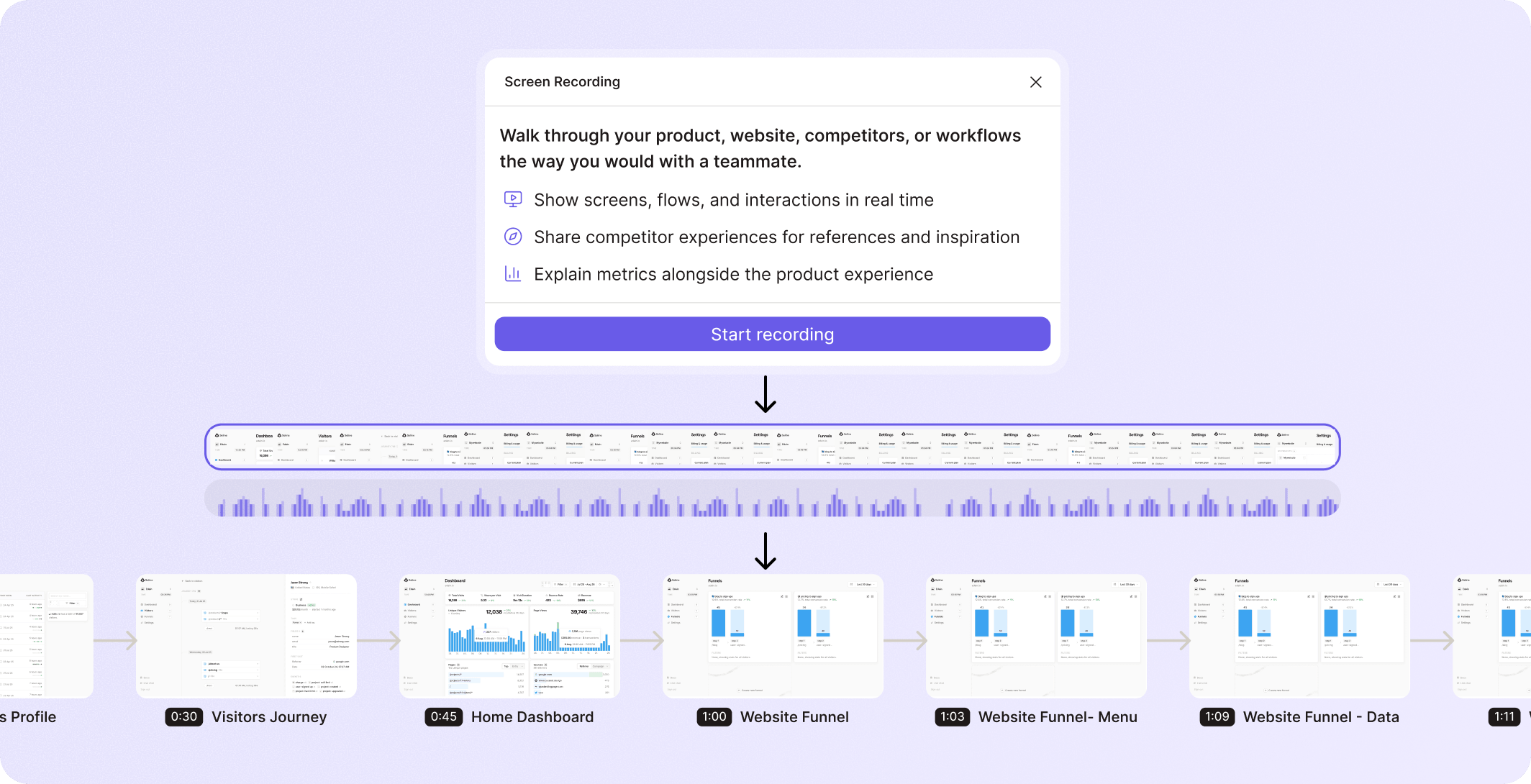













When someone records a flow, they do more than show screens.
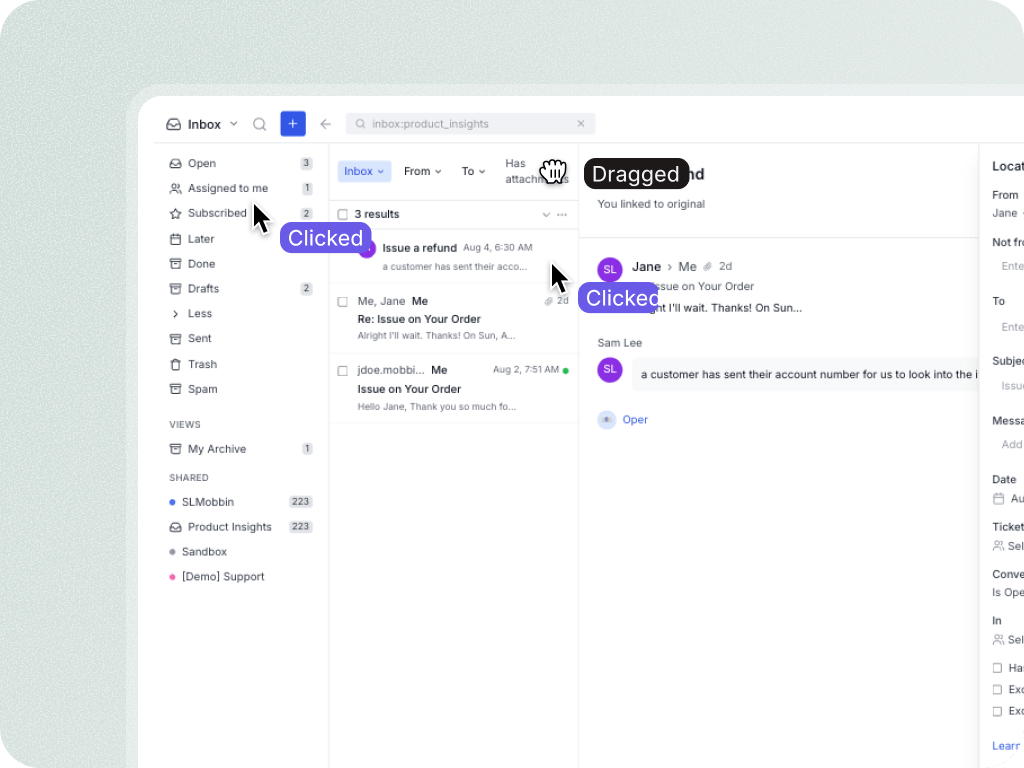
They reveal intent, hesitation, pain points, cursor paths, workarounds, and the language they use to explain the product.
That context is difficult to preserve in a static PRD.


Figr helps teams use walkthroughs as product context instead of letting them disappear after the meeting.
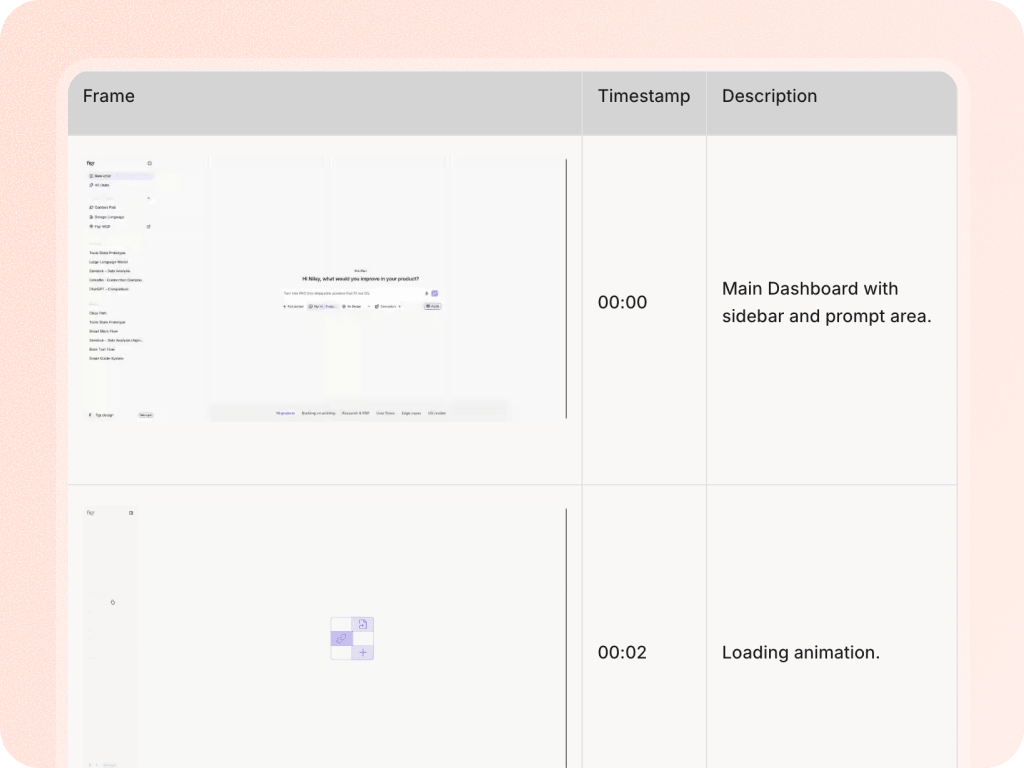
%201.svg)
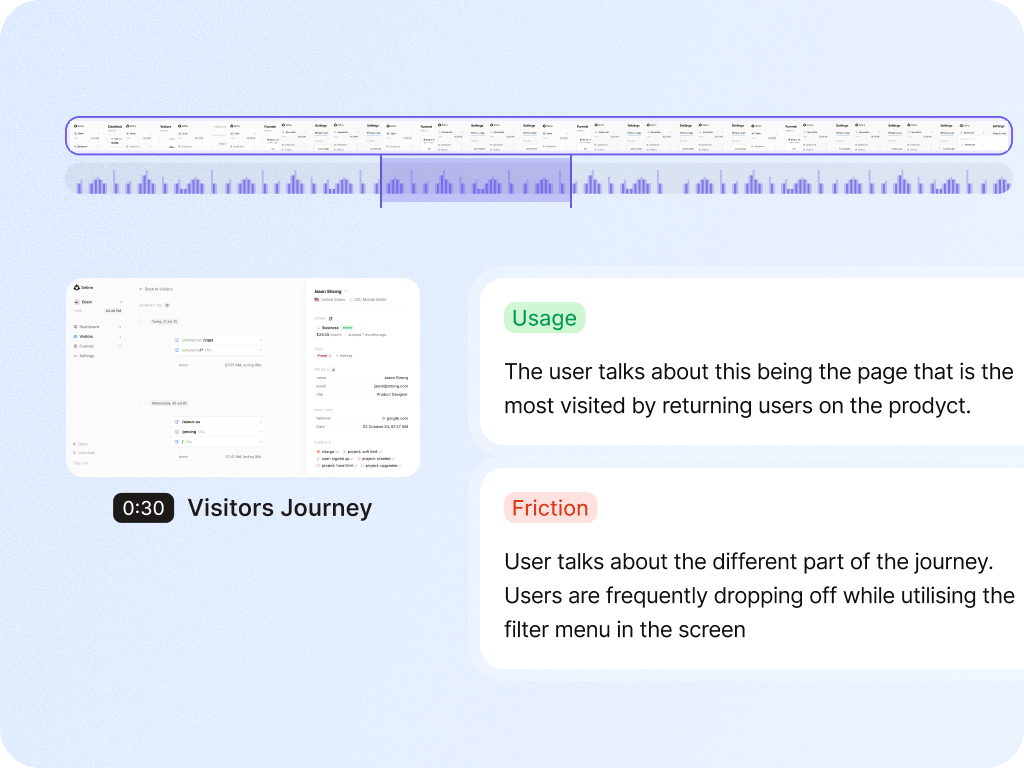
Figr can identify friction points, missing context, unclear hierarchy, or risky product decisions in the recorded workflow.

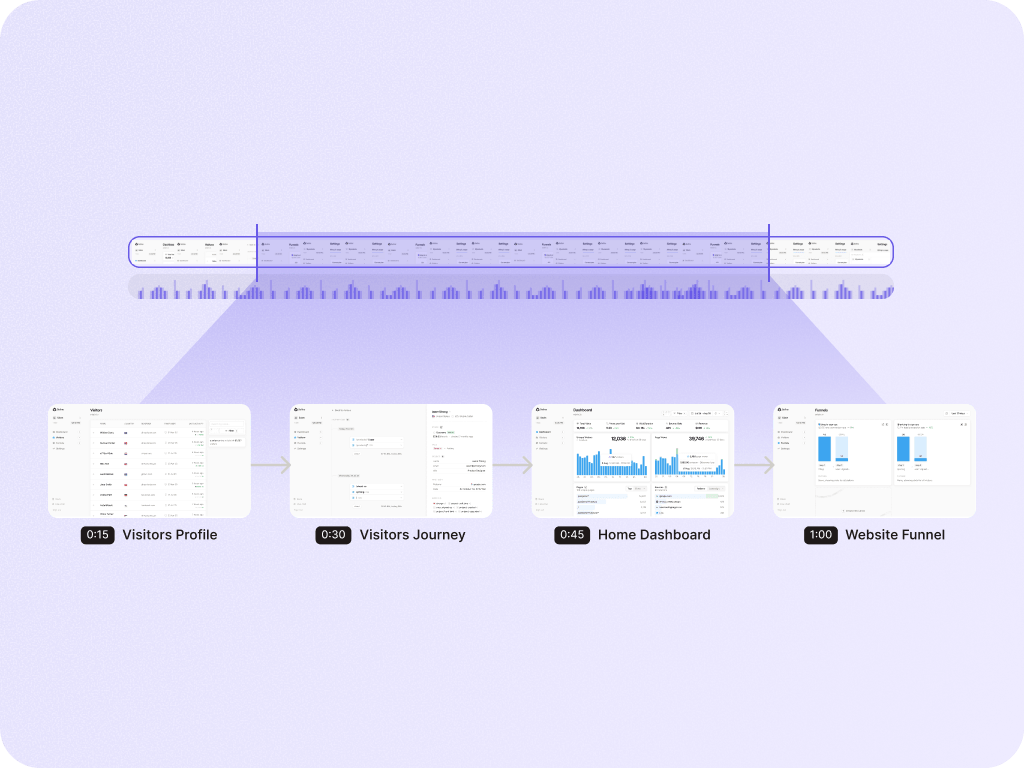
Turn a video walkthrough into a structured map of steps, decisions, branches, and states.

Find states the walkthrough implies but does not fully show: empty, loading, errors, permissions, retries, and recovery.

Document what should change, why it matters, and what behavior the team needs to design.
%201.svg)
Move from recording to redesigned flow and high-fidelity screen direction.

Record the flow once. Let Figr help turn it into UX review, user flows, edge cases, and design direction your team can use.

Use current product-supported limits. The safe claim is that Figr can use screen recordings and walkthroughs as product context.
Figr can use spoken walkthrough context. Keep exact transcript and language support aligned with product behavior.
Yes, especially when research includes walkthroughs, usability observations, or product feedback. Pair recordings with notes and docs in Context Pod for stronger context.