PRD TO UX FLOW AI

Turn PRDs into UX flows your team can actually build from

A PRD can describe what should happen. It rarely captures everything the product needs to handle. Figr reads the requirement, studies the product context around it, asks the missing UX questions, maps the flow, finds edge cases, and helps turn the PRD into screen-level decisions and Figma-ready design direction.

Trusted by 500+ teams who value user experience
THE PROBLEM

The PRD looks done until design starts

The requirement says let admins invite team members. Then the real questions arrive:

  • What happens if the invite expires?

  • Can a viewer invite someone?

  • What if the email already belongs to another workspace?

  • Does the flow change for SSO customers?

  • What does the empty state show before the first invite?

  • How does this behave on mobile?

None of these are exotic edge cases. They are the product.

Figr helps teams catch them while the work is still cheap to change.
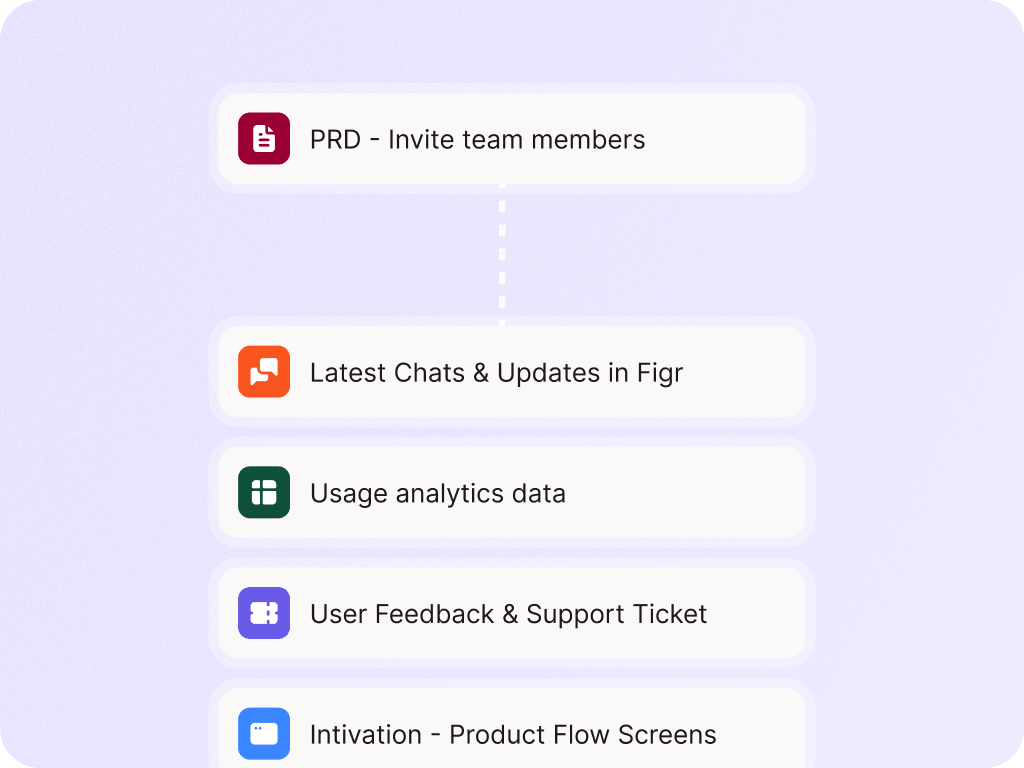
How Figr turns a PRD into UX

Read the requirement with product context

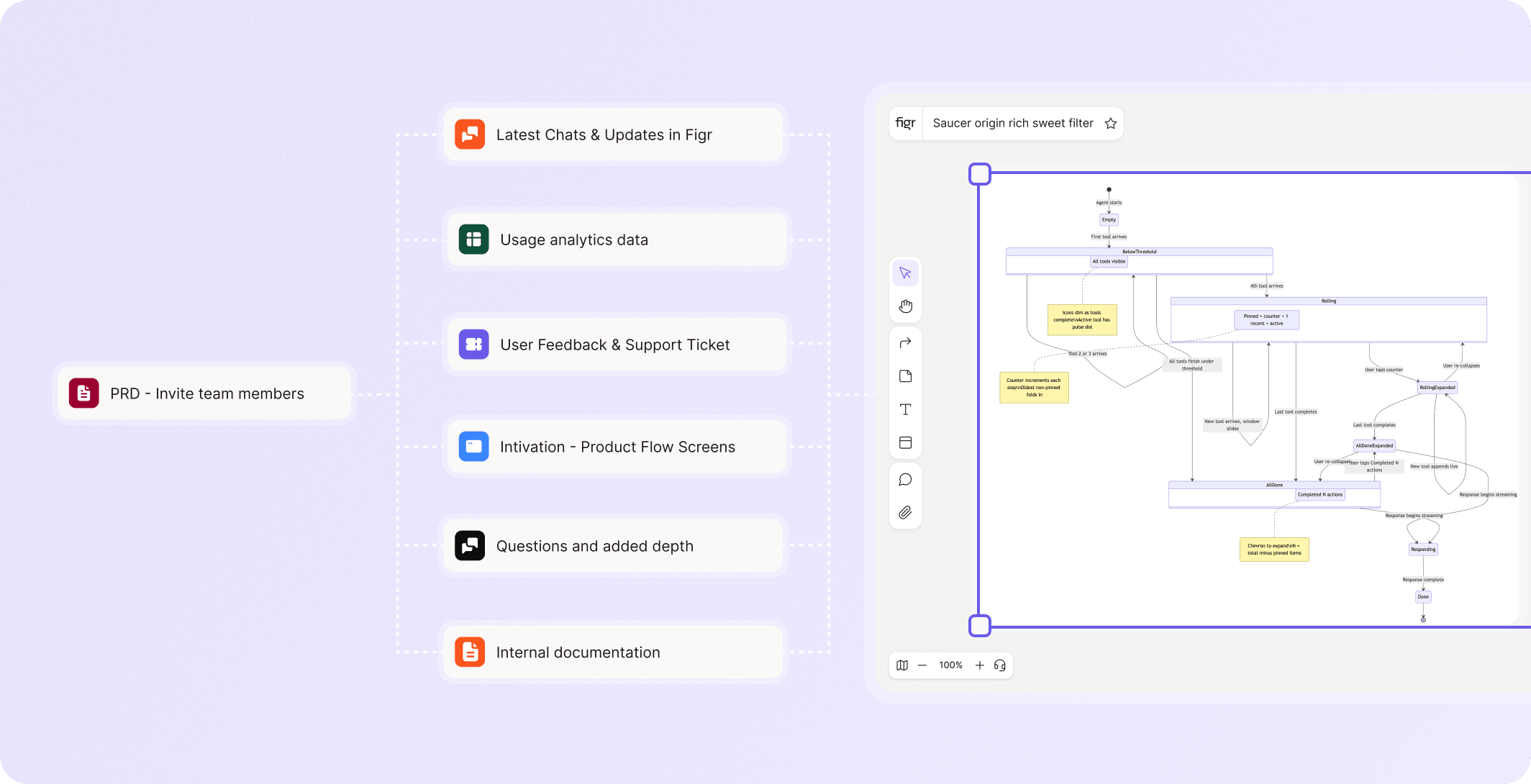
  • Figr can use the PRD alongside the existing product: screens, flows, docs, design system, analytics notes, research, and product walkthroughs
  • That combination matters because a PRD in isolation can produce generic UX.

Generate edge cases and acceptance criteria

  • A good UX flow includes the boring states too.
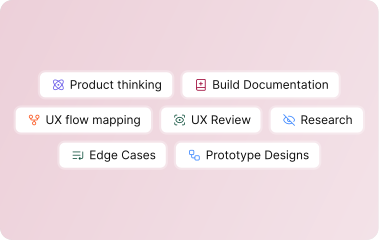
  • Figr can help list empty states, loading states, validation, error handling, permissions, plan limits, retries, notifications, and test scenarios.

Map the user flow

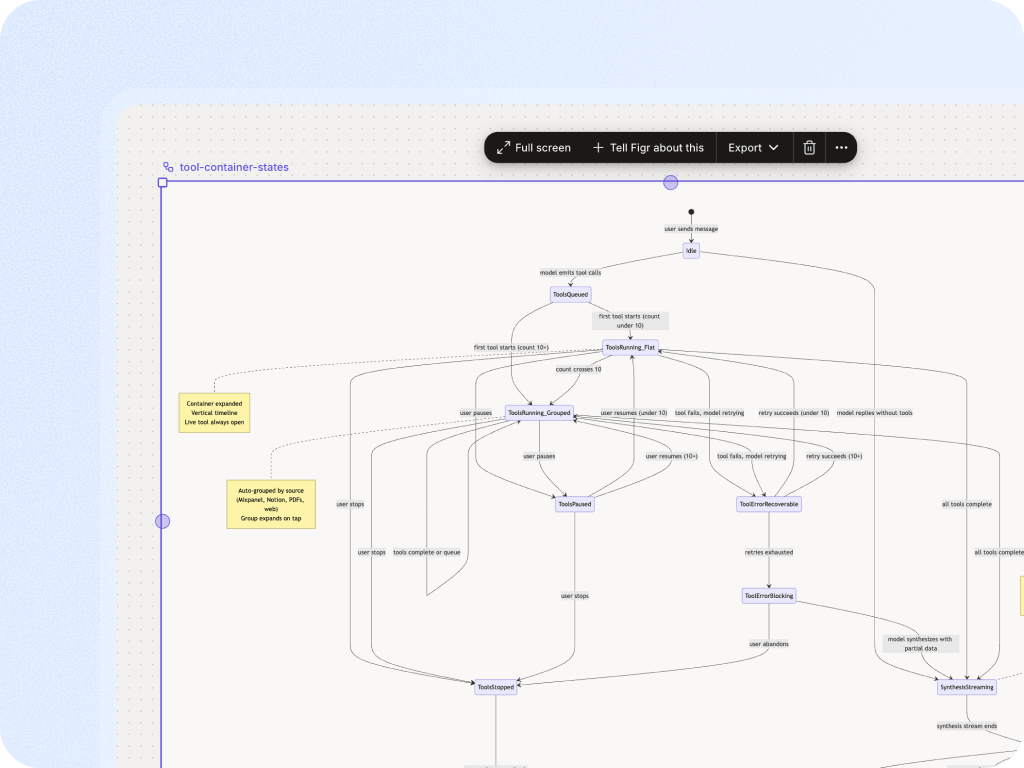
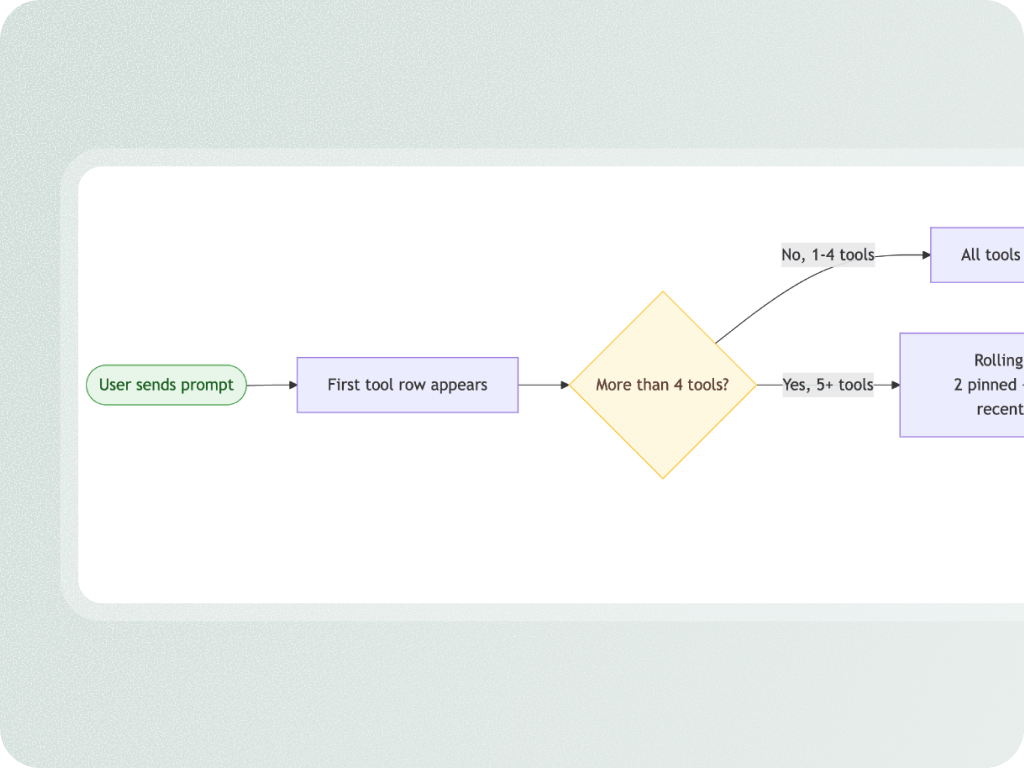
  • Figr turns the requirement into a flow the team can inspect.
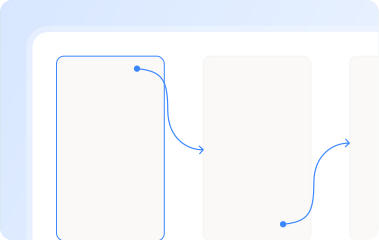
  • It shows steps, decision points, alternate paths, and state transitions so product, design, and engineering can discuss behavior before screens are polished.

Ask the questions the PRD leaves out

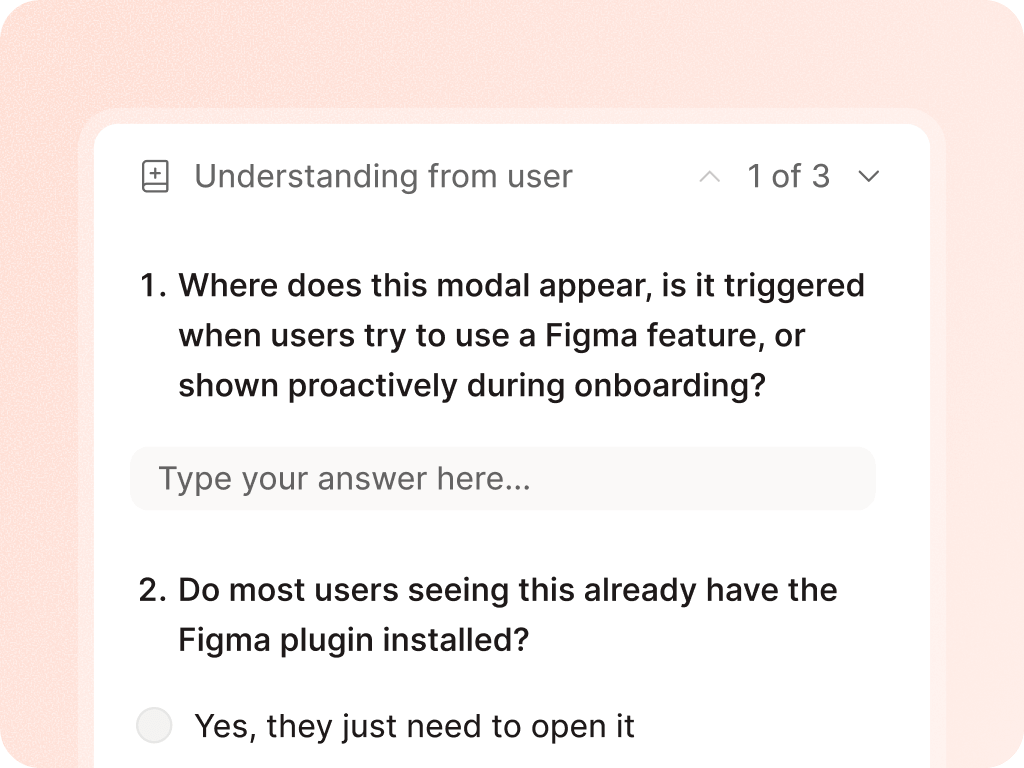
  • Figr surfaces ambiguity before the team treats the requirement as final.
  • It can ask about users, roles, constraints, permissions, business rules, data states, and what should happen when the happy path fails.

Move toward Figma-ready design

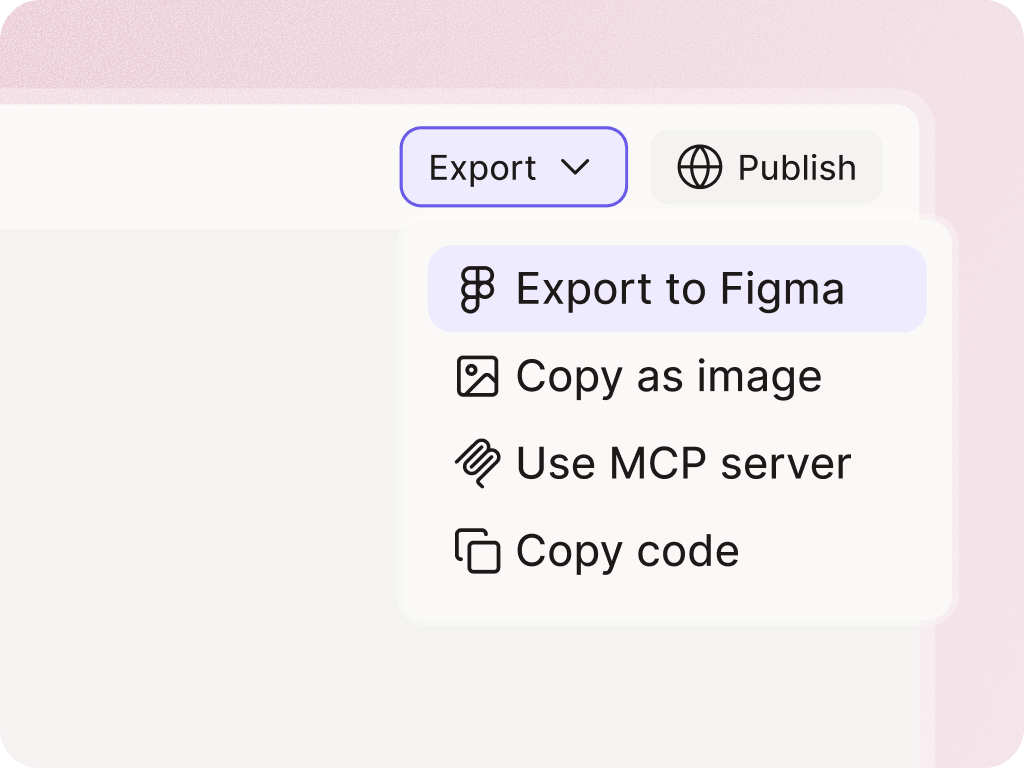
  • Once the flow and decisions are clearer, Figr can generate product-native screens using the context you provided.
  • Designers get a stronger starting point because the design direction is tied to the PRD, product flow, and edge cases.

Why this matters for PMs

Better starting points without designer cleanup debt

PMs often want to move faster, but not by throwing vague wireframes over the wall. Figr helps PMs bring designers clearer product thinking:
  • What users are trying to do
  • What states the flow needs
  • What questions are unresolved
  • What constraints matter
  • What screens likely need to exist
  • What edge cases should be designed before handoff
The output should help designers move faster because the thinking is clearer, not because design judgment was skipped.

Some features making this possible

Turn your next PRD into a UX flow before sprint planning

Give Figr the requirements and the product context around them. Get flows, questions, edge cases, and design direction before the work gets locked into tickets.

Frequently asked questions

Can Figr work from a rough PRD?
Chevron Down
Does Figr create user flows or just screens?
Chevron Down
Who should use this workflow?
Chevron Down