
Most AI tools treat product work like text. Real product work lives in screens, flows, components, docs, analytics, code constraints, permissions, and decisions people made months ago. Figr's Visual Context Graph connects those signals into a living understanding of your product, so the AI can reason through UX and create design output that fits what already exists.
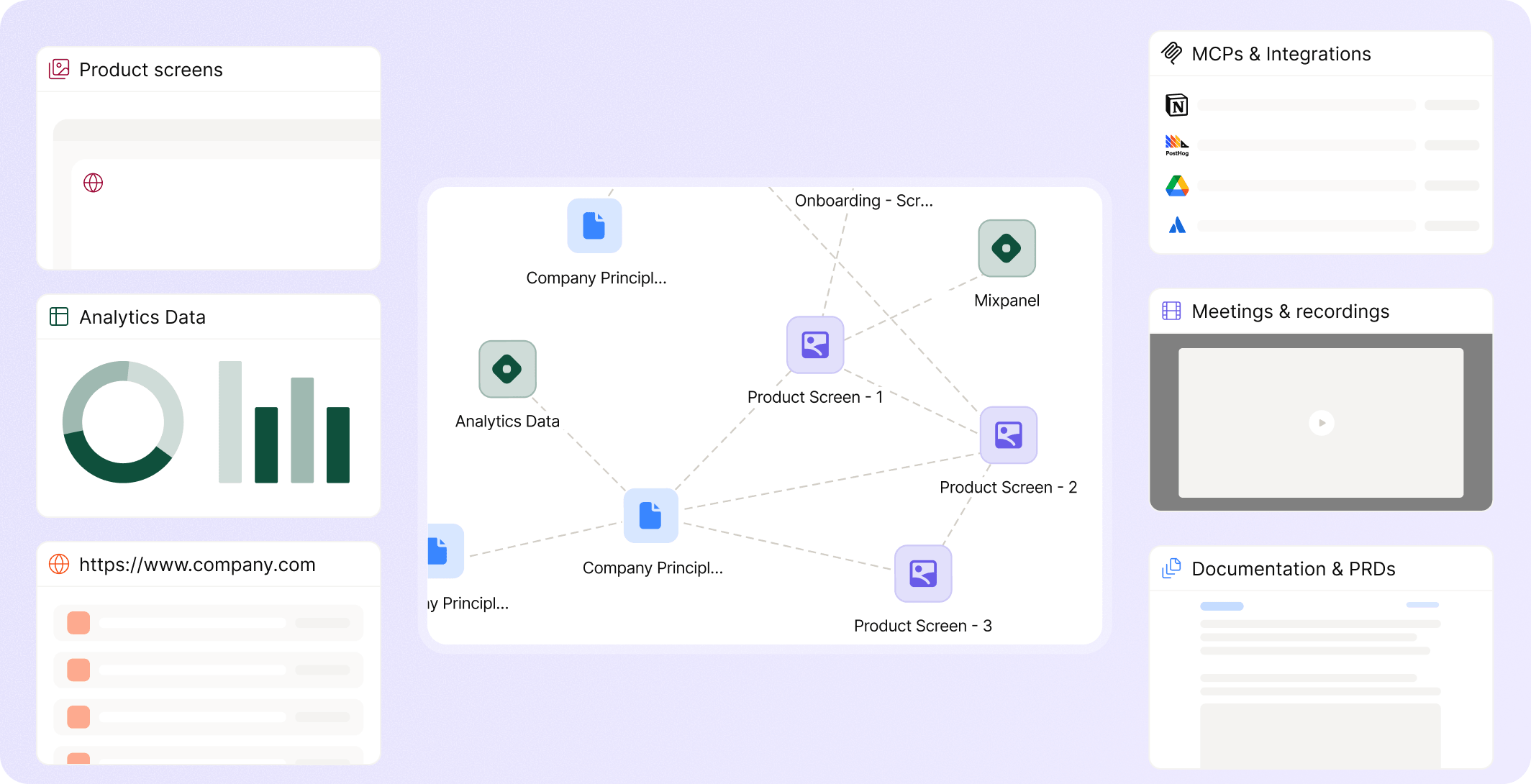


















A product team may have the answer somewhere.
It is in a Figma frame, a support ticket, a PRD comment, a dashboard, a Storybook component, a Slack thread, a product walkthrough, or the memory of a designer who has worked on the product for three years.
When that context does not travel into the next UX decision, teams get generic output.


The Visual Context Graph exists because product design is not just a writing task. It is visual, behavioral, historical, and system-dependent.

Figr can learn from current screens, product journeys, Figma frames, and live product capture so it understands how users move through the product.
%201.svg)
Tokens, components, variants, states, and usage rules help Figr understand the product's visual language.

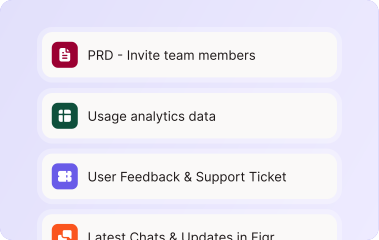
PRDs, research notes, workshop docs, specs, change guidelines, and past decisions help explain why the product behaves the way it does.

Analytics files and behavioral notes can give Figr useful clues about where users drop off, what paths matter, and what flows deserve review.
%201.svg)
Storybook, CSS, code context, and component constraints can help mature teams keep product design closer to what the system can support.
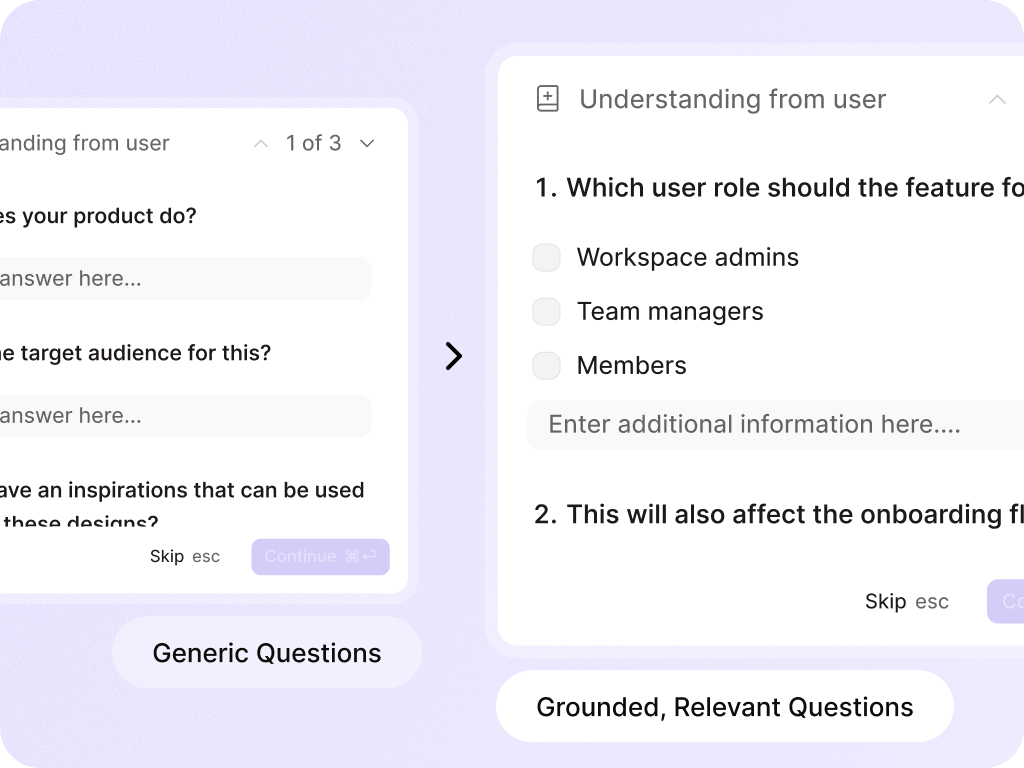
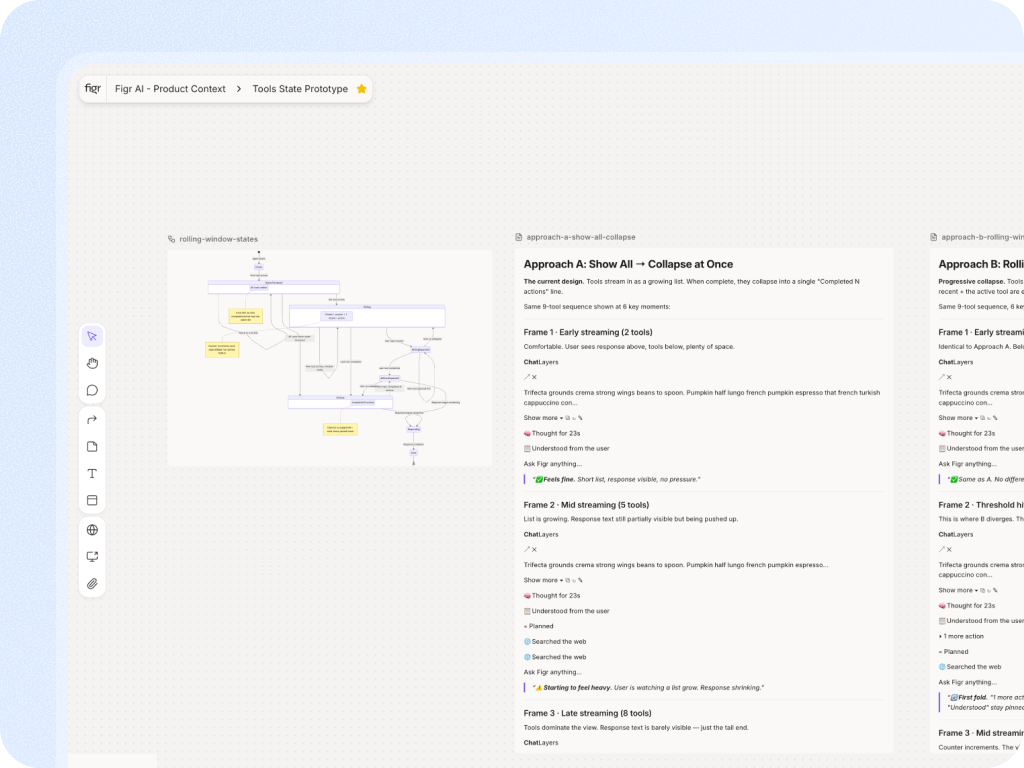
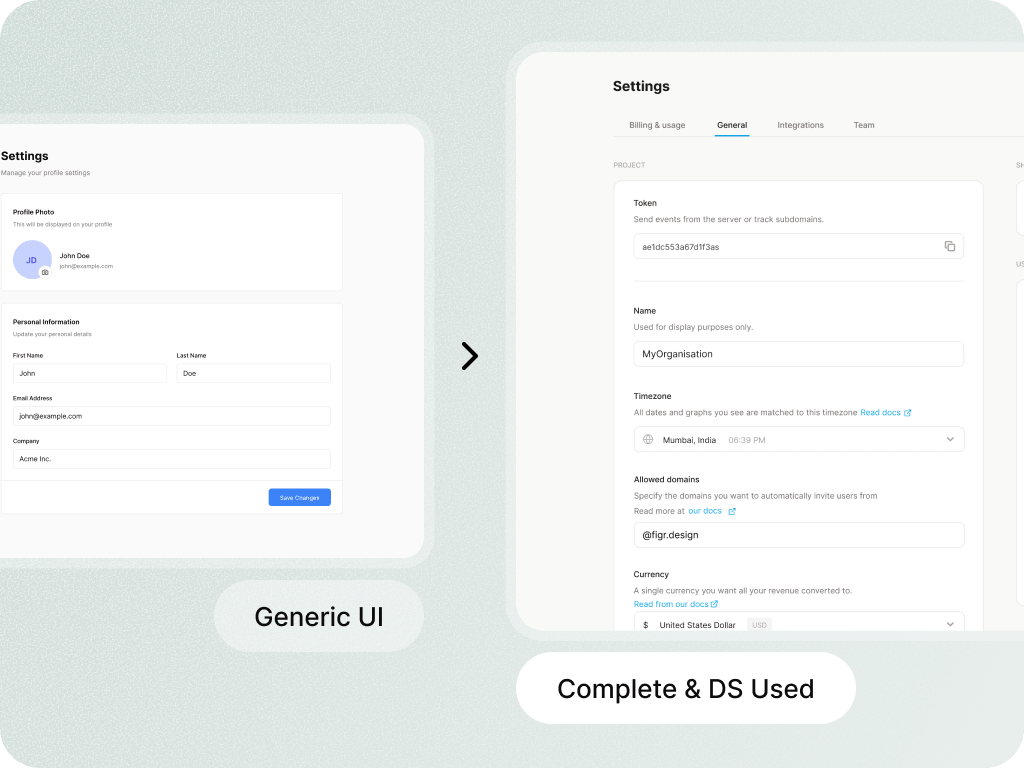



It is Figr's way of connecting product context across screens, flows, docs, design systems, recordings, analytics, and decisions so the AI can reason with more than a prompt.
No. A knowledge base stores information. The Visual Context Graph should be framed as usable product understanding that helps Figr act on the context during UX work.
Use careful language here. Figr can build and reuse product context from the sources teams add. Any stronger claim about automatic updates should match current product behavior.