PRODUCT OVERVIEW

The AI product designer that understands your product

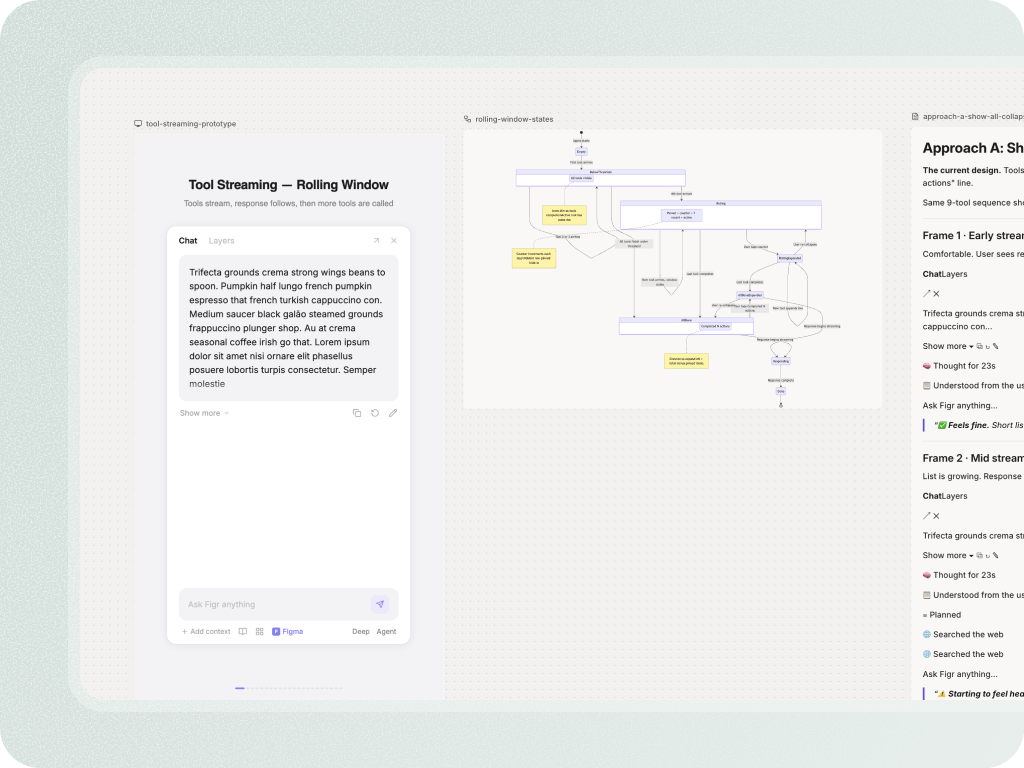
Most AI design tools are confident before they know enough. Figr works the other way. It learns from your screens, flows, docs, design system, recordings, analytics, and product decisions first. Then it helps your team reason through UX, map edge cases, create product artifacts, and generate Figma-ready designs that feel closer to your actual product.

Trusted by 500+ teams who value user experience
THE PROBLEM

Real product work breaks when context disappears

  • A PM writes a PRD

  • A designer asks for missing states

  • Engineering asks what should happen when permissions fail

  • Someone links an old Figma file

  • Someone else remembers why the old flow worked that way

By the time the feature reaches design or development, half the product context has been compressed into a few bullets. That is where rework starts.

Figr is built for the messy middle of product work: the place between an idea and a screen, where teams need to understand the current product, make UX decisions, catch edge cases, and create a design direction that fits what already exists.

Show Figr the product. Do not just describe it.

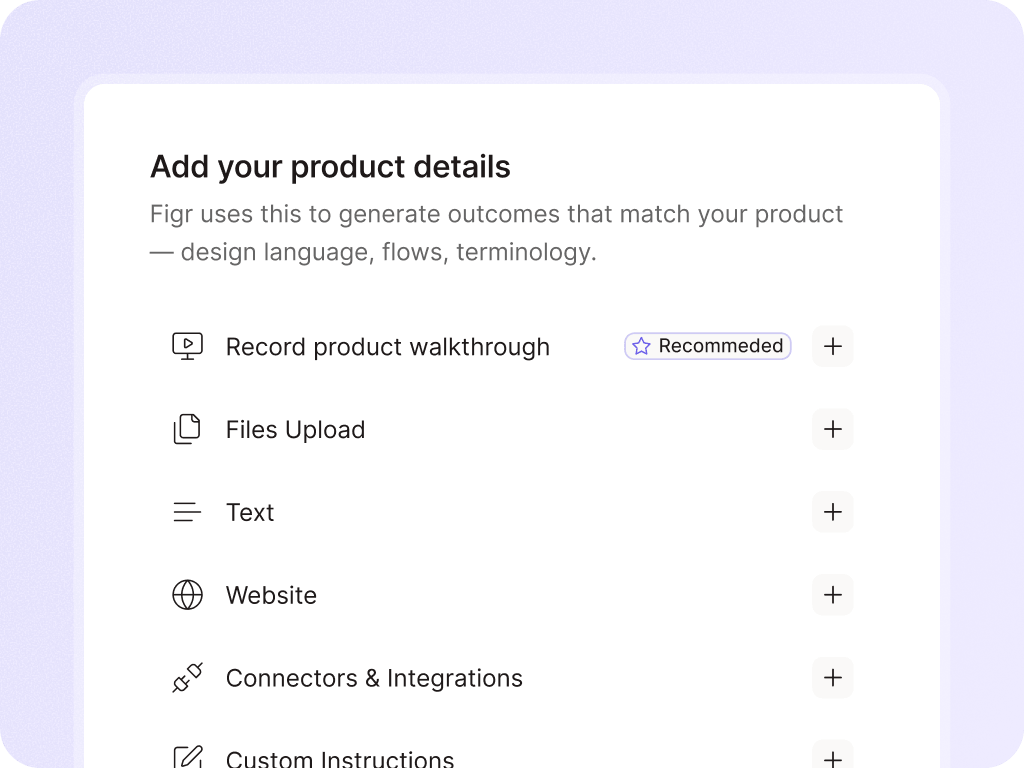
A prompt is rarely enough for real product design. Your product already has a language: screens, flows, components, empty states, permissions, docs, analytics, code constraints, and decisions people made months ago.

Live product capture

Screen recordings and walkthroughs

Figma files and design systems

Product docs, PRDs, research, and specs

Storybook, code, CSS, and component context

Analytics files and behavioral notes

Screenshots and existing flows
The Figr workflow

Capture product context

  • Figr builds a living understanding of how your product works.
  • It connects screens, flows, components, docs, design rules, product behavior, and prior decisions into a product context layer your team can reuse.

Reason through the UX

  • Figr does not jump straight from prompt to mockup.
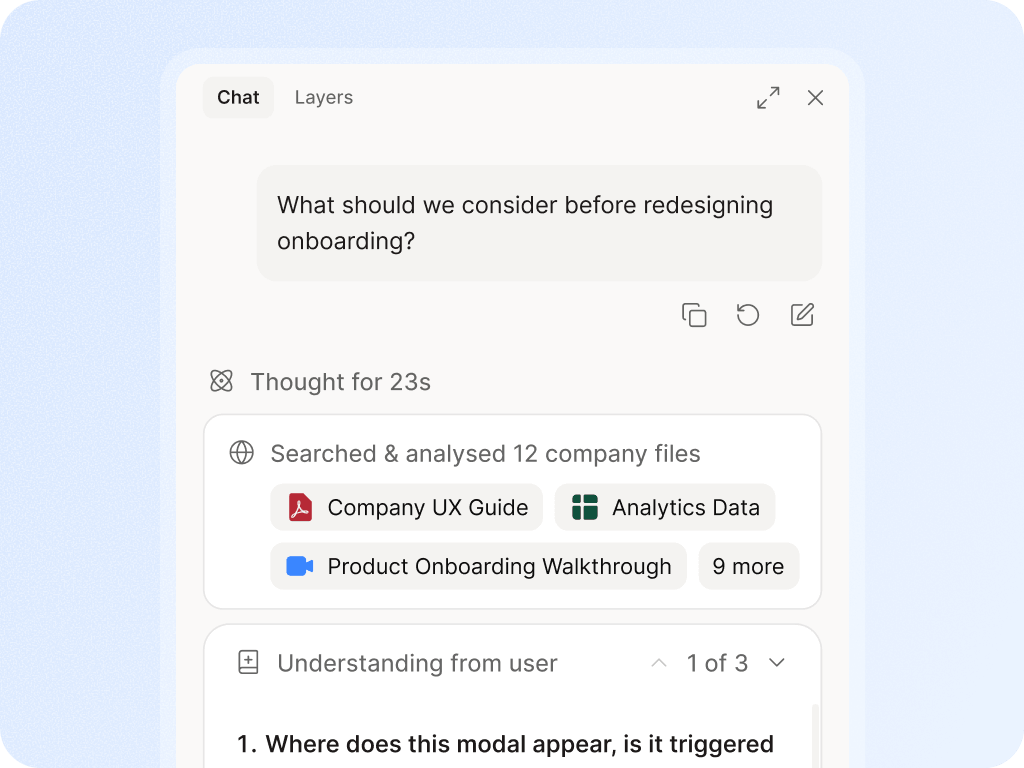
  • It asks questions, finds missing states, maps flows, challenges assumptions, explains decisions, and makes the UX thinking visible.

Create useful product artifacts

  • Use Figr to produce the artifacts that normally get scattered across Slack, docs, tickets, and Figma comments:
  • User flows, edge case maps, UX reviews, PRDs and change guidelines, test scenarios, acceptance criteria, information architecture and high-fidelity prototypes.

Designs that fit your product, in Figma

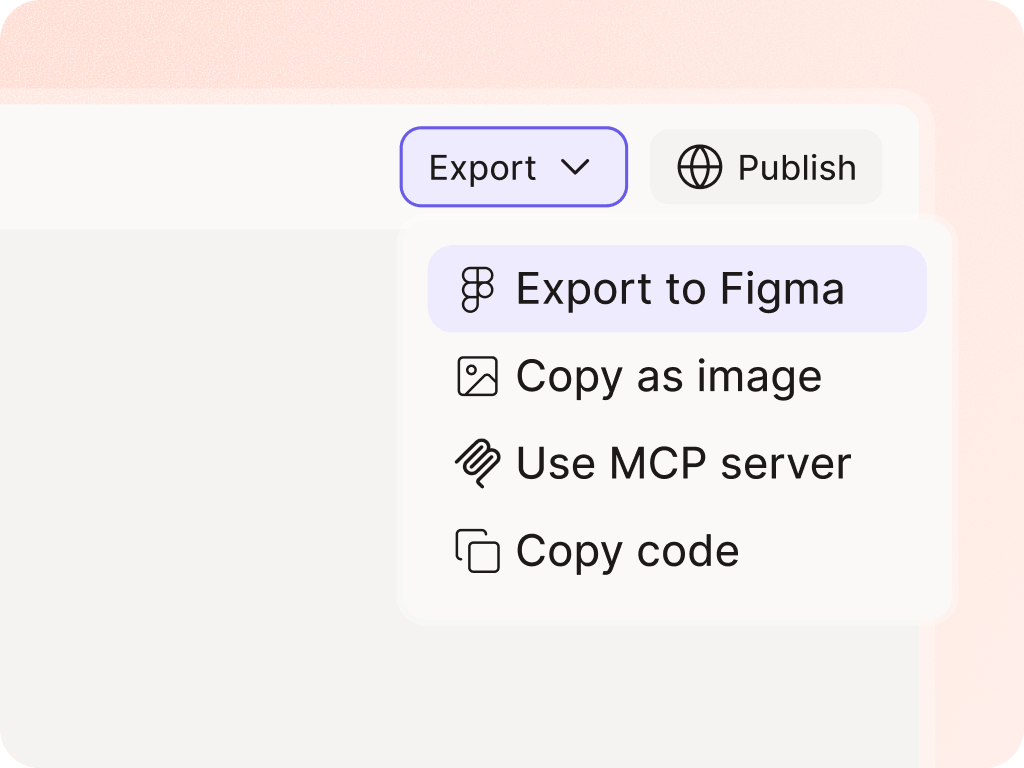
  • When the UX direction is clearer, Figr helps create product-native screens that respect the design system, visual patterns, and constraints you provide.
  • The goal is not a pretty AI mockup. The goal is a design starting point your team can actually use.

Why Figr is different

Generic AI starts from the prompt. Figr starts from the product.

Prompt-to-screen tools are useful when you are starting from a blank page. Figr is strongest when you already have a product and need to improve it without breaking the logic, design system, or user workflow around it. What matters for product teams:
  • Complex SaaS workflows
  • Admin panels and dashboards
  • Role-based permissions
  • Mature design systems
  • Multi-step onboarding or setup flows
  • Research-heavy product decisions
  • Existing screens that cannot be redesigned in isolation
A product-aware AI design tool should not just generate UI. It should understand why the UI needs to work a certain way.

What teams use Figr for

Turn your next PRD into a UX flow before sprint planning

Give Figr the requirements and the product context around them. Get flows, questions, edge cases, and design direction before the work gets locked into tickets.

Frequently asked questions

Is Figr an AI UI generator?
Chevron Down
Is Figr for product managers or designers?
Chevron Down
Does Figr replace Figma?
Chevron Down
What makes Figr different from prototyping tools?
Chevron Down