
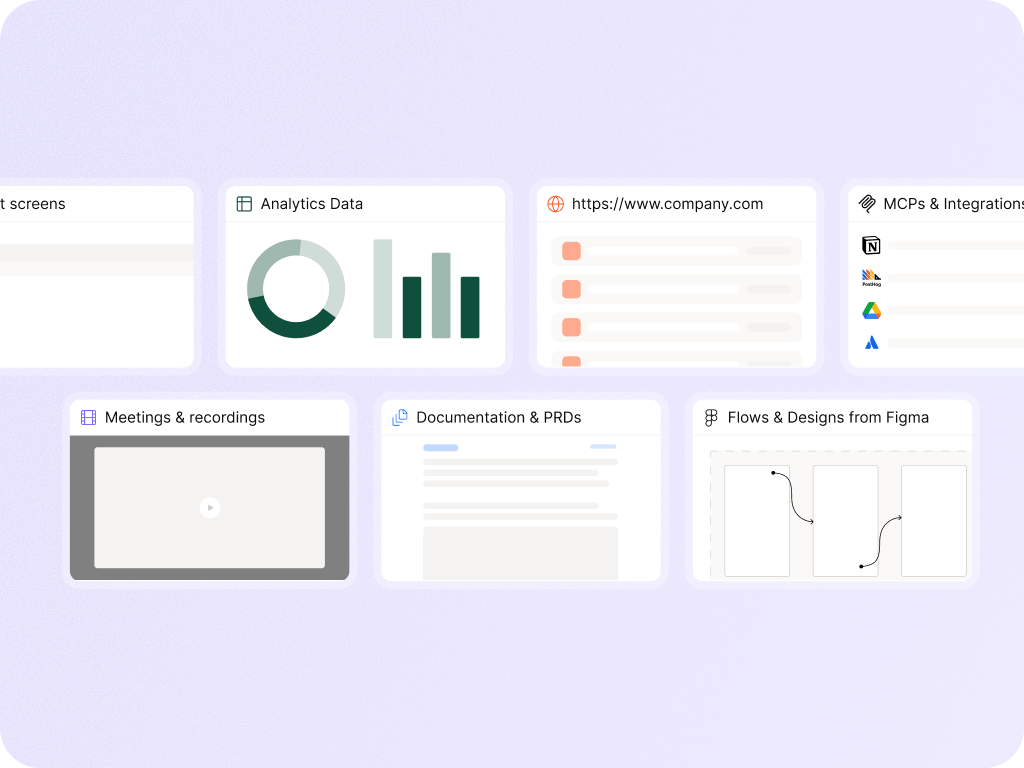
A prototype is only useful if the team trusts the product thinking behind it. Figr helps generate high-fidelity product prototypes from real context: current screens, product flows, design systems, PRDs, research, recordings, and UX decisions. The result is a stronger starting point for review, iteration, and Figma-ready design work.
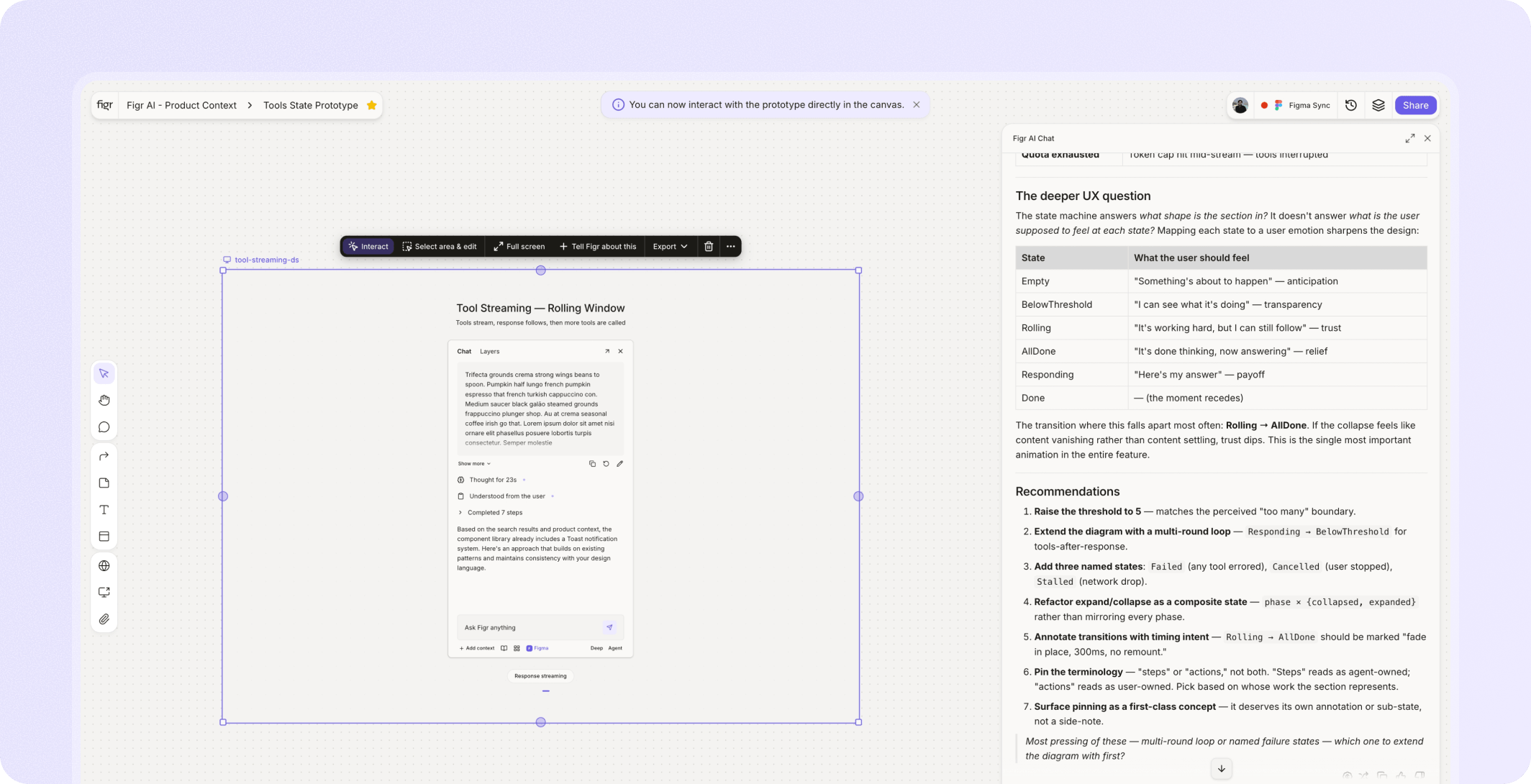


















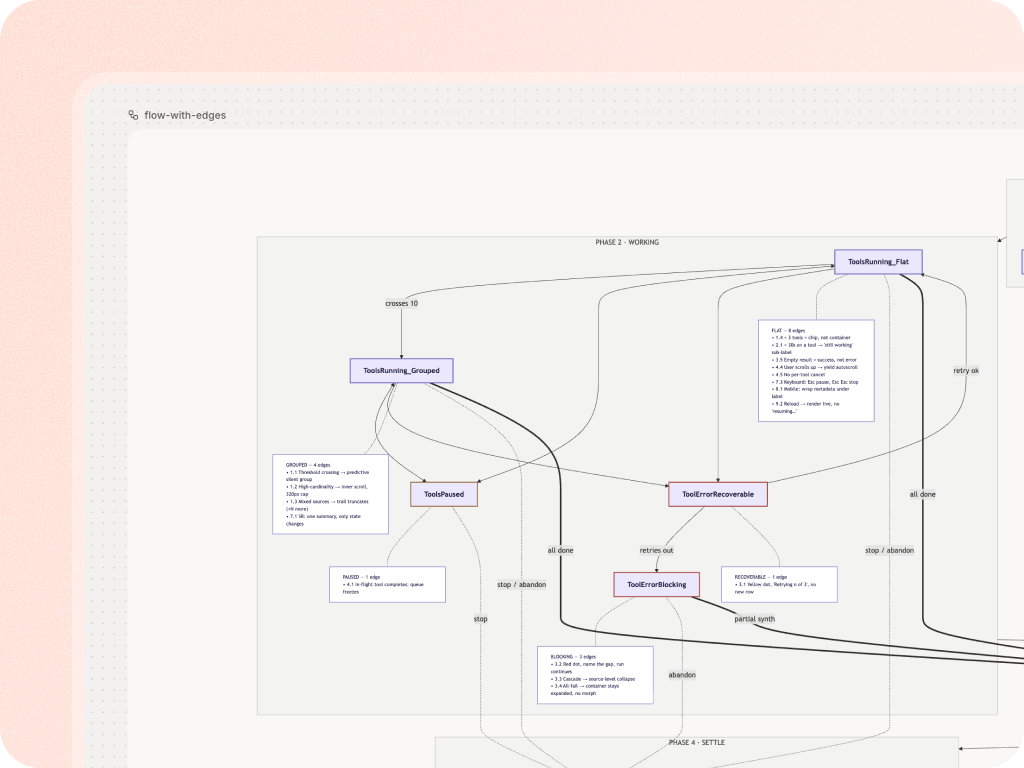
AI can make a screen look polished. That does not mean the workflow works. A high-fidelity prototype needs to answer product questions:
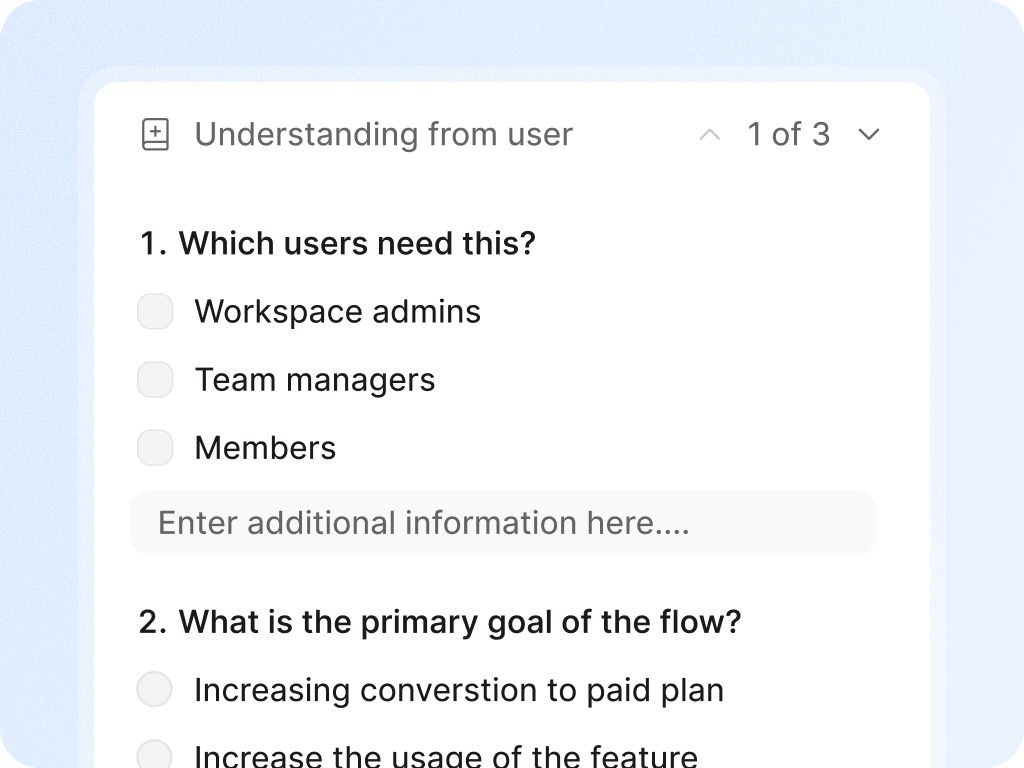
Who is the user?
What flow led here?
What happens next?
What states are missing?
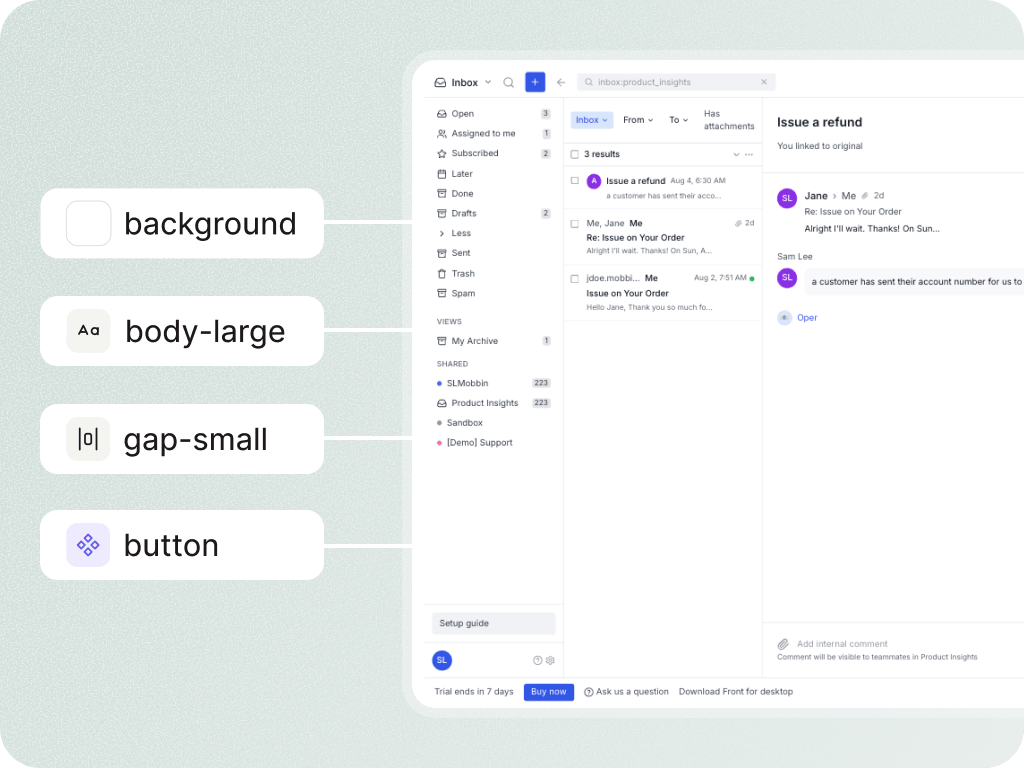
What component patterns should this reuse?
What edge cases does engineering need to know?


Figr positions prototypes as an output of product reasoning, not the whole category.
Prototype before developer handoff
Stakeholder review
New feature exploration
Existing product redesign
Design-system-safe variants
UX review and redesign
PM to designer handoff

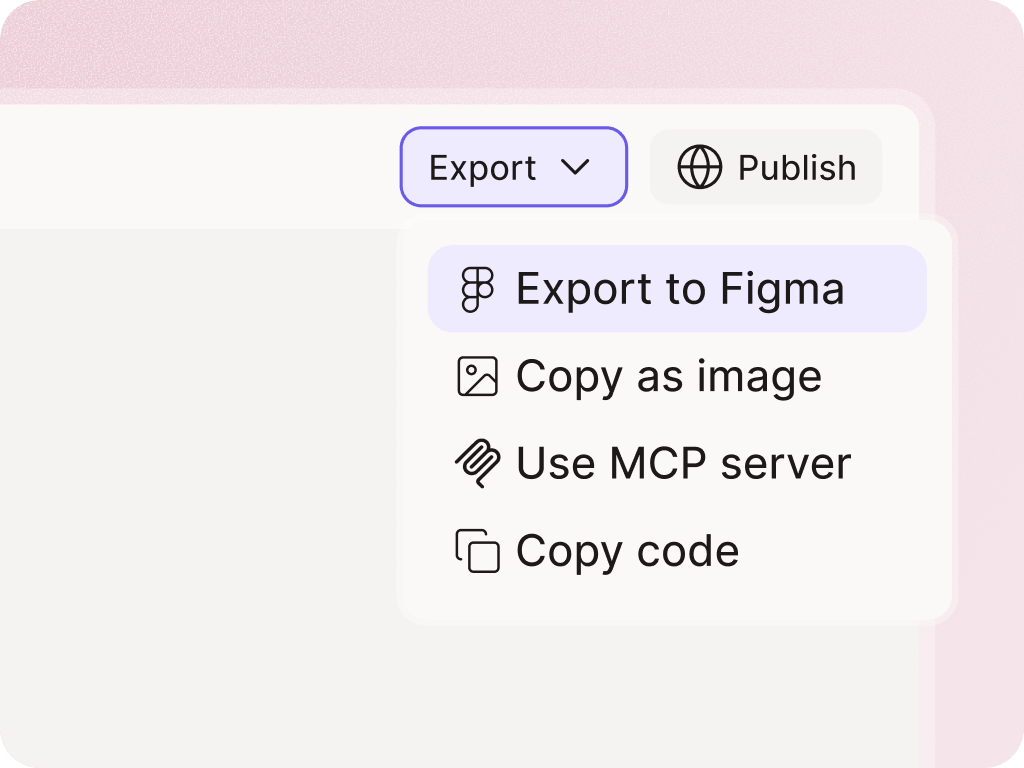
Use Figr to generate high-fidelity prototypes grounded in product context, UX reasoning, and design-system intelligence.


Figr can generate prototypes, but it should be positioned as product-aware AI for UX and design execution. Prototypes are one output of the workflow.
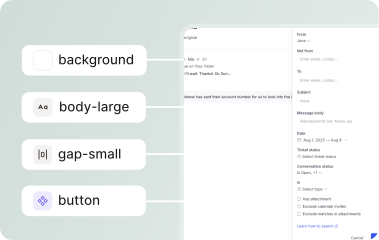
Figr can use design-system context such as Figma files, components, tokens, and usage examples. Final design-system compliance should still be reviewed by designers.
Yes, Figr can help reason through and generate multiple states such as empty, loading, error, validation, permission, and success states.