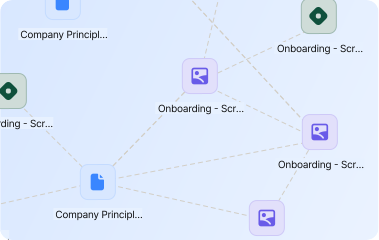
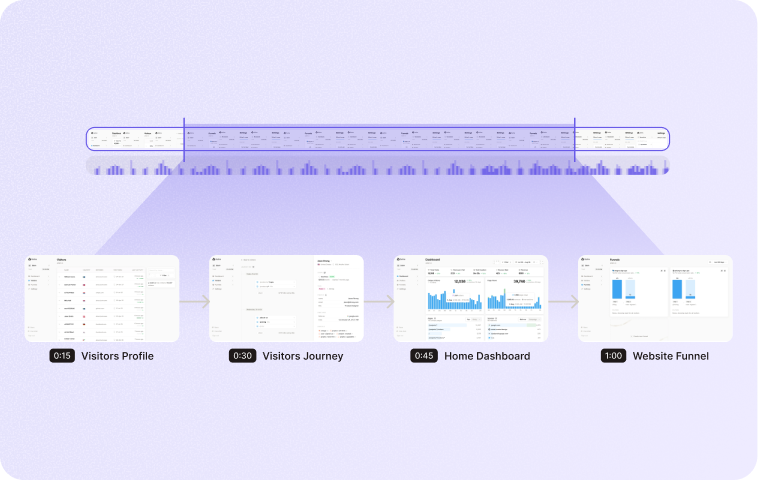
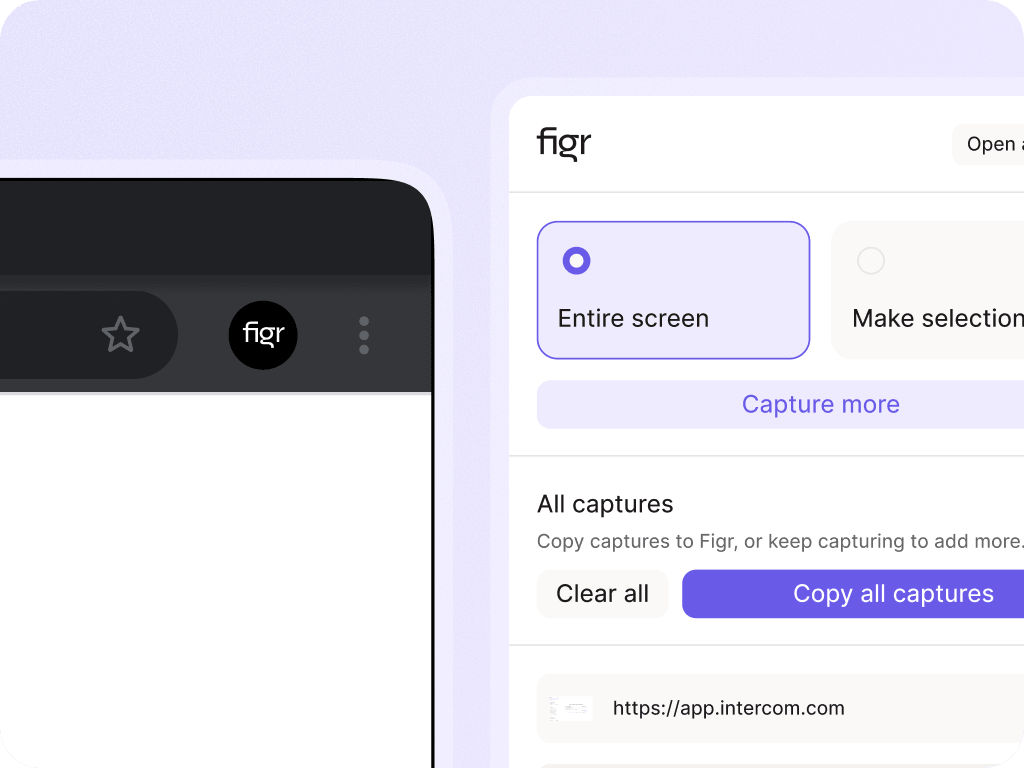
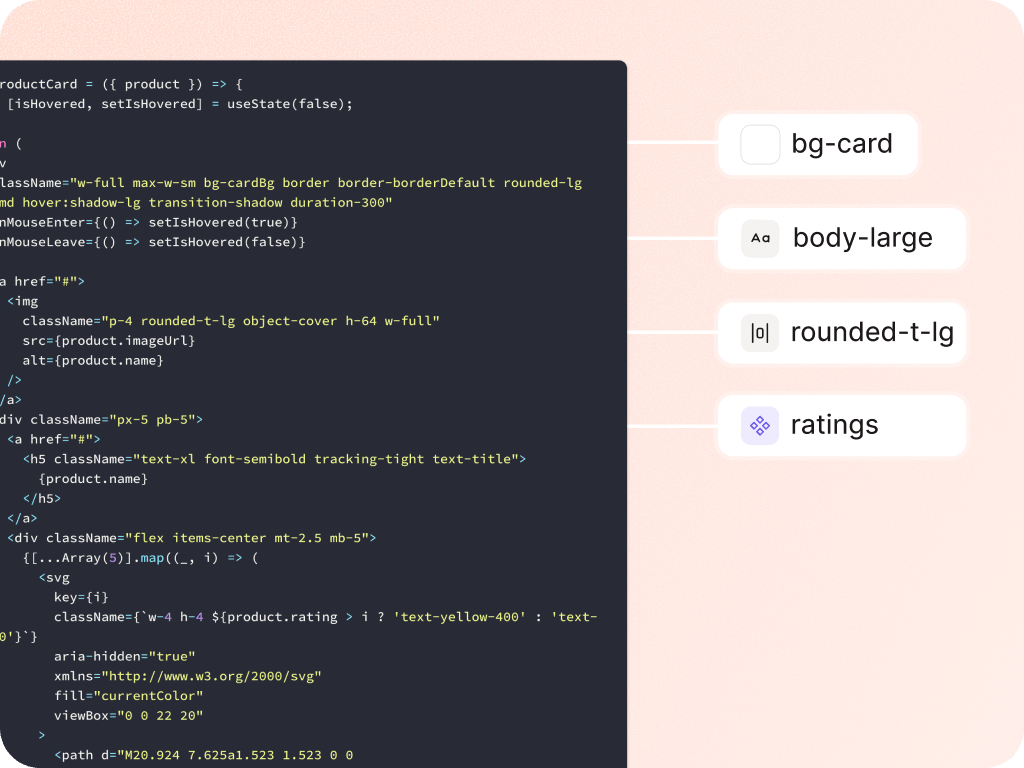
Static prompts miss the product. Screenshots help, but real products have structure, flow, hierarchy, states, and behavior. With live product capture, Figr can learn from the app as it exists today, then use that context to review UX, map flows, find edge cases, and create design directions that fit the product.
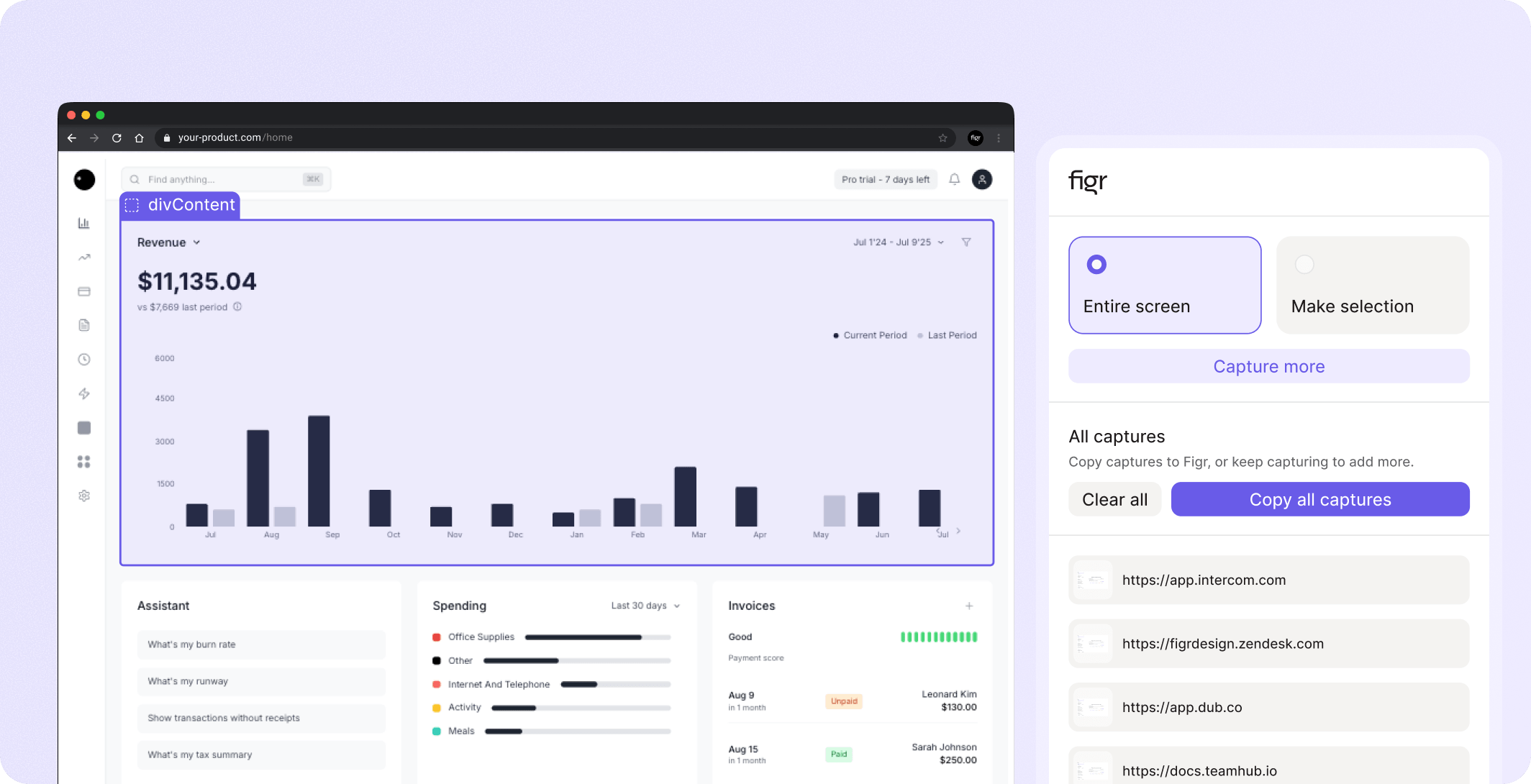


















A product manager can explain the feature. A designer can share a Figma link. An engineer can point to the implementation. But the product itself carries context none of those sources fully capture:
How screens are structured
What users see first
Which actions appear together
What hierarchy the product uses
How states and empty areas behave
Which patterns repeat across the app


Live product capture exists because real product context is easier to show than describe.
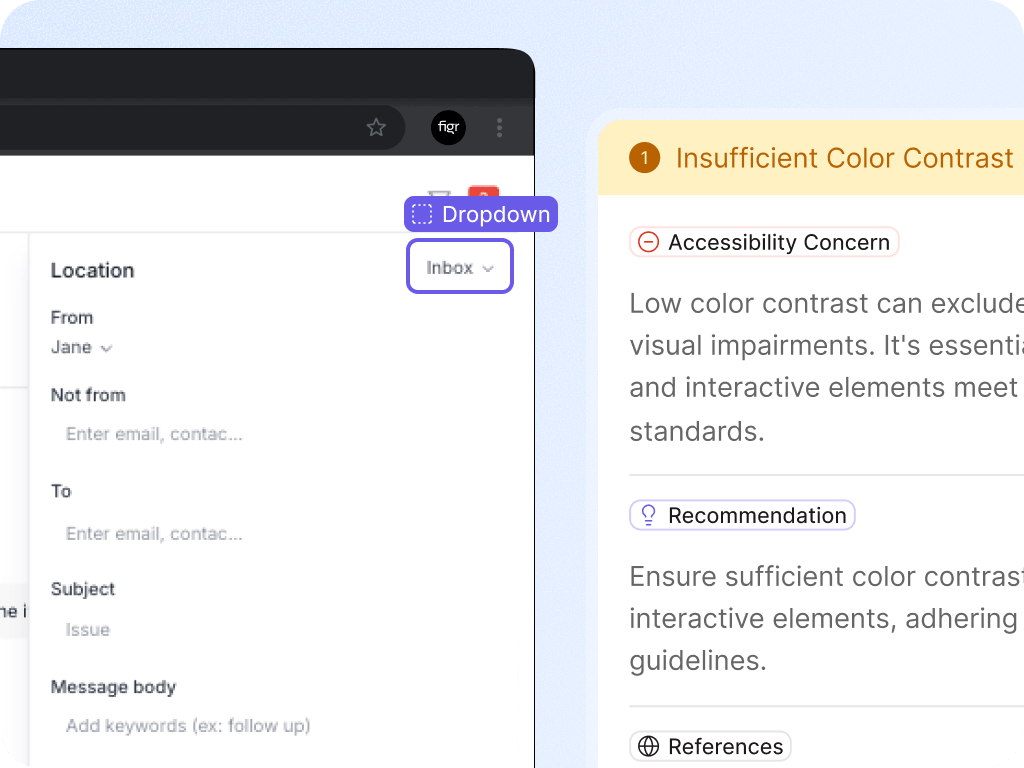
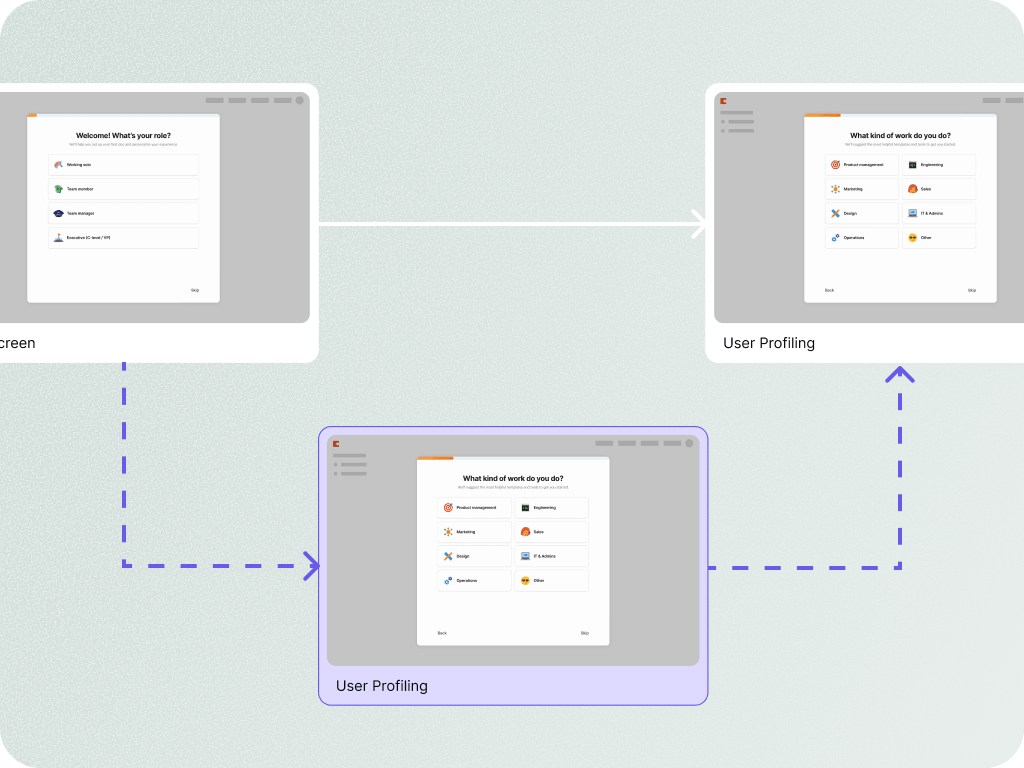
Review existing UX
Update an existing screen
Design a new feature inside a current product
Capture competitor flows for research
Turn product walkthroughs into product artifacts
Ground Figma-ready designs in the live app

Show Figr the live product context. Then use it to reason through UX, map states, and create design directions that belong in the app.


Yes. Screenshots are useful, but live capture can provide richer context about the app surface and structure. Use current product docs for exact technical capture details.
Use current product-supported language here. If supported through an extension or authenticated browser workflow, explain it carefully with security notes.
Teams can ask Figr to review UX, map flows, find edge cases, create specs, generate prototypes, or design changes grounded in the captured product.