The hardest UX problems are often already visible in the product. They are just hard to see from a static screenshot. Figr can review product flows from screenshots, live capture, Figma files, and screen recordings, then identify friction, missing states, unclear decisions, and opportunities to improve the experience.
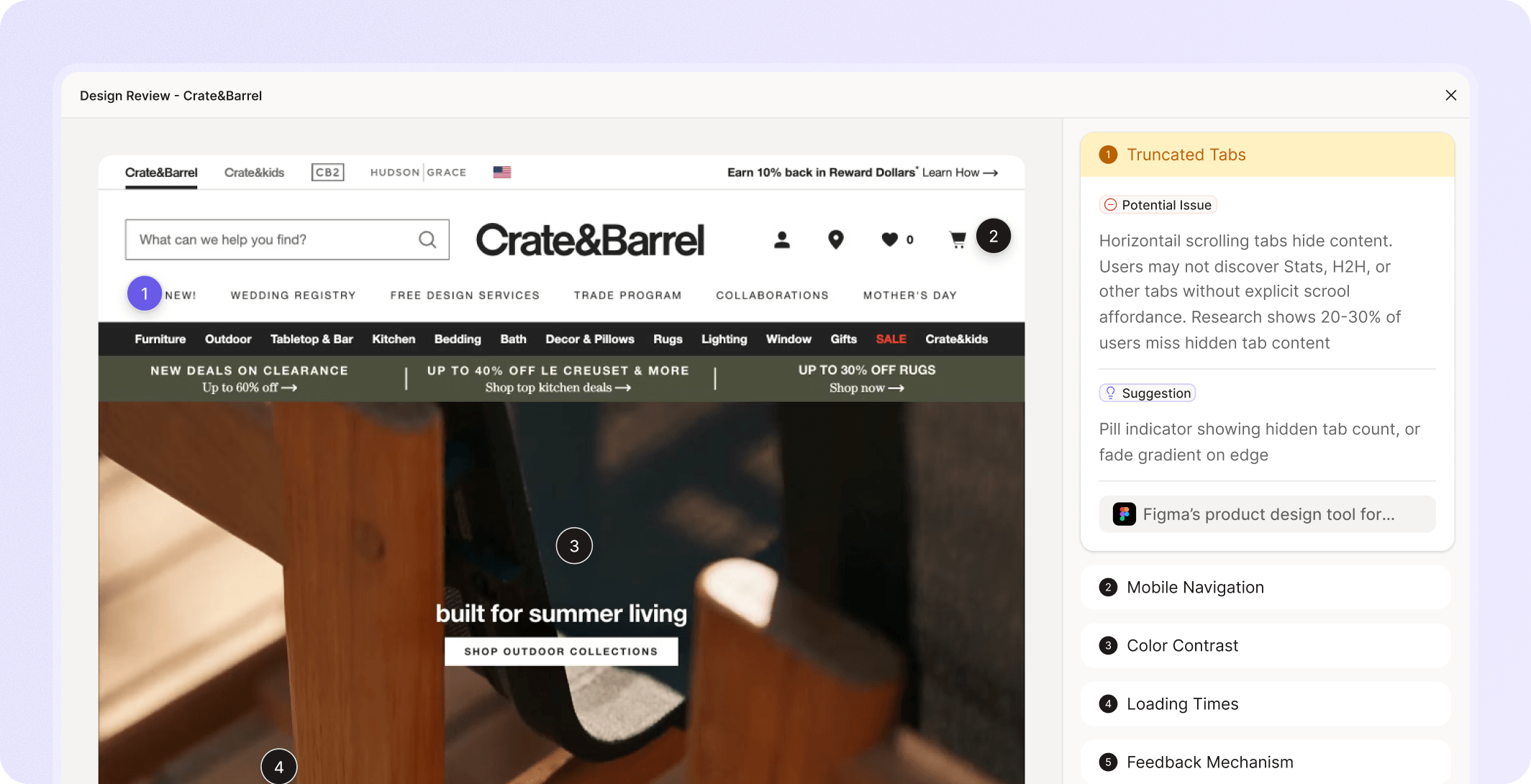


















A feature gets designed. A prototype gets shared. A lead designer or product leader finally reviews the flow and asks the painful questions:
Why is this step here?
What happens if there is no data?
How does this work for admins?
Is this action recoverable?
What should the user understand before clicking?
Why does this pattern differ from the rest of the product?
That feedback is useful, but late.


Figr helps teams run that review earlier, using the product context they already have.
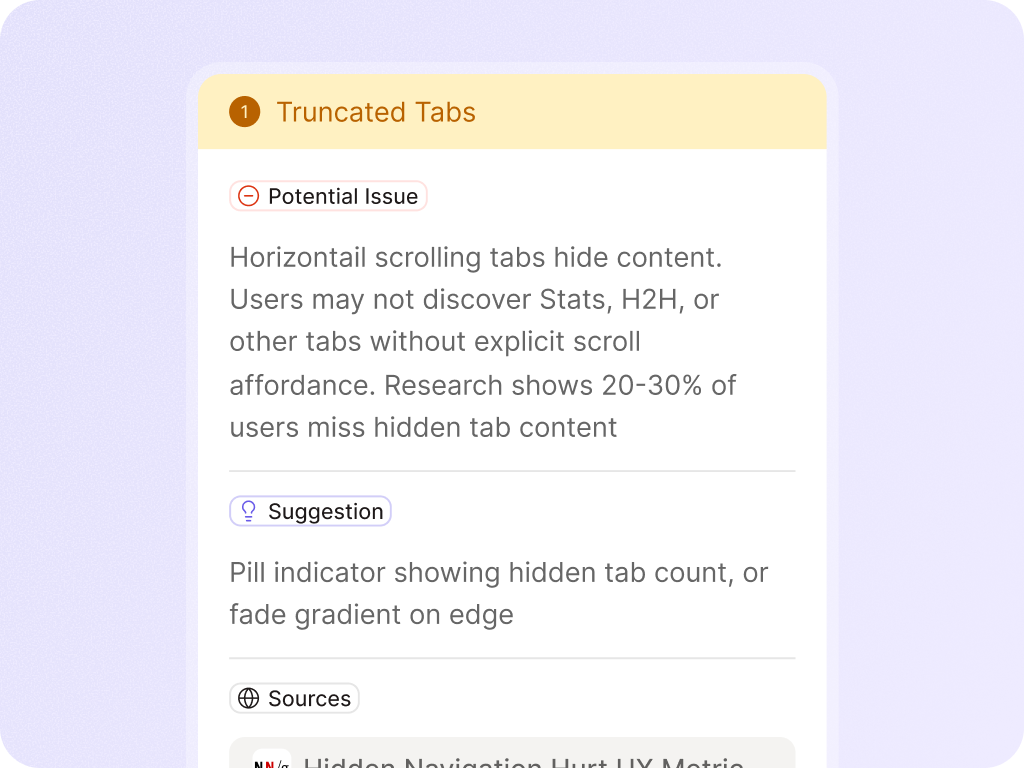
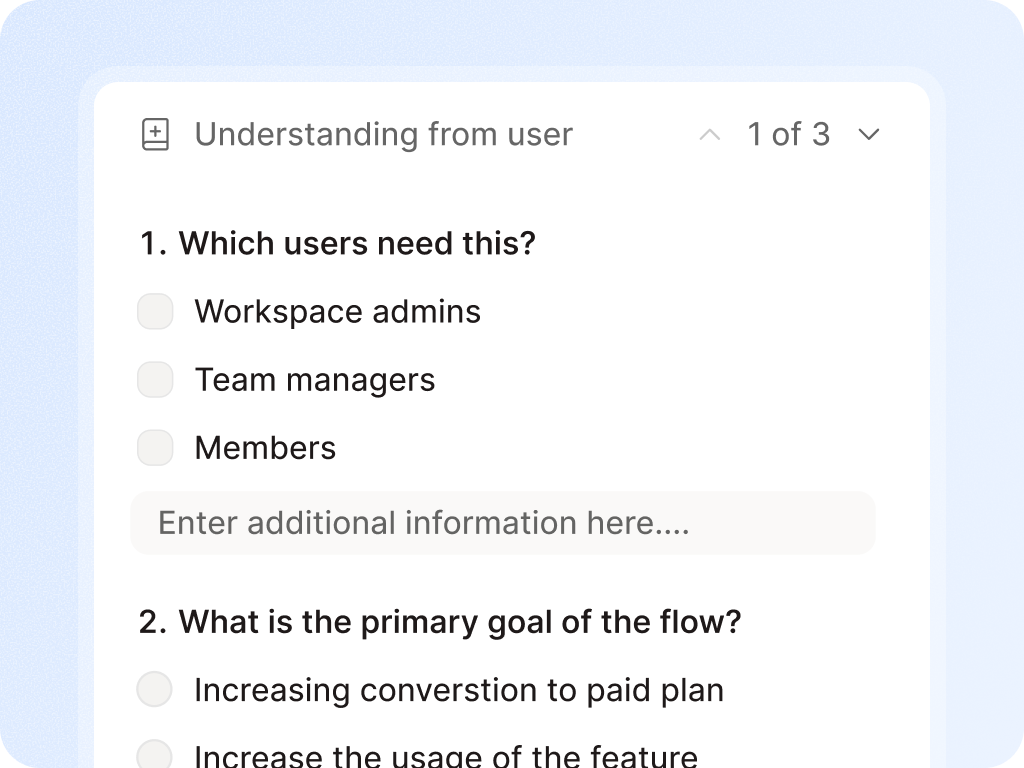
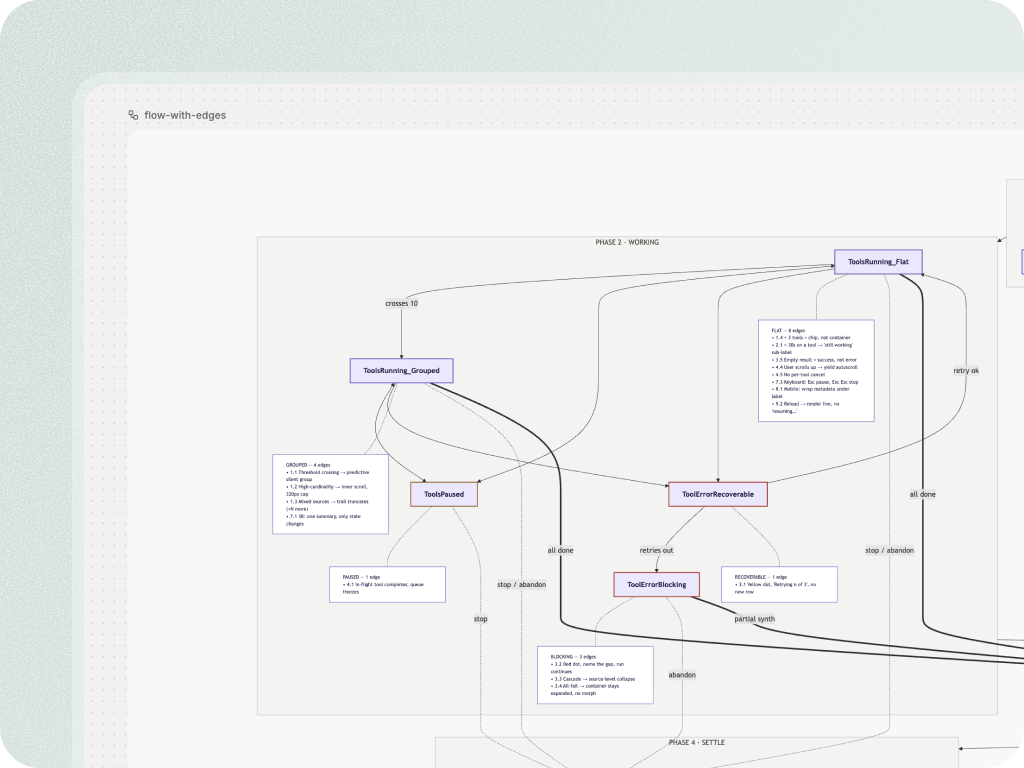
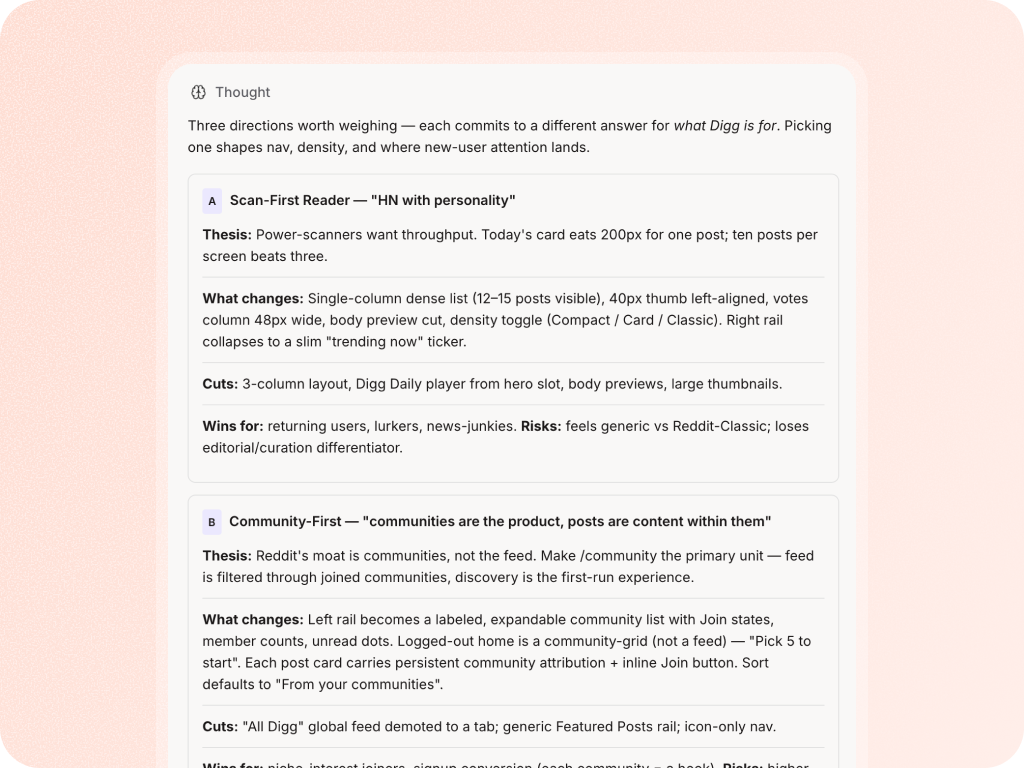



Give Figr a screen, flow, recording, or live product capture. Get the issues, questions, states, and redesign direction earlier in the process.


Yes. Figr can use screen recordings and product walkthroughs as context, including the flow, voiceover, cursor movement, and user intent.
No. Figr helps teams review earlier and more often. Senior designers and product leaders should still make final calls on important product decisions.
Figr can help flag accessibility and usability concerns, but final accessibility validation should use your team's established testing process.