

A journey map can look convincing in a presentation and still fail its first product review. Someone asks where a frustrating handoff came from, whether it affects all users, and who will fix it. If the answers are missing, the map is a picture of team assumptions, not a basis for decisions.
A journey mapping template gives teams a place to record the actor, scenario, stages, touchpoints, feelings, evidence, and opportunities in one view. The right choice depends on what happens next: a quick research synthesis needs different tooling from a cross-functional workshop or an ongoing service-design program. The Nielsen Norman Group study of 343 practitioners found that producing a journey map took an average of 73.8 staff hours. Choosing a format your team can maintain matters.
This guide compares ten live options, including downloadable, editable, free, and paid templates. Plan details can change, so check the linked provider pricing pages before committing a team.
What is a journey mapping template?
A journey mapping template is a reusable structure for tracing one person's experience through a defined scenario. It usually places stages across the top and actions, touchpoints, goals, thoughts, emotions, friction, and opportunities in rows below. A customer journey map template may cover awareness through retention; a user journey mapping template might focus narrowly on completing a task in an existing product.
Use one when a team needs to compare what users actually do with the path the product expects them to take. A UX journey map becomes particularly useful when a signup flow crosses emails, permissions, support, and in-product screens. It is not a substitute for methods for user research. Leave a field blank or label it an assumption if evidence is missing.
10 free and paid journey mapping templates
The list starts with editable workshop canvases, moves through structured platforms, and ends with lightweight or execution-focused formats. “Free” means you can start without paying, not that every export or team feature is included.
1. Miro: Best for collaborative discovery workshops
Open Miro's customer journey map templates to build stages, actions, thoughts, feelings, pain points, and opportunities on an editable board. Add interview quotes or screenshots beside the relevant moment, then cluster evidence with stakeholders in real time. The flexible canvas suits journeys that branch or need room for unresolved questions.
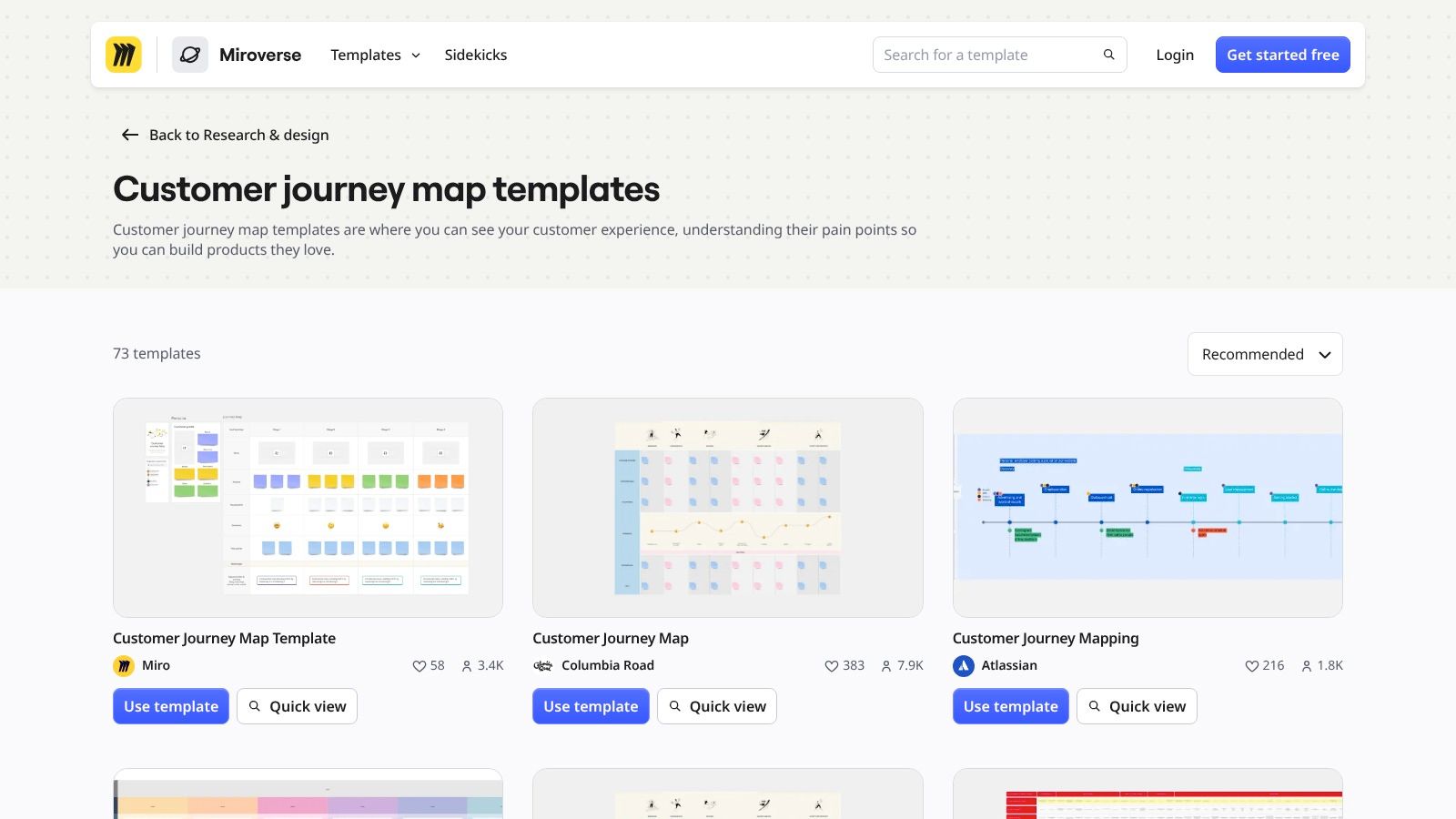
Format and cost: Collaborative online whiteboard. Miro Free permits unlimited team members, but only the three most recently edited boards remain editable; Starter begins at $8 per member monthly when billed annually. Miro is excellent for discussion, less so for enforcing consistent fields across many maps. Finish the session by consolidating duplicate notes and assigning owners. Teams documenting alternative routes can apply the same discipline used in flowchart examples.
2. FigJam: Best for teams already designing in Figma
The FigJam customer journey map template offers an editable starting point for stages and touchpoints. Teams can add connectors, comments, and research notes, and adapt the structure without moving their design discussion to another application. The official Figma journey-mapping template page also describes customization of text and colors.
Format and cost: FigJam whiteboard; Figma offers a free Starter tier and paid seat-based plans on its pricing page. Check file and seat permissions before inviting a cross-functional group. FigJam's advantage is speed and proximity to design work; its limitation is that nobody stops you from filling a polished canvas with unverified feelings. Add evidence, confidence, and owner rows yourself. Community-made variants can help, but evaluate their methodology before using one.
3. Mural: Best for a facilitated five-phase journey
Mural's customer experience journey map follows Entice, Enter, Engage, Exit, and Extend. Prompts ask facilitators to capture interactions, customer goals, motivations, and positive or frustrating moments. That guided frame helps a mixed group start mapping without first debating the diagram layout.
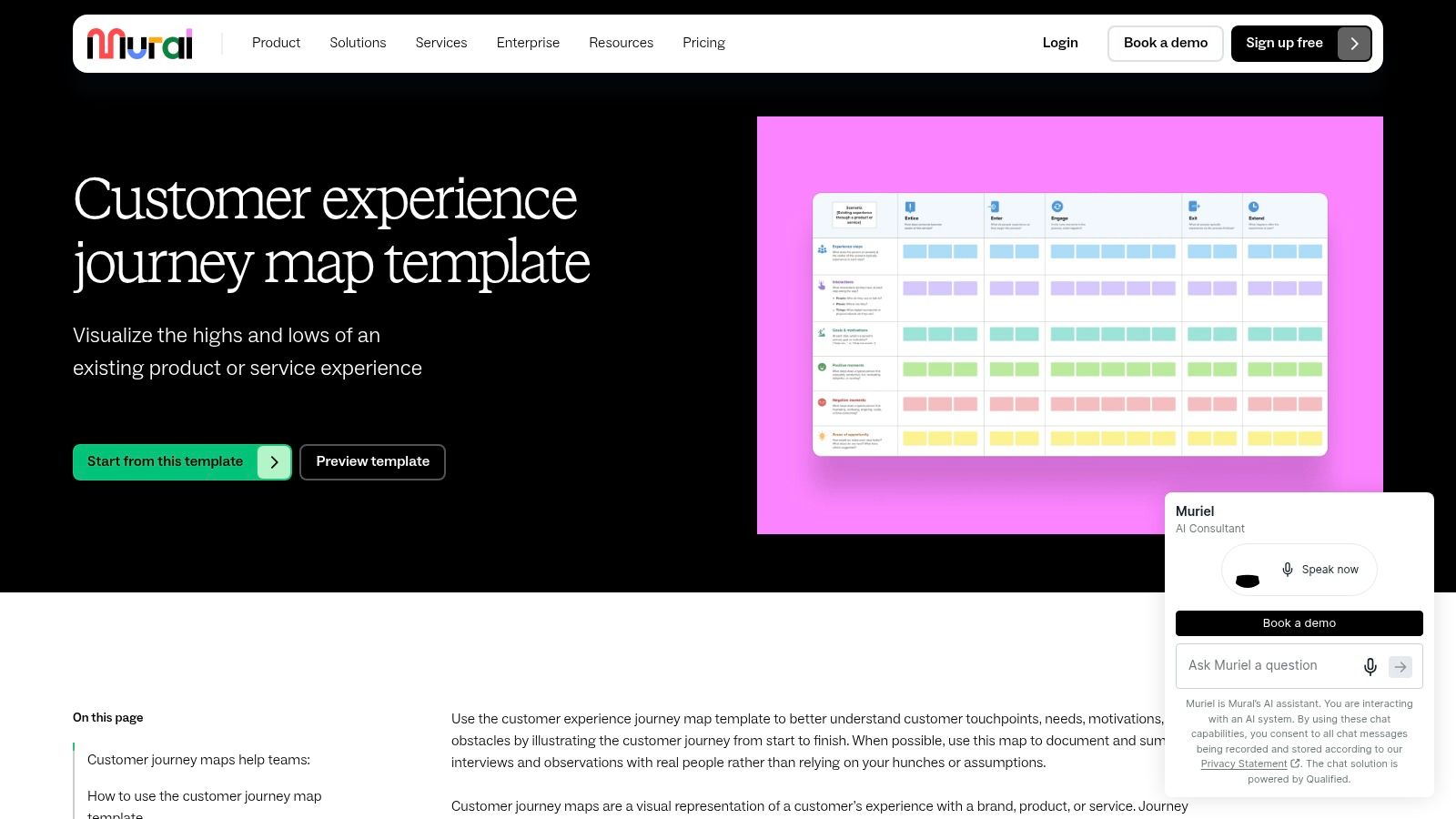
Format and cost: Editable collaborative mural. Mural Free supports unlimited members and visitors, with three murals editable at a time; paid plans provide more room for ongoing work. Its strength is workshop facilitation. Its limitation is the prescribed arc: a B2B provisioning or approval process may need extra stages and branches. Adapt the frame rather than hiding a critical handoff inside “Engage”; core UX principles still matter more than the labels.
4. UXPressia: Best for recurring maps across personas
Browse UXPressia's templates when you need to connect journey maps with personas and impact maps. Editable stages and sections can hold processes, channels, experience, goals, and opportunities; reusable elements help teams compare segments using a consistent structure.
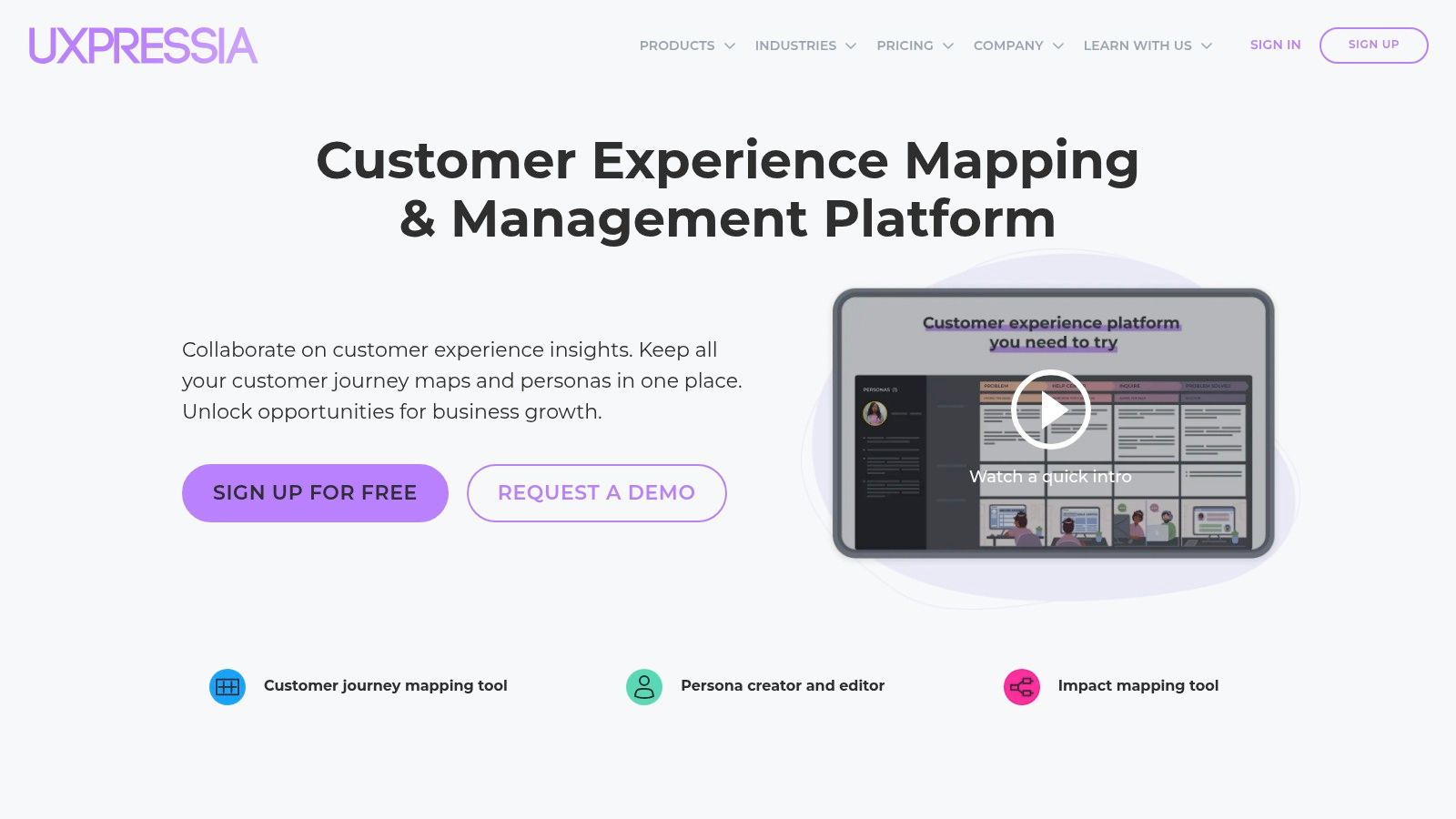
Format and cost: Dedicated online mapping workspace. The UXPressia Free plan lists three journey maps, three personas, and three impact maps, with PNG, PDF, and CSV export; paid tiers expand capacity and team features. Comments, sharing, and presentation options support reviews. The trade-off is overhead: the structured workspace pays off when someone owns updates, but may be excessive for a single workshop.
5. Smaply: Best for managing a journey portfolio
Smaply is designed for linked service-design work rather than a one-off poster. Its editable maps use stages, personas, and cards for text, images, emotions, pain points, opportunities, and solutions. Standard fields make it easier to revisit related journeys without relearning each board.
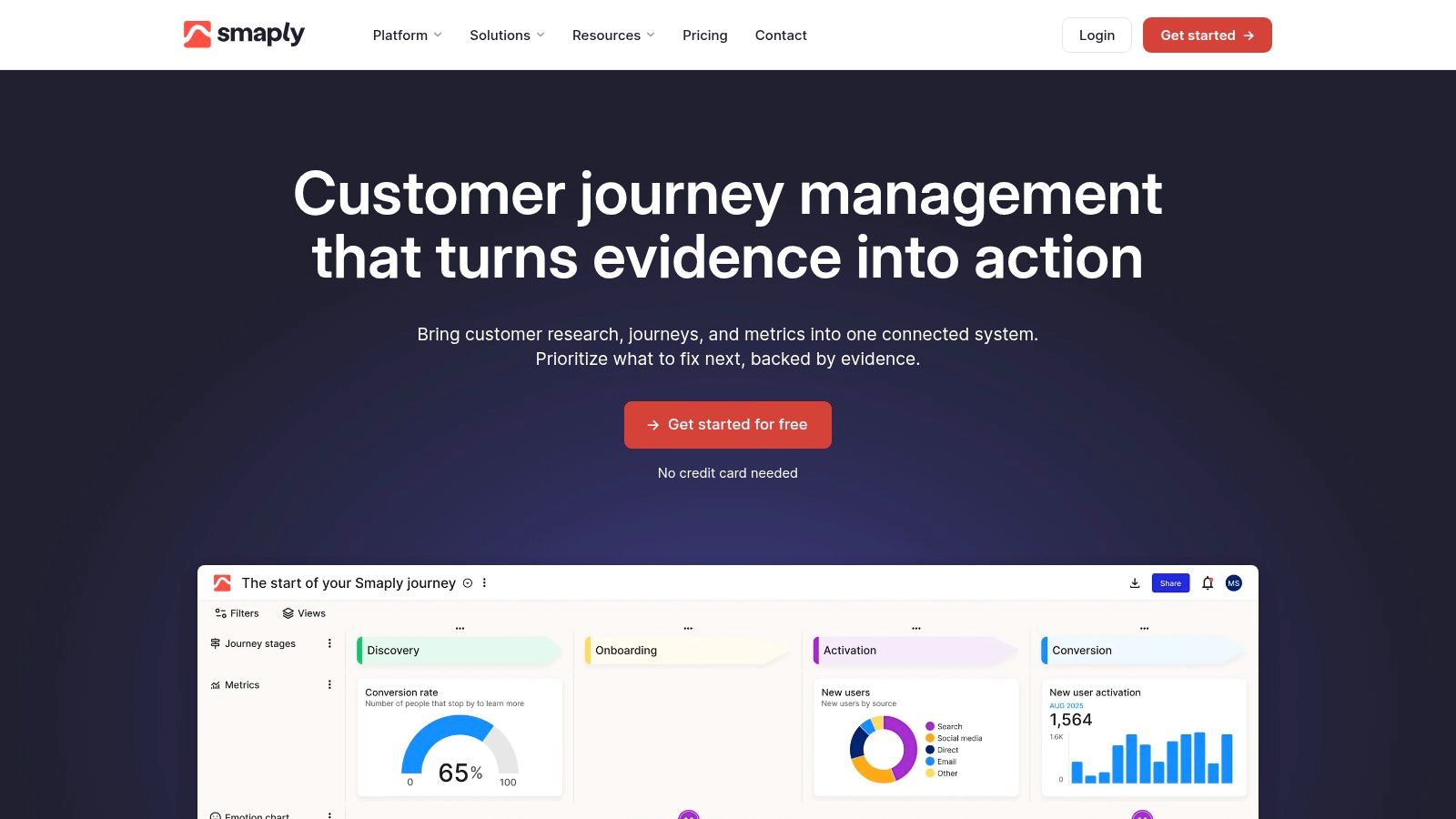
Format and cost: Journey-management platform. Smaply's Free plan lists ten maps and ten personas, but limits collaboration to one journey map and advanced cards to three per map; PDF export is included. Paid plans expand governance and collaboration. Choose it when several teams need shared map conventions. For one PM mapping a single feature, its broader portfolio model may slow down the first draft.
6. NN/g: Best free downloadable method template
The Nielsen Norman Group free UX templates page links to a Journey Mapping Template (PDF). It prompts teams to define the persona, scenario, goals, phases, actions, thoughts, and emotional experience before drawing conclusions. Its digital template guidance also points teams toward spreadsheet-based mapping when a static handout will not suffice.
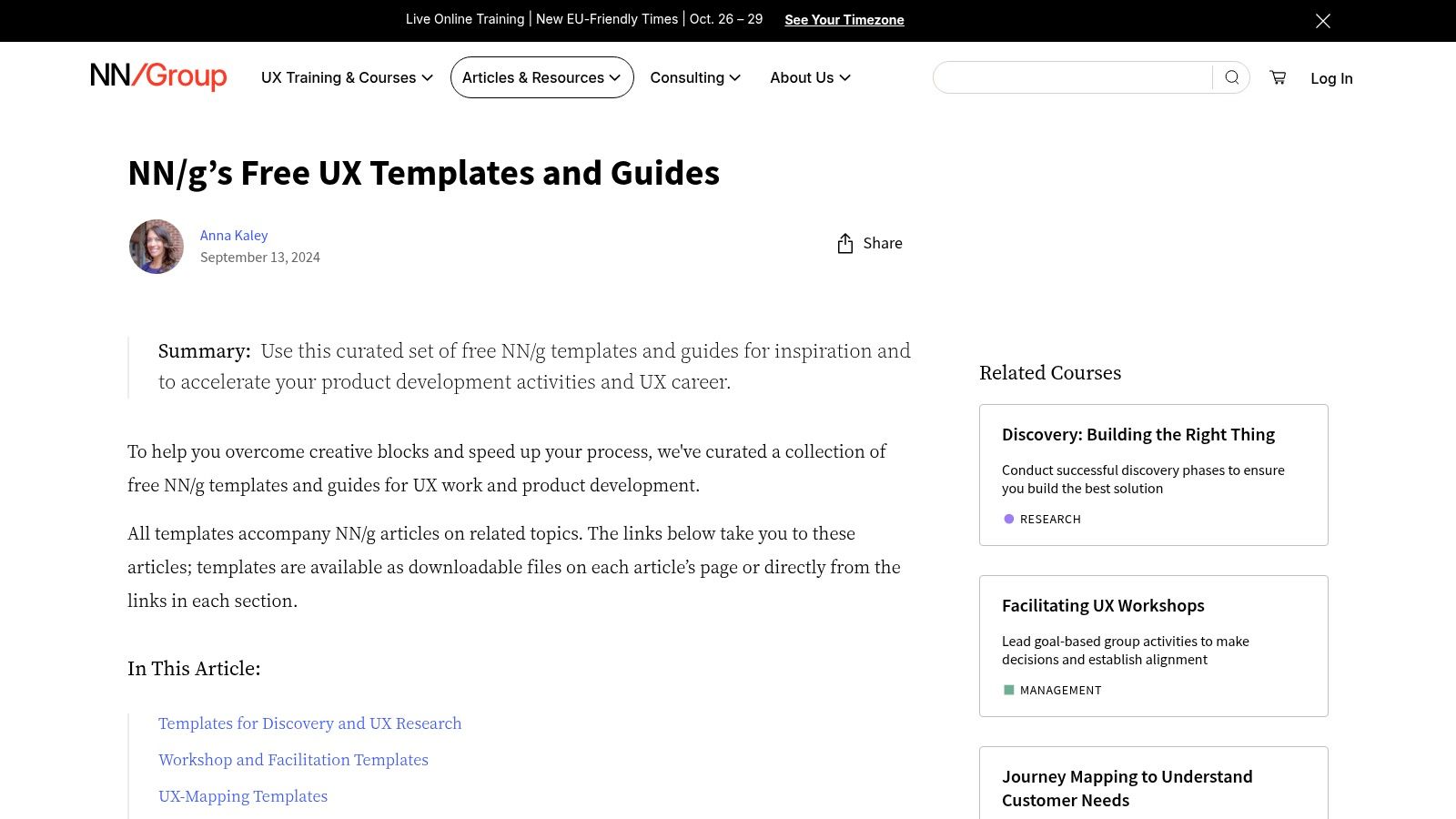
Format and cost: Free downloadable PDF, with digital spreadsheet resources; no paid software seat required. It is a useful free journey map template when the team needs agreement on method first. The PDF is not a shared live workspace, so transfer decisions and owners to your working tools. Our user journey mapping guide provides more product-specific context.
7. Lucid: Best for journey maps alongside process diagrams
Lucid's journey and experience mapping gallery includes customer journey maps, user journey flows, and service blueprints. The editable diagram format helps connect a customer's touchpoints and reactions to backstage operations, permissions, or handoffs that engineering must implement.
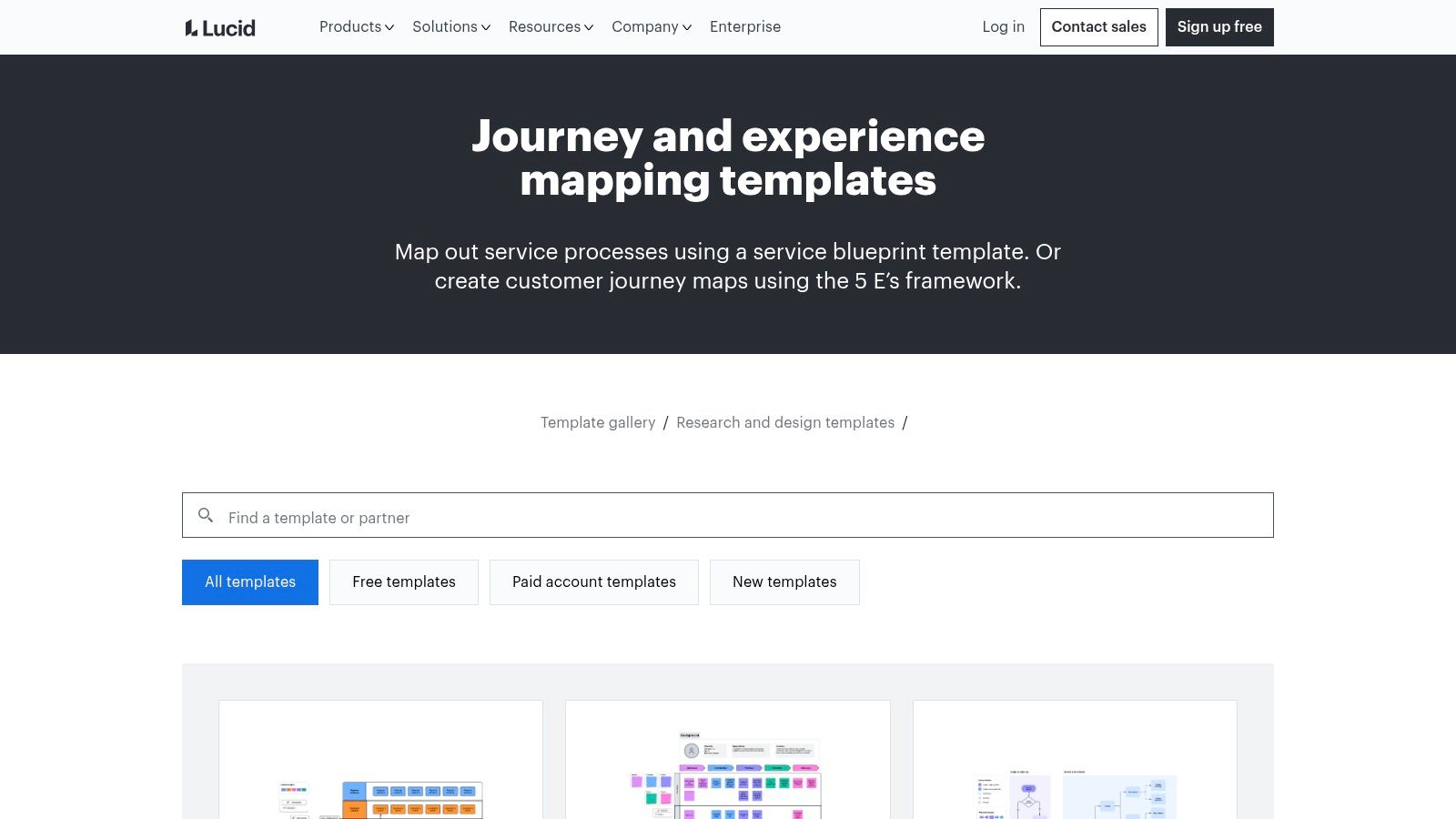
Format and cost: Collaborative diagram documents. The gallery labels some templates free and others paid; Lucid's plan guidance describes a free tier with three editable documents, while further features require paid plans. The structured deliverable survives handoffs better than a messy workshop board, but the format is less forgiving for early brainstorming. Check UX design process steps when deciding whether you need a journey, task flow, or service blueprint.
8. Canva: Best for a stakeholder-ready visual summary
Canva's customer journey templates offer editable layouts and a whiteboard where colleagues can contribute. Use stages, customer actions, touchpoints, and sentiment to turn research into a legible readout for audiences unfamiliar with UX mapping.
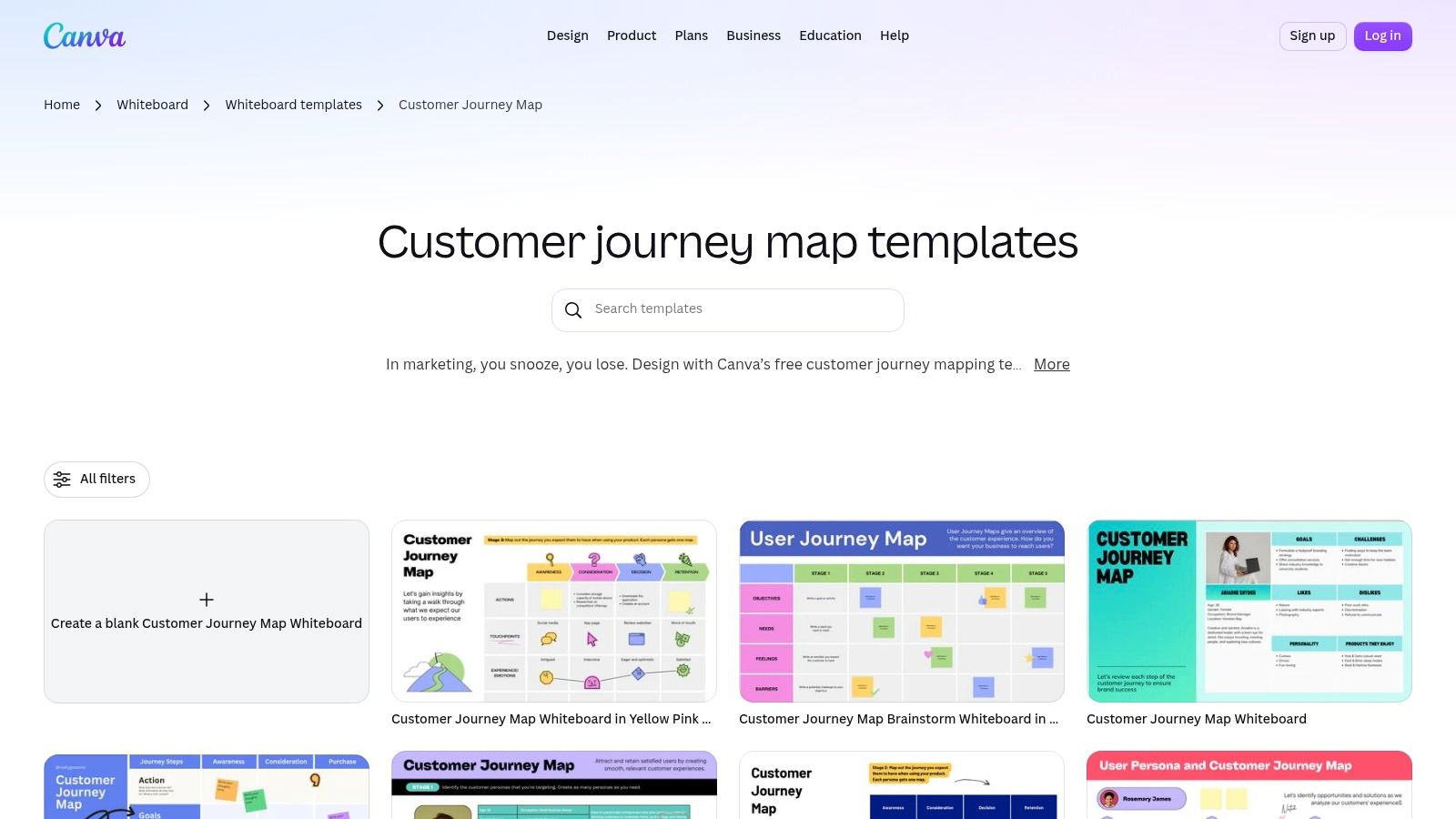
Format and cost: Visual templates and collaborative online whiteboard. Canva offers a Free tier; Pro adds premium assets and tools, and individual designs may use paid elements. Its accessible editor is an advantage for presentation. Its weakness is that attractive styling can imply confidence the evidence does not warrant. The Customer Science guidance on journey visualization mistakes is a useful reminder to validate the story behind the graphic.
9. Asana: Best for mapping findings into assigned work
Asana's customer journey map template organizes stages, customer actions, touchpoints, and pain points in a project. Teams can attach research references and track opportunities as assigned work. It is particularly useful when the last journey workshop produced plenty of ideas but no implementation plan.
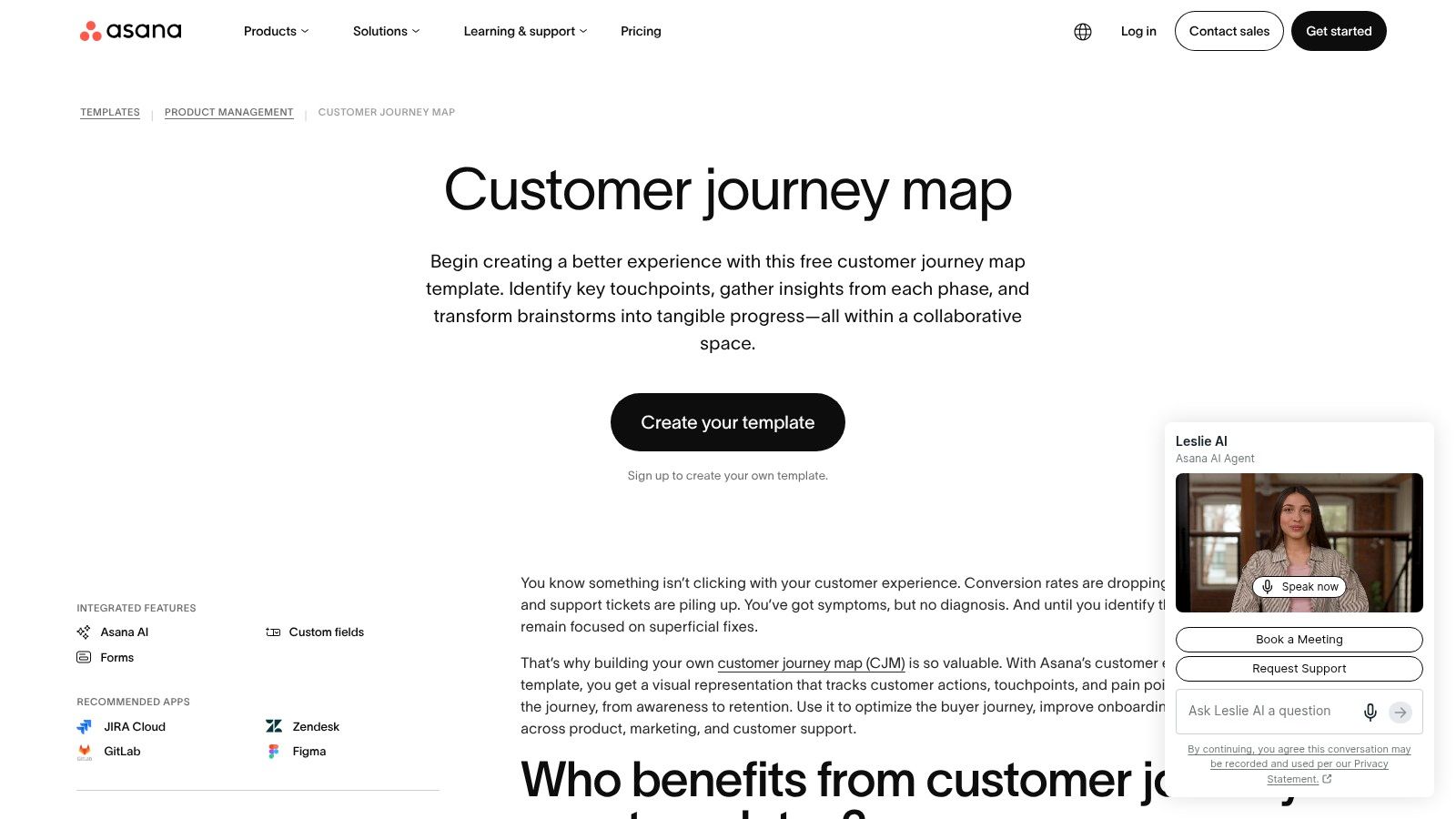
Format and cost: Editable work-management project, not a visual journey canvas. Asana Personal is free for up to two users; paid plans support broader team workflows. Some richer analysis relies on plan-dependent features, so confirm access before designing around custom fields or dashboards. Asana's strength is ownership; its weakness is the limited room for nuanced emotional or branching journeys. Keep supporting evidence attached to each finding.
10. ClickUp Customer Journey Map Builder: Best for a no-signup draft
The ClickUp Customer Journey Map Builder is a form-based tool with preset stages and row types. Fill in the journey, print it, or export a CSV for a spreadsheet or later import. The controlled layout makes a first pass easy to scan.
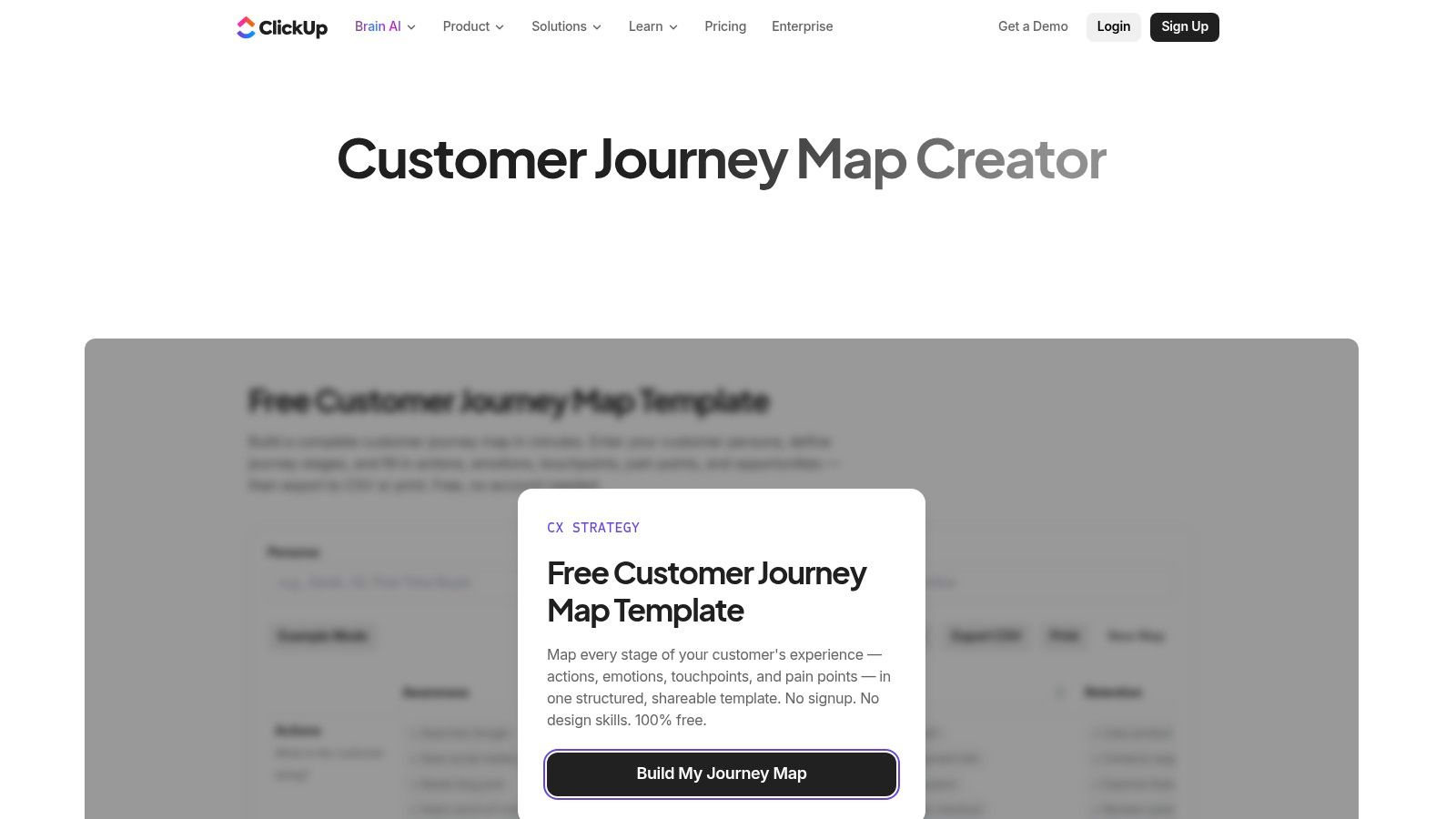
Format and cost: Free standalone browser builder, with no signup; ClickUp says work saves locally in the browser. CSV export and browser printing are available. It is fast, but not a live shared canvas or a safe permanent repository for team knowledge. Export the draft promptly, and move complex branches into a more flexible tool.
Journey mapping templates compared
Template: Miro
Best for: Live discovery
Free or paid: Freemium; three editable free boards
Editable format: Whiteboard
Collaboration: Real-time shared boards
Template: FigJam
Best for: Figma-centered product teams
Free or paid: Free Starter; paid seats
Editable format: Whiteboard
Collaboration: Live editing and comments
Template: Mural
Best for: Facilitated five-phase workshop
Free or paid: Freemium; three editable free murals
Editable format: Guided whiteboard
Collaboration: Members and visitors
Template: UXPressia
Best for: Repeated persona-based maps
Free or paid: Freemium; three free journey maps
Editable format: Mapping platform
Collaboration: Sharing and reviews
Template: Smaply
Best for: Journey portfolios
Free or paid: Freemium; ten free maps, limited shared editing
Editable format: Journey-management platform
Collaboration: One collaborative free map
Template: NN/g
Best for: Downloadable research method
Free or paid: Free PDF
Editable format: PDF or spreadsheet resources
Collaboration: Manual sharing
Template: Lucid
Best for: Process-linked diagrams
Free or paid: Free and paid templates
Editable format: Diagram document
Collaboration: Shared diagram editing
Template: Canva
Best for: Visual readouts
Free or paid: Free tier; paid content and plans
Editable format: Whiteboard/design
Collaboration: Shared editing
Template: Asana
Best for: Assigned follow-up
Free or paid: Free for up to two users; paid plans
Editable format: Project
Collaboration: Tasks and owners
Template: ClickUp builder
Best for: Fast individual draft
Free or paid: Free standalone tool
Editable format: Browser form, CSV or print
Collaboration: Individual drafting
For a downloadable template, start with NN/g's PDF or ClickUp's CSV export. For live editing, compare Miro, FigJam, and Mural. For a maintained portfolio, test UXPressia or Smaply against your actual governance and export needs.
Choose the map type and template for the decision
Different questions produce different maps. A current-state map documents today's observed experience; a future-state map describes a proposed experience and must mark assumptions as such. An onboarding map follows a defined path from invitation to first value. A service journey adds people and systems behind the interface, while an omnichannel map follows transitions among email, product, sales, and support. See Nielsen Norman Group's overview of journey mapping uses for a useful distinction between mapping an existing experience and exploring what might change.
Choose by answering six practical questions:
- Research goal: Are you diagnosing existing friction or planning a future flow? Do not merge observations and proposals without labels.
- Complexity: Does the journey branch by role, permission, device, or failure state? If so, choose a canvas or linked diagrams over a fixed form.
- Participants: Will people edit live, review asynchronously, or only read the final map? Check sharing and permissions, not just template access.
- Evidence: Can you attach quotes, recordings, analytics, and confidence levels beside claims?
- Output: Do stakeholders need an editable board, PDF, CSV, or tracked tasks? Verify free-plan export restrictions.
- Budget and maintenance: Count collaborators, active maps, and the person responsible for updates before buying a portfolio tool.
Customer journey mapping examples are only starting points. A five-stage e-commerce layout may conceal the most important moment in a SaaS product: an admin inviting a teammate who cannot access the workspace.
How to fill out a journey mapping template
Start with one persona and one scenario. “New admin setting up the first workspace” is usable; “all customers onboarding” is not. Define the start, end, and success condition, then interview or observe people who have recently attempted that journey.
Lay out stages in the user's language. Under each, record the user's goal, actual actions, and touchpoints such as an invite email, settings screen, or support chat. Add emotions only when a quote, behavior, or other credible signal supports them. Then note the pain point, its evidence source, and an opportunity worth testing. The NN/g digital template guidance is especially helpful for separating the journey's narrative lanes.
Add columns many ready-made templates omit: evidence link, confidence, frequency versus severity, owner, and validation metric. Interviews may reveal why something happens; analytics may reveal how often. Neither alone proves that your proposed change will work. Mark each entry observed, reported, inferred, or proposed so a hypothesis never quietly becomes a fact.
Example: A hypothetical B2B SaaS onboarding journey
Imagine a SaaS workspace where a new admin must invite an analyst and connect a data source before the team can see its first report. This is an illustrative scenario, not Figr customer research or a measured product result. It shows how to complete a user journey mapping template without pretending every field is validated.
Stage: Accept invite
User goal and touchpoint: Open email and join the correct workspace
Possible friction: Invite opens an unexpected account or expires
Opportunity to test: Clarify workspace identity and recovery path
Evidence to collect: Invite failures, session observations
Stage: Create workspace
User goal and touchpoint: Configure name, region, and team access
Possible friction: Admin cannot tell which settings are reversible
Opportunity to test: Explain consequences before saving
Evidence to collect: Setup interviews, support tickets
Stage: Invite analyst
User goal and touchpoint: Give teammate the right role
Possible friction: Analyst receives an invite but lacks permission to connect data
Opportunity to test: Preview access by role; improve error copy
Evidence to collect: Permission logs, observed attempts
Stage: Connect data
User goal and touchpoint: Authorize an integration
Possible friction: Consent fails or data takes time to appear
Opportunity to test: Show progress, retry, and escalation states
Evidence to collect: Connection errors, recordings
Stage: View first report
User goal and touchpoint: Confirm the workspace is useful
Possible friction: Empty dashboard looks like a broken integration
Opportunity to test: Explain prerequisites and offer a next action
Evidence to collect: Time-to-first-report, follow-up interviews
During a workshop, do not draw an emotional low at “Connect data” just because it looks plausible. Ask an admin what happened, inspect failures, and annotate the cell with the source. If the analyst cannot connect data by design, the opportunity might be clearer role guidance, not broader permissions. This is where evidence changes the solution.
Avoid maps that never influence product decisions
The most common failure is unsupported certainty: a neat emotion curve assembled from stakeholder recollection. The second is an overly broad persona that masks role-specific barriers. A third is missing evidence, followed by missing ownership: everyone agrees a moment is painful, but nobody can reproduce, prioritize, or fix it.
Review the map against real research, including user research methods that fit the question. Ask what a user did, not only how the team thinks they felt. Check loading, error, permission, and recovery states. Separate high-frequency irritation from a rare but severe blocker, and record when the evidence is too weak to decide.
A map also goes stale when it is treated as a final slide. Put a review date, map owner, and links to follow-up work on the artifact. The 2022 literature review in Sustainability reflects the breadth of customer-journey research, but an individual product map still needs its own current evidence.
Turn journey insights into product improvements with Figr
Prioritize pain points by user impact, frequency, severity, and confidence. For each promising opportunity, write a testable change, identify affected roles, and choose an outcome metric before requesting screens. For the example above, a candidate change might be clearer permission feedback; the test would examine whether admins and analysts understand what to do after a denied connection attempt.
This is the handoff between a mapping template and product design. Figr is not a replacement for every workshop canvas or downloadable PDF. It is an AI product design agent for exploring changes within existing products and design systems. Its Context Pod can retain relevant screens, PRDs, research, analytics, recordings, Figma context, and prior decisions so a team does not have to reconstruct the product for every new request. Its Visual Context Graph connects visual screens, behavioral flows, design-system patterns, product knowledge, and implementation context.
With UX Reasoning, Figr can ask clarifying questions, map a user flow, examine branches and missing states, and explain trade-offs before producing designs. Teams can explore multiple directions, multi-state prototypes, and Figma-ready output using existing design-system context; the Figr changelog documents its design-system import work. Human review still decides whether a proposed flow solves the researched problem.
For the onboarding example, bring a validated pain point and the relevant product context to Figr. Explore the authorized, denied, loading, and retry paths; compare solutions against the current UI; then review a prototype with users. Assign an owner and recheck the outcome metric after launch. A journey map identifies where to investigate. A product workflow determines what changes.
Journey mapping template FAQ
What is a journey mapping template?
A reusable layout for recording one actor's goals, stages, actions, touchpoints, emotions, friction, evidence, and improvement opportunities in a defined scenario.
Where can I find free customer journey map templates?
Try NN/g's downloadable PDF, ClickUp's no-signup builder, or free tiers from Miro, FigJam, Mural, UXPressia, and Smaply. Check each plan's editing and sharing limits.
What should a journey map include?
A specific persona and scenario, ordered stages, user goals and actions, touchpoints, evidence-backed emotions and pain points, opportunities, owners, and a way to validate improvements.
How do I create a customer journey map?
Define one scenario, gather research, map observed stages and touchpoints, attach evidence to friction, identify opportunities, and assign owners. Clearly label anything inferred or proposed.
Which journey mapping template is best for Product Managers?
For live discovery, start with Miro or FigJam; for assigned follow-up, consider Asana. Choose based on your team's collaboration, evidence, and export needs rather than the prettiest layout.
Pick one template, one persona, and one scenario this week. If a cell cannot be supported, leave it open and make finding the answer part of the work. Once the map reveals a defensible product opportunity, bring your research notes or draft PRD to Figr to examine the flow and its missing states before committing to screens.