
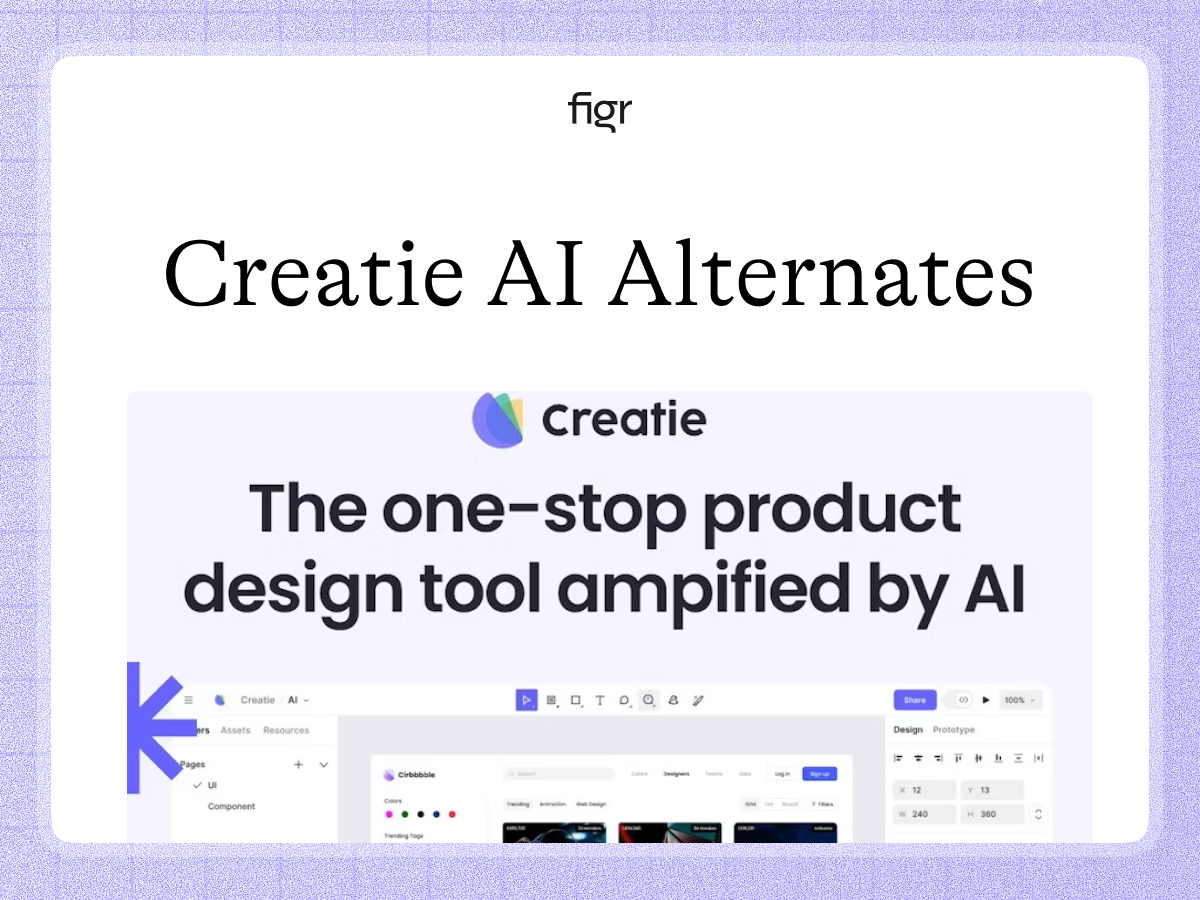
The Creatie alternative built around your real product
Creatie is an AI-powered design tool with generation and prototyping features. That can speed up parts of the design process. What sets the two apart is the starting point: whether the AI works from a prompt and a canvas, or from your actual product and its design system.
Figr starts from your product. It learns your screens, flows, and design system, reasons through the UX, and produces Figma-ready design that fits what you run. This page compares the two, fairly, and flags where Creatie's pricing should be verified.
General AI design and product-context design differ at the start
Both tools use AI to help design interfaces, so they appear similar in a feature list. The difference is where the AI begins, and that shapes the output.
Creatie offers AI design features, generation and prototyping among them, which can accelerate the work on a canvas. What matters for a complex product is whether those features start from your existing product, with its components, flows, and the reasons it works the way it does, or from a prompt on a fresh canvas.
That is the real distinction, and it is about grounding. General AI design features assist what you are making. Figr reasons from the product you already have, which on a mature product is the harder and more valuable starting point.
What Creatie appears to be good at
In fairness, Creatie is positioned as a capable AI design tool, and AI-assisted generation and prototyping can remove real friction in the design process. For teams wanting AI features inside their design work, it may be a reasonable fit. Its feature set includes an AI design wizard, an automatic style guide and auditor, an image enhancer, design-system management, Dev Mode handoff, and migration from Figma, Sketch, and Adobe XD.
Creatie's exact pricing still needs confirmation, but its core capabilities are verified. What Figr does differently, designing from your real product, is the focus of the rest of this page.
What Figr is, and the job it is built for
Figr is an AI product designer that starts from your product. It captures your screens, flows, design system, and docs, reasons through the UX, and produces Figma-ready design that fits what you run.
The difference is grounding and reasoning. A general AI design tool helps you make a screen. Figr reasons from your real product, with components, states, and constraints considered, then hands the result to Figma.
That makes Figr strongest where you are improving a real product and the output has to match what is already there.
A worked example: a screen that has to match your product
Take redesigning a screen in a product that already has a design system and established patterns.
With a general AI design tool, you can generate or assemble a screen on the canvas, which moves quickly. But if the AI is not grounded in your product, you still have to match it to your real components and add the states it skipped, the empty state, the error path, the permission case. The generation was fast, and the reconciliation is not.
With Figr, you show it the current product and describe the change. It reasons through the screen and returns design on your system, with the states included, ready to refine in Figma. The win is that the output is your product's design, not a canvas result to reconcile.
Where each one wins
| The job | Creatie | Figr |
|---|---|---|
| AI design features on a canvas | Yes | Product-grounded |
| Generation and prototyping | Yes | Design-focused |
| Start from your existing product | Imports files | Yes |
| Deep design-system handling | Style libraries | Yes |
| Reason through edge cases | Limited | Yes |
| Produce design to refine and hand off | Yes | Figma-ready |
When Creatie might be the right call
Creatie may fit when you want AI design features inside a general design workflow, and product-context grounding is not your main concern. For some teams and some tasks, that is a reasonable choice.
Figr earns the edge clearly when the job is designing within a real product, where output has to fit a system and handle real states.
How to choose between Creatie and Figr
The question is not which tool is better. It is whether you want general AI design features or product-grounded design.
If general AI assistance on a canvas meets your need, Creatie may fit, and you should evaluate its current features directly. If you are improving a real product and need design that matches your system and is ready to refine, Figr fits, because it starts from that product.
The signal is simple. If a generated screen's main next step is reconciling it with your real product, that is the work Figr removes.
What Figr is not
To be clear, Figr is not a general-purpose canvas with bolt-on AI features. It is focused on product-context design, not a broad toolkit.
It is built to design from your real product and produce Figma-ready design that fits. If your need is general AI design features, evaluate Creatie's current product directly. If your need is product-grounded design, that is where Figr is strongest.
Why Figr designs from the product: the Visual Context Graph
Figr grounds design in your product because it treats product work as visual and contextual, not as canvas generation. That is the Visual Context Graph, which connects five layers:
- Visual: your screens and frames
- Behavioral: recordings and real user flows
- Design system: tokens, components, variants, and rules
- Product knowledge: PRDs, research, and past decisions
- Implementation: the code constraints around the design
A general AI tool starts from a prompt or canvas. Figr reasons across all five, which is why its output fits your product and is ready to refine. Output moves into Figma as editable layers, and edge cases come through edge case mapping.
Pricing, briefly
Creatie offers a free tier, a per-seat Pro Team plan, and an enterprise tier; its exact dollar figures are not listed in a stable public form, so confirm them on Creatie's pricing page before publishing. Figr is metered by credits: a free tier, Starter at $39 a month, Max at $149 a month, and custom enterprise. Compare on fit once Creatie's details are verified. See pricing.
Design from your product, not a blank canvas
If you are improving a real product, Figr produces design that matches your system and is ready to refine.
FAQ
Is Figr a Creatie alternative?
For product-context design, yes. Creatie offers AI design features on a canvas. Figr designs from your real product and system, then hands off to Figma.
What does Figr do that Creatie does not?
Figr starts from your existing product, handles your design system in depth, reasons about edge cases, and produces design ready to refine, where Creatie centers AI generation and prototyping on a canvas.
What is Creatie best at?
Creatie is positioned as an AI design tool with generation and prototyping. Confirm its current strengths directly before relying on a comparison.
Does Figr work from my existing product?
Yes. That is its core. Figr learns your product and design system, so new work fits rather than needing reconciliation.
Which is better for a complex product?
Figr, because it is grounded in your product and reasons about states and flows. Evaluate Creatie's current capabilities for your specific needs.
How is Figr priced next to Creatie?
Figr is credit-metered with a free tier, Starter at $39 a month, and Max at $149 a month. Confirm Creatie's current pricing before comparing.
Related reading
For more on this space: the best AI design tools, reinventing design systems with AI, a guide to design systems, and the hidden cost of generic AI outputs.