
The tool
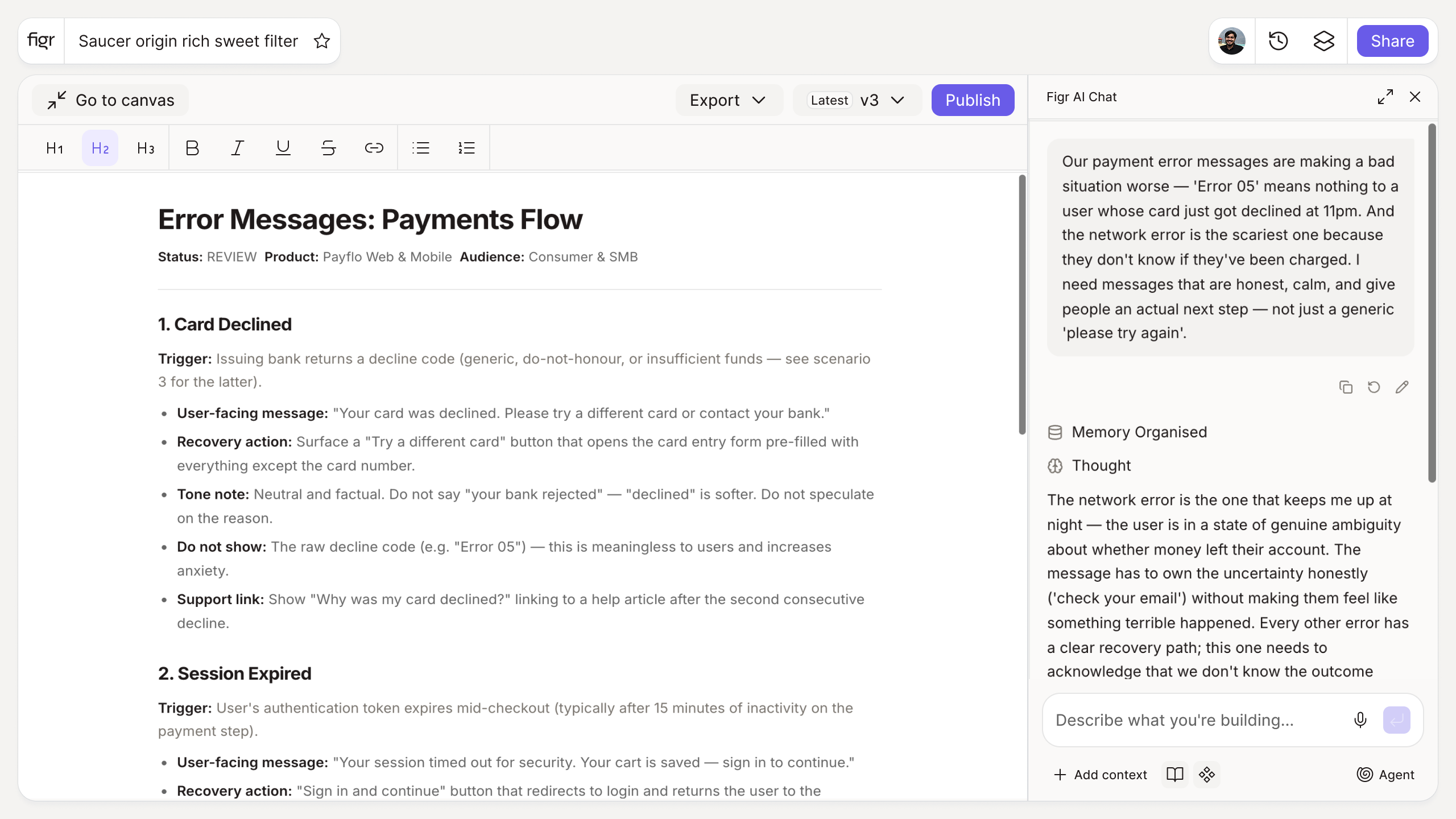
Inputs:
- Error scenario (free text): what went wrong
- Tone (selector, optional): neutral, friendly, formal
- Product context (short text, optional)
Output: Error copy with a clear title, a plain-language description of what happened and why, and a recovery action (CTA). Often a few variants. Copyable.
Behavior: Generates instantly in-browser, no login. Editable inline.
How it works
1. Describe what went wrong. Enter the scenario in plain terms.
2. Set the tone. Match your product's voice.
3. Generate. Get a title, description, and recovery action.
4. Edit and use. Refine, then drop into the design.
A worked example
A payment fails because the card expired. The generic version is "Payment error." The generated version reads "Your card expired," then "The card ending 4242 expired in March, so the charge did not go through," then a button: "Update card." Same failure, completely different experience, because the copy names the cause and hands the user the fix. The challenge is writing this for every state, which is why AI tools that create contextual error messages exist for the volume problem.
From copy to designed states, with Figr
Error messages live in error states, the screens generic tools skip entirely. Figr designs those states from your product context, so the copy has a real screen to live in instead of a comment in a ticket. It reasons about which states a flow needs, then designs them on your system. Pair this with the microcopy generator for the rest of the interface copy, and the edge case generator to find the failure states worth writing for in the first place.
Who this is for
This helps UX designers and PMs who keep hitting blank "something went wrong" placeholders and want copy that actually recovers the user.
What this tool is not
It writes the copy; it does not design the error state or decide which errors your product can hit. The wording is a draft you should match to your real voice and constraints. It is also a free, standalone utility, not a Figr product feature.
FAQ
Is the error message generator free?
Yes, free and no sign-up.
What does it produce?
A title, a plain-language description, and a recovery action, in the tone you choose.
Can I match my product's voice?
Yes. Set the tone and add product context to steer the wording.
Can I edit the output?
Yes. The copy is a starting point you can refine.
What makes an error message good?
It names what happened, explains why in plain language, and gives a clear next step. Vague apologies fail on all three.
How is this different from Figr the product?
This is a free writing tool. Figr the product is an AI product designer that turns product context into UX decisions and Figma-ready design.