
The tool
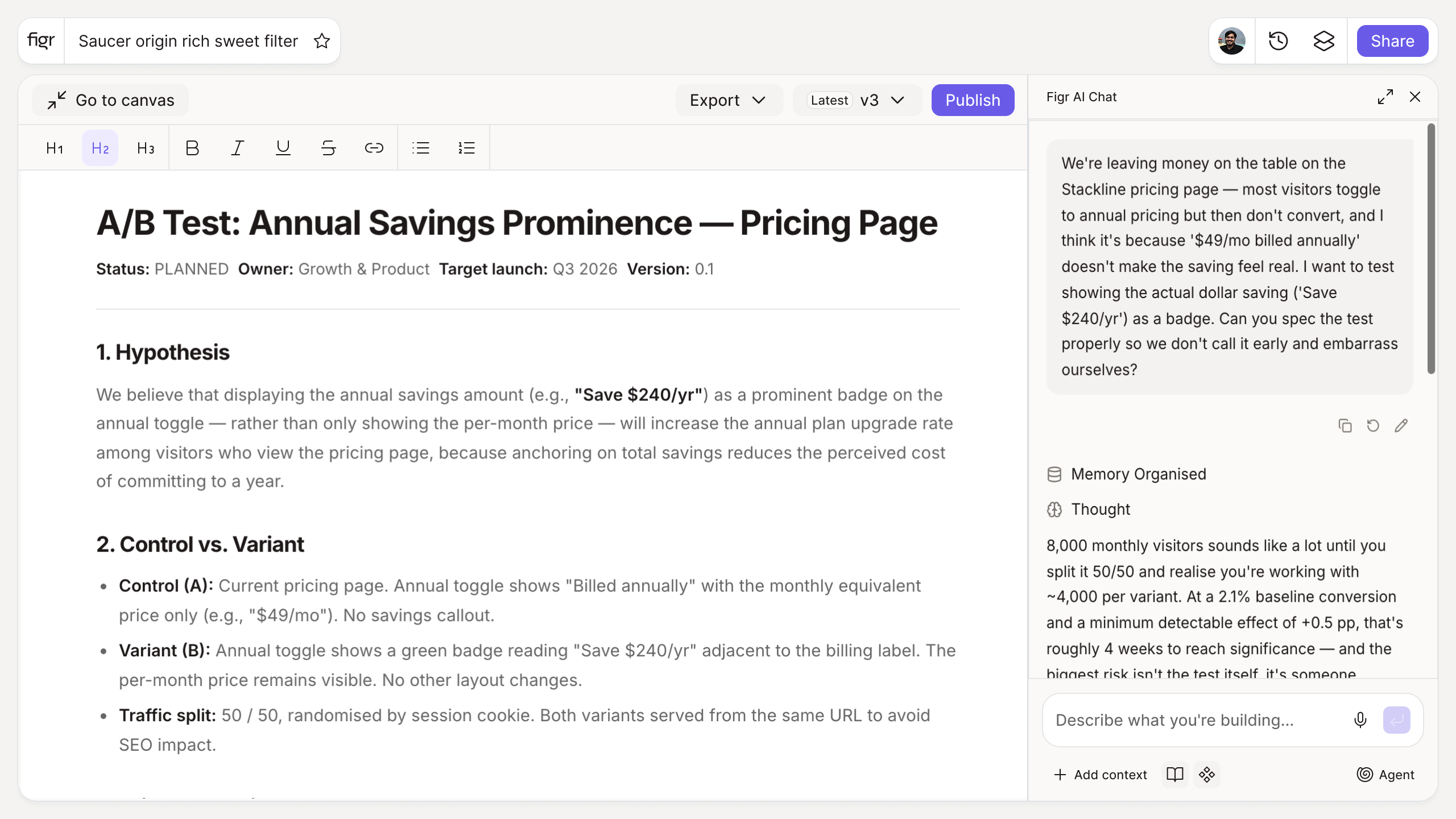
Inputs:
- Problem or observation (free text): what you are seeing in the data or product
- Proposed change (free text): what you want to try
- Primary metric (short text): what you expect to move
Output: A structured hypothesis in the form "Because we observed [problem], we believe [change] will cause [outcome], measured by [metric]", plus a suggested success criterion. Copyable.
Behavior: Generates instantly in-browser, no login. Editable inline.
A test without a hypothesis is just a change
Plenty of teams ship a variant, watch a number wiggle, and call it a result. The problem is they cannot say what they learned, because they never stated what they expected or why. A hypothesis turns a tweak into an experiment: it ties an observation to a predicted outcome and a single metric, so the readout means something either way.
This tool enforces that structure. You describe what you saw and what you want to change, and it frames a testable claim with a success criterion. The deeper craft, sample size, test duration, avoiding false positives, is covered in A/B testing best practices and the broader conversion rate optimization techniques.
How it works
1. State the problem. Enter the observation or data point behind the test.
2. Describe the change. Note the variant you want to try.
3. Name the metric. Pick the one number that defines success.
4. Generate and refine. Get a clean hypothesis, then adjust the success criterion.
A worked example
You notice that forty percent of users drop off on a three-step signup. The vague version is "let's simplify signup." The hypothesis version: because we observed high drop-off on step two, we believe collapsing signup to a single step will increase completion, measured by signup completion rate, with success defined as a five-point lift. Now the test is falsifiable, and the result is actionable whether it wins or loses. Before you even build the variant, it is worth asking whether you can validate the change before writing code.
From hypothesis to design, with Figr
Once you know what to test, you have to design the variant, and a test variant still has to fit the real product. Figr is an AI product designer that reads your product context and produces Figma-ready design on your design system, so the variant looks like part of the product, not a bolted-on experiment. Pair this with the user persona generator to ground the change in a real user, and the edge case generator so the variant handles the same states as control.
Who this is for
This is for product managers and growth teams running experiments on a real product with real traffic.
What this tool is not
It structures the hypothesis; it does not run the stats. Sample size, significance, and test setup live in your experimentation platform, and a well-worded hypothesis on an underpowered test still misleads. This is also a free, standalone writing tool, not a Figr product feature.
FAQ
Is the A/B test hypothesis generator free?
Yes, free and no sign-up.
What makes a good hypothesis?
It links an observation to a specific change, a predicted outcome, and one measurable metric. This tool structures all four.
Does it design the test for me?
It structures the hypothesis and success criterion. Sample size and test setup live in your experimentation tool.
Can I edit the output?
Yes. The hypothesis is a starting point. Edit it inline, then take it to your team.
How is this different from Figr the product?
This is a free writing tool. Figr the product is an AI product designer that turns product context into UX decisions and Figma-ready design.