
The tool
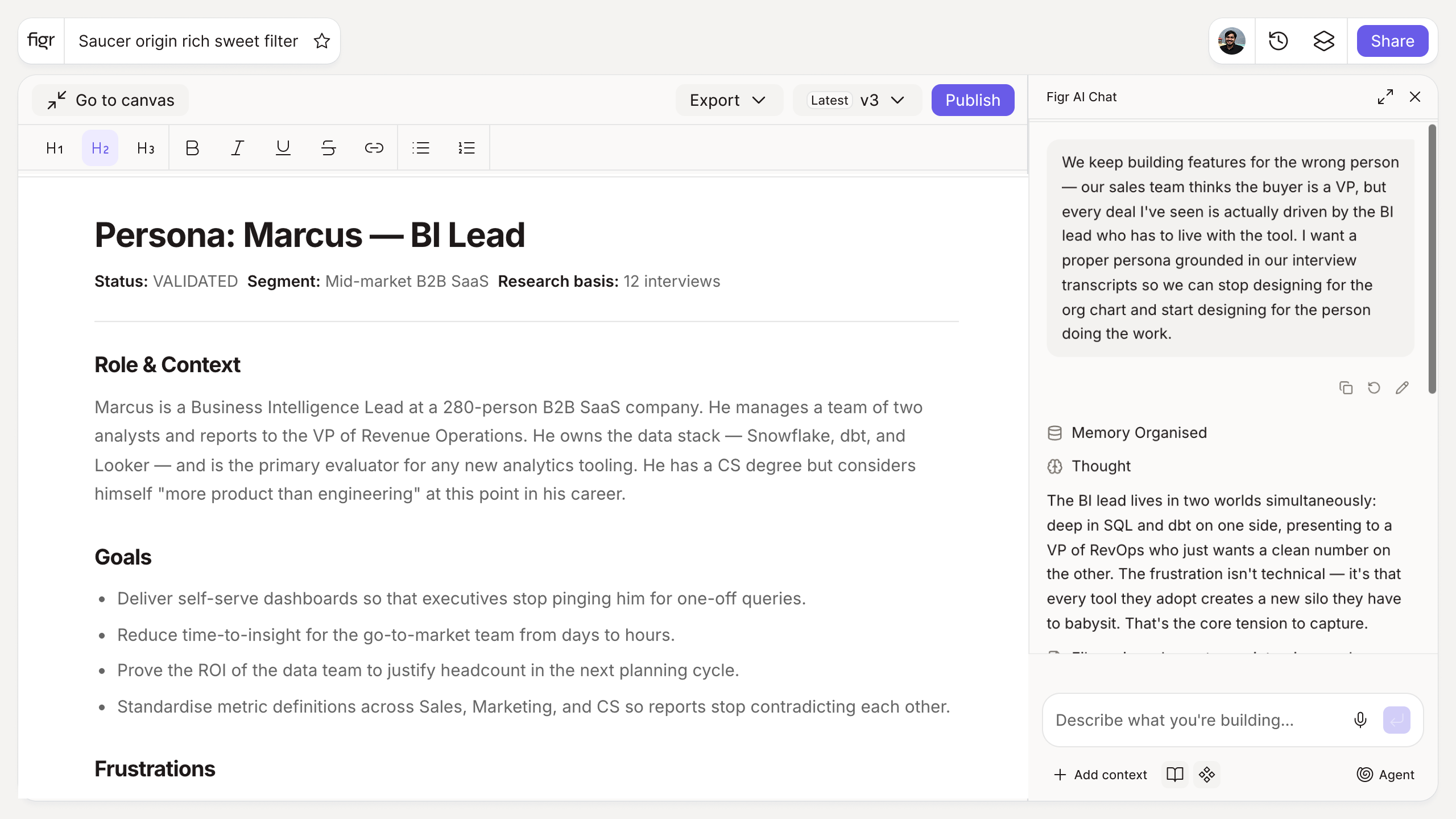
Inputs:
- Target audience description (free text)
- Product or context (short text): what they would use
- Persona depth (selector, optional): quick, detailed
Output: A persona card with name and role, goals, frustrations and pain points, behaviors, and a representative scenario. Copyable or exportable.
Behavior: Generates instantly in-browser, no login. Editable inline.
A persona is only as good as what it is built on
A persona keeps the team designing for a specific person instead of an average that describes no one. The risk is the opposite failure: a persona invented from assumptions, confident and wrong. The honest rule is that this tool structures what you already know from research, it does not manufacture insight you have not gathered. Feed it real signal and it gives you a clean anchor for design decisions. For where that signal comes from, user research methods is a practical survey, and a full guide to UX personas covers benefits and creation steps in depth.
How it works
1. Describe the audience. Enter who you are designing for.
2. Add the product context. Ground the persona in what they would use.
3. Generate. Get a structured card with goals, frustrations, and behaviors.
4. Edit and share. Refine, then use it to align your team.
A worked example
You enter "operations managers at mid-size logistics firms who live in spreadsheets and distrust new software." The card comes back with a name, the goal of cutting manual reconciliation, the frustration of tools that need training, the behavior of exporting everything to Excel anyway, and a scenario showing the first run. That is specific enough to argue about, which is the point. The next risk is designing only for that tidy persona and missing the user who behaves nothing like it, the case shadow personas is written to catch.
From persona to design, with Figr
A persona says who you are designing for. Figr designs for that person from your real product context, reasoning through the UX and producing Figma-ready screens on your system. It reads your product through the Visual Context Graph, so the work reflects how your product actually behaves, not just the persona card. Pair this with the user journey map builder to trace that persona through a flow, and the information architecture generator to place them in a structure.
Who this is for
This helps UX designers and PMs who want a defensible persona to align a team, not a stock template.
What this tool is not
It structures research into a persona; it does not conduct the research for you. A persona built on guesses stays a guess in a nicer format. It is also a free, standalone utility, not a Figr product feature.
FAQ
Is the user persona generator free?
Yes, free and no sign-up.
What is in the persona card?
Name and role, goals, frustrations, behaviors, and a representative scenario.
Does this replace user research?
No. It structures what you know into a usable persona. Real research should inform the inputs.
Can I edit the persona?
Yes. The card is a starting point you can refine.
How is this different from Figr the product?
This is a free generator. Figr the product is an AI product designer that turns product context into UX decisions and Figma-ready design.