
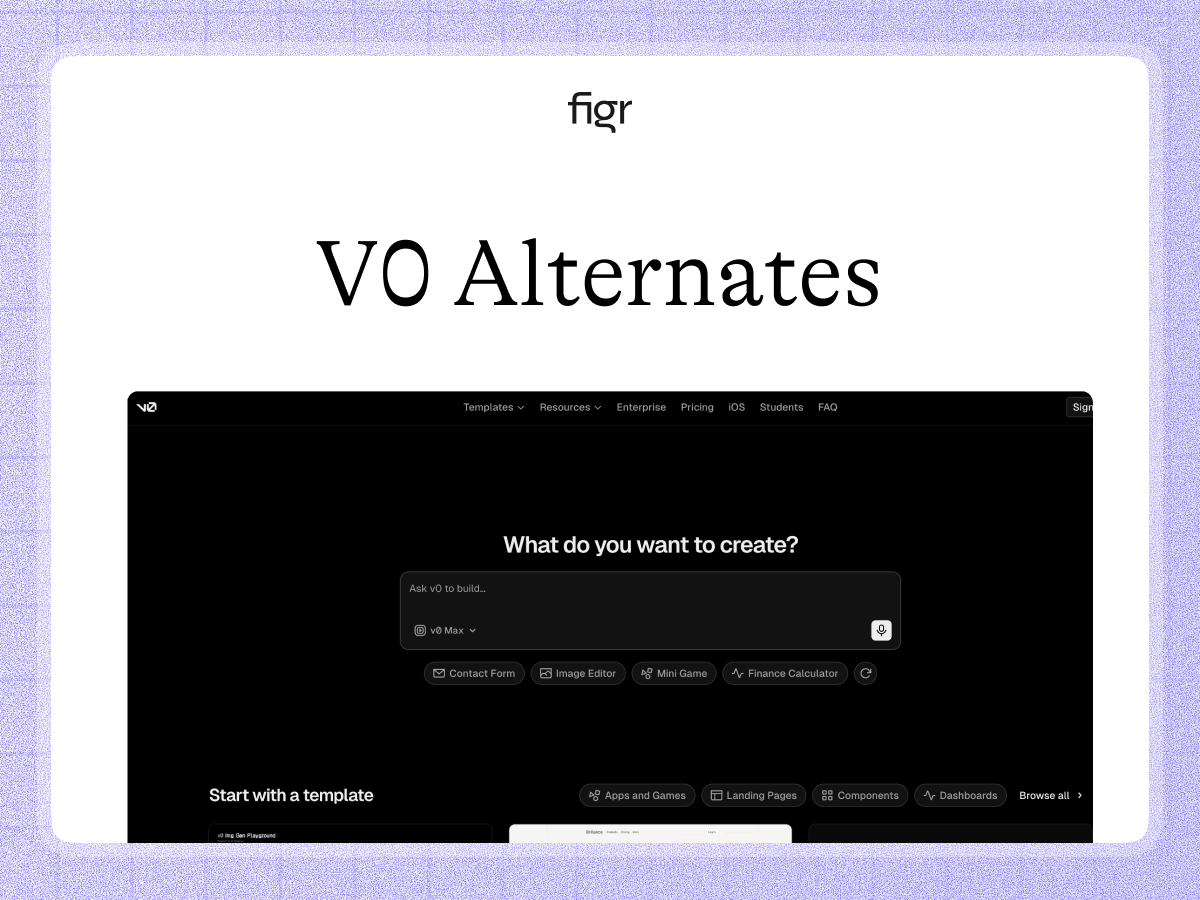
The v0 alternative for deciding the design, not just generating code
v0 by Vercel turns a prompt into React code fast, which is a real gift when you know what to build and want it in code quickly. What it does not do is decide the right UX for an existing product, with your components, flows, and constraints in view, before code exists.
Figr starts from your product. It learns your screens, flows, and design system, reasons through the UX, and produces Figma-ready design that fits what you run. This page compares the two, fairly, including where v0 is the better fit.
Generating code and deciding the design are different jobs
Both tools get you from idea to interface with AI, so they get compared. What they optimize for is different, and that difference is the decision.
v0 is oriented toward code. You describe a UI and it generates React, often production-leaning, which is excellent once you know what you want. What it starts from is the prompt, not your existing product. The output is code for the idea you described, not a design reasoned from your product and its constraints.
That is the real distinction, and it is about which half of the work you are solving. v0 solves the build. Figr solves the design decision, which on a complex product is usually the harder and more expensive half to get wrong.
What v0 is genuinely good at
v0 is an excellent code-generation tool, and credit where it is due. It turns prompts into React and modern front-end code quickly, fits naturally into the Vercel and Next.js ecosystem, and is a strong way to go from a clear idea to working code or a coded prototype.
For an engineer who knows what to build and wants it in code fast, v0 is hard to beat, and we are not going to pretend otherwise. The open question is where the product thinking happens, the states, flows, and design-system fit, because v0 builds what you describe rather than deciding what the screen should be.
What Figr is, and the job it is built for
Figr is an AI product designer that starts from your product. It captures your screens, flows, design system, and docs, reasons through the UX, and produces Figma-ready design that fits what you run.
The difference is what comes first. v0 helps you build a UI in code. Figr helps you decide and design the right UX for an existing product, with components, states, and constraints considered, then hands that to Figma, where your designers refine before anyone writes code.
That makes Figr strongest when the hard part is the design decision, not the implementation.
A worked example: a settings flow in a real product
Take redesigning a settings flow in a product that already has a design system.
With a code-first tool, you can describe the flow and get React quickly. It runs, and it reflects your prompt. But the product questions are still open: which states the flow needs, how permissions change each step, what the empty and error paths look like. Those decisions did not come from the generation, so they get made late, in code, where changing them is expensive.
With Figr, you show it the product and describe the flow. It reasons through the design, including the states and permission cases, and returns screens on your system, ready to refine in Figma. Then your team can build, in v0 or by hand. The win is that the product thinking happened in design, before code.
Where each one wins
| The job | v0 | Figr |
|---|---|---|
| Generate React code from a prompt | Built for it | Not its focus |
| Build fast in the Vercel or Next stack | Strong | Not its focus |
| Decide the right UX first | Limited | Yes |
| Start from your existing product | Partial | Yes |
| Reason through edge cases | Limited | Yes |
| Produce design to refine and hand off | Code-level | Figma-ready |
When v0 is the right call
Use v0, not Figr, when you know what to build and the bottleneck is code. An engineer who wants React fast, a coded prototype, or a quick path from a clear spec to working UI is well served there.
That is a real and common workflow, and v0 fits it well. Figr earns the edge when the harder problem is the design decision, the states, flows, and product fit that should be settled before code.
How they work together
These two are more complementary than competitive. Decide and design the UX in Figr, grounded in your product, then build it in code, with v0 or by hand. Figr's output lands in Figma as editable layers, so designers refine before engineering builds. One tool decides the design, the other builds it. Edge cases get surfaced in design through edge case mapping, so they reach code as decisions, not surprises.
What Figr is not
To be fair, Figr is not a code generator. It does not output React or running components from a prompt, and it is not an engineer's path from idea straight to code.
It is built to design within a real product and produce Figma-ready design that fits. If your need is generating UI code fast, v0 is a reasonable, strong choice. If your need is deciding the design before code, that is where Figr is strongest, and many teams use both in sequence.
Why Figr designs from the product: the Visual Context Graph
Figr reasons about design rather than emitting code because it treats product work as visual and contextual. That is the Visual Context Graph, which connects five layers:
- Visual: your screens and frames
- Behavioral: recordings and real user flows
- Design system: tokens, components, variants, and rules
- Product knowledge: PRDs, research, and past decisions
- Implementation: the code constraints around the design
A code-first tool starts from the prompt. Figr reasons across all five, which is why its design fits the product and is ready to refine. Output moves into Figma as editable layers, through Figma-ready designs.
Pricing, briefly
v0 has a free tier ($5 in monthly credits) and paid plans from $20 a month (Premium) up to $100 per user a month (Business), with custom enterprise, all metered by token usage. Figr is metered by credits: a free tier, Starter at $39 a month, Max at $149 a month, and custom enterprise. The two price differently because one produces code and the other produces design, and many teams pay for both. See pricing.
Decide the design, then build it
If your bottleneck is the design decision, Figr produces considered, on-system design from your product, ready to refine and hand to engineering or v0.
FAQ
Is Figr a v0 alternative?
For the design decision, yes. v0 generates React code from a prompt. Figr designs the right UX from your product first, then hands off to Figma.
What does Figr do that v0 does not?
Figr decides the UX, reasons about edge cases, and produces design grounded in your existing product, rather than generating code from a prompt.
What is v0 best at?
Turning a prompt into React and modern front-end code fast, especially in the Vercel and Next.js ecosystem.
Does Figr generate code?
No. Figr produces Figma-ready design. For code, v0 fits that job, and many teams design in Figr then build with v0.
Can I use Figr and v0 together?
Yes, and they pair well. Design the UX in Figr, then build it in code with v0. They solve different halves of the work.
How is Figr priced next to v0?
Figr is credit-metered with a free tier, Starter at $39 a month, and Max at $149 a month. v0 uses its own tiered pricing. Many teams pay for both.
Related reading
For more on this space: Figma to React, Figma to code plugins, the best AI design tools, and edge case examples in software.