
It's 3:17 PM on a Tuesday. An engineer pings you on Slack: "This looks simple, but what happens on the error state?" You zoom in on the pristine Figma frame, a perfect picture of the happy path. The engineer isn't seeing a picture. They're seeing a branching tree of possibilities. What they are really asking is: "How many other screens are hiding behind this one?"
This gap between a static design and a dynamic application is the project’s Bermuda Triangle. It is where intent gets lost and timelines go to die. A Figma to code plugin promises to bridge this chasm, acting as a high-speed translator between the visual language of design and the structural language of code.
But are they all speaking the same dialect? The promise is seductive: click a button, get production-ready code. The reality is more nuanced. Time isn't a conveyor belt; it's a switchboard. Choosing the right tool isn't about finding a magic wand, it’s about finding the right Rosetta Stone for your team's specific workflow. To ensure this translation is clear, teams often create interactive step-by-step guides to codify the handoff procedure itself.
This guide is built to help you make that choice. We will dissect twelve of the top plugins, moving beyond marketing claims to the practical realities of implementation. Each analysis includes direct links and screenshots to show you precisely what to expect, helping you find the tool that fits your product development lifecycle.
1. Webflow
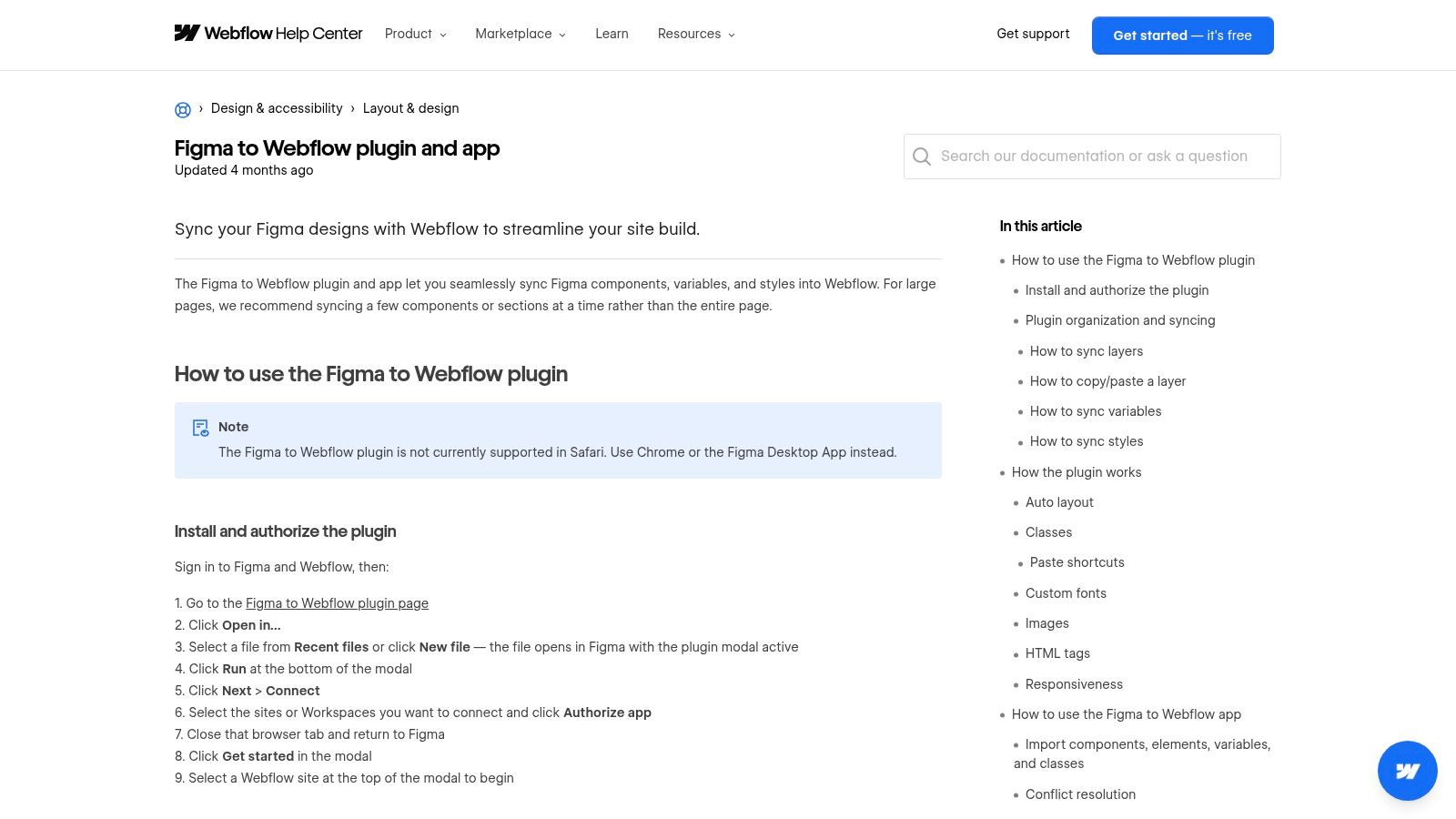
For teams committed to the Webflow ecosystem, this official plugin isn't just a tool, it's a dedicated bridge. Think of it less as a universal translator and more as a high-speed rail line connecting two specific cities: Figma and Webflow. Its purpose is to shorten the distance between a finalized design system in Figma and a live, structured project in Webflow, ensuring design intent arrives intact.
The workflow uses a Figma plugin and a companion Webflow App. This two-part system syncs your design elements directly into a Webflow project. It excels at translating Figma's Auto Layout into responsive flexbox structures and converting layer names into CSS classes, complete with configurable prefixes for clean organization.
Core Functionality & Use Case
The primary value here is creating a production-ready Webflow site, not just generating code snippets. It’s ideal for marketing sites, landing pages, and content-rich platforms where the final destination is explicitly Webflow. The tight integration shines when migrating design tokens.
- Supported Target: Webflow
- Code Quality: Generates Webflow's proprietary site structure, not raw framework code.
- Design System Support: Excellent for syncing Figma variables (colors, spacing, fonts) directly to Webflow variables.
- Pricing: The Figma plugin is free, but requires an active Webflow plan to sync to a project.
Limitations and Considerations
While official support is a major advantage, the plugin has its limits. It doesn't fully support Figma's component variants, a crucial feature for interactive states. This means manual work is often needed post-sync to wire up hover states or other interactive elements. It’s a powerful Figma to code plugin for a specific destination, but only if that destination is Webflow.
Learn more at the official Webflow Help Center
2. Anima
Anima positions itself as a mature, multi-framework platform. It acts less like a simple converter and more like a sophisticated engineering assistant embedded directly within Figma. Think of it as a polyglot translator for your design system, fluent in React, Vue, and plain HTML. It’s built for teams that need to ship production-ready components across different tech stacks without being locked into a single ecosystem.
The platform operates through a powerful Figma plugin that works in both Design and Dev Mode, complemented by a web app for managing projects. This dual interface allows designers to annotate their work and developers to inspect and export clean, component-based code. It’s particularly adept at handling responsive designs and converting Figma's Auto Layout into functional flexbox layouts, making it a robust Figma to code plugin for complex UIs.
Core Functionality & Use Case
Anima’s primary value lies in its flexibility and the quality of its code output. It's ideal for product teams building full applications, not just static websites. The platform is designed to generate code that a developer can actually use, which is a significant step up from simple snippet generators. Its AI-powered settings help tailor the output to match specific coding conventions like Tailwind CSS.
- Supported Target: React, Vue, HTML/CSS, with styling options including Tailwind and shadcn.
- Code Quality: Generates human-readable, componentized code that respects Figma structure.
- Design System Support: Good. It translates styles and layout constraints effectively but requires diligent file organization for best results.
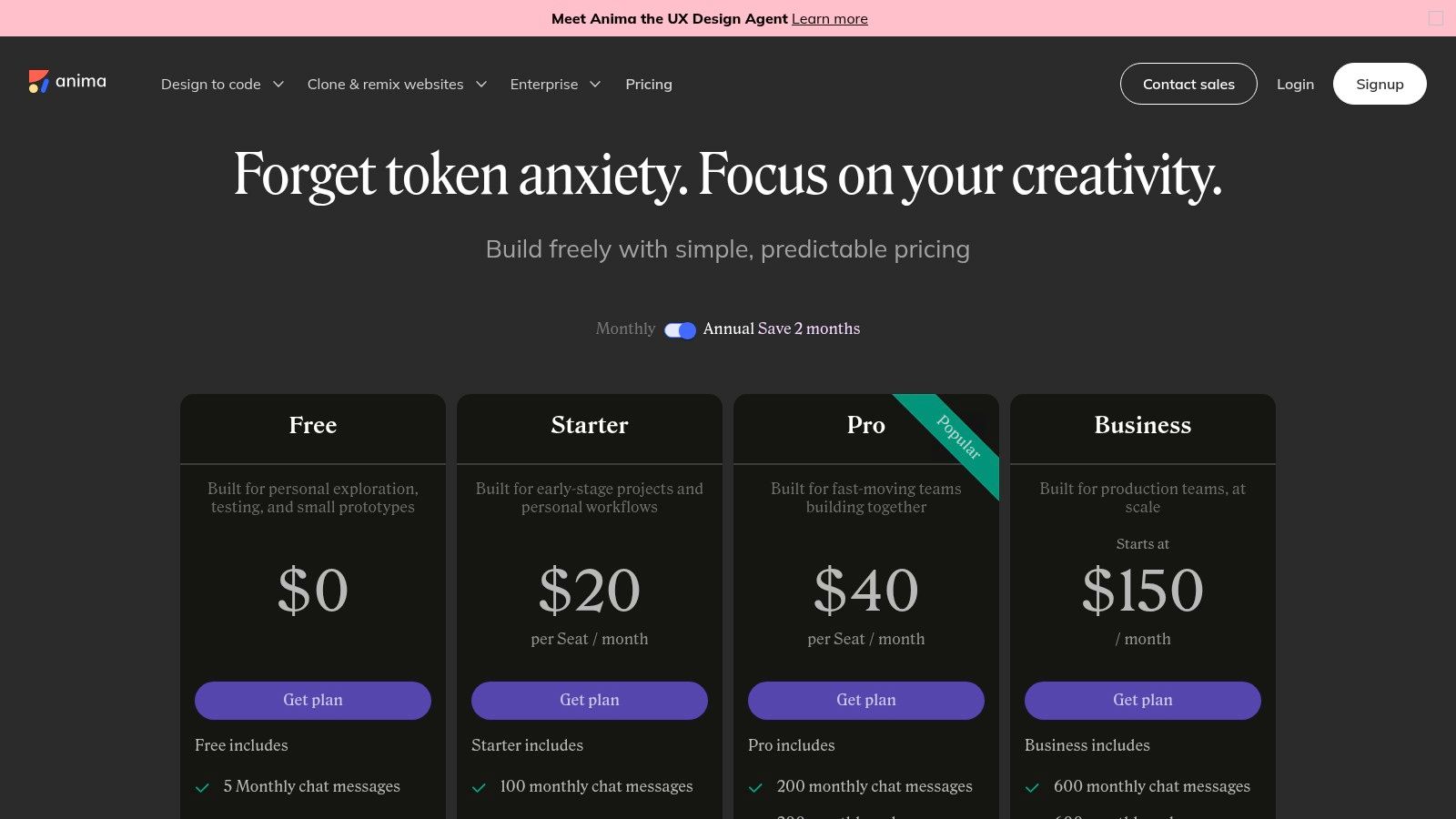
- Pricing: Offers a free tier with limited code exports. Paid plans are required for unlimited generations and advanced features.
Limitations and Considerations
While powerful, the quality of Anima’s output is directly proportional to the cleanliness of the source Figma file. Disorganized layers can lead to messy, unpredictable code, requiring manual cleanup. It’s not a magic wand: it's a force multiplier for well-structured designs. For teams focused on one framework, like those exploring the best Figma to React workflows, the breadth of options might be less critical than a tool hyper-focused on a single target.
Learn more at the official Anima website
3. Locofy.ai
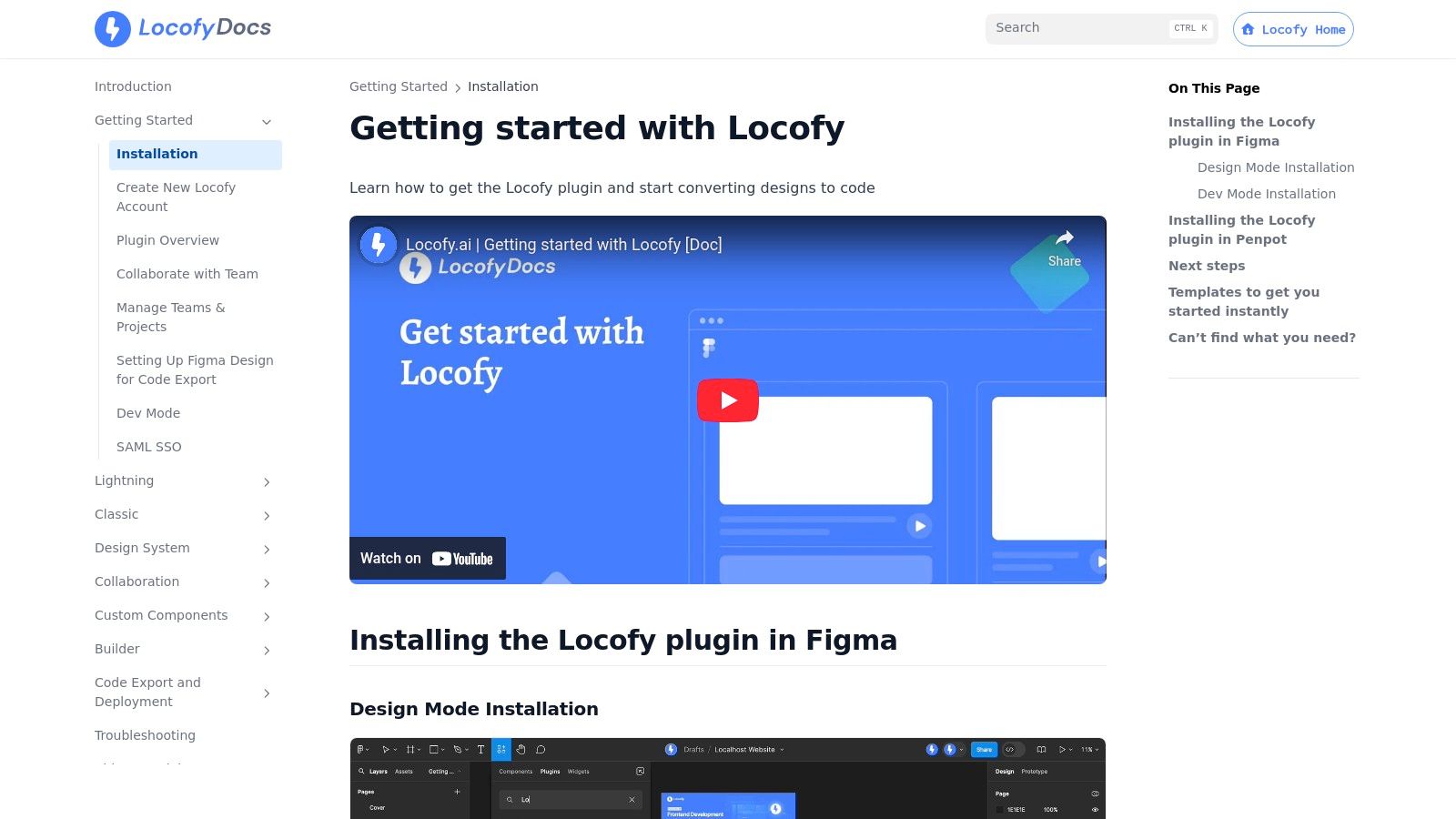
Locofy.ai sees itself as a low-code accelerator, not just a one-off code generator. The plugin isn't the whole product, it's the on-ramp. It is built on the idea that Figma designs, with some upfront annotation, can become the source of truth for front-end code across a huge range of modern frameworks. It operates through a plugin that syncs with a cloud-based builder, turning design layers into interactive, production-ready components.
This two-step process, plugin-then-builder, is its key differentiator. The plugin lets you tag elements, define responsiveness, and add actions directly in Figma. Then you sync to the Locofy Builder, where you can view and export the code for targets like React, Next.js, and even React Native, making it a powerful Figma to code plugin for cross-platform teams.
Core Functionality & Use Case
The sweet spot for Locofy is accelerating the creation of UI-heavy applications and component libraries. Its extensive framework support makes it invaluable for agencies or companies maintaining products on different tech stacks. It focuses on turning well-structured designs into clean, usable code that developers can actually build upon.
- Supported Target: React, Next.js, Gatsby, React Native, Vue, Nuxt, Svelte, Solid, Qwik, Astro, HTML/CSS, and Flutter.
- Code Quality: Generates component-based, human-readable code. Requires good Auto Layout practices in Figma for the best results.
- Design System Support: Good. It maps Figma components and variables, but optimal results depend on using its tagging features to define props and states.
- Pricing: Offers a free tier for individuals and small projects. Paid plans provide more project syncs, GitHub integration, and team features.
Limitations and Considerations
Locofy’s power is directly proportional to your design discipline. If your Figma file is a chaotic collection of ungrouped layers and inconsistent naming, the output will be messy. The learning curve involves understanding its tagging system to make components truly dynamic. This isn’t a magic button: it's a tool that rewards structured design practices. It’s less suited for quick, isolated snippet generation and more for building entire front-ends.
Learn more at the official Locofy.ai Docs
4. Builder.io
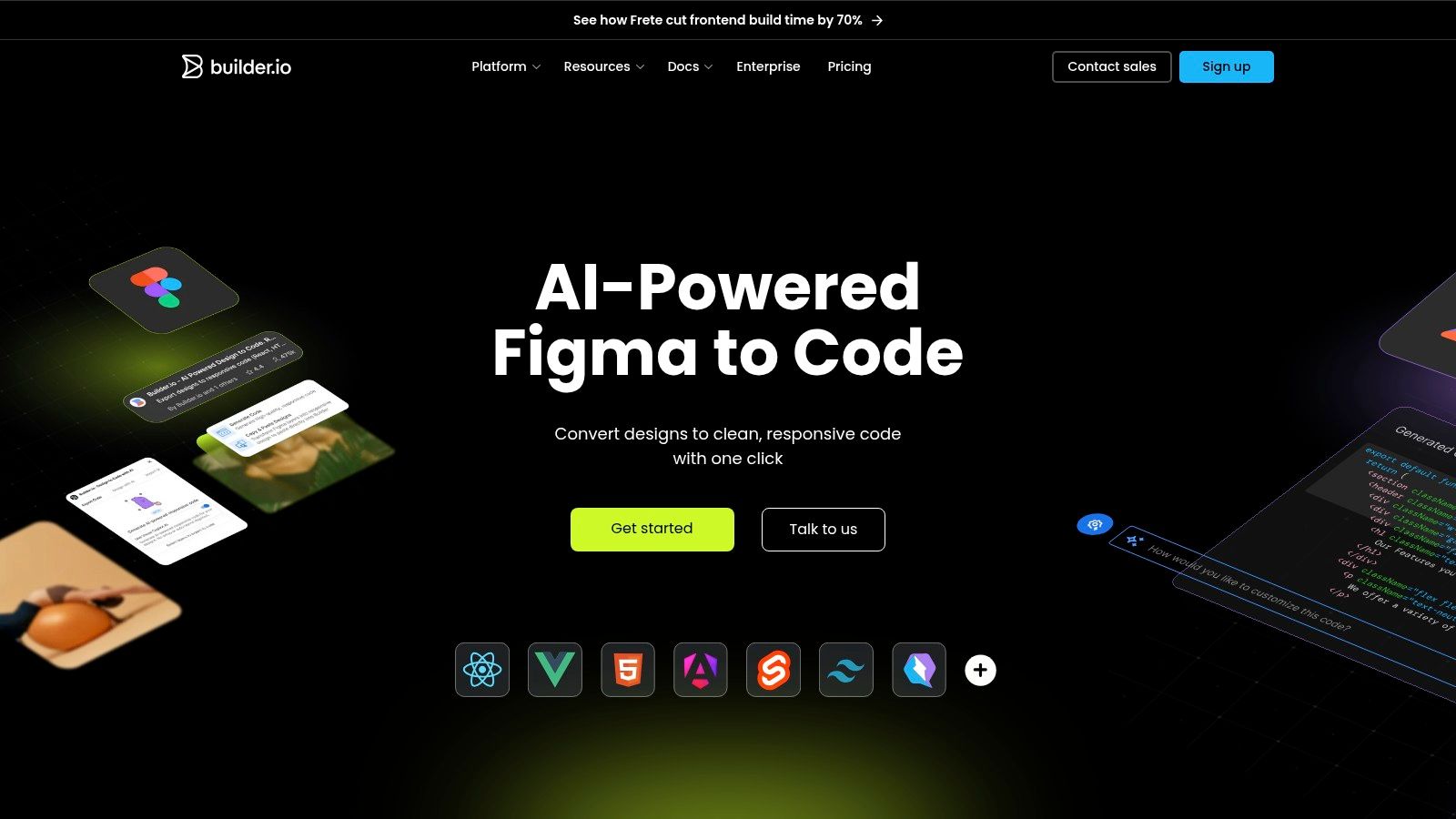
Builder.io isn't just a converter, it’s an AI-powered copilot for your entire front-end workflow. The tool operates like a smart apprentice that watches your design process and learns how to translate it. It’s less about one-off code generation and more about creating a continuously synced pipeline from design to live component. The platform's "Visual Copilot" AI analyzes your Figma design and intelligently maps it to clean, framework-specific code, aiming to understand intent rather than just translating layers.
The process is designed to be deeply integrated. Using a combination of a Figma plugin, a visual editor, and optional CLI tools, Builder.io can generate code for an impressive range of modern frameworks. It moves beyond simple snippets by enabling developers to map Figma components to their existing code components, ensuring design updates translate into production-ready code, not just disposable HTML and CSS.
Core Functionality & Use Case
The sweet spot for Builder.io is teams aiming to accelerate development by turning designs into high-quality, framework-native code that integrates directly with their existing repositories. Its AI-first approach makes it a powerful Figma to code plugin for teams that value speed without sacrificing code quality.
- Supported Target: React, Vue, Qwik, Svelte, Angular, Solid, HTML, and more.
- Code Quality: Generates clean, production-ready code with support for Tailwind CSS, CSS Modules, and other modern styling conventions.
- Design System Support: Strong. The ability to map Figma components to existing codebase components is a key differentiator.
- Pricing: Offers a free tier for individuals and small projects, with paid plans for teams needing more advanced features like repo syncing.
Limitations and Considerations
While its multi-framework support is a major strength, the platform's power depends on a team's willingness to adopt its workflow. The integration with Figma's Dev Mode is also an evolving area, so teams should expect the specific interaction patterns to mature over time. This is less of a simple "export" tool and more of a comprehensive platform, which may be overkill for teams just needing quick code snippets.
Learn more at the official Builder.io website
5. TeleportHQ
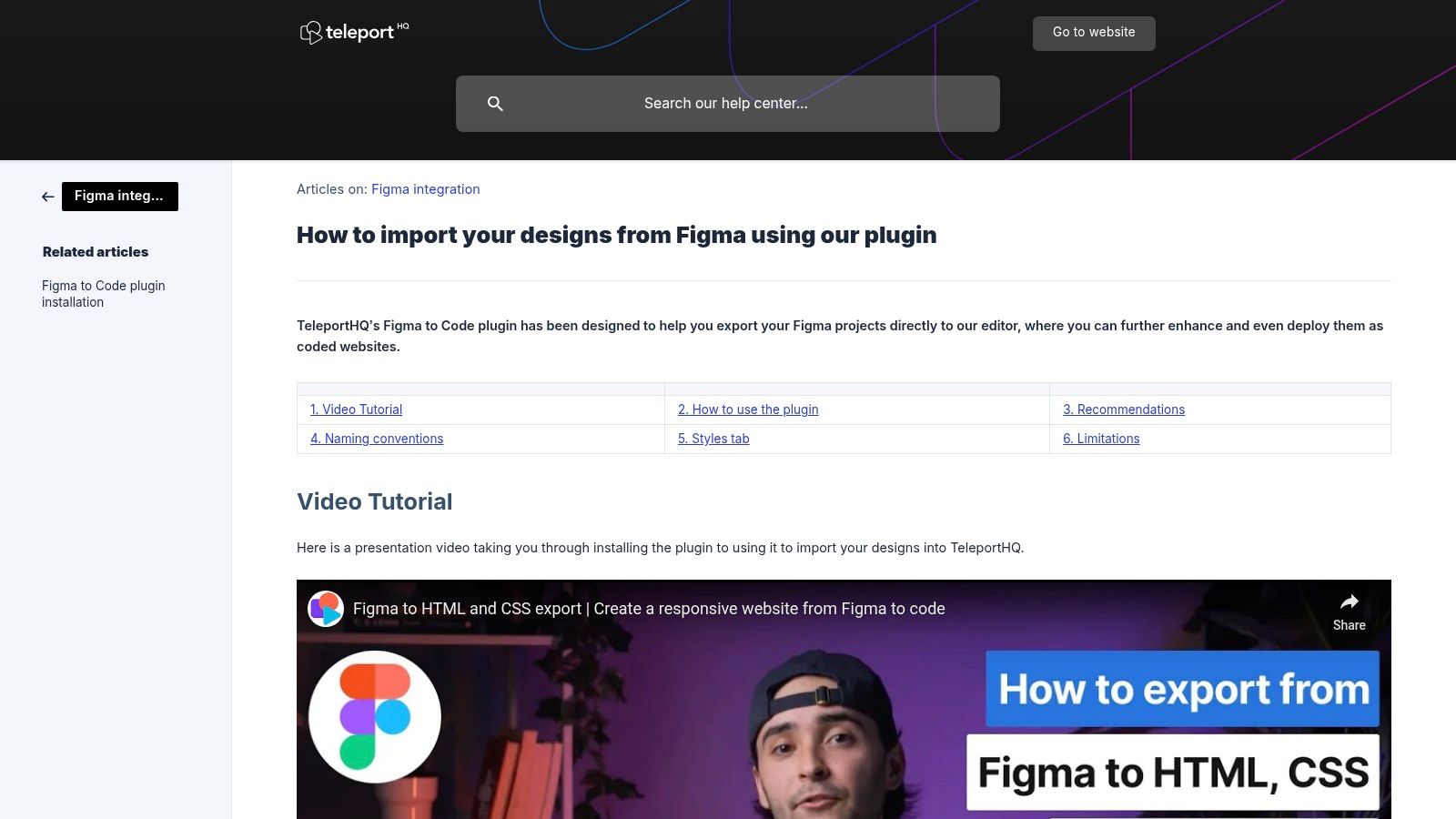
TeleportHQ is not just a converter, but a full-fledged collaborative front-end platform with a Figma plugin as its entry point. Imagine your Figma file is a blueprint, and TeleportHQ is the workshop where you assemble the final product. It’s less about one-off code generation and more about creating a continuous import, refine, and deploy workflow. The core idea is to pull your designs into a powerful visual editor where they can be enhanced with real functionality before exporting.
The process involves selecting frames in Figma and using the plugin to import them into a TeleportHQ project. This import brings over layers, styling, and layout, translating them into a live, editable environment. This is where the platform truly differentiates itself: it's not just a Figma to code plugin, but a comprehensive tool for turning static mockups into interactive websites and applications.
Core Functionality & Use Case
The primary use case is for teams who want to bridge the design-to-development gap with a visual editor that offers more control than a simple code export. It's ideal for building static websites, landing pages, and UI component libraries that require both design fidelity and clean code output. The platform's emphasis on reusability aligns well with structured projects.
- Supported Target: HTML/CSS, React, Vue, Next.js, Angular, and more.
- Code Quality: Generates clean, production-ready code in multiple frameworks.
- Design System Support: Good. It imports and helps you structure components and variables, aligning well with concepts like Figma Tokens in design systems.
- Pricing: Offers a generous free plan, with paid plans for more projects, collaborators, and private project hosting.
Limitations and Considerations
The platform’s strength, its visual editor, can also be its main learning curve. Some complex Figma properties like masks or certain gradients may require manual adjustments post-import. The workflow requires a commitment to the TeleportHQ environment to get the most value, which might not suit teams looking for a simple, direct-to-IDE code snippet generator.
Learn more at the official TeleportHQ Help Center
6. DhiWise
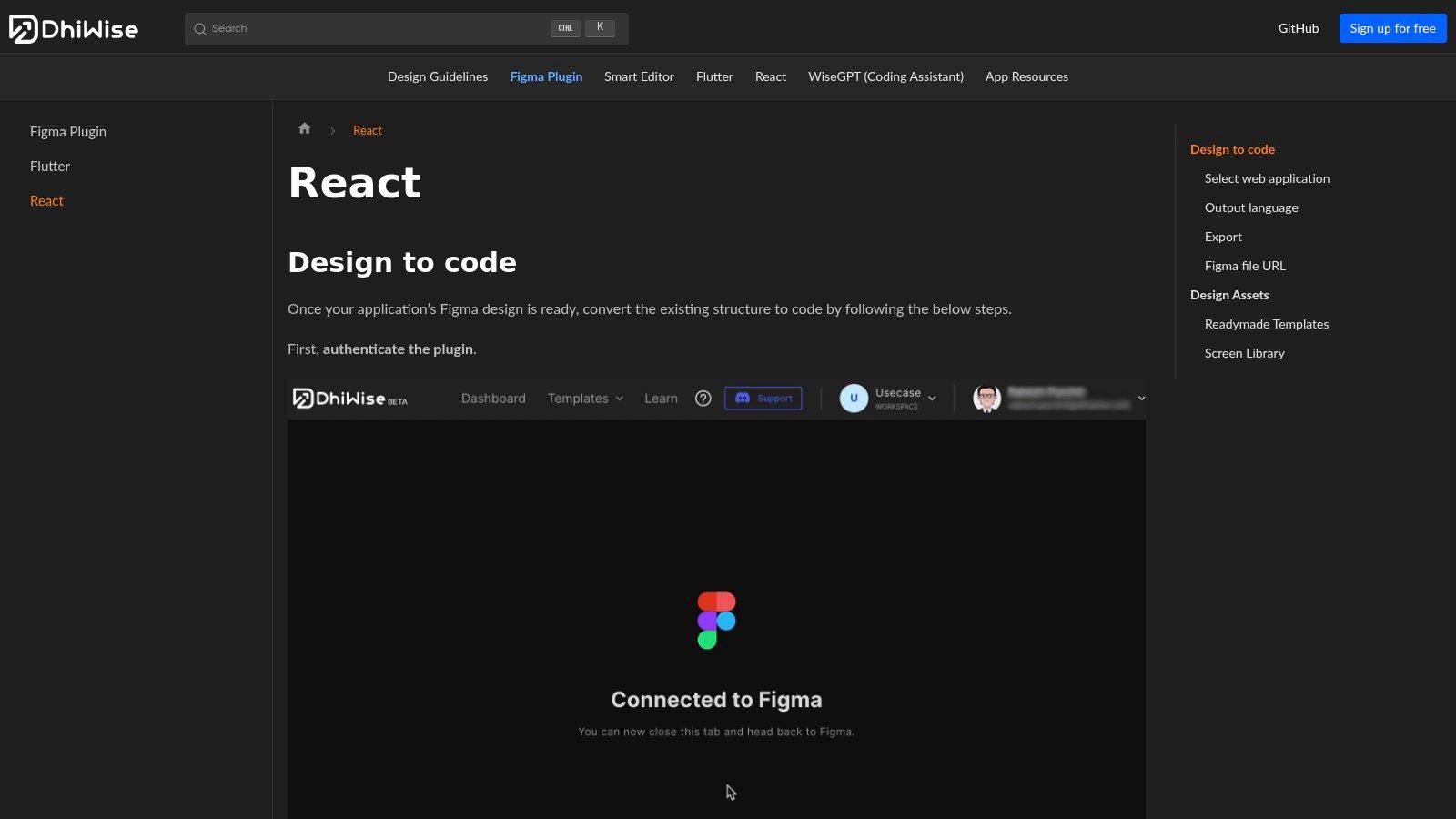
DhiWise is less a converter and more a development accelerator. It treats your Figma file like architectural plans for a pre-fabricated house. It’s built for developers who see Figma not as the final word, but as a well-defined starting line. The platform’s core idea is to take your designs and generate not just components, but a structured, scaffolded application in either React or Flutter, ready for business logic integration.
The process is centered on its Figma plugin, which allows you to select specific frames or entire files to convert. This is crucial: it understands that not every artboard is destined for production. It ingests your Figma file via a URL and processes it into a foundational codebase, giving developers a significant head start on building out complex applications by handling the initial UI setup.
Core Functionality & Use Case
The primary use case for DhiWise is rapid application scaffolding. It is best suited for teams kicking off a new React or Flutter project who want to bypass the tedious work of translating static mockups into a functional project structure. It excels at creating the initial files, folders, and component shells.
- Supported Target: React (JavaScript/TypeScript), Flutter
- Code Quality: Generates a structured, multi-file project. The code is developer-centric but its quality depends heavily on the source Figma file.
- Design System Support: Basic support for component creation, but not a deep sync for variables or tokens.
- Pricing: DhiWise offers a free plan for individuals, with paid plans for teams needing more features.
Limitations and Considerations
While DhiWise is effective at scaffolding, the output is a starting point, not a final product. The quality and organization of the generated code directly mirror the rigor of your Figma design. A messy, inconsistent Figma file will produce a messy, inconsistent codebase requiring significant refactoring. It’s a powerful Figma to code plugin for accelerating new builds, but it demands design discipline to be truly effective.
Learn more at the official DhiWise Docs
7. Quest (Quest AI)
Quest is less a direct converter and more an opinionated production pipeline for React teams. It operates on the belief that code generation must be tied to a design system to be scalable. It is the bridge you build when your destination isn't just a single page, but a maintainable application built with established component libraries like Material-UI or Chakra UI. The tool is like a specialized factory that only works with specific parts, but assembles them with extreme precision.
The platform works by mapping your Figma components, including variants and Auto Layout, to their coded equivalents in your chosen React framework. This happens within the Quest environment, which then syncs a clean, production-ready codebase to your GitHub repository. It’s designed to manage the entire front-end, separating business logic from presentation to keep the code organized. This makes it a powerful Figma to code plugin for teams standardizing on React.
Core Functionality & Use Case
The central value proposition is creating and maintaining a design-system-aligned React application. It’s ideal for product teams building complex web apps who need to ensure that designs in Figma translate perfectly into their MUI or Chakra component library, complete with props and styling.
- Supported Target: React (Create React App, Next.js), with specific support for MUI and Chakra UI.
- Code Quality: Generates clean, separated React code. It exports components, themes, and entire application structures.
- Design System Support: Excellent. Its entire philosophy is built around mapping Figma components to an existing code-based design system.
- Pricing: Offers a free tier for individual projects, with paid plans for teams needing more apps and GitHub syncs.
Limitations and Considerations
Quest’s strength is also its primary constraint: it is deeply integrated with the React ecosystem. If your team works with Vue or Angular, this isn't the tool for you. Some advanced configurations must be handled within the Quest platform itself, which introduces a new tool into your workflow. It demands commitment to its process but rewards it with highly structured, maintainable code.
Learn more at the official Quest Docs
8. pxCode
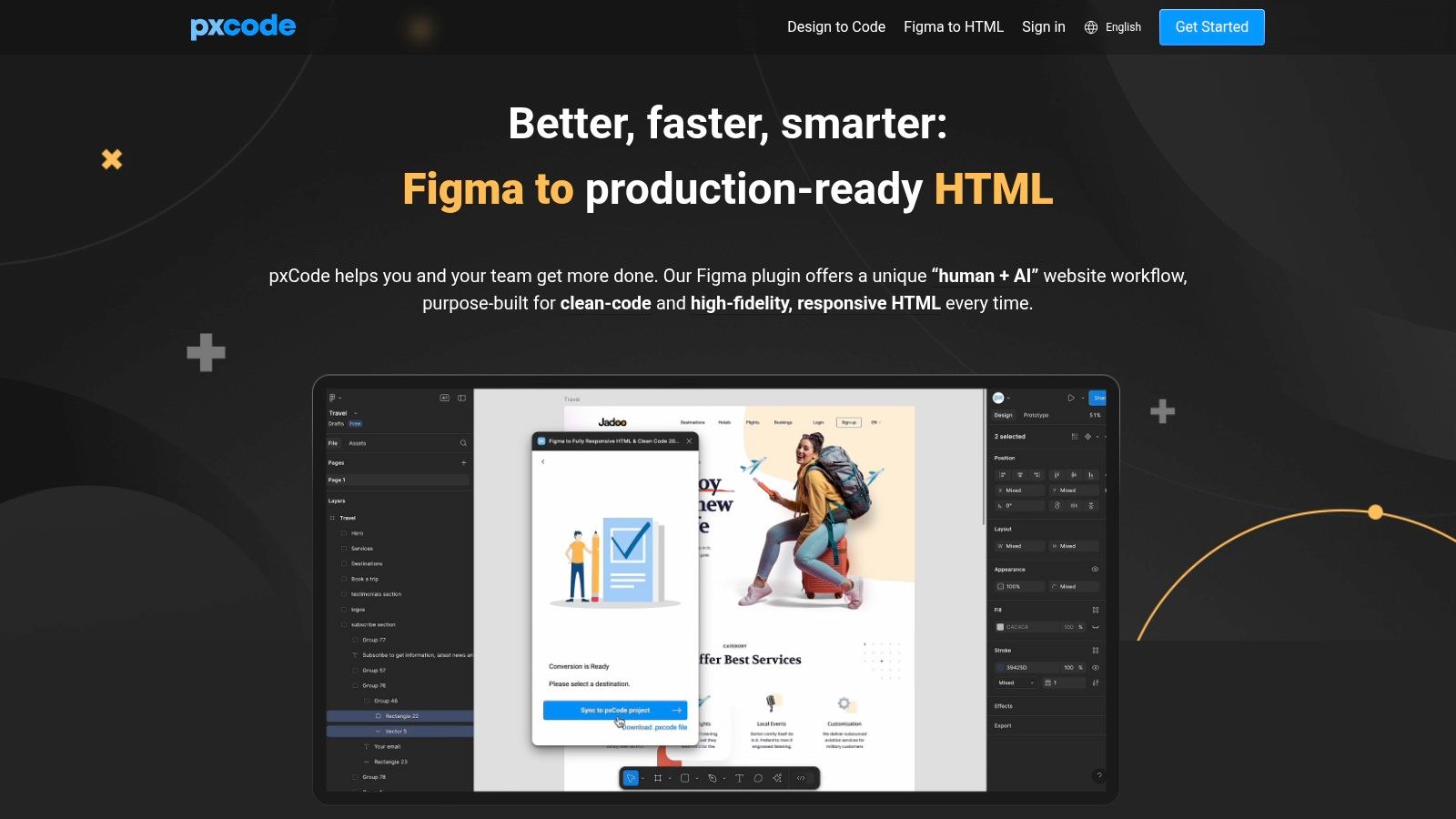
Where many tools enforce a specific framework, pxCode operates on a principle of clean separation. Think of it less as a black box converter and more as a disciplined transcriber, turning Figma designs into well-structured, dependency-free code. The tool is a purist. Its core philosophy is delivering a clean HTML/CSS foundation that developers can easily adopt, integrate, or build upon, rather than wrestling with proprietary abstractions.
The process involves using the Figma plugin to export designs to the pxCode web platform, where AI assists in refining the structure before generating the final output. This human-in-the-loop approach is its key differentiator, allowing for adjustments and componentization before export. It excels at creating responsive layouts and supports modern standards like Tailwind CSS, giving teams a clean starting point for custom projects.
Core Functionality & Use Case
The primary value of pxCode is producing framework-agnostic code for maximum portability. It's ideal for teams that need a pristine HTML/CSS or Tailwind starting point to integrate into an existing, complex codebase. It’s a strong Figma to code plugin for projects where avoiding framework lock-in is a priority.
- Supported Target: HTML/CSS, Tailwind CSS, React, Vue, SCSS
- Code Quality: Generates clean, well-structured, and dependency-free code.
- Design System Support: Good for creating reusable components within its platform before export.
- Pricing: Offers a free tier for basic projects, with paid plans required for team collaboration and unlimited exports.
Limitations and Considerations
The platform's strength in producing clean code means it intentionally avoids complex application logic. Dynamic data binding, state management, and intricate user interactions must be wired up by a developer after the code is exported. The requirement to use their web platform for refinement adds an extra step to the workflow, which may not suit teams looking for an instant, in-Figma export.
Learn more at the official pxCode website
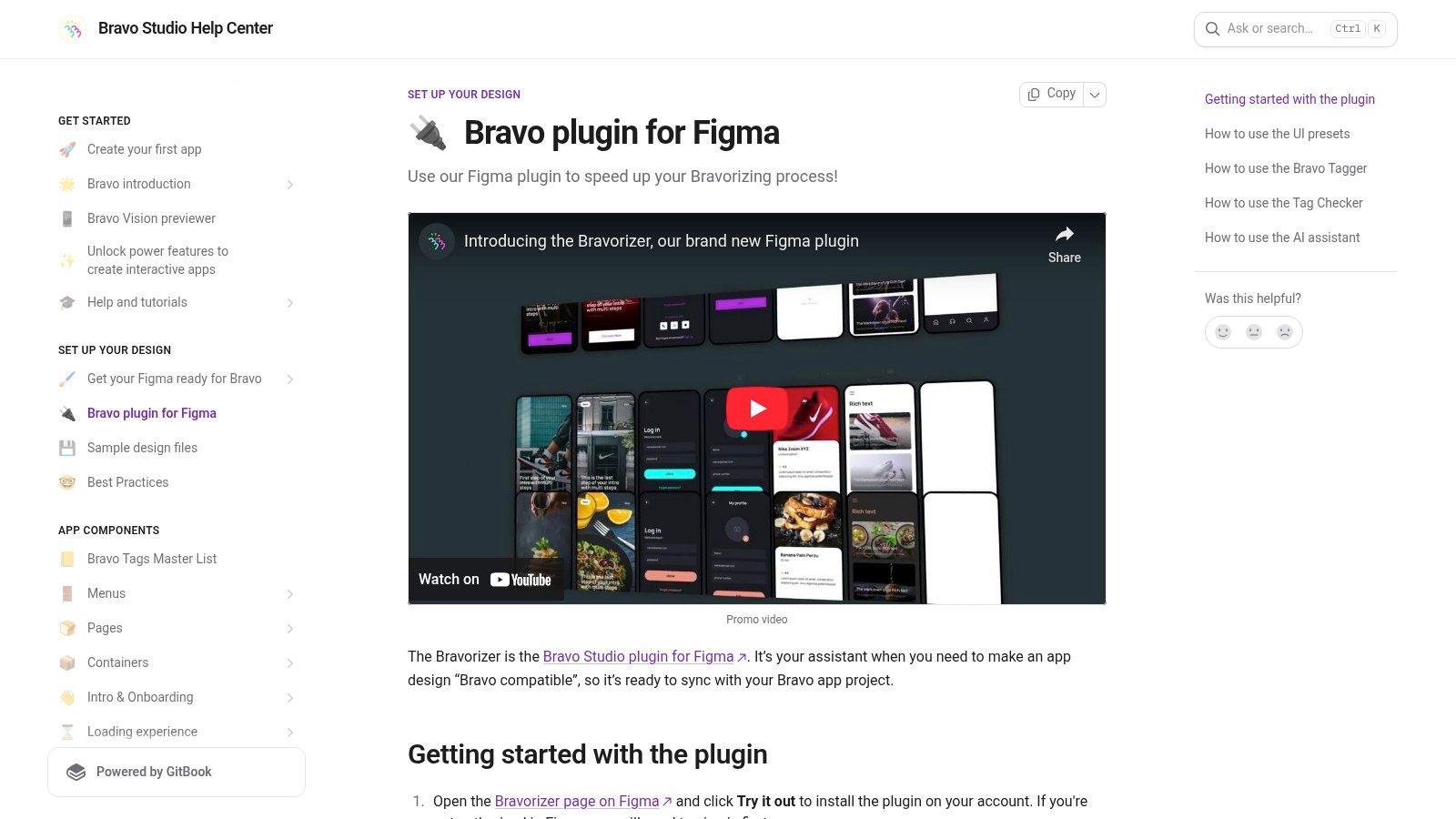
9. Bravo Studio
Bravo Studio occupies a unique niche, acting less like a code generator and more like a dedicated mobile app assembly line. It is designed for teams who need to create native-feeling mobile applications directly from Figma designs, bypassing the traditional development cycle entirely. Your Figma design becomes the skin, and Bravo provides the bones and nervous system to make it a living app. The core idea is to add functionality and data connections to a design, not just to translate its visual elements.
The process hinges on the "Bravorizer" Figma plugin, which allows you to "tag" your Figma components. These tags are not for styling, but for function: marking a layer as a container, a list, or an interactive element. This meta-information is then sent to the Bravo Studio platform, which interprets the tagged design and compiles it into a functional, native mobile app that you can test instantly with the Bravo Vision previewer app.
Core Functionality & Use Case
The primary goal is to build and publish data-driven native iOS and Android apps without writing code. This makes it an exceptional Figma to code plugin for founders, designers, and product managers looking to validate an app idea with a high-fidelity, functional prototype. It excels at apps that rely on APIs for content, like directories, content apps, or simple e-commerce storefronts.
- Supported Target: Native iOS & Android (via Bravo's proprietary runtime)
- Code Quality: No direct code output, generates a native app package.
- Design System Support: Imports Figma components, but functionality is defined by Bravo Tags, not Figma component properties.
- Pricing: Offers a free plan for building and testing. Paid plans are required for publishing to the App Stores.
Limitations and Considerations
The strength of Bravo Studio is also its main constraint: you are fully committed to its ecosystem. You are not generating Swift or Kotlin code that you can later eject and hand off to a development team. The app's logic, data connections, and capabilities are all defined and limited by what the Bravo platform supports. This makes it unsuitable for apps requiring complex custom logic or deep native API integrations.
Learn more at the official Bravo Studio Documentation
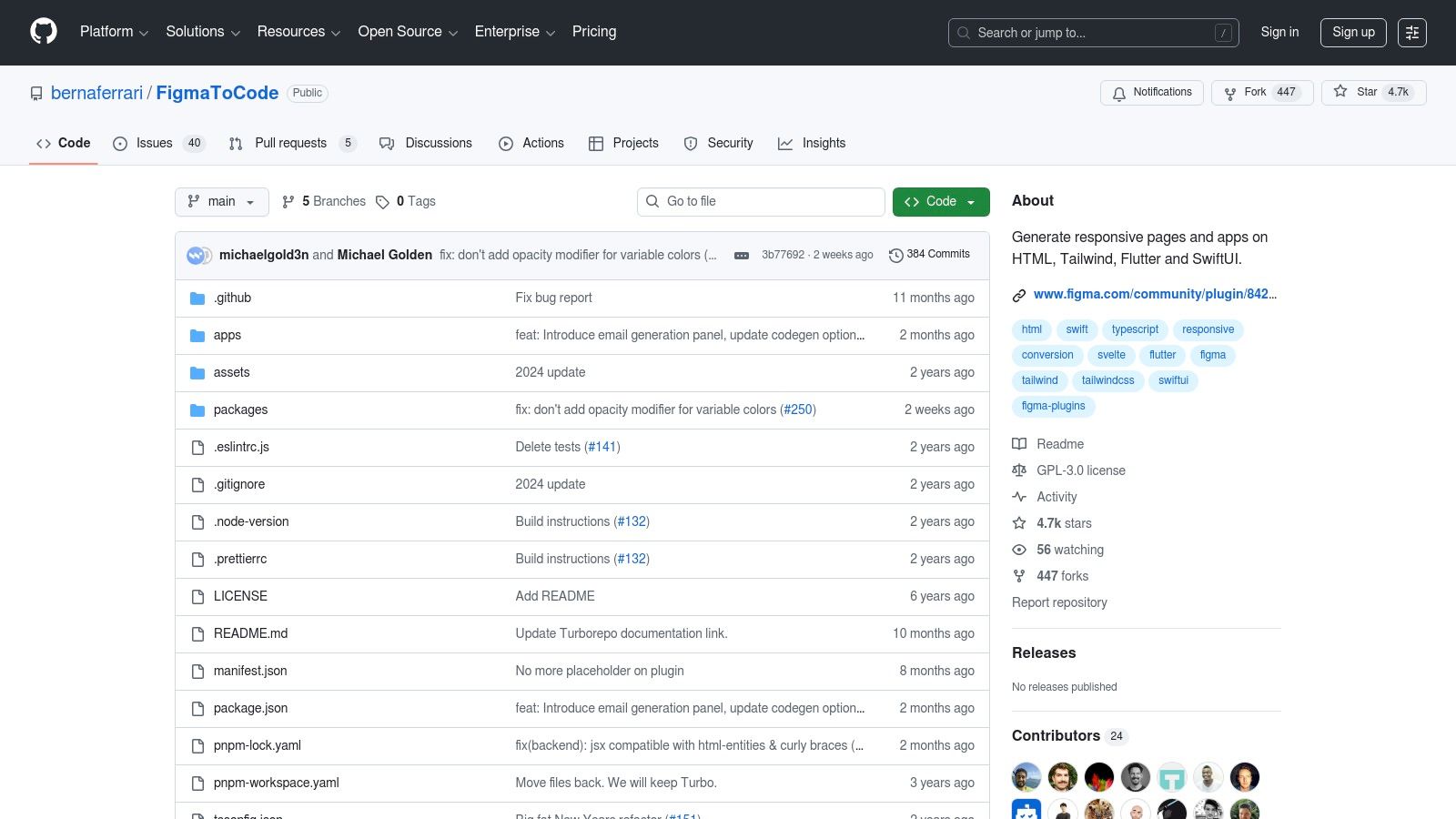
10. Figma to Code (Bernardo Ferrari) - Open Source
For developers who value transparency and control, this open-source plugin is less a polished product and more a community-driven workshop. It represents a foundational, offline-capable baseline for generating code across multiple platforms. Its strength is not in pixel-perfect outputs, but in providing a free, extensible starting point that you can trust because you can see every line of its code. The analogy here is a simple, reliable hand tool in a world of complex machinery.
This plugin operates directly within Figma, offering a straightforward panel to select your target framework: HTML with Tailwind, React, Svelte, or even mobile targets like Flutter and SwiftUI. It prioritizes layout interpretation over intricate styling, making it a pragmatic choice for quickly scaffolding the structural backbone of a component or screen without vendor lock-in or network dependencies.
Core Functionality & Use Case
The primary goal here is to get a functional code structure, fast. It’s ideal for developers needing a quick stub for a new component or for teams prototyping across different frameworks who need a versatile, no-cost figma to code plugin. Its multi-platform support from a single, transparent codebase is its defining feature.
- Supported Target: HTML/Tailwind, React, Svelte, styled-components, Flutter, SwiftUI
- Code Quality: Generates foundational code that often requires manual refactoring for production environments.
- Design System Support: Minimal; does not deeply integrate with Figma variables or advanced component properties.
- Pricing: Completely free and open source.
Limitations and Considerations
As a community-maintained project, it lacks the dedicated support and polished user experience of commercial alternatives. The code output, while functional, may not adhere to your team’s specific coding conventions, necessitating a cleanup phase. It’s a powerful tool for initial code generation, but expect to invest manual effort to bring the output up to production-grade standards.
Learn more at the official GitHub repository
11. AWS Amplify Studio
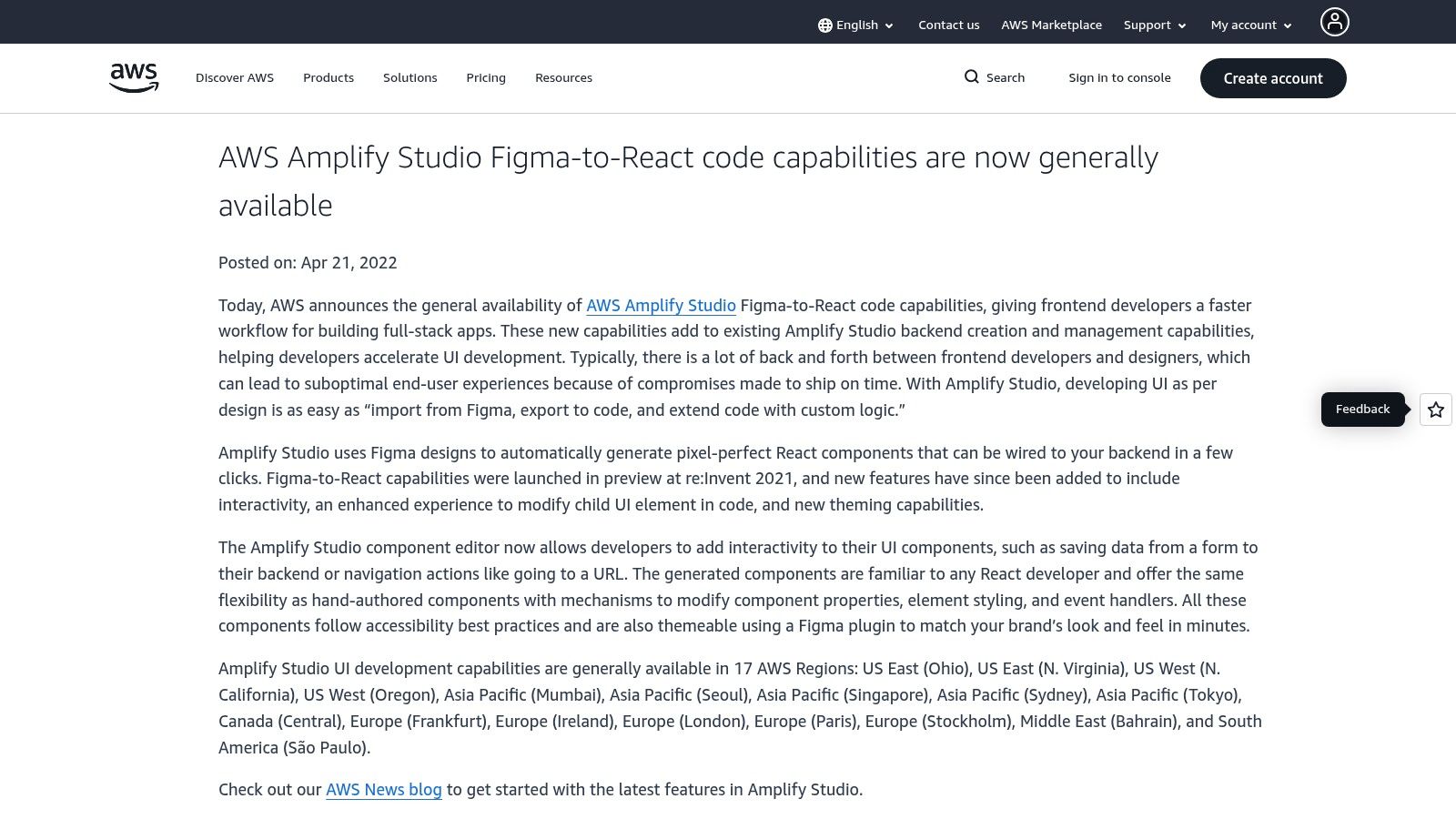
For development teams already operating within the AWS ecosystem, Amplify Studio is less a plugin and more an extension of their existing infrastructure. It treats Figma not as a design handoff, but as the visual front-end for a full-stack, cloud-powered application. This tool is a pipeline, not a translator. Its core purpose is to connect a validated UI directly to a live AWS backend, turning design components into data-bound React components from the start.
This workflow is designed for deep integration. You use a Figma file as the source, which Amplify Studio parses and converts into clean React code. The standout feature is its ability to then link these UI components to backend data models, authentication logic, and storage, all configured within the Amplify environment. It aims to eliminate the gap between a visual component and its functional, data-driven counterpart.
Core Functionality & Use Case
The primary value is creating full-stack React applications, not just UI code. It’s built for teams developing data-intensive web apps where the UI is tied to backend services like AWS Cognito for auth or DynamoDB for data. It’s a powerful Figma to code plugin when the final destination involves the entire AWS stack.
- Supported Target: React, with deep integration for AWS backends.
- Code Quality: Generates themed, accessible React components that are ready to be connected to data sources.
- Design System Support: Imports Figma components and styles, allowing for overrides within the Amplify Studio UI.
- Pricing: The service is part of the AWS Free Tier. Beyond that, you pay for the underlying AWS resources used on a usage basis.
Limitations and Considerations
While the backend integration is its greatest strength, it's also its main constraint. The tool's full value is only realized if your team is committed to and familiar with the AWS ecosystem. The generated code is explicitly for React, offering no flexibility for other frameworks. This makes it a highly specialized choice: perfect for AWS-native teams, but a poor fit for projects built on different cloud providers.
Learn more at the official AWS Amplify documentation
12. Plasmic
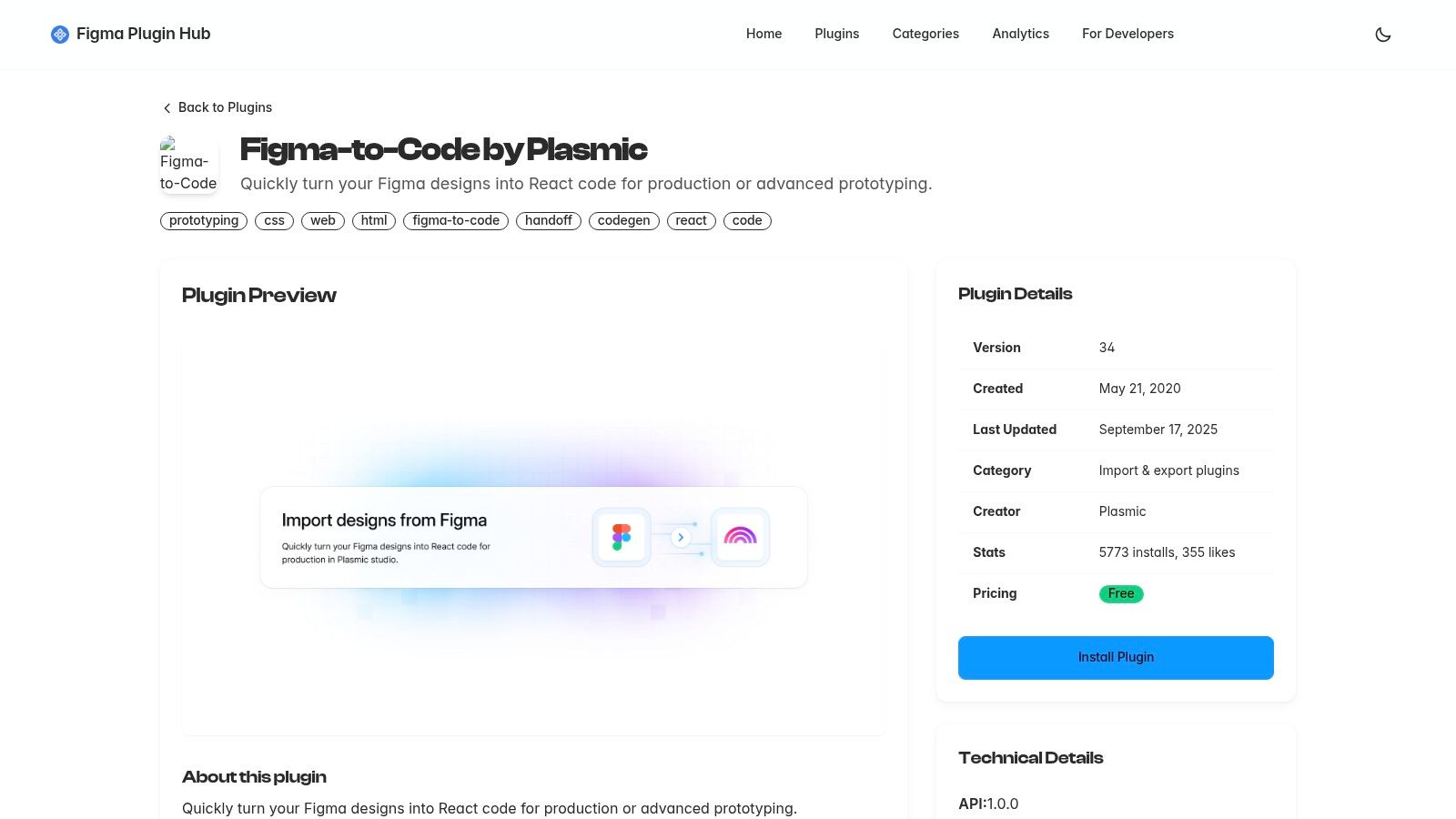
Plasmic occupies a unique space between a direct code generator and a full-scale visual builder. It isn't just about a one-time export. It’s a platform designed to receive your Figma designs and then empower you to evolve them into production-grade React components. The basic gist is this: Figma is the clay, Plasmic is the potter's wheel that shapes it into something functional and connected to your codebase.
The process starts with a sophisticated Figma importer that respects auto-layout, constraints, and even visual effects like blurs and gradients. Once imported into the Plasmic Studio, the design is no longer a static picture. It becomes a live canvas where you can refine layouts, create component variants, and bind elements to real data sources, all while maintaining a direct connection to your codebase.
Core Functionality & Use Case
Plasmic is built for teams that want to bridge the design-to-development gap without sacrificing the power of a real React codebase. It's ideal for building dynamic UIs, component libraries, and content-driven sites where designers and marketers need ongoing control over the presentation layer. It excels at creating a system where visual edits translate directly into code.
- Supported Target: React (including Next.js, Gatsby), and other headless integrations.
- Code Quality: Generates clean, production-ready React code that can be integrated into existing codebases. It is not just a snippet generator but a full component model.
- Design System Support: Strong. You can turn imported designs into reusable components with props and variants within the Plasmic Studio.
- Pricing: Offers a generous free plan, with paid tiers for teams requiring more collaboration and advanced features.
Limitations and Considerations
While the Figma import is remarkably accurate, its success is proportional to how well-structured your Figma file is. A messy, disorganized design will require more manual cleanup post-import. The platform also has a learning curve. It’s more than a simple Figma to code plugin and requires an investment to understand its full capabilities as a visual builder.
Learn more at the Figma Community
Top 12 Figma-to-Code Tools Comparison
From Generation to Grounding: The Next Step Is Context
The landscape of Figma-to-code plugins is not a flat plane, it is a mountain range. Each peak, from Locofy's component-centric approach to Builder.io's full application focus, offers a different vantage point. The common thread is a powerful, yet incomplete, promise: speed. These plugins are exceptional at translating the what of your design into a functional first draft.
However, the real work of engineering is not just the what, it is the how and the why. How does this component connect to our live data? Why is this state managed globally instead of locally? This is where the translation often breaks down. A Figma to code plugin is like a brilliant linguist who can translate a novel's prose perfectly but has no understanding of its plot. The words are correct, but the soul is missing.
This is what I mean. A friend at a Series C company recently used a plugin to generate an entire onboarding flow. The initial output was impressive and saved his team about 20 hours of boilerplate coding. But then they spent 30 hours refactoring it, connecting it to their real data models, and mapping the generated components to their existing, mature design system. The net loss was 10 hours and a significant amount of developer frustration.
Why did this happen? The plugin operated in a vacuum. This is a zoom-out moment. The incentives driving these tools are speed of generation, not depth of integration. A study from the Association for Computing Machinery on "Code Generation from GUIs" highlights that even the most advanced models struggle with inferring developer intent without explicit context. The plugin could not see the existing component library, the API contracts, or the state management patterns. It generated a technically correct answer to the wrong question.
Your Actionable Next Step
So, how do you harness this power without falling into the refactoring trap?
You run a small, targeted experiment. Do not attempt to convert your entire application. Your next step is not just to install a plugin. It’s to isolate one complex, self-contained component from your product and run a simple test.
- Select a Component: Choose something moderately complex, like a data table with sorting or a multi-step form element.
- Choose Your Tools: Pick your top two plugin candidates from this list based on your team's tech stack.
- Generate and Compare: Run the component through both plugins and save the raw code output.
- Consult an Engineer: Present both outputs to a senior developer on your team. Ask them one critical question: "How long would this save you, and what would you need to change to make this shippable?"
In short, their answer will be your guide. It will cut through the marketing copy and reveal the true value proposition for your specific workflow. The goal is not to find a magic button that eliminates frontend development. The goal is to find a lever that makes your talented developers faster, more focused, and happier. That process starts not with a sweeping implementation, but with a single component and a pragmatic conversation.
The gap between design and production code is a context problem. While today's plugins offer a powerful starting point, the future lies in tools that understand your existing product. That's the challenge we're solving at Figr, an AI agent that learns from your live application to deliver production-ready, context-aware code. See the next evolution at Figr.