

You explain your product to ChatGPT in chat 1. Chat 2 is a clean slate. Chat 3 hallucinates a feature you never built. Multiply that across a 30-person product org.
That isn't a minor UX annoyance. It's operational drag. I call it the Amnesia Tax, the hours burned re-explaining flows, reattaching screenshots, reasserting design rules, and cleaning up output that was wrong for reasons the model should have known already. This is the central issue behind the problem with AI product design tools, and it's exactly why teams start looking for a real Figr context loss solution instead of another prompt box.
Last week I watched a PM walk a designer and an engineer through the same onboarding edge case three separate times, once in Slack, once in Figma comments, once in an AI tool that still missed the constraint. That scene is normal now, which is the problem. The basic gist is this: to get useful outputs, you need stateful inputs. You need AI design context memory.
1. Figr
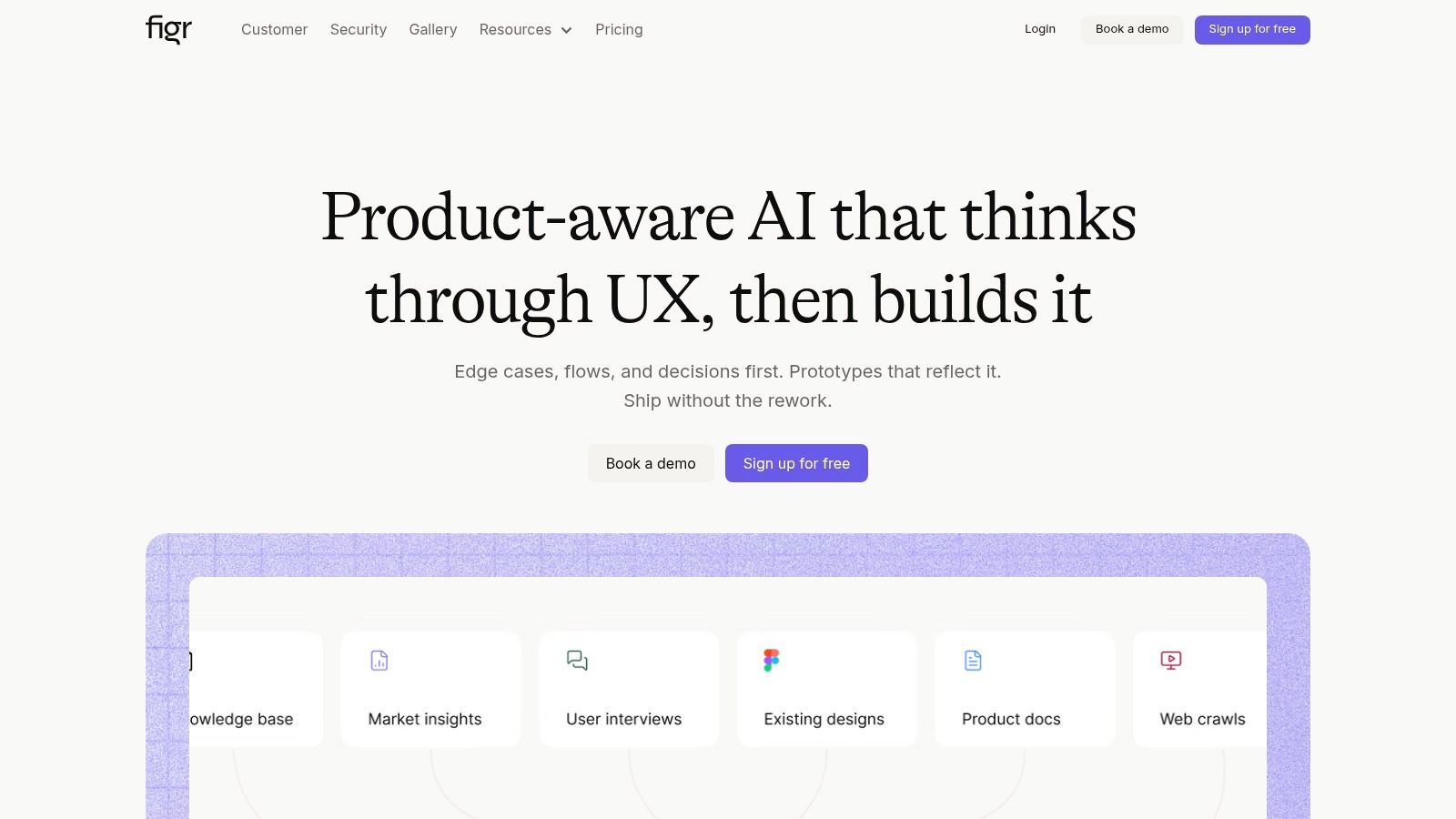
Figr is the only tool on this list that treats context loss as the main failure mode, not a side effect. That distinction matters.
Most tools help after the work is already shaped. Figr starts earlier. It ingests the live product, the design system, recorded behavior, and docs, then keeps that context available across sessions so the next artifact doesn't begin from a blank prompt. If you're evaluating a Figr context loss solution, this is what you're buying: persistent product context, not just faster generation.
Where Figr is different
A useful way to frame this comes from a 2011 white paper on IT operations data. The authors found that more than 50% of IT-type data lost their characteristic distribution at just 2.5-hour aggregation, and that once range reduction exceeded 55%, the process started blending away important capacity regions of the dataset, not merely removing outliers, as shown in the vCenter Operations white paper on information loss through aggregation. Different domain, same lesson. Compress context too early and you don't simplify reality, you distort it.
That's why Figr's model is more useful than generic generation. The system is built around preserving fine-grained signals from the product itself, so outputs can reflect actual flows, constraints, and prior decisions. This is what I mean by AI design context memory. The memory isn't decorative. It's the substrate.
Figr is an AI product agent for UX design and product thinking that ingests your live webapp, Figma files, screen recordings, and docs to learn your actual product before designing, then references 200,000+ real-world UX patterns to design from your product rather than from a blank prompt. If you want to inspect the shape of that output, see what teams have built with Figr, or open this Cal.com PRD plus flow plus redesign canvas.
Practical rule: If a tool can't tell you why it proposed a flow, it isn't reducing product risk. It's just drafting.
What it ingests and what surfaces
Figr how it works is straightforward in the places that matter. It can learn from live HTML, design systems, Figma, screen recordings, and docs, then use that context pod Figr maintains across sessions to generate PRDs, flows, edge cases, QA cases, and design work that stays aligned to the product.
That matters because weak handoffs and incomplete requirements still create expensive rework. Recent commentary citing IBM and McKinsey argues that the actual value of AI comes from being embedded in workflows and from reducing the revision loops caused by poor requirements and communication, as discussed in this analysis of Figure Technology Solutions and workflow-embedded AI value. Figr is strongest when teams use it that way, as a system for preserving rationale and generating downstream artifacts from that preserved context.
Trade-off? It won't replace product judgment. It exposes more of the actual work earlier, which is exactly why strong teams like it and weak teams get uncomfortable with it.
2. Zeplin

Zeplin is not a context pod. It's a handoff spine.
If your main pain is that design intent disappears between Figma and implementation, Zeplin still solves a real problem. Flow Boards, connected specs, tokens, and integrations give engineers a durable place to inspect what was approved and how screens relate to each other. That's valuable because teams don't just lose pixels, they lose rationale.
What Zeplin preserves, and what it doesn't
Zeplin is best when the question is, “What should engineering build from this approved design?” It's much weaker when the question is, “What should we design next based on product behavior, edge cases, and prior decisions?”
That sounds subtle until you're in the middle of a release.
A PM at a growth-stage SaaS company once showed me a Zeplin project that was beautifully documented and still failed to answer the one thing support needed to know: what happens when a user enters a valid state in the UI but an invalid state in billing. Zeplin had the screens. It did not have the living product reasoning.
Zeplin reduces handoff loss. It does not create generative memory.
Use it when your bottleneck is implementation clarity. Don't use it as a substitute for persistent product context.
3. UXPin Merge

UXPin Merge attacks a different form of context decay. It pulls real code components into the design surface, so prototypes use the same components engineering ships.
That's a serious advantage when your biggest problem is drift between mockups and production. States, props, and token behavior stay closer to reality because the design artifact is built from coded parts, not illustrations of them.
Best for teams with a mature system
This tool shines in organizations where the design system is already credible. If your React components are stable, documented, and broadly adopted, Merge can compress the distance between design and code in a way most tools can't.
If your system is chaotic, Merge can expose that chaos fast.
I've seen teams buy design-with-code tools hoping the tool would create system discipline for them. It won't. It just makes the absence of discipline impossible to ignore. That's useful, but it can be a rough quarter.
UXPin Merge is strong on implementation truth. It is not built to absorb broad product evidence like screen recordings, docs, and live app flows into a persistent product context. Different job.
4. zeroheight

zeroheight is what teams reach for when tribal knowledge starts costing them real money.
It centralizes design system guidance, usage rules, component rationale, and process knowledge in one place. Product, design, and engineering can all point to the same documented source instead of relying on memory, or worse, the loudest person in the meeting.
Great for governance, not generation
There's a broader shift happening in AI systems from isolated outputs to durable context memory. Foundation Capital described this as a “context graph,” the accumulated structure of decision traces across entities and time, where the stored structure becomes the definitive source of truth for autonomy, in their piece on context graphs and AI's trillion-dollar opportunity. zeroheight fits part of that worldview. It stores rationale and precedent well.
What it doesn't do is turn that stored rationale into generative output on top of live product context.
So if your problem is, “Nobody knows the approved accessibility guidance for form validation,” zeroheight helps. If your problem is, “Generate a new flow that respects our design tokens, current onboarding logic, analytics behavior, and edge cases,” you'll need more than a documentation layer.
That's the trade. Documentation reduces ambiguity. It doesn't automatically create persistent product context for AI generation.
5. Knapsack
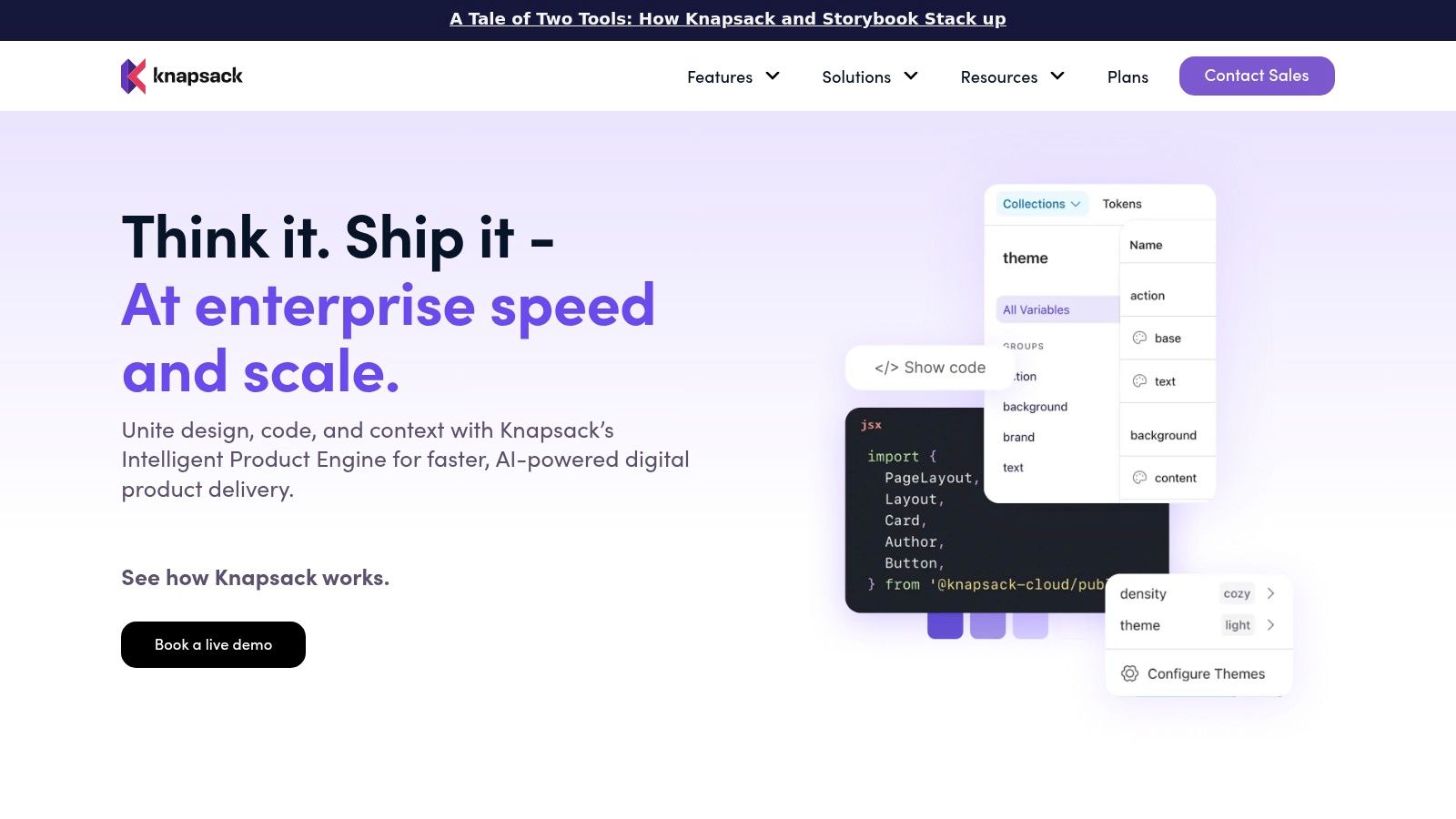
Knapsack is for companies that have outgrown “the Figma file is the system.” It connects design assets, code, tokens, and governance into something closer to an operational system of record.
For multi-brand or multi-product teams, that's often the right move. One source for system rules beats six overlapping libraries and a hundred Slack clarifications.
Strong systems answer for big orgs
The zoom-out moment here is economic. As product organizations scale, the cost isn't just bad screens. It's repeated decisions. Every team rebuilding the same pattern library logic is doing invisible duplicate work. Every exception without governance becomes future maintenance.
Knapsack helps by forcing the system conversation into versioned infrastructure. That's useful when enterprise teams need consistency across products and workspaces.
The downside is obvious. You have to do the hard organizational work. A platform like this won't rescue a team that hasn't agreed on what the system is, who owns it, or how exceptions are handled. It makes mature orgs faster. It can make immature orgs argue more clearly.
6. Supernova

Supernova sits in the design-system operations lane. Tokens, documentation, component guidance, and code outputs live together, which gives large teams a more durable source of truth than scattered files and half-maintained wiki pages.
If your context loss problem looks like token drift, outdated guidance, and fragmented system knowledge, Supernova is worth a hard look.
Better at system continuity than product reasoning
Buyers get confused here. Not all “memory” is the same.
Supernova preserves design-system memory. That's valuable. A button token that propagates correctly across products prevents a lot of low-grade quality decay. But design-system memory isn't the same as product memory. It won't know why a specific onboarding branch exists, what support keeps escalating, or which edge case breaks conversion in the actual app.
That distinction matters most in enterprise teams with multi-pod orgs. One pod may need the same token library. Another may need isolated product context because the workflow, customer constraints, or regulatory exposure are different. Persistent product context has to separate those realities cleanly.
7. Locofy.ai
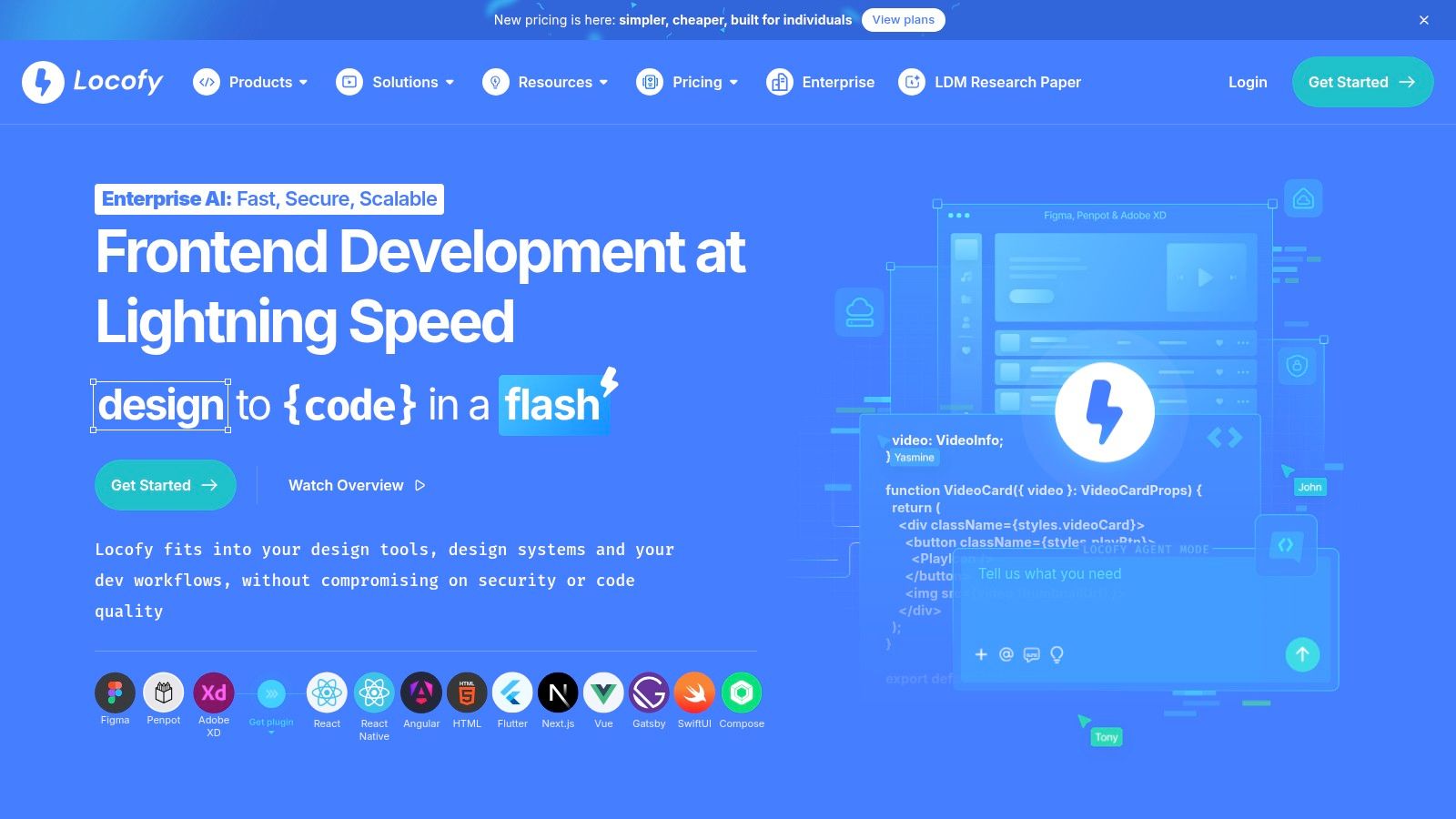
Locofy.ai is about code acceleration. It converts designs into front-end output and helps teams regenerate as designs change.
That means it's useful when the drag is front-end scaffolding, responsive setup, or keeping generated code linked to the source design. For mixed-stack teams, that can save a lot of tedious translation work.
Good for shipping velocity, limited for memory depth
A lot of teams confuse velocity tools with context tools. They're not the same.
Locofy helps after the design direction exists. It doesn't solve the earlier product reasoning problem of preserving behavioral context, prior decisions, and cross-session logic. It won't build a persistent product context layer for you.
That said, code generation gets more valuable when the upstream design decision is grounded. Recent public-market coverage of Figure Technology Solutions points to meaningful operational scale, including Q1 2026 ecosystem volume of $3.72 billion, a net take rate of 3.8%, and separate reporting of Q1 2026 revenue at $167.0 million with EPS of $0.21 in GuruFocus coverage of Figure Technology Solutions. The lesson for product teams is simple: once usage density gets real, generic output breaks faster. Grounded automation matters more.
From Context Loss to Compounding Knowledge
The teams that win with AI don't just generate faster. They remember better.
That's why “context loss” is the useful lens here. Speed without memory creates polished rework. You get drafts, then revisions, then meetings to explain why the draft missed the obvious. Brooks made the broader point years ago in The Mythical Man-Month: adding more effort to a coordination problem doesn't rescue the system. Stateless prompting has the same pathology.
A second issue sits underneath all of this: trust. Enterprise buyers care what gets captured, what gets retained, and how workspaces stay isolated. That concern gets sharper as governance expectations rise. The 2024 adoption of the EU AI Act raised the bar around transparency, risk management, and documentation, which is why products that capture live app context have to answer security and provenance questions cleanly, as noted in this discussion of AI governance and enterprise expectations.
This is what the AI PM's secret weapon: product memory really means. Not longer chats. Not larger prompts. A system that compounds knowledge instead of resetting it.
The next step is practical. Audit one recent initiative. Count every place your team had to restate product facts, reattach evidence, or fix AI output that ignored known constraints. Then map that waste to the layer that failed: handoff, design system, code parity, documentation, or persistent product context. Once you can name the failure, the right tool gets a lot easier to pick.
For the complete framework on this topic, see our guide to best AI design tools.
If your team is tired of re-explaining the product every time AI touches the workflow, take a closer look at Figr. It's the clearest option here for teams that want product-aware outputs grounded in live context, not generic prompts dressed up as strategy.