
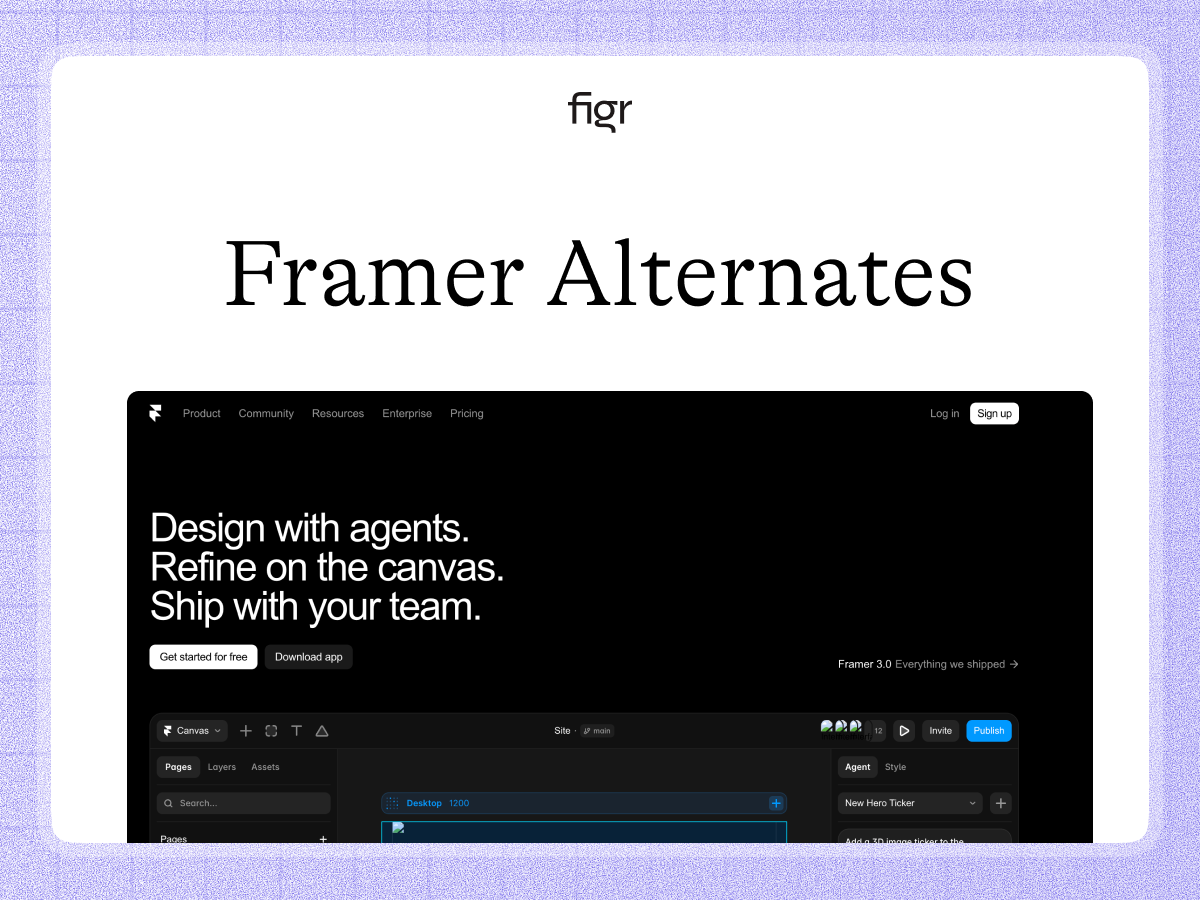
The Framer alternative for designing your product, not your website
Framer builds and publishes websites, marketing pages and landing sites, with strong design control and AI. For a site you want live quickly, it is excellent. It is not built to design the product itself: the app, the dashboards, the flows your users work inside.
Figr starts from your product. It learns your screens, flows, and design system, reasons through the UX, and produces Figma-ready design for the product. This page is honest about the fact that these are different jobs, and where each one fits.
A website and a product are not the same thing
This comparison is a little unusual, because the two tools mostly serve different needs. It is worth being clear about that up front.
Framer is a website builder. It is for the marketing site, the landing page, the public face of a company, and it publishes that site live. Figr is for the product, the application your users log into and work inside. A marketing page and a complex app screen are different design problems, with different constraints, states, and goals.
That is the real distinction, and it is about category. If you need a website, Framer is built for that. If you need to design your product's interface, that is a different job, and the one Figr is built for.
What Framer is genuinely good at
Framer is an excellent website tool, and credit where it is due. It gives designers strong control over marketing sites and landing pages, adds AI assistance, and publishes the result live without a separate build step. For a marketing team or a founder who needs a polished site fast, it is a strong choice.
If your need is a website, Framer has a real and direct answer, and Figr does not compete there. The question is only whether the thing you are designing is a site or a product, because the answer points to different tools.
What Figr is, and the job it is built for
Figr is an AI product designer that starts from your product. It captures your screens, flows, design system, and docs, reasons through the UX, and produces Figma-ready design that fits the application you run.
The difference is what you are designing. Framer produces a website. Figr produces product design, the dashboards, settings, flows, and states that make up an app, grounded in your real product, then handed to Figma.
That makes Figr strongest for the product surface, where the work is complex flows and real states, not marketing pages.
A worked example: designing an in-app dashboard
Take designing an analytics dashboard inside your product, not a marketing page about it.
A website builder is the wrong tool for this, and that is not a knock on it. A dashboard has product concerns a marketing page does not: empty and loading states, permission-based views, real data, complex tables. Those are not what a site builder is shaped to handle.
With Figr, you show it the current product and describe the dashboard. It reasons through the design, including the states and roles, and returns screens on your system, ready to refine in Figma, with edge cases surfaced through edge case mapping. The win is design built for the product surface, not adapted from a website tool.
Where each one wins
| The job | Framer | Figr |
|---|---|---|
| Build and publish a marketing site | Built for it | No |
| Landing pages and public web | Strong | No |
| Design your product's app UI | Not its focus | Built for it |
| Complex flows, states, permissions | Limited | Yes |
| Respect your product design system | Site-oriented | Yes |
| Produce Figma-ready product design | No | Yes |
When Framer is the right call
Use Framer, not Figr, when the thing you are making is a website. A marketing site, a landing page, a campaign page, a public site you want designed and published quickly.
That is a real and distinct need, and Framer serves it well. Figr is for the other surface entirely: the product your users work inside, where the design problem is flows and states, not pages and publishing.
How to choose between Framer and Figr
The question is not which tool is better, because they mostly do not overlap. It is which thing you are designing.
If you are designing and shipping a website, Framer fits. If you are designing your product's interface, the app itself, Figr fits, because it is built for product design grounded in a real product. Many companies use both: Framer for the marketing site, Figr for the product.
The signal is simple. If users log into the thing you are designing and do work in it, that is a product, and Figr is the tool. If it is the page they read before signing up, that is a site, and Framer is the tool.
What Figr is not
To be clear, Figr is not a website builder, and it does not publish live sites. It is not the tool for a marketing page or a landing page.
It is built to design the product itself and produce Figma-ready design that fits your system. If your need is a website, Framer is the right choice, plainly. If your need is product design, that is where Figr is strongest. The two are complementary, not rivals.
Why Figr designs from the product: the Visual Context Graph
Figr designs for the product surface because it treats product work as visual and contextual. That is the Visual Context Graph, which connects five layers:
- Visual: your product's screens and frames
- Behavioral: recordings and real user flows
- Design system: tokens, components, variants, and rules
- Product knowledge: PRDs, research, and past decisions
- Implementation: the code constraints around the design
A website tool is shaped for pages. Figr reasons across all five, which is why its output fits a complex product. Output moves into Figma as editable layers.
Pricing, briefly
Framer is billed per published site, plus editor seats, with a free tier, Basic at $10 a month, Pro at $30 a month, Scale from $100 a month, and custom enterprise, billed annually. Figr is metered by credits: a free tier, Starter at $39 a month, Max at $149 a month, and custom enterprise. Since the two do different jobs, this is rarely an either-or cost. See pricing.
Design your product, not just your site
If you are designing the application your users work inside, Figr produces product design that fits your system, not a website.
FAQ
Is Figr a Framer alternative?
Only if you are using Framer to design product UI, which is not its main job. Framer builds websites. Figr designs your product's interface.
What does Figr do that Framer does not?
Figr designs the product itself, complex flows, states, and permissions, grounded in your design system, rather than building a marketing site.
What is Framer best at?
Designing and publishing marketing sites and landing pages quickly, with strong design control and AI.
Can Figr build a website?
No. Figr designs product UI and produces Figma-ready design. For a marketing site, Framer fits that job.
Which should I use for my app's screens?
Figr, because it is built for product design with real states and flows. Framer is for the marketing site, not the app.
Can a company use both?
Yes, and many do. Framer for the public website, Figr for the product. They serve different surfaces.
Related reading
For more on this space: the best AI design tools, web layout ideas, a guide to design systems, and why design is about decisions, not drafts.