

Choosing an AI design tool is harder when a polished screen overlooks the context that makes an existing product work.
I once watched a product manager present a crisp prototype that ignored the app's navigation, design tokens, and awkward permission edge cases. It looked ready for a pitch. It couldn't help the team settle the implementation questions in their backlog.
Claude Design can generate and refine designs through conversation, direct edits, and imported project materials. It isn't the same thing as Claude's general-purpose chat, and Claude Code is a separate coding workflow. The question for product teams is whether a dedicated tool handles their existing product context, design-system fidelity, output destination, and governance more effectively for the job at hand. What happens if it doesn't? Rework, fragmented decisions, difficult handoff, security questions, and costs that become visible only after repeated use.
These Claude Design alternatives are organized by the work they're meant to do, not by feature count. Figr is a strong fit for product teams designing against a live app and existing design system. For a broader visual foundation, start with graphic design advice from MyImageUpscaler.
1. Figr
Figr is built for product teams designing changes to an app that already exists. It can capture live product flows, bring in Figma components and design tokens, and use that context to develop UX flows, edge cases, reviews, and high-fidelity prototypes. That makes it useful when a polished screen alone cannot answer how a proposed feature fits the product's navigation, permissions, and established UI.
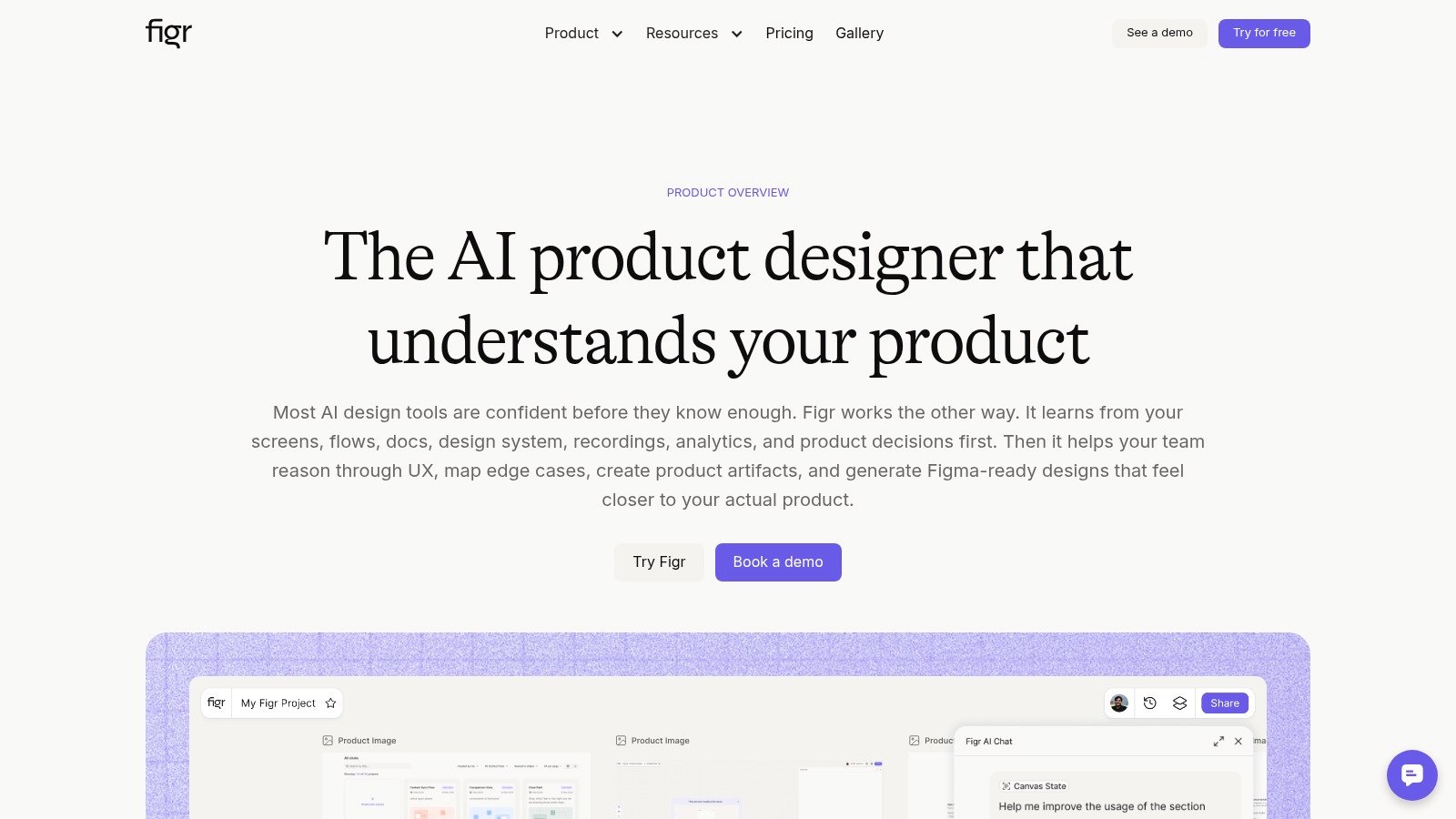
Start with a real product flow
Give Figr a workflow your team needs to improve, then check whether its suggestions reflect the current screens, component rules, and unusual states. Analytics files and behavioral notes can add context, while Figma-oriented handoff gives designers a way to inspect and refine the result. Generated work still needs UX, accessibility, and implementation review.
Figr's pricing includes free and paid options. Compare expected credit use with the time saved on rework, and confirm specific enterprise controls or data-handling requirements with the vendor. If the deliverable is a marketing site, presentation, or frontend code preview, a more specialized tool below may be a better fit.
Choose Figr when the next design decision depends on your live app and existing design system.
2. Figma AI and Figma Make
A Figma-centered team may not need another disconnected canvas. Figma AI and Figma Make place AI-assisted generation and editing near the components, tokens, reviews, and handoff work already happening in Figma. Figma Make can generate interactive prototypes from prompts and Figma content, and Make Kits help teams bring their own components, styles, and variables into that process.
The right fit for an existing Figma system
Where should the prototype live after the first prompt? If the answer is Figma, workflow continuity is the advantage. Designers can refine generated work alongside existing files and use familiar review and handoff habits, including Dev Mode, FigJam, Slides, and plugins.
That doesn't make the first output final. Spacing, interaction details, responsive behavior, and visual polish still require review. Figma's pricing also meters AI credits, so a team doing frequent independent exploration should check its plan limits rather than assume generation is unlimited.
For designers, this extends an existing toolkit. For PMs, it makes an idea tangible without asking engineering to build a throwaway screen. Teams comparing AI-powered design tools should decide whether a Figma artifact is the destination or just one step in a wider product workflow.
Choose Figma AI and Make when Figma is already the team's source of truth and the priority is prototypes that designers can refine within that environment.
3. Framer AI
Framer AI is a direct route from a page prompt to an editable marketing site. Framer keeps layout, CMS, SEO, hosting, and publishing in one workflow. That makes it useful for a launch page, campaign site, or brand presence, rather than an authenticated product flow.
A website workflow, not a product design system
The commercial appeal is consolidation: draft, edit, connect content, and publish without assembling a separate design and hosting stack. AI usage and plan terms can change, so check Framer's current pricing before budgeting for repeated prompt iterations.
Can a landing page tell you whether your app's permissions flow works? No. Framer's website focus is also its boundary. Complex app navigation, product states, and operational dashboards call for a workflow that can examine the product itself.
For SaaS leaders, the choice is whether publishing speed matters more than product-flow fidelity. This Framer alternative for SaaS product leaders explores that distinction from the website side.
Choose Framer AI when the work ends at a live marketing site and the team wants design, CMS, and publishing together.
4. Magic Patterns
A PRD often contains product logic that a visual prompt leaves out. Magic Patterns takes requirements, user stories, screenshots, and design-system context as inputs for interactive UI exploration. It is a practical option when a PM and designer want to discuss a feature against its requirements before engineering commits to implementation.
Requirements become a working conversation
The advantage over an open-ended Claude Design prompt is the emphasis on turning product intent into a prototype teams can inspect. If tokens and components are part of the input, review whether the result actually follows them. A free tier and paid per-seat plans may offer different starting points; verify current Magic Patterns pricing and usage terms before wider adoption.
What should the team test first? Give it a real feature brief, then inspect whether the resulting flow handles the constraints and edge cases in that brief. Design-system awareness does not guarantee production readiness. Layout, copy, and interactions still need review, and code output should be assessed against the team's implementation standards.
The goal is to shorten the distance between a written requirement and a reviewable direction, not skip design work. Browse these product design tool alternatives when comparing requirements-led prototyping tools.
Choose Magic Patterns when product requirements and existing components should shape an interactive prototype from the start.
5. Uizard
Uizard is built for the moment when a PM has a rough idea and needs a screen people can discuss. Its Autodesigner supports text-to-UI generation, while screenshot and wireframe scanners help turn visual references into editable mockups. It is approachable for people who do not spend their day in a design canvas.
Fast concepts, with a design review still required
A product manager can sketch a direction from a prompt or existing screen and share a first draft without waiting for a full design sprint. Review Uizard's plans for the AI generation allowances that apply to your team's expected use.
Where does the speed stop helping? Usually where an early concept meets a mature design system. Uizard's developer handoff options do not mean generated screens will match complex component rules without cleanup. Brand nuance, interaction rules, and accessibility details still need inspection.
A first mockup answers, “Can we make this tangible?” It does not answer, “Does this fit the product we already ship?” Teams weighing the best Uizard alternative for product design should compare the cleanup required by their own system.
Choose Uizard for early concepting, screenshot-based exploration, and teams that need an approachable way to make ideas visible.
6. Visily
Visily gives product managers and designers a shared place to turn text, screenshots, and diagrams into UI. Teams can move between low- and high-fidelity work, generate screens and themes, build prototypes, and exchange work with Figma. An approachable editor and free tier make it easier to try before committing to a broader process.
Useful collaboration, with fidelity to verify
Figma exchange helps Visily fit alongside an existing design process, but exchange is not the same as perfect component mapping. Team libraries and the tool's other collaboration options may help a group explore directions together. Check Visily's product information and plan terms for the particular integration, MCP server, SSO, or access-control capability your organization needs.
Will the exported screen feel native to your product? That is the test. Brand nuance and detailed UI fidelity may require manual tuning, while larger projects can make credit use important. Before a high-stakes handoff, inspect actual components, responsive behavior, and unusual states.
Visily makes the most sense when PMs need to contribute directly to exploration and designers have time to refine what comes out of it.
Choose Visily when approachable UI creation and collaboration matter, and the team is comfortable refining the output before handoff.
7. v0 by Vercel
Some teams do not want another design file. They want a prototype that becomes code quickly. v0 by Vercel generates front-end UI for React and Next.js workflows, commonly using Tailwind and shadcn/ui, with a path to previews on Vercel.
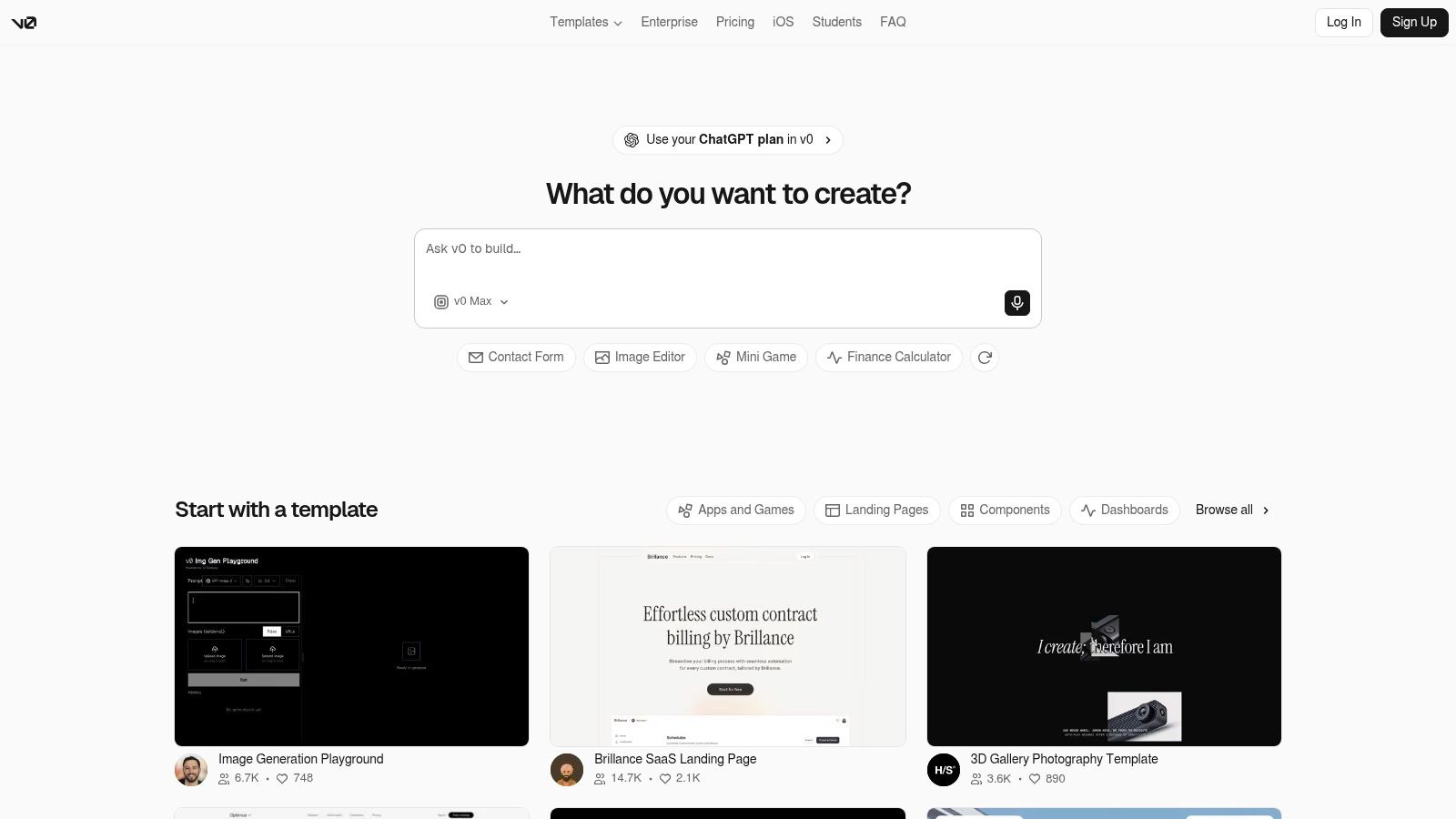
When the destination is a frontend preview
For a front-end engineer, code can be easier to inspect than a static mockup. A team can generate interface code, iterate on it, and share a preview. v0's pricing includes a free starting point and usage-based costs, so repeated generation belongs in the budget conversation.
Does working code settle the UX question? Not by itself. v0 focuses on front-end UI, not the full backend logic of an application. A page that runs can still use the wrong interaction pattern, omit a permission edge case, or diverge from an established design system. Treat the result as code to review, not proof that product discovery is done.
If code review is next, v0 may reduce translation between concept and frontend. If UX research or design-system governance is next, put those needs first. Teams can use this v0 alternative guide for product teams to compare code-first choices, and compare AI web development tool options when the implementation path matters most.
Choose v0 when a React or Next.js preview is the artifact the team needs to review.
7. Relume
Relume is a website assembly tool for teams that want structure before visual polish. Its component library supports repeatable page building, and its workflow offers paths into Figma, Webflow, and React. That helps marketing teams plan where a site will be designed and published without treating every page as a one-off.
A component library for web work
Relume's component-first approach suits teams assembling consistent marketing pages. Shared libraries and collaboration can support repeatability; check Relume's documentation for the specific export or publishing workflow your team plans to use.
Is the deliverable a website or the product itself? Relume is oriented toward marketing websites, not the dense interaction patterns of a SaaS application. Some copy-and-paste workflows can depend on the browser or destination, so test the handoff you actually intend to use. Relume Publish and MCP integrations are also worth checking against your team's current plan and setup.
A product site benefits from consistent grids and reusable sections. A product interface needs deeper attention to user states, data, and task completion. Keep those jobs distinct.
Choose Relume when the deliverable is a structured marketing website and the team values component-led assembly across web tools.
8. Gamma
Gamma suits the product moment when the decision is made in a deck. It creates editable presentations, documents, and simple websites from prompts, outlines, or imported files, with export options that include PPTX, PDF, PNG, and Google Slides. Product teams can turn research findings or a feature proposal into something stakeholders can review without pretending it is a UI prototype.
The deck is the destination
Its strongest fit is communication: review meetings, pitches, internal documents, and research sharing. Sharing controls and analytics can help with distribution. Confirm the available Gamma plans and export options before choosing a workflow around them.
Gamma does not replace a product design canvas. Brand consistency still needs attention, and heavy generation can make credits relevant. Use the deck to align people, then move validated interface work into the design and implementation tools suited to it.
That distinction keeps a presentation from being mistaken for a tested product flow.
Choose Gamma when the work needs to be presented, circulated, or exported in a standard format.
9. Doop
Doop gives designers and agents a shared, open-source canvas. Its MCP approach lets agents such as Claude Code and Cursor work with design artifacts, while references from websites, Figma, Canva, PSD files, and GitHub can bring source material into the conversation. Repository-oriented teams should verify the available GitHub pull request workflow against their own setup.
An agent canvas with repository roots
For a code-centric team, this can put the design conversation closer to source materials and implementation. Open-source flexibility, self-hosting options, and provider choice may also matter when a team wants more control over its toolchain.
Who will maintain the setup? MCP configuration and self-hosting create operational work that a hosted editor generally hides. Visual refinement still needs designer attention, and the team should decide who owns access, maintenance, and review before calling it a lightweight drop-in.
Doop is most appealing when repository workflows already shape collaboration. A team seeking a ready-to-use design surface may prefer less setup.
Choose Doop when open-source flexibility, agent collaboration, and repository-centered work justify the added implementation effort.
10. Open Design
Open Design is a local-first, open-source workspace for making landing pages, dashboards, slides, and brand systems with coding agents such as Claude Code, Codex, or Cursor. Model choice and repository-based artifacts give teams more control over how design work is produced and stored.
Files and model choice over managed convenience
A bring-your-own-key workflow, desktop, CLI, and MCP options can suit people who already work with coding agents. Designs can live in version control and export to HTML, PDF, and PPTX. Check the project's current documentation for supported options before building a team process around a particular export.
The cost is hands-on configuration. Teams must set up the agent and environment, and community implementations can vary in polish and support. Local-first does not settle security or procurement questions automatically: review the model provider, access controls, and data handling separately.
Open Design fits people comfortable maintaining a toolchain more than teams seeking managed collaboration out of the box.
Choose Open Design when repository control and model flexibility matter more than a managed, low-setup workspace.
Claude Design Alternatives: Top 10 Tools Compared
| Tool | Best For | Core Strengths | Workflow Fit / Standout | Pricing / Value |
|---|---|---|---|---|
| Figr | Product teams shipping app UX | Generates PRDs, flows, prototypes, edge cases, and QA cases | Grounds work in captured product context and design tokens; check enterprise controls with the vendor | Free and paid plans; assess credits and rework together |
| Figma AI / Figma Make | Teams already designing in Figma | Prompt-to-prototype, interactive flows, and design-system-aware generation | Works near Figma files, components, and tokens; Make Kits can use existing systems | Metered AI credits; plan details vary |
| Framer AI | Marketing sites and launches | Generates editable pages with CMS, SEO, and publishing tools | Moves from prompt to live website in one workflow | Check plans and AI usage |
| Magic Patterns | Requirements-driven product prototyping | Turns PRDs, stories, and screenshots into interactive UI | Uses design-system context to support product collaboration | Check free and paid plans |
| Uizard | Non-designers creating app or web concepts | Text-to-UI, screenshot scanning, and editable mockups | Fast, approachable wireframing and prototyping | Check AI generation allowances |
| Visily | Teams creating flows and wireframes | Generates screens, themes, and prototypes from text or images | Collaboration, Figma exchange, and high- or low-fidelity modes | Free tier; check current credit limits |
| v0 by Vercel | Developers building front-end prototypes | Generates React and Next.js UI with Tailwind and shadcn/ui | Code-first workflow with Vercel-hosted previews | Free plan and usage-based pricing |
| Relume | Marketing website teams | AI site planning and a component library | Exports to Figma, Webflow, and React; verify the intended handoff | Check current plans and export access |
| Gamma | Presentations and shareable documents | Creates decks, documents, and simple websites from prompts | Exports to PPTX, PDF, PNG, and Google Slides | Free and paid plans; check credits |
| Doop | Code-centric, multi-agent design teams | Open canvas with agent-generated UI and broad imports | MCP, GitHub workflows, and self-hosting options | Open source; setup required |
| Open Design | Teams wanting local, version-controlled design work | Creates pages, dashboards, slides, and brand systems | Local-first; works with coding agents and exports common formats | Open source; requires setup |
Choose for the Work That Comes Next
A PM with an existing product does not need the same tool as a marketer launching a campaign or an engineer validating a frontend. Choose around the next decision the team must make, then check whether the output survives the following handoff.
For product-context-aware UX decisions, Figr is worth testing against a real flow in your app. It can capture live product flows, bring in Figma components and tokens, and use that context to develop flows, edge cases, UX reviews, and high-fidelity prototypes. Analytics files and behavioral notes can inform the work, while Figma-oriented handoff helps designers inspect what is generated. Figr's pricing page lists SSO and other enterprise controls; confirm any specific compliance or data-retention requirement with the vendor. It is less relevant when the deliverable is simply a published marketing page, a deck, or a code-first preview.
For teams already working inside Figma, Figma AI and Make keep generation near the existing source of truth. Framer AI and Relume suit websites, with Framer focused on publishing and Relume on component-led assembly. Magic Patterns and Visily support collaborative UI exploration, while Uizard helps non-designers shape early concepts. v0 is for code-first prototypes, Gamma for decks, and Doop or Open Design for open, repository-based workflows.
What should procurement and the product team check together? How much context the tool retains, where its output goes, how closely it follows the design system, which security controls are available, how usage affects the bill, and what setup the team can support. Free tiers, metered credits, seat plans, and enterprise contracts expose teams to different costs. A cheap first draft may become expensive if every iteration needs manual repair.
Usability belongs in the evaluation, not at the end. Nielsen Norman Group recommends testing five users as a practical planning number for qualitative usability studies and repeating small studies rather than relying on one large study in its guidance on how many test users to include. An iterative workflow lets the team create a direction, test it, revise it, and repeat.
Accessibility needs evidence too. Under WCAG 2.2, normal text generally needs a contrast ratio of 4.5:1, and interfaces using multipoint or path-based gestures must provide single-pointer operation unless the gesture is essential. Repeated navigation also needs to stay in the same relative order unless the user initiates a change. Ask whether a tool can surface and record checks like these, not just produce a confident-sounding review.
Every handoff is another chance to lose context or reopen a decision. The strongest alternative is the one that carries the right context into the artifact your team actually needs.
Frequently Asked Questions
Is Claude Design the same as Claude or Claude Code?
No. Claude is a general-purpose assistant, Claude Design is a design workflow, and Claude Code is a separate coding workflow. Compare them against the artifact your team needs to review, whether that is a prototype, a design file, or frontend code.
Which Claude Design alternative is best for an existing product?
Start with the context the tool needs to handle: current screens, navigation, design tokens, and edge cases. Figr is worth testing for a live-app workflow, while Figma AI and Figma Make may fit better when the design work already lives in Figma. Give each tool the same real product task and inspect the result against your system.
Which tools are most useful for product managers who do not design every day?
Uizard and Visily offer approachable ways to make an idea visible. Magic Patterns is useful when a PM wants requirements to shape an interactive prototype. A designer should still review component fidelity, interactions, and accessibility before handoff.
Should we choose a design canvas or a code-first tool?
Choose based on the next decision. Figma AI and Figma Make suit teams refining designs in Figma; v0 suits teams that need a React or Next.js preview to inspect. Working code does not replace UX review, just as an editable mockup does not establish implementation readiness.
How should we compare pricing and security?
Check the current plan's seats, credits, and usage limits against the number of iterations your team expects. For security, confirm the specific access controls, data handling, and compliance requirements with each vendor rather than treating a tool's hosting model as a guarantee.
Run the same real product task through two shortlisted tools. Compare both outputs against your design system and implementation constraints, then choose the option that reduces rework rather than producing the prettiest first screen. If code-first work is also on your shortlist, find Claude Code replacements separately, because implementation fit and design fit are different decisions.
Figr grounds AI-generated flows, prototypes, UX reviews, and test cases in a live app and existing design system. If you are comparing Claude Design alternatives for real product work, visit Figr to see whether its product-context workflow fits your team's next decision.