

Balsamiq vs Figma: Which Wireframing Tool Fits Your Team
Balsamiq vs Figma comes down to what your wireframe needs to become. Choose Balsamiq when the immediate job is to agree on structure and user flow without inviting visual polish. Choose Figma when the same file needs to develop into a detailed interface, an interactive prototype, and a developer handoff. Neither choice removes the need to work through missing states, permissions, and product constraints.
That distinction matters to Product Managers, designers, and SaaS teams for different reasons. A PM may need to sketch an onboarding change before the team commits to it. A designer may need to take an approved flow into a component library. A design lead may need to decide whether a second build is worth the clarity a deliberately rough sketch provides.
This comparison covers what each tool actually does, including AI features on both sides, and gives you a way to make the choice on a real backlog item.
Balsamiq vs Figma: The Quick Verdict
Balsamiq is the focused low-fidelity choice; Figma is the broader design-to-handoff workspace. Both support wireframing, collaboration, clickable experiences, and AI-assisted starting points. The difference is how much of the later design process belongs in the same tool.
| Decision factor | Balsamiq | Figma |
|---|---|---|
| Best fit | Early structure, content, and flow decisions | Wireframes that may become detailed UI and production design |
| Primary users | PMs, designers, and reviewers working through rough ideas | Designers and cross-functional teams maintaining an evolving design file |
| Fidelity | Sketch-style, deliberately low fidelity | Rough frames through polished interface design |
| Prototyping | Links between boards; AI-generated interactive prototypes | Overlays, scrolling, multiple actions, variables, and conditional logic |
| Reuse | Wireframing components and project-level reuse | Components, libraries, variables, and design-system workflows |
| Collaboration | Cloud editing, comments, sharing, and no-charge reviewers | Multiplayer editing, comments, version history, and role-based seats |
| AI | Editable wireframes from prompts or images, prototype generation, and MCP | First Draft wireframes and designs, plus other AI features and MCP access on eligible plans |
| Handoff | Share boards and export images or linked PDFs; detailed production UI is a separate step | Inspect properties, interactions, assets, and code snippets in Dev Mode |
| Starting paid price | $16/editor/month on Starter, billed annually | $16/month for a Professional Full seat on annual billing |
Pricing and feature availability vary by plan. The figures below come from the vendors' published Balsamiq pricing and Figma pricing pages; confirm the checkout total before purchasing.
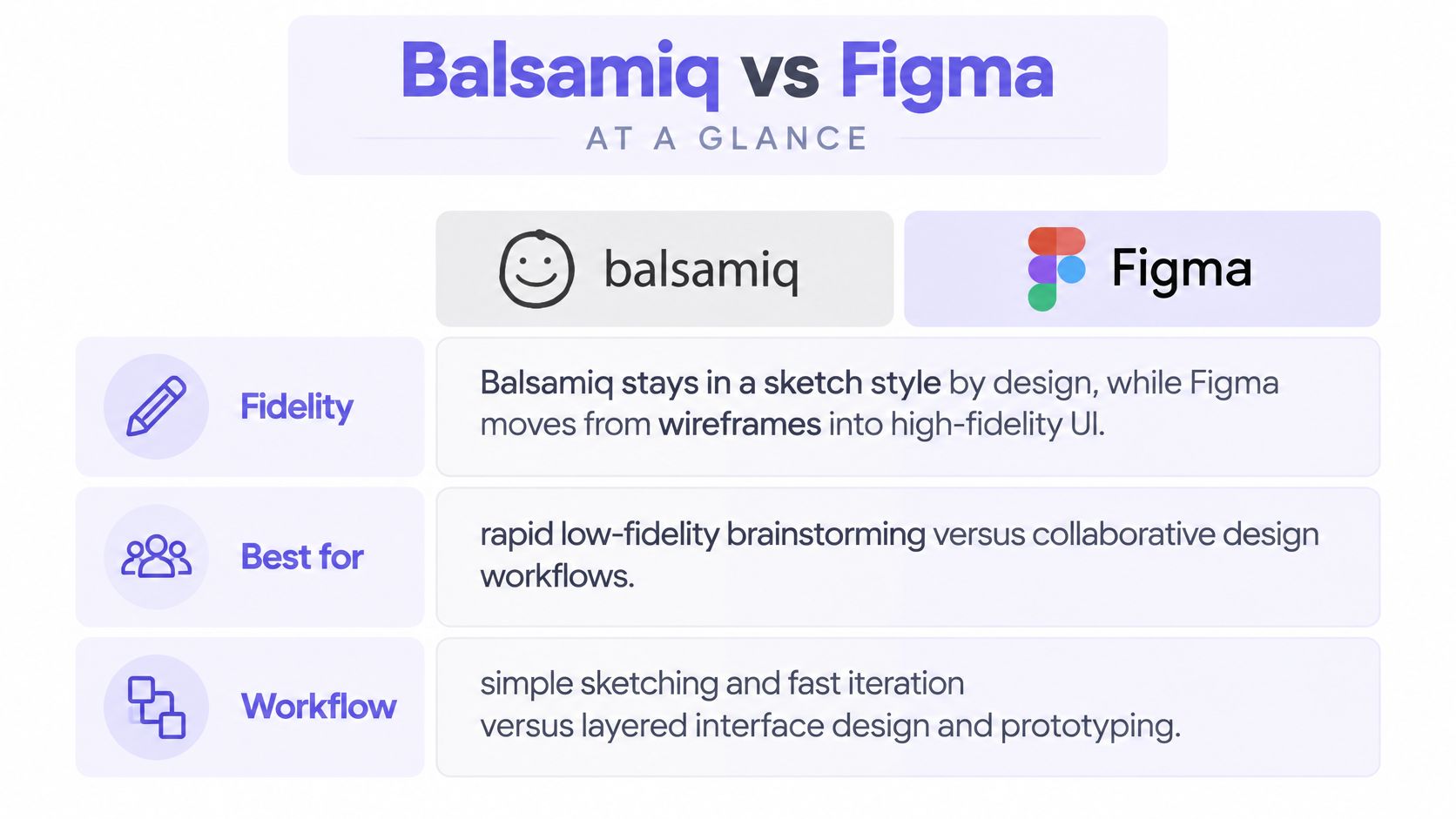
The deciding question is whether you want the first artifact to stay a sketch or become the production design. If you are still establishing what the flow should do, roughness helps. If the flow is accepted and implementation is approaching, continuity matters more. That distinction also helps when choosing between Figma and Adobe XD: compare the job the file must do, not just the toolbars.
Wireframing Speed and Learning Curve
Balsamiq is easier to approach for a quick structural sketch; Figma offers more room to grow after that sketch. Speed is not just how quickly someone can place six screens. It includes how quickly reviewers understand what decisions are still open.
Balsamiq's sketch aesthetic and ready-made UI elements make it straightforward to arrange navigation, fields, and page content. Its product overview emphasizes rapid wireframing rather than polished interface design. That limited scope is useful when a PM wants to ask, "Where does this error lead?" without spending the review on colors or type. Start with wireframe basics if your team is mixing up layout decisions with visual specifications.
Figma can also be used for low-fidelity wireframing. Designers can assemble simple shapes, components, and templates, then keep working in the same file as decisions settle. The trade-off is optional complexity: layout behavior, component organization, libraries, and prototype configuration are available before a rough flow needs any of them. An experienced Figma user may be faster there than in a new tool. A first-time PM may find Balsamiq's smaller set of choices easier to navigate.
Neither claim requires a stopwatch. Ask what the first review must answer. If the problem is screen order and content, rough wireframes are enough. If the next review needs responsive behavior, component consistency, or a design-system fit, Figma's extra setup can pay for itself. The low-fidelity versus high-fidelity guide is useful for choosing the level of detail before choosing the canvas.
Prototyping: Click-Through Flows or Detailed Behavior?
Balsamiq handles navigation and generated interactive prototypes; Figma supports more detailed, configurable interaction behavior. Do not confuse a clickable flow with a complete account of what happens under every condition.
In Balsamiq, you can link an element to another board or a web address and test the result in presentation mode. Balsamiq's linking documentation and PDF export guide explain that board links can survive in an exported PDF. Balsamiq AI can also produce shareable interactive prototypes from wireframes. Those options are useful when the question is whether someone understands the next step in a flow.
Figma goes further when behavior itself is the design problem. Prototype actions can include overlays, scrolling, and multiple responses to a trigger. Figma's documentation on variables and conditional interactions shows how a prototype can change values and branch using if/else logic. That makes it better suited to illustrating, for example, an onboarding step that changes when the user selects a different account type.
Neither feature set automatically makes a prototype complete. For a SaaS signup, write down at least the happy path, invalid input, loading, failure, retry, and permission-dependent states. Then decide which need to be clickable for the decision you are making. A three-screen Balsamiq flow may answer a navigation question. A more detailed Figma prototype may be needed to review conditional behavior. For more on choosing the level of interaction, see rapid prototyping for product teams.
UI Design and Design Systems
Figma is the stronger destination for high-fidelity UI and a maintained design system; Balsamiq is intended to keep visual decisions provisional. This is a difference in purpose, not a failure of Balsamiq.
Balsamiq's low-fidelity elements let teams rearrange information and compare approaches without implying that the typography, spacing, or component styling has been approved. Balsamiq's description of its approach makes that structural focus explicit. Its reusable wireframing elements support consistency at sketch level, but a sketch is not a coded component specification.
Figma supports components, shared libraries, and variables for reusable design values. Its Professional plan includes team-wide design libraries, which matters when several designers need an agreed set of patterns. Variables can hold values used by both designs and prototypes. A team can carry an approved flow toward detailed UI without redrawing every decision from scratch.
The qualification is that a Figma file does not become a trustworthy design system just because it contains components. Someone must decide which components are current, how variants are used, and when a new pattern is justified. An ungoverned library can make a polished mockup just as ambiguous as an unlabeled sketch. For teams exploring how AI interacts with existing rules, Figr's design-systems article covers why tokens alone do not explain the decisions behind a UI.
Collaboration and Stakeholder Feedback
Balsamiq makes broad review straightforward; Figma is better suited to several functions working in an evolving design file. Both offer comments and sharing, so the relevant question is who edits, who reviews, and where feedback must remain visible.
Balsamiq's Cloud guide documents real-time collaboration and comments. Its pricing model charges editors while allowing reviewers to participate without a paid editor seat. Its plan documentation is worth checking for current access terms. This suits a PM or designer creating a flow while sales, support, and engineering review it without needing to change the boards.
Figma supports simultaneous editing, in-context comments, and version history in the file that may later become the handoff artifact. Full, Dev, and Collab seats let a team assign different levels of access. That granularity is useful when engineers need inspection and designers need editing, although it also means the relevant bill is for the whole team, not just the design seats. If your review process is still taking shape, this guide to collaboration tools for product teams provides a broader framework.
User ratings can be a secondary signal, not a verdict. G2's comparison reflects reviewer experiences with setup, administration, and other factors, but ratings do not tell you whether a specific stakeholder should comment on a sketch or inspect a production file. Choose the workflow first; use ratings to investigate concerns after that.
AI Features: What Each Tool Actually Offers
Both products have AI capabilities, but they help with different parts of the workflow. It would be misleading to describe Balsamiq as a manual-only tool or to assume an AI-generated screen has resolved the underlying product decisions.
Balsamiq AI can create editable wireframes from text or images, support conversational edits, and generate clickable prototypes. Its MCP integration lets compatible AI clients read, analyze, create, and edit boards. That opens a useful route for teams that keep requirements or working conversations in AI-enabled tools but want the result expressed as rough wireframes.
Figma AI's First Draft turns a prompt into editable wireframes or designs, with options to choose a library and refine the output. Figma also lists MCP Server access on eligible plans. Its AI output belongs in a workspace where the team can continue into components, prototypes, and handoff.
Neither approach is a substitute for checking whether the requested flow reflects the actual product. If a prompt says "create onboarding" but omits existing account roles or error handling, the result needs a product review regardless of how editable it is. In both tools, inspect the assumptions, map missing states, and use AI as a starting point rather than evidence that the UX has been validated. Figr's AI wireframing discussion offers a useful checklist of context to assemble before generating screens.
Developer Handoff and Export
Figma offers a more direct route from design file to developer inspection; Balsamiq exports a clear decision artifact rather than a finished UI specification. Which is better depends on whether the file is ready to describe implementation details.
Balsamiq can share boards and export images or PDFs. Its PDF export retains click-through links, so an engineer can inspect the proposed sequence alongside a ticket. But a low-fidelity board leaves precise layout, component variants, visual states, and implementation details to be specified later. That is appropriate if those decisions are not yet settled. Teams using Jira, Confluence, or Notion can also keep rough-flow discussions close to their planning work.
Figma Dev Mode exposes spacing, layer properties, prototype interactions, component details, and assets. Developers can inspect measurements and code snippets. Export options include PNG, JPG, SVG, and PDF. Those features make a reviewed, detailed file easier to hand off, but generated code snippets still need engineering judgment; they are not the application implementation.
The transition between tools is the cost to account for. If the team validates ten rough screens in Balsamiq and needs detailed UI for only three, redrawing those three may be sensible. If all ten are already approved for build, beginning in Figma may avoid translation work. Use a developer handoff checklist to separate what a design file communicates from what engineering still needs to decide.
Pricing and a Practical SaaS Example
Balsamiq's editor-and-reviewer model can make broad early feedback inexpensive; Figma's seat types price design, handoff, and collaboration separately. Compare the people needed for your workflow, not just the headline editor price.
| Published plan or seat | Price | Relevant access |
|---|---|---|
| Balsamiq Starter | $16 per editor/month, billed annually | Up to 10 projects; reviewers included |
| Balsamiq Teams | $24 per editor/month, billed annually | Up to 100 projects; reviewers included |
| Figma Starter | Free | Limited access to Figma products |
| Figma Professional Full | $16/month on annual billing | Full design access and eligible suite features |
| Figma Professional Dev | $12/month on annual billing | Dev Mode and view/comment access in Design files |
| Figma Professional Collab | $3/month on annual billing | Collaboration products and view/comment access in Design files |
The figures reflect Balsamiq's current pricing page and Figma's seat descriptions at the time of writing. Plans, billing terms, AI credits, and seat policies can change. Balsamiq lists monthly AI credits by editor plan, while Figma lists AI-credit allowances by seat type. Check those allowances if AI generation will be part of regular work.
Here is a hypothetical evaluation, not a timed product test. Imagine a SaaS team changing onboarding so administrators invite colleagues after creating a workspace. The open question is whether invitations belong before or after the first successful setup step.
In Balsamiq, the PM could sketch both sequences, link the screens, and invite support and sales to comment on where users might get confused. That is a good use of a low-fidelity artifact: compare the order before deciding what it should look like. If the team approves one sequence, a designer would still need to specify the final UI and its states.
In Figma, a designer could make the same rough comparison, then develop the chosen path using existing components. If the user role changes the next step, prototype variables and conditions can illustrate that behavior. The danger is not that Figma is slow by definition; it is that a team might polish one approach before agreeing on the order of operations.
For a budget illustration, suppose two people edit and twelve stakeholders only review. Balsamiq Teams lists two editor seats at $48/month on annual billing, with those reviewers included. Two Figma Professional Full seats list at $32/month on annual billing; adding twelve Collab seats at $3 each makes $68/month. That is not a like-for-like quote: some Figma reviewers may not need paid Collab seats, and engineers may need Dev seats instead. Define actual access first, then price the setup on the vendor's page.
Earlier comparisons sometimes quote a different mix of figures. For instance, a Viral Marketing Lab roundup and a ToolRadar listing describe pricing at different times and under different assumptions. MyMentions' competitive intelligence guide can help with a different question, which tools peer teams discuss, but vendor pricing should be verified directly.
Which Tool Should Your Team Choose?
Choose Balsamiq for fast agreement on an uncertain flow; choose Figma when the artifact needs to mature into a maintained interface. A hybrid path is reasonable when the cost of an early redraw is smaller than the cost of polishing the wrong idea.
- Product Managers: Start with Balsamiq if you need stakeholders to resolve sequence, information hierarchy, or missing steps before design capacity is available. Use Figma if the team already works from a shared design system and the change is near implementation.
- Solo designers: Pick the environment you can move through confidently. Figma avoids moving a validated flow into another design file; Balsamiq can keep exploratory sketches intentionally provisional.
- Startups: Use Balsamiq when the product shape is still changing and most collaborators review rather than edit. Use Figma when one shared file must cover design, prototype review, and engineering inspection.
- Established SaaS teams: Favor Figma for maintained components, coordinated design work, and developer handoff. Use Balsamiq selectively for early cross-functional framing when production detail would distract from a contested flow.
Before committing, run this tool-selection checklist on one actual backlog item:
- What question must the first review answer: screen order, interaction behavior, or production detail?
- How many people must edit, how many only comment, and who needs Dev Mode?
- Does an approved wireframe need to remain in the same file through handoff?
- Which error, empty, loading, and permission states must the prototype show?
- Will you use an existing component library, and who checks generated work against it?
- What will you pay if a rough flow must be rebuilt later, compared with polishing an approach that changes?
If the answers split, sketch competing approaches first and move only the approved one into detailed design. That keeps rapid prototyping tied to a decision rather than to a preference for a particular tool.
Where Figr Fits Alongside Balsamiq and Figma
Figr fits when the hard part is understanding an existing product before generating or refining a feature, not when you need a replacement sketching canvas or design editor. Balsamiq helps make a flow discussable. Figma helps develop and deliver it. Figr can help a team work through the product context and missing states between those activities.
Figr's Context Pod can hold relevant screens, product docs, research, and design-system references. Its Visual Context Graph connects visual, behavioral, design-system, product-knowledge, and implementation context. UX Reasoning helps explore flow logic, constraints, alternatives, and edge cases before committing to screens. This matters for an onboarding change where role permissions, existing navigation, and prior product decisions are as important as the first sketch. Figr explains its product-context approach in more detail.
Design System Intelligence uses available tokens, components, variants, and related product context to keep proposed designs closer to the existing interface. Figr can generate high-fidelity screens and prototypes grounded in the supplied context; teams can use that work to review multiple states, not only the happy path. Its changelog documents Direct Editing for prototype elements and Figma Sync, which reads design-file context such as tokens and components. Designers still need to review and refine Figma-ready outputs.
In the onboarding example, Figr's contribution is not to declare which invitation step wins. It is to make the two directions easier to assess against existing product screens, role rules, error states, and design patterns. You might still use Balsamiq for an early stakeholder sketch and Figma for the final design and handoff. That is a narrower, more useful role than calling any AI tool a complete replacement for either one.
For teams considering other Balsamiq alternatives, define the missing capability first: a rough sketching environment, a production design workspace, or more product context before design begins. Figr's AI prototyping discussion provides a useful starting point for that third question.
Frequently Asked Questions
The short answers depend on whether the goal is a quick structural decision or a file that continues into delivery.
Is Balsamiq better than Figma for wireframing?
Balsamiq is a strong choice for deliberately rough, early wireframes. Figma is better when the same work must grow into detailed UI, richer interactions, and handoff.
Can Figma replace Balsamiq?
Yes, Figma can create low-fidelity wireframes and clickable flows. Balsamiq remains useful when sketch-style constraints help the team avoid premature visual decisions.
Does Balsamiq support interactive prototypes?
Yes. You can link boards for click-through flows, and Balsamiq AI can generate shareable interactive prototypes. Figma offers more configurable interaction behavior.
Which is easier for Product Managers?
Balsamiq generally has the narrower, sketch-focused workflow. A PM already comfortable in Figma may prefer using the team's existing file and components.
Which tool is better for moving wireframes into development?
Figma is the more direct path when designs are ready for inspection: Dev Mode exposes properties, assets, and interaction details. Balsamiq works well for communicating early requirements that will be detailed later.
Bottom line: Open Balsamiq to settle an uncertain flow, Figma to develop an approved interface, and Figr when you need to explore feature decisions against the context of an existing product. If the context-aware step is missing from your process, try Figr.