

A PM is pointing at a checkout screen, a designer is pointing at a prototype, and both are arguing about a path that should have been decided before the interface hardened. The problem isn't just drawing a flow, it's choosing user flow software that matches how your team works.
When that fit is wrong, the same damage shows up fast: diagrams drift from shipped screens, edge cases disappear, branches get hand-waved, and handoff turns into translation work. Last week I watched a product team replay this exact pattern in a planning review, where the happy path looked polished but empty states, error handling, and keyboard behavior were still living in people's heads.
The right tool changes that by turning decisions into shared artifacts you can inspect, update, test, and hand off without rewriting them each sprint. This is what I mean: the best user flow software isn't the one with the longest feature list, it's the one that best fits the job in front of your team, whether that's contextual flow generation, screen-linked mapping, collaborative discovery, standards-based documentation, stateful prototyping, or low-cost diagramming. That lens also lines up with how Nielsen Norman Group describes user flows as a way to communicate movement through a product, which is why tool choice quickly becomes a workflow decision, not a drawing decision.
1. Figr

A common product-team moment goes like this: the team agrees on the goal, but the flow still has to be recreated across a PRD, a Figma file, QA notes, and a prototype. Figr is built for that workflow. It suits teams that already have a shipped product, a design system, and enough process overhead that redrawing the same logic in four places feels wasteful.
Its differentiator is context. Figr can learn from a live app capture, import Figma design systems and tokens, and generate outputs that reflect the product you have. That changes the job from generic flowcharting to context-aware flow generation tied to existing interface patterns.
Where Figr fits in the workflow
Figr makes the most sense early in definition but after some product reality already exists. Instead of producing only a map, it connects several adjacent jobs: PRDs, user flows, edge-case paths, test cases, accessibility checks, and high-fidelity prototypes. For a PM or UX lead, that matters because the expensive part is often not creating one artifact. It is keeping several artifacts consistent as decisions change.
That design has a clear implication. Figr is less of a whiteboard for discovery and more of a system for converting product context into delivery-ready documentation.
A few traits stand out:
Context-aware generation: It uses live product capture and imported Figma systems to ground outputs in existing UI patterns.
Cross-artifact continuity: It supports flows, requirements, QA-oriented cases, edge conditions, prototype work, and accessibility review in one chain.
Strong fit for later-stage teams: It is more useful when screens, components, and product rules already exist.
Governance support: SOC 2 Type II, SSO, and zero data retention matter for larger organizations with review and procurement requirements.
The buying decision
Choose Figr if your team's main problem is coordination across artifacts, not screen presentation or open-ended brainstorming. That usually points to mid-size and larger product teams, especially those already working inside Figma and formal handoff processes. If governance, design-system adherence, and traceability matter, Figr covers more of the workflow than a standalone mapping tool.
There are trade-offs. Public pricing is not posted, so evaluation may require a sales process. It is also a weaker fit for very early concept work, where a team needs loose discovery first and structured documentation later. In those cases, a lighter collaborative canvas may create less overhead.
One practical test helps. If your team asks, “How do we keep flows, requirements, and QA aligned as the product changes?”, Figr is worth shortlisting. If the question is, “How do we show stakeholders the path across screens?”, another tool in this list will fit better.
Visit Figr.
2. Overflow
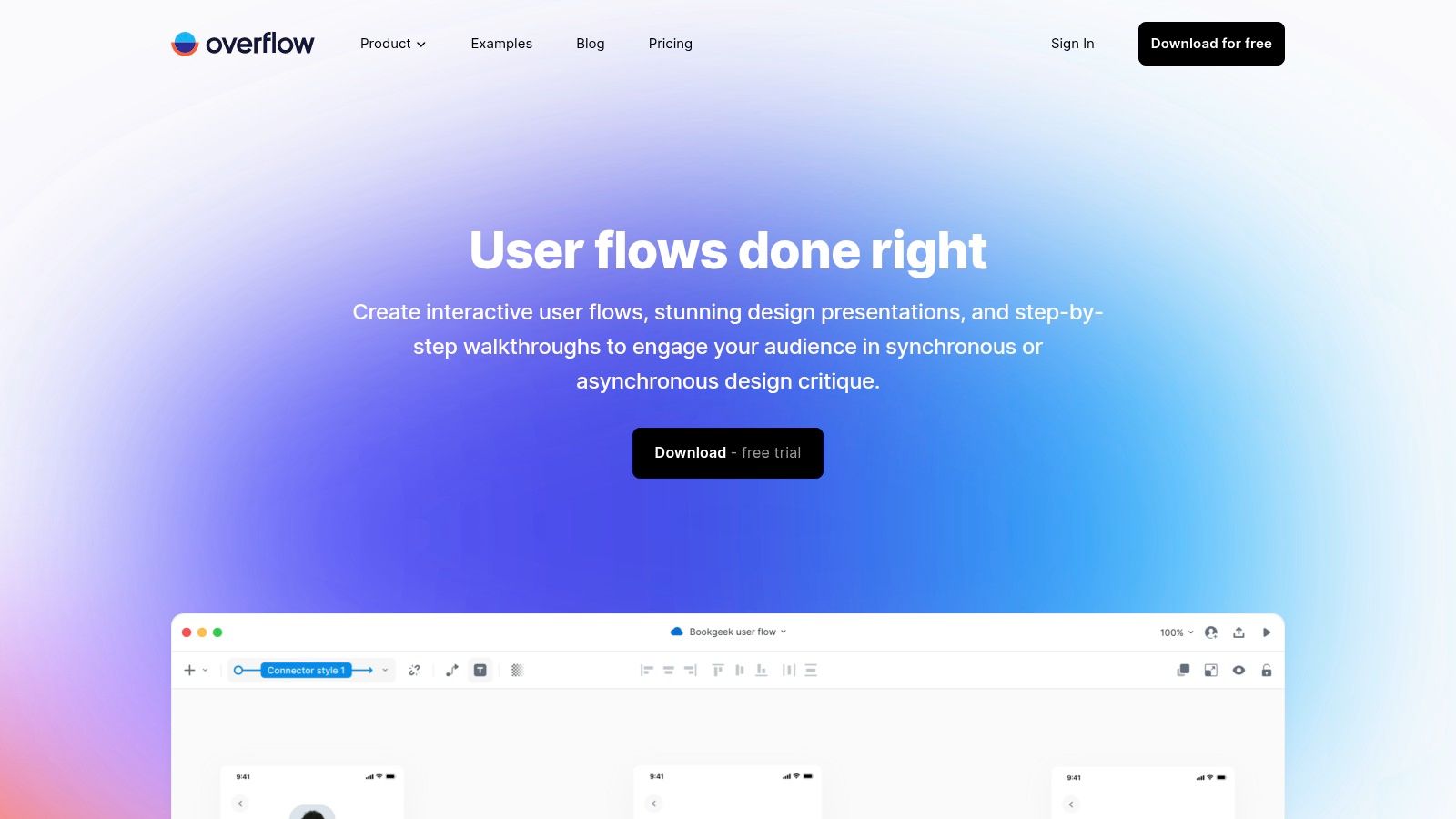
Overflow is for the team that already has screens and wants to explain them clearly. It specializes in screen-linked user flow software, which means the output feels closer to a polished walkthrough than a raw workshop board.
Its core appeal is speed with presentation quality. You import frames from tools like Figma or Sketch, connect them into flows, preserve links, and share something stakeholders can follow without squinting at a whiteboard.
Best for screen-centric storytelling
This tool works well when a PM, designer, or consultant needs the flow itself to be legible in reviews. Hotspots, device skins, cloud sharing, and export options all push in that direction.
Two decisions make Overflow especially useful:
It keeps screens at the center: That's ideal when stakeholders need to see exactly where a path moves across interfaces.
It separates authoring from viewing: The desktop app does the construction, while the cloud viewer supports sharing.
If your team often turns flows into decks because the native documentation doesn't read well, Overflow closes that gap. It also pairs naturally with teams that borrow from familiar flowchart examples and then want those paths tied to actual screens.
The tool shines when the question is, "Can everyone follow the path from first click to confirmation screen?"
The limitation is just as clear. Overflow isn't trying to be your brainstorming canvas or your all-purpose collaboration hub. If your process starts with open-ended workshop chaos and only later settles into structure, a whiteboard-first tool may feel looser in a good way.
Visit Overflow.
3. FlowMapp
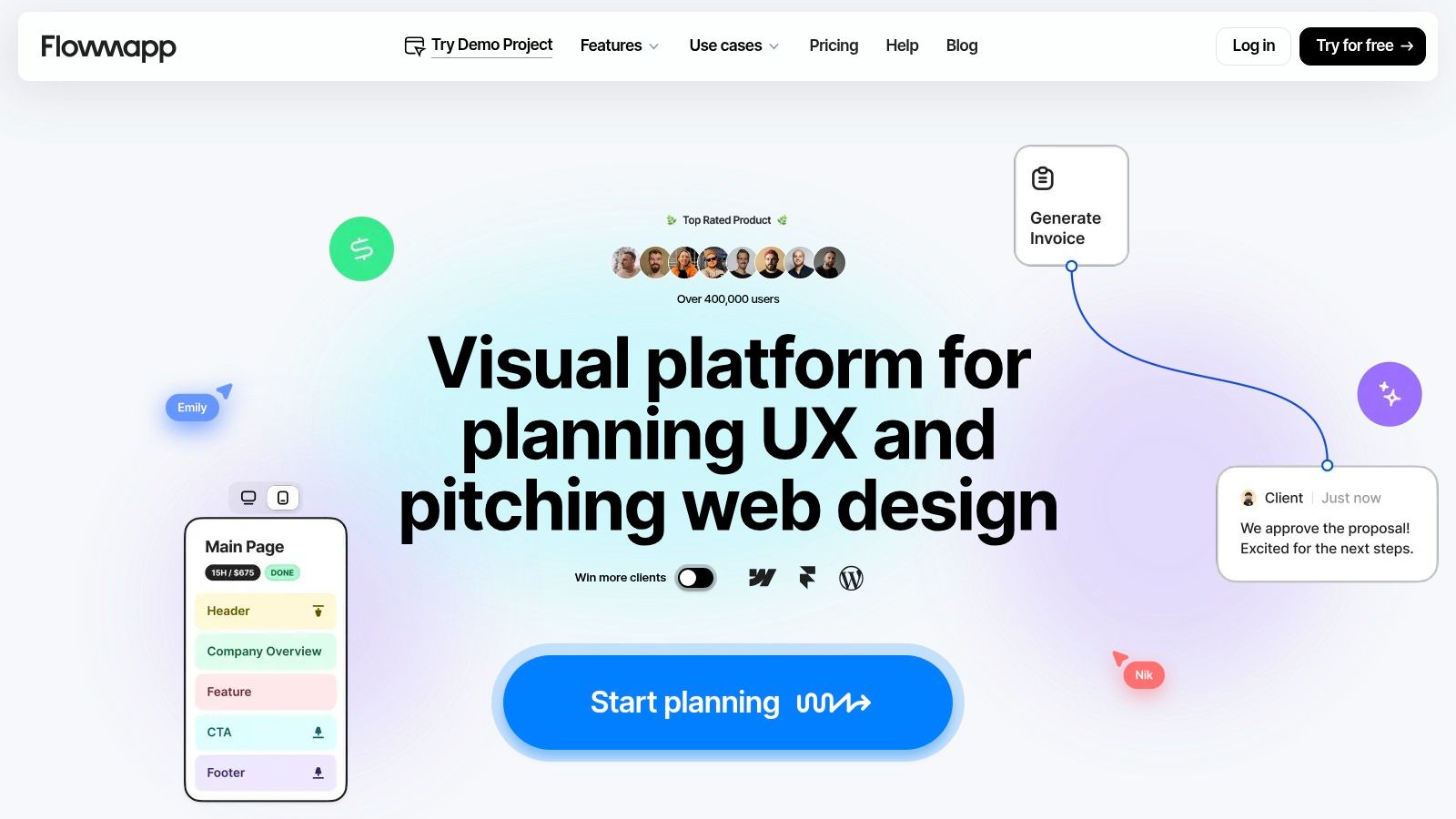
A familiar planning moment. The team can describe the pages, the navigation, and the content model, but the flow still feels unsettled because those pieces live in separate files.
FlowMapp fits that workflow better than screen-led flow tools. Its value comes from keeping sitemap work, page structure, wireframing, and user paths close together, so early decisions stay connected. For website redesigns, content-heavy products, and agency projects, that reduces the handoff gap that often appears between IA and UX mapping.
The buying decision is fairly specific. Choose FlowMapp when the job is to organize an experience before the interface is fully designed.
That sounds narrow, but it maps to a common product reality. Nielsen Norman Group has long treated information architecture as a foundation for findability and task completion, which helps explain why teams struggle when they document flows after page structure is already set. In FlowMapp, the workflow starts earlier.
A useful test is the kind of question your team asks in planning reviews:
Are we still debating hierarchy, page relationships, or what content belongs where?
Do stakeholders need reviewable artifacts that feel closer to planning documentation than to a freeform workshop board?
Is the flow tied to a site or service structure rather than to dense application states and conditional logic?
If the answer is yes, FlowMapp is usually a better fit than a whiteboard or screen-linking presenter.
It also helps clarify a mistake that shows up in procurement. Teams often compare journey mapping, sitemap planning, and task flow documentation as if they were the same purchase. They are not. If that distinction keeps getting blurred, share this internal explainer on user journey vs flow explained before the tool trial starts.
The trade-off is clear. FlowMapp is stronger at structured planning than at messy discovery. Cross-functional product teams that begin with open-ended workshops, service blueprints, or complex state logic may still need another tool upstream, then bring the cleaner architecture into FlowMapp once the model stabilizes.
Visit FlowMapp.
4. Whimsical
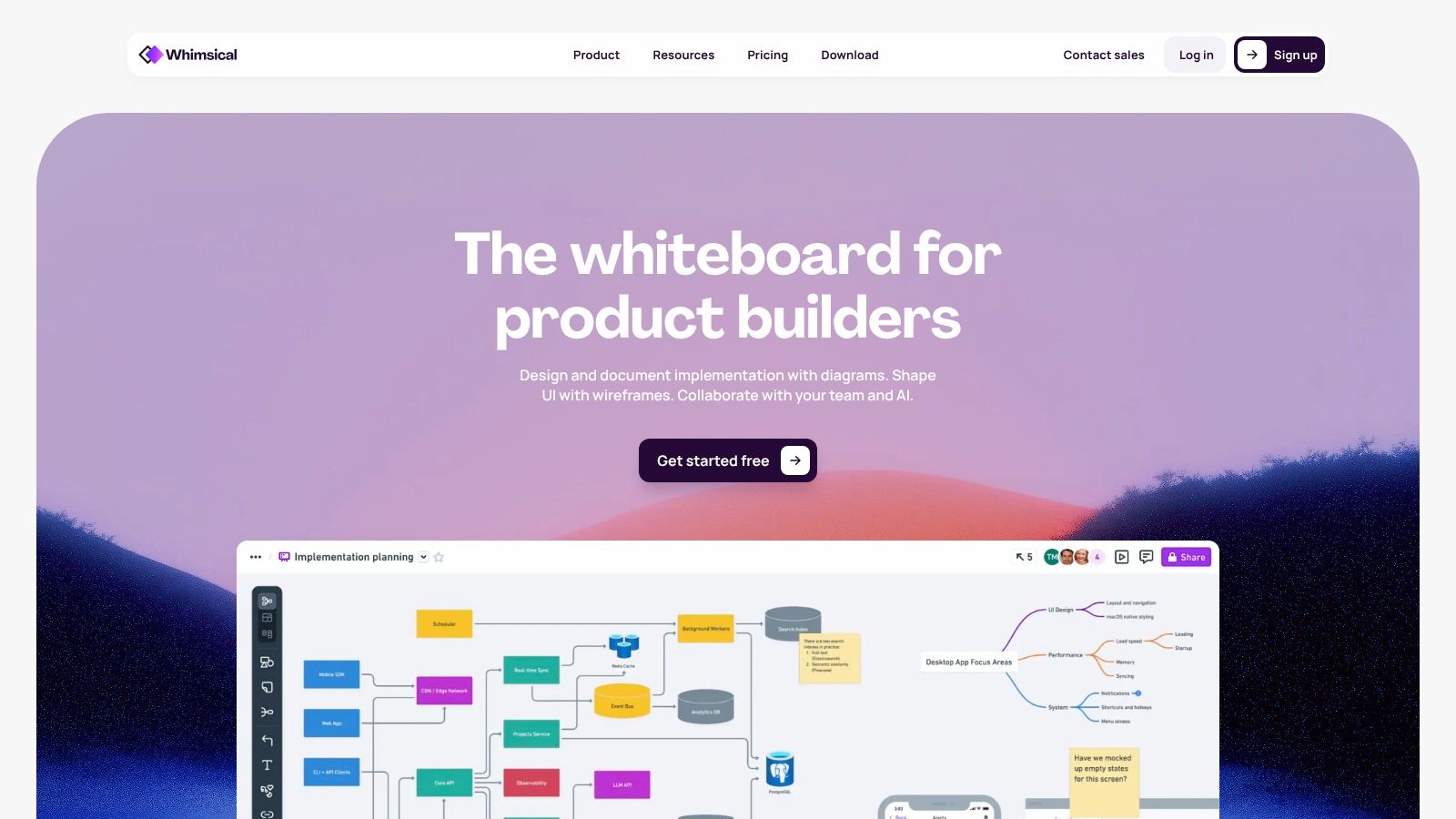
A familiar product-team moment: the PM has 30 minutes before review, design has three possible paths, and engineering wants the edge cases visible now, not after mockups start. In that situation, a fast canvas often matters more than a specialized flow object.
Whimsical fits that job well. It handles the messy middle between a hallway conversation and a documented workflow. Teams can sketch branches, drop in lightweight wireframes, and rearrange logic without stopping to configure a heavier system first.
The buying decision is less about features than workflow tolerance. If your team needs a shared surface for early decisions, Whimsical usually gets adopted quickly because contributors can read and edit the board without much instruction. That matters in practice. The Nielsen Norman Group has long argued that externalizing structure early improves shared understanding and reduces downstream confusion in UX work, which aligns with why simple flow artifacts often survive planning better than polished ones (Nielsen Norman Group).
Where does it sit in this list? Between structured planning and open workshop sprawl. It is lighter than documentation-oriented tools, but more intentional for mapping than a generic notes app. If you're weighing trade-offs in that lane, Whimsical vs for design is a useful comparison.
A quick filter helps:
Choose Whimsical when the flow is still forming, several functions need to comment, and the artifact should stay editable.
Skip it when procurement is driven by governance, strict notation, or enterprise handoff controls.
Pair it with another tool if the team starts in discovery here, then needs formal specs or state-heavy prototyping later.
That last point is the trade-off. Whimsical is strong at collaborative clarity, not process enforcement. Small to mid-sized product teams usually benefit most, especially if their design stack is mixed and they want low-cost diagramming without turning flow mapping into a training exercise.
Visit Whimsical.
5. Miro

Miro works when the flow is really a conversation container. Discovery workshops, cross-functional mapping, journey reviews, service interactions, rough wireframes, and early prioritization can all live in one board without anyone asking whether they are "using the right object type."
That flexibility is its selling point.
Best for collaborative discovery
Miro's native flows, broad template library, and integrations make it a practical choice for organizations that need many functions in the same room, or the same canvas. Product, research, design, support, and engineering can all leave evidence in place. Comments, embeds, and presentation modes help those boards survive past the meeting.
The zoom-out moment is economic: when organizations scale, they often standardize on a shared collaboration surface before they standardize on a perfect method. That's one reason workflow and journey tooling keeps riding broader automation demand. Industry figures compiled in 2026 report that 60% of organizations are already using or piloting workflow automation in at least one function, and the broader workflow automation market was valued at $4.8 billion in 2022 with expected 26.5% CAGR growth from 2023 to 2030. Flow work benefits from that same organizational push toward shared execution.
Miro is a strong fit when you're effectively shopping for a collaboration operating system and user flow software is one of its jobs. If you're still comparing whiteboard-led options, this roundup of a Miro alternative for product design can help sharpen the distinction between broad collaboration and design-specific flow work.
Its weakness is precision. Miro can model a lot, but it doesn't always enforce the discipline that a specialized flow or diagram tool naturally creates.
Visit Miro.
6. FigJam (Figma)
A common product-team scene: the PM is outlining an onboarding change, the designer already has the new screens in Figma, and engineering wants the logic captured before sprint planning. Nobody wants a second system just to redraw what is already half-decided elsewhere.
FigJam fits that moment well because its job is not formal process documentation or polished flow presentation. Its job is to keep discovery, screen references, comments, and early path mapping close to the design source. For teams already using Figma for UI work, that proximity removes handoff lag and reduces version drift between the flow and the screens it describes.
The buying decision is mostly about stack fit and governance. FigJam makes more sense for design-led teams that need lightweight flow work tied to files, components, and Dev Mode than for teams managing dense branching logic across departments. Figma's own pricing structure also reflects that broader workspace model, with different seats and access levels for different contributors, as shown on the FigJam and Figma pricing page.
Here is the practical trade-off:
The closer your flow work is to screen iteration, the more FigJam improves speed.
The more your flow has to act as controlled documentation, the more its loose structure becomes a limit.
The more contributors only need to react, comment, or sort ideas, the more its lighter access model helps control cost.
That makes FigJam a strong choice for small to mid-sized product teams, especially ones already standardized on Figma. If your workflow depends on screen-linked mapping and quick collaborative discovery, it is often enough. If you need state-heavy logic, auditability, or standards-based diagrams, you will usually outgrow it sooner than tools built for those jobs.
7. Lucidchart (Lucid Visual Collaboration Suite)
A familiar product-team moment: the flow looked clear in design review, then legal, ops, and engineering each found a different exception path. Now the question is no longer "what does the user click next?" It is "can this diagram hold the process without collapsing into a whiteboard sketch?"
Lucidchart fits that second job. It is less about quick discovery and more about making a flow defensible across functions. For teams documenting approvals, conditional logic, integrations, or role-based paths, that distinction matters.
Lucidchart's advantage is standards. UML, BPMN, and ERD support let product teams describe a user journey in a format adjacent teams already recognize. Lucid Software also positions the product around enterprise diagramming, documentation, and cross-functional collaboration on its product pages at Lucidchart. That makes a practical difference if your flow has to survive architecture review or compliance signoff, not just a design critique.
The trade-off is easy to miss. A more formal notation system improves consistency, but it also raises the cost of casual contribution. If your PMs and designers need a fast canvas for rough pathfinding, Lucidchart can feel heavier than the looser tools earlier in this list.
So the buying decision is less about feature volume and more about governance posture:
Choose Lucidchart if flows need to align with BPMN, UML, or broader operational documentation.
Choose it if multiple departments will review the same artifact and expect structure, permissions, and naming consistency.
Be cautious if your main need is early discovery with screen-level iteration speed.
That middle ground is where Lucidchart is often underestimated. Some "user flows" are really product-facing process models. In those cases, process mapping for product teams is the better frame, because the artifact has to explain decisions, states, and ownership beyond the interface itself. For mid-sized to large organizations, especially those with mixed business and technical reviewers, Lucidchart usually makes more sense than lighter canvas tools.
8. Zeplin
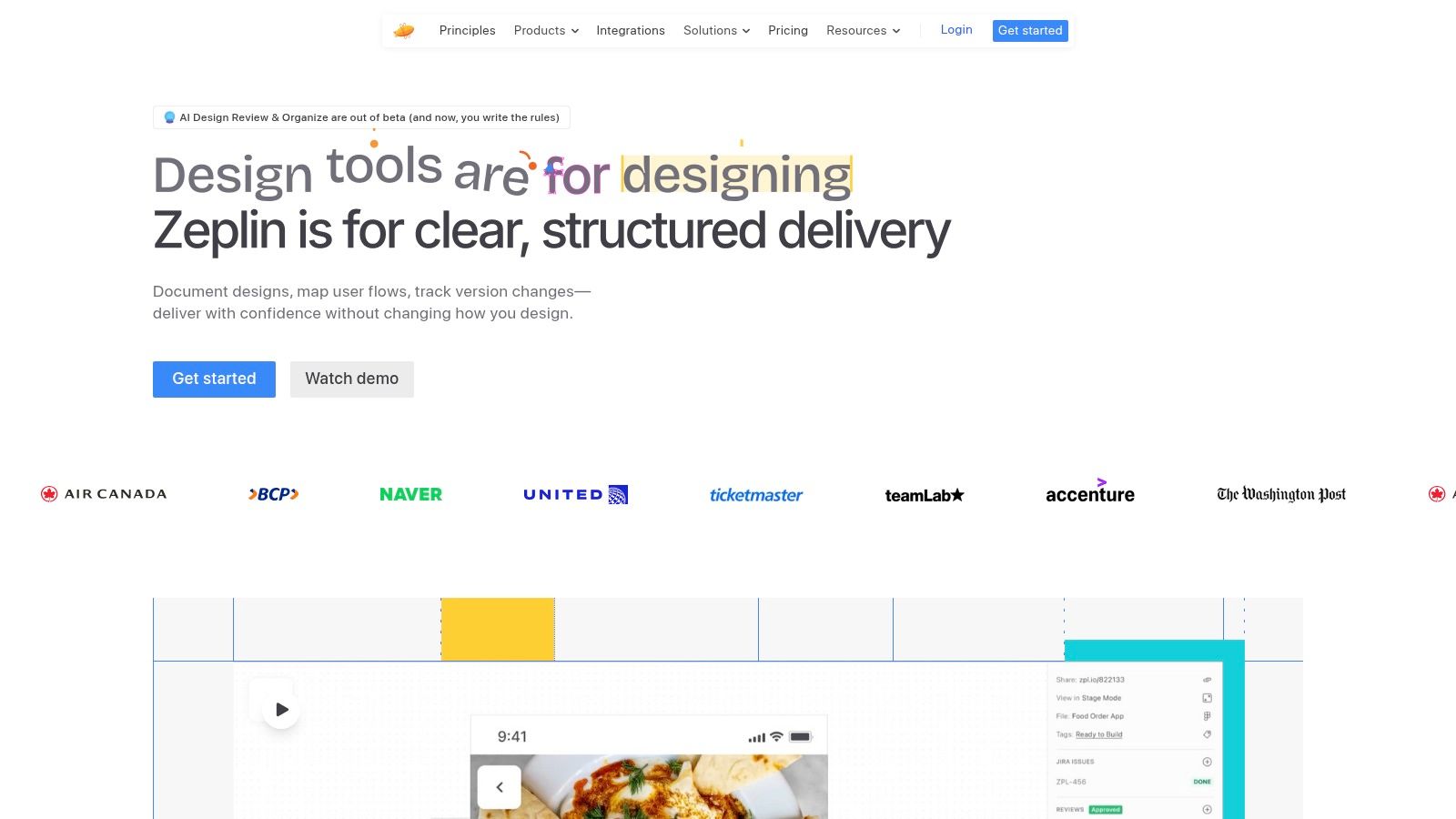
Zeplin is the handoff-minded choice. It becomes attractive when the flow you're documenting is close to final and needs to stay attached to specs, components, and developer-facing deliverables.
That sounds narrower than it is. Plenty of teams don't need another ideation surface. They need a source of truth.
Where Zeplin fits best
Flow Boards help teams document paths across screens using connectors and groups while staying anchored to the screens and components engineers use. This creates a useful discipline: the flow is less likely to become a standalone artifact that drifts from implementation.
Keep final-state flows where developers already look for truth, or you'll create one more place to ignore.
Zeplin also helps when scale enters the picture. Large workspaces, many projects, and role-based access all support organizations that want controlled collaboration rather than open canvas sprawl.
The obvious trade-off is discovery. Zeplin isn't where many teams do their messy thinking, and that's okay. It belongs later in the lifecycle, when decisions need to stay stable enough for delivery.
Visit Zeplin.
9. Axure RP
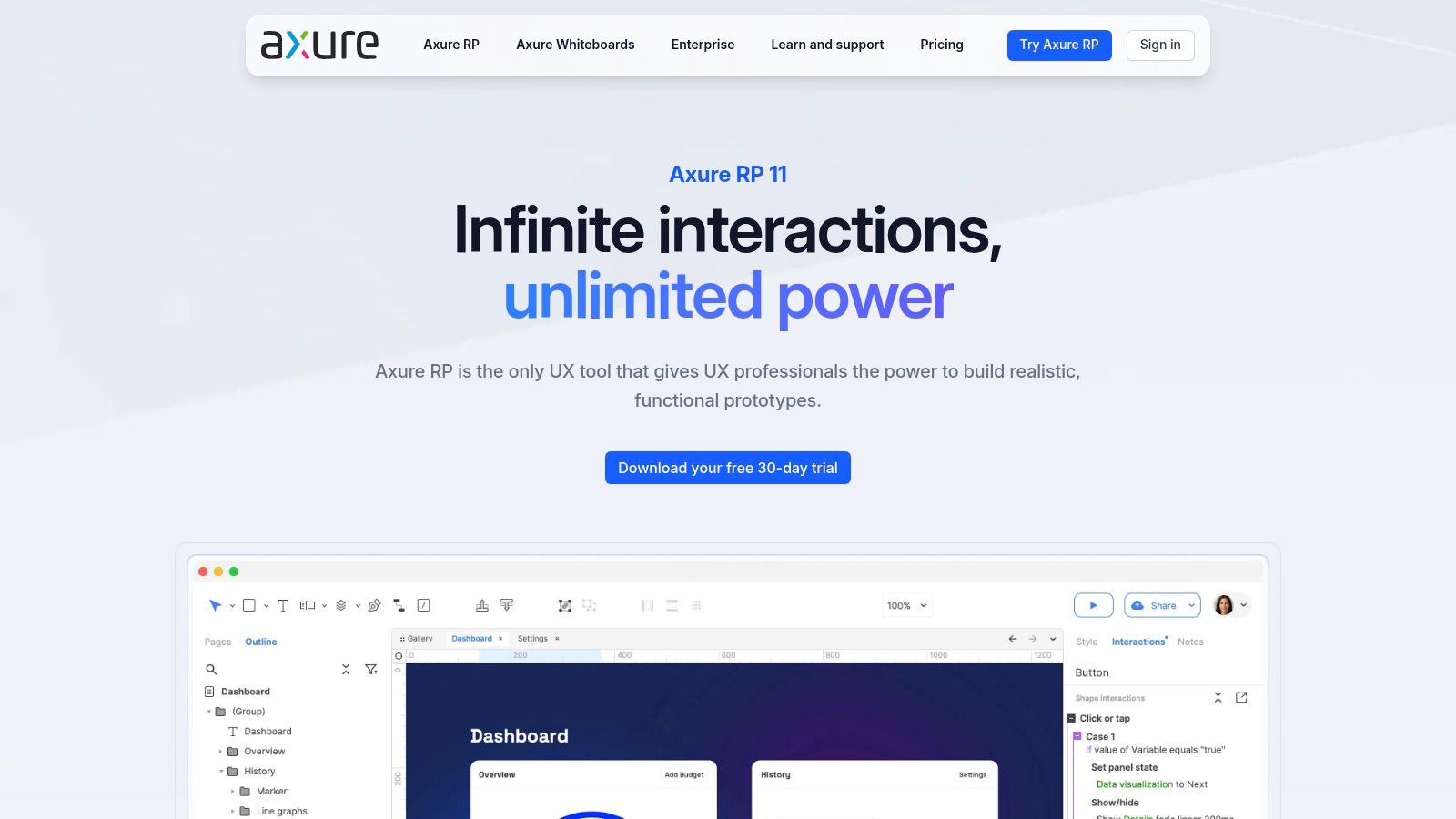
A familiar product-team moment: the flow looks clean in review until someone asks what changes after a failed API call, a permissions mismatch, or a partially completed form. The boxes still connect. The logic does not.
Axure RP is built for that gap between mapped steps and actual behavior. If your team has outgrown static user-flow software, Axure earns a serious look because it keeps flow structure, conditional logic, and interaction states in one working model.
That matters most in products with branching rules. Enterprise setup flows, account management, approvals, and multi-step transactions often fail in edge cases rather than in the happy path. Nielsen Norman Group has long argued that error states and alternate paths are part of the user experience, not exceptions to it. Axure is one of the few tools in this list that treats that idea as a practical modeling requirement rather than a note in the margin.
The buying decision is fairly straightforward.
Choose Axure if the job is to test whether a flow still works once state changes. Variables, conditions, dynamic panels, and adaptive views let teams document and simulate interactions that a screen-linked mapper or whiteboard tool would only describe. That reduces one common handoff problem: the diagram says one thing, the prototype shows another, and the build team has to guess which one is current.
Skip it if your workflow is mostly alignment, not simulation. Smaller teams working inside Figma, FigJam, or Whimsical usually move faster with lighter tools, especially when they need quick collaboration or low-friction edits from non-designers.
The trade-off is easy to spot within a week of use. Axure asks for more setup, more discipline, and a team that will maintain the logic. In return, it gives governance-minded product and UX teams a way to document behavior with enough precision to support testing, review, and handoff.
For complex flows, that exchange is often worth it.
Visit Axure RP.
10. diagrams.net (formerly draw.io)
A common product-team moment: design wants a quick flow for an admin edge case, engineering wants BPMN or UML notation, and security does not want another SaaS approval cycle. diagrams.net tends to enter the conversation there.
Its job in this workflow is different from tools higher on this list. It does not generate contextual flows from a live product, keep maps attached to Figma screens, or simulate behavior like Axure. It gives teams a low-cost way to document flows with familiar diagramming standards, local file control, and few procurement hurdles. For some organizations, that is the buying criterion.
The practical question is not whether diagrams.net has the most polished UX. It usually does not. The question is whether your team needs user flow software, or whether it needs a general-purpose diagramming tool that can handle user flows well enough while fitting existing IT rules. Atlassian notes that draw.io is widely used for visual documentation inside Confluence and Jira environments, which helps explain its staying power in governance-heavy teams.
Where it fits best is late enough in the workflow that structure matters, but not so late that interactive behavior must be tested. Technical product teams can map service touchpoints, approval chains, fallback states, and internal operations alongside user steps in one file. That matters when a "user flow" is really a cross-functional process map with system logic around it.
A few trade-offs are easy to spot early:
File ownership and hosting flexibility are strong. Teams can store diagrams locally or in approved cloud systems.
Notation coverage is broad. That helps teams mixing UX flows with BPMN, UML, network diagrams, or architecture maps.
Collaboration is serviceable, but less fluid than tools built first for live workshops or design critique.
Output quality depends more on the editor. Cleaner presentation usually takes manual alignment and cleanup.
So who should buy it?
Choose diagrams.net if budget control, documentation standards, or governance constraints shape the decision more than polished collaboration. It is a sensible fit for small teams, internal platforms, regulated environments, and product groups that need diagrams to remain portable long after a subscription changes.
Skip it if your main job is collaborative discovery, screen-linked handoff, or presentation-ready flow storytelling. In those cases, Whimsical, Miro, Overflow, or a more context-aware tool will usually reduce rework.
Visit diagrams.net.
Top 10 User Flow Tools – Feature Comparison
Figr (Recommended)
Core capabilities: AI agent with one-click app capture, Figma imports, PRDs, flows, prototypes, and testing. Best for: Product teams shipping UX for existing products. Key differentiator: Context-first outputs grounded in your live app and analytics, trained on 200k+ screens. Pricing & Security: Demo/free trial, enterprise pricing, SOC 2 Type II, SSO, and zero data retention.
Overflow
Core capabilities: Screen-centric flow diagrams, hotspots, presentation, and export modes. Best for: Designers creating polished, clickable flow documentation. Key differentiator: Presentation-ready flows with device skins and preserved prototype links. Pricing: Desktop authoring + cloud sharing with standard SaaS pricing.
FlowMapp
Core capabilities: Sitemaps, user flows, wireframes, content planning, and Figma export. Best for: IA and early-stage UX planning through client handoff. Key differentiator: Integrated sitemap → flow → content workflow. Pricing & Security: Paid tiers with role and permission controls.
Whimsical
Core capabilities: Flowcharts, wireframes, mind maps, infinite canvas, and AI prompts. Best for: Rapid ideation, simple wireflows, and team sketches. Key differentiator: Fast sketching with AI-assisted flow generation. Pricing & Security: Free and paid plans, SOC 2 Type II, GDPR, and CCPA compliance.
Miro
Core capabilities: Infinite whiteboard, flows, templates, real-time collaboration, and integrations. Best for: Cross-functional workshops, discovery, and journey mapping. Key differentiator: Broad collaboration with 7,000+ templates and integrations. Pricing: Free limited plan and per-seat paid plans.
FigJam (Figma)
Core capabilities: Connectors, templates, collaborative whiteboard, and tight Figma integration. Best for: Teams already using Figma for workshops and handoff. Key differentiator: Native Figma integration and shared design ecosystem. Pricing: Included with Figma seat plans.
Lucidchart
Core capabilities: UML, BPMN, ERD, structured diagramming, templates, and Visio import/export. Best for: Enterprise and standards-based flow documentation. Key differentiator: Strong standards support and enterprise readiness. Pricing: Tiered SaaS pricing with enterprise admin features.
Zeplin
Core capabilities: Flow Boards, linked screens, dev specs, assets, and code snippets. Best for: Design-to-dev handoff and final flow documentation. Key differentiator: Flows stay connected to finalized screens and developer specs. Pricing & Security: Workspace pricing with SSO and MFA on Enterprise plans.
Axure RP
Core capabilities: High-fidelity prototypes, conditional logic, variables, and team co-authoring. Best for: Complex, stateful prototypes and edge-case modelling. Key differentiator: Advanced interactions and detailed state modelling. Pricing: Subscription/perpetual licensing with a steeper learning curve.
diagrams.net (draw.io)
Core capabilities: Flowcharts, UML, BPMN, templates, and web + desktop apps. Best for: Budget-conscious and privacy-focused teams. Key differentiator: Free, self-hostable, with files stored in your chosen location. Pricing: Free to use.
Choose the Tool That Matches the Work
The cleanest mistake in this category is buying as if all flow work were the same. It isn't. A founder-led product team mapping an onboarding branch, a design system team documenting keyboard traversal, and an enterprise PM coordinating handoff across product, engineering, and compliance are doing different jobs that happen to share arrows.
That's why I'd choose by workflow first.
Figr stands out when your team needs context-aware flows tied to an existing product, especially if your flow artifact also needs to become a PRD companion, an edge-case map, a test input, an accessibility review, and a prototype. Overflow is stronger when polished, screen-linked presentations matter. FlowMapp belongs with sitemap-to-flow planning. Whimsical is ideal for fast, lightweight sketches. Miro and FigJam fit collaborative discovery, with Miro leaning broader across functions and FigJam leaning closer to the design stack.
Lucidchart earns the nod for structured enterprise diagrams, especially when formal notations or cross-department consistency matter. Zeplin is the practical home for finalized flows that must remain linked to handoff artifacts. Axure RP is the specialist for stateful prototypes and logic-heavy behavior. diagrams.net remains the sensible free option for flexible documentation.
The market movement behind these decisions is bigger than UX fashion. Customer journey mapping software is projected to reach $16.46 billion in 2025 and $41.19 billion by 2030, with a projected 20.1% CAGR, while North America is identified as the largest region in 2025 and Asia-Pacific as the fastest growing. That tells me structured flow and journey work has moved well beyond niche design practice. Buyers now expect governance, repeatability, and operational value.
A simple decision filter helps:
Team size: Smaller teams often do better with Whimsical or diagrams.net, while larger organizations usually benefit from Lucidchart, Miro, FigJam, Zeplin, or Figr.
Collaboration mode: Workshop-heavy teams lean Miro or FigJam. Solo-to-small design documentation often fits Overflow or Whimsical.
Flow complexity: Stateful, exception-heavy experiences push toward Axure RP or Figr.
Design-stack fit: Figma-native teams should look hard at FigJam, Overflow, and Figr.
Handoff needs: Zeplin and Figr reduce translation work late in the process.
Governance: Lucidchart, Zeplin, FigJam, and Figr tend to fit more controlled environments.
Pricing visibility: diagrams.net is simplest, while Figr and some enterprise tools may require direct sales conversations.
One last lens helps. User flows are most useful when they document a task as a step-by-step path across pages, branches, and interactions, which is the distinction Stephanie Walter draws in her discussion of user flows versus screen flows. For accessibility-sensitive products, that work also extends beyond isolated screens. TPGi notes that ARC User Flows monitors both pages and the components on each page across the journey, and Material Design advises teams to define primary and secondary journeys, focus behavior, and atypical key traversal in its accessibility flow guidance. Those aren't edge concerns anymore. They're part of what "complete" looks like.
Your next move should be concrete. Pick one representative flow, try it in two shortlisted tools, and note where decisions, branches, screens, and handoff artifacts stay current with the least manual translation. Then standardize the tool that keeps the work alive, and choose the right URL workflow for the artifacts around it so your system stays findable after the pilot ends.
Figr is built for the moment when your team needs more than a diagram and less than another broken handoff. If your product already exists and your flows need to stay grounded in real screens, components, edge cases, and delivery artifacts, visit Figr and see how it turns product context into user flow work your team can ship from.