
Your flowchart is drifting out of sync with the product it describes, and you're the PM staring at the gap before a handoff. Say you're reviewing an onboarding map while an engineer shares the live application: the invitation step has changed, permissions now branch by role, and the diagram still ends at account creation. Call this diagram debt, the work your team postpones whenever the product changes without updating its shared explanation.
Leave that gap open, and people build from different versions of reality. QA tests the happy path, design misses the expired invitation state, and support discovers the recovery flow after customers get stuck. The diagram is never just a diagram. Its purpose determines its logic, whether you're mapping account setup or using reliability block diagrams in maintenance. An attractive canvas won't compensate for missing dependencies, unclear ownership, or a branch nobody checked against actual behavior.
Choosing software for process flow diagram work starts with the decision you need to make: discover a workflow, document formal process logic, or turn product requirements into usable UX. These ten picks are organized by that fit rather than feature count. Some help people think together under deadline; others support precise notation or product-aware generation. Which one will your team keep accurate after the workshop ends? That's the more useful buying question.
1. Figr

Best fit: product-aware UX flows before design and engineering handoff.
Start with the product you already have. Our AI design agent accepts live-app captures, recordings, Figma files, design systems, PRDs, research, code context, and analytics. It connects those inputs into reusable product context, then generates flows and designs that reflect existing screens, components, rules, and earlier decisions.
This is what I mean by context-backed mapping: a subscription-change flow should account for your actual roles, billing states, and available components. A plausible generic checkout flow leaves those questions for someone else.
From Requirements to Testable States
Our workflow can turn a PRD into user flows, state diagrams, edge-case maps, and acceptance criteria before producing screens. Once the reasoning is clear, teams can generate UX reviews, test scenarios, high-fidelity prototypes, and Figma-ready designs.
That ordering matters. Why polish the upgrade screen before deciding what happens to a pending downgrade?
- Strength: Product thinking and design handoff stay connected through flows, requirements, edge cases, prototypes, and test scenarios.
- Context requirement: Useful results depend on bringing relevant product material. A thin prompt won't explain a mature permissions model.
- Design continuity: Design-system intelligence, accessibility checks, analytics context, and Figma workflows help keep proposals aligned with the product.
- Commercial considerations: A free trial is available, but specific subscription prices aren't stated here. Security capabilities include SOC 2 Type II certification, SSO, and zero data retention.
I'd choose this approach when the hard part is understanding product behavior before drawing it. For formal BPMN simulation or an executable business-process specification, evaluate a dedicated modeling tool instead.
2. Lucidchart
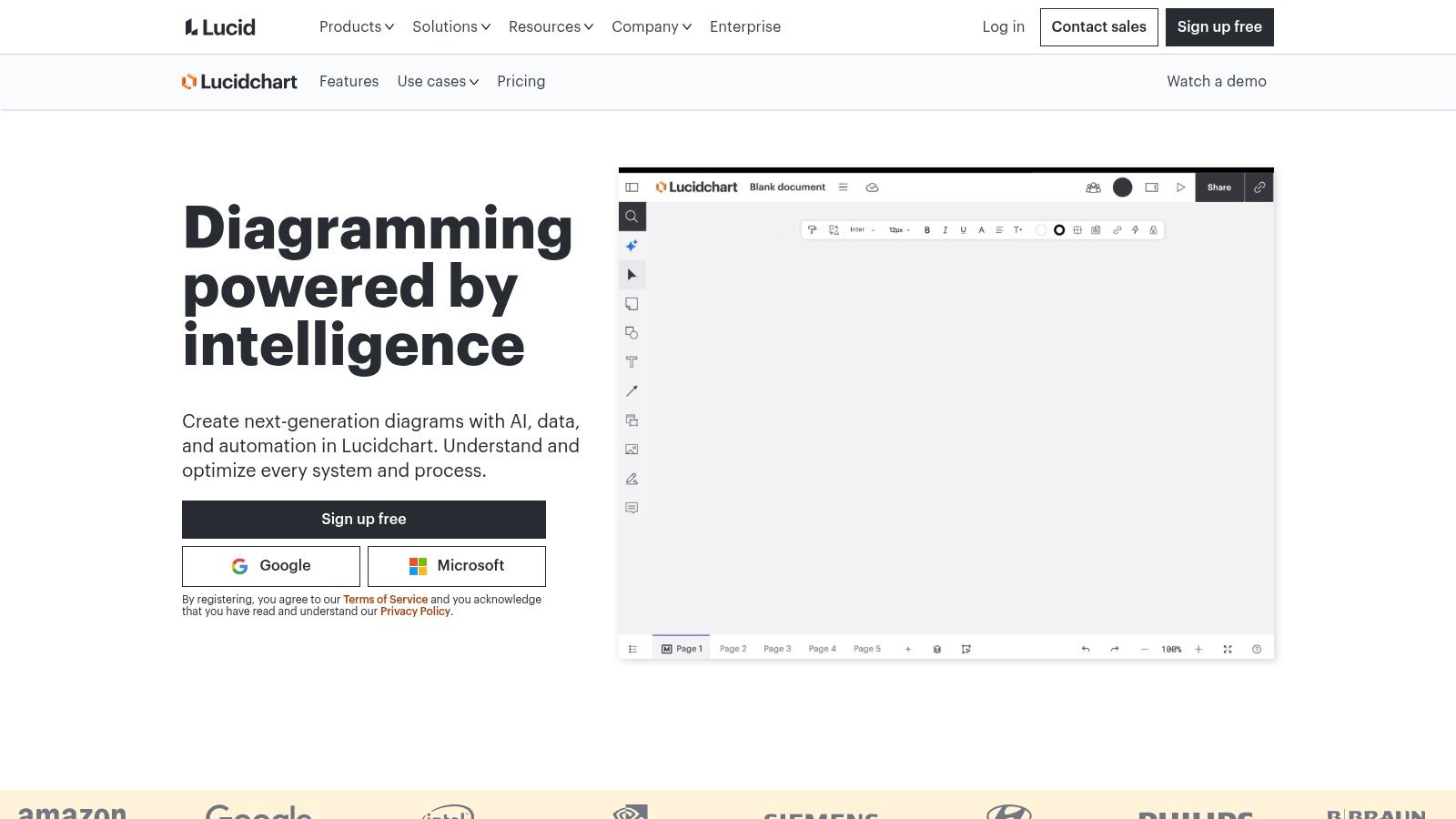
Best fit: shared process documentation across product, operations, and engineering.
Lucidchart is a practical default when people need to create, comment on, and share a diagram in the browser. Flowcharts, swimlanes, templates, and shape libraries cover routine process-mapping work without requiring everyone to become a process analyst.
Say customer success requests an account migration. Swimlanes can separate its work from engineering tasks and customer approvals, making handoffs easier to inspect. Start with process flowchart examples, then replace generic labels with actual actions and outcomes.
Where Collaboration Meets Limits
Real-time collaboration and integrations with Microsoft 365, Jira, and Confluence support cross-functional review. AI diagram generation can accelerate the initial draft, while Visio import and export help with existing files on eligible plans.
- Strength: A broad diagramming vocabulary makes it useful beyond a single product initiative.
- Constraint: Advanced shared workflows and administrative controls depend on the plan. Offline desktop work isn't its natural fit.
- Pricing: Lucidchart's published offering includes a free plan limited to three editable documents and 60 shapes per document, with Individual listed at $9 per month after a seven-day trial.
The buying test is editing, not viewing. Ask an engineer to correct a branch and an operations lead to explain a handoff. Can both do that without a diagram owner translating everything?
3. Microsoft Visio
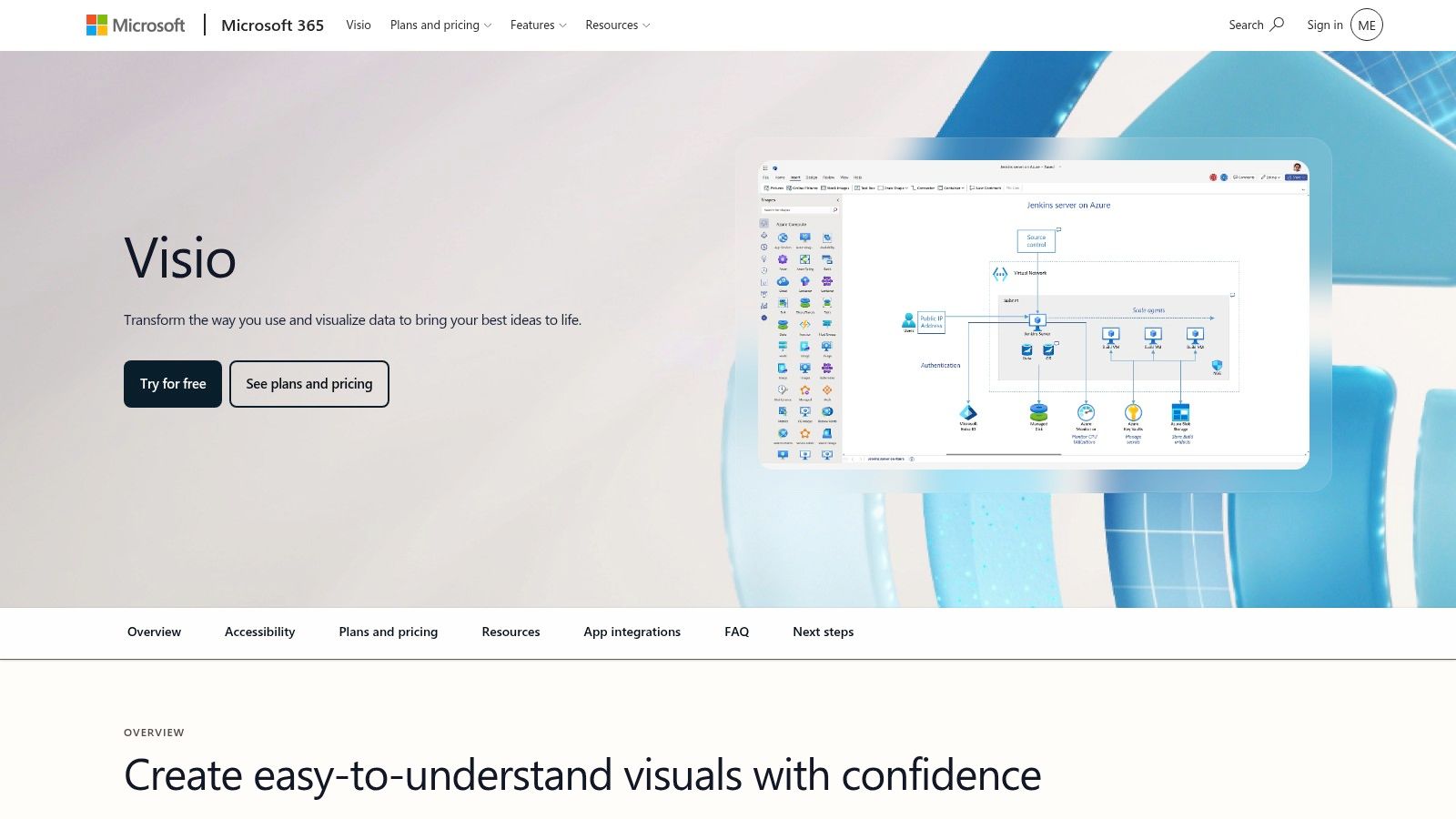
Best fit: Microsoft-centered organizations with formal documentation requirements.
Microsoft Visio makes sense when diagramming must fit existing Microsoft workflows. It supports business and technical diagrams, cross-functional flows, and web or desktop working, depending on the plan.
The desktop option matters when file-based review and offline editing are genuine requirements. Don't buy that capability just because someone might need it someday.
Buy the Modeling Capability You Need
Microsoft lists Plan 1 at $5 per user per month and Plan 2 at $15 per user per month, billed yearly, with advanced BPMN and desktop capabilities attached to Plan 2 in its Visio plan comparison.
Formal notation can improve precision. The OMG BPMN examples distinguish activities that perform work from gateways that route the resulting sequence flow.
Practical rule: Name the work in the task. Put the routing condition on the branch.
For a refund flow, separate reviewing eligibility from routing the outcome. Otherwise, a diamond labeled approve refund hides who decides, what information they use, and what changes afterward.
Visio's breadth can feel heavy for occasional sketching, and web and desktop experiences differ by plan. If your team mostly maps UX states rather than formal business processes, compare these diagramming options for product teams before committing to the larger toolset.
4. Miro

Best fit: workshop mapping while the team is still discovering the process.
The messy conversation is the work. Miro gives teams room to place research notes, unresolved questions, screenshots, and process shapes together, then refine their understanding collaboratively.
That's useful when stakeholders disagree about what happens today. A structured modeling tool can demand precision before the group has established the facts. A whiteboard lets people surface uncertainty first.
Give the Workshop an Exit Condition
Miro supports templates, real-time collaboration, comments, AI-assisted process-map generation on eligible plans, and imports including Visio-format files. Its free plan allows three editable boards, with paid Starter, Business, and Enterprise options.
- Strength: Discussion and evidence can remain beside the workflow instead of disappearing into meeting notes.
- Trade-off: Broad whiteboard functionality is less focused than a dedicated process-modeling environment.
- Buying concern: Seat-based plans need evaluation against who actively edits and who only reviews.
What happens when the workshop finishes?
Assign an owner, resolve ambiguous branches, and separate the agreed workflow from the surrounding exploration. Otherwise, the next person opens a wall of sticky notes and has to reconstruct the meeting.
For teams whose work has moved beyond collaborative discovery, compare Miro alternatives for product teams. Choose based on what must happen after agreement: formal documentation, product-aware design, or operational analysis.
5. diagrams.net (draw.io)
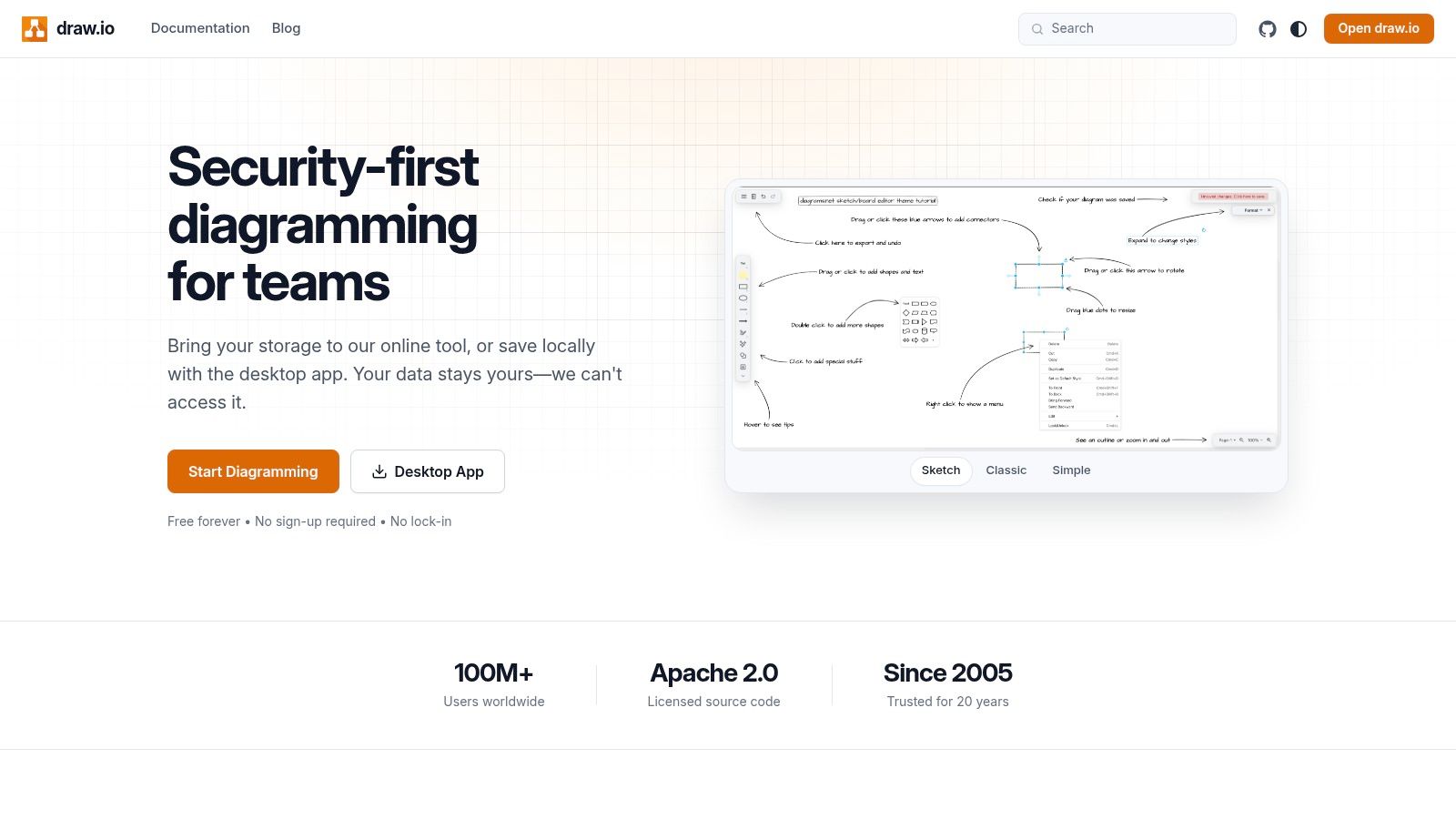
Best fit: straightforward diagrams with direct control over files.
diagrams.net is a sensible choice when you need a flowchart without another standalone subscription. Its core online editor is free, with a desktop option and local or connected cloud storage.
For a PM documenting a contained password-reset flow, that may be enough. You can draw the states, label the branches, and store the editable file beside the specification.
File Ownership Creates Responsibilities
The trade-off is organizational rather than visual. When teams manage their own files, they also need naming conventions, review habits, access rules, and a clear location for the current version.
Who prevents someone from implementing last quarter's exported image?
- Strength: Flexible file storage suits teams that prefer to manage documentation in their existing environment.
- Breadth: The application supports process flows, architecture, and other diagram types.
- Limitation: Collaboration and governance are less integrated than in some subscription-first platforms. Layout and formatting can require more manual attention.
Third-party platform integrations may have separate terms or costs, so distinguish the free core editor from its surrounding ecosystem.
I'd use it when the diagram is a bounded deliverable with an accountable owner. For a continuously changing process shared across departments, test the maintenance routine as carefully as the drawing experience. Saving the subscription fee doesn't automatically remove the coordination work.
6. SmartDraw
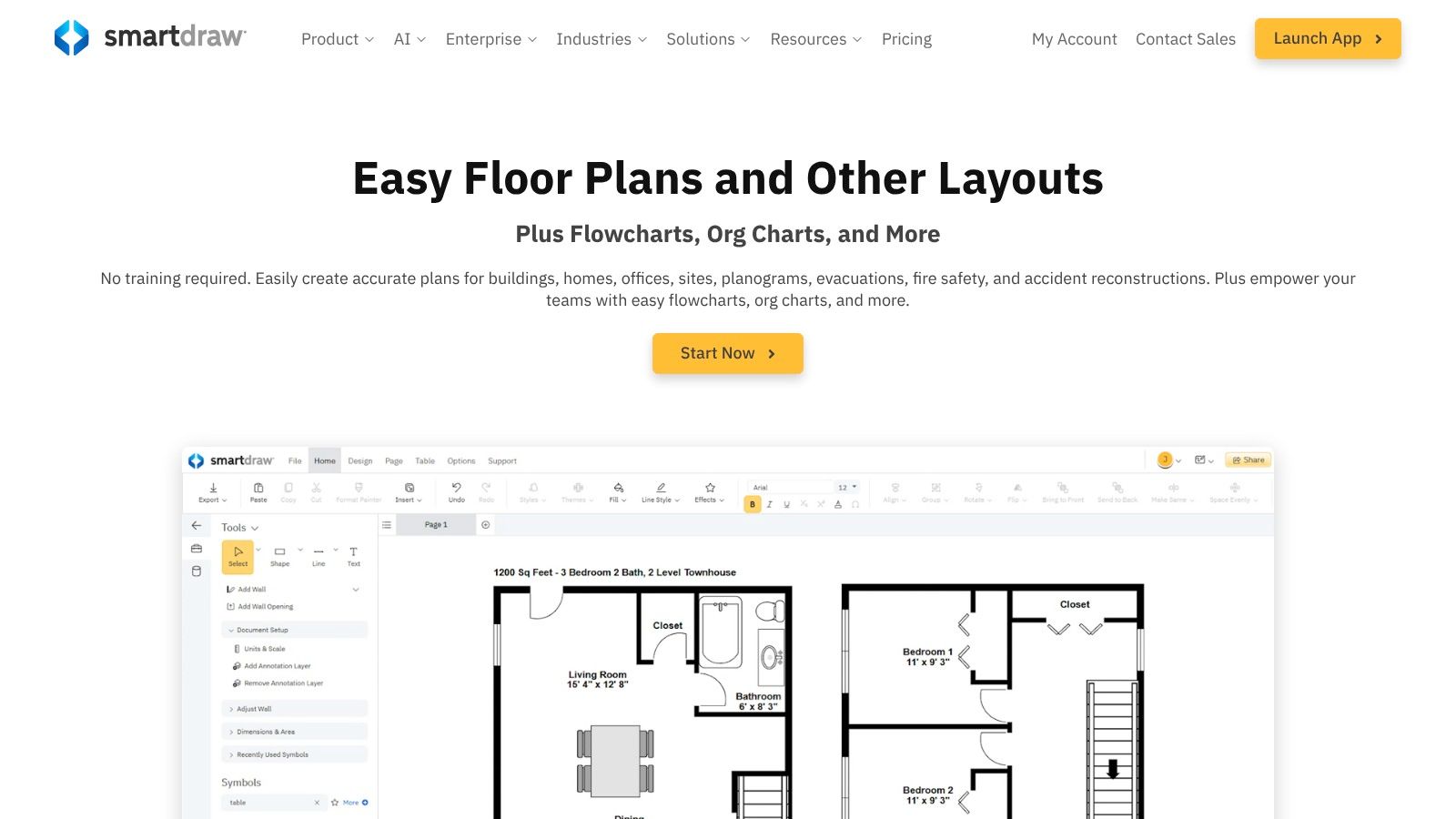
Best fit: broad business diagramming with structured-data needs.
SmartDraw fits operations teams that maintain process maps next to org charts, floor plans, and technical visuals. Templates cover cross-functional flowcharts, and shapes can carry data like an owner name or system ID.
An approval step with an owner attached reads differently in review. People see who acts, not just what happens next.
That data link needs testing. Change an owner or source value during a trial and watch what updates. Some links refresh a label. Others leave stale text that looks authoritative. Reviewers should know which one they are looking at.
Collaboration centers on real-time co-editing, comments, version history, and integrations with Microsoft 365, Google Workspace, Jira, and cloud storage. Enterprise controls include SSO. Published plans use annual billing, and the Team plan carries a minimum seat requirement. Confirm current seat and billing terms on SmartDraw's pricing page before you budget.
A diagram linked to data helps only when the team knows what the link updates and what still needs manual checking.
The catalog is wide. That helps when one group owns many diagram types. It slows product teams that only need flows tied to screens and states. If engineers need behavior with conditions and transitions, compare UML diagram types before forcing the work into a flowchart.
Web use needs an internet connection. I would shortlist it when structured data and department coverage matter more than product specificity.
7. EdrawMax
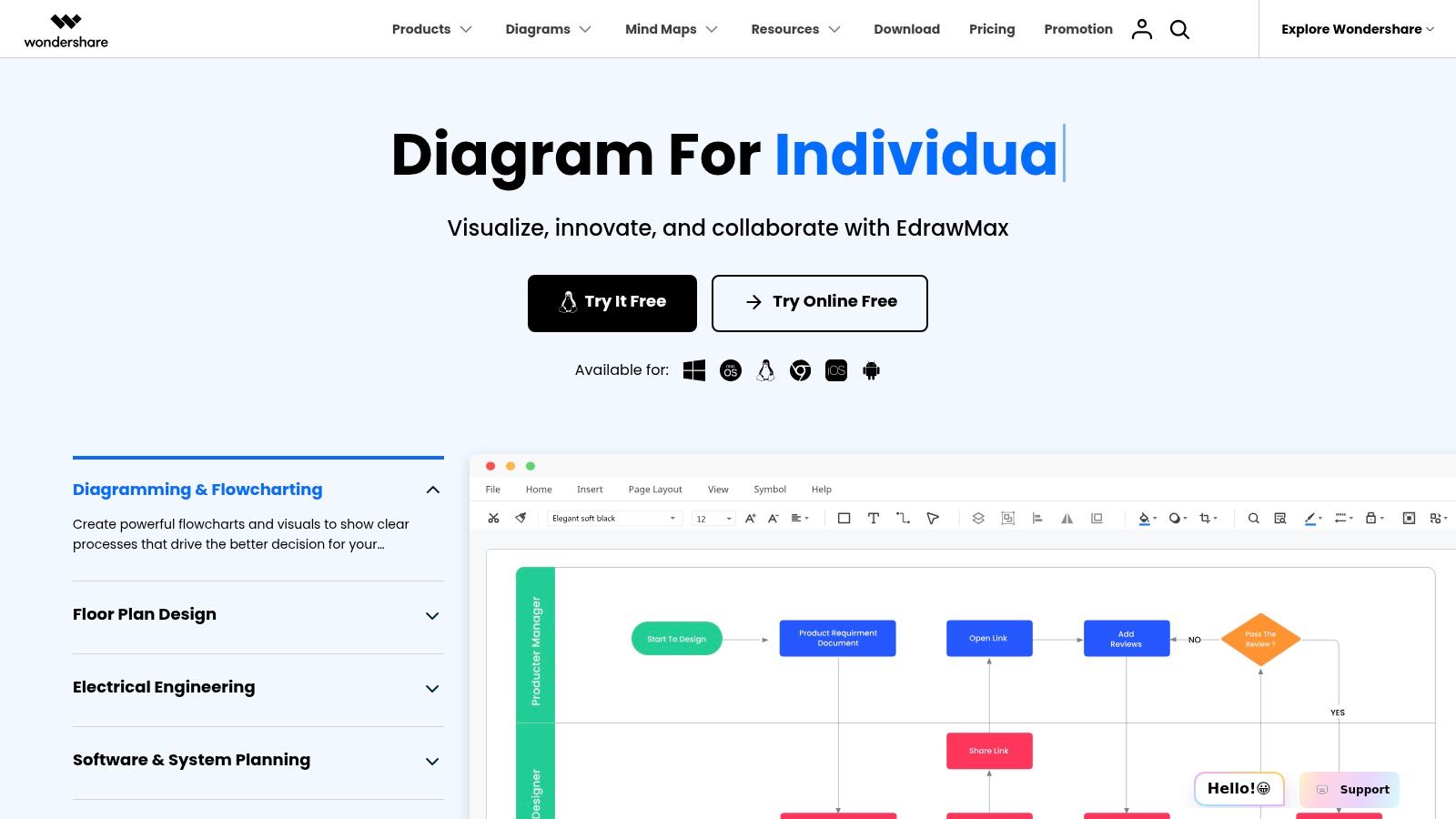
Best fit: varied visual documentation across desktop operating systems.
A team working across Windows, Mac, and Linux has a different selection problem from a browser-only team. EdrawMax offers desktop versions across those systems, alongside online access.
It covers process flowcharts, workflows, swimlanes, BPMN, and other diagram types. That breadth is useful when the same person maintains process documentation and technical visuals.
Evaluate the License, Not Just the Editor
EdrawSoft offers free, yearly, and perpetual options, but inclusions vary. Confirm what the license provides for online access, cloud storage, updates, and the import or export formats you need.
- Strength: Broad symbol libraries and templates reduce the need to construct varied documentation from scratch.
- Compatibility: Visio support is available on eligible plans, making a representative file import worth testing.
- Constraint: The interface may feel crowded if the team only needs simple flowcharts. Free access is more limited than paid access.
Does a successful import preserve the diagram's meaning?
Check connector direction, branch labels, swimlane boundaries, and editable text. A diagram that looks approximately right can still misrepresent responsibility or routing.
I'd shortlist EdrawMax when desktop availability and diagram variety are explicit requirements. If your central challenge is gathering stakeholder feedback in a shared workspace, evaluate that collaboration workflow directly rather than assuming broad format support solves it.
8. Creately
Best fit: collaborative process documentation inside a shared visual workspace.
Creately combines process maps and flowcharts with workspace collaboration. It supports simpler flowchart formats as well as BPMN, with swimlanes for showing work across roles or teams.
Consider a customer-data deletion request. Product, support, and engineering need to agree on ownership, handoffs, and the final confirmation. A shared visual workspace gives them a place to review the whole sequence.
Make Shared Mean Understandable
Creately supports exports including PDF, PNG, JPEG, and SVG. Its Free, Pro, Business, and Enterprise packaging should be checked against the current offering, especially for administrative controls and collaboration requirements.
Exporting a readable image is only part of publishing a usable process. WCAG 2.2 requires text alternatives for non-text content, which makes an equivalent structured explanation important when a critical workflow is presented visually.
- Clarity: Give each node an understandable action or state label.
- Accessibility: Distinguish branches without relying on color alone.
- Continuity: Keep an accompanying textual sequence aligned with the visual map.
Those are evaluation criteria, not a claim that the editor handles them automatically.
Creately's appeal is the combination of mapping and shared workspace features. The trade-off is plan complexity: advanced governance belongs to higher tiers, and business packaging can differ substantially from individual access. Test the plan your reviewers will use, including whether they can inspect and comment on the workflow without unnecessary friction.
9. Bizagi Modeler
Best fit: formal BPMN documentation, simulation, and process analysis.
Bizagi Modeler is the closer fit when the process itself needs rigorous modeling. Its focus is BPMN rather than general-purpose drawing, with documentation, publishing to Word and PDF, simulation, and what-if analysis.
The free desktop Modeler is intended for individual use and saves locally. Cloud collaboration and governance are associated with paid enterprise services, and native Mac support isn't currently available.
Precision Changes the Conversation
Take a payment flow waiting for confirmation or cancellation. A generic diamond can conceal whether the system evaluates a condition or waits for an external event.
The OMG BPMN specification requires an event-based gateway to have at least two outgoing sequence flows, with no condition expressions on those flows and defined restrictions on their targets.
Modeling boundary: A BPMN symbol library and a validated process model are different capabilities. Test the rules your process depends on.
Bizagi's simulation can help teams examine behavior beyond the visual layout. However, results still depend on meaningful assumptions and a correctly modeled process.
For a quick UX discussion, that rigor may add unnecessary friction. For processes involving responsibilities, waiting states, and operational alternatives, it can make ambiguity visible before implementation. To evaluate lighter options alongside formal modeling, compare process mapping tools for product teams.
10. Visual Paradigm Online
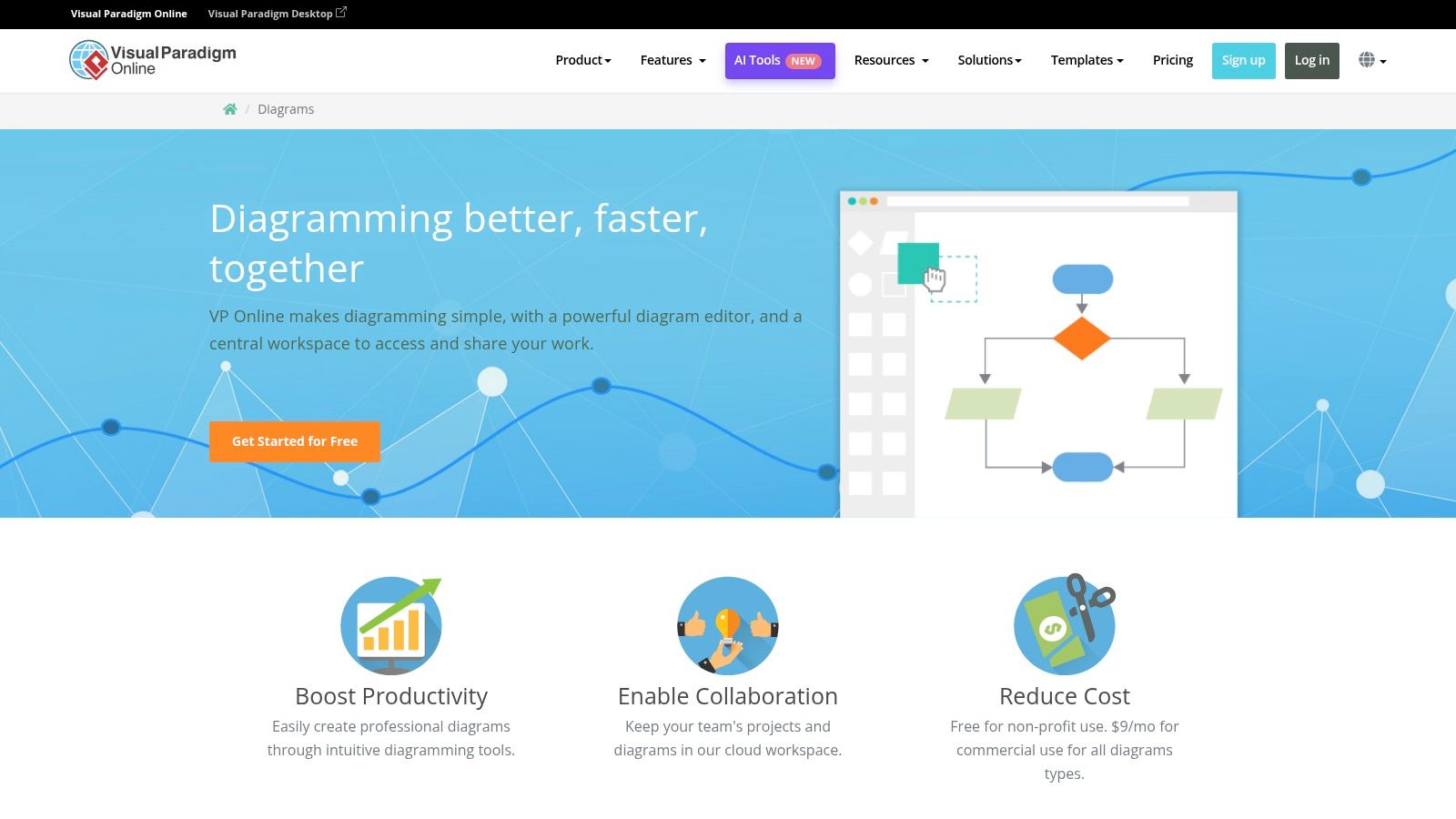
Best fit: process maps alongside software and systems models.
Visual Platform Online suits product and engineering teams that need several modeling perspectives in one place. It covers flowcharts, cross-functional flows with swimlanes, BPMN business-process diagrams, and data-flow diagrams.
That range helps when a workflow discussion turns into an architecture question. An account-provisioning flow explains actions and decisions. A separate data-flow model explains how information moves between services and storage.
Keep Each Model's Purpose Clear
Published pricing for Visual Paradigm Online includes a free tier for personal, non-commercial use, with paid plans starting at a listed $4 per user per month.
That usage restriction matters for SaaS teams. The free tier is not an unrestricted commercial workspace, so test sharing and export on the plan you would buy.
- Strength: Process and systems diagramming can sit within the same product.
- Plan dependency: Collaboration, available diagram types, exports, and integrations vary by plan.
- Trade-off: The broader toolset can feel less direct than a focused flowchart editor.
Would reviewers understand why you chose a particular diagram type? Establish that before adding detail. Mixing process order, data movement, and system structure into one crowded canvas makes review harder.
I would pick it when product and engineering need those distinct views side by side for formal documentation.
Process flow diagram software at a glance
Price alone tells you little. A free BPMN modeler and a workshop whiteboard solve different problems, even if both draw boxes and arrows. Use this table to place each tool in its working context, then read cost against that job.
| Tool | Free plan | Best for |
|---|---|---|
| Figr | Free trial available | Product-aware UX work and prototyping |
| Lucidchart | Yes, with document and shape limits | Collaborative flowcharts and business diagrams |
| Microsoft Visio | Trial available | Microsoft-focused teams and advanced diagrams |
| Miro | Yes, with a three-board limit | Collaborative process mapping and workshops |
| diagrams.net (draw.io) | Yes, core app is free | Free, flexible diagramming |
| SmartDraw | Trial available | Business diagrams and data-linked visuals |
| EdrawMax | Yes, with limitations | Broad diagramming across desktop and web |
| Creately | Yes | Collaborative flowcharts and BPMN |
| Bizagi Modeler | Yes, desktop version | BPMN modeling and process simulation |
| Visual Paradigm Online | Yes, for personal non-commercial use | Process mapping alongside software and systems models |
Check the limits before you shortlist. Document caps, board caps, and personal use restrictions change what free really means. I would treat this table as a filter for stage fit, early mapping, formal process documentation, or UX flows tied to screens and specs, and confirm plan details against a real workflow.
Match the Tool to the Stage, Not the Feature List
A stale flow diagram costs more than confusion. One missing branch forces a Slack thread, a version argument, and a rebuild after QA finds an unsupported state. At scale, the question is simple: how much time does your team spend keeping the explanation of the product trustworthy.
Credit goes to shipping changes. Documentation maintenance gets deferred. Fix that by giving each critical flow an owner and a review trigger, like a permissions change or a revised onboarding sequence. Tool choice only helps when someone stays responsible for accuracy.
Run a Real Flow Through the Shortlist
Pick your primary use case, then shortlist two tools from the comparison. Test both with the same real workflow during a week-long evaluation. Include an awkward exception, not just the happy path.
Workshop mapping suits unresolved discovery. Formal BPMN suits precise business logic. Product-aware UX flows suit requirements and design work where screens, specs, and edge cases change together.
Bring representative evidence to the trial. That means the current specification, relevant screens, ownership details, and one exception that has caused confusion. Then test correction and handoff. Ask a reviewer to change a branch, inspect the history, and use the output to explain what engineering or QA should do next.
Measure effort to reach a correct, reviewable model. A fast first draft has limited value if fixing it requires rebuilding the diagram from scratch.
Connect the Diagram to Evidence
The NIST user-centered design guide places workflow mapping between documented requirements and early prototypes, inside an iterative design process. Use that model. Revise the flow when evaluation uncovers missing states, then update the prototype and test scenarios together.
For operational workflows, tie important steps to observed behavior where possible. Deloitte's global process-mining survey identifies legacy-system integration and management support as practical barriers, so do not assume an analytics connection automatically produces a reliable process model. Preserve identifiers, define ownership, and investigate mismatches.
The same integration lens is useful when reviewing MSP software insights from Vight, because a diagram tool has to work in the environment where the team will maintain it.
I recommend choosing for stage fit. Figr fits teams whose flows must stay grounded in live product behavior, existing design systems, and requirements that continue to change.
Bring a PRD, live-product capture, or existing design file to Figr and map the workflow before polishing screens. Generate product-aware flows, edge cases, and test scenarios, then carry that reasoning into prototypes and Figma-ready designs.