
A release ships Tuesday and breaks Thursday because nobody connected the test plan to an execution layer. In a typical SaaS team, the browser checks passed, but a returning customer's expired invitation wasn't covered.
Say you're the product manager reading that customer's support ticket while engineering prepares a rollback. QA has a spreadsheet of completed checks, yet nobody can show whether the invitation's expiry state was specified, exercised, or reviewed before handoff. That's the testing-layer gap: the team bought tools, but left a release question unanswered.
Choose QA testing tools by the job they do, and the purchase becomes easier to defend. Execution frameworks run checks, management platforms organize cases and report results, and pre-build reviewers expose UX gaps before code exists. Rite NRG's quality assurance guide provides broader process context, but the practical decision starts with your missing layer. Distinguishing those jobs can spare your team weeks of implementing the wrong solution.
1. Figr Product Page
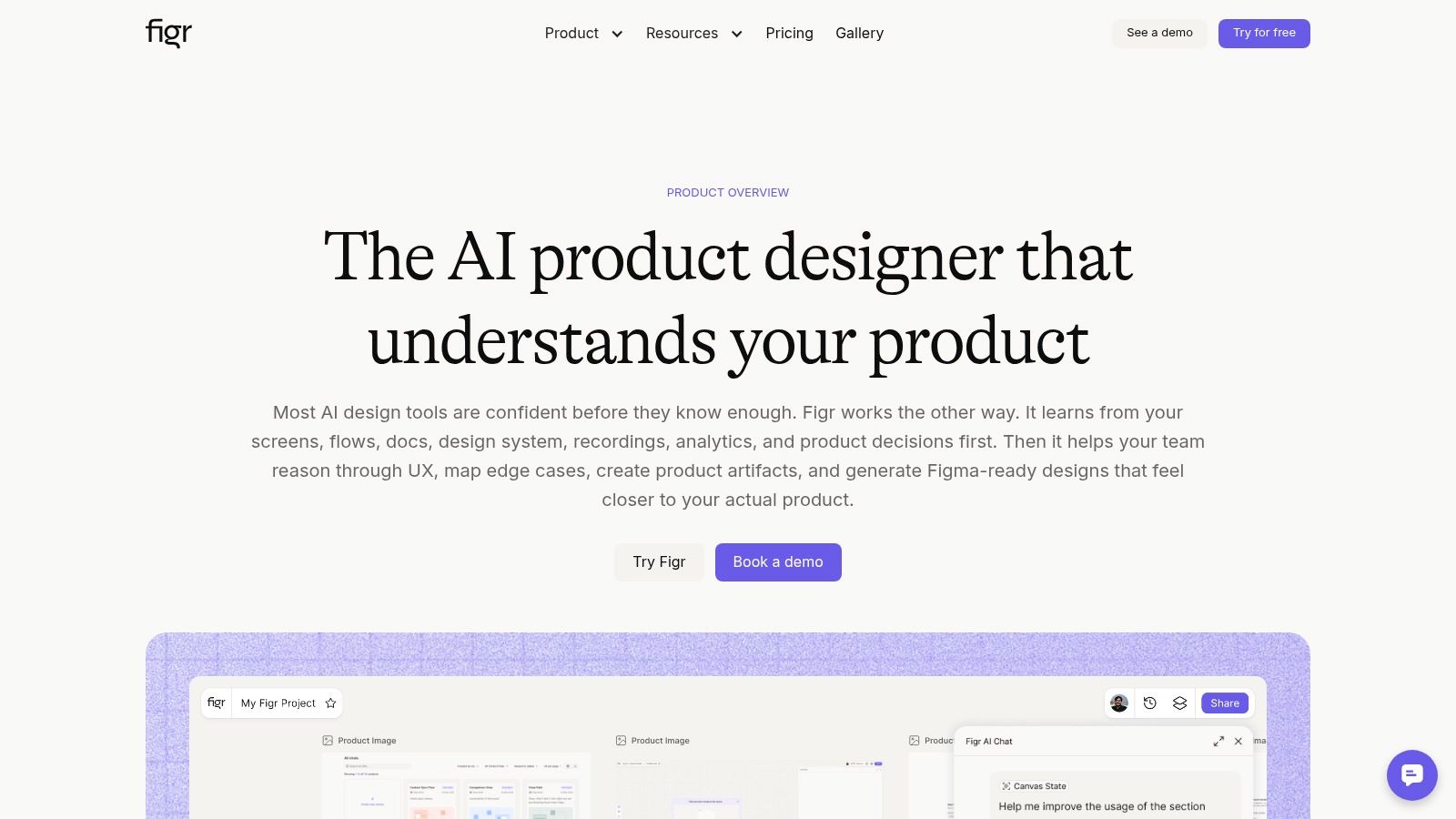
Job in the release cycle: catch design gaps before development. Figr's product page describes an AI design agent that reviews UX using existing product context. It belongs upstream of browser automation, where teams decide what behavior should exist.
Consider an invitation flow with a polished success screen but no treatment for expired links, revoked access, or an existing account. A browser framework can verify those behaviors only after someone defines and implements them. Our AI design tool can map flows, identify missing states, ask clarifying questions, and draft acceptance criteria and test scenarios before engineering starts.
Where pre-build review earns its place
Captured app screens, product walkthroughs, supporting documents, and imported Figma design systems give the reviewer context beyond a standalone mockup. That context helps distinguish a missing state from an established product convention. Analytics inputs can also turn a drop-off observation into a testable UX question.
This is what I mean by pre-build coverage: checking whether the team has considered the behavior that later tests must validate.
- Strength: Produces flows, edge-case maps, UX reviews, PRDs, and test scenarios that support clearer handoffs.
- Trade-off: Useful feedback depends on supplying relevant product context and reviewing the assumptions it makes.
- Boundary: It complements execution tools. It doesn't prove that deployed code, APIs, or browser behavior work correctly.
Accessibility deserves the same boundary. A practitioner study published through ACM found that only 9.8% involved users with disabilities in accessibility testing, illustrating a human-review gap that automated checks alone won't close.
Use this layer when teams repeatedly discover missing states during implementation. Pair the approved scenarios with a management platform, then implement executable checks in the appropriate framework.
2. TestRail
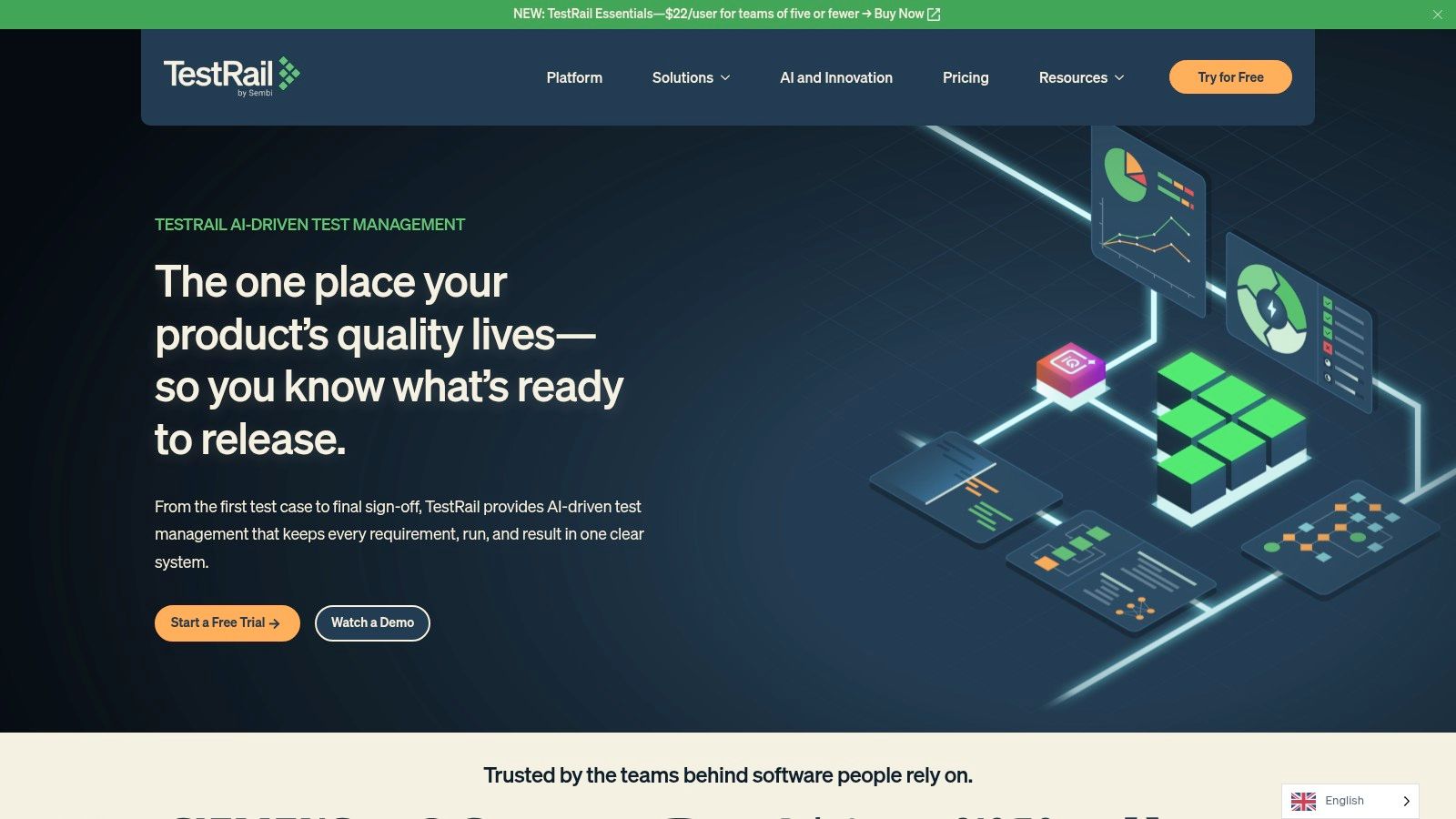
TestRail answers the release manager's question: what did we test? TestRail organizes test cases, plans, runs, milestones, and results. Its central library supports shared steps, custom fields, and labels, helping teams maintain repeatable regression coverage.
The important distinction is between recording execution evidence and executing browser automation. TestRail can connect results to requirements, defects, issue trackers, and CI pipelines, but your browser framework still performs the automated interactions. Would another dashboard solve your problem if the critical test doesn't exist?
Practical rule: Evaluate a test-management platform using a real release decision, including failed, blocked, and unexecuted cases.
Best fit and real limitations
Choose it when regression plans need structure and stakeholders need traceability beyond a CI pass rate. Integrations include Jira, GitHub, GitLab, Azure DevOps, and automation frameworks. AI-assisted case and BDD-scenario generation, automation generation, and prioritization can support authoring, but reviewers still own the expected behavior.
Cloud hosting and qualifying on-premises deployment offer different operational choices. Per-user pricing can become material as participation grows, while on-premises eligibility and contract requirements deserve attention before procurement.
TestRail overlaps with Qase, Testmo, and PractiTest. It stacks with Playwright, Selenium, Cypress, and API testing rather than replacing them.
Before importing a spreadsheet, improve the cases themselves. The guide on how to create test cases is useful for separating preconditions, actions, and expected results. A searchable library of ambiguous cases still leaves the release decision ambiguous.
3. Qase
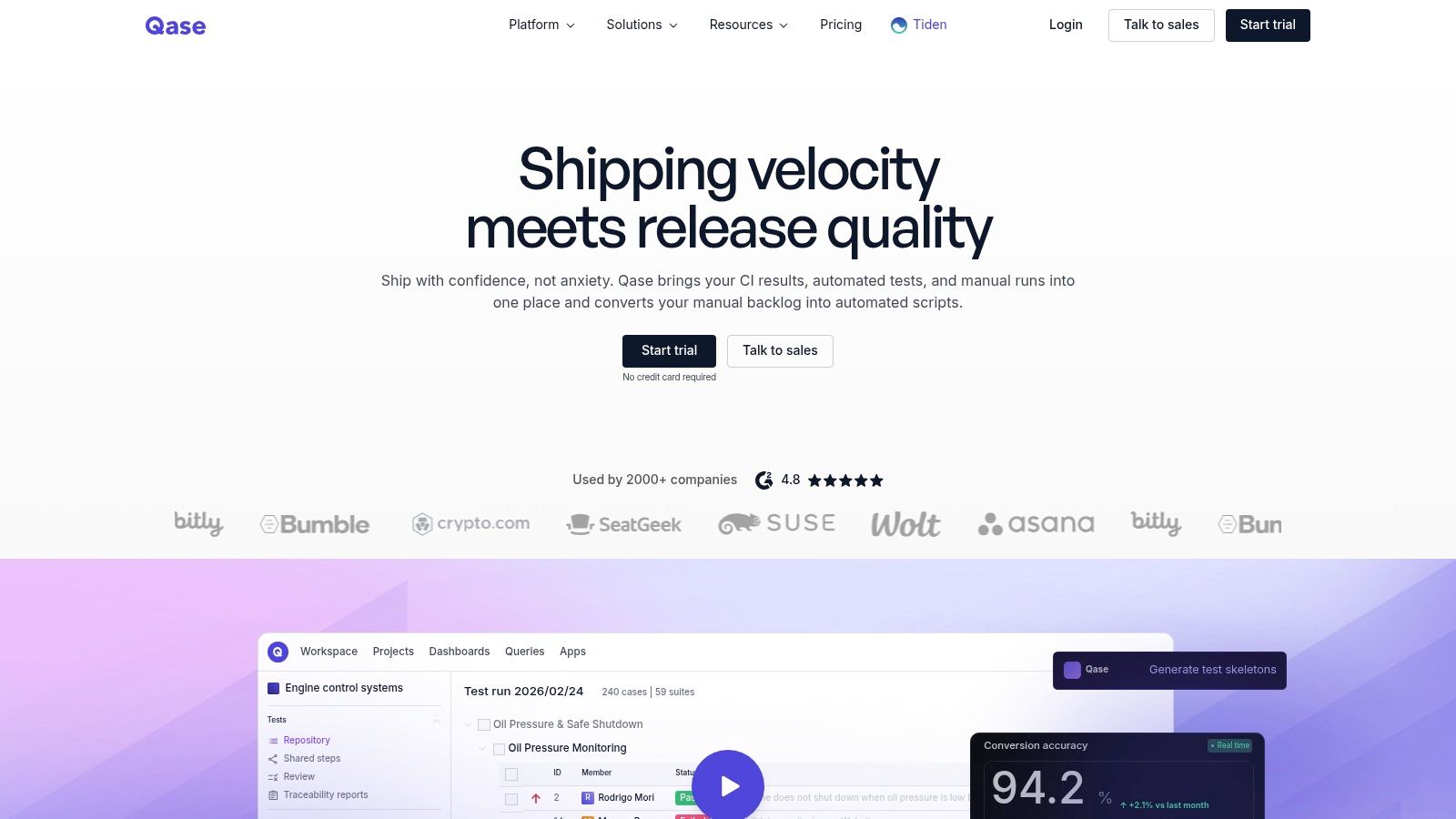
A release review stalls when manual results sit in one place and automated failures in another. Qase brings test cases, runs, automation results, and release reporting into a shared workspace. It coordinates test evidence; an execution framework still runs the tests.
The free plan lets small teams try the workflow before expanding collaboration. Check project, storage, and history limits if you need to investigate older runs. Paid plans include additional collaboration and governance features, such as role-based access controls.
Test the handoff, not just the editor
Traceability and case review help product managers and QA teams connect requirements to coverage. AI-generated drafts can speed up authoring, and a query language supports filtering and reporting on test activity. Qase connects to common issue trackers, CI tools, and automation frameworks, so confirm that your specific stack is supported before purchase.
- Choose it for: A shared workspace for manual cases and automated results, with an accessible starting point.
- Watch for: Free-plan limits and whether paid features fit your approval process.
- Replace or stack: Compare it with TestRail, Testmo, and PractiTest for test management. Pair it with an execution framework rather than treating it as a replacement.
Use a pilot to check whether reviewers can trace a failed test back to its requirement without asking the case author. For ideas on reducing rework with test generation tools, focus on validating generated assertions, removing duplicates, and assigning maintenance ownership.
4. Testmo
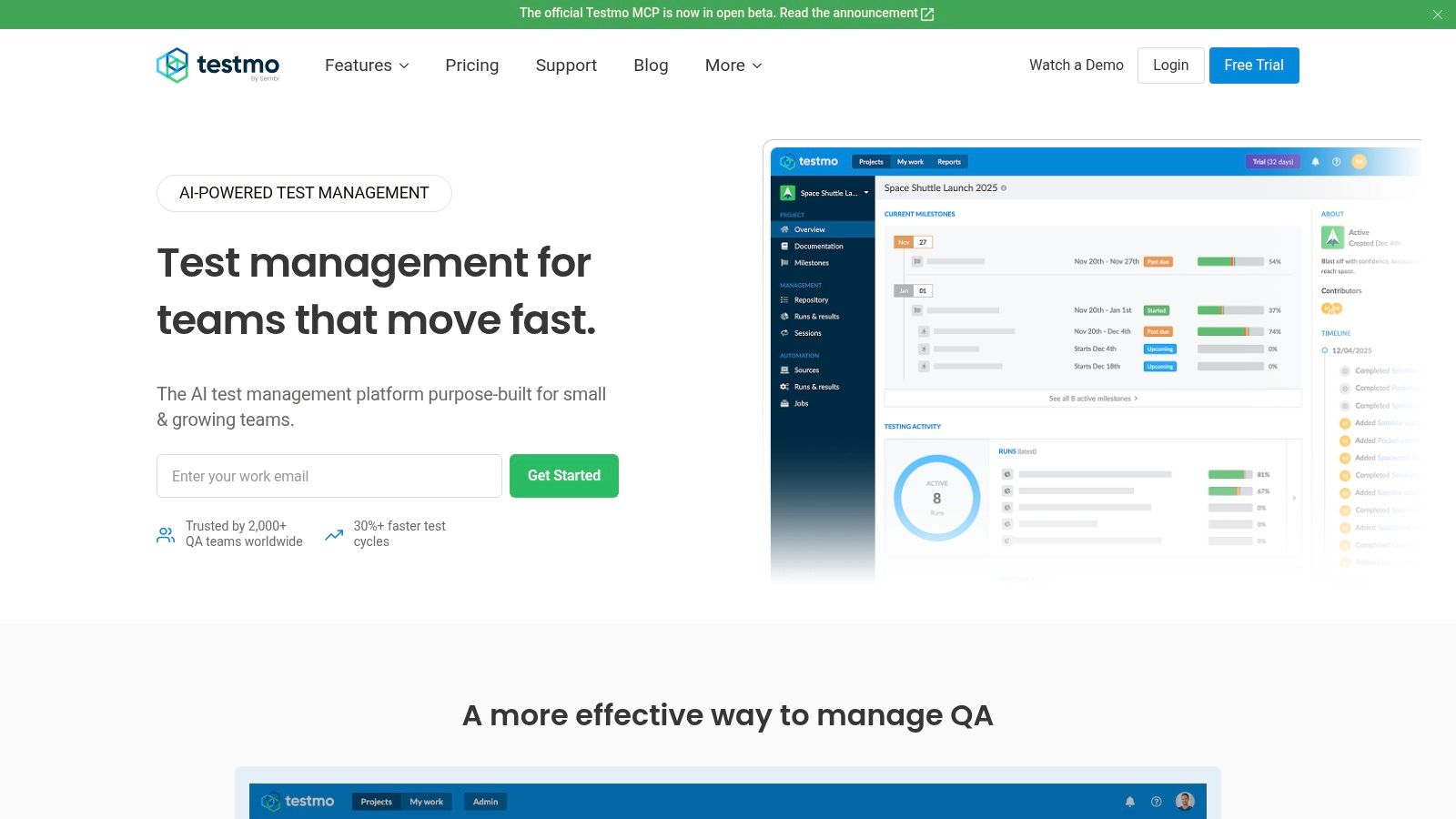
Exploratory testing often disappears from release reporting because it doesn't resemble a scripted case. Testmo combines manual test management, exploratory testing, and automation-result tracking. Its useful distinction is reporting across testing approaches without forcing every check into the same framework.
That matters when QA explores a changed permissions flow while CI runs stable regression tests. A release owner needs both kinds of evidence, including what remains uncertain. Counting completed scripted cases alone won't explain whether someone investigated unexpected role combinations.
A Katalon summary of a survey of approximately 1,400 QA professionals reports that up to 82% used manual testing in day-to-day activities, reinforcing the need to represent human testing alongside automation.
Operational fit
Testmo includes manual cases, plans, runs, milestones, automation-result integrations, a REST API, and CI/CD connections. Integrations with Jira, GitHub, GitLab, and Linear help connect test evidence with engineering work.
- Strength: Gives manual, exploratory, and automated work a common reporting destination.
- Commercial consideration: Published monthly plans include user allowances; compare contributor needs with billing terms and eligible annual discounts.
- Constraint: It's cloud-only, with advanced reporting, SSO, or governance potentially requiring a higher plan.
A free trial is most useful when you import actual automation results and record an exploratory session. Does the resulting report help someone make a release decision?
Testmo competes with the other management platforms here. It won't replace Playwright or Selenium, and it doesn't remove the need to define exploratory charters and record meaningful findings.
5. PractiTest
Choose PractiTest when requirements coverage matters more than a tidy case repository. PractiTest structures requirements, test cases, test sets, runs, and issues, with traceability and reporting across those entities.
Say a SaaS product changes which administrators can export customer records. Product leadership needs to know which requirements changed, which roles were checked, and whether unresolved defects affect approval. A list of green browser tests doesn't answer that entire chain.
Follow the requirement through the release
Traceability and coverage reporting help connect business expectations to execution evidence. Dashboards and downloadable reports support broader release reviews, while integrations connect issue trackers and automation frameworks.
The catch is that traceability requires upkeep. If requirements change without corresponding case updates, a coverage dashboard can look reassuring while describing an older product.
- Strength: Supports requirements-led QA and cross-project reporting.
- Trade-off: Teams must maintain relationships between requirements, cases, runs, and issues.
- Licensing consideration: Corporate licensing requires a quote and a 10-license minimum, while the published Team rate applies within a minimum license pack, according to PractiTest's pricing information.
The platform offers a trial, but evaluate the minimum commitment rather than treating a displayed seat rate as the smallest purchase.
Use Figr's guide to user acceptance testing to distinguish business acceptance from technical regression. PractiTest can organize both kinds of evidence; stakeholders still need explicit acceptance conditions.
It replaces another management repository more naturally than an execution framework. Keep those procurement decisions separate.
6. Playwright
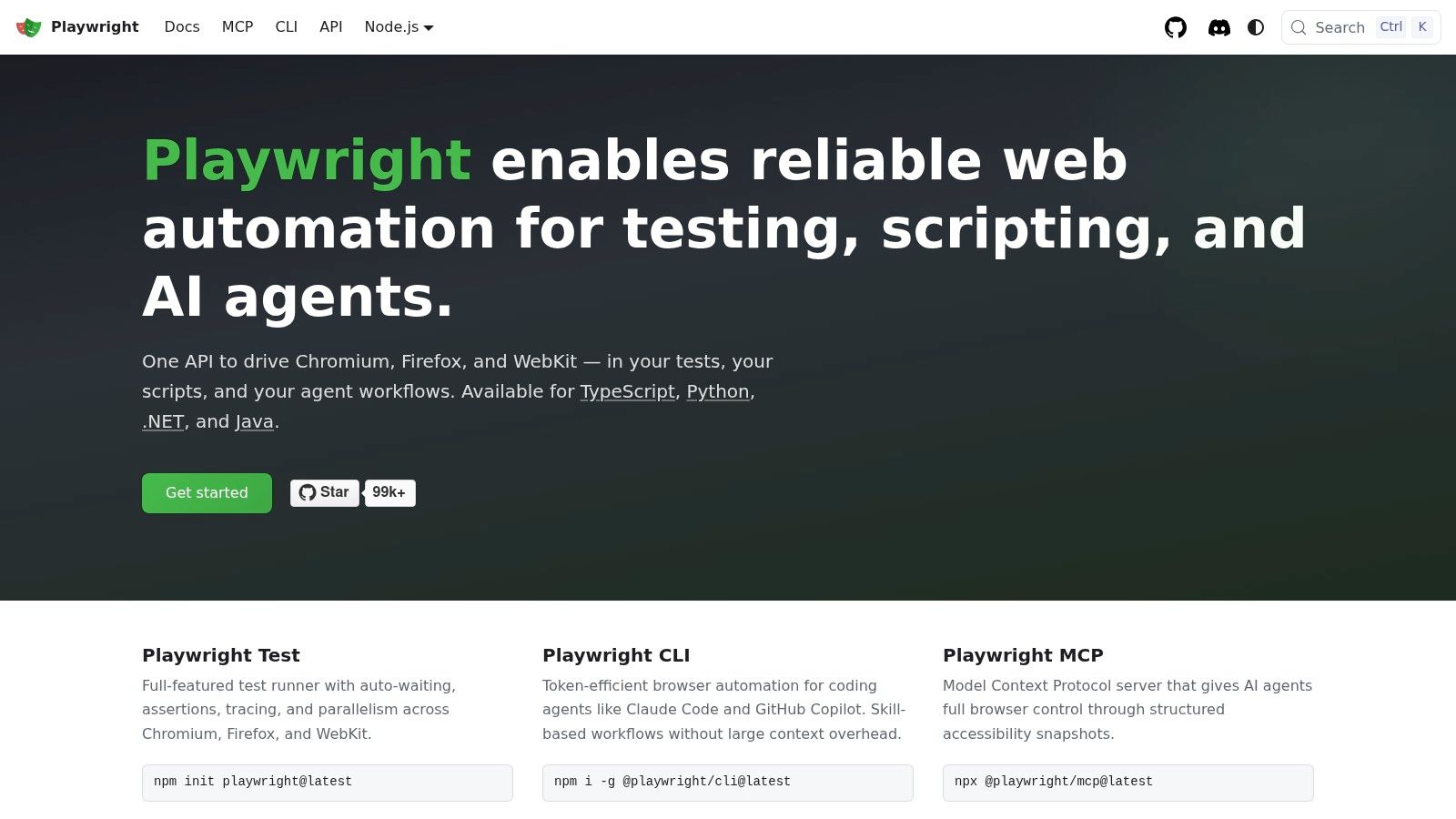
A checkout journey needs to run on every relevant change, without waiting for someone to click through it. Playwright provides code-based browser execution across Chromium, Firefox, and WebKit, locally and in CI. It's a strong candidate when engineers will own the test code.
Language support includes TypeScript/JavaScript, Python, Java, and .NET. Its testing capabilities include assertions, isolated browser contexts, parallel execution, and reports, with runner details depending on the language ecosystem. Desktop browser coverage and mobile-device emulation support web testing, although emulation shouldn't be treated as a real-device result.
A passing browser journey is only as meaningful as its assertions and starting data.
What works, and what still needs engineering
Built-in waiting and isolation help address common synchronization problems. They won't repair a test that depends on another test's account state or asserts only that a success banner appeared.
The framework is free and open source, but your team still supplies execution infrastructure or a compatible cloud service. Coding, failure investigation, data setup, and maintenance remain engineering work.
Playwright, Selenium, and Cypress overlap as browser-execution choices. I'd start with a representative journey and compare failure diagnosis before standardizing, rather than selecting by a feature-count contest.
Figr's guide to automated UI testing connects UI coverage with the behavior a team intends to protect. Pair the framework with a management platform when stakeholders need requirements traceability, and with API checks when backend outcomes need independent verification.
7. Selenium
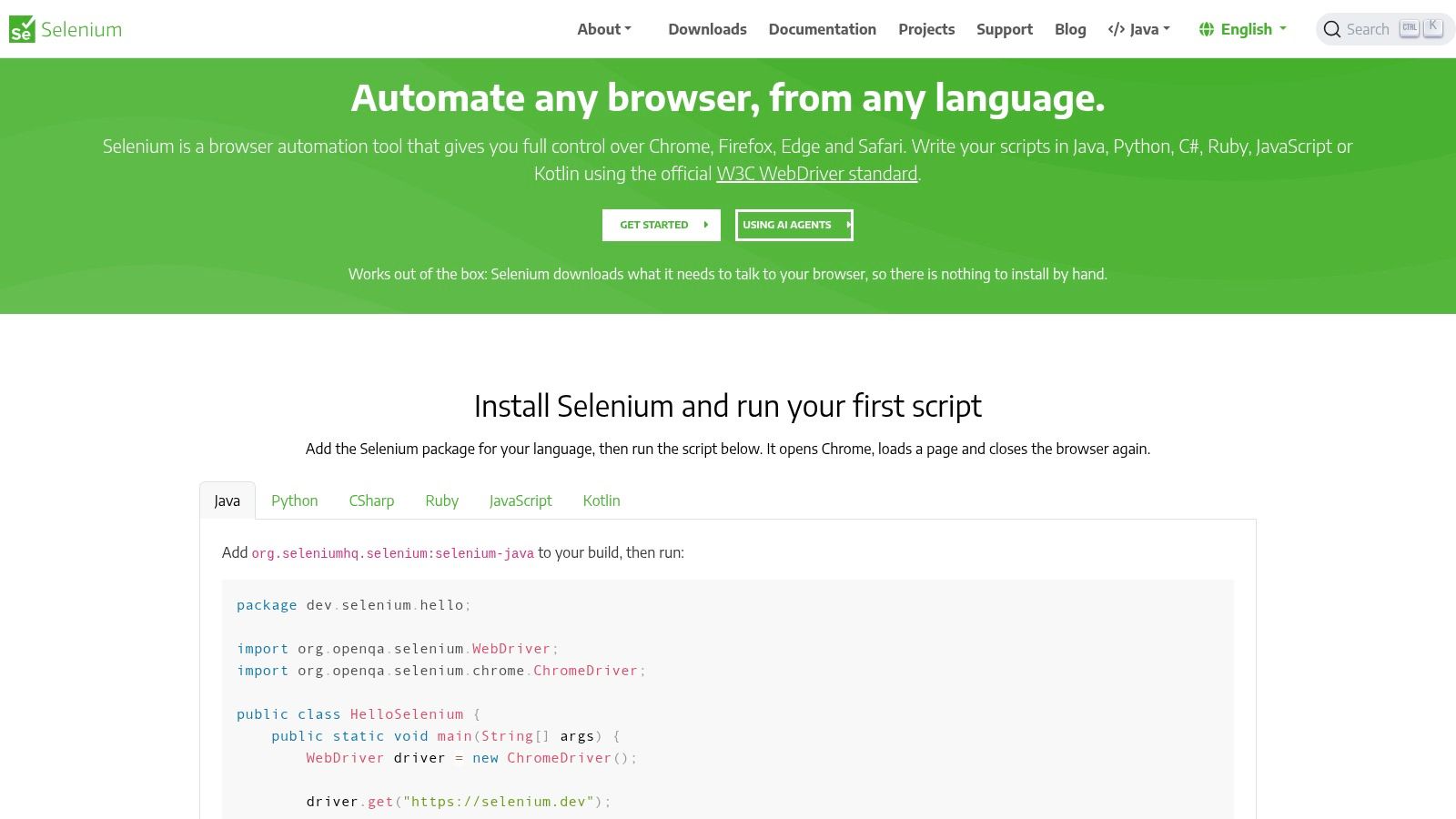
An established Java regression suite doesn't become worthless because another framework has a more convenient default setup. Selenium remains a practical browser-automation choice for teams with existing expertise, multiple language needs, or custom execution infrastructure.
The Selenium WebDriver documentation defines WebDriver as a language-neutral API and protocol for controlling browser behavior. Browser-specific drivers back that interface, while Selenium Grid distributes execution across machines and platforms.
Flexibility comes with assembly work
Bindings include Java, Python, C#, JavaScript, and Ruby. Teams can integrate tests into CI and choose their preferred runner, assertions, reporting, and infrastructure.
That freedom creates work a hosted offering may absorb. Who maintains the grid when browser updates arrive, and who investigates environment-specific failures?
- Choose it for: Existing Selenium investments, language flexibility, and deliberate infrastructure control.
- Budget for: Runner selection, reporting integration, browser environments, and ongoing maintenance.
- Pair it with: A test-management repository and, where useful, cloud browser infrastructure.
The Selenium documentation on WebDriver BiDi describes bidirectional browser-event access, including network activity, console messages, and JavaScript errors. That evidence can help distinguish a visible UI failure from an underlying runtime problem.
Comparisons of browser automation tools beyond Selenium can broaden your shortlist. Keep the decision tied to your application and maintenance skills, since general browser automation and release-quality validation aren't always the same job.
8. Cypress
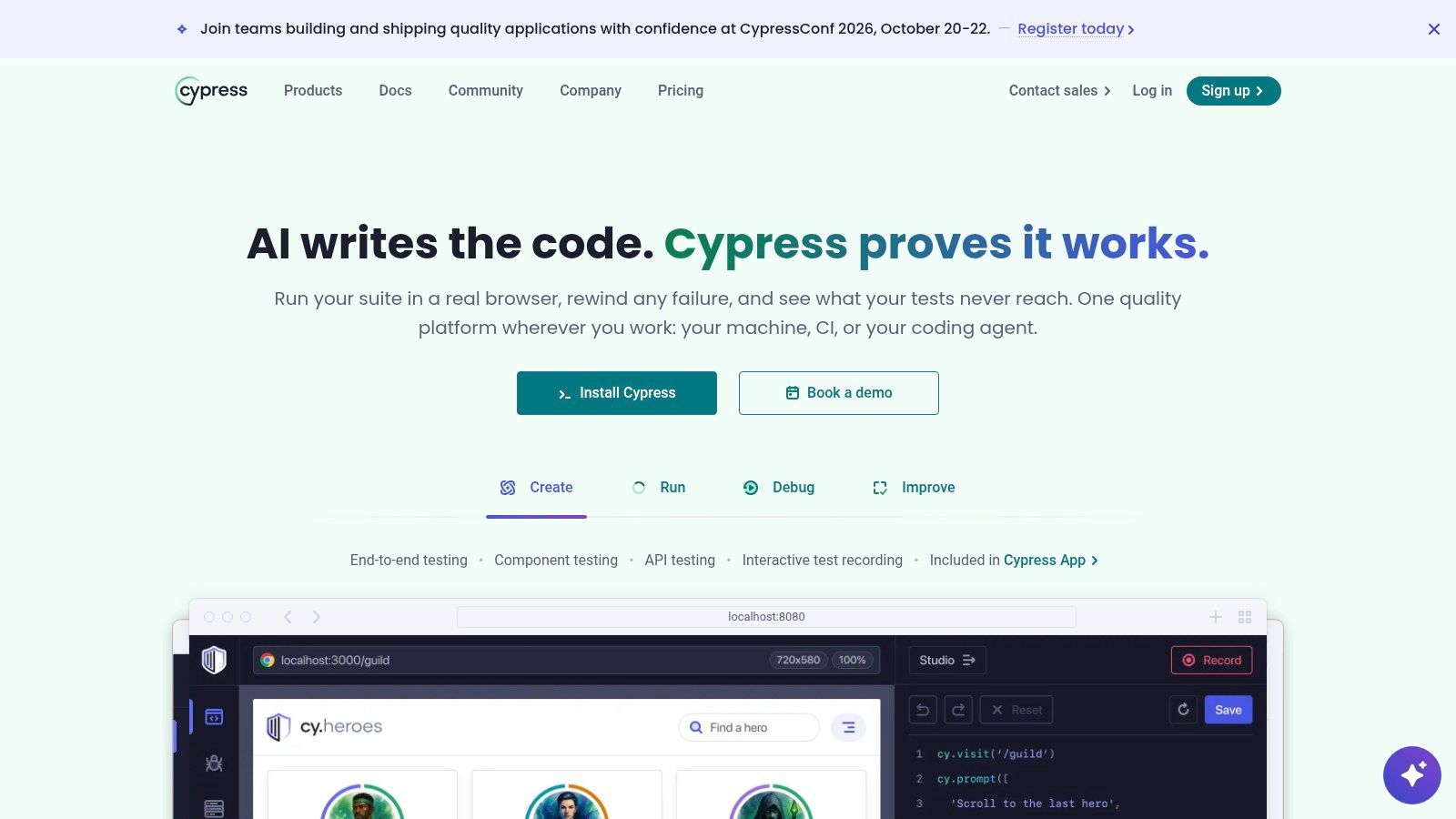
Separate the runner from the service before comparing Cypress costs. Cypress combines an open-source browser test runner with optional Cypress Cloud capabilities for recording, scaling, debugging, and analyzing runs.
A frontend team can adopt the free runner first, then decide whether hosted history and CI analytics justify a subscription. That staged decision is useful when local authoring works well but investigating failures across branches remains painful.
Buy evidence you'll actually use
Cypress Cloud adds run recording, test history, analytics, parallelization, and team-oriented integrations. Failure artifacts can help developers investigate CI failures, but useful diagnosis still depends on test data, assertions, and reproducible environments.
The Testing in DevOps findings summarized by BetaNews identify test maintenance as teams' largest time investment, consuming 20% of team time. Treat maintenance effort as a selection criterion alongside execution speed.
- Strength: Teams can evaluate the runner before buying hosted operational features.
- Cost consideration: Cloud pricing depends on recorded test results and plan limits.
- Compatibility consideration: Validate your browser and application requirements against Cypress's supported testing model.
What happens when the same test fails intermittently across CI runs? Use that question to evaluate whether history and artifacts reduce investigation work.
Cypress overlaps with Playwright and Selenium for browser execution. Cypress Cloud partially overlaps with reporting services, but it doesn't automatically replace a requirements-led management system. Avoid paying for duplicate dashboards unless each supports a distinct decision.
9. BrowserStack
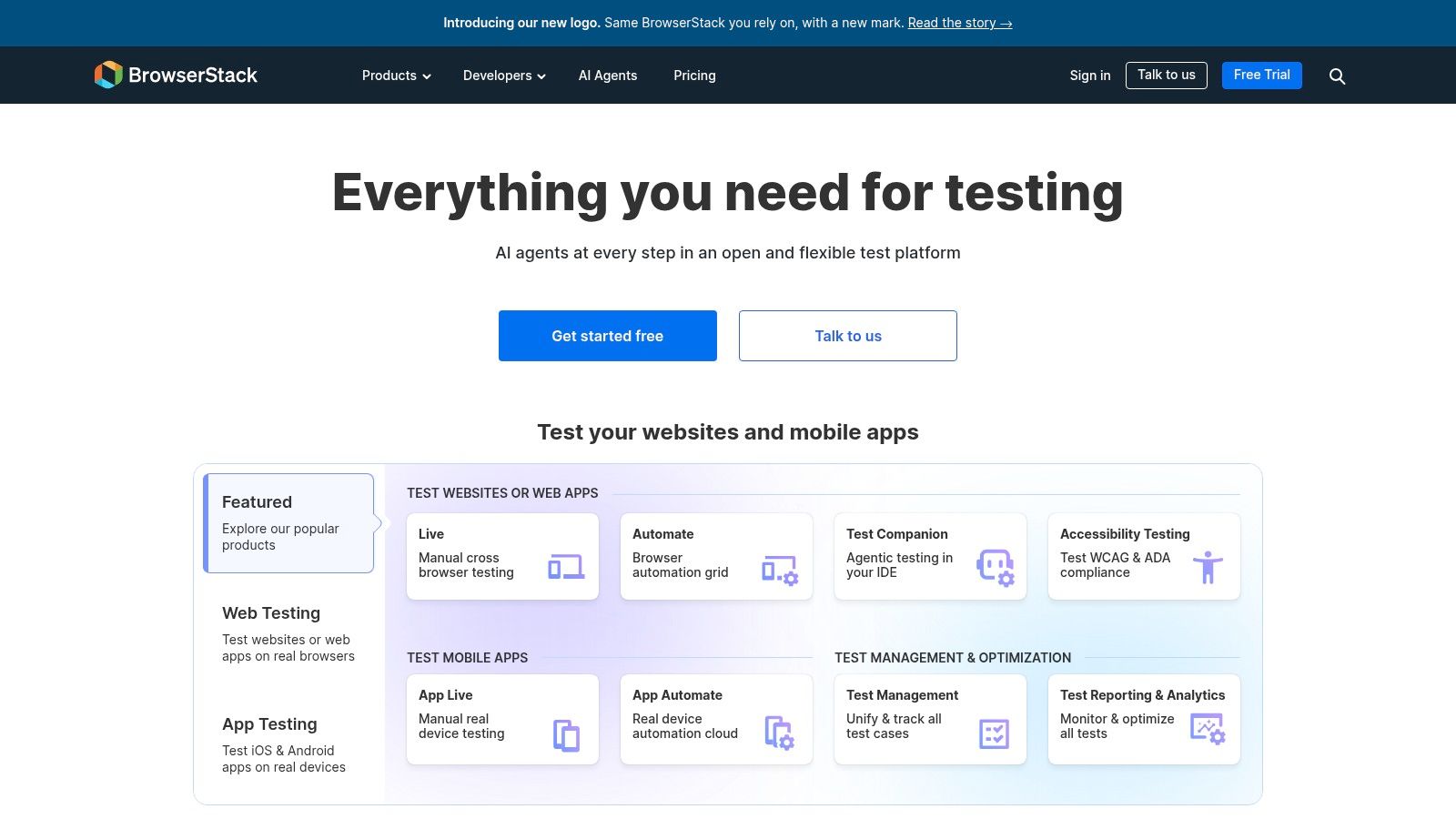
The payment flow works on a developer's laptop, yet customers report a device-specific failure. BrowserStack supplies remote browser and real-device environments for manual and automated testing, reducing the need to maintain a local device lab.
Its role is easiest to understand as the place tests run. Your automation framework defines actions and assertions; the cloud platform supplies supported environments and execution capacity. Manual live testing also lets a tester investigate compatibility issues directly.
Infrastructure and management are separate purchases
BrowserStack also offers Test Management for manual cases, automated results, dashboards, and integrations. Jira and Azure DevOps connections, plus imports from TestRail, Xray, and Zephyr Scale, support established QA workflows.
- Use the environment layer for: Browser and device combinations that matter to customers but aren't available locally.
- Evaluate management separately: Its test-management product may replace another repository; environment access alone won't.
- Watch the economics: Product choice, usage, and parallel automation capacity affect cost.
A broad environment catalog isn't a test strategy. Select combinations based on supported customers, product risk, and reported failures, then expand where evidence warrants it.
Procurement caution: Cloud access removes some infrastructure work, but your team still owns test intent and maintenance.
BrowserStack stacks with supported execution frameworks rather than replacing their test code. If your product has narrow compatibility requirements, a smaller environment setup may be sufficient. If device-specific defects repeatedly escape, evaluate the platform using a known failure and confirm that the resulting evidence supports diagnosis.
10. Postman
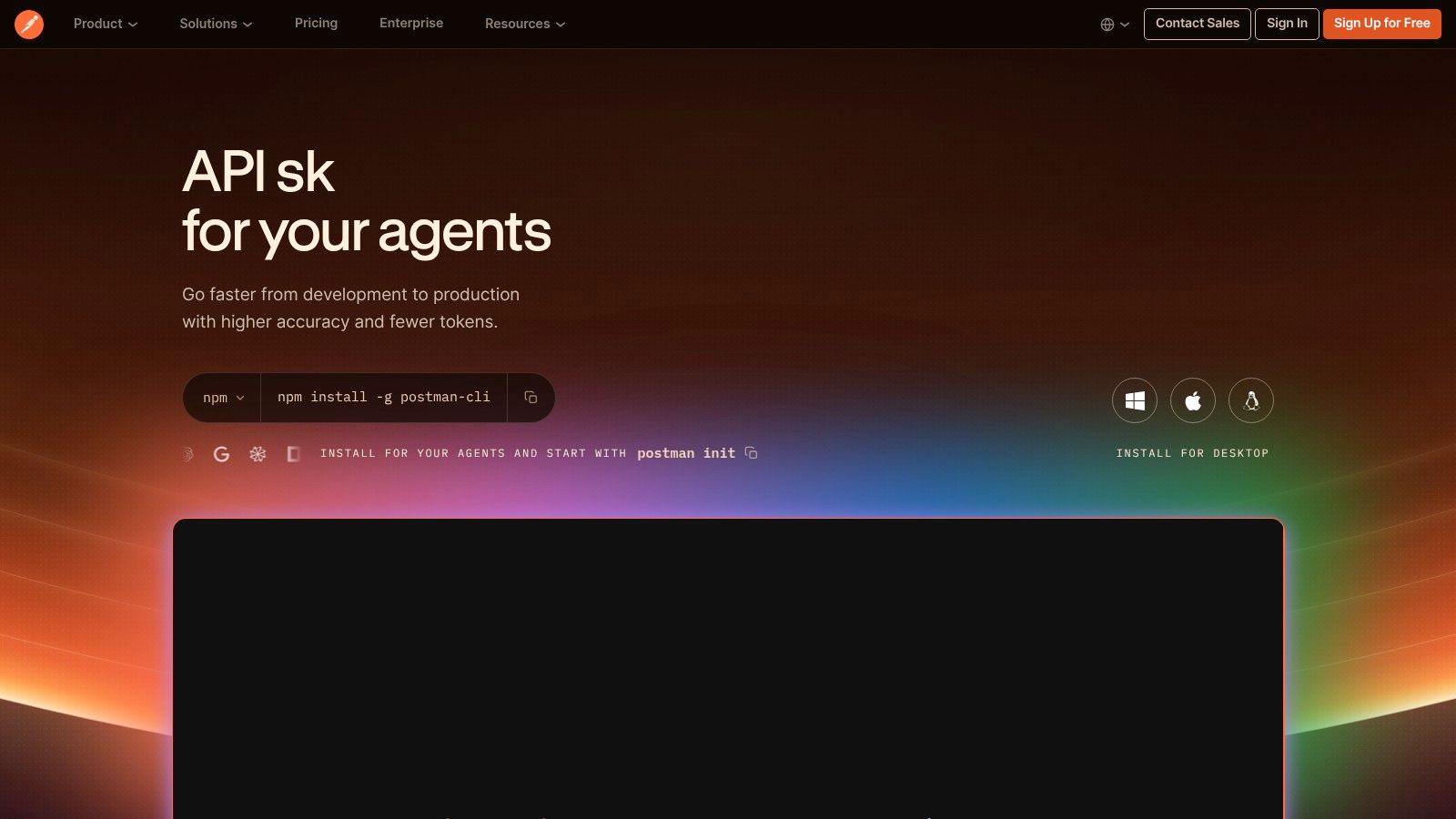
Postman checks behavior beneath the interface. Postman organizes API requests into collections, supports assertions and data-driven runs, and provides monitoring and performance-testing options.
For an invitation flow, API checks can verify expiry handling, role assignment, and rejected access independently of the browser. A UI test should still confirm that the customer sees understandable feedback. Those checks stack together because they answer different questions.
Assert the outcome, not just the response
A successful status code doesn't establish that the correct account received the correct permissions. Write assertions against response content and relevant downstream behavior, and keep environment variables and credentials separate from test logic.
The OWASP web application testing method distinguishes authentication, authorization, session management, business logic, and API testing. That separation is useful when planning collections: proving identity doesn't establish permission to perform an action.
- Strength: Repeatable API checks without navigating the UI.
- Entry point: A free plan supports individual API development and testing.
- Commercial boundary: Team collaboration, governance, monitoring, and cloud performance capabilities depend on plans and usage charges.
Collection Runner, shared workspaces, scheduled monitoring, and CI-oriented workflows support different operating needs. Evaluate the workflow you intend to run, including how failures reach an owner.
Postman complements browser testing and test management. It doesn't replace mobile-app QA, UI validation, or a layered security program. Use it where API behavior deserves a clear, independently diagnosable release signal.
How the ten tools compare by primary role and cost signal
| Item | Primary role | Free tier or free software | Best for |
|---|---|---|---|
| Figr | Pre-build UX review and test-scenario drafting | Free User Story Generator, no sign-up required | Finding UX gaps and preparing design-to-development handoffs |
| TestRail | Test-case and test-run management | Paid product | Structured regression workflows and QA reporting |
| Qase | Test management for manual and automated results | Free plan available with limits | Small teams starting test management |
| Testmo | Test management and cross-method reporting | Free trial available | Combining manual, exploratory, and automated testing |
| PractiTest | Requirements-led test management | Free trial available | Formal release processes and coverage reporting |
| Playwright | Open-source web end-to-end testing | Free and open source | Code-based cross-browser testing |
| Selenium | Open-source browser automation | Free and open source | Teams needing flexible, multi-language browser automation |
| Cypress | Web testing and optional hosted test analytics | Free and open-source test runner | Frontend and end-to-end testing |
| BrowserStack | Cloud browser and real-device testing | Paid product | Testing compatibility across browsers and devices |
| Postman | API development, testing, and monitoring | Free plan available | Repeatable API checks independent of UI testing |
The tools occupy different release-cycle layers. Figr reviews UX and helps shape flows, edge cases, and test scenarios before implementation. Playwright, Selenium, and Cypress execute browser tests; TestRail, Qase, Testmo, and PractiTest manage test cases and results. BrowserStack supplies remote test environments, while Postman focuses on API workflows.
Some tools can replace one another within a layer: the browser frameworks overlap, as do the test-management platforms. Others stack together. For example, a team can manage cases in Qase, run browser checks with Playwright, and use BrowserStack for additional environments. Figr is a pre-build design reviewer, not a substitute for those execution tools.
Match Your Next Release to the Right Layer
The most useful QA testing tools answer the question your team currently can't answer. What should be tested? Start with requirements, acceptance criteria, and missing states. Pre-build design review helps expose gaps while the team can still change the flow without rewriting implementation.
Where do tests run? Playwright, Selenium, and Cypress provide overlapping browser-execution approaches, while Postman addresses API workflows. BrowserStack supplies supported remote environments and real devices. A management platform won't compensate for an absent execution layer, and buying cloud capacity won't create meaningful assertions.
Choose replacements and complements deliberately
TestRail, Qase, Testmo, and PractiTest are alternatives for organizing cases and release evidence. BrowserStack Test Management may also enter that comparison, separately from its environment products. Evaluate the repository using traceability, review workflow, reporting, deployment needs, and the smallest practical commercial commitment.
At scale, the economic problem becomes ownership. Every added tool introduces configuration, permissions, integrations, and another place to investigate failures. According to mabl's Testing in DevOps Report, 88% of companies surveyed in 2025 used at least two testing tools; multiple tools are common, but each should have a clear responsibility.
AI doesn't remove that responsibility. The Katalon State of Software Quality Report found that 76% of surveyed QA professionals used AI-powered testing tools in 2025, while only 11% said their teams had reached an optimized QA-maturity stage. Review generated cases against product risk and explicit expected outcomes before treating them as release evidence.
Make the next purchase answer an escaped defect
- List the last three escaped defects. Include the customer impact and the evidence available before release.
- Label the missing layer. Identify whether each needed better design reasoning, case organization, browser execution, API checks, or environment coverage.
- Choose one tool for the largest gap this quarter. Pilot it on a real workflow, with a named owner and a clear success condition.
Use a representative staging environment during that pilot. The practical principles behind previewing updates on Shopify also apply to SaaS release validation: inspect changes somewhere that supports meaningful checks before exposing customers.
Security needs its own coverage plan too. The OWASP Web Security Testing Framework separates source, dependency, secret, runtime, and manual testing activities, rather than treating a browser suite as complete protection.
In short, buy the missing layer, assign its maintenance, and prove that it answers a release question your team couldn't answer before.
Figr reviews product flows, surfaces missing states and UX concerns, and drafts acceptance criteria and test scenarios before development. Bring a flow, prototype, or PRD to Figr and use the resulting review to strengthen the handoff to your QA execution tools.