

Untested paths create post-launch bugs, and most of them were baked in long before QA ever touched the build.
You can feel this happening in real time. A PM signs off on a flow in Figma, engineering fills in the gaps with coded assumptions, and QA receives a ticket that looks complete until the first weird state appears: expired session, partial permissions, an empty result, a payment retry, a modal stacked over a form. Then the sprint bends around rework. Designers reopen files, engineers patch edge logic, and testers rewrite cases after the code already hardened around the wrong behavior.
Test case generation tools help when they pull testing left, into design, requirements, and live product context, where ambiguity is still cheap to fix. The strongest tools don't just automate authoring. They expose missing states early, connect user flows to actual risk, and give PMs, designers, and QA a shared artifact before handoff starts to drift.
Choosing Your Lens for Evaluation
Last week I watched a PM at a Series C SaaS company walk through a polished prototype that everyone liked. The design looked done. The user story looked done. Then a QA lead asked one question: what happens if the invited user lands here without the right workspace access? Silence. That wasn't a testing miss. It was a design-context miss.
That's the lens I use for test case generation tools. The useful category isn't just AI-assisted authoring. It's pre-handoff risk discovery. Forrester's work on shift-left testing has long reinforced the basic idea that quality improves when teams move validation earlier in delivery. The economics are obvious, too. When PMs and designers surface edge behavior before code starts, they reduce expensive loops between product, engineering, and QA.
This is what I mean when I say a tool should be judged by workflow gravity, not feature count.
Context-awareness: Can it work from real screens, real flows, existing components, or production behavior instead of generic prompts?
Workflow integration: Does it connect cleanly to Figma, Jira, CI/CD, APIs, or existing test management systems?
Authoring experience: Can PMs, designers, and QA all contribute without turning everything into an SDET-only workflow?
Edge-case discovery: Does it help uncover negative paths, role conflicts, state changes, and odd user behavior?
Traceability: Can teams connect generated cases back to requirements, flows, models, or live traffic?
Maintenance burden: Will the system stay useful once UI details, APIs, and business rules start changing every sprint?
Review controls: Is there an obvious human approval step before generated cases enter the suite?
Design-fit: Does it help before handoff, or only after code exists?
Practical rule: If a tool can't participate before development starts, it's helping downstream efficiency, not upstream clarity.
From Design to Done in a Modern Test Case Workflow
The basic gist is this:
Step 1. Capture the intended experience.
Start with the feature before code begins.
Use a Figma file, prototype, PRD, user story, or live screen capture.
The point is to preserve product intent while it's still editable.
Step 2. Generate the first draft of risk.
Ask the tool for the happy path, common failures, and role or state variations.
Include edge conditions such as empty states, retries, permissions, and interrupted sessions.
Treat the output as a draft conversation, not a final suite.
Step 3. Review with the people who own ambiguity.
PM validates business logic.
Design validates states, copy, and interactions.
QA edits, rejects, or expands cases that don't match reality.
Step 4. Connect cases to delivery systems.
Push approved cases into Jira, Gherkin, test management, or automation workflows.
Keep source context attached so the team knows why each case exists.
This matters later, when someone asks whether a failure is a bug or an outdated assumption.
Step 5. Reuse production feedback.
Pull signals from staging, analytics, or live API traffic where possible.
Update cases when the feature evolves, not after regressions pile up.
That's how test generation becomes a living part of product development instead of a one-time burst.
1. Figr
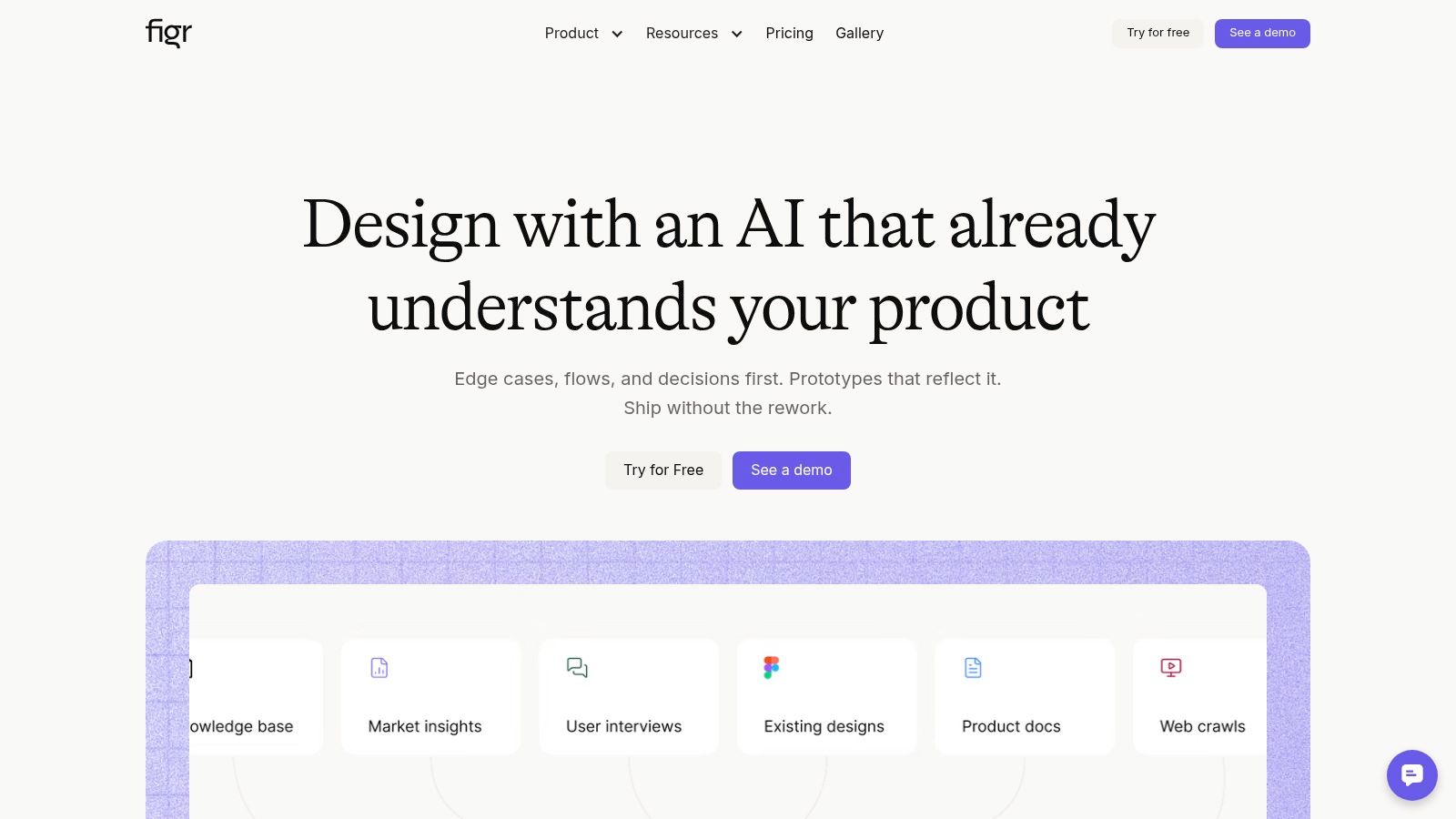
A PM reviews a polished Figma flow on Tuesday, engineering starts implementation on Wednesday, and QA discovers on Friday that nobody defined the empty state, the permission edge case, or what happens when the session times out mid-task. Figr is built for that gap. It generates test cases from design context early enough to catch missing logic before handoff turns ambiguity into defects.
That makes it different from tools that wait for a finished requirement or a stable build. Figr works from live product captures, Figma files, components, tokens, and user flows. The practical value is simple. The first draft of testing starts from what the team is designing, not from a generic prompt written after key decisions are already half-locked.
Why it stands out for PMs
PMs rarely hand QA a perfectly resolved spec. Workflow is messier. Copy shifts late, state logic is implied instead of written down, and edge cases live in a designer's head until someone asks the wrong question too late. Figr is useful in that messy middle.
Its Visual Context Graph and reusable product memory give the model a clearer view of how the product is supposed to behave across screens and states. That matters because weak source material produces weak test cases. A guide to AI tools for QA automation makes the same point. The output only gets better when the inputs get sharper, and human review still has to close the loop.
Figr also goes beyond test case drafting. It can generate PRDs, UX reviews, prototypes, and edge-case maps from the same product context. For a product team, that is a key shift-left advantage. Test creation stops being a downstream QA task and becomes part of design clarification.
Where it fits, and where it doesn't
Figr fits teams that already design in detail and want their testing artifacts to inherit that detail. If the source of truth lives in Figma and the team cares about keeping PM, design, and QA aligned on the same states and interactions, Figr earns its place quickly.
The trade-offs are straightforward:
Grounded in live product context: Chrome capture and Figma sync help the generated cases reflect actual components, flows, and design system rules.
Useful before code exists: Teams can spot missing states, shaky acceptance criteria, and interaction gaps during design review instead of after build review.
Broader than testing alone: It creates related product artifacts from the same context, which reduces handoff drift between PM, design, and QA.
Harder to justify for lightweight teams: Pricing is not public, and the value is lower if the team does not maintain a real design system or current product files.
Review is still required: Good generation shortens the first draft. It does not replace product judgment.
If your team is trying to improve writing effective test cases, Figr is one of the few options that starts by improving the clarity of the product itself.
Figr works best for teams that want to test the design before they test the code.
2. Tricentis Tosca
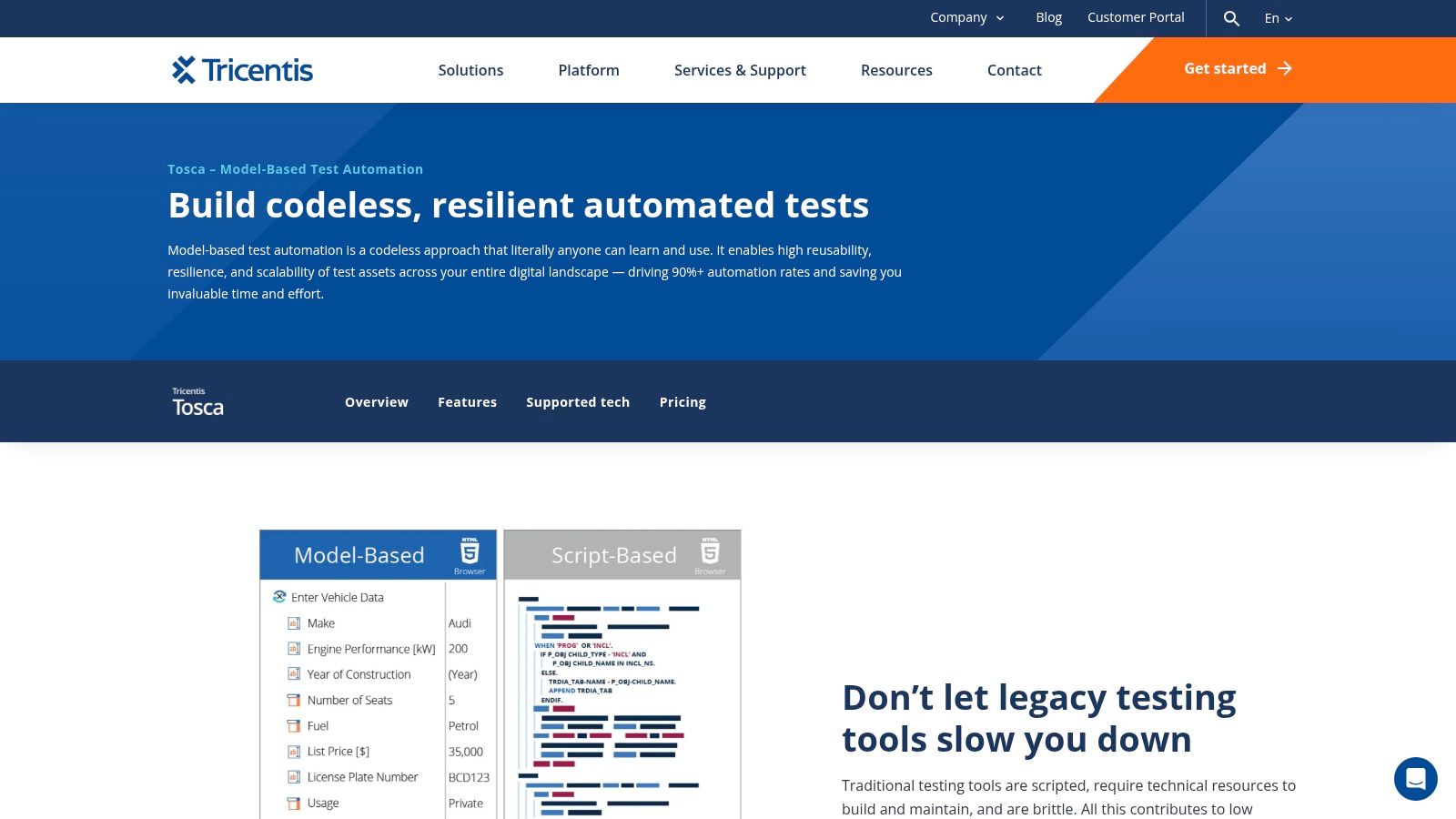
Tricentis Tosca is what I reach for mentally when the environment is sprawling, regulated, and expensive to get wrong. Think SAP, Salesforce, APIs, packaged apps, and UI flows that all need to stay aligned while the business keeps changing the process underneath them.
Its strength is model-based test design. Instead of anchoring everything to brittle scripts, Tosca abstracts technical details into models and generates optimized cases from there. For big organizations, that's a serious maintenance advantage.
Best fit
Tosca makes the most sense when a team needs broad technology coverage and traceability more than lightweight setup. It supports web, mobile, API, SAP, Salesforce, ServiceNow, mainframe, and vision-based object recognition, which is a polite way of saying it was built for messy enterprise reality.
A few practical trade-offs stand out:
Strong abstraction: Models reduce some of the churn that usually breaks test suites after system changes.
Deep platform fit: It works especially well if you're already in the Tricentis ecosystem.
Enterprise overhead: Pricing is quote-based, and the learning curve is real.
Less design-native: It can support shift-left testing, but it doesn't begin from design context the way Figr does.
The pattern here is clear. Tosca helps when the core problem is system complexity. It helps less when the core problem is pre-handoff ambiguity.
3. Keysight Eggplant Test
Keysight Eggplant Test takes a visual, model-driven approach that feels different from requirement-heavy platforms. If your product lives across devices, operating systems, and browsers, Eggplant is useful because it thinks more in terms of user journeys than implementation details.
That matters when the same flow has to behave consistently across environments. PMs often discover too late that the happy path looked stable in one browser and awkward everywhere else.
Where visual modeling helps
Eggplant's model-based testing explores paths and generates scenarios across platforms using a visual automation engine. In teams with a strong focus on UX parity, that's valuable. A selector-centric tool can stay technically green while the actual experience degrades.
Its practical profile looks like this:
Cross-platform strength: Good fit for products where parity matters across devices and operating systems.
Visual resilience: The visual approach can reduce brittle selector maintenance.
Model-driven coverage: Helpful for exploring journey branches instead of just automating one recorded path.
Enterprise posture: Pricing usually runs through sales, and deployment constraints can shape how much of the AI layer teams can use.
What works well is the emphasis on how people experience the product. What doesn't is expecting it to solve design ambiguity on its own. You still need someone to define the right states and rules upstream.
4. Applitools Autonomous
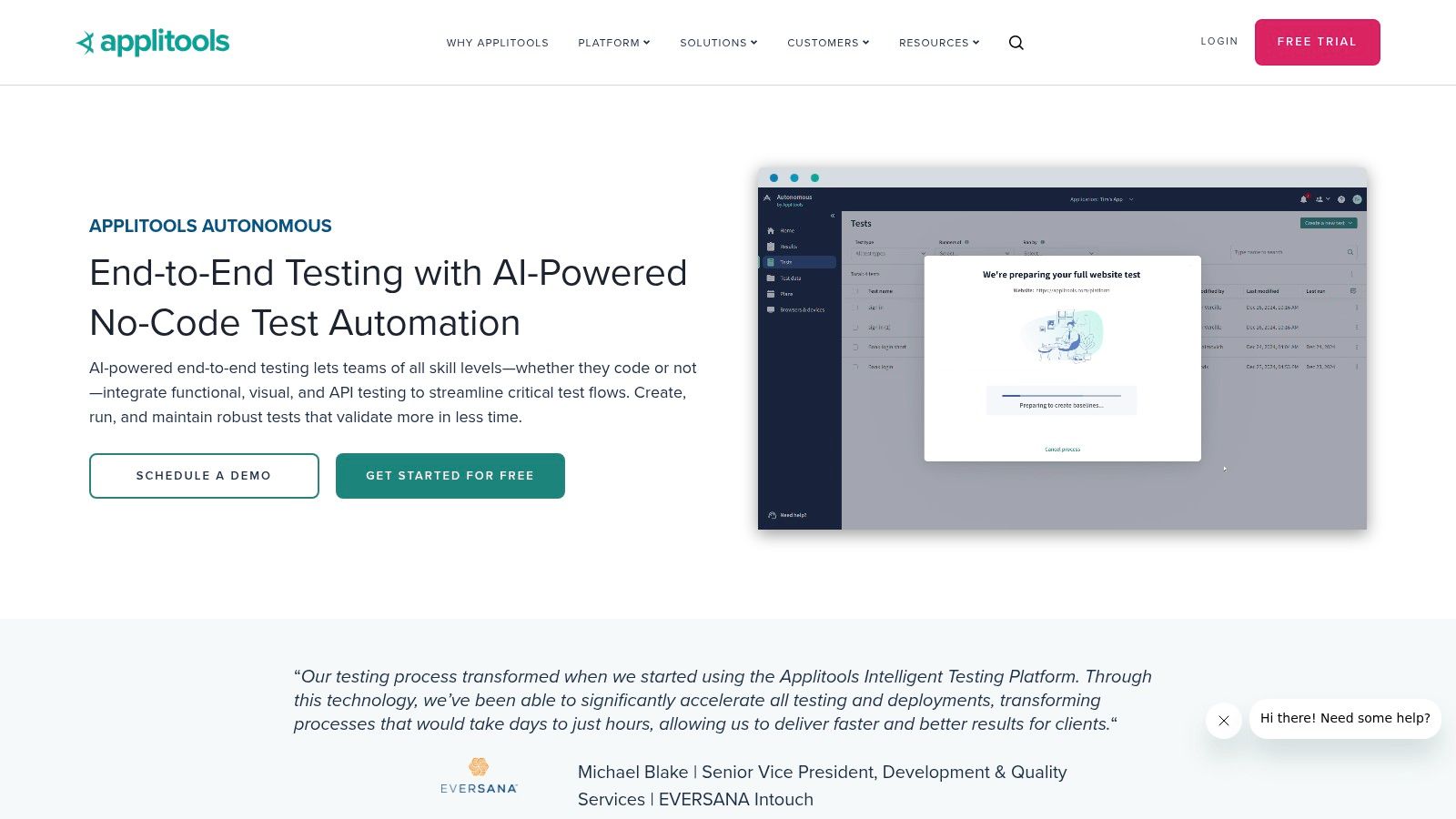
Applitools Autonomous is compelling for teams that already trust Applitools for visual validation and want test generation plus maintenance in the same orbit. The attraction isn't just no-code generation. It's the way visual AI helps reduce the noisy failures that waste review time.
That sounds small until you've sat through a bug triage meeting clogged with false alarms.
Why visual assertions matter
Generated test cases aren't useful if the execution layer constantly questions harmless UI changes. Applitools' advantage is that Visual AI assertions can anchor flows to meaningful visual differences instead of fragile technical signals. For product teams, that often maps more closely to what users will notice.
Here are the trade-offs:
Fast start: The no-code experience lowers the barrier for non-SDETs.
Less noise: Visual validation can reduce flaky failures and false positives.
Ecosystem dependency: The value compounds if you're already invested in Applitools.
Sales-led packaging: Pricing isn't publicly listed, which slows self-serve evaluation.
The thing to watch is scope. Applitools is strongest when visual correctness is central to release confidence. If your bigger problem lives in business logic hidden behind workflows, you'll still need strong upstream review.
Teams often underestimate how much trust in a test suite depends on failure quality, not just coverage quantity.
5. testRigor
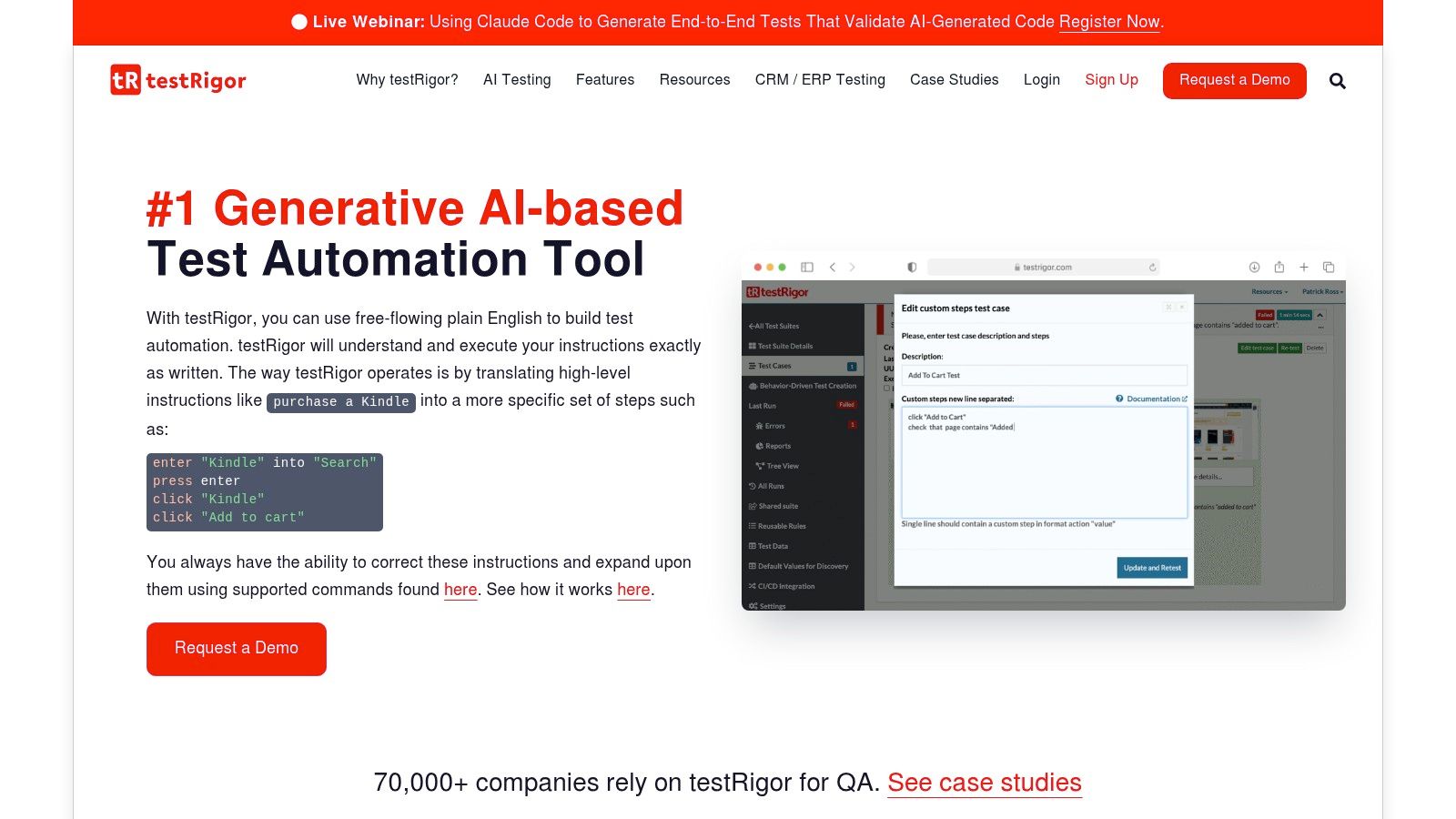
testRigor has a very different personality from the enterprise model-based tools. It leans into plain-English authoring, which makes it approachable for PMs, manual testers, and operations-heavy QA teams that don't want to turn every test discussion into a programming exercise.
That accessibility is a real strategic advantage. According to the 2023 State of Testing report coverage summarized by PractiTest, only 7% of companies say they don't use any form of automatic test case generation, which means this category is already mainstream. The challenge now isn't adoption. It's choosing tools that fit the way your team thinks.
Who should consider it
testRigor works well when the team wants natural-language test creation and broad end-to-end coverage across web, mobile, and desktop. Onboarding is usually easier than with script-heavy tools, and that changes who can participate in quality conversations.
A few grounded observations:
Fast ramp-up: Manual testers and PMs can contribute quickly.
Cross-platform support: Useful when one team owns several surfaces.
UI-first bias: It shines most with front-end flows.
Technical leakage: Failure logs can still expose underlying Selenium or WebDriver complexity.
The trade-off is straightforward. testRigor lowers the authoring barrier, but it doesn't magically remove the need for someone to define good business scenarios.
6. Testsigma
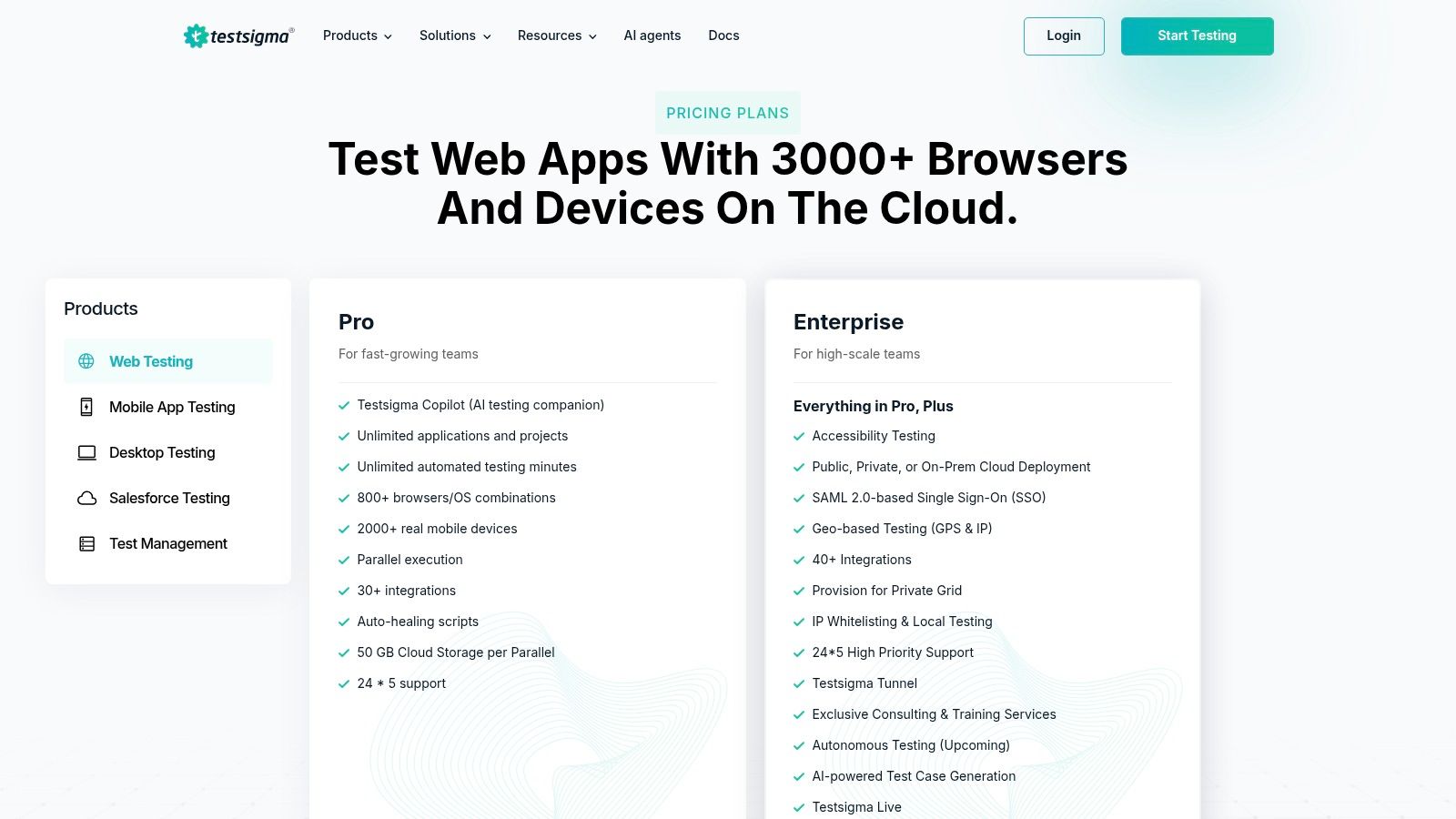
Testsigma sits in a useful middle ground. It combines test management with automation and wraps the experience in plain-English authoring, which makes it appealing for mixed-skill teams that don't want separate systems for planning, generation, execution, and reporting.
That consolidation matters more than many buyers admit. Tool sprawl undermines quality programs.
What it gets right
Testsigma's AI coworker supports planning, test case generation, execution, and reporting across web, mobile, desktop, and API. If your PMs, BAs, and QA leads all need a shared operating layer, that integrated model can be easier to sustain than stitching point tools together.
Its practical shape is:
Unified workflow: Test management and automation live together.
Accessible authoring: Plain-English inputs help non-engineers contribute.
Broad channel support: Helpful for products with several interfaces.
Scaling cost: Advanced needs usually push teams into paid or quote-based plans.
I like Testsigma when the main issue is coordination between roles. I like it less when the mission is design-led edge-case discovery before implementation decisions settle.
7. Functionize
Functionize is built for teams that have already felt the pain of maintaining large, unstable suites. It leans hard into AI-native generation and self-healing, with machine learning, computer vision, cloud execution, analytics, and browser-based capture.
For fast-moving products with frequent UI change, that can be the difference between a useful suite and a ceremonial one.
Stability is the product
Functionize is attractive when UI volatility is the enemy. Its Create Agent supports natural-language test creation, while the platform's telemetry and ML-driven maintenance help tests survive product change with less constant babysitting.
There's also a broader market signal behind tools like this. The global AI-enabled testing market report from Grand View Research estimated the market at USD 414.7 million in 2022 and projects it to reach USD 1.63 billion by 2030. That projection matters because it tells you this category is becoming infrastructure, not experimentation.
Trade-offs worth noting:
Strong for scale: Good fit for large suites and frequent UI updates.
Cloud-first operations: Useful for distributed teams.
Heavy platform footprint: Small projects may find it too broad.
Opaque pricing: Enterprise sales process required.
Functionize is a maintenance answer first. Product leaders should pair it with stronger upstream design review if they want fewer wrong assumptions entering code.
8. ACCELQ
ACCELQ is a good fit for organizations that want a direct line from requirements or user stories to runnable tests. Its GenAI Autopilot and Q-GPT positioning make that intent pretty clear: reduce the lag between describing a feature and validating it across systems.
That sounds simple. In practice, it's where many teams break down.
Best for requirements-heavy flows
ACCELQ is strongest when the organization already runs on requirement artifacts and needs those artifacts connected to automation across web, API, Salesforce, and mainframe. It can generate test cases and steps from natural language, support planning, and link management with execution.
Useful trade-offs:
Fast path from text to tests: Helpful when product and QA work closely from user stories.
Enterprise connectors: Stronger than many lighter tools for complex stacks.
Model discipline required: The output still depends on how clear the upstream requirement is.
Public pricing absent: Evaluation usually starts through sales.
A lot of mainstream content skips the quality problem here. Low-quality user stories produce low-quality AI drafts. That's one reason human review stays central, especially in cross-functional teams where one vague acceptance criterion can ripple across sprint planning.
9. Curiosity Software, Test Modeller
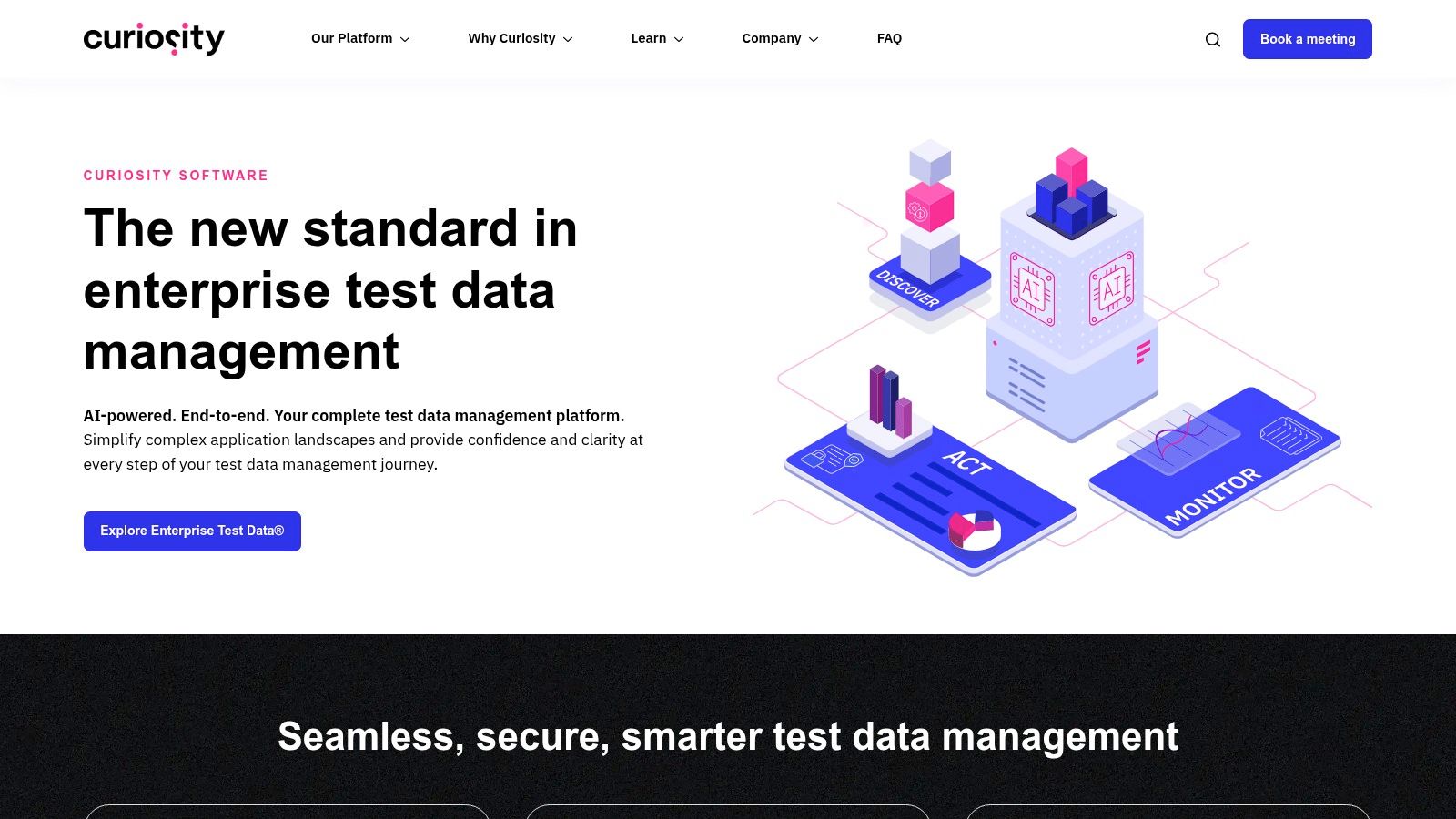
Curiosity Software and its Test Modeller approach are for teams that believe in living models. That's a narrower audience than many vendors pretend, but for the right organization it's powerful. If traceability, optimization, and structured flow design matter, the model becomes the asset.
This creates a different kind of discipline. You're no longer just generating cases. You're maintaining a representation of the system that can keep producing useful cases as the system evolves.
Why model believers like it
The tool auto-generates test cases from flow and data models, exports to Jira and Gherkin, and links test design with synthetic or managed test data. That combination is practical in environments where requirements, data states, and compliance pressure all need to stay connected.
Its trade-offs are clear:
Traceability strength: Good for teams that need visible links from model to artifact.
Coverage efficiency: Model-driven generation can focus on higher-value cases.
Model upkeep: Someone has to maintain the models with care.
Pricing opacity: Sales conversation required.
What works is the rigor. What fails is trying to introduce this into a team that doesn't have the habits to maintain modeling discipline.
10. Hexawise
Hexawise solves a problem that many teams don't name clearly enough: scenario explosion. Once a feature has enough variables, permissions, states, regions, devices, and inputs, the possible combinations outrun the team's time. Hexawise approaches that mathematically with pairwise and n-wise combinatorial generation.
I think of this as anti-redundancy infrastructure. It doesn't execute tests. It designs smarter sets.
A strong complement, not a full stack
Hexawise is best when your team already has a place to manage or run tests and needs better case selection. It handles constraints, prioritization, and exports to systems like Jira, ALM, Selenium, Cucumber, and Tosca. In environments with lots of option combinations, this can sharply improve design quality.
The broader demand for this category is expanding fast. Global Insight Services projects the AI-enabled testing tools market to grow from $1.9 billion in 2024 to $7.5 billion by 2034, with a projected CAGR of about 14.7%. That same report says functional testing tools hold a 45% share, notes reductions in manual intervention time by up to 50% in agile and DevOps environments, and projects market volume growth from 320 million units in 2024 to 550 million units by 2028.
That's the zoom-out moment. Teams aren't buying these tools because AI is fashionable. They're buying them because software complexity keeps producing more combinations than people can cover manually.
Coverage design focus: Excellent for reducing redundant cases while preserving important combinations.
Works with existing stacks: Strong export options make it a useful companion tool.
No execution layer: You'll need another system to run and manage outcomes.
Business-unit pricing: No single-user self-serve route.
The smartest test suite isn't the biggest one. It's the one that covers meaningful variation without drowning the team in repetition.
Your Next Step: Start Before You Code
A common mistake involves waiting until the ticket feels complete. By then, the product has already accumulated assumptions. Design implied one behavior, engineering implemented another, and QA inherits the argument in the form of a failing test or a bug report. You can prevent a surprising amount of this by moving test creation into feature definition.
Pick one upcoming feature. Not a full initiative, just one feature with enough complexity to matter. A new onboarding step works. A settings flow works. A permissioned dashboard works even better. Before development starts, use one of these test case generation tools to produce three things: the happy path, one edge case tied to user state, and one edge case tied to system failure or missing data.
Then review those cases with the people who will otherwise discover the problem later.
Ask a PM to confirm the business rule. Ask design to confirm every visible state. Ask QA to edit or reject anything that feels generic or irrelevant. If your team uses live product context, Figma, or screen captures, start there. If your team works from user stories, generate from the story but challenge every vague acceptance criterion. If your biggest risk sits in APIs, look hard at traffic-based generation. The underserved idea there is worth attention: some teams now generate regression tests from actual API traffic instead of from imagined specifications. A TestCollab overview of AI test case generation tools highlights Keploy's production-traffic-based approach, including CI/CD integrations for Go, Java, Node.js, and Python, and notes the claim that 68% of test failures in agile environments stem from misunderstood requirements.
That last point is bigger than tooling.
The reason this matters at scale is behavioral, not technical. People optimize for momentum. PMs want the sprint to move. Designers want approval. Engineers want clear tickets. QA wants stable inputs. Test generation tools become valuable when they interrupt false clarity early, while nobody is too invested in the wrong interpretation.
Human review still belongs in the middle of this. An AWS case study on a generative AI extension for the Virtual Engineering Workbench reports test case creation time reductions of up to 80%, but it also keeps a human-in-the-loop validation step before generation proceeds. That's the right mental model. Speed is useful. Verified understanding is better.
You can also use market evidence as a sanity check for internal buy-in. A DevAssure review of AI test case generation tools says QA leaders predict a 30–50% reduction in manual test case creation time with AI-powered tooling. A Capgemini survey summary cited by Copilot4DevOps found that 75% of organizations using AI in testing reported reduced testing costs, while 80% improved defect detection. Those are useful signals, but they don't answer your local question. Your local question is simpler: does the tool help your team have the right conversation before the sprint begins?
In short, the best tool is the one that gets PM, design, engineering, and QA looking at risk while the feature is still easy to change.
Start there. One feature, three test cases, before code.
If your team wants test cases to emerge from real product context instead of vague prompts, try Figr. It connects live product capture, Figma context, user flows, edge-case mapping, and QA artifacts in one design-driven workflow, which makes it unusually effective for PMs and product teams trying to prevent bugs before handoff.