

It's 10:17 AM on a Tuesday. You’re staring at a roadmap that feels less like a strategic guide and more like a hostage negotiation document. It's a collection of stakeholder requests, urgent bug fixes, and last quarter's good ideas. The pressure isn’t just to ship features. It’s to make the right bets, but every input channel screams with equal urgency. This is the central tension of product management: distinguishing the critical signal from the deafening noise.
Your software stack isn't a conveyor belt carrying tasks from left to right. It's a switchboard. Some connections amplify noise: every feature request, every conflicting opinion, every unvalidated assumption. Other connections amplify signal: clear user behavior, quantified pain points, and validated problems. The effectiveness of your product manager software tools is measured by its signal-to-noise ratio. A low ratio creates a feature factory. A high ratio transforms your role from a feature manager into a true value creator.
This guide is built to help you assemble a stack that finds that signal. We will not just list tools. We will categorize them by the job they do, from roadmapping and user research to analytics and prototyping. For each tool, you'll find its core function, ideal use cases, and an honest look at its limits. To truly master product management, it's also invaluable to learn from real-world examples and dissect successful products through comprehensive Product Management Case Studies.
Think of this as a blueprint for building a toolkit that doesn't just manage work, but multiplies your impact. Before choosing a tool, define your prioritization process. The action priority matrix is a framework that works in any tool.
1. Figr
Figr is not another design tool. It is a product-aware AI agent that fundamentally changes the starting point for product teams. Instead of a blank canvas, Figr begins with your live product. A one-click Chrome capture ingests your application's real UI, connects to your Figma design system, and learns your product’s logic.
It turns abstract ideas into production-ready UX with startling speed.
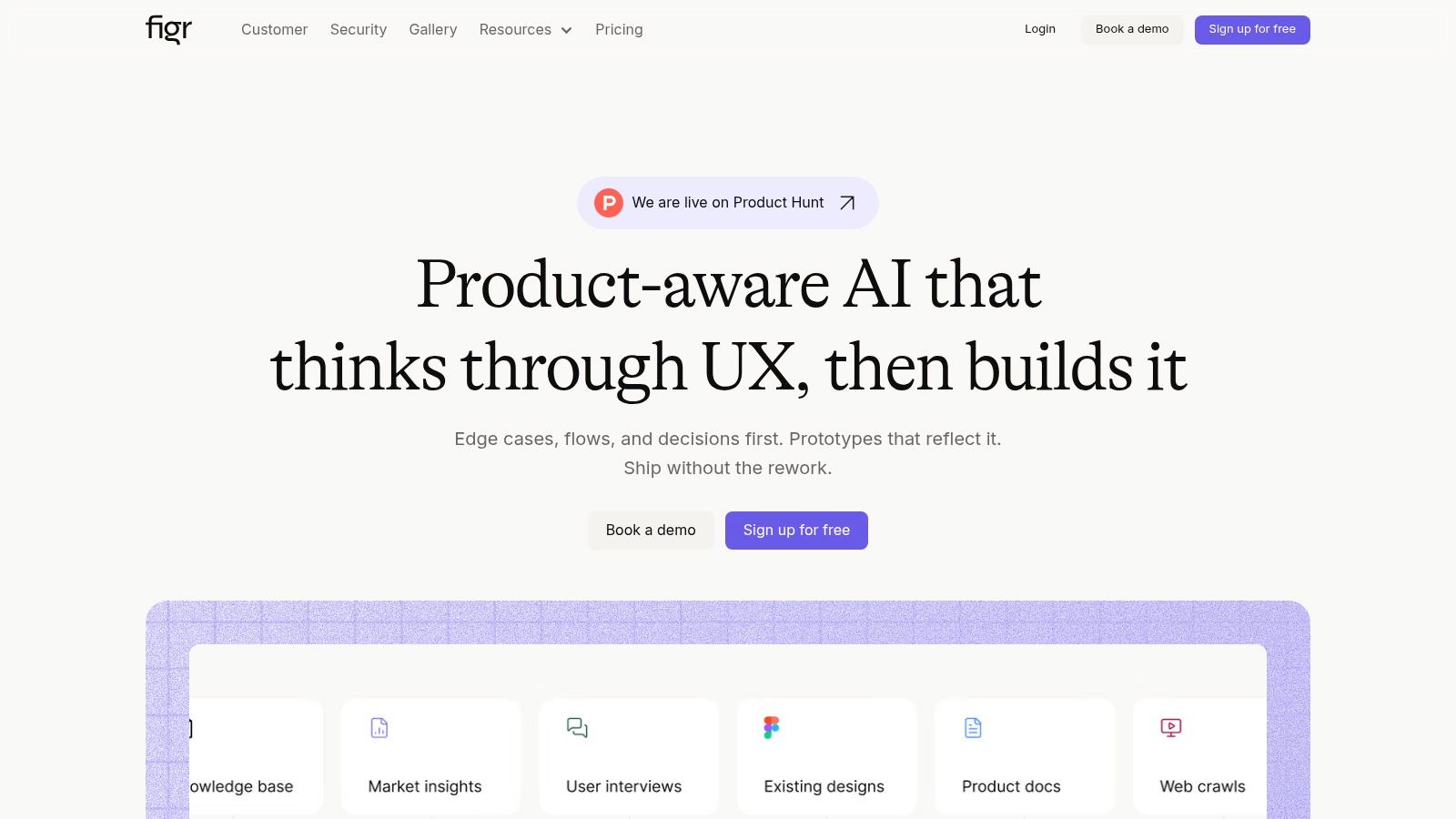
The core strength of Figr is its context-driven reasoning. It doesn’t generate generic templates. It produces high-fidelity prototypes that mirror your existing product's behavior and aesthetic. For product managers, this means you can explore A/B test variations with built-in rationale, map complex user flows, and uncover critical edge cases before a single line of code is written. Imagine asking it to map all potential failure states for a file upload, like in this Dropbox upload flow analysis, and getting a comprehensive list of test cases for QA.
Practical Use Cases for Product Managers
- Rapid Prototyping: Turn a PRD into an interactive prototype that feels like your real product. For example, you can take a complex process like a checkout redesign and have a working model ready for stakeholder review in hours, not weeks. Check out this redesigned Shopify setup flow built from analytics data.
- Edge Case and Test Case Generation: Systematically uncover what could go wrong. A PM can use Figr to map all potential failure states for a feature. A great example is this analysis of Wise's card-freeze flow, which produced an edge case simulation to ensure resilience.
- Data-Informed UX Audits: Connect analytics to identify drop-off points in a user journey. Then, ask Figr to propose and design solutions that adhere to your design system and are backed by successful UX patterns. This turns ambiguity into a concrete, data-supported design direction.
For a deeper look at this accelerated workflow, the Figr team has documented how they go from PRD to prototype in under two hours.
Standout Features & Considerations
- Pros: Its product-aware output is the primary advantage, leading to less rework and faster delivery cycles. The integration with analytics provides a data-driven foundation for design choices, and enterprise-grade security (SOC 2, SSO, zero data retention) makes it suitable for regulated industries.
- Cons: The platform's effectiveness hinges on having an accessible live product (via Chrome capture) and a reasonably mature Figma design system. Additionally, its commercial pricing isn't public, requiring a demo for enterprise details.
- Access: Sign-up is free and includes a 14-day trial. Full enterprise pricing is available upon request.
2. Aha!
Aha! is less a single tool and more of a complete, integrated product development environment. It’s built for organizations that crave structure, process, and a clear, auditable line from a strategic goal down to a delivered feature. The platform is an opinionated system for how great products are planned and built.
It enforces a "strategy-first" approach.
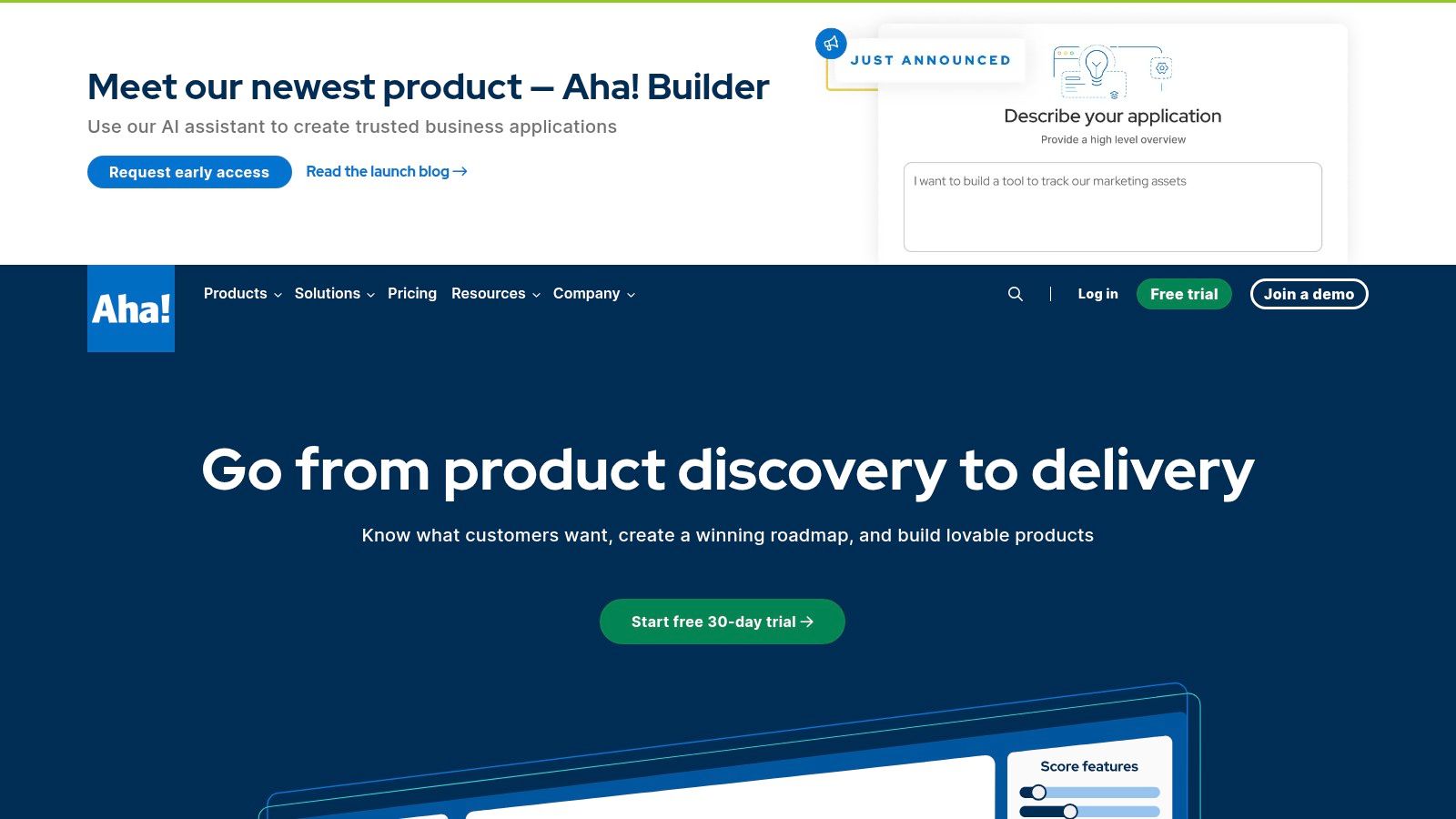
Its core strength is this comprehensive, top-down linkage. The platform is like a pulley system: a pull on a strategic lever at the top moves a specific set of engineering tasks at the bottom. A product manager can define strategic initiatives, then explicitly tie every feature on the roadmap back to those objectives. This creates unparalleled clarity for stakeholders. While this level of structure can feel heavy for a fast-moving startup, it's an indispensable asset for larger, complex organizations that need to align multiple product lines. This makes it one of the most powerful product manager software tools for creating strategic alignment at scale.
Key Details & Considerations
- Best Use Case: Enterprise or large-scale product organizations that require strong governance, detailed planning across multiple teams, and a clear, configurable link between company strategy and engineering execution.
- Pricing: Sold as a suite of different products (Roadmaps, Ideas, etc.). Aha! Roadmaps, the core module, starts at $59 per user/month. Costs escalate as you add more modules or users.
- Security: Enterprise-ready with SOC 2 (Type II) and ISO 27001 compliance, SSO, and advanced security options to meet the needs of regulated industries.
- Website: https://www.aha.io
3. Atlassian Jira Product Discovery
For product teams already operating within the Atlassian ecosystem, Jira Product Discovery is designed to be the path of least resistance. It's a native extension that bridges the gap between unstructured ideas and structured Jira backlogs. Its core function is to bring discovery work into the same environment as delivery, reducing the friction of context switching.
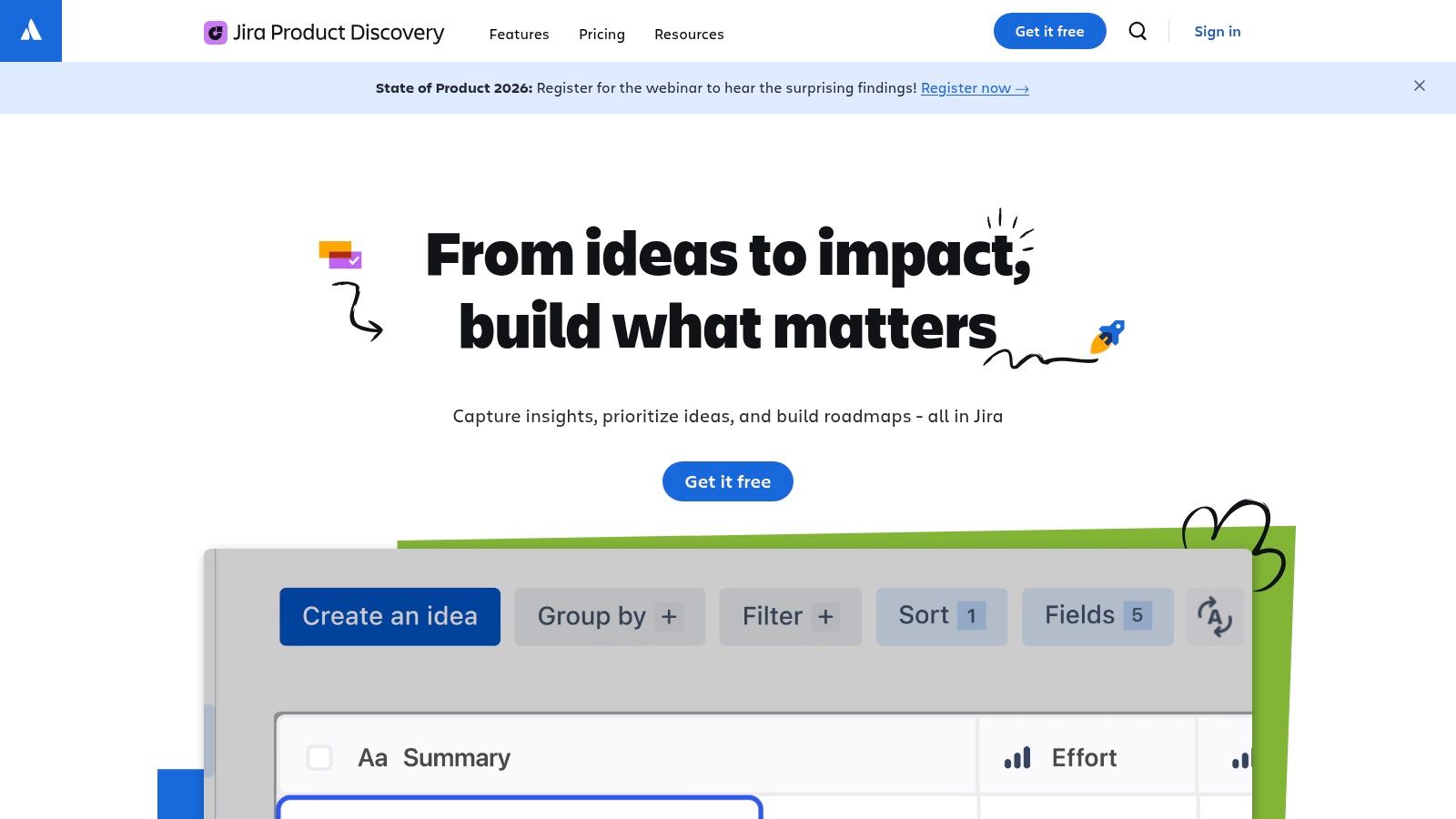
What makes Jira Product Discovery distinct? Its seamless integration. Where other tools require complex setups to sync with engineering tickets, this one treats it as a primary action. You can convert a validated idea into a Jira epic with a single click, preserving the link between the "why" and the "what." This tight coupling is like building a dedicated hallway between the strategy room and the engine room. It makes it an obvious choice for teams who find themselves exporting roadmaps from one tool only to recreate them as epics in another.
Key Details & Considerations
- Best Use Case: Product teams deeply embedded in the Jira Cloud ecosystem who want a frictionless way to connect discovery, prioritization, and roadmapping directly to their engineering backlogs.
- Pricing: Offers a generous free plan for up to 3 "Creators" (paid roles) and unlimited "Contributors" (free roles). The paid plan is $10 per creator/month.
- Security: Leverages the full Atlassian security framework, including SOC 2 compliance, SSO, and centralized user management through Atlassian Guard on higher tiers.
- Website: https://www.atlassian.com/software/jira/product-discovery
4. Asana
Asana serves as the operational backbone for product teams that need to orchestrate complex, cross-functional work. While some tools focus purely on the "why" of product strategy, Asana excels at the "how" and "when" of execution. It is fundamentally a work management platform, designed to bring clarity to who is doing what by when.
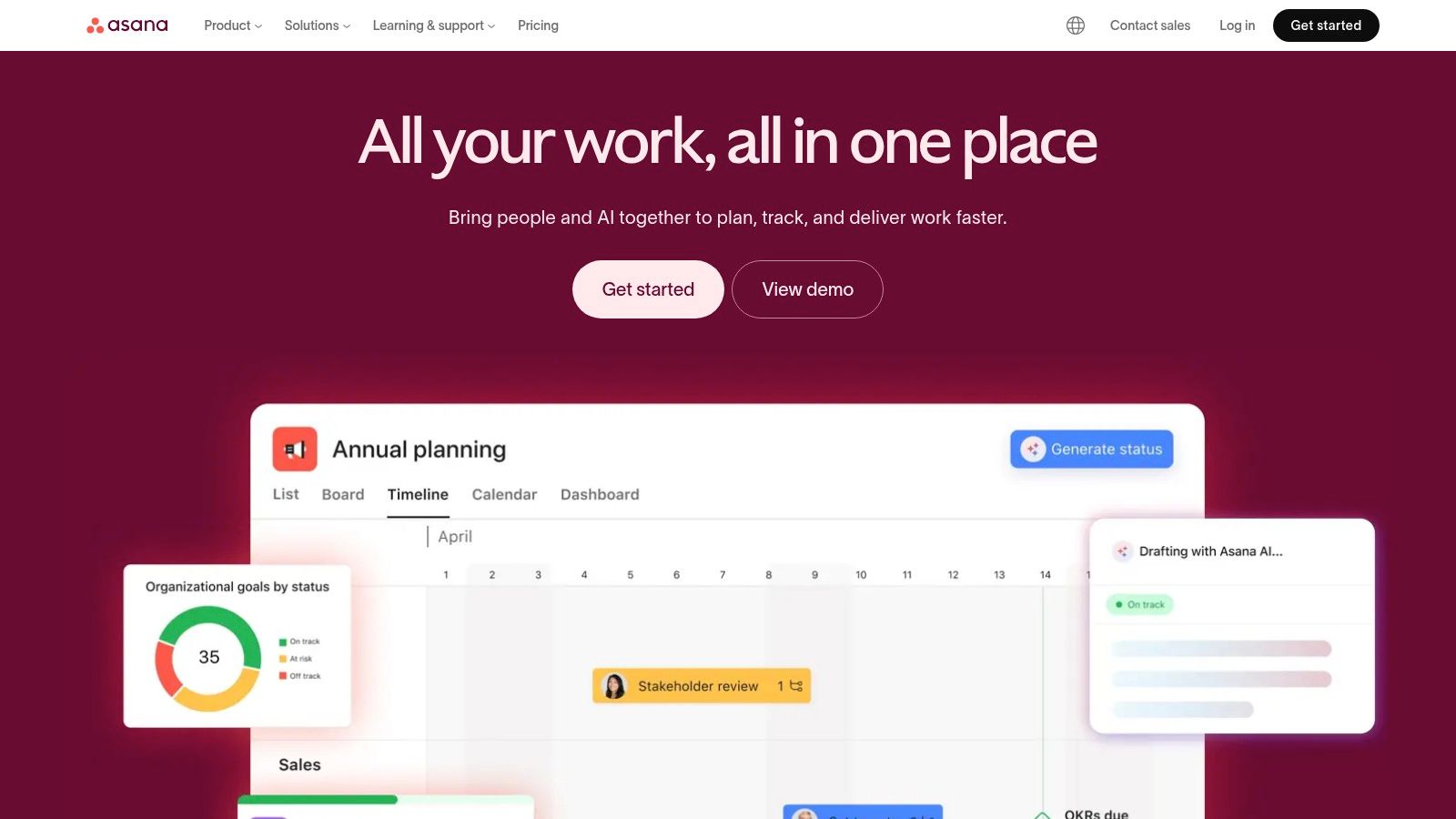
Its strength lies in its flexibility. A product manager’s work is not a single project, it is a portfolio of communication. Asana lets you manage that portfolio. A PM can create a high-level timeline for executives, a detailed Kanban board for sprint planning, and a list-based project for launch-day comms, all linked within the same ecosystem. This ability to create different views for different audiences while maintaining a single source of truth for tasks is its core value. It turns abstract strategy into actionable, cross-functional plans.
Key Details & Considerations
- Best Use Case: Cross-functional product teams needing a powerful, flexible platform to manage launch plans, track dependencies between teams, and provide program-level visibility with OKR tracking.
- Pricing: A robust free "Basic" plan is available. Paid plans start at $10.99 per user/month (billed annually) but have a two-seat minimum. Key features like timelines and custom fields are gated behind paid tiers.
- Security: Enterprise-grade security is a core focus, with features like SSO, SCIM, and SOC 2 Type II compliance available on higher-tier plans.
- Website: https://asana.com
5. monday.com
monday.com is less of a dedicated product tool and more of a flexible "Work OS." It's the digital equivalent of a Lego set: you get the pieces, but you decide what to build. This is both its greatest strength and its initial learning curve. For product managers, this means it can become your roadmap, your feature intake system, your launch plan, and your product operations hub.
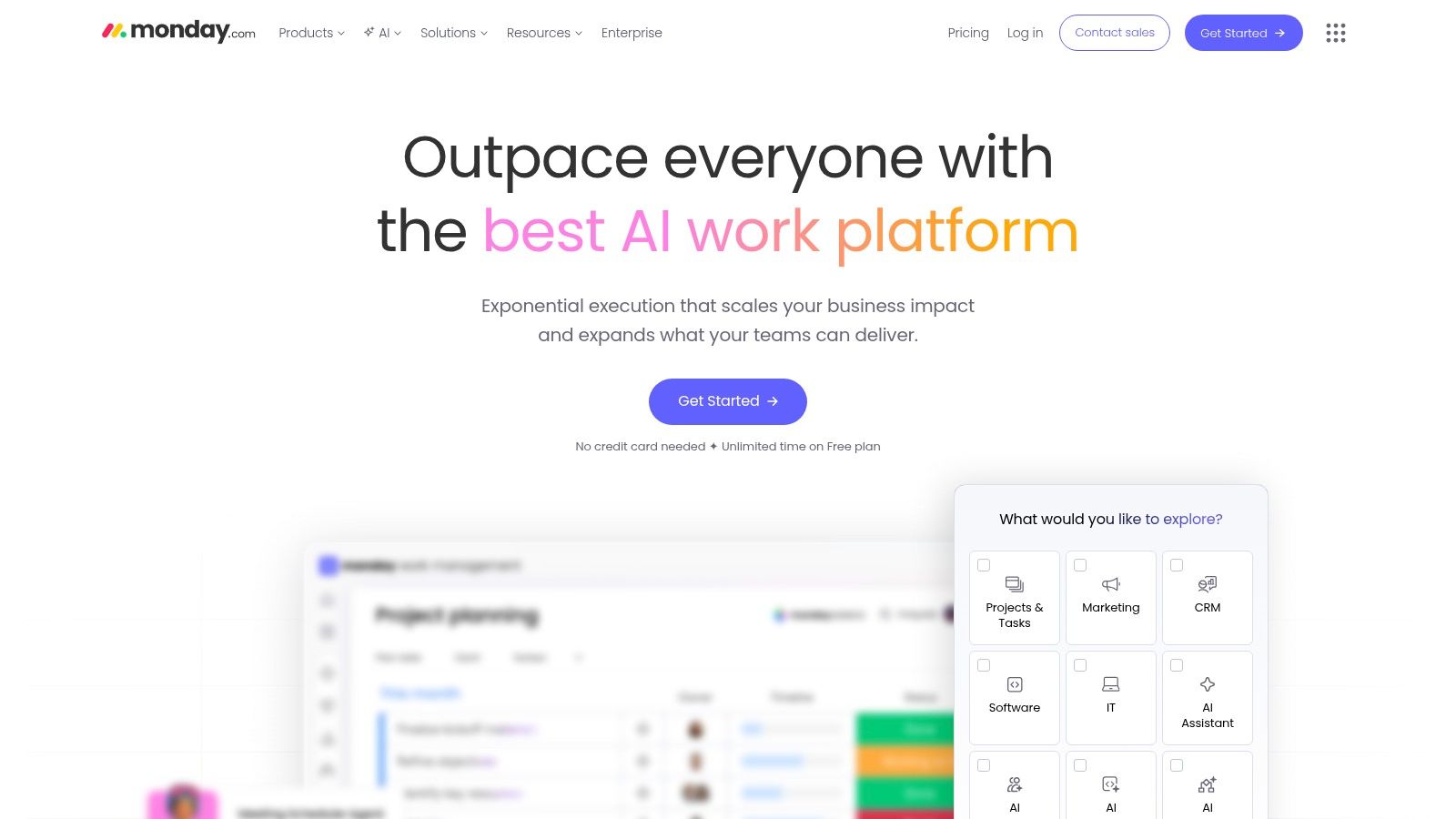
Unlike tools with a rigid, opinionated structure, monday.com’s customizability allows it to serve multiple functions. Think of it as a central dispatch for all product-related work. A PM can create a high-level roadmap using a Timeline view for stakeholders, a detailed sprint plan using a Kanban board for engineers, and a feedback intake form for customer support, all interconnected. The power lies in its automations, which let you create a cohesive system without heavy administrative overhead. This makes it one of the most versatile product manager software tools for teams that need to align cross-functional partners.
Key Details & Considerations
- Best Use Case: Cross-functional product teams who need a highly visual and customizable platform to manage everything from roadmapping and launch coordination to bug tracking and sprint planning in one place.
- Pricing: Offers a free plan for up to 2 users. Paid plans start at $9 per seat/month (billed annually) but often require a 3-seat minimum. Advanced features are reserved for higher tiers.
- Security: Enterprise-level security is available, including SOC 2 Type II compliance, SSO, and advanced account permissions, making it suitable for organizations with stringent data governance requirements.
- Website: https://monday.com
6. Notion
Notion is not a single tool. It is a unified workspace where PRDs, technical specs, user research repositories, and team wikis can coexist and interlink. It replaces the scattered landscape of Google Docs, Confluence pages, and Trello boards with a single, highly customizable environment. Where other tools offer rigid structures for roadmaps or documents, Notion provides a flexible canvas.
It is your team's shared brain.
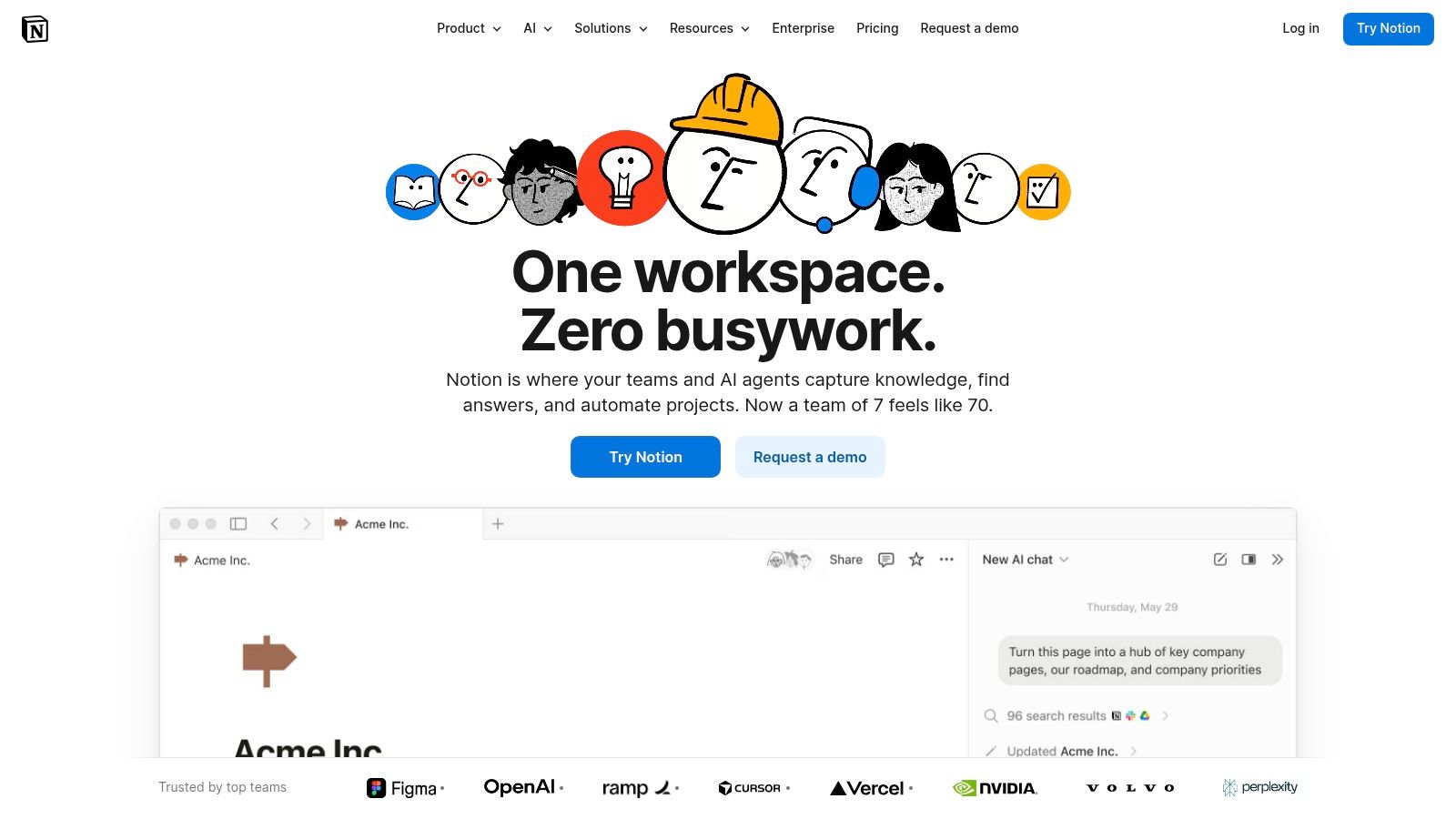
Its core strength lies in its powerful database functionality. This allows PMs to create lightweight but effective systems for anything from tracking feature requests to managing sprint tasks. The ability to create relational links between pages, for example, connecting a feature spec directly to the user interview notes that inspired it, is immensely powerful. This makes all knowledge discoverable and connected. With Notion AI for summarizing notes and searching the workspace, it acts as the connective tissue for all product artifacts.
Key Details & Considerations
- Best Use Case: Teams seeking an all-in-one knowledge management and documentation hub. It excels at creating centralized wikis, detailed product specs, and lightweight roadmaps where flexibility is key.
- Pricing: A generous free plan is available for individuals. Paid "Plus" plans start at $8 per user/month (billed annually) for small groups. Advanced security features like SAML SSO are reserved for Business and Enterprise plans.
- Security: SAML SSO, advanced security controls, and audit logs are available on the Enterprise plan, making it viable for larger organizations with compliance needs.
- Website: https://www.notion.so
7. Linear
Linear is not a project management tool. It is a momentum engine. While legacy tools feel like administrative overhead, Linear is built around a core belief: speed is a feature. It is an opinionated, keyboard-driven platform designed to eliminate friction between an idea and its execution. Its primary function is to make creating, assigning, and tracking issues so fast that it becomes an extension of the team’s thought process.
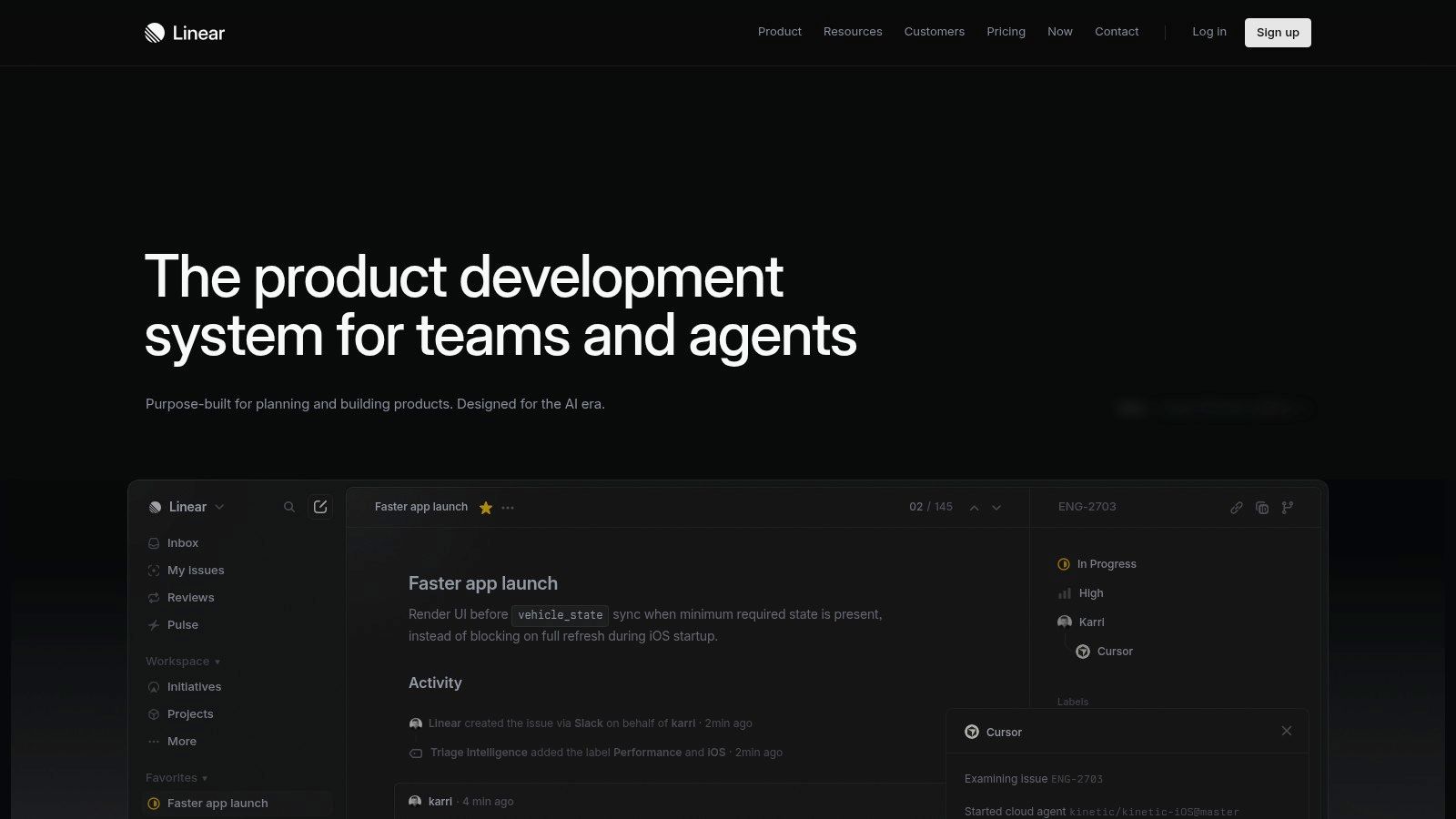
Unlike cluttered alternatives, Linear’s entire interface is optimized for efficiency. The tool itself is a high-performance machine. This focus on speed is its defining characteristic and makes it one of the most beloved product manager software tools for high-velocity startups. The philosophy is clear: if the tool is faster, the team is faster. For product managers and engineers who value clean UIs and powerful workflows, Linear removes the bureaucratic layer that often slows development down. Teams often find that once they switch, the idea of returning to a slower system is unthinkable.
Key Details & Considerations
- Best Use Case: Fast-moving product and engineering teams that want a highly efficient tool for issue tracking, sprint planning (cycles), and roadmap execution without the bloat of traditional enterprise software.
- Pricing: A generous free plan with unlimited members and up to 250 issues. Paid plans start at $10 per user/month, adding features like advanced roadmap capabilities and larger issue limits.
- Security: SOC 2 Type 2 compliant, with SSO, and advanced audit logs available on the Enterprise plan, making it a viable choice for companies with security requirements.
- Website: https://linear.app
8. ClickUp
ClickUp is less a single tool and more a sprawling, customizable workspace. Where some platforms offer an opinionated view of how work should be done, ClickUp provides the raw building blocks and asks you to assemble them. For product teams, this means you can build a system that centralizes everything from high-level OKRs and detailed PRDs to engineering backlogs and go-to-market checklists.
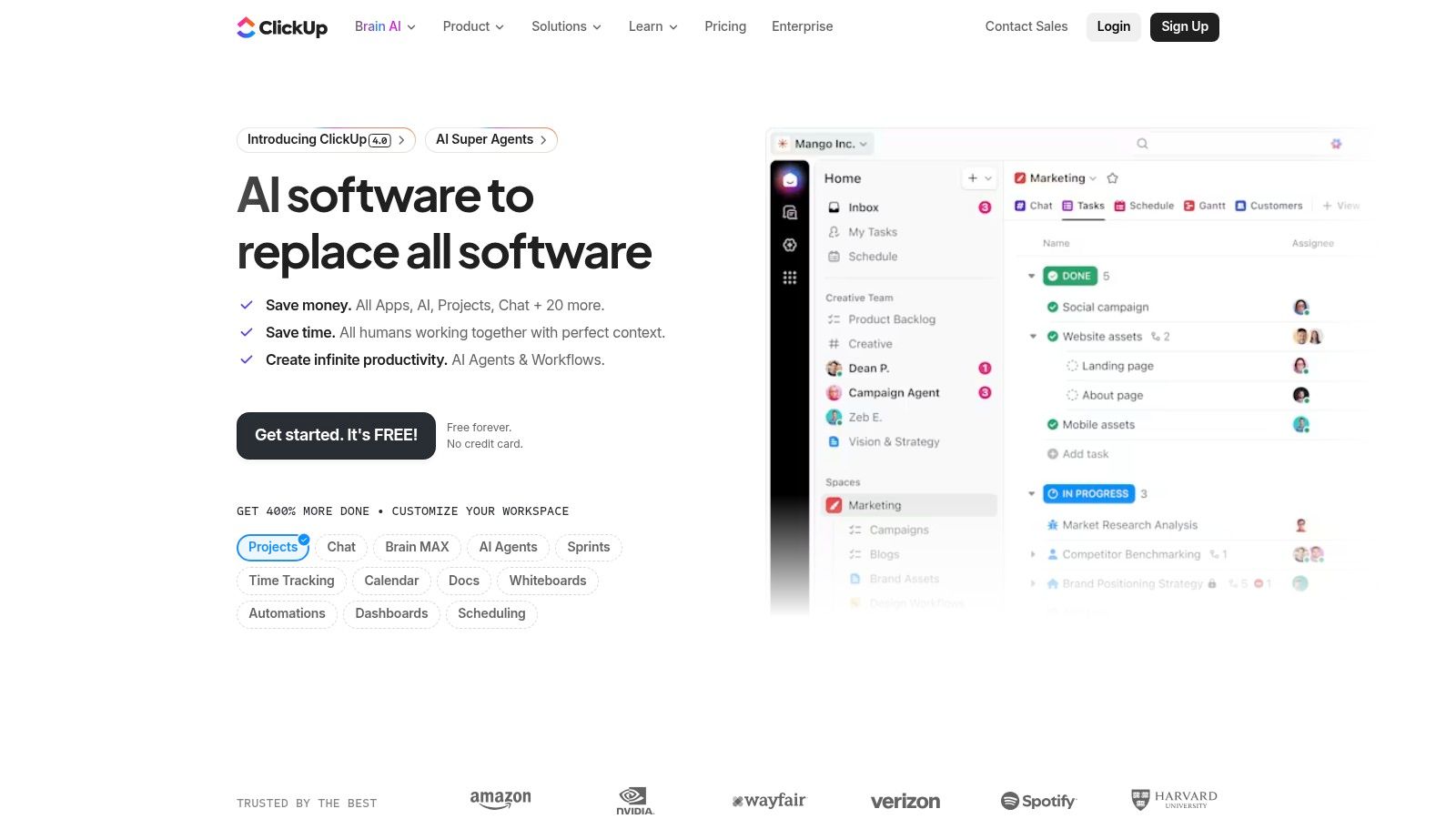
Its core strength is this sheer flexibility. Your product process is a unique machine, and ClickUp gives you the gears to build it. You can create custom fields for story points, link tasks to specific product goals, and trigger automations that update stakeholders when a feature moves to QA. The trade-off for this power is the initial setup complexity. For startups aiming to consolidate their tech stack, ClickUp stands out as one of the most comprehensive product manager software tools available, acting as the operational glue connecting strategy to execution.
Key Details & Considerations
- Best Use Case: Product teams in startups and scaleups looking for an all-in-one platform to manage backlogs, documents, and project plans without the cost of multiple specialized tools.
- Pricing: A generous "Free Forever" plan is available for personal use. Paid plans start at $7 per member/month, unlocking unlimited storage, advanced views like Gantt charts, and robust automations.
- Security: ClickUp offers enterprise-grade security features, including SSO, HIPAA compliance, and SOC 2 Type 2 certification, making it a viable option for organizations with stringent data protection requirements.
- Website: https://clickup.com
9. Miro
Miro is the digital equivalent of an infinite wall covered in whiteboards, sticky notes, and diagrams. For product managers, it is a visual collaboration hub for the critical discovery and alignment phases. It’s where user journey maps, story maps, and brainstorming sessions come to life, allowing distributed teams to ideate as if they were in the same room.
It is the shape of early-stage thinking.
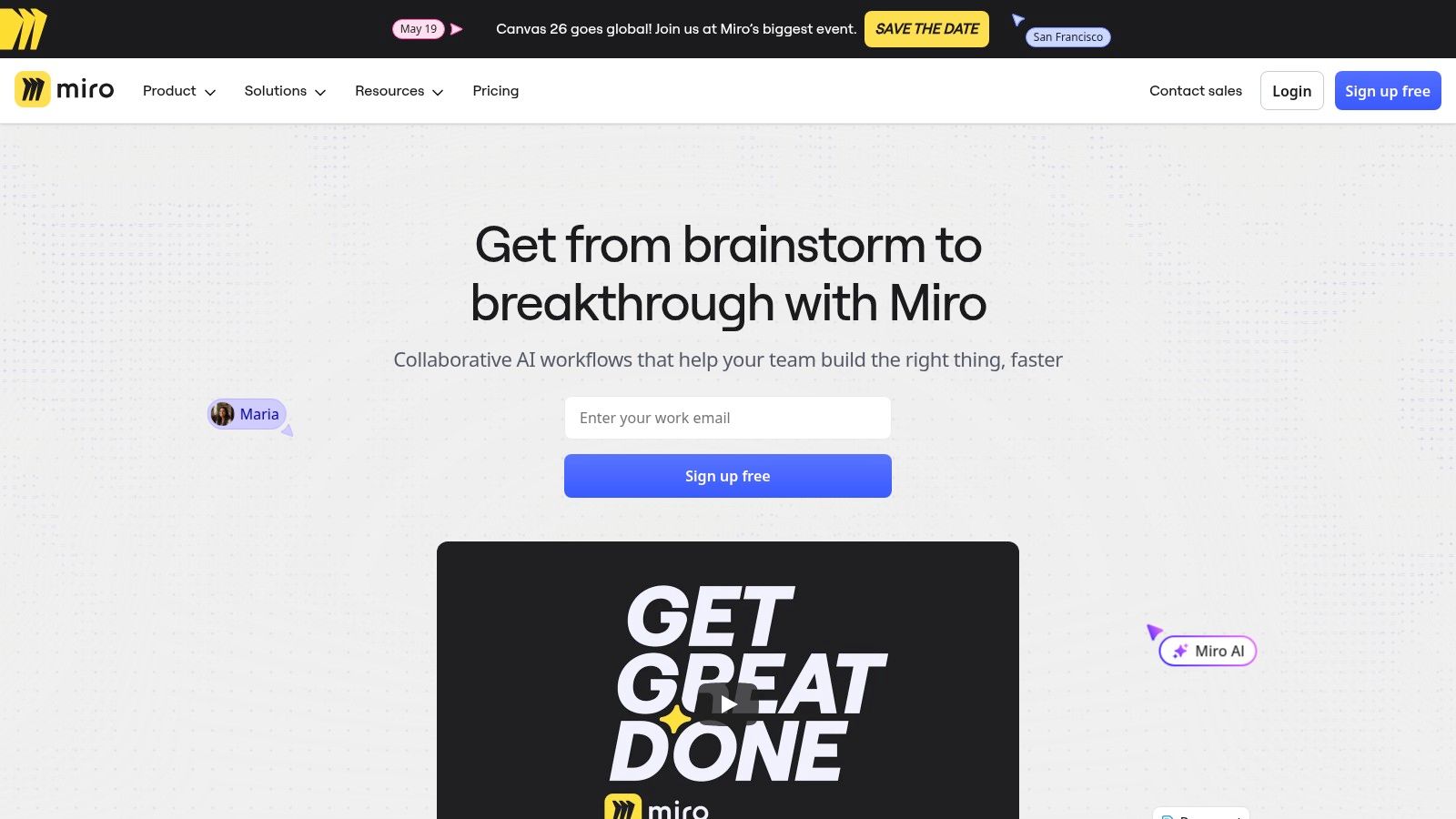
While many tools offer basic whiteboarding, Miro’s strength lies in its ecosystem and specialized templates. It integrates deeply with development tools like Jira, turning a cluster of digital sticky notes into actionable tickets. Its vast template library means you’re never starting from a blank canvas, whether you’re running a retrospective or mapping a complex system architecture. This focus on structured, collaborative visualization makes it an indispensable tool for turning abstract conversations into tangible plans.
Key Details & Considerations
- Best Use Case: Cross-functional workshops, remote brainstorming, user journey mapping, and creating a visual source of truth during the product discovery and planning phases.
- Pricing: Offers a free plan with limited boards. Paid plans start at $8 per member/month (billed annually), with Business and Enterprise tiers unlocking advanced features like SSO and guest access controls.
- Security: Enterprise-grade features, including SSO and advanced user management, are available on Business and Enterprise plans, making it suitable for organizations with stringent security and compliance needs.
- Website: https://miro.com
10. Figma
Figma is no longer just a design tool. It is the shared canvas where product strategy takes visual form. For a product manager, it's the bridge between a PRD's abstract requirements and the tangible, interactive reality an engineer will build. It serves as the lingua franca for product, design, and engineering, translating complex user flows into a universally understood language of screens and prototypes.
Unlike static wireframing tools, Figma’s advanced prototyping capabilities allow PMs to build and test high-fidelity user experiences without writing code. This is critical for early validation. A prototype isn't a picture of a product, it's a testable hypothesis. A PM can click through one in a board meeting, demonstrating not just what the feature is, but how it feels. With Dev Mode, the handoff to engineering becomes less of a handoff and more of a conversation. This tight integration makes it one of the most indispensable product manager software tools for any team building a digital product.
Key Details & Considerations
- Best Use Case: Cross-functional teams that need a single, collaborative space for UI/UX design, interactive prototyping, and developer handoff. It's the industry standard for creating and maintaining design systems.
- Pricing: Offers a generous free tier for individuals. Team plans start at $12 per editor/month ("Professional"), with organization-level plans adding advanced features like SSO at a higher cost.
- Security: Enterprise-grade security, including SOC 2 compliance, SSO, and SCIM, is available on Organization and Enterprise tiers, making it suitable for companies with stringent data protection policies.
- Website: https://www.figma.com
11. Mixpanel
Mixpanel is the equivalent of a product manager’s stethoscope. While other tools tell you if a feature shipped, Mixpanel tells you if it’s healthy, measuring the heartbeat of user behavior event by event. It’s built on a foundation of self-serve analytics, allowing PMs to move beyond vanity metrics and understand the precise user paths that lead to activation, retention, or churn.
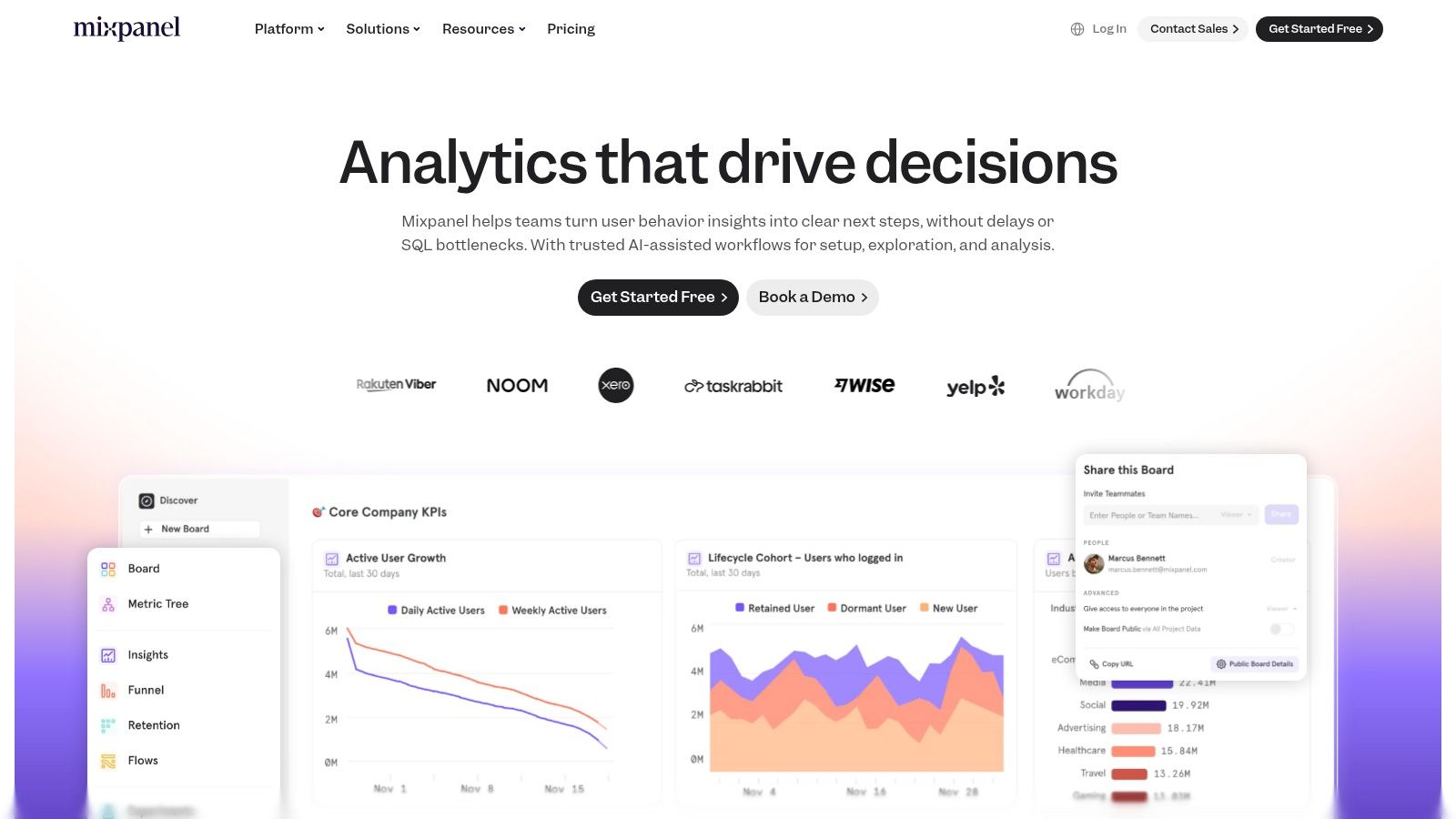
Its core strength is translating raw user actions into narrative insight. For example, instead of just seeing a drop-off in a funnel, you can create a cohort of users who dropped off and see what they did instead. A dashboard isn't data, it's a story waiting to be told. This capability turns a vague problem ("people aren't converting") into a specific, actionable hypothesis ("users who skip the tutorial are 50% less likely to create a project"). This focus on event-based tracking makes Mixpanel one of the most powerful product manager software tools for justifying the next set of roadmap bets. This is an essential part of the modern toolkit, especially when you consider the rise of product analytics tools that integrate AI for better insights.
Key Details & Considerations
- Best Use Case: Product teams in SaaS, e-commerce, or mobile who need to answer complex user behavior questions without SQL. Ideal for measuring feature adoption, building conversion funnels, and analyzing long-term user retention.
- Pricing: Offers a generous free plan for up to 20 million events per month. Paid "Growth" plans have transparent, event-based pricing with volume discounts, but require careful monitoring to manage costs.
- Security: Enterprise-level security is a key offering, with features like SSO, advanced data governance, and compliance with standards like SOC 2, making it a viable choice for organizations handling sensitive user data.
- Website: https://mixpanel.com
Your Next Move: Audit Your Stack's Signal-to-Noise Ratio
We have navigated the sprawling landscape of product manager software tools, from the strategic heights of Productboard to the granular execution of Linear. But the goal was never to simply present a catalog. The real objective is to equip you to build a toolchain that sharpens focus, not scatters it.
I watched a product manager last month, a friend at a fast-growing B2B SaaS company, share her screen in frustration. Her team was having a debate inside their project management tool. The thread was 37 comments long, a tangled argument about the priority of three different bug fixes. Meanwhile, the analytics dashboard showing a 40% drop-off at the final checkout step sat open, silent, in another browser tab.
They were busy. They were collaborating. But their tools were amplifying the internal conversation, the noise, while the user’s scream, the signal, went unheard.
The modern product stack can become an echo chamber. A place where we manage work about work, rather than a lens to see the customer more clearly. The best product manager software tools do not just help you ship faster: they force you to learn faster. They are conduits for customer reality, not just containers for team consensus.
The Real Job of Your Tool Stack
The core function of a product manager's toolkit is to reduce the distance between a customer’s problem and your team’s understanding of it. Does your stack bring user feedback, behavioral data, and market realities closer to the engineers building the solution? Or does it create another layer of abstraction, another ticket to update, another status to report?
Marty Cagan, in his book Inspired, emphasizes that the best teams "fall in love with the problem, not the solution." Your tool stack is the environment where that romance with the problem either blossoms or dies. If your tools primarily reward ticket velocity and feature completion, your team's incentives will align with shipping, not solving. This isn't a team failure: it's a systems failure, one encoded in the very software you use daily.
The basic gist is this: do your tools make it easier to talk to each other or to listen to the customer?
A great stack maximizes signal and minimizes noise. It automates the noise so you can focus on the signal. Tools like Figr are built on this premise, turning a raw screenshot into a deep analysis of user flows, edge cases, and test plans. You can see this in action when mapping all potential network degradation states for a tool like Zoom or documenting test cases for adding a mid-trip stop in a Waymo ride. It is about getting to the core of the user's experience.
Your Actionable Next Step
In short, do not end this article by opening five new tabs to sign up for free trials. That is just more noise.
Instead, perform a simple audit.
Block 30 minutes on your calendar this week. Title it "Signal Audit." Pick your team's last major shipped feature. Now, map the tools you used at each stage from idea to launch. For every single tool, ask one question:
Did this tool bring us closer to the user's problem, or did it primarily help us manage our internal process?
The answer will be your map. It will show you where your stack is a powerful amplifier for the customer’s voice and where it is just a well-organized closet for your own assumptions. That is where your work begins. Choosing tools is downstream of choosing a process. For the methodology that should guide your tool selection, see our product roadmap guide. For teams managing both backlogs and design tasks, our guide on managing backlogs and design tasks in a unified system covers integration patterns.
If your audit reveals that you are spending more time managing documents than understanding users, it might be time for a change. Figr is designed to be the ultimate signal amplifier, helping you move from a rough idea or a simple screenshot to a complete, actionable product specification in minutes. Instead of building another slide deck, you can generate user flows, prototypes, and test cases automatically, keeping your team focused on the problem that matters. Explore how Figr can reduce the noise in your product workflow.