
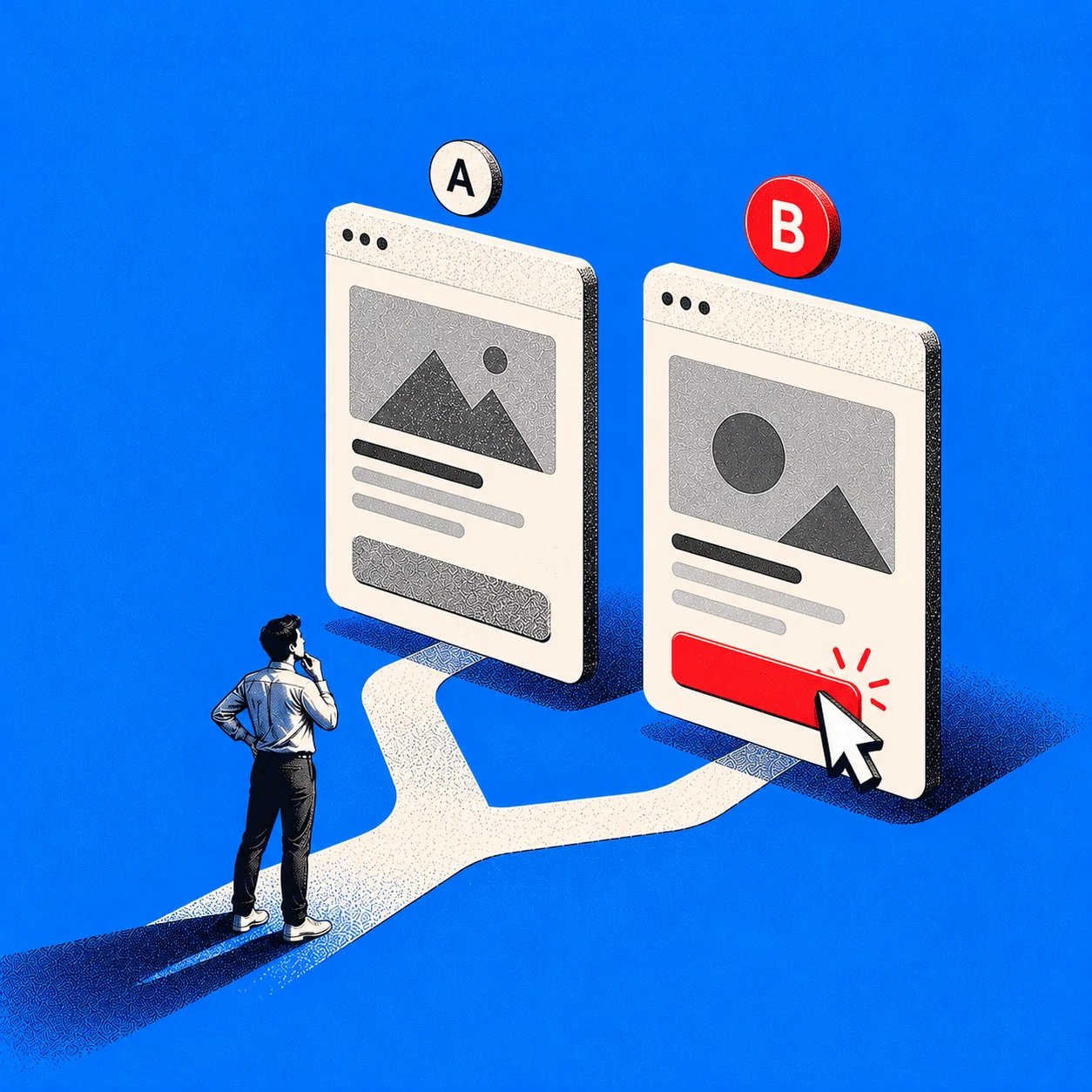
Preference Testing for Better Product Decisions
Two onboarding designs look promising, but the product team cannot agree which one to build. The designer favors a shorter screen. The PM thinks the version with more guidance will reduce confusion. Neither opinion tells you what target users prefer.
Preference testing gives people comparable alternatives and asks which they favor and why. It can turn a subjective debate into a testable design direction, especially when the options differ in layout, language, or presentation.
The result is a starting point, not a release decision. This guide explains how to run a preference test, ask neutral questions, interpret the vote, and follow up with evidence about what users can actually do.
What Is Preference Testing?
Preference testing is a research method that asks target users to choose between design alternatives and explain their choice. In preference testing UX work, the alternatives might be screens, copy, navigation patterns, or visual treatments. The aim is to learn which direction appeals to a defined audience under a defined set of conditions.
For example, you might compare two ways to present plan limits, three dashboard layouts, or alternate labels for a permissions setting. Nielsen Norman Group describes preference testing as a way to evaluate visual design with users. Maze's preference testing guide recommends asking which option people prefer and following up to understand why.
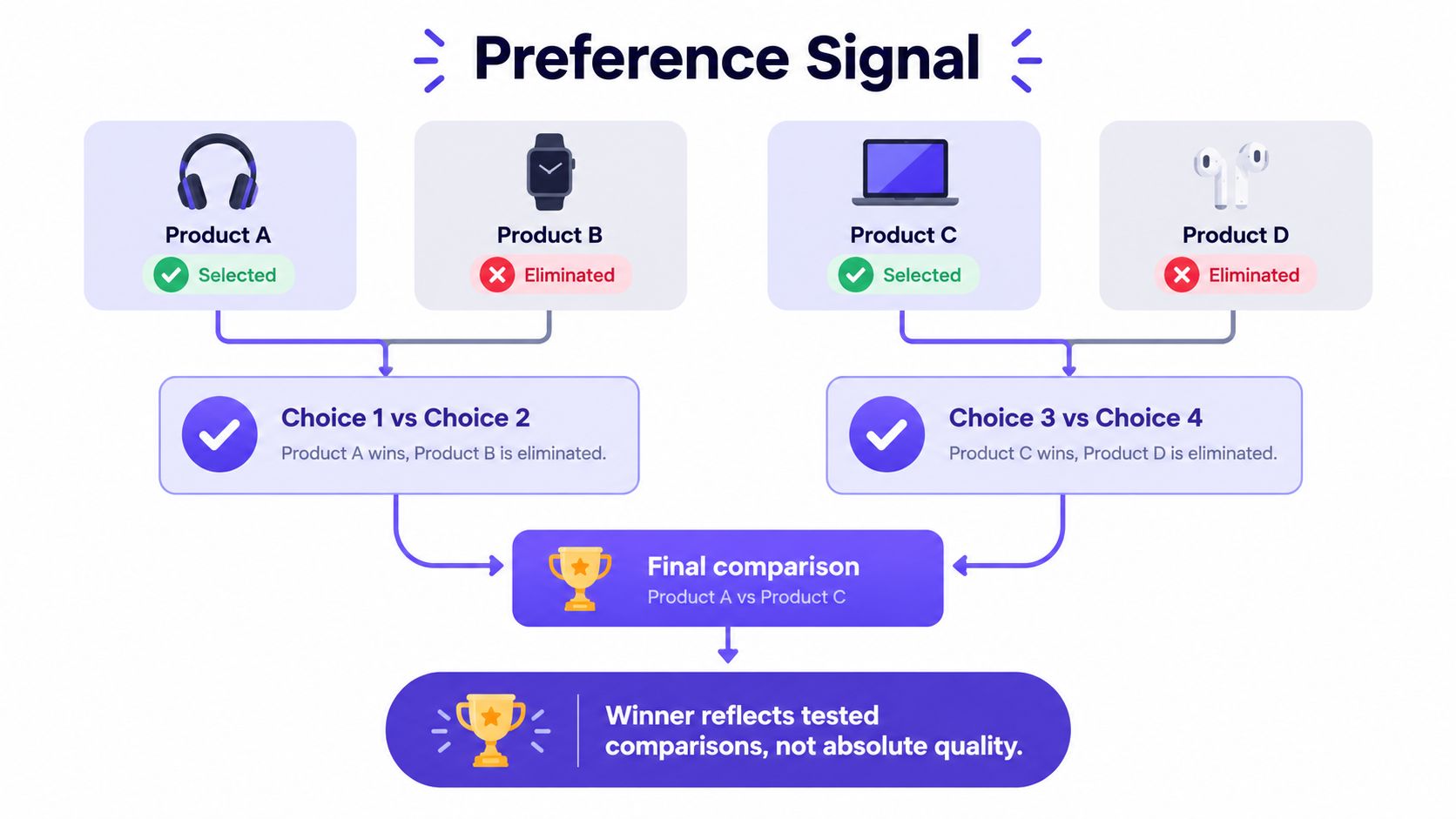
A preference test answers "Which option do these participants favor?" It does not, by itself, answer:
Can people complete the task in the interface?
Do they understand the consequences of an action?
Can people with different accessibility needs use it?
Will it improve sign-ups, retention, or another live-product metric?
Those distinctions matter. Someone may prefer a compact dashboard because it looks efficient but struggle to find a specific report. Treat the vote as a hypothesis about user response, then choose a follow-up method that can test the outcome you care about. Preference testing works best for narrowing alternatives before deeper validation, not declaring a finished design successful.
Preference Testing vs. Other Research Methods
Preference testing measures a stated choice; other methods measure task behavior, first impressions, navigation starts, or live outcomes. Select a method based on the decision you need to make, rather than using a preference vote as a substitute for every kind of evidence.
Method: Preference testing
Best question: Which alternative do people favor, and why?
What participants do: Compare options and state a choice
What it cannot establish alone: Task success or conversion impact
Method: A/B testing
Best question: Which live variant improves a defined metric?
What participants do: Encounter an assigned variant in a product experiment
What it cannot establish alone: Why the outcome changed without further research
Method: Usability testing
Best question: Can users complete a realistic task?
What participants do: Attempt tasks while researchers observe errors and confusion
What it cannot establish alone: Which design has broader visual appeal
Method: First-click testing
Best question: Where do users begin a task?
What participants do: See a screen and make an initial click
What it cannot establish alone: Whether they can finish the full task
Method: Five-second testing
Best question: What do users notice or understand immediately?
What participants do: View a design briefly, then report what they recall
What it cannot establish alone: Sustained comprehension or interaction quality
The distinction between a quick visual reaction and a task outcome is central to Nielsen Norman Group's visual design testing guidance. For an internal starting point, see Figr's articles on usability testing, first-click testing within research methods, and prototype testing.
Use first-click testing if the dispute is where someone would look for an invoice. Use five-second testing if it is whether the page's message registers at a glance. Use usability testing if the concern is whether they can finish an invoice task. An A/B test can compare outcomes in live traffic once the variants and success metric are ready. You can combine methods, but label each finding according to what it actually measured.
How to Run a Preference Test
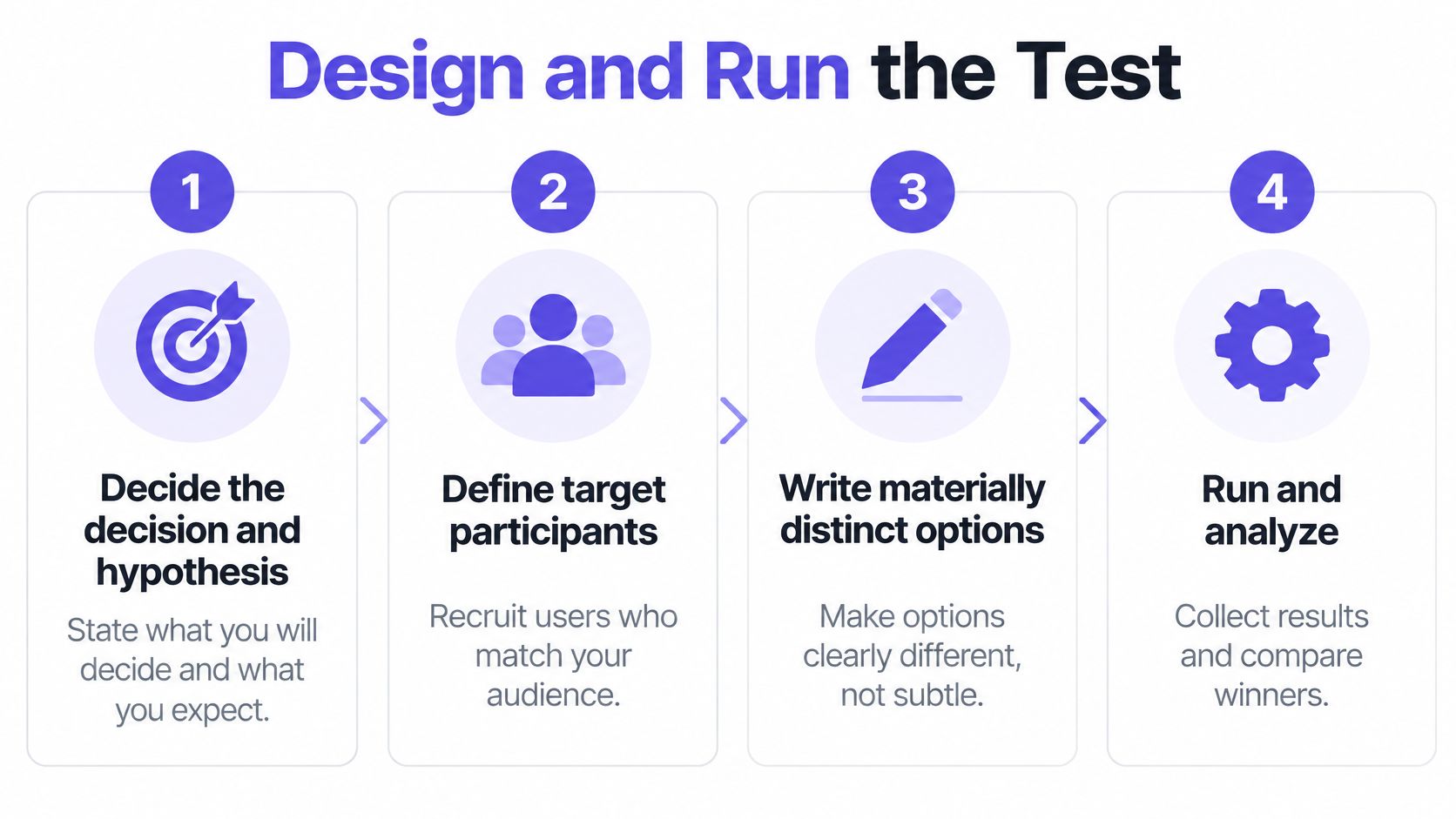
Run a preference test by defining the decision, preparing fair alternatives, recruiting the right audience, controlling presentation, and collecting both choices and explanations. A short written plan keeps the team from changing the interpretation after a favored option wins.
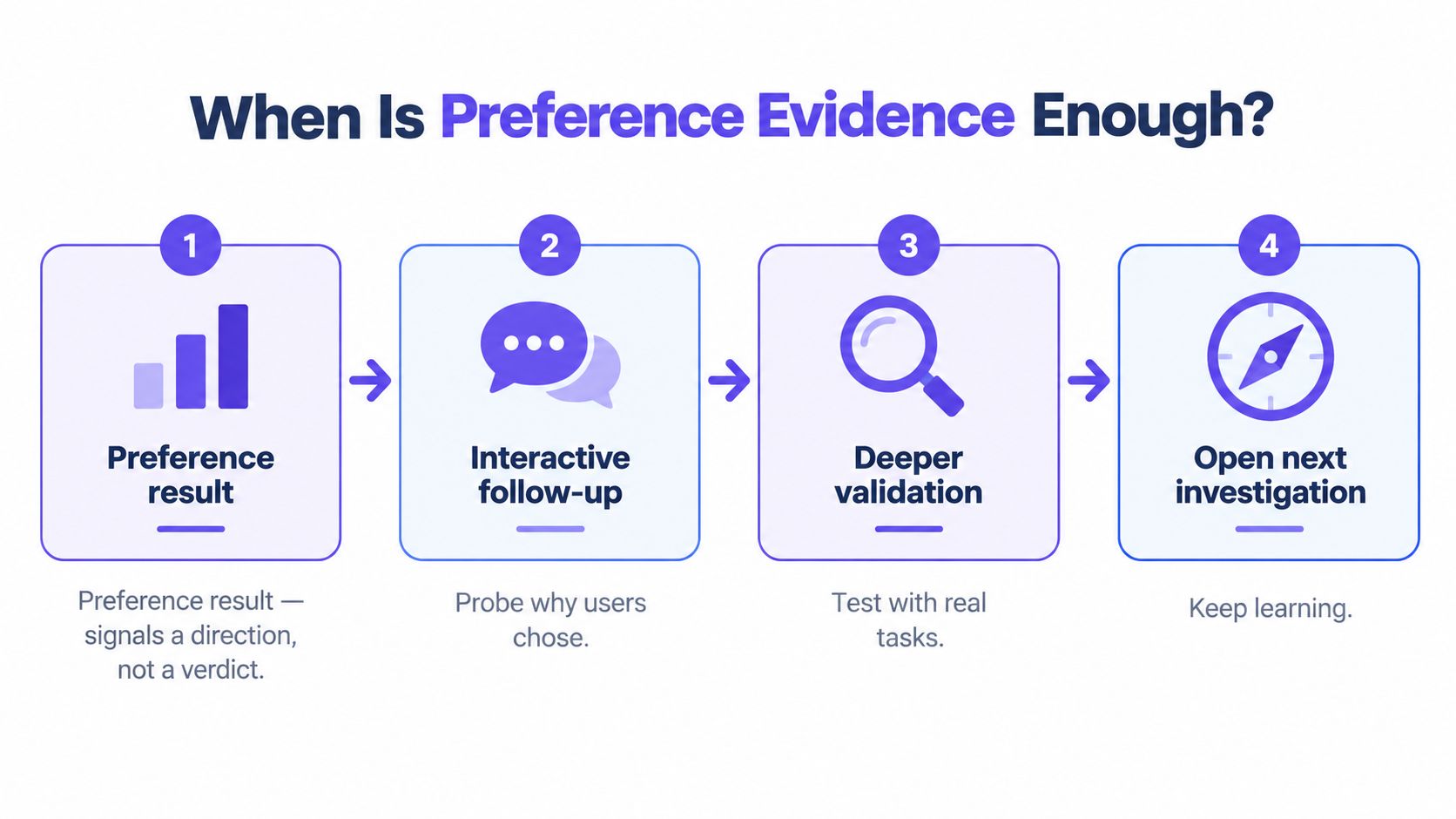
1. Set the decision and hypothesis
Write the decision the research will inform: "Choose a direction for presenting team permissions before prototyping." Then state what you expect and why: "New administrators may prefer role descriptions beside each choice because they need to understand access before assigning it."
Decide what could override the result. If the preferred version causes confusion in a later task test, will you revise it? If a minority segment has a different need, will you keep both directions open? Setting these conditions early makes the result more useful.
2. Build comparable variants
Compare options at the same level of fidelity. Keep device size, realistic content, typography quality, and surrounding context consistent unless one of those elements is the variable you intend to test. A finished mockup against a rough wireframe mostly tests polish.
Design preference testing works best when you can explain the meaningful difference in one sentence. "Option A shows limits next to each plan; option B summarizes them below the plans" is a clearer comparison than changing the hierarchy, copy, pricing, and colors at once. For interactive comparisons, plan which screens and states participants need to see. Figr's prototype testing guidance offers a useful starting point for deciding when static screens are insufficient.
3. Recruit for the actual decision
Find participants who resemble the people whose choices the product must support. Include experience level, role, or account type if those factors could change the answer. Colleagues familiar with the design history may react differently from new customers.
There is no universal preference-testing sample size. A small round can reveal explanations worth pursuing, while an estimate of how a population splits requires a sample justified by the desired precision and the audiences you need to compare. Do not promise a reliable subgroup result if you have only a handful of people in that subgroup. Report who participated and how they were recruited.
4. Control order and ask neutral questions
If everyone sees the same design first, presentation order may influence the choice. Randomize or counterbalance the display order where your setup allows, and retain the order in the results. Useberry describes option randomization in its preference-testing workflow.
Give each participant the same context and task framing. Ask "Which version would you choose for this situation?" rather than "Is the clearer version better?" Follow the forced choice with an open question about their reasoning. Avoid explaining which option the team prefers before people answer.
5. Pilot, field, and plan the follow-up
Pilot with someone outside the design team. Check that assets display correctly, instructions make sense, and the form records both the option shown first and the participant's response. Decide before launch how you will count votes, code explanations, inspect segments, and handle incomplete responses.
Copyable test plan
Plan item: Decision
Fill in before recruiting: Which product choice will this test inform?
Plan item: Audience
Fill in before recruiting: Who must the direction work for?
Plan item: Alternatives
Fill in before recruiting: What single meaningful distinction separates them?
Plan item: Hypothesis
Fill in before recruiting: Which option might be preferred, by whom, and why?
Plan item: Presentation
Fill in before recruiting: What will participants see, and how will order vary?
Plan item: Questions
Fill in before recruiting: What neutral choice and follow-up questions will you ask?
Plan item: Analysis
Fill in before recruiting: How will you report shares, explanations, segments, and uncertainty?
Plan item: Override
Fill in before recruiting: Which usability, accessibility, or behavioral finding could change the decision?
A test plan makes the handoff explicit: preference identifies a promising alternative; subsequent research checks whether it works. Book the next evaluation before the team becomes attached to a winner.
Three Preference Test Examples
These hypothetical preference test examples show how a team could turn stated choices into further research. The variants, findings, and decisions below are illustrations, not observed studies or performance benchmarks.
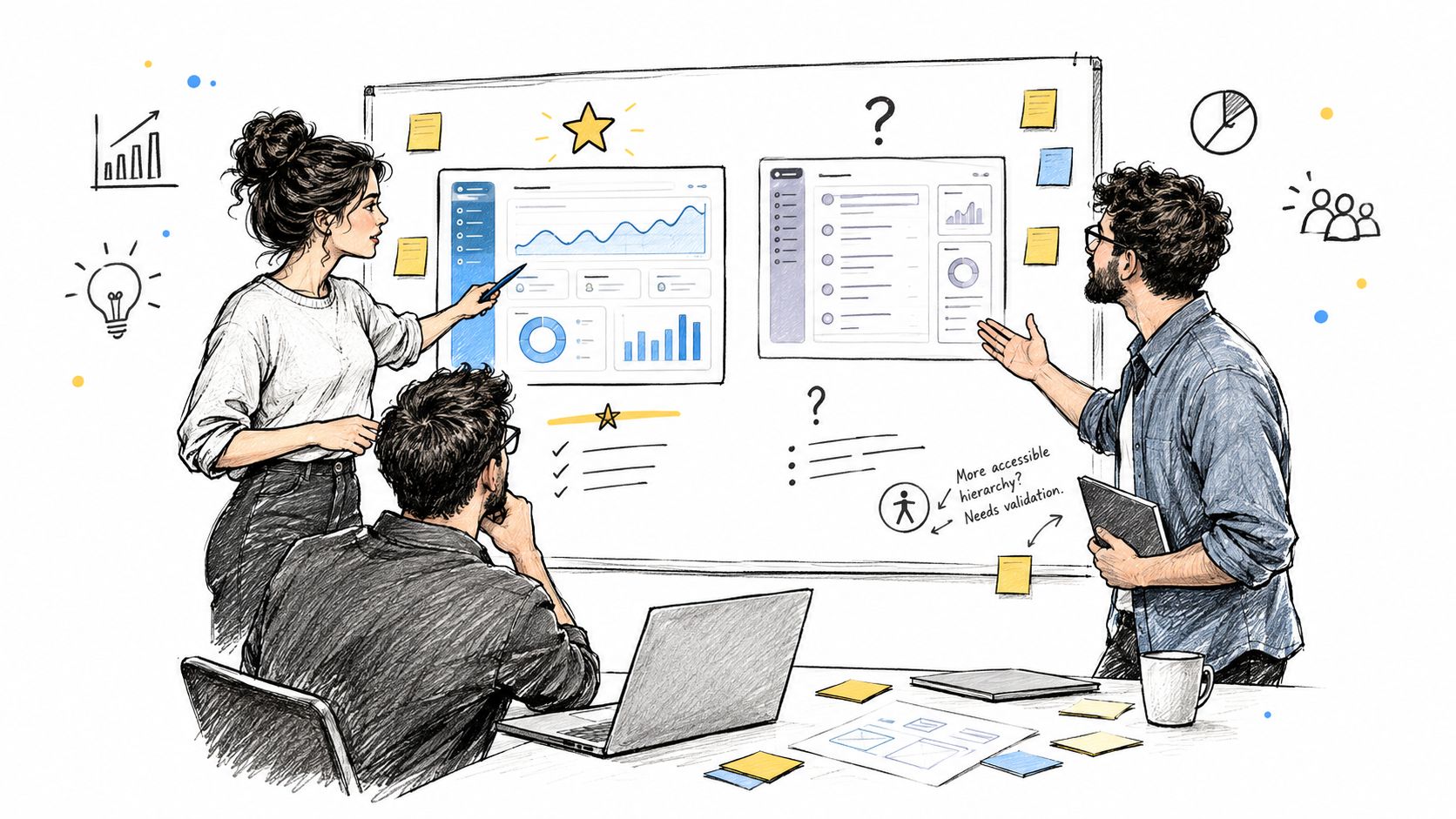
1. SaaS onboarding: One page or staged setup?
Variants: A shows all setup fields on one page. B splits the same required fields into short steps with a visible progress indicator. Both use identical field labels and ask for the same information.
Test questions: "Which version would you rather use to set up a new workspace?" and "What influenced your choice?" Follow with "Is there anything you would need to know before starting?"
Hypothetical finding: Participants choose B because it looks less demanding, but some say they cannot tell how many settings they must configure. Their stated preference reveals an appeal and a concern, not proof that the staged flow is faster.
Decision: Prototype B with a clearer summary of upcoming steps. In a task-based usability test, watch whether users finish setup, understand what remains, and recover from mistakes. Keep A available for comparison if B introduces friction.
2. Dashboard navigation: Sidebar or grouped menu?
Variants: A places reports in a persistent sidebar. B groups reports under a dashboard menu. Labels, destination pages, and dashboard content remain the same.
Test questions: "Which layout would you choose for a dashboard you use each week?" and "What made that layout appealing?" Ask which option they expect would help them locate a specific report, but do not treat that expectation as task evidence.
Hypothetical finding: Experienced users prefer B's quieter layout. New users say A makes report categories easier to notice. The aggregate choice would hide a potentially important audience difference.
Decision: Run a first-click test using a realistic report-finding goal, then follow with a full navigation task if the initial clicks do not resolve the question. Consider whether progressive disclosure can preserve discoverability without crowding the screen.
3. Team permissions: Role list or access summary?
Variants: A shows standard roles with short descriptions. B shows the same roles alongside a summary of what each role can access. Both have equivalent visual polish and consistent permission rules.
Test questions: "Which version would you use when inviting a teammate?" and "What information helped you make that choice?" Ask "What, if anything, is unclear about the access they would receive?"
Hypothetical finding: Participants prefer B because the consequences feel easier to judge. A few still misinterpret whether a role can edit billing settings. Their concern matters more than the popularity of the layout.
Decision: Revise the ambiguous wording, then ask participants to assign an appropriate role in an interactive prototype. Do not release a permissions flow solely because people preferred its presentation.
Across all three scenarios, the value of preference testing is the same: the choice narrows a design question, while the reasons and follow-up tasks determine what to investigate next.
Preference Testing Questions You Can Reuse
Good preference testing questions give participants a clear context without suggesting the "correct" answer. Use a small set that fits your decision, and adapt nouns such as "workspace" or "plan" to the product. Avoid asking every follow-up in a single short test.
Choice: "Which of these versions would you choose for [specific situation]?"
Reason: "What influenced your choice?"
Difference: "What differences between the versions stood out to you?"
Clarity: "Which version makes [specific information] easier to understand, if either? Why?"
Expectations: "What would you expect to happen if you selected [control] in this version?"
Missing information: "What information, if any, would you want before deciding?"
Reservations: "What concerns, if any, do you have about the version you chose?"
Context: "Would your choice change in another situation? What situation?"
Confidence: "How confident are you in your choice, and what would help you decide?"
No clear winner: "If neither version fits your needs, what is missing from both?"
The first question captures the stated preference; the rest help explain it. Maze recommends combining a direct choice with follow-up questions rather than relying on the vote alone. Keep phrasing parallel across options, and give participants permission to say they are unsure. Do not turn a hypothetical expectation, such as "I think I could find it," into a claim about observed success.
How to Analyze Preference Test Results
Analyze preference testing by reporting the choice share alongside explanations, audience differences, presentation order, and uncertainty. A headline such as "B won" hides too much to guide a product decision.
Start by counting valid choices for each alternative and dividing by the total valid responses. Include the number of responses next to any percentage. Then group participants' explanations into themes such as "easier to scan," "less intimidating," or "cannot tell what access means." Preserve examples of the actual wording people used, including criticism of the winner.
Sample results template (fields only, not study findings):
Variant: A
Valid choices: Enter count
Preference share: Calculate from valid choices
Common reason: Code responses
Segment difference: Compare relevant groups
Order check: Compare display positions
Follow-up: Name the next test
Variant: B
Valid choices: Enter count
Preference share: Calculate from valid choices
Common reason: Code responses
Segment difference: Compare relevant groups
Order check: Compare display positions
Follow-up: Name the next test
Next, inspect meaningful segments. Do new customers and experienced administrators favor different versions? Did a participant's choice depend on the role they perform? A subgroup pattern should prompt investigation, not a sweeping claim from a few responses. Review whether choices differ according to which option appeared first. If they do, presentation may have contributed to the result.
For quantitative claims, report uncertainty rather than treating a share as an exact population preference. A suitable confidence interval for a two-option choice can show how imprecise the observed share is, but the interpretation depends on your sample and recruitment. If participants were recruited by convenience, a narrow mathematical interval does not make them representative of every user. The User Interviews preference testing field guide discusses analysis options; use statistical tests that match your study design rather than choosing one after seeing a favored result.
Finally, translate the reasons into specific checks. "B looks clearer" becomes "Can people correctly explain B's plan limits?" "A seems faster" becomes "Can people complete the setup task without backtracking?" Preference share tells you where to look. The next method tells you whether the supposed benefit holds up.
Common Preference Testing Mistakes
The most common mistakes make one option more attractive for reasons unrelated to the decision, or make the vote carry more meaning than it can support. Check for these problems before fielding and again before reporting results.
Leading questions: "Which improved version is better?" signals a preferred answer. Ask which version fits a specific situation, then invite criticism.
Unequal variants: Comparing a polished design with an incomplete one mixes fidelity with the design difference. Match content, realism, and presentation.
Biased recruitment: Teammates or current power users may not represent new buyers. Define the target audience and record relevant roles.
Overclaiming from a small sample: A handful of votes can surface useful reasons but rarely supports a precise estimate or subgroup conclusion. State the number of participants and the limits of recruitment.
Confusing preference with usability: Liking a permissions screen does not establish that someone can assign the right access. Follow up with tasks and accessibility review.
Ignoring order: If A always appears first, the split may reflect presentation as well as appeal. Vary order where feasible and check it in analysis.
Use a final reporting checklist: Who answered? What did they compare? What did they prefer? Why? How uncertain is the result? What will be tested next? A concise answer to all six is more useful than a winner graphic alone.
Tools for Running Preference Tests
Maze, Lyssna, and Useberry offer ways to collect preference feedback; choose based on the study you need to run and the other methods you expect to use. Check current product plans and feature details before committing to a platform.
Maze: Its preference testing guide describes comparing design variants, asking a direct choice question, and collecting follow-up feedback. Maze also supports prototype research when the next question concerns an interaction rather than appearance.
Lyssna: Its preference testing software supports comparing design assets and gathering preference responses. Lyssna also offers five-second testing and first-click testing for different research questions.
Useberry: Its preference testing guide describes variant comparisons and follow-up questions; its randomization guidance addresses presentation effects.
A tool can collect answers and help organize results. It cannot decide whether your alternatives are fair, your participants are relevant, or your preferred option is usable. Those remain research and product decisions.
How Figr Helps Before and After a Preference Test
Figr helps teams create and refine alternatives within an existing product; it is not a dedicated preference-testing platform. Use a research tool to run the study, then bring the findings back into the design process.
According to Figr's product-context documentation, its Context Pod can hold product materials such as screens, PRDs, research, and analytics for reuse. Figr describes its Visual Context Graph as connecting visual, behavioral, design-system, product-knowledge, and implementation context. That context can help a team design comparable alternatives that respect the product's existing patterns rather than isolated mockups.
A practical workflow is:
Frame the design question. Add the relevant product screens, Figma design-system context, requirements, and research to the project context. Use Figr's UX Reasoning and product-context workflow to explore user flows, states, constraints, and trade-offs.
Create distinct directions. Branch alternatives for the same task and review them side by side. Keep the difference intentional: for example, show permission details before a role is selected versus beside each role.
Test externally. Export or present comparable stimuli through Maze, Lyssna, Useberry, or a moderated study. Ask neutral questions and preserve the responses, including reservations about the favored option.
Iterate on what you learned. Revisit the chosen direction, edit wording or styling with Direct Editing, and build a multi-state prototype to investigate task behavior. Figr's changelog documents direct editing of prototype elements.
Prepare the handoff. Review the refined design against the product context and move toward Figma-ready output for continued design work. Test interaction, comprehension, and accessibility before treating preference as approval.
The point is not to automate the vote. It is to make a meaningful comparison possible, then turn feedback into a better product direction without losing the constraints that made the original design decision difficult.
Make the Next Product Decision With Better Evidence
Preference testing helps resolve design disagreements by asking target users which alternative they favor and why. A fair comparison and a neutral question make that signal easier to interpret.
Report the reasons, audience differences, order effects, and limits of the sample alongside the vote. Then check the leading option against the task, accessibility needs, and live behavior that matter to the product.
If your team needs to build and refine alternatives grounded in an existing product, try Figr.
Preference Testing FAQ
What is preference testing in UX?
Preference testing asks target users to compare alternatives and say which they favor. It identifies a stated preference under test conditions, not proof that the favored design is more usable.
What methods can you use for a preference test?
You can show comparable static designs or relevant prototype states, ask for a choice, and collect open-ended reasons. Randomize or counterbalance order when possible, and follow up with usability testing for task questions.
What are some preference test examples?
Common examples include comparing onboarding flows, dashboard layouts, navigation labels, pricing presentations, or team-permission screens. Specify the audience and decision before selecting variants.
How many participants do I need for preference testing?
It depends on whether you need exploratory feedback or a precise estimate, how many variants you compare, and whether you need segment-level conclusions. Plan the sample for the claim you intend to make; do not present a small convenience sample as representative.
How is preference testing different from A/B testing?
A preference test asks what participants say they favor and why. An A/B test assigns variants in an experiment and compares a defined outcome, often in live traffic. Neither automatically explains every cause behind a result.