

The launch review ends with everyone nodding at fast, secure, and intuitive, and nobody can test any of those words on Monday morning. Last week I watched a PM defend a checkout that worked in staging, then stalled for real shoppers on mobile. The functional stories were done. The quality requirement behind them was a wish.
That gap is expensive because teams discover it after architecture, design, and code have hardened around the wrong assumptions. An empirical study of non-functional requirements found that more than 30% of NFRs were defined only after software increments had been delivered, and nearly one-third weren't identified at the beginning of the project. Why keep paying for that surprise? A feature can pass its happy path and still fail users on speed, recovery, access, or privacy.
The fix is plain language with a number, a condition, and a test attached. ISO/IEC 25010:2011 names eight major characteristics, including performance efficiency, reliability, security, usability, and maintainability, and supports identifying requirements and defining quality-control criteria. The examples below take a vague sentence your team might write, then rewrite it as an acceptance criterion QA can verify. These non functional requirements examples are starting points, not universal targets.
1. Performance (Response Time and Throughput)
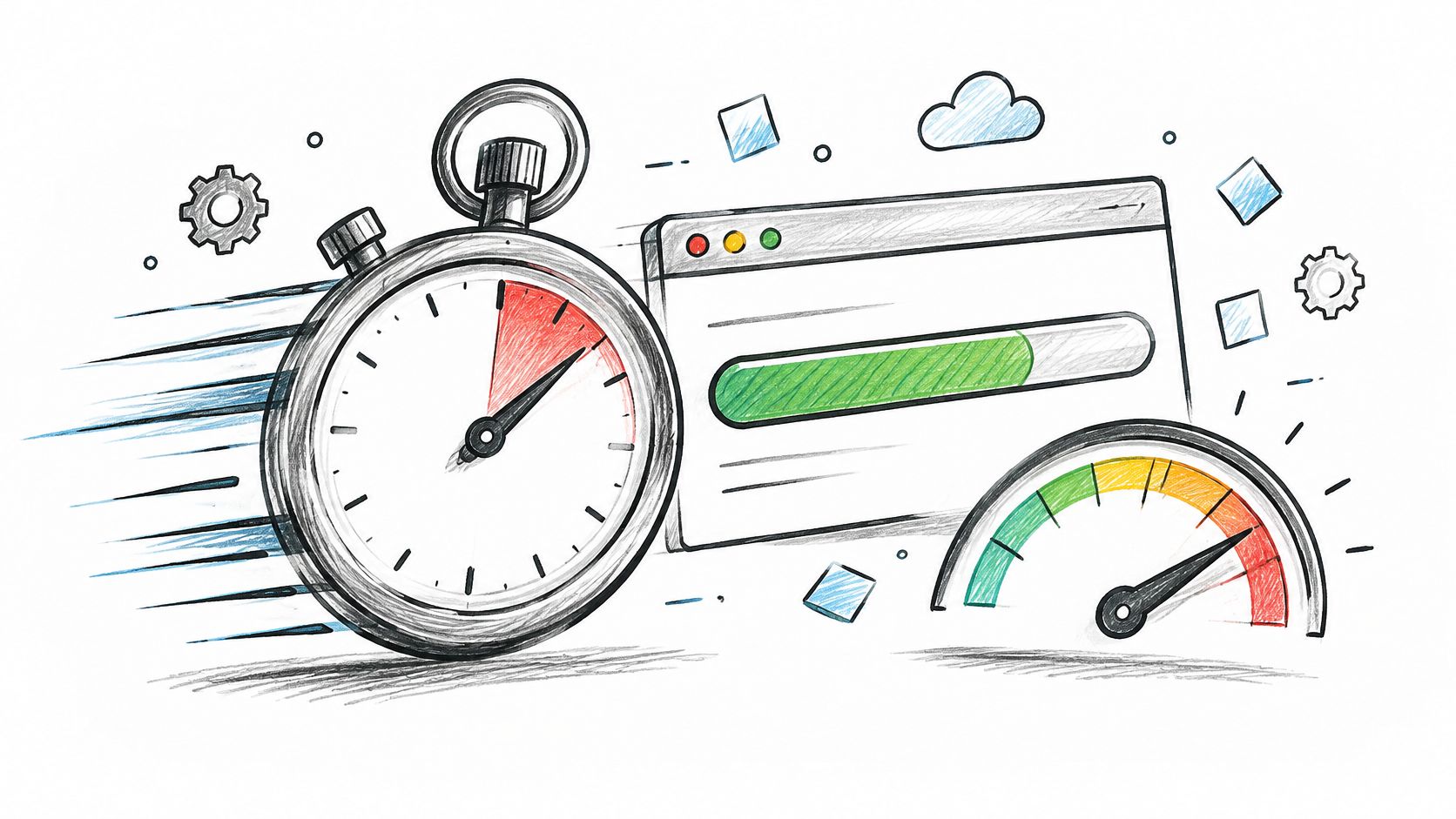
Before: "The system should be fast." Who can sign that off? Nobody, because it names no flow, no percentile, and no load. Averages make it worse, since a decent average can hide a miserable tail for a large minority of users.
After: "For mobile users, at least 75% of page loads must achieve LCP of 2.5 seconds or less, INP under 200 milliseconds, and CLS under 0.1." Those thresholds come from Google's Core Web Vitals guidance, which recommends evaluating the metrics at the 75th percentile, segmented across mobile and desktop. A page can load quickly yet still feel broken if buttons respond slowly or content jumps while someone reads.
A SaaS version you can test
Say a retailer runs a sale and checkout is the revenue path. Write the requirement against that flow, not against the whole site. Load test with production-like data, watch the same dashboard your funnel lives in, and fail the release when the budget breaks.
- Name the flow: checkout, search, prototype preview, or another specific journey
- Use a percentile: p95 or the 75th percentile, never a bare average
- State the condition: device, network, region, and concurrent load
- Name the tool: field data, lab test, or load test that proves it
Practical rule: If a performance target has no percentile and no flow, it is a slogan.
Does your current spec say which users get the fast experience, and which ones you're willing to leave waiting?
2. Scalability
Before: "The system should handle growth." That sentence survives every planning meeting because it commits to nothing. Teams then learn the actual limit during a launch campaign or a large customer onboarding, which is the costliest moment to learn it.
After: "The platform shall support 10 times current peak traffic without architectural changes, while keeping response times within agreed limits." Expressing growth as a multiple of today's peak gives engineering a design target and gives product a date to revisit it. You can tighten the multiple once adoption data replaces forecasts.
A multi-case study of Nordic software companies describes teams automating checks for maintainability, security, performance, scalability, and stability in continuous integration, with one project using ISO/IEC 25023 to define a scalability metric as a repeatable CI measurement. That's the pattern worth copying. Scalability becomes a monitored signal, not a late review item.
Where the ceiling usually shows first
Say an analytics product onboards a customer whose dashboards dwarf everyone else's. Will the database slow first, or a shared queue? Name the likely bottleneck in the requirement, then test against that customer's usage pattern rather than a synthetic trickle.
- Anchor to peak: state load as a multiple of current peak
- Mirror real usage: replay your largest customer's pattern in load tests
- Set a review date: revisit each quarter as adoption changes
- Gate the release: block launch when the CI scalability check fails
What breaks first when your biggest customer doubles usage next quarter?
3. Availability and Reliability

Before: "The system must be reliable." A mission-critical combat-management-system case study shows why a single headline metric fails here, because the project had to measure failure rate and overload prevention separately using quality characteristics and the Analytic Hierarchy Process. A composite score can guide priorities. It can't tell you whether failures come from capacity, recovery, or an unstable component.
After: "The service must achieve 99.95% monthly availability." Then add the lower-level measures that explain a miss, such as failure rate under peak workload and recovery behavior after a fault. Define what counts as an outage before anyone writes an SLA, and set the target per critical journey rather than only for the whole system.
Make the tradeoff visible
Translate the percentage into a downtime budget in minutes so stakeholders grasp what they're buying. Pair that budget with writing effective test cases that cover outage, retry, and recovery states. A design tool, for instance, can require offline-tolerant editing so a brief outage doesn't lose unsaved work.
Can your team name the owner who gets paged when that budget runs out?
4. Security

Before: "The application must be secure." Enterprise buyers won't accept that sentence, and neither should QA. Security belongs in the specification as testable controls, with a named standard and a verification method for each one.
OWASP guidance on digital identity states that passwords should be at least eight characters when multifactor authentication and other controls are used, and at least ten characters where MFA is unavailable. It also recommends rejecting compromised passwords, giving the concrete option of blocking the top 1,000 or 10,000 most common passwords that appear in breach data. Session rules need both an idle timeout and an absolute maximum lifetime, shorter as data sensitivity rises.
Write controls, then collect evidence
After: "Customer data must be encrypted in transit and at rest, access is restricted by role, breached passwords are rejected, and sessions end after inactivity with re-authentication required." Run a threat model during discovery, while changing course is still cheap. Keep an evidence folder that maps each control to an audit artifact, because that folder later answers security questionnaires.
- Authentication: MFA-dependent minimum length and breached-password screening
- Authorization: role-based access tested with permission cases
- Encryption: in transit and at rest, named explicitly
- Audit trail: logging that an auditor can inspect on demand
Which control in your spec could an auditor verify today without asking an engineer?
5. Accessibility

Before: "The UI should be accessible." Treat accessibility as a late audit and you'll pay to retrofit contrast, labels, and keyboard paths across finished screens. Build it into the requirement set and those choices become design defaults from the first prototype.
WCAG 2.2 requires normal text and images of text to have a contrast ratio of at least 4.5:1, while large-scale text requires at least 3:1. It also requires that automatically moving, blinking, scrolling, or auto-updating information lasting more than five seconds provide a mechanism to pause, stop, or hide it, unless motion is essential. Those sentences translate directly into tests a design system can run on color tokens and that QA can run on carousels and banners.
The gap in practice is wide. The HTTP Archive Web Almanac found in 2024 that only 29% of mobile websites and 28% of desktop websites had sufficient text-color contrast.
Put the check where design happens
Specify the WCAG level and the testing method in the requirement itself. Combine automated scans with manual testing using assistive technologies, and include users with disabilities in research rounds. A solid UI design guide helps teams set those defaults before screens multiply.
Accessibility is a set of observable constraints with defined exceptions and thresholds, not a visual preference someone applies at the end.
6. Usability
Before: "The product should be intuitive." This is what I mean by a requirement nobody can test, since intuitive describes a hope about other people's mental models. Without a target, a redesign can look better in the room while task completion drops for real users.
After: define two or three core tasks and state the expected outcome for each one. An onboarding flow might require most new users to create a first project without help, verified in moderated tests. A checkout redesign might target a shorter time to complete payment, measured against the previous version with the same task script.
Timing belongs here too. WCAG 2.2 Success Criterion 2.2.1, Timing Adjustable, at Level A, requires that when content imposes a time limit, users receive an allowed way to adjust, extend, or control it, subject to defined exceptions. So a session timeout becomes testable: does the warning appear early enough, can the user extend without losing work, and does assistive technology announce it?
Measure tasks, not opinions
- Pick core tasks: measure completion, time, and errors before and after changes
- Pair numbers with observation: watch sessions to learn why people stall
- Hold a baseline: use a consistent satisfaction measure across releases
- Check the funnel: confirm lab gains appear in real behavior
Grounding those choices in core UX principles keeps the targets tied to how people work. What would your last redesign have scored against a task target written before it started?
7. Maintainability and Modifiability
Say a product team ships fast for a year, then every small change starts breaking something distant. Before: "The code should be maintainable." That sentence never survives contact with a sprint review, yet it decides how quickly the team can answer customers next year. Design systems carry the same risk when a token change touches hundreds of screens without a clear process.
After: for a SaaS admin panel, the requirement might read "a routine change, such as adding a role to the permission model, reaches production within five business days, and token updates propagate through versioned releases." Verify it by tracking lead time and change failure rate as team health metrics, and by reserving a fixed share of each sprint for debt reduction. The requirement names the change, the clock, and the signal that proves the system stayed healthy.
The economics favor this discipline. Requirements clarified before build cost less to satisfy than the same requirements discovered after code exists, and rework consumes capacity the roadmap already promised elsewhere. Teams also need to communicate UI changes to teams so a token update lands as a versioned decision, not a surprise. Document component rules beside the code, and review the metrics whenever estimates start slipping.
A maintainability target is only real when someone owns the number.
8. Data Privacy, Compliance, and Retention
Before: "We respect user privacy." Legal review will translate that sentence at the worst possible moment, usually days before launch. Privacy requirements need to state which data is collected, why, where it lives, how long it stays, and how a customer can get it deleted.
After: "Raw event data for EU customers is retained for a defined window, then deleted, and deletion requests complete within the period stated in the requirement." Write deletion and export as acceptance criteria with test cases, not as policy prose. Map every field to a documented purpose before building storage for it, because unused data is pure liability.
Compliance progress is uneven across the industry. Applause's Digital Accessibility Survey reported in 2024 that 42% of respondents said their organizations achieved WCAG 2.2 Level AA compliance, according to UserWay's summary of the survey data. Conformance claims need evidence behind them, whatever the regulation.
Bring reviewers in early
Involve legal and security during discovery, while data flows are still diagrams. Review retention settings annually against current rules, since regulations and product scope both drift. Figr's approach to compliant product design is relevant reading for teams working under sector rules.
- Purpose first: every field maps to a reason before storage exists
- Retention clock: each data type carries an explicit deletion window
- User rights: export and deletion tested like any other feature
- Annual review: settings checked against current regulations
Could you list, right now, every place a customer's personal data sits in your product?
Eight non functional requirement categories at a glance
| Item | Core Metric | Example Target | Common Standard or Framework |
|---|---|---|---|
| Performance (Response Time and Throughput) | Response latency percentiles and throughput under stated load | p95 checkout response under 800 ms at peak traffic | ISO/IEC 25010 |
| Scalability | Capacity growth and performance as load increases | Support 5,000 concurrent dashboard users per tenant | No single named standard; capacity and load testing practices |
| Availability and Reliability | Uptime, error rates, RTO, and RPO | 99.9% monthly uptime with a 4-hour RTO | Google SRE; AWS Well-Architected Framework; ITIL |
| Security | Access controls, encryption, audit logging, and compliance | SOC 2, SSO, and zero data retention for enterprise accounts | OWASP ASVS; SOC 2 Trust Services Criteria; NIST Cybersecurity Framework |
| Accessibility | WCAG conformance, contrast, keyboard access, and screen-reader support | WCAG 2.2 Level AA, including 4.5:1 contrast for normal text | WCAG; ADA; European Accessibility Act |
| Usability | Task success, time on task, error rate, and satisfaction | 85% of new users create a first project without help | ISO 9241-11; System Usability Scale; Nielsen usability heuristics |
| Maintainability and Modifiability | Change lead time, test coverage, and ease of modification | A standard fix reaches production in under one day | DORA metrics; Accelerate |
| Data Privacy, Compliance, and Retention | Data collection, purpose, retention, residency, and deletion | 30-day raw event retention for EU customers | GDPR; CCPA/CPRA; Privacy by Design |
Turn One Vague Requirement Into a Test This Week
Pick the category your last launch missed. Don't rewrite the whole specification, because a big cleanup project dies in the backlog. Take one sentence with fast, secure, or intuitive in it and force it through a simple shape. The basic gist is this: metric, threshold, operating condition, measurement location, test method, owner, and review date.
Microsoft's guidance warns that vague statements such as "load as fast as possible" and "handle peak traffic" are not testable, and that demanding 99.999% availability when the business need supports 99.9% creates unnecessary cost, as set out in Microsoft's module on non-functional requirements. More stringent isn't automatically better. Why pay for a threshold no customer behavior justifies?
Step 1. Choose the missed category.
- Look at your last incident, failed audit, or abandoned flow
- Name the user outcome that suffered
Step 2. Rewrite it as a number with a condition.
- Add percentile, load, device, or data sensitivity as relevant
- Tie the threshold to abandonment risk, revenue, or compliance exposure
Step 3. Attach the verification method and owner.
- Load test, CI check, audit, moderated task test, or production monitor
- One named owner and one review date, written into the story
Step 4. Connect it to the artifacts it governs.
- Pair the criterion with the PRD, flows, and edge cases it constrains
- Figr can use PRDs as input and turn requirements into flows, edge cases, and screen directions, provided the product context is included
In short, a requirement earns its place when a stranger could test it. Applause analyzed more than 200,000 defects in digital experiences in 2024, according to DevOps Digest's coverage of its State of Digital Quality report, which hints at how much failure still reaches users. Your next story can carry one measurable criterion that keeps a defect out of that pool. Write it before design starts, test it before release, and review it when real usage tells a different story.
Bring Figr your PRD with its new testable criterion and the product context around it, and it will turn those requirements into flows, edge cases, acceptance criteria, and screen directions your team can review before build. That keeps quality targets attached to the actual designs instead of stranded in a document nobody opens. Start with your next user story at Figr.