

A minor component update can subtly break a product faster than a major redesign, especially when nobody can answer which version of the system is live.
When teams treat design system versioning like release hygiene instead of change management, the damage shows up everywhere: a button token changes in Figma but not in code, a deprecated pattern stays in production because no one announced an end date, a Product Manager discovers late that a “safe” update shifted behavior across forms, modals, and onboarding flows. Trust erodes first. Velocity drops right after.
Figr helps by grounding version decisions in product context instead of isolated files. Its Visual Context Graph connects visual context, behavioral context, design system context, product knowledge context, and implementation context, so designers can trace what changed, where it appears, and what a migration touches before they publish anything.
Why design system versioning feels harder than SemVer suggests
Design system versioning is hard because the version number is rarely the actual problem, the social contract behind it is.
Semantic Versioning gives teams a clean vocabulary. Major versions signal breaking changes, minor versions add functionality, and patch versions handle smaller fixes. That model is commonly applied to design systems as a whole library version, not only to individual elements, because large organizations need one coordinated number across components, tokens, and guidance, as explained in UXPin's discussion of component versus design system versioning.
But anyone who has shipped across multiple product teams knows the version label can still lie.
A designer may mark a change as minor because the component still looks familiar. Engineering may experience it as breaking because spacing tokens changed, interaction states shifted, or prop assumptions no longer hold. Documentation may lag behind both. What you thought was versioning becomes arbitration.
Last week, I watched a Designer and a Product Manager spend most of a review meeting arguing over whether a form-field update was “visual only.” It wasn't. Error-state spacing changed, helper text wrapped differently, and one mobile screen lost a primary action below the fold.
That's the hidden category people rarely name: behavioral breakage.
The practical lens
Use SemVer, but define what breaking means in your organization before release day.
That definition should generally include more than API changes:
Visual breakage: Existing layouts shift, truncate, overlap, or lose hierarchy.
Behavioral breakage: States, interactions, or expected control patterns change.
Operational breakage: Teams need migration work, reapproval, or retesting.
Documentation breakage: The published guidance no longer matches shipped reality.
Practical rule: If a consuming team must stop and make a decision, treat the change with the seriousness of a breaking change.
That mindset changes the quality of your release notes, your rollout plan, and your tooling choices.
Figma is where design-first versioning either earns trust or burns it
Figma works well when design is the operational front door for your system, and its real strength is controlled publishing rather than advanced release governance.
If your team treats the design library as the source of truth for day-to-day adoption, Figma's branching and merging model is useful. Designers can isolate work in branches, review before merging to main, and then publish the library so downstream files receive updates through a governed workflow. That branch-to-main lifecycle maps neatly to the kind of release discipline often sought, even if they don't always maintain it.
Where Figma helps
Figma is strongest when the core problem is accidental change.
A branch gives the system team breathing room. Version history gives rollback insurance. Library publishing creates a gate between internal experimentation and consumer-facing updates. For organizations on plans that include analytics, adoption visibility also helps with deprecations, because you can see which assets are still in use before you remove them.
The trade-off is straightforward. Figma is excellent at authoring control. It is less effective as a complete change management layer.
You can't publish directly from a branch, so every release still depends on a merge to main. At scale, library update behavior can create churn, especially when many teams consume the same shared assets and updates ripple through a large file footprint. Availability of branching and analytics also depends on plan level, which matters more than teams expect.
Where teams get burned
The most common mistake in Figma is publishing visual updates without a migration story.
A component rename, variant restructure, or token remap may look harmless in the source file. Consumer files interpret it differently. That gap is where silent breaking changes happen. Designers often notice only after engineers or adjacent teams report misaligned screens.
This is what I mean: Figma supports release control, but it doesn't force release thinking.
Use it well by creating a lightweight publishing checklist:
Review before merge: Confirm whether the change affects layout, behavior, states, or naming.
Classify the release: Mark it as major, minor, or patch in your own changelog convention.
Publish with context: Tell consumers what changed, what action is required, and what can wait.
Track downstream impact: Check which libraries and files still depend on old patterns.
When teams already live inside Figma, that discipline gets you surprisingly far. When they need synchronized intelligence across design, code, and adoption, they usually need another layer above it.
Zeroheight makes version history legible to the people who don't open Figma
zeroheight is useful when the problem shifts from creating versions to communicating them across the organization.
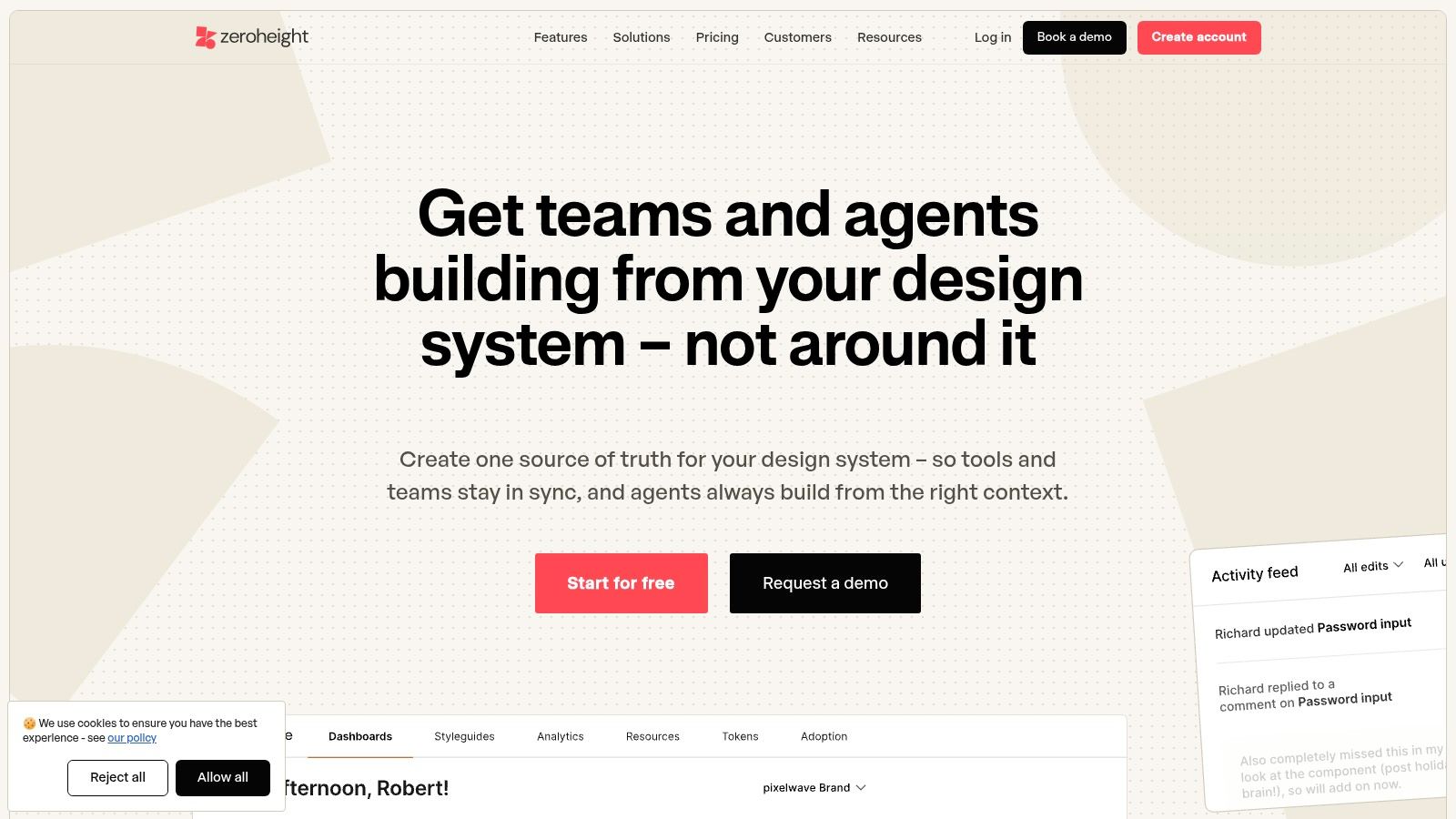
A design system only works if non-authors can understand what changed. Designers may follow library updates closely. Engineers, Product Managers, QA, and support rarely do. zeroheight's release model helps because it turns documentation into immutable snapshots, so people can reference a current or prior version of the system with a visible version picker instead of trying to reconstruct history from Slack threads and memory.
Why snapshot docs matter
Teams often underestimate how often version confusion starts in documentation, not in code.
A consumer opens a docs page that says one thing, a Figma library shows another, and production behaves a third way. That split creates what many teams recognize as version drift. One especially under-addressed problem is synchronization across code, design, and docs. Supernova highlights that gap directly, noting that 60% of teams struggle with inconsistent versioning between React components and Figma tokens in its review of versioning examples in leading design systems.
zeroheight is good at reducing the documentation side of that problem. Releases let teams publish versioned docs with draft or visible controls, maintain a default “Latest,” and share updates through Slack or Microsoft Teams notifications. AI-generated release notes can also help system teams avoid the blank-page problem when it's time to explain what changed.
The trade-off you need to accept
zeroheight isn't a rollback engine.
Earlier releases remain available for reference, but they are view-only. If your team expects docs tooling to act like source control, this will feel limited. Releases are also gated by plan, so smaller teams may not get the full versioning workflow right away.
A version menu lowers anxiety for consumers because it answers a quiet question fast: “Am I looking at the thing my product actually uses?”
That matters more than many design teams realize.
A good docs release system changes behavior. People stop asking for one-off clarifications. They start self-serving. At scale, that's an economics problem as much as a design ops problem. Every ambiguous update creates repeated interpretation work across product teams, and repeated interpretation is expensive.
Supernova handles coordinated releases when design, tokens, and docs must move together
Supernova fits teams that need formal release structure across more than a Figma library, especially when tokens and documentation have to stay in step.
Its value is simple: you can cut semantic versions for the design system, preserve release snapshots, and let consumers view the system as it existed at a given release. That “view as of release” behavior matters when your team supports long-lived products, regulated environments, or migration programs that unfold over time.
Where Supernova is strongest
Supernova works best when your system is no longer just a component library, it's a governed product with dependencies.
That distinction matters. Once tokens, documentation, patterns, and code-adjacent artifacts all need version awareness, simple publishing workflows start to feel thin. Supernova's model gives teams a single release frame for structure and content. It also supports container versioning for custom code containers, which is useful in environments where the system extends into implementation-specific packages.
The real-world trade-off
This kind of platform usually makes sense after a team has already felt pain.
Seat-based pricing and plan details can vary, so it's worth confirming how AI usage, workspace rules, and seat policies map to your org before committing. The bigger question, though, isn't cost. It's operational readiness. If your design system team still ships mostly ad hoc changes, a formal release platform can expose process gaps faster than it fixes them.
I've seen this happen. A team buys better tooling, then realizes they still haven't defined deprecation windows, approval rules, or release ownership. The tool isn't the bottleneck. The missing policy is.
What to look for before adoption
Choose Supernova when you need these conditions:
Release certainty: Consumers must inspect an exact historical version.
Cross-asset governance: Tokens, docs, and guidance need coordinated lifecycle management.
Structured communication: You want release framing that survives staff changes and memory loss.
For large organizations, design system versioning at the library level is often the better fit because it prevents version sprawl and compatibility issues that emerge when teams try to track many individual component versions, as noted earlier in the UXPin analysis. Supernova aligns naturally with that operating model.
Tokens Studio is the right choice when tokens are your real contract
Tokens Studio becomes valuable when design system versioning is really token versioning in disguise.
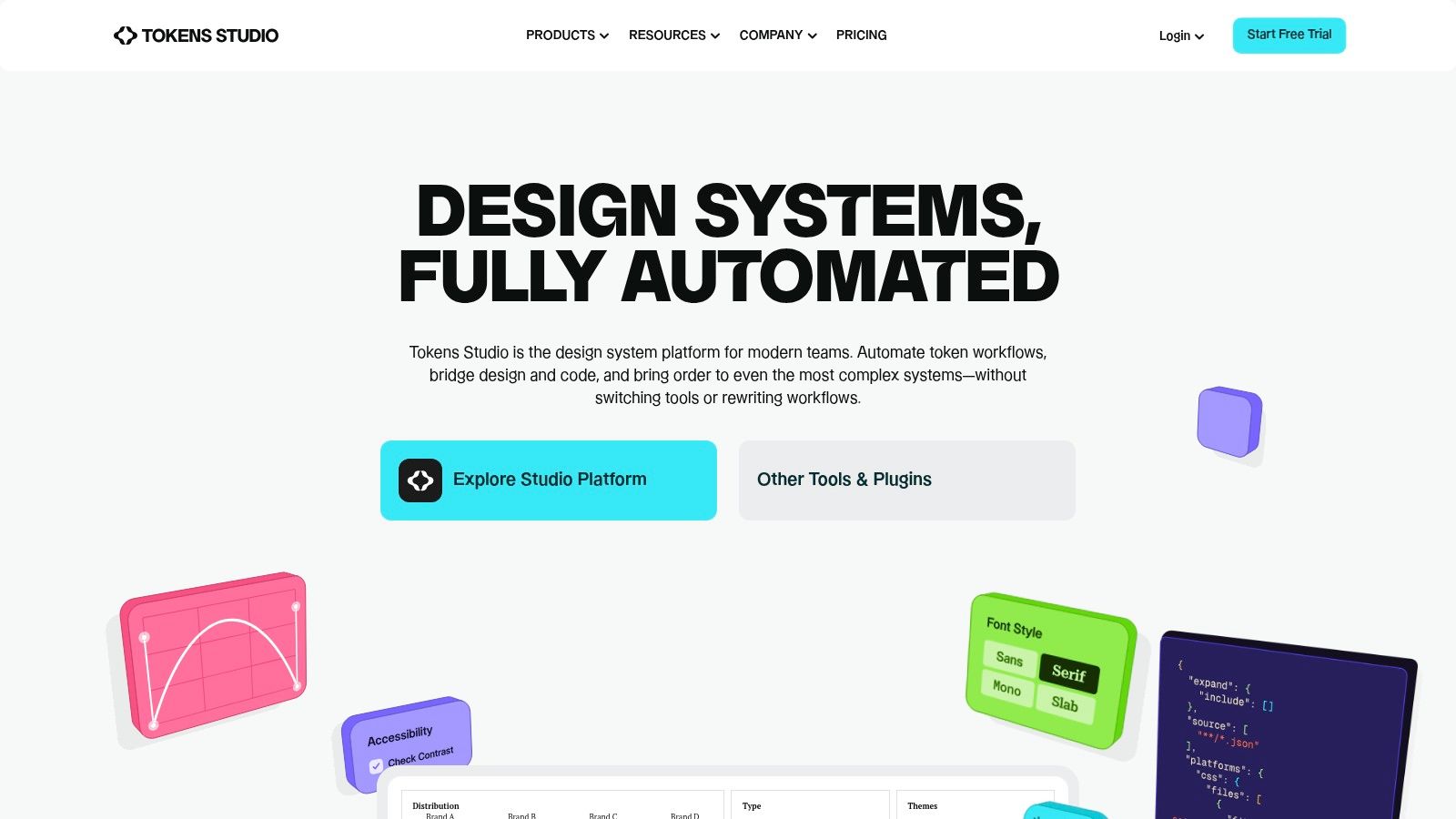
A lot of systems say components are the contract. In practice, the contract often sits lower. Color, spacing, typography, radii, elevation, and motion tokens shape how every component behaves, and teams feel the consequences when those primitives change without ceremony. Tokens Studio gives that layer a release workflow, with versioned releases, semantic versioning options, sync providers such as GitHub, and a path to align token sets with Figma Variables.
Why token releases deserve their own process
Teams often bury token changes inside component updates, and that's where migrations get messy.
A spacing token update can affect dozens of surfaces without a single component API changing. A renamed semantic color token can break design files, coded themes, and documentation references at once. The basic gist is this: token changes have a broad blast radius, so they need explicit release handling.
Brad Frost makes a useful distinction in his piece on single-library versus individual-component versioning. Organizations powering many applications with different technologies often need individual packaging for incremental adoption, while systems serving one or two products usually benefit from treating versioning as a site-wide library concern. Tokens Studio helps most when your token layer spans products and needs a shared release contract across design and engineering.
Where friction appears
Token workflows can get fragile at scale.
Teams report occasional sync friction between Variables and token structures, especially when governance is loose or collections have evolved inconsistently over time. Larger organizations should evaluate plan tiers and workflow fit carefully, because token discipline depends as much on naming and review habits as on tooling.
Migration heuristic: If a token change alters meaning, not just value, assume you need communication beyond a changelog.
That one rule prevents a lot of avoidable confusion.
Best use case
Tokens Studio is a strong fit when:
Engineering consumes tokens directly from repositories or build pipelines
Designers manage variables actively inside Figma
Release semantics matter at the foundation layer, not only at the component layer
If your system's biggest source of breakage lives in primitives, this is the layer to fix first.
Why code-first teams prefer UXPin Merge
UXPin Merge works when code is the source of truth and the main goal is reducing drift between design artifacts and production components.
That operating model is different from a design-first library workflow. Designers work with live coded components sourced from Storybook, npm, or Git repositories, so the versioned thing inside the design tool is already tied to implementation. For teams standardized on React and Storybook, that can remove a large class of mismatch before it starts.
What Merge gets right
Merge is strongest when the question is, “Which exact component release did this design use?”
That question matters during handoff, bug triage, and migration planning. If the library is tagged and teams choose when to upgrade, design can follow the same release rhythm as engineering instead of running on a parallel track of approximations.
This is especially useful in organizations where design files often drift from coded reality. Working from versioned code components makes the design artifact less interpretive. It also reduces debates about whether a change is visual debt or implementation debt, because the component contract is shared.
Where teams hesitate
This workflow assumes engineering maturity.
Feature availability varies by plan, and advanced Git integration may require enterprise arrangements. More importantly, it expects a code-centric system with maintained component infrastructure. If your team doesn't already have healthy Storybook, repo hygiene, and release tagging, Merge won't magically create them.
I'd choose it when engineering already leads component governance and design wants tighter alignment with shipped reality. I wouldn't choose it for a system team that still relies on informal patterns and loosely maintained coded components.
A practical communication benefit
Versioning in code-first systems often improves trust because consumers can schedule upgrades deliberately.
That matters in change management. Product teams don't resent change as much as they resent surprise. When they can see a tagged release and adopt it on their schedule, versioning starts to feel like coordination instead of interruption.
Knapsack supports governance when the challenge is approval, history, and system-wide visibility
Knapsack is most useful when your versioning problem is really a governance problem.
Some teams already have decent design files and decent code packages. What they lack is a way to see status, approvals, dependencies, and historical changes across the whole system. Knapsack is built for that middle layer. It ties component and pattern management to versioning and dependency awareness, and it adds the operational controls that multi-team environments usually need once the design system becomes shared infrastructure.
Where Knapsack earns its keep
Knapsack helps when release quality depends on traceability.
A Designer proposes a pattern change. Engineering updates source code. Documentation should reflect the same move. Another product team wants to know whether the pattern is approved, deprecated, or under review. Under these circumstances, governance tooling matters more than raw authoring speed.
Integrations that update docs and specs from source changes are particularly useful because they reduce the manual cleanup work that usually follows a release. Full visibility into status and history also helps leaders answer difficult questions without detective work. What changed, who approved it, what depends on it, and where is it adopted?
What to watch closely
Knapsack is a serious option for structured organizations, but it usually requires a sales-led buying process. Budgeting is harder when pricing isn't self-serve, and teams evaluating quickly may find that friction slows internal momentum.
That said, the bigger risk is buying governance software before the org is ready to govern. You still need explicit ownership, approval thresholds, and deprecation policy. Without those, even a strong platform becomes a nicer place to store ambiguity.
When teams can see version status and approval history, escalation paths get shorter because fewer arguments start with “I thought this was already finalized.”
For design system versioning, that's a meaningful operational win.
Bit excels when each component needs its own release path
Bit is the clearest choice in this list for per-component versioning across many applications.
If your organization ships dozens or hundreds of applications, full-library releases can become blunt instruments. Bit gives each component its own versioning and snapshot history, along with dependency graphs, docs, and distribution workflows. That makes it well suited to code-centric systems where consumers need deterministic, incremental upgrades instead of synchronized system-wide adoption.
Why this model scales differently
Per-component versioning creates flexibility by letting teams update exactly what they need.
That flexibility is often the only viable option in large application environments. As noted earlier in Brad Frost's versioning analysis, organizations powering many apps with different shapes, sizes, and technologies often need individual component packaging to support incremental adoption. Bit is built around that assumption.
The upside is clear. Teams can publish a specific component update, let consumers opt in when ready, and track dependency relationships with more precision than a single system version usually allows.
The cost of precision
Granularity creates overhead.
Engineering has to own the workflow. Dependency graphs need to stay accurate. Release discipline has to be strong, because per-component freedom can become version sprawl if the organization lacks standards. That's the trade-off every team should face directly. Flexibility is not free.
A friend at a growth-stage SaaS company once described this perfectly: they didn't have a component problem, they had a synchronization problem masquerading as freedom. Every team loved independent upgrades until nobody could explain which combinations were safe.
When Bit is the right call
Choose Bit if these statements sound true:
Your design system is code-centric
Many apps consume only subsets of the system
Incremental adoption matters more than lockstep consistency
Engineering can own package and dependency discipline
If those conditions aren't true, library-level versioning is usually easier to govern.
How to roll out change without creating migration debt
A clean versioning strategy needs a migration plan before release, not after complaints arrive.
Teams fail here because they focus on naming the release and skip the adoption workflow. A major version with no migration path is just a delayed incident. A minor version with poor communication often behaves the same way.
A working release workflow
Use a simple operating model every time you publish a meaningful change.
Step 1. Classify the change.
Decide whether it is major, minor, or patch.
Include visual, behavioral, documentation, and implementation impact in that call.Step 2. Identify affected surfaces.
Map which products, flows, and states may change.
Include edge cases such as empty, loading, error, validation, and mobile variants.Step 3. Write the migration note.
Explain what changed, who needs to act, and what can wait.
Show before-and-after examples when a rename or pattern shift is involved.Step 4. Deprecate before removing.
Mark old components, tokens, or patterns clearly.
Give consumers a visible window to migrate.Step 5. Track adoption.
Review which teams updated and which stayed behind.
Follow up on blockers instead of assuming resistance means apathy.
The anti-patterns that keep repeating
I've seen the same versioning failures in startups and large organizations alike:
Silent breaking changes: A release looks safe on paper but alters usage assumptions.
Never deprecating: Old patterns linger forever, so teams stop trusting guidance.
Docs lagging behind code: Consumers can't tell which version is authoritative.
One-message communication: A release note in one channel disappears by next week.
No adoption tracking: Teams assume publication equals rollout.
For close inspection of implementation changes, even outside system tooling, a browser-based code comparison workflow can help reviewers examine deltas more deliberately before broad rollout.
Figr helps teams manage versioning as product intelligence, not file hygiene
Figr is useful for design system versioning because it connects the version decision to the product surfaces affected by that decision.
Most tools in this category solve one layer well. Authoring, docs, tokens, code packages, or governance. The harder problem is seeing how a system change travels through actual product flows. That's where design system work starts to resemble product work. You need context, not only history.
Where Figr fits in the workflow
Figr's Design System Intelligence learns tokens, components, variants, states, and usage rules. That matters when a team is evaluating whether a change is breaking, whether a migration is narrow or broad, and which states deserve review before a release goes live.
Its Context Pod gives teams memory across sessions, including PRDs, research, walkthroughs, analytics, screens, and prior decisions. For change management, that means release conversations don't restart from zero every time a component evolves.
Why the Visual Context Graph matters
The last mile of versioning is understanding impact across the live product, and Figr's Visual Context Graph is built around five connected layers:
Visual context
Behavioral context
Design System context
Product Knowledge context
Implementation context
That structure helps a Designer or Product Manager trace a component or token change through actual screens, flow logic, documented decisions, and code constraints before publishing updates. It won't replace judgment, and it shouldn't. It gives judgment more context.
A practical use case
Say a team updates a form pattern with new validation states. Figr can ingest Figma files, PRDs, existing screens, and product context, then help map impacted states and create Figma-ready artifacts for migration planning. That's especially useful when releases need more than a changelog, they need edge case mapping, state diagrams, or acceptance criteria tied to the update.
You can get broader foundational context on design systems from Figr's design systems guide.
Design System Versioning, 7-Tool Comparison
Figma. Complexity is low to medium, using design-tool native workflows. Needs designers and an org plan for branching and analytics. Delivers governed design-first releases with controlled library updates. Ideal for teams where design is the source of truth and component releases must be gated. Key advantages: branch-to-main lifecycle, visual diffs, and library analytics.
zeroheight. Complexity is low, with a docs-focused setup. Needs docs authors and a paid plan for Releases and integrations. Delivers immutable docs snapshots and visible versioned guidance for consumers. Ideal for communicating versioned guidance to non-design stakeholders. Key advantages: snapshot-style Releases, a version picker, and Slack/Teams notifications.
Supernova. Complexity is medium, a platform spanning tokens, docs, and versioning. Needs cross-functional setup and seat-based licensing. Delivers semantic release of tokens and docs plus release snapshots for auditability. Ideal for organizations needing lockstep tokens, docs, and design across versions. Key advantages: single-platform versioning and "view as released" certainty.
Tokens Studio. Complexity is medium, built around token-centric workflows. Needs token owners, the Figma plugin, and Git sync integrations. Delivers formal token releases that align design variables with code. Ideal for when tokens are the contract between design and engineering under SemVer. Key advantages: bridges Figma Variables and repos, with explicit token Releases.
UXPin Merge. Complexity is high, integrating real code components. Needs engineering resources, Storybook/npm/Git, and enterprise support. Delivers designs that match exact, versioned production components and reduced drift. Ideal for code-first teams using React and Storybook who need deterministic upgrades. Key advantages: live coded components and tag or CLI-based version control.
Knapsack. Complexity is medium to high, covering governance and integrations. Needs multi-team governance, integrations, and sales-led pricing. Delivers versioned packages with approvals, change history, and system-wide visibility. Ideal for large orgs needing structured approvals, audit trails, and cross-team governance. Key advantages: strong governance, approval workflows, and status and history visibility.
Bit. Complexity is high, an engineering-centric component platform. Needs engineers, CI, and repo integrations, with cloud or enterprise pricing. Delivers per-component SemVer releases and dependency-aware distribution across apps. Ideal for code-centric design systems requiring deterministic component releases. Key advantages: per-component versioning, dependency graphs, and automated distribution.
From versioning chaos to a contract of trust
Design system versioning works when teams treat it as a contract of trust, not an administrative ritual.
The strongest teams don't only choose between library-level versioning and component-level versioning. They define what counts as a breaking change, document migration paths before release, and communicate in a way that respects how product teams absorb change. The version number matters. The surrounding clarity matters more.
That's why the tools in this list solve different slices of the same operational problem. Figma handles design-first publishing well. zeroheight makes release history easier for consumers to understand. Supernova adds coordinated release structure across docs and tokens. Tokens Studio gives the primitive layer the release discipline it deserves. UXPin Merge helps code-first teams keep design aligned with live components. Knapsack supports governance and approval-heavy environments. Bit is the strongest fit when every component needs its own release path.
The right choice depends on where your drift starts.
If your biggest issue is authoring control, stay close to Figma. If your docs confuse the organization, fix that first. If tokens are breaking products subtly, put release discipline at the token layer. If your system powers many applications with different adoption timelines, component-level distribution may be worth the overhead. If your organization is large and centralized, library-level design system versioning still offers the cleanest coordination model, especially when consistency matters more than local autonomy.
Figr fits naturally when your team needs a bridge across those layers. Its Design System Intelligence and Visual Context Graph help teams understand version impact in product context, which is often the missing piece between “we published an update” and “teams adopted it safely.” That kind of intelligence doesn't eliminate process. It makes the process less brittle.
Your next step should be small and concrete. Audit the last three design system updates your team shipped. For each one, ask four questions: was the change classified correctly, was the migration path clear, did documentation match reality, and do you know who adopted it? The gaps in those answers will tell you which tool, workflow, or governance layer you need.
If your team is trying to make design system changes easier to understand, safer to roll out, and more grounded in real product context, try Figr.