
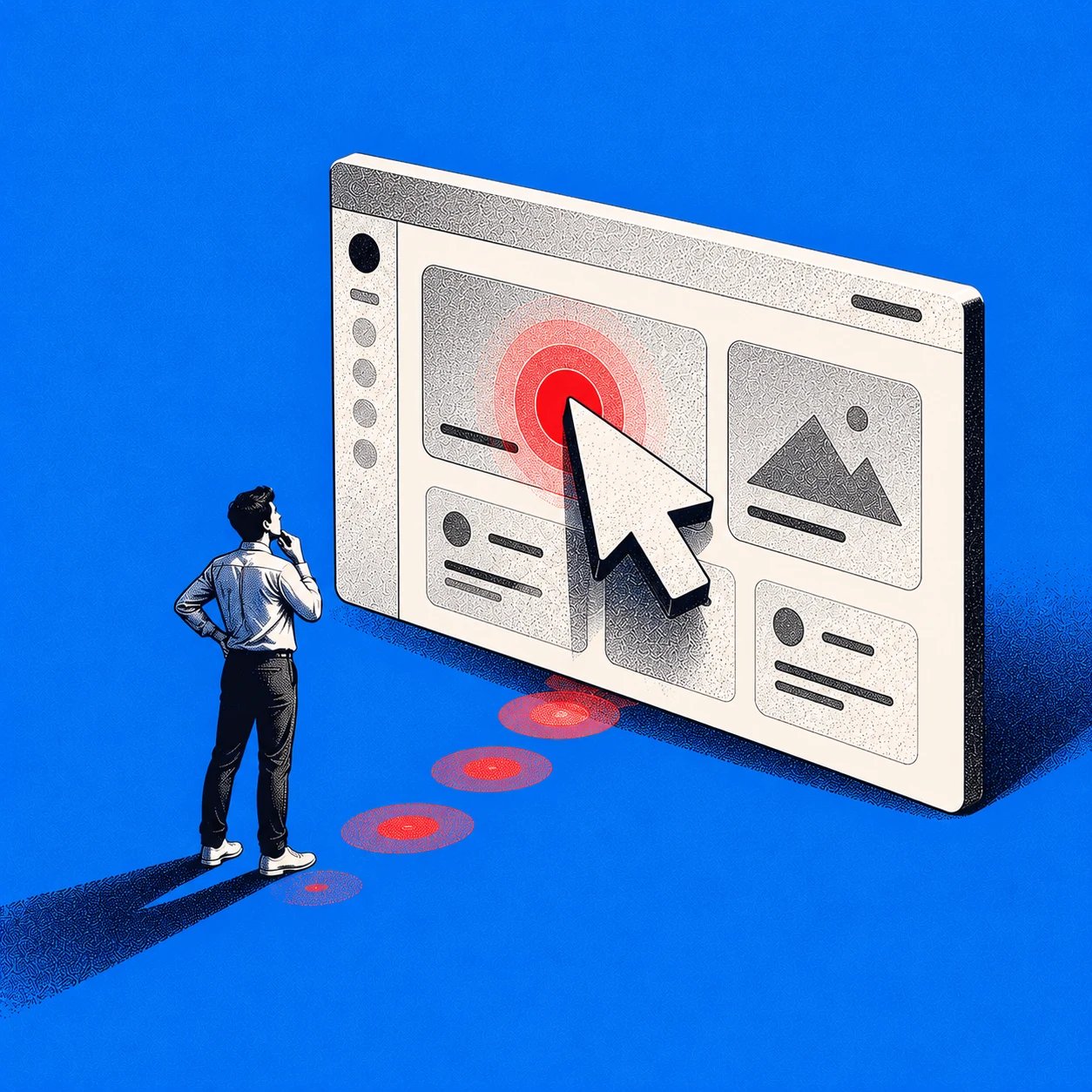
A customer needs to invite a teammate. They open account settings, but your product puts invitations under the workspace menu. Both choices make sense to someone. Only one gets them where they need to go.
First click testing reveals this kind of mismatch before a navigation decision becomes expensive to change. Give people a realistic task, show them a screen, and record where they would begin. The click tells you what looked like the right path to them, even if your team expected something else.
This guide covers how to plan a first click test, write useful tasks, interpret results, choose tools, and turn findings into better product flows. The examples focus on B2B SaaS, where roles, permissions, and workspace settings often create competing routes.
What Is First Click Testing?
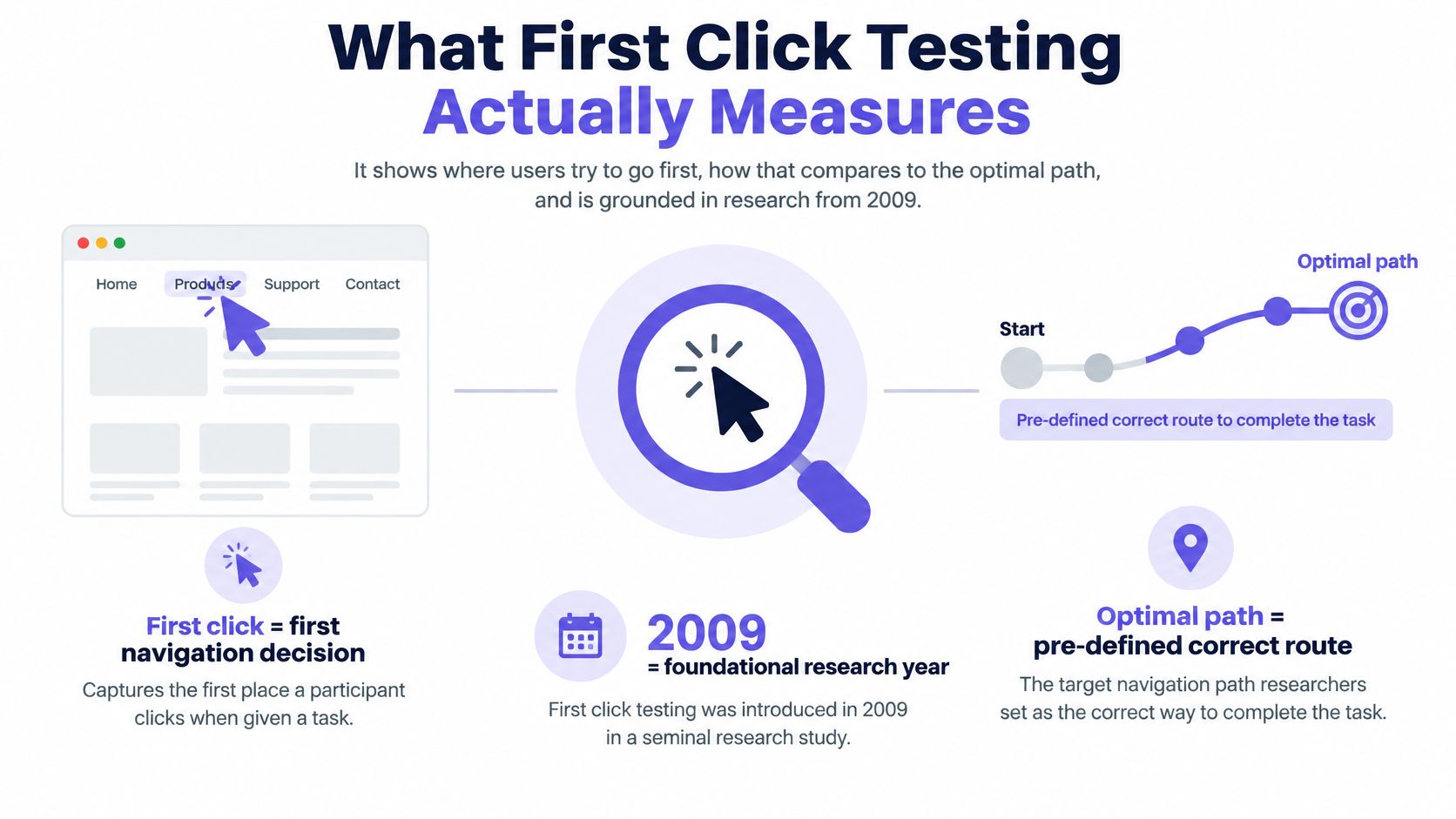
A first click test asks a participant to identify the first place they would select to accomplish a specific goal. Researchers show a screen, wireframe, or design image; present a task; and record the initial selection. Before the test, they define which click locations count as useful starting routes.
The method is especially useful when deciding whether people can find a feature, understand a navigation label, notice an action, or choose between similar entry points. You can run it before a flow is fully interactive, but the result is narrow: a good first click is not proof that the rest of the task works.
Why the initial choice matters
An early wrong turn can lead to backtracking or abandonment. In research summarized by MeasuringU, Bailey and Wolfson found task completion of 87% after an optimal first click, compared with 46% after a nonoptimal first click across 12 scenario-based studies. A later MeasuringU replication across five websites, 21 tasks, and 750 participants found 78% versus 70%. These are associations from particular studies, not predicted success rates for your product.
Optimal Workshop's discussion of correct first clicks also reports analyses with different task-success gaps. The practical lesson is to measure the starting decision, then test whether the destination and subsequent flow work. Nielsen Norman Group's guidance on navigation and IA tests makes the same methodological distinction between testing interface clicks and testing a navigation hierarchy.
A community-college library study illustrates the appeal of a clearly defined initial response: researchers can compare where different participants choose to start. Keep those comparisons tied to a specific task and screen.
First Click Testing vs. Other Usability Methods
The phrase click testing can refer broadly to studying clicks on a design. A first click test stops at, or isolates, the initial choice. Other methods answer different questions.
Method: First click testing
What participants do: Choose where they would start on a screen
Best question to answer: Can people identify a promising entry point?
Key limitation: Does not prove they can finish the task
Method: Tree testing
What participants do: Navigate text-only categories
Best question to answer: Does the information architecture make the destination findable?
Key limitation: Removes visual layout and hierarchy cues
Method: General click testing
What participants do: Click on a design, sometimes across several prompts
Best question to answer: Which elements attract selections?
Key limitation: Click counts alone may not establish intent
Method: Preference testing
What participants do: Choose a favored option or explain a preference
Best question to answer: Which treatment do people prefer, and why?
Key limitation: Preference does not establish findability or usability
Method: Moderated usability testing
What participants do: Attempt a task while a researcher observes
Best question to answer: Where do people struggle, recover, or fail across the flow?
Key limitation: Smaller sessions alone cannot establish prevalence
Nielsen Norman Group explains tree-test results in terms of navigation routes, including whether people recover after a wrong turn. A first click test on an actual interface keeps the visual design in view. Optimal Workshop's comparison of card sorting and tree testing is useful when the underlying taxonomy, rather than a particular screen, needs work.
If stakeholders disagree about whether Workspace settings or Admin should contain billing, consider tree testing. If they agree on the hierarchy but worry that a menu is invisible, test the interface. If the problem occurs after someone opens billing, use an interactive prototype-testing approach or observe the complete task.
How to Run a First Click Test
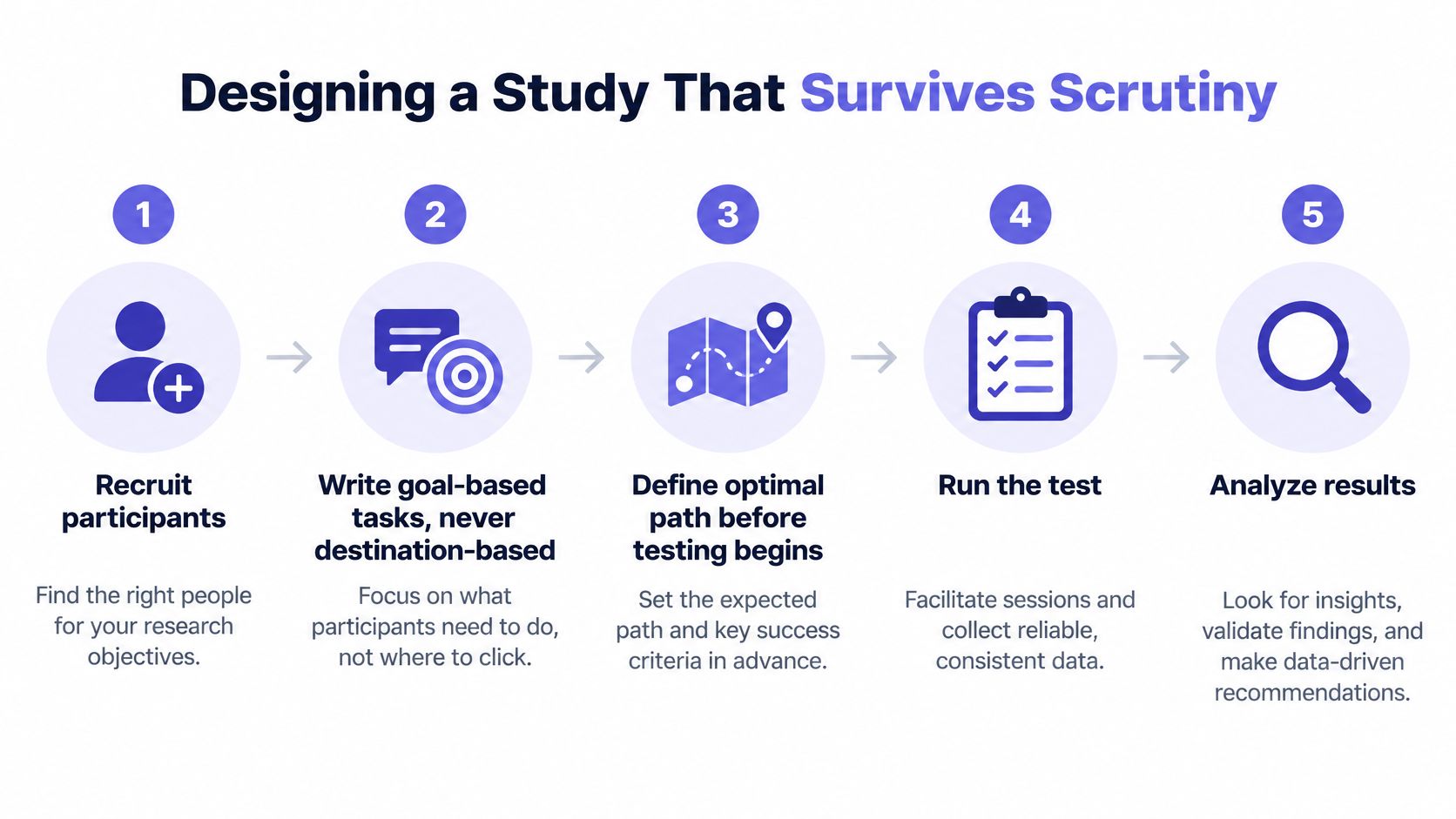
A useful study starts with the product decision, not the test software. Write down what you intend to change if participants choose the expected route, and what you will investigate if they do not.
1. Define the research goal
Make the question specific: Can workspace administrators find where to manage teammate access from the project overview? Avoid goals such as Is our navigation intuitive? They are too broad to interpret from one click.
Record the target audience, starting screen, device, task, competing design options, and decision owner. If a result cannot inform a change, reconsider whether this is the right test.
2. Write a goal-based task
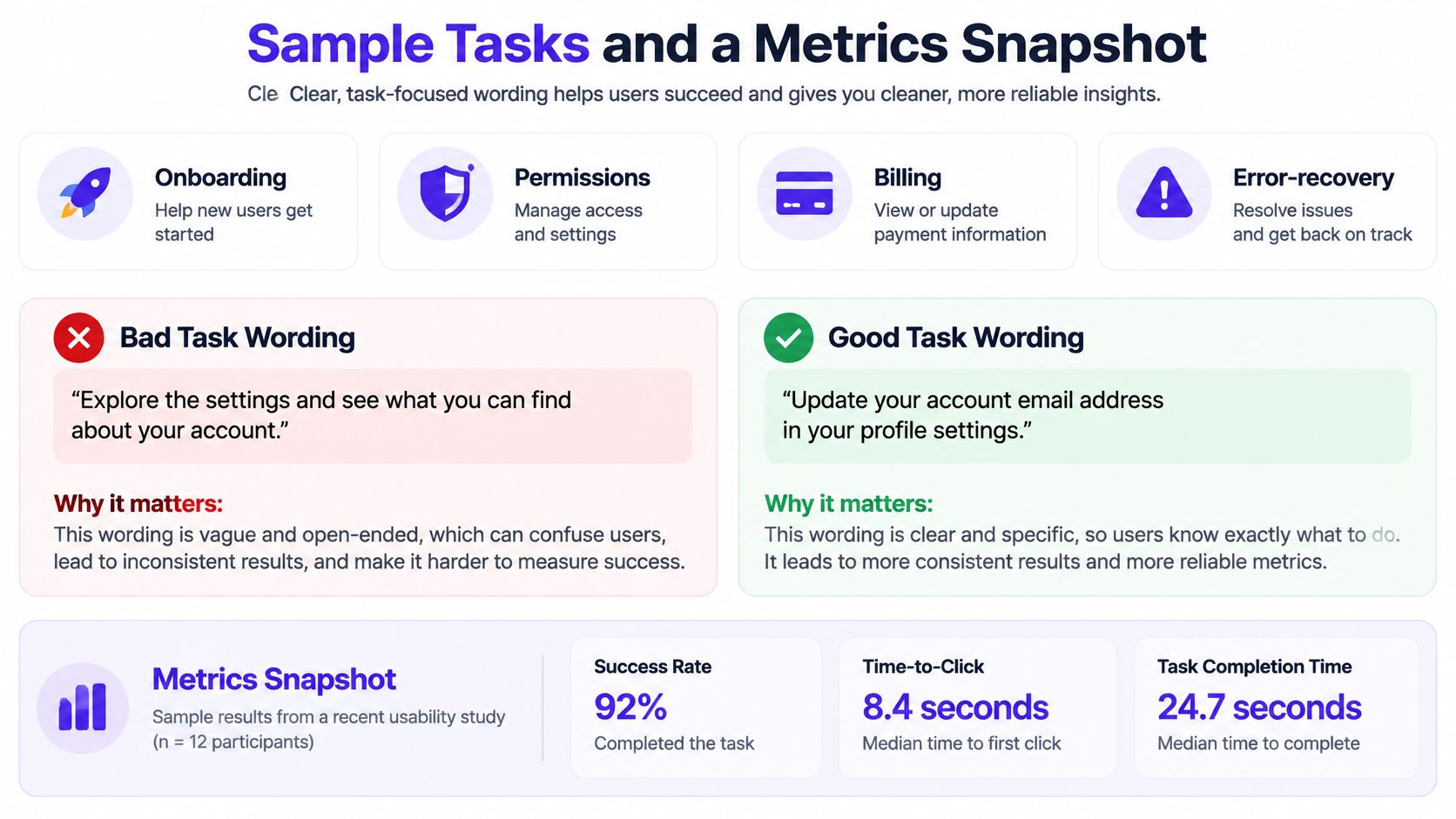
Describe the outcome without naming the intended destination. For example: “A teammate needs access to reports but should not be able to change account settings. Where would you begin?” Do not say, “Open Roles and Permissions.” That wording turns discovery into instruction-following.
replicated experiment using static webpage representations
Include necessary context. An employee without billing access should not be evaluated against an administrator-only billing route. Pilot the prompt with a few people who resemble your participants to catch unclear language.
3. Select the right screen and starting state
Use the page where the person would reasonably begin, at a legible size and the relevant desktop or mobile viewport. Keep content and permissions realistic. If you compare variants, hold the task, audience, and starting context steady.
Static images work for an initial pointer choice. If you need to examine focus order, accessible names, screen-reader navigation, or an actual flow, test an interactive implementation too. A screenshot cannot expose those behaviors.
4. Define accepted click zones before launch
Mark all defensible starting points. An Invite button and a Members menu might both lead to a valid teammate-invitation route. If you score only the designer's favorite, the test can manufacture a failure.
Write a rule for selections on labels, icons, adjacent padding, and nested menus. Note whether the optimal path means the shortest route or simply a route that supports task completion. Lock the rules before reviewing results; document any later change.
5. Recruit representative participants
Recruit people with the role, product familiarity, and device context the decision concerns. New admins and experienced admins may interpret the same screen differently. Separate their results rather than treating a mixed sample as one audience.
Sample size depends on the size of the decision-relevant difference, the variability in responses, and the segments you need to compare. A small test can surface promising hypotheses; it cannot automatically establish that one variant wins. This first-click interpretation guide offers a reminder to inspect counts behind percentages rather than assuming a small gap is dependable.
6. Run, inspect, and follow up
Give each participant the same neutral task and capture the first location selected, time to click, device, and optional explanation. In moderated sessions, avoid rescuing the participant before they make the choice. In unmoderated sessions, check that the screen displays as intended.
Analyze click locations alongside participant explanations. A click shows where someone went, not why. Use a follow-up question or a short usability session to investigate competing explanations. UNC-hosted research guidance, an operational resource on how to run a site usability study, and a broader guide for product managers can help when building a repeatable research protocol.
First Click Testing Examples for B2B SaaS
These hypothetical scenarios show how to structure first click testing examples. They are not participant findings. For each, verify that the stated starting screen and permissions match your product.
Scenario: Team permissions
Task wording: “A colleague needs to view reports but must not change workspace settings. Where would you begin?”
Expected starting click: Members, Access, or another documented permissions entry
Plausible wrong clicks: Reports; personal profile; project settings
What to investigate: Do users expect access to live with people, reports, or the current project?
Scenario: Billing settings
Task wording: “Your finance colleague needs to update the payment method for this workspace. Where would you begin?”
Expected starting click: Workspace billing or an accepted account-billing route
Plausible wrong clicks: Personal profile; subscription plan; help
What to investigate: Does the UI distinguish workspace ownership from personal payment details?
Scenario: Invite a teammate
Task wording: “You want a new colleague to join this workspace. Where would you begin?”
Expected starting click: Invite button or Members menu
Plausible wrong clicks: Share project; contacts; user avatar
What to investigate: Does “Share” imply workspace membership when it only grants project access?
The billing example exposes an important scoring question. If both Workspace settings and Billing lead to the payment method, count both as valid or distinguish direct from indirect accepted routes. If participants repeatedly select a route you considered wrong, inspect what that route actually offers before blaming their mental model.
For related task types, adapt prompts to onboarding, error recovery, or report discovery. The broader menu of UX research methods can help you decide whether a first-click observation or a full task session is needed.
First Click Testing Metrics and a Reporting Template
Your primary metric is first-click success rate, also called first-click accuracy. Define success against accepted starting zones, not against eventual completion.
First-click success rate = (valid first clicks ÷ valid task attempts) × 100. State how you treated skips, accidental clicks, and unusable records. If you accept several routes, report their separate shares as well as the combined success rate.
Time to first click is the elapsed time from the screen and prompt becoming available to the initial selection. Report a median and spread, or another clearly defined distribution, rather than treating a quick click as automatically correct. Reading time, assistive technology, motor interaction, and unfamiliar terminology all affect timing.
Click distribution shows the proportion of valid attempts landing in each meaningful region: region share = clicks in region ÷ valid task attempts × 100. Misclick patterns identify repeated nonaccepted selections. Segmentation compares audiences, such as first-time versus experienced administrators, without losing sight of sample counts.
The table below is a hypothetical illustration, not research data or a performance benchmark. Its 20 attempts per task exist only to demonstrate reporting arithmetic.
Task: Team permissions
Valid first clicks / attempts: 12 / 20
First-click success rate: 60%
Median time to first click: 6 seconds
Most selected nonaccepted region: Reports: 5 clicks
Task: Billing settings
Valid first clicks / attempts: 9 / 20
First-click success rate: 45%
Median time to first click: 8 seconds
Most selected nonaccepted region: Personal profile: 7 clicks
Task: Invite teammate
Valid first clicks / attempts: 16 / 20
First-click success rate: 80%
Median time to first click: 4 seconds
Most selected nonaccepted region: Share project: 3 clicks
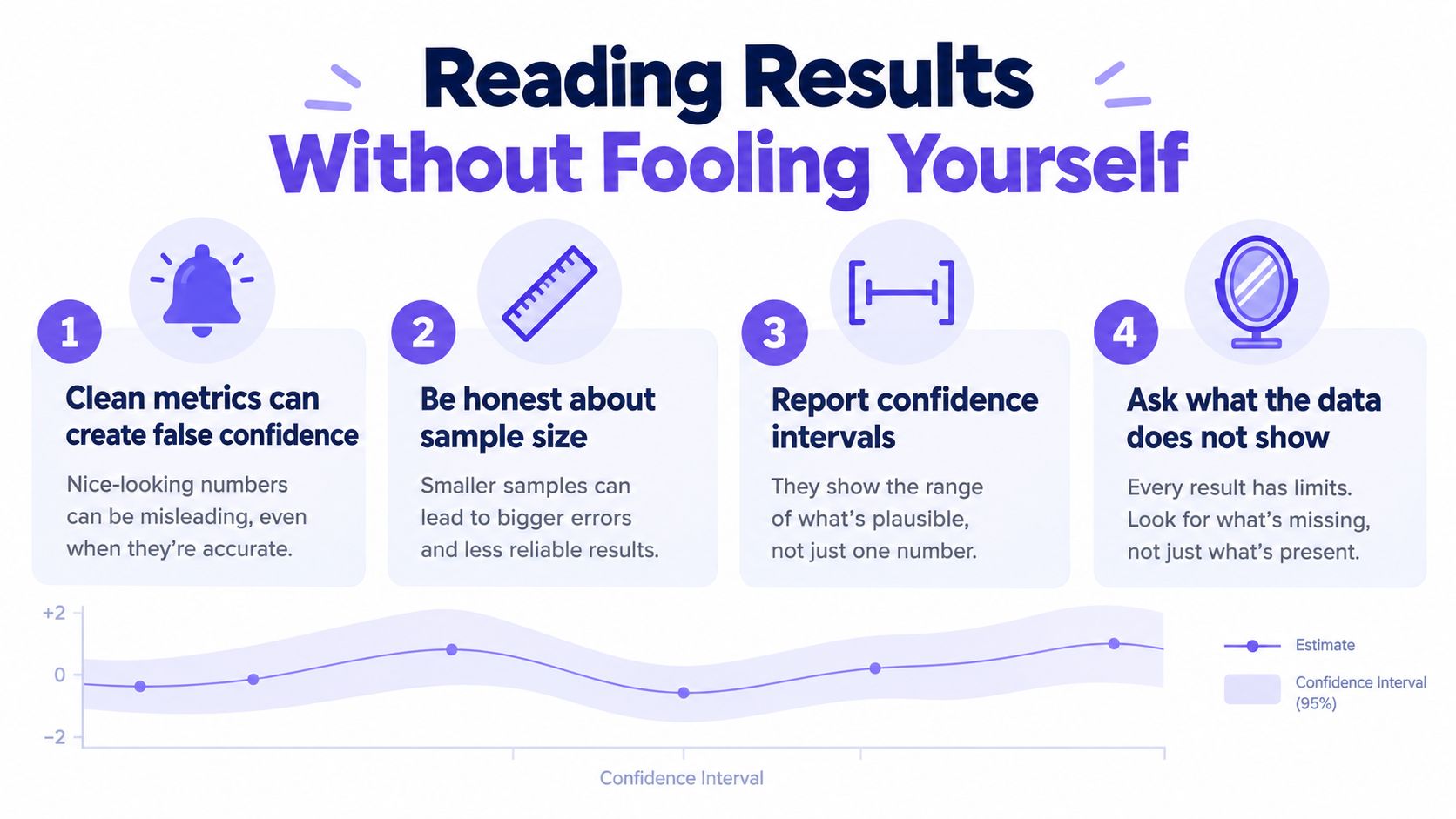
A 45% result is not inherently a failed design, and 80% is not a universal release threshold. Look at the task's consequences, acceptable alternatives, participant makeup, and uncertainty. Report the numerator and denominator; if you make an inferential comparison, include an appropriately calculated confidence interval and explain recruitment and assignment.
The MeasuringU replication shows why a first-click difference should not be converted directly into predicted task completion. For adjacent product outcomes, a subscription funnel analysis guide can provide context, while guidance on UX metric pitfalls can help prevent a single measure from standing in for the whole experience. Check the underlying records too; data validation practices address a different problem from whether the inference is justified.
How to Analyze Click Maps and Improve UX
A heatmap highlights concentrations of selections; an individual click map shows their precise locations. Start by overlaying accepted zones, then inspect wrong-click clusters, scattered selections, and differences by audience or device.
A tight cluster on Profile during a workspace-billing task is an observation. The claim that users misunderstand workspace ownership is a hypothesis. Check their explanations, inspect the wording and destinations, then watch a few people attempt the complete billing task. They might associate payments with the account holder, or the workspace menu might simply be hard to see.
Use the pattern to propose a specific change:
- Misleading label: Try language that names the destination more clearly.
- Weak visual hierarchy: Make an existing, valid entry point easier to notice without giving it misleading prominence.
- Competing routes: Clarify what each route contains, or support a second legitimate path.
- Wrong starting screen: Test the page people actually encounter before the task.
Compare alternatives under consistent conditions. If you run a controlled comparison, predefine assignment, exclusion rules, and the decision rule; these A/B testing best practices offer adjacent guidance. Retest the revised first click, then validate the downstream flow in an interactive usability session. A prettier heatmap does not prove users can save a payment method or invite the intended person.
Common First Click Testing Mistakes
- Leading task wording: “Click Billing” gives away the answer. Describe the desired outcome instead.
- Ambiguous success zones: Decide in advance whether multiple routes count and how border clicks are classified.
- Biased recruitment: Testing only internal staff or experienced customers can conceal new-user confusion.
- Small samples treated as certainty: Report counts, uncertainty, and segment sizes. Treat exploratory results as directional.
- Unrealistic scenarios: Use a credible role, starting page, permission level, and device.
- Success equated with task completion: A valid starting click does not verify the next screen, form, error handling, or confirmation.
- Reasons inferred from pixels: Ask participants what they expected to find, then test explanations against later behavior.
The study should leave a decision trail: the observed pattern, the likely explanations, the proposed change, and the evidence needed to verify it. This matters more than declaring one screen a winner from a small, mixed sample.
First Click Testing Tools: Four Practical Options
Choose a first click testing tool based on the test stimulus, recruitment workflow, reporting needs, and whether you also need to investigate complete flows. Verify current plan limits and integrations before purchasing.
Tool: Optimal Workshop First-click Testing
Verified fit: Task-based clicks on designs, with click maps; useful alongside its tree-testing tools
Meaningful limitation for this decision: A static first-click result cannot validate downstream interaction
Tool: Lyssna Click Test
Verified fit: Uploaded designs, first-click sections, click maps, region counts, and click timing
Meaningful limitation for this decision: Check image-format and size requirements; a design image does not test live behavior
Tool: Maze first-click tests
Verified fit: Define successful areas in a prototype task that ends after the first click
Meaningful limitation for this decision: The first-click task does not measure completion beyond that choice; heatmaps omit non-click interactions
Tool: Useberry First Click Test
Verified fit: Test initial choices on a website, prototype, or image, with visual reporting
Meaningful limitation for this decision: A first-click result alone cannot explain motivation or establish full-task success
For a static navigation concept, prioritize clear task setup and region-level reporting. For a working flow, pair the first-click measure with a method that captures what happens next. Comparing tools is not a substitute for defining a credible task and accepted routes.
How Figr Helps Turn Findings Into Better Product Designs
First-click platforms collect participant selections. Figr helps product teams prepare design alternatives and revise them after research; it is not being presented here as a dedicated first-click testing or participant-recruitment platform.
Suppose the hypothetical billing test shows repeated clicks on the personal avatar when the payment method lives in workspace settings. Bring that observation, the task wording, and participant explanations into a design review. Figr's UX Review can help inspect the existing screens for unclear decisions and missing states. UX Reasoning can map the current and proposed routes, challenge assumptions, and identify edge cases such as a member who lacks billing permission.
Figr's Visual Context Graph connects visual, behavioral, design-system, product-knowledge, and implementation context. A Context Pod can carry relevant PRDs, research, analytics, recordings, screens, and product terminology into the work. That grounding matters when Account, Workspace, and Billing already have specific meanings in your product.
Explore more than one response: rename the workspace menu, add a billing entry point, or clarify the profile menu's scope. Map the permission-denied, loading, and saved states as well as the default screen. Figr can support multiple design directions and multi-state prototypes, while Direct Editing and Figma-ready output help teams refine options within an existing design workflow.
Export or prepare the alternatives, run the same neutral task with representative participants in a testing tool, and compare first-click patterns. Then observe the complete payment-method change. The defensible handoff is finding → design hypothesis → revised flow → retest, not “the AI fixed billing.”
A Practical First Click Test Template
Copy this into your research brief before opening a test tool:
Decision: Which navigation treatment should we use for [task]?
Audience and role: [Who performs it, with what permissions?]
Starting screen and device: [Where does the task realistically begin?]
Task prompt: [Outcome, without naming the destination]
Accepted first-click zones: [All valid routes, with scoring rules]
Alternative hypotheses: [Why might people choose another route?]
Measures: [Success counts, time distribution, click regions, segments]
Follow-up: [Question or full-flow task to investigate why]
Decision rule: [What result would prompt revision, more research, or release?]
For a manageable first study, pick one consequential journey, write a small set of realistic tasks, pilot them, recruit the relevant audience, and preserve the task wording and scoring rules for the retest. Include keyboard or assistive-technology testing when the decision depends on how those users find an action; a screenshot click map cannot answer that question. Ballpark's overview of first-click testing limitations provides additional context about artificial test conditions.
First click testing is most useful when the question is precise: Where do people expect to begin? Answer it carefully, investigate the reason for wrong turns, and test the rest of the journey before treating a promising initial click as a shippable experience.
First Click Testing FAQ
How many participants do you need for a first click test?
There is no universal number. Recruit enough representative participants to see meaningful patterns for the decision you need to make, and report counts alongside percentages. If you plan to compare variants or audience segments, account for each group separately rather than treating a small exploratory sample as conclusive.
What counts as a successful first click?
A click succeeds when it lands on a route you defined in advance as a valid starting point for the task. More than one route may qualify. Document how you score indirect routes and clicks near zone boundaries before looking at the results.
Can you run a first click test on a prototype or screenshot?
Yes. A legible screenshot, wireframe, or prototype can reveal where participants expect to begin. Use an interactive prototype or a full usability test if you also need to learn whether they can navigate subsequent screens or complete the task.
Is a high first-click success rate proof that the design works?
No. First-click success rate measures the initial choice, not task completion. Check the destination, permissions, forms, and confirmation states with a full-flow test before concluding that the experience works.
When should you use tree testing instead?
Use tree testing when you want to evaluate the category structure and labels without visual interface cues. Use a first click test when layout, prominence, and competing on-screen entry points are part of the question.
Figr helps teams turn product context and UX findings into design directions, interaction states, and Figma-ready screens. Use it to prepare and revise alternatives, then evaluate those alternatives with representative participants using a documented first click test.