
Looking at Bolt.new alternatives? Figr decides the product before the app gets built
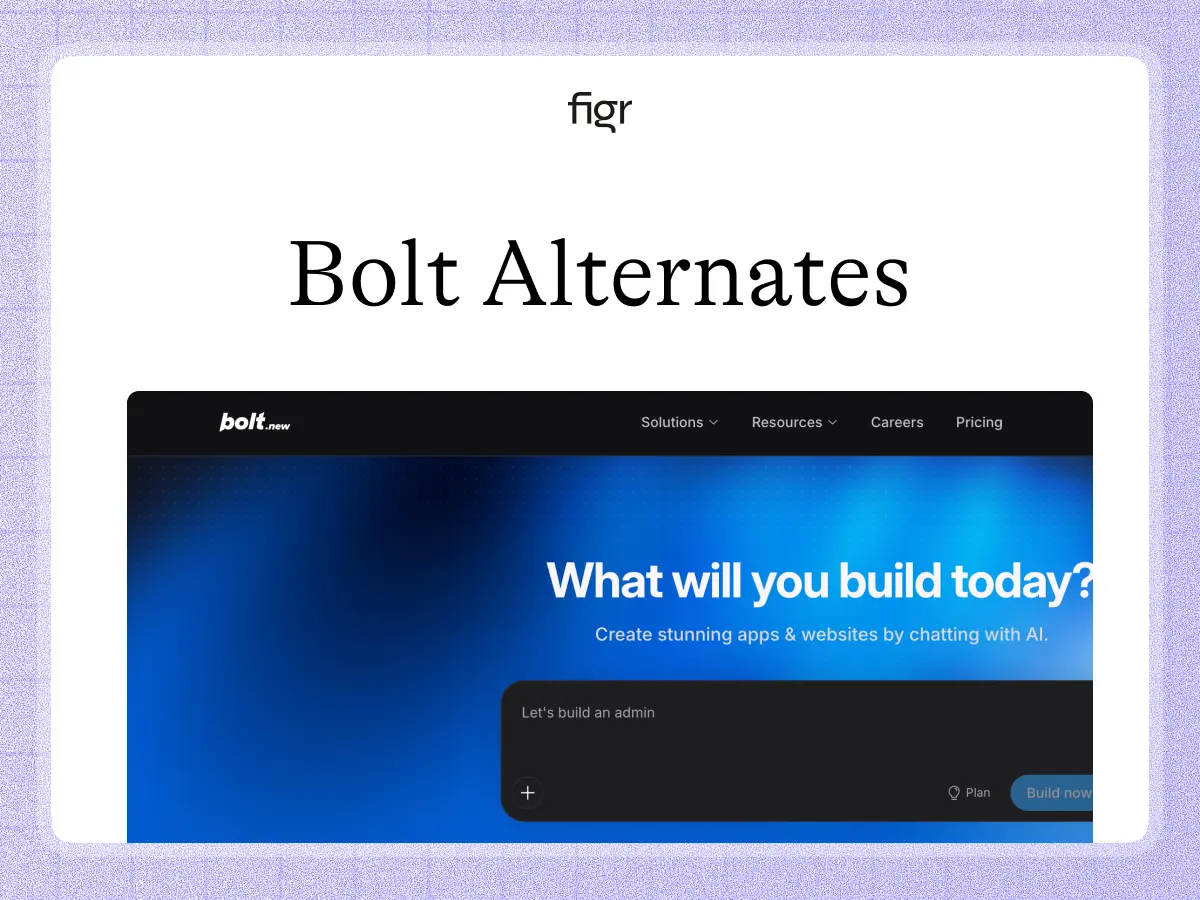
Bolt.new is designed to turn a plain-language idea into a working website or application in the browser. It includes hosting and databases, lets teams collaborate, and can even take a Figma frame toward implementation. For moving quickly from concept to running software, it is strong.
Figr is for the product-design decision before that build. It learns your existing product, flows, and design system, reasons through the UX, and creates high-fidelity design to refine in Figma. If you are searching for Bolt.new alternatives because fast builds still create product cleanup, this is the trade-off to examine.
Prompt-to-app speed does not remove the need to decide the right UX
Bolt is build-first. The most useful output is a working application you can preview, host, and keep changing with prompts. That is a meaningful acceleration when the desired experience is sufficiently clear.
On an existing product, the problem is often not generating the page. It is knowing which version is right, how it fits the current system, what happens outside the happy path, and whether product and design agree before engineering invests further.
Figr puts that work first. It makes the design decision reviewable before code, then a tool like Bolt can take over implementation.
What Bolt.new is genuinely good at
Bolt.new is genuinely good at getting software live. Its current plans include hosting, databases, private projects, custom domains on Pro, and team controls on Teams. It also supports importing Figma frames into a build workflow.
That makes Bolt particularly useful for founders, prototypes, internal products, and teams that prefer a tight design-to-code loop. If the deliverable is a deployed app, Bolt is closer to the finish line than Figr.
What Figr is, and the job it is built for
Figr is not trying to shorten the code-generation loop. It is trying to improve the product decision that enters that loop.
It starts from the existing product and design system, then maps the UX, states, and constraints. Through Design System Intelligence, new screens are grounded in the actual system rather than simply styled to look adjacent.
The output remains editable design in Figma, which is useful when product and design teams want to critique and refine before implementation becomes the source of truth.
A worked example: building a new admin workflow
Imagine adding a bulk-user-management workflow to an established SaaS product. Bolt can generate the UI and supporting application logic quickly. But the real product complexity lives in permissions, selection rules, partial failures, disabled states, and how the workflow reuses current tables and confirmations.
In Figr, the team designs those states first using the existing product as context. Edge cases become explicit screens, and the team can review the full flow instead of inferring behavior from a running implementation.
Once the flow is approved, Bolt can help turn the design into a working application. The build stays fast without asking implementation to carry the product discovery burden.
Where each one wins
| The job | Bolt.new | Figr |
|---|---|---|
| Generate and host a working web app | Built for it | No |
| Databases and deployment | Yes | No |
| Import Figma toward implementation | Yes | Exports to Figma |
| Reason from an existing product's UX | Partial | Built for it |
| Map edge cases before implementation | Limited | Yes |
| Deep design-system-aware screen generation | Partial | Yes |
| Product/design review before code | Possible | Core workflow |
When Bolt.new is the right call
Use Bolt when speed to a running web app is the priority. It is strong for greenfield products, quick MVPs, internal tools, and engineering-adjacent teams that are comfortable reviewing the product in a live build.
Use Figr when the experience needs more product reasoning before anyone builds it, especially inside a mature SaaS product.
How to choose between Bolt.new and Figr
If a live implementation is the artifact your team needs to learn from, Bolt can be the direct choice. If a design team needs to evaluate multiple directions, preserve an existing design system, and resolve states before engineering, Figr is more natural.
The two can also form a sequence: Figr for product decisions and high-fidelity design, then Bolt for implementation. For nearby app-builder choices, compare Base44 and Emergent.
What Figr is not
Figr does not host websites, generate production application code, manage databases, or deploy a finished app. If you want a running product directly from the prompt, Bolt is built for that.
Figr is useful when the prompt is not enough and the next screen has to be reasoned from a real product before it becomes code.
Why Figr designs from the product: the Visual Context Graph
Figr starts from product context because product design is not a prompt in isolation. The Visual Context Graph connects five layers:
- Visual: your screens and frames
- Behavioral: recordings and real user flows
- Design system: tokens, components, variants, and rules
- Product knowledge: PRDs, research, and past decisions
- Implementation: the code constraints around the design
A prompt-to-app tool is optimized to turn intent into software. Figr's graph is optimized to test that intent against the product's visual, behavioral, system, and knowledge layers before implementation. The result can move into Figma as editable design for refinement and handoff.
Pricing, briefly
Bolt.new has a free plan, Pro at $25 a month, Teams at $30 per member a month, and custom Enterprise. Figr is credit-metered: a free tier, Starter at $39 a month ($32 a month billed yearly), Max at $149 a month ($124 a month billed yearly), and custom Enterprise. One buys implementation capacity; the other buys product-design capacity. See Figr pricing.
Make the product decision before you make the app
Figr is the stronger first step when the cost of a wrong flow is higher than the cost of writing the first version of the code.
FAQ
Is Figr a Bolt.new alternative?
For product design, yes. Bolt.new builds and hosts apps; Figr designs the UX from an existing product before implementation.
What is Bolt.new best at?
Turning prompts into working web applications quickly, with hosting, databases, deployment, and team workflows.
What does Figr do differently?
Figr reasons from the existing product, maps UX states, applies the design system, and produces Figma-ready design.
Can Bolt import Figma?
Yes, Bolt supports bringing Figma frames into its build workflow. Figr works in the opposite direction by producing editable design for Figma.
Can I use Figr and Bolt together?
Yes. Use Figr to decide and design the experience, then Bolt to implement it.
How much does Bolt.new cost?
Bolt has a free plan, Pro at $25 a month, Teams at $30 per member a month, and custom Enterprise.
Related reading
vibe coding tools · Figma to code plugins · the Base44 comparison · the Emergent comparison