

The handoff fails when a convincing screen survives review but collapses in implementation, and that's the buying decision behind AI design-to-code tools.
A Designer signs off on a polished flow, engineering pulls generated code, and then the missing pieces surface: tokens drift, states disappear, component logic gets flattened, and accessibility gets kicked down the road. Last week I watched a Product Manager celebrate a fast prototype in the morning and reopen scope by afternoon because the generated UI had no real answer for loading, error, and permission states. The screenshot looked right. The product did not.
Teams that choose by visual resemblance alone usually pay later in rework, review cycles, and avoidable tension between design and engineering. This is what I mean, the expensive part isn't getting a demo on screen, it's preserving system rules, app context, and implementation intent when the file leaves Figma. Public coverage still underserves that question, and Banani's review of AI design-to-code tools captures the gap well: buyers get feature comparisons, but far less guidance on existing design systems, tokens, and app-specific constraints in production workflows.
A better evaluation lens is simpler and stricter: judge each tool by the job it solves, then test fidelity, product context, design-system reuse, component mapping, editability, code ownership, and handoff survival. That's where the category starts to separate. Some tools are excellent at rapid code generation. Some are better for marketing-site assembly. Figr belongs earlier in the workflow, where existing-product context and UX reasoning shape what gets designed before code generation starts.

How to Evaluate What Actually Survives Handoff
The best evaluation framework starts with handoff failure modes, not glossy demos.
By 2025, this category had already moved well beyond novelty. Figma's 2025 AI report found that 59% of developers used AI for core development tasks like code generation, 68% used prompts to generate code, and 82% were satisfied with the output. That's useful context because it tells you something important: design-to-code isn't an edge workflow anymore. It's entering normal production behavior.
That changes how tools should be judged. If AI is part of daily work, a clever export button matters less than how a tool fits your existing stack, repos, design system, and review process.
The seven filters that matter
Job fit: Is the tool for app UX, design-to-code handoff, marketing pages, or prompt-based exploration?
Fidelity: Does it preserve layout, hierarchy, spacing, and component intent under real screen complexity?
Product context: Can it reason from your current app, flows, screens, docs, and constraints?
Design-system reuse: Does it understand tokens, variants, states, and component rules?
Editability: Can Designers and engineers refine outputs without fighting generated structure?
Code ownership: Do you own the source, or are you renting output inside a hosted platform?
Implementation constraints: How well does it handle responsiveness, semantics, accessibility review, and framework fit?
Practical rule: Run every tool against one existing screen, one shared component, one responsive breakpoint, and one ugly edge case. Pretty outputs collapse fast under that test.
There's also a wider economic shift under this category. The 2025 Stack Overflow Developer Survey found that 84% of respondents are using or planning to use AI tools in development, and 51% of professional developers use AI tools daily. When usage reaches that level, buyers stop asking "can this generate code?" and start asking "can this reduce review overhead in the work we already do every day?"
That's the frame for the rest of this comparison.
Figr
Figr is strongest when the problem starts before code generation, in the missing context that usually breaks handoff.
Most design-to-code tools begin with a frame, a prompt, or a Figma file. Figr starts earlier. It pulls from live screens, Figma files, design systems, PRDs, research, analytics, recordings, code and component context, screenshots, and existing flows. That matters when you're working on a mature product, because mature products don't fail from lack of screenshots. They fail from hidden constraints.
Where Figr fits
Figr works best for product teams designing inside existing software, especially when a feature touches multiple states, flows, or rules. Its strength is context assembly and UX reasoning before implementation. The platform builds around a reusable Context Pod and product memory across sessions, so decisions don't reset every time someone opens a new prompt.
If you're comparing categories broadly, this sits closer to an overview of the best AI design tools than a narrow exporter. It's upstream from pure Figma-to-code conversion.
What works in practice
The strongest part of Figr is how it structures messy reality into design inputs a team can use.
Context across artifacts: It can draw from live product capture, Figma input, screen recording analysis, analytics context, and docs or research.
System-aware generation: Its Design System Intelligence covers tokens, components, variants, states, usage rules, and design judgment.
Shared reasoning artifacts: It can generate Figma-ready design direction, user-flow maps, edge-case maps, and other handoff-supporting artifacts.
Reusable memory: Context Pods keep decisions available across sessions, which is useful when a feature evolves over several reviews.
I find this category especially useful when a team already knows what tends to go wrong. A checkout change that looks simple often isn't simple. A support dashboard needs state handling. A task assignment component usually has permissions, empties, loading states, and ownership edge cases. Figr's gallery examples make that kind of work easier to picture because they show concrete product patterns rather than generic landing-page screens.
Trade-offs to understand
Figr isn't the right buy for every team.
Best fit: Existing products, cross-functional teams, Figma-based workflows, and feature work with context debt.
Less ideal fit: Solo makers, quick brochure sites, and teams that mainly want instant code from isolated screens.
Important caution: It helps surface edge cases and preserve context, but it doesn't replace designer judgment or remove engineering review.
One more reason this positioning matters: independent reviews of design-to-code tools consistently note that engineering review is still needed for accessibility, semantics, performance, and design-system integration. Figr's value is that it can improve what gets handed off before those reviews begin.
Anima
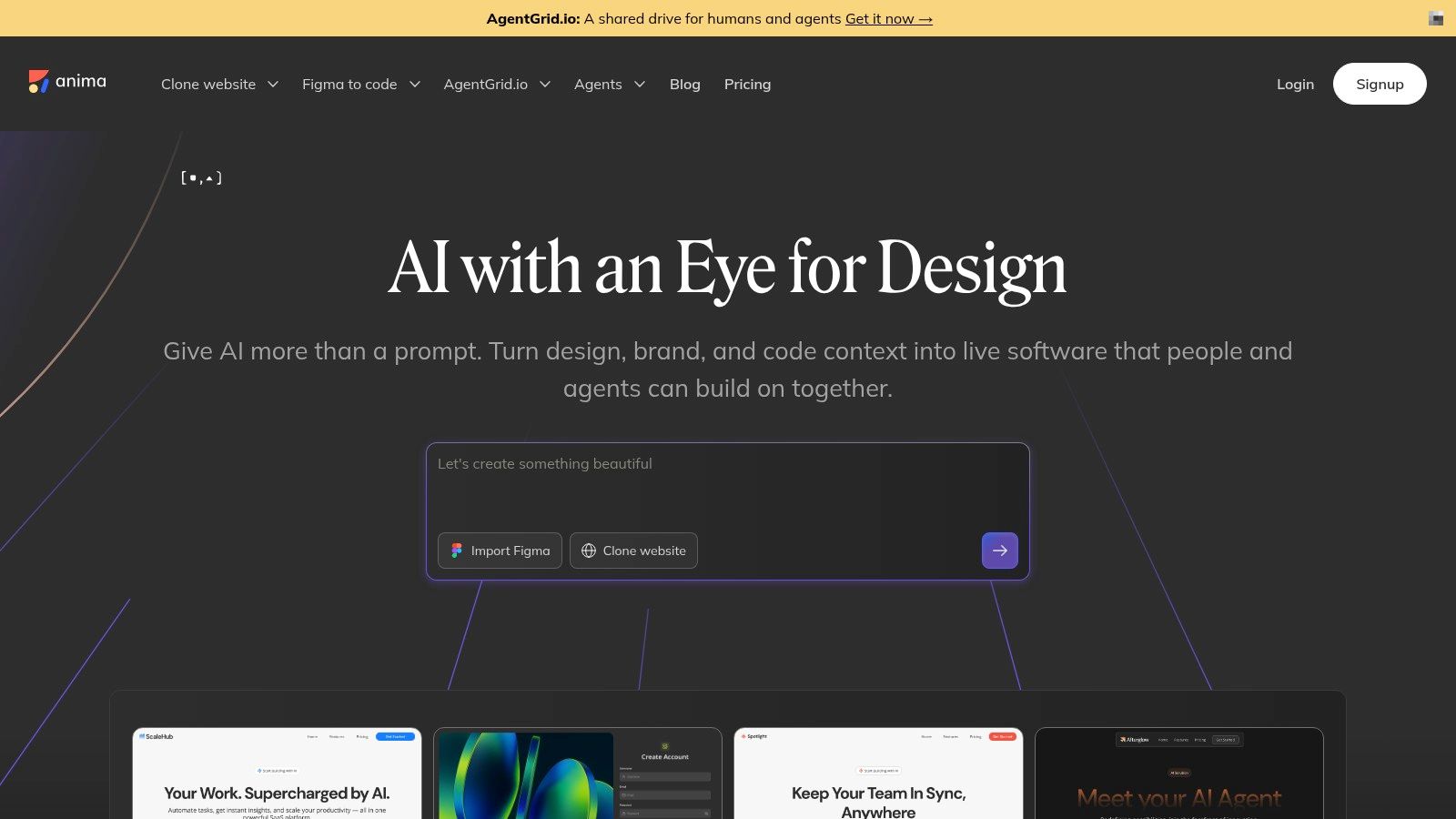
Anima is a good fit when your team wants direct Figma-to-code output with relatively broad downstream flexibility.
Anima works well for teams that already keep Figma files disciplined. If naming is clean, auto-layout is respected, and components aren't improvising their own structure, the export tends to be more usable. If the file is loose, Anima exposes that quickly.
Where Anima helps
Anima supports Figma-to-React or HTML with Tailwind, and it also offers API and SDK options for teams that want design-to-code inside a more automated pipeline. That's useful when frontend teams want repeatable generation rather than one-off exports from a plugin.
A practical upside is framework flexibility. You aren't boxed into a single hosted builder. Teams that care about owning generated front-end code usually prefer that posture.
Trade-offs that show up fast
The catch is familiar: converter quality follows file quality.
Strong use case: Structured design handoff from Figma into React or HTML and Tailwind.
Good operational fit: Teams building internal workflows or automation around Figma-to-code.
Common friction: Messy layers, weak auto-layout, and inconsistent naming reduce output quality fast.
Anima is rarely the tool that solves upstream product thinking. It's a converter with useful automation paths. Buy it when the design system is already behaving and the handoff problem is mostly translation.
Locofy.ai
Locofy.ai is strongest when stack coverage matters more than pixel-perfect purity from a single framework.
Some teams don't have the luxury of a standard front-end stack. They need web and mobile exports, and they need one workflow that can support several implementation targets. That's where Locofy becomes attractive.
Why teams pick Locofy
Locofy pushes beyond a narrow React-only world. It supports exports across modern web and mobile targets, including React, Next.js, Vue, Angular, React Native, Flutter, SwiftUI, and Jetpack Compose. It also emphasizes component detection, props, and responsive layout inference.
That makes it useful for organizations with multiple product surfaces. A Design Lead trying to reduce stack lock-in may find this more practical than a prettier but narrower generator.
What to watch
Locofy still depends heavily on Figma hygiene. That's normal in this category, but it matters more when teams expect broad framework exports to also preserve nuanced system behavior.
Best fit: Teams standardizing design handoff across several engineering stacks.
Useful edge: Responsive inference and props detection can reduce repetitive setup work.
Watch-out: The generated output still needs review for system fit and app logic.
If your evaluation starts with ideation and interaction exploration, top AI prototyping tools may be a better companion comparison first. Locofy is more about turning a prepared design file into implementation starting points than shaping the feature itself.
Builder.io Visual Copilot
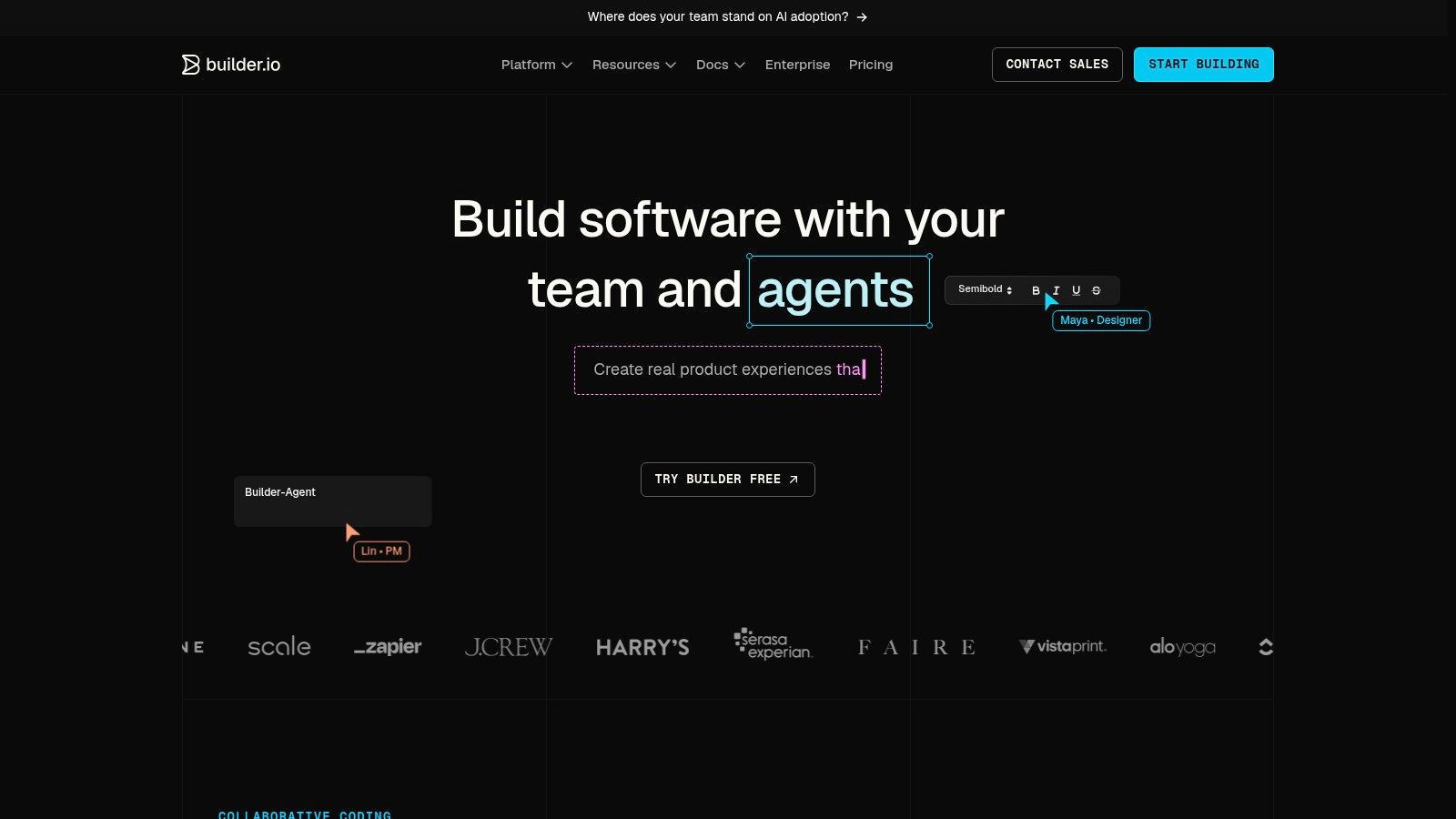
Builder.io Visual Copilot is strongest when your organization wants design-to-code tightly connected to the codebase and component library.
Builder.io's Code product, often associated with Visual Copilot, is less about exporting pretty fragments and more about mapping designs to a developer-owned environment. That changes the conversation from "what code did it generate?" to "what code did it align with?"
Why Builder.io matters
Builder.io is useful when the frontend team already has a meaningful component system and wants generated UI to point at that system instead of re-creating it. Git provider integrations and developer tooling make it feel closer to production workflows than many standalone generators.
The practical appeal is straightforward. Teams don't just want code. They want code that lands inside the same governance model as the rest of the app.
The hidden requirement
Builder.io rewards maturity.
Strong use case: Teams with established components, code ownership norms, and developer review gates.
Helpful workflow fit: VS Code extension and repository integrations support engineering-led adoption.
Main trade-off: Weak component governance upstream leads to weaker mapping downstream.
A lot of buyers miss this. They assume a mapping-focused tool will fix component disorder by itself. It won't. It tends to make your current system more visible, including its inconsistencies.
v0 by Vercel
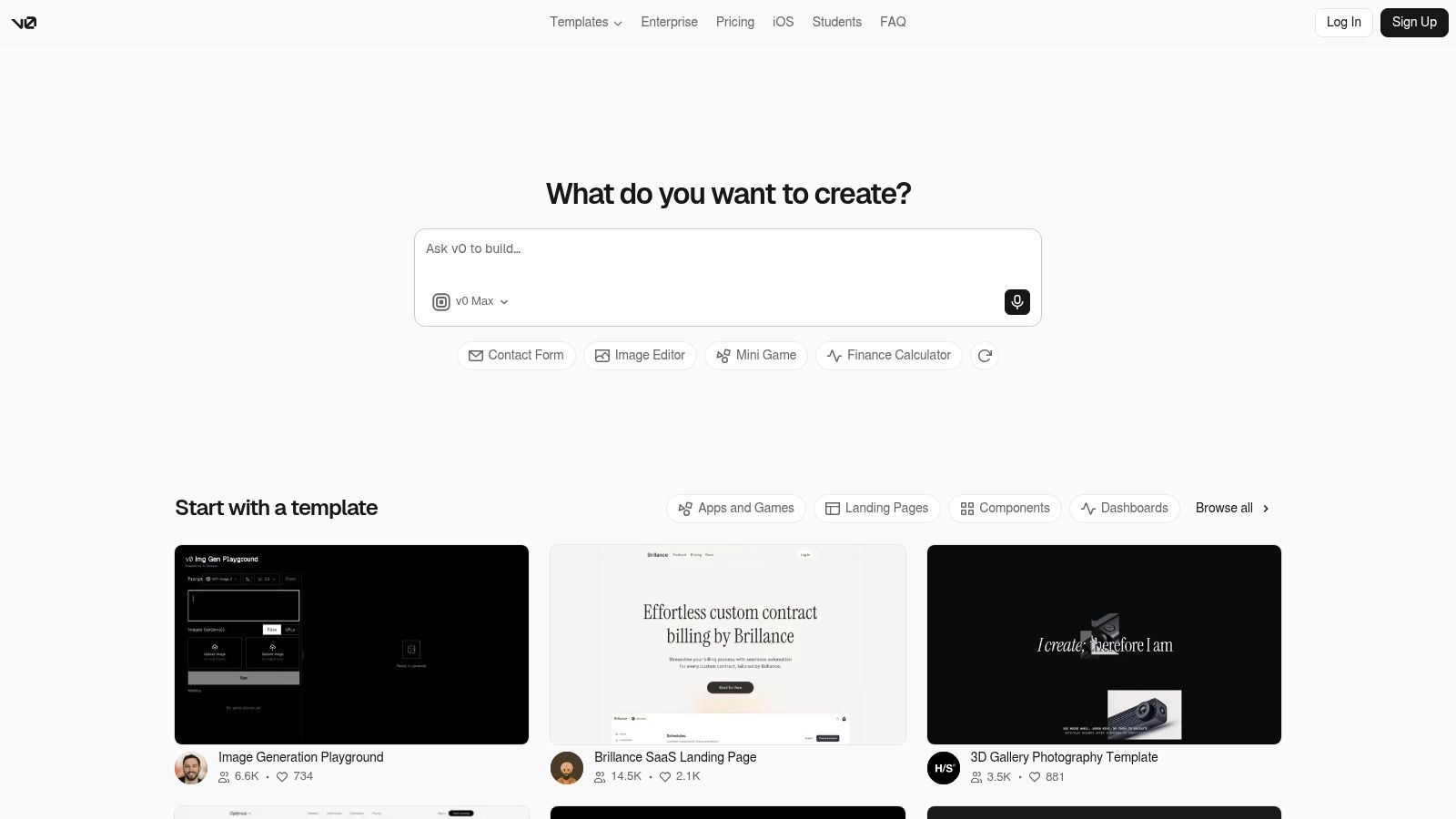
v0 is one of the fastest ways to go from prompt or imported design into a working React and Next.js interface.
If your team thinks in components, Tailwind, and deployment speed, v0 feels natural quickly. It shines during early product exploration, MVP building, and internal tooling where speed to a usable surface matters more than preserving a long history of product context.
Where v0 is especially good
v0 works best in React and Next.js workflows, especially with Tailwind and shadcn/ui. It supports prompt-to-UI generation, Figma import, and rapid iteration inside the app. For teams already living in the Vercel ecosystem, the path from idea to hosted build is unusually short.
The basic gist is this: v0 helps teams collapse the distance between concept and running interface.
Where it bends
That speed comes with boundaries.
Best fit: Rapid prototyping, MVPs, internal tools, and React-first product teams.
Strength: Fast iteration on code-native UI ideas.
Constraint: Other stacks usually mean manual porting, and deeper existing-product context isn't its central strength.
I've seen Product Managers love v0 for exploring a flow in hours, then hit friction when the team needs the output to honor a mature design system with many exceptions. If that's your recurring situation, an AI design agent for product managers is often a better comparison set than prompt-first generators alone.
TeleportHQ
TeleportHQ is a practical choice when code export and self-hosting matter more than living inside a hosted visual builder forever.
Some teams like low-code speed but don't want long-term dependency on the tool that generated the project. TeleportHQ appeals to that buyer because exportability is central to the pitch.
What stands out
TeleportHQ supports Figma-to-code workflows and multi-framework generation. It also emphasizes downloadable projects, which reduces platform lock-in risk. For engineering teams that want to inspect, refactor, and own the source after generation, that's a real advantage.
Generated code is only helpful if someone on the team still wants to maintain it three months later.
That sounds obvious, but it gets overlooked in AI tool evaluations. Teams often overvalue generation speed and undervalue maintainability after handoff.
Where it lands
Best fit: Teams that want editable code, lower lock-in, and broad front-end export options.
Helpful posture: Open-source generators signal a more ownership-friendly model.
Main caution: Figma prep still determines whether output starts clean or starts noisy.
TeleportHQ is less about product reasoning and more about practical code possession. That's a useful distinction if ownership is your main buying filter.
Webflow and Webflow AI
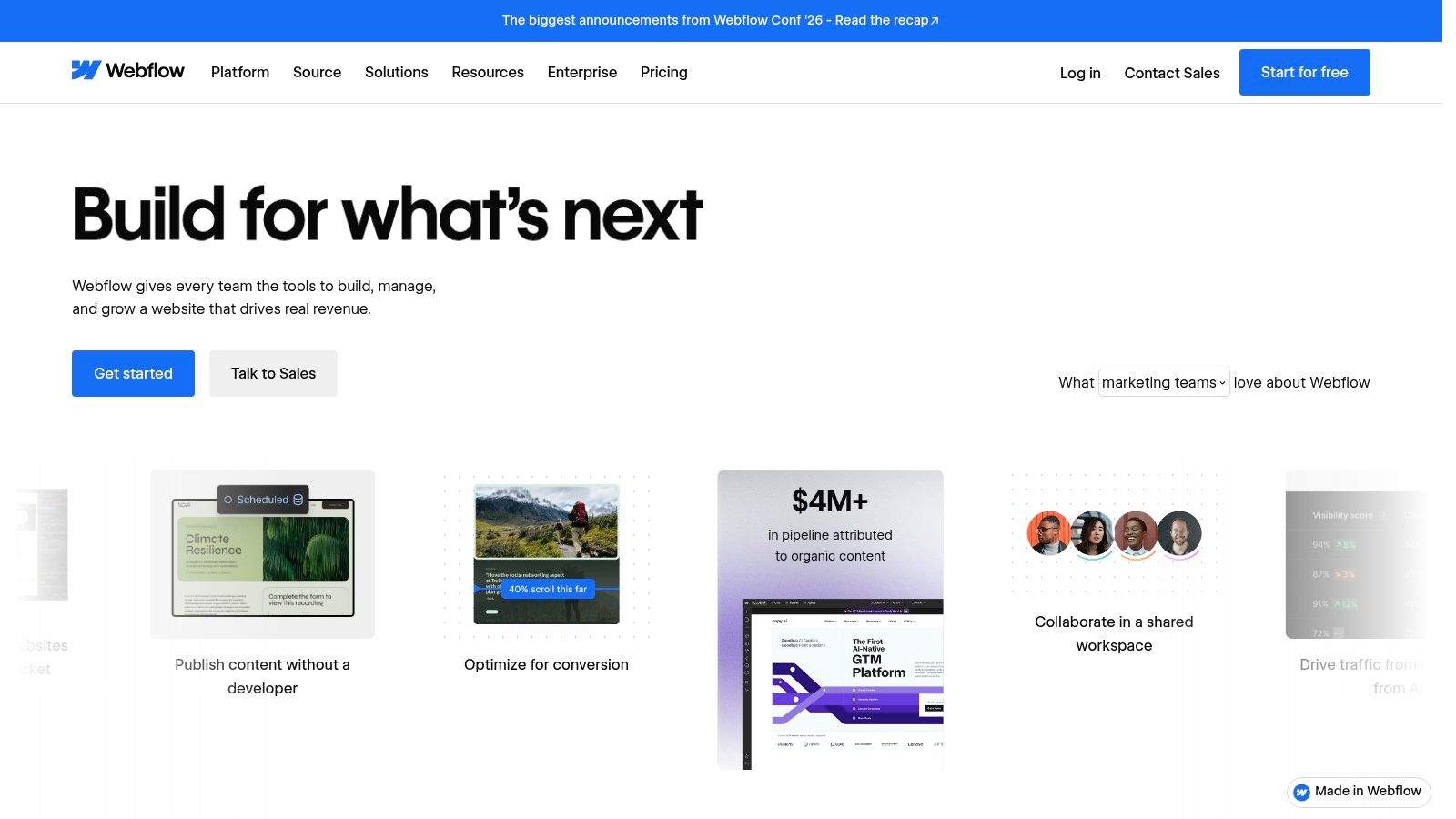
Webflow is strongest for content-rich sites where design control, CMS workflows, and optional code export matter as much as AI assistance.
When the output is a marketing site, documentation surface, or branded content experience, Webflow often enters the shortlist for reasons beyond AI. The AI layer helps generate reusable code components and accelerate build work, but the core appeal is still the surrounding platform.
Why teams still choose Webflow
Webflow gives non-developers a mature visual building environment with a hosting and CMS ecosystem many teams already understand. For design-led organizations, that's useful because the handoff can sometimes shrink into configuration rather than full engineering reconstruction.
The trade-off is that Webflow isn't trying to be the universal answer for product UI implementation. It is much better aligned with site-building than with complex SaaS application behavior.
The real decision
Best fit: Marketing teams, content teams, and design-led site publishing.
Useful AI role: Reusable code component generation inside a visual workflow.
Constraint: Plan boundaries and feature access can shape what you can export and how you work.
If your backlog is mostly acquisition pages, product launches, and editorial surfaces, Webflow makes sense. If you're evaluating account settings, role logic, or feature-flagged app states, you probably need a different class of tool.
Framer AI
Framer AI is excellent for fast, polished site creation when you're comfortable staying inside Framer's ecosystem.
Framer has a strong reputation for speed and finish in marketing and lightweight product storytelling pages. Its AI canvas agent extends that by helping generate, restructure, and iterate pages quickly.
Where Framer feels great
The product is appealing when the goal is momentum. Teams can go from prompt to polished page quickly, and Framer supports AI-generated code components inside its environment. For startups, campaigns, and launches, that speed is hard to ignore.
It also supports connecting your own OpenAI or Claude account, which gives advanced users some control over how AI generation behaves.
The cost of convenience
The downside is code ownership. Framer doesn't position itself around official HTML or source export in the same way export-oriented platforms do, so teams need to be comfortable with ecosystem dependence.
Best fit: Marketing pages, startup sites, product storytelling surfaces.
Strength: Fast iteration and polished presentation.
Constraint: Vendor lock-in is a real planning consideration.
If a team starts in Framer and later needs more product-depth reasoning, design-system memory, or app-specific context, a Framer alternative for product design becomes a more useful comparison than another landing-page generator.
Relume
Relume is best for structured marketing-site production where component libraries and speed matter more than bespoke app behavior.
Relume has become popular with agencies and SaaS marketing teams because it shortens the path from sitemap to page system. That makes it different from many app-oriented design-to-code tools in this list.
Where Relume delivers
Its large component library and export paths to Figma, Webflow, and React are useful when the site fits a standardized pattern library. You can move quickly without starting from blank canvases for every page section.
Many teams feel immediate relief. Page-building work often doesn't need net-new interaction logic. It needs coherence, speed, and on-brand assembly.
Where it stops helping
Best fit: Marketing systems, agency delivery, and repeatable site structures.
Strength: Strong library-driven acceleration and smoother Figma to Webflow movement.
Constraint: Fully custom app interfaces often outgrow the pattern library approach.
For teams trying to understand why context quality matters before generation, context-aware design insights are more relevant than another screenshot comparison. Relume is effective when the problem is assembly, not deep product reasoning.
FlutterFlow
FlutterFlow is one of the clearest choices when your team needs actual Flutter source ownership, not just a prototype that looks like an app.
Mobile teams often face a different handoff question. They don't just want UI approximation. They want code that can enter a Flutter development workflow without treating the visual builder as a permanent middleman.
Why FlutterFlow stays relevant
FlutterFlow supports full Flutter source export on qualifying plans, along with GitHub integration, local run paths, CLI support, and a broader app-building ecosystem around data, auth, and deployment. That package matters for cross-platform teams trying to move faster without giving up engineering control.
For Design Leads working closely with Flutter engineers, this can reduce one of the oldest frictions in app delivery: rebuilding UI work from scratch after prototype approval.
What to verify first
Best fit: Flutter teams that want code ownership and a builder-assisted workflow.
Strength: Exportable source and developer-facing tooling.
Constraint: Plan requirements shape export rights and advanced usage.
FlutterFlow is one of the better examples of a tool whose value is obvious only if you care about downstream maintenance. Buyers who only test the visual editor may miss that.
Figma-native workflows are becoming system-aware
Figma is increasingly central to design-to-code workflows because it is moving beyond static mockups into structured, system-aware implementation handoff.
A lot of teams still evaluate this category as if Figma were just the design origin point. That model is aging. LogRocket's overview of Figma AI and Dev Mode in 2026 notes that Code Connect links Figma components to code components stored in repositories such as GitHub or Storybook, and that Figma Make can use a design system, include interactions, and generate both the design and code. That turns Figma from a file source into a more connected implementation layer.
There's another signal that matters even more for AI agents. A 2026 Figma review at Design Agent reports that Figma is the only mainstream design tool with an official MCP server exposing structured layout data that AI agents can read and write. Why does that matter? Because direct structured access is very different from screenshot-level interpretation. It gives AI systems a better chance of preserving component relationships and layout intent.
What this means for tool buyers
Figma isn't just a handoff source anymore: It is becoming a system-readable environment.
Structured component links matter more: Especially when your repo and design system need to stay aligned.
Agentic workflows are rising: Buyers should ask how each tool reads context, not just what it exports.
This is also why a pure exporter mindset feels incomplete in 2026. The center of gravity has shifted toward AI-assisted implementation workflows. State of AI Design's 2026 tools chapter found designers used an average of 7 off-the-shelf AI tools, up from 3 the year before, and 76% had used an AI coding tool such as Claude Code, OpenAI Codex, Cursor, or GitHub Copilot, while 85% had used either those coding tools or an app builder. The implication is clear: design-to-code no longer lives in one tool. It lives in a connected workflow.
Why Figr's Visual Context Graph matters before code
Figr's Visual Context Graph matters because handoff quality depends on more than visible layout, and the graph names the layers teams usually lose.
Most failed implementations don't fail at the pixel layer alone. They fail because the visible screen was only one thin slice of product reality. Figr's model is useful here because it explicitly separates five layers that affect what survives handoff.
The five layers that change the output
Visual context: What the current screens, patterns, and layouts look like.
Behavioral context: How the feature behaves across states, interactions, and flows.
Design system context: Which tokens, components, variants, and rules should govern the UI.
Product knowledge context: What the product, user, and business logic imply for the feature.
Implementation context: How code, components, and engineering constraints shape what can ship.
That framing matches how real product teams work. A polished settings panel may look simple until you add role restrictions, async loading, legacy component debt, and responsive collapse behavior. That's why Figr's design system intelligence belongs in this discussion. The design system isn't decoration. It's one of the constraints that should guide generation before handoff starts.
A practical evaluation workflow
Use one representative feature and test each tool with the same sequence.
Step 1. Pick a real screen.
Choose a production screen, not a showcase frame.
Include at least one shared component and one responsive breakpoint.Step 2. Add one hard flow.
Use a flow with friction.
Good examples include permissions, empty states, loading paths, or account errors.Step 3. Check system reuse.
Review whether tokens, variants, and component logic stay intact.
Look for drift in spacing, naming, or unsupported states.Step 4. Inspect editability.
Ask whether a Designer can refine the output and whether engineering can own it.
Messy code and brittle generated layers usually show up here.Step 5. Review handoff artifacts.
Compare what each tool gives beyond the screen.
Flows, rationale, edge cases, and implementation notes often matter more than the first render.
Figr's product workflow makes the most sense, especially for teams designing new features inside existing software rather than chasing isolated mockups.
Top 10 AI Design-to-Code Tools Comparison (2025–2026)
Figr (Recommended)
Core capability: AI design agent that captures live app context, builds a Visual Context Graph, and generates PRDs, flows, edge cases, and hi-fi prototypes.
Output & integrations: One-click export to Figma, analytics connectors, accessibility checks, and design token enforcement.
Best for / Target audience: PMs, product leaders, UX researchers, QA teams, and teams needing context-first UX that mirrors their existing product.
Governance & security: Enterprise-grade controls including SOC 2 Type II, SSO, IP protection, zero data retention, and design governance.
Pricing & deployment: 14-day trial / demo; enterprise pricing via sales.
Anima
Core capability: Figma-to-code and site cloning with API/SDK support for automation.
Output & integrations: Exports React or HTML/Tailwind; API/SDK for development pipelines.
Best for / Target audience: Frontend teams needing production code from Figma across different frameworks.
Governance & security: Project-level controls; enterprise features vary by plan.
Pricing & deployment: Free and paid plans; check current pricing.
Locofy.ai
Core capability: AI-native Figma-to-code with component and responsive behavior inference.
Output & integrations: Exports to React, Next.js, Vue, Angular, React Native, Flutter, SwiftUI, and Jetpack.
Best for / Target audience: Teams standardizing modern web and mobile development stacks.
Governance & security: Usage and credit-based model; enterprise options should be verified.
Pricing & deployment: Credit / usage-based pricing.
Builder.io – Visual Copilot
Core capability: Converts Figma designs to code while mapping them to your design system and existing components.
Output & integrations: VS Code extension, GitHub, GitLab, and Bitbucket integrations; AI credits.
Best for / Target audience: Product organizations wanting deep codebase integration and CI/CD workflows.
Governance & security: Role-based access and metered AI usage.
Pricing & deployment: Metered AI credits plus paid plans.
v0 by Vercel
Core capability: Prompt-to-UI generation with Figma import, focused on React, Next.js, and Tailwind.
Output & integrations: Produces React / Next.js + Tailwind / shadcn code with one-click deployment to Vercel.
Best for / Target audience: Rapid prototyping and MVP development within the Vercel ecosystem.
Governance & security: Stack-optimized; strongest fit inside the Vercel ecosystem.
Pricing & deployment: Free and paid Vercel plans; usage limits vary.
TeleportHQ
Core capability: Visual builder with Figma-to-code and multi-framework export.
Output & integrations: Downloadable projects, React by default, plus multiple framework generators.
Best for / Target audience: Teams wanting low-code speed with access to generated source code.
Governance & security: Open-source generators and self-hosting options.
Pricing & deployment: Free tier plus paid features; AI usage is metered.
Webflow + Webflow AI
Core capability: Visual site builder with AI assistants and reusable components.
Output & integrations: HTML, CSS, and JavaScript export on supported paid tiers, plus CMS and hosting.
Best for / Target audience: Marketing and content sites, especially for non-developer teams.
Governance & security: Workspace AI credits and plan-based export controls.
Pricing & deployment: Paid tiers required for code export and additional AI credits.
Framer AI
Core capability: AI canvas agent for generating pages and code components inside Framer.
Output & integrations: Produces polished pages and components; supports connection to external AI models such as OpenAI or Claude.
Best for / Target audience: Fast iteration on marketing sites using Framer-hosted workflows.
Governance & security: Bring-your-own-model support, AI credit system, and limited source export.
Pricing & deployment: AI credits plus hosting plans; source export is limited.
Relume
Core capability: AI-generated sitemaps and pages supported by a large component library with 700+ Figma components.
Output & integrations: Export to Figma, Webflow, and React.
Best for / Target audience: Agencies and SaaS teams building standardized marketing sites.
Governance & security: Library-driven governance with tier-based export capabilities.
Pricing & deployment: Subscription tiers; export availability depends on plan.
FlutterFlow
Core capability: Visual Flutter builder with full source-code export and developer tooling.
Output & integrations: Full Flutter source export, GitHub integration, local development, and CLI support.
Best for / Target audience: Mobile and cross-platform teams that need ownership of production Flutter code.
Governance & security: Source export depends on plan; advanced developer tooling is available on higher tiers.
Pricing & deployment: Paid plans required for source export and advanced features.
Choose the Boundary You Can Maintain
The right tool is usually the one that matches the boundary your team can maintain after the first fast demo.
If you're working on an existing product with real complexity, context-first tooling deserves the shortest shortlist. That's where Figr stands out. It helps teams gather product context, preserve design-system logic, and reason through states and edge cases before code generation becomes the center of attention. For Product Designers and Design Leads, that's often the difference between an impressive prototype and a handoff that engineering can trust.
If your team already has structured Figma files and wants a cleaner path into code, mapping-focused tools like Anima, Locofy, and Builder.io make more sense. They shine when the design problem is largely settled and the main challenge is translating a well-governed component system into implementation. They won't rescue weak product reasoning, but they can reduce rebuild work when the source material is strong.
Prompt-first builders like v0 and Framer are excellent when speed and exploration matter most. They're often the fastest route to a living interface. That matters for MVPs, concept validation, and internal tooling. The trade-off is that product context, system memory, and exception handling usually need more manual care as the work matures.
Export-oriented platforms such as TeleportHQ, Webflow, and FlutterFlow earn their place when code ownership or hosting control drives the purchase. That's a different buying motive, and it's a valid one. Some teams can accept weaker upstream reasoning if they get maintainable source and a clearer long-term ownership model.
The best way to evaluate any of these tools is still stubbornly manual.
Take one representative screen from your product. Include one shared component with variants, one responsive state, and one edge-case flow such as permissions, loading, or error handling. Then ask four questions:
What survived visually?
What survived structurally?
What survived system constraints?
What survived the human review that comes after generation?
That last question matters because handoff isn't a file transfer. It's a coordination test. Designers need outputs they can refine. Frontend Engineers need code and structure they can trust. Design Leads need evidence that speed today won't become governance debt next quarter. A tool that wins a demo and loses the review cycle isn't helping.
One final lens is worth keeping in view. A 2026 roundup on AI development tools points to a fragmented market split across exploration, code generation, and agentic workflows, while leaving open the harder question of downstream rework and QA burden. That's exactly why teams should choose by workflow fit instead of category hype. The market is broad now. Your process still isn't.
So choose the boundary you can maintain. Use context-first tooling for existing-product UX work. Use mapping-focused tools for structured Figma handoff. Use prompt-first builders for early exploration. Use export-oriented platforms when code ownership dominates.
If your team keeps losing time between "looks good" and "ready to build," try Figr.
FAQ
Which AI design-to-code tool is best for existing SaaS products?
Figr is one of the better fits when your team needs product context, design-system reuse, and edge-case reasoning before code generation starts.
Which tool is best for pure Figma-to-code export?
Anima, Locofy.ai, and Builder.io are strong options when the source Figma file is well structured and the main goal is implementation handoff.
Are AI design-to-code tools replacing frontend engineers?
No. Most tools still need engineering review for semantics, accessibility, performance, and integration with the codebase.
Which tools are best for fast prototyping?
v0 and Framer are especially good for rapid exploration, MVPs, and prompt-driven UI iteration.
How should teams test these tools before buying?
Use one real production screen, one shared component, one responsive state, and one edge-case flow, then review system reuse, editability, and handoff quality.
Figr is built for teams that don't start from blank prompts, they start from a live product, a design system, and a backlog full of edge cases. If that's your reality, visit Figr to see how a context-first workflow can turn messy product inputs into Figma-ready outputs that survive handoff better.