
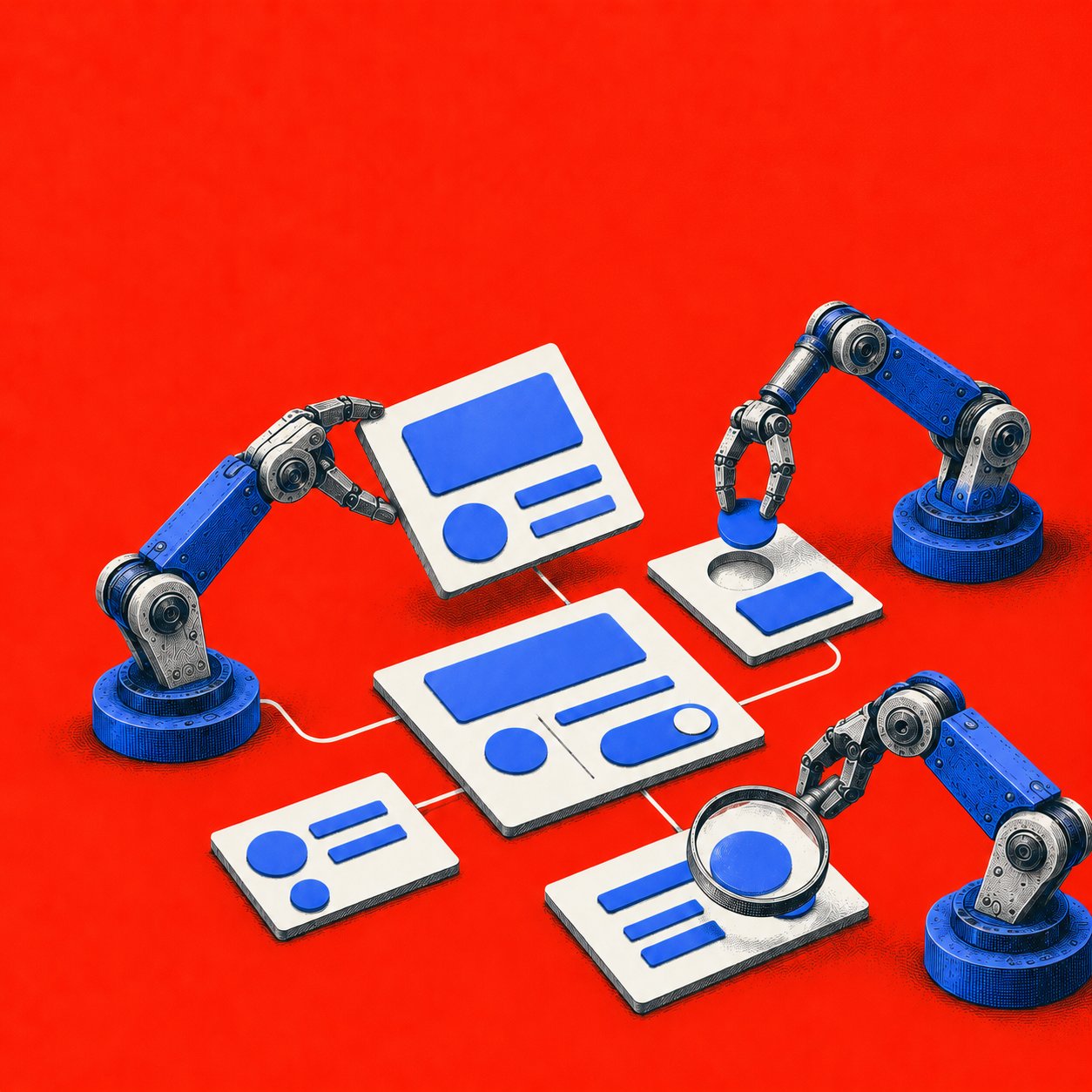
A product manager asks an agent to improve onboarding, and the agent returns a polished flow that ignores the live interface, the design system, analytics, and decisions the team has already made. The context gap sits inside the everyday product stack, where design files, user research, event data, code, and operational rules rarely travel together.
The cost appears later as rework. Designers rebuild misaligned prototypes, engineers interpret incomplete specifications, researchers find that edge cases were missed, and automation reaches into workflows where a human approval should have remained. Last week, I watched a hypothetical PM spend a review meeting explaining why a beautiful new screen couldn't ship because it used retired components and skipped a permissions state. How much speed remains after that correction cycle?
This is what I mean by evaluating agentic AI tools through the product delivery loop, rather than through demo quality alone. The useful question is where each tool earns trust, where judgment remains essential, and what integration surface it demands. PwC found that 79% of 308 U.S. business executives surveyed in April 2025 said AI agents were already being adopted in their companies, while adoption remained uneven across workflows (PwC's 2025 AI agent survey). This roundup is for product teams choosing between design automation, prototyping, research, coding, and workflow execution.
The right agent reduces context switching while preserving review points.
Top 10 Agentic AI Tools, Feature Comparison
1. Figr
A checkout redesign shows where Figr fits in the product delivery loop. A PM captures the live cart in Chrome, connects the relevant Figma system, and gives the agent a real funnel problem rather than an empty canvas. Figr can flag a missing permission state, suggest edge cases for failed payments, and generate a revised flow that exports to Figma with the team's tokens intact.
That workflow connects context capture and artifact creation. The agent can turn an observed interface into product requirements, UX recommendations, accessibility checks, and high-fidelity prototypes. It can also support a researcher mapping a complicated journey or a QA lead converting design decisions into test cases. Human review still decides whether the proposed flow matches user evidence, business rules, and release constraints.
Where Figr earns trust
Figr is most useful when the product already has a visual language and operational history. Existing screens, Figma components, tokens, and analytics give its recommendations boundaries. That makes it more specific to product work than a general design assistant, while still leaving designers responsible for interaction quality and product managers responsible for prioritization.
Its persistent product memory is relevant to the handoff between discovery and implementation. A later session can draw on earlier decisions instead of restarting from a generic prompt. Teams should still inspect what the system retained, especially if research recordings, customer information, or proprietary decisions enter the workspace.
Practical rule: Test Figr on a messy representative flow. Include permissions, empty states, errors, accessibility requirements, and an existing component system. A polished happy path will not reveal whether its context and design-system reasoning hold up.
The trade-off is setup effort. Figr needs product capture and Figma synchronization before its strongest output becomes useful. Analytics connections may add another integration step. That work is justified only if the team measures fewer revisions, clearer specifications, or faster movement from research to prototype.
For product teams, Figr occupies the design-led end of this roundup. It supports exploration and specification more directly than coding or workflow agents, but it does not remove the need for research validation, implementation review, or release testing. Read how AI design memory works, then evaluate the Figr AI design agent against one live workflow.

2. OpenAI Agents
OpenAI's agent stack suits teams that want a managed path from model access to tool orchestration. The Agents API provides a runtime for sessions and tools, while the Responses API supports web search, file search, and computer use. Dots are positioned as always-on agents that can continue working from feedback, although access to some capabilities may be staged or limited.
For a product organization, the appeal is breadth. A discovery agent can search internal files, a requirements agent can work from research, and a workflow agent can call approved systems through connectors. That gives teams a common foundation instead of separate vendors for reasoning, retrieval, and execution.
Where the platform earns trust
OpenAI is strongest when a team has engineering capacity but doesn't want to assemble every runtime primitive itself. First-party tools and a broad model ecosystem shorten the path from proof of concept to an embedded agent. The platform also supports narrow decision-oriented use cases through a Decisions API, which can be useful when the agent should recommend among bounded choices rather than generate an open-ended answer.
The main risk is vendor concentration. Model behavior, availability, safety gating, and feature access can change as new capabilities move through staged releases. API usage is billed according to model and token consumption, so a product team needs traces that connect tool calls to business outcomes.
For a design-led organization, OpenAI Agents may be the execution layer behind a product-specific system, rather than the product-context layer itself. A team still needs to define which screens, decisions, permissions, and analytics the agent can access.
Explore OpenAI's agent platform, and compare its runtime approach with these top AI agent automation tools. The platform is compelling when flexibility matters more than a ready-made UX workflow.
3. Anthropic Claude Platform
Claude's platform is a considered choice for teams whose hardest problem is preserving instruction quality across a large body of product context. Workbench and Projects support collaborative work with multiple documents, while the API adds tool use, computer use, and MCP connectors. That combination makes Claude useful for research synthesis, requirements analysis, and carefully bounded execution.
A product leader might use Projects to keep research, product principles, and decision records together, then expose selected tools through MCP. The result can be a long-context working environment where the agent sees more of the reasoning behind a product decision. That matters when a seemingly minor UX change depends on accessibility rules, legal constraints, or a previous experiment.
The governance trade-off
Anthropic's strengths are instruction following, planning, and enterprise-oriented controls. Prepaid credits and usage tracking can help teams establish a predictable operating budget, but tool use and computer interaction add token overhead. Teams should test the full loop, including retrieval, action, correction, and approval, rather than judging the model from isolated prompts.
The platform's preview model also deserves attention. Advanced capabilities may arrive in preview before they become stable parts of a production contract. A product team that builds a critical handoff around a preview feature needs a fallback path and a clear migration owner.
Claude is a good general-purpose platform for teams that want their own product agent and value careful reasoning over turnkey design artifacts. Its role becomes more interesting when connected to a context-rich design environment, because the model can act on structured product evidence instead of relying on screenshots alone.
See Anthropic's Claude platform and this generative vs agentic AI comparison. Teams exploring research workflows can also examine how Claude uses YouTube MCP for a concrete example of tool-connected context.
4. Microsoft Copilot Studio
Copilot Studio is the pragmatic pick for enterprises whose product and operational data already live inside Microsoft 365 and Power Platform. Its agent builder combines authenticated identity, tenant grounding, administrative controls, analytics, and policy-based inclusion. The value comes from fitting agent behavior into an existing identity and governance model.
That fit changes the product decision. A PM building an internal launch-readiness agent may care less about model novelty than whether the agent can respect permissions, retrieve approved documents, and operate within familiar tenant controls. Copilot Studio is designed for that environment, where IT administrators and product teams share responsibility for what the agent can see and do.
The stack decides the economics
Microsoft's low-code approach reduces the engineering barrier, but it doesn't remove design work. Teams still need to define the agent's purpose, escalation points, source hierarchy, and approval logic. A conversational front end can hide a poorly designed workflow if no one tests the underlying handoffs.
Billing can also become difficult to forecast because feature rates and premium language-model usage may appear together. The platform makes the most sense when the organization already has Microsoft identity, data, and support expertise. A company outside that ecosystem may spend more effort recreating the surrounding environment than it saves through low-code construction.
For product leaders, Copilot Studio is strongest in governed organizational execution. It is less differentiated as a product-design workspace, so teams may pair it with a context-aware UX tool for discovery, flow design, and validation. The Microsoft Copilot Studio platform is worth testing with a real tenant-grounded workflow, not a generic chatbot demo.
For the interface question, see designing for intention-based UI. That distinction matters when a product agent must understand intent without forcing users through another dense control panel.
5. Google Cloud Vertex AI Agent Builder
Vertex AI Agent Builder, with Agent Engine, is built for teams that treat agents as cloud software requiring runtime management, memory, observability, and policy controls. The managed environment supports long-running, tool-using agents, sessions, memory banks, and integration with Google Cloud services. It suits organizations that already understand cloud deployment and need more operational control than a standalone assistant provides.
Product teams can use the stack for research retrieval, internal product operations, or agents that coordinate across analytics and documentation systems. Vertex Search and grounding components help connect responses to enterprise information, while Cloud observability provides a place to inspect behavior after deployment. That operational visibility is essential when a workflow has multiple tools and possible failure paths.
Control comes with a learning curve
The platform's strength is also its burden. Runtime, sessions, memory, search, and related services can create several cost and architecture decisions. Documentation spans multiple Google Cloud products, so a small product team without cloud specialists may need substantial support before it can evaluate the agent fairly.
The right test is a narrow workflow with a clear input, an observable output, and an escalation path. For example, a team could ask the agent to turn approved research documents into a structured requirements draft, then measure grounding accuracy, review time, and the number of corrections. Those measures reveal more than an impressive conversation.
Google Cloud Vertex AI Agent Builder is a strong choice for organizations prioritizing runtime governance and observability. It competes with OpenAI and Anthropic at the model-and-tools layer, while competing with AWS at the cloud-control layer. It doesn't replace a product-specific design memory system, so design teams should define that boundary early.
6. Amazon Bedrock AgentCore and Managed Agents
Amazon Bedrock is the natural shortlist candidate for teams already operating on AWS. AgentCore provides runtime, memory, payments, and tool capabilities, while managed agents are described as an AWS-native preview option with durable sessions and IAM roles. Bedrock also allows teams to choose among model providers inside the same cloud environment.
The product decision here is about control boundaries. IAM can scope what an agent is allowed to access, and CloudWatch and CloudTrail can support operational inspection. For product operations, that could mean an agent gathers account information, checks a policy, and prepares an action while retaining an auditable path through the connected systems.
Autonomy must be priced and permissioned
AgentCore Payments introduces a particularly sensitive use case, autonomous micro-transactions. That capability makes approval thresholds, spending limits, identity, and rollback design central to the evaluation. A product team should never confuse the ability to execute a payment with evidence that a payment workflow is safe to delegate.
AWS's flexibility creates FinOps work. Runtime, tools, search, memory, and model usage can each contribute to the cost picture. Managed Agents are still in preview, so teams should assume that features and pricing may change before committing a critical product process.
Amazon Bedrock is compelling for AWS-native organizations that need model choice and cloud governance together. It is less suitable as a ready-made UX research or design environment. Compared with Google Cloud's offering, Bedrock feels most valuable when IAM and existing AWS operations are already the team's default language.
7. GitHub Copilot
GitHub Copilot has moved beyond inline suggestions into a more complete developer loop. Its agentic workflows can plan, edit, test, and validate changes, with cloud and local sandboxes supporting execution. Deep repository, pull request, code review, and CI integration make it a strong choice when a product requirement already has a clear path into engineering work.
The adoption pattern becomes concrete. McKinsey reported that technology organizations had scaled agent use in 24% of software-engineering activity, 22% of IT activity, and 18% of product or service development (McKinsey's agentic AI chart). Structured repositories, test suites, issue trackers, and deployment systems give coding agents the workflow surface they need to act and be evaluated.
Speed doesn't remove review
GitHub Copilot reduces handoffs when the specification is clear and the repository is well maintained. It won't resolve ambiguity in a product requirement, settle a privacy trade-off, or know whether a confusing interaction is strategically acceptable. Those judgments still belong with product, design, and engineering leaders.
The NBER working paper on more than 100,000 GitHub developers found that autocomplete increased coding activity by roughly 30% in one specification, while interactive and autonomous coding agents produced larger observed increases of about 180% and 240%, respectively (the NBER study on AI coding tools). Those findings describe activity, not guaranteed shipped value. Teams should pair throughput with accepted changes, rework, escaped defects, and review time.
GitHub Copilot is the best fit here for organizations already organized around GitHub. It is a downstream implementation agent, while Figr operates earlier in the loop by grounding UX decisions and artifacts before code begins.
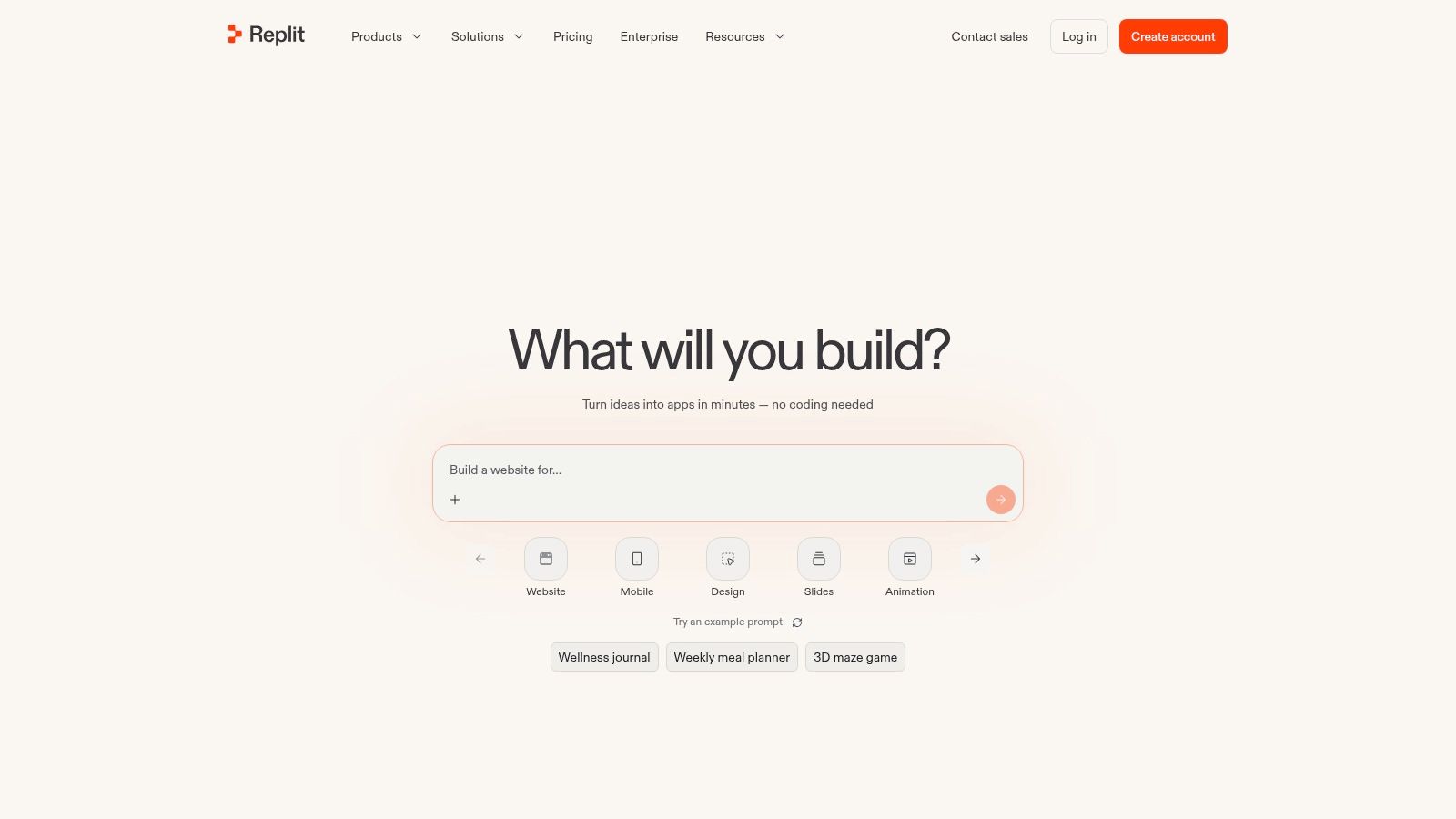
8. Replit Agent
Replit Agent is designed for low-friction experimentation. Inside Replit's hosted cloud IDE, the agent can scaffold an application, run it, test it, and iterate on the result. That makes it useful for a startup team validating an idea, a PM building a disposable prototype, or a small engineering group that needs a working artifact before investing in infrastructure.
The product's strength is immediacy. A user can move from an idea to a running application without first assembling a local environment, repository workflow, deployment pipeline, and test harness. For early product exploration, that compression can expose a weak idea quickly, which is often more valuable than polishing a concept in documents.
Scope is the safety mechanism
Effort-based pricing and spending controls give teams tools for managing autonomous runs, but ambiguous tasks can continue in unhelpful directions. The practical discipline is to define the artifact, the allowed technologies, and the stopping condition before the agent starts. A prototype that is cheap to create can become expensive to refine if the team keeps changing the objective mid-run.
Replit also requires a clear handoff boundary. A generated prototype may demonstrate interaction and logic, yet still need architectural review, security testing, accessibility work, and integration with production systems. Product leaders should treat it as an exploration environment unless the team has separately validated its path to production.
Replit Agent is a better fit for speed and experimentation than for a large organization's controlled delivery loop. Teams comparing it with design-first tools can read about an AI design agent for product teams. The distinction is useful: one creates a runnable artifact quickly, the other preserves product context while shaping the experience.
9. Zapier AI Agents
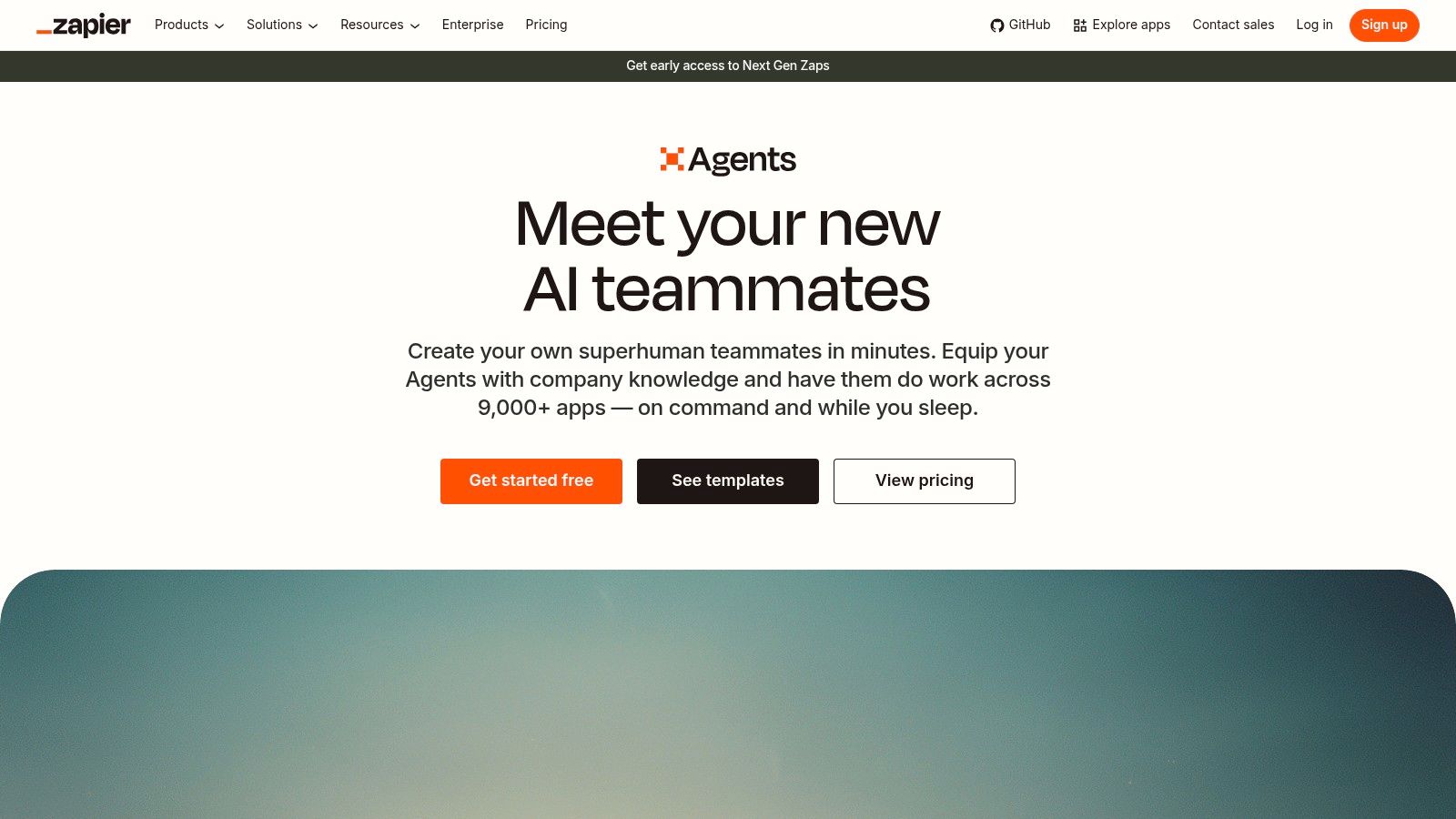
Zapier AI Agents is the operational choice for product and operations teams that need actions across existing SaaS tools without building an agent runtime. Agents can trigger recurring or event-driven tasks, call APIs, and execute multi-step workflows through Zapier's integration ecosystem. Built-in activity metering, logs, administrator visibility, and enterprise options give teams a way to monitor what happened after delegation.
A product operations lead might use an agent to enrich feedback, route a qualified insight to the right workspace, update a research record, and notify a team channel. The value comes from closing handoffs between tools. It isn't about creating a new interface, it is about making the current stack behave more like a connected workflow.
The integration layer is the product
Zapier is strongest when the process is known but tedious. It can help a team move information between systems, yet complex reasoning still needs explicit guardrails. Human review is especially useful before an agent edits canonical product records, sends external messages, or treats an unverified research signal as a requirement.
The transition from standalone Agents toward AI by Zapier inside the Zap editor may require migration work. Teams should map existing workflows, inspect permissions, and confirm how activity limits and quotas apply before moving important operations.
Zapier AI Agents compares favorably with custom orchestration when the desired tools already have reliable integrations. It compares less favorably with Figr for UX work because Zapier moves information and performs actions, while Figr reasons over product screens, design systems, and product decisions. The best pairing may be sequential: design and validate the change first, then automate its operational follow-through.
10. LangGraph and LangSmith
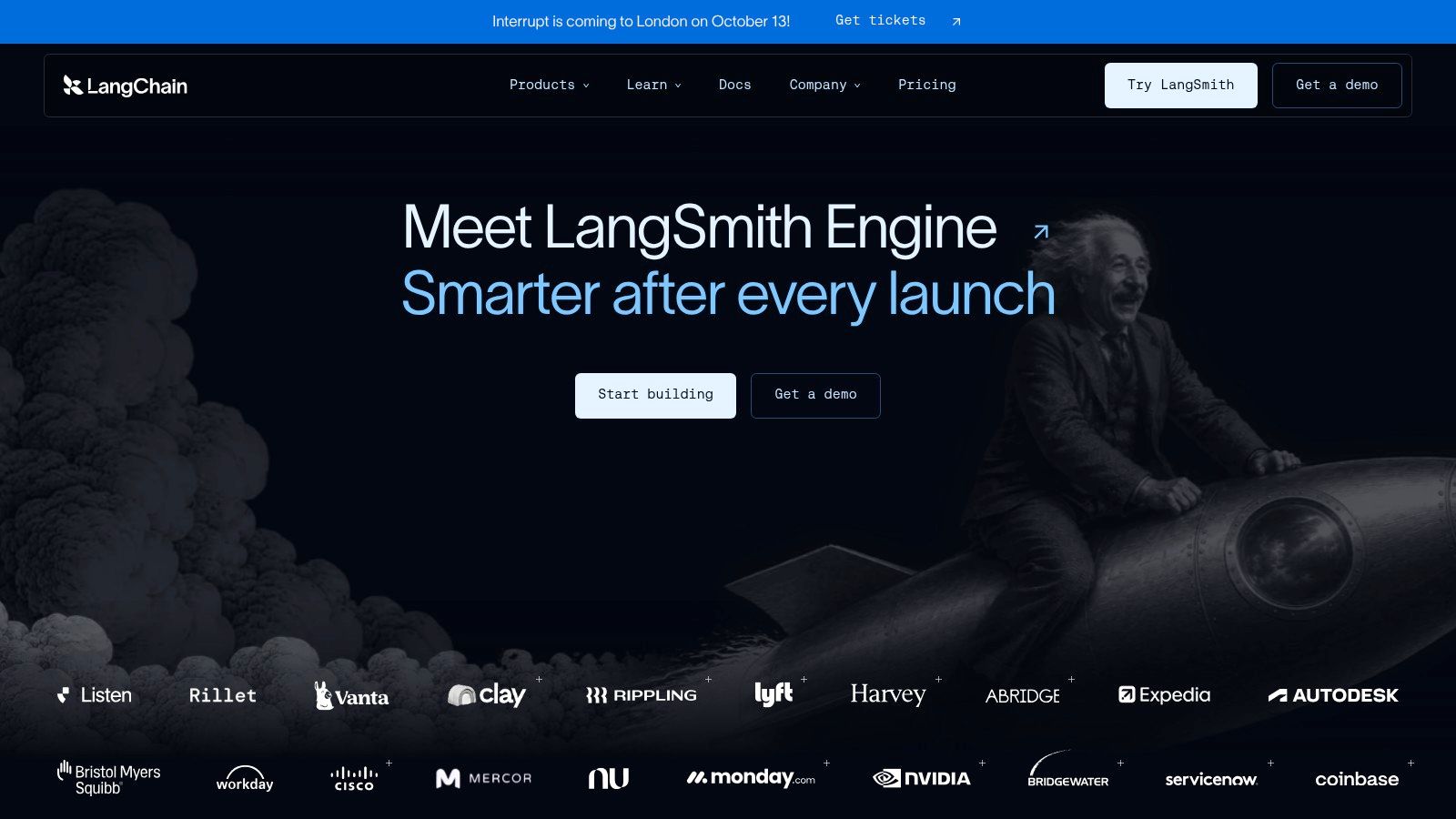
LangGraph with LangSmith is the builder's option. LangGraph provides an open-source way to compose durable, stateful agent graphs with retries, memory, streaming, and human-in-the-loop patterns. LangSmith adds tracing, evaluations, deployments, and authentication, giving engineering teams a place to inspect and improve agent behavior over time.
This stack makes sense when the workflow itself is a competitive asset. A SaaS company could create a research agent that retrieves evidence, drafts a hypothesis, asks for approval, tests the hypothesis against product data, and records the decision. The team controls the graph, the tools, the state transitions, and the points where a person must intervene.
Flexibility creates ownership
The benefit is maximum composability. The cost is engineering lift. Teams must make infrastructure and hosting decisions unless they use managed LangSmith deployments, and they need to own the evaluation discipline that turnkey platforms package more directly.
LangSmith is valuable because agent failures are rarely just model failures. A trace can reveal that the agent retrieved the wrong document, called a tool with stale permissions, skipped an approval state, or interpreted a successful API response as a successful business outcome. That level of diagnosis is essential for serious production workflows.
LangGraph and LangSmith is the right choice when the organization wants bespoke control and has the engineers to maintain it. It sits below Figr, Copilot Studio, and Zapier in abstraction. That makes it more work, but it also lets a team connect a context-rich design process to implementation and operations without surrendering the workflow's architecture.
Choose the Agent That Fits the Handoff
The right tool depends on where work currently breaks. If designers and PMs repeatedly explain the product to an assistant, start with context capture. If researchers lose time synthesizing evidence, test a long-context platform. If engineers spend their days moving from issue to branch to test, evaluate a coding agent. If operations teams copy information between systems, inspect workflow automation. If the workflow itself is proprietary and complex, consider custom orchestration.
Figr is the most direct choice for context-grounded UX work. OpenAI Agents and Anthropic Claude offer broad model and tool foundations. Microsoft Copilot Studio favors Microsoft-centered governance, while Vertex AI Agent Builder and Amazon Bedrock favor cloud-native runtime control. GitHub Copilot and Replit Agent focus on implementation, with different levels of enterprise structure. Zapier handles connected SaaS execution, and LangGraph with LangSmith offers the greatest architectural control.
A useful selection sequence looks like this:
- Product context: Can the agent access the live interface, design system, research, analytics, and decision history it needs?
- Primary workflow: Is the target task discovery, UX exploration, prototyping, coding, testing, or operational execution?
- Integration surface: Which systems can it read, and which systems can it change?
- Governance: Are identity, permissions, audit logs, data retention, and policy controls explicit?
- Autonomy: Which actions require approval, and which bounded cases can the agent complete independently?
- Observability: Can the team inspect tool calls, failed assumptions, escalations, and business outcomes?
- Preview dependence: Which important capabilities are still limited, staged, or subject to change?
- Cost control: Can the team connect usage to quality-adjusted throughput and payback?
The economics of adoption deserve a closer look. Qlik's 2025 survey of more than 200 enterprise technology decision-makers found that 69% had a formal AI strategy, while only 19% had a defined ROI framework (Qlik's agentic AI study). Strategic intent is moving faster than measurement. A tool shouldn't pass evaluation because its demo feels autonomous. It should pass because the team can show fewer revisions, better decisions, lower handoff cost, or safer execution.
McKinsey's global survey of 1,993 respondents across 105 countries found that 23% of organizations were scaling at least one agentic AI system, while another 39% had started experimenting. Within an individual business function, no more than 10% reported scaling agents, which is a useful warning against confusing broad interest with repeatable production value (McKinsey's 2025 State of AI report). The same research links evaluation to function-specific production metrics, including reliability, grounding accuracy, design-system compliance, accessibility defects, review time, and the share of generated artifacts shipped with limited revision.
Selection rule: Choose the tool that improves one handoff you can observe, not the tool with the most impressive autonomy story.
Start with a small pilot. Choose one measurable workflow, use representative product data, define acceptance criteria, and mark every human approval point before the agent runs. Review failure cases as carefully as successful outputs. In service operations, McKinsey describes a target in which up to 80% of common incidents could potentially be resolved autonomously, with time to resolution reduced by 60% to 90%, but only for well-understood cases with clear policies, accessible data, reversible actions, and observable outcomes (McKinsey's agentic AI advantage analysis). The lesson transfers to product work: autonomy should be earned through evidence.
In short, compare each candidate by the handoff it improves. Figr can ground UX decisions before implementation, coding agents can close the path from specification to tested change, workflow tools can connect operational systems, and custom frameworks can encode a company's distinctive process. There isn't a universal winner. There is a tool that fits your context, your permissions, your review culture, and your ability to measure the result.
Choose one workflow this week. Define what a good output must contain, record the current revision or cycle-time signal, run the pilot with explicit approvals, and compare the result against that baseline. If the workflow is UX-heavy, start with Figr's context-grounded design platform and test whether its product memory turns fewer explanations into better artifacts.
Figr is an AI design agent for product teams that grounds PRDs, flows, edge cases, UX reviews, test cases, and high-fidelity prototypes in your live product and design system. Visit Figr to test a context-aware workflow and see whether your team can reduce rework while keeping the right human review points.