

Monday morning. Design review in 20 minutes. Someone pastes a prompt into an AI tool, gets back a polished screen, and the first reaction is optimism. Then the questions start. Where do the permission states go? Why does this step ignore the approval logic? Which component is this supposed to map to? The screen looks finished. The product thinking is missing.
That gap is the point.
A context-aware AI design tool matters because product teams do not design from a blank slate. They design inside constraints, history, and decisions that already exist. I have seen teams lose days polishing generated concepts that never had a shot of shipping because the model knew nothing about the product behind the pixels.
One product leader at a Series C company described it well. His team used AI to recreate a core workflow and got back clean UI with the wrong logic. It missed edge cases, role-based states, and the small rules that made the flow work. Good visual taste did not save it. Product memory would have.
Prompt-only AI produces screens. Context-aware AI can help produce decisions.
That distinction changes how these tools should be evaluated. A button sits inside permissions, analytics events, accessibility requirements, design tokens, and a flow that exists for a reason. A true AI design tool with context needs access to the live product, the design system, product docs, and signals from user behavior so it can work from the same reality as the team. That is also why the problem with AI product design tools keeps surfacing in teams that start with blank-prompt generation and expect the model to infer the rest.
The market is growing fast, but feature volume is not the useful lens here. The better question is simpler. What does the system know about your product before you ask it to generate anything? That is the shift behind Context Is the New Canvas, and it is a better frame for evaluating tools than another demo of one-shot screen generation. If you want a wider lens on where product teams are heading, how founders use AI in 2026 is worth your time.
Use a simple rubric. Can the tool see your current UI? Can it work from your components and tokens? Can it retain decisions across sessions? Can it connect product intent to what users are struggling with? And as AI for UX design is not about the blank canvas argues, the advantage is rarely the first screen. It is the quality of judgment after the first screen.
What a context-aware AI design tool actually knows
Many design groups use the word context loosely. They mean, “I pasted a better prompt.”
That's not context. That's prompt stuffing.
A real context-aware AI design tool works more like a system with product memory. It draws from the assets that already define the product: live UI structure, component rules, docs, behavior, and previous decisions. If the tool can't access those inputs, it's still guessing.
The four layers of product context
What matters most usually falls into four buckets:
Live product state: your app's current interface, flows, and behavior, often visible through live HTML or screenshots.
Design system reality: components, tokens, variables, and styling rules that keep output aligned.
Observed user behavior: recordings, funnels, and friction points that show where people struggle.
Product intent: PRDs, acceptance criteria, and internal docs that explain why the flow exists.
When people say they want product context AI, they usually mean they want all four at once.
A tool without context can mimic your UI. It can't reason about your product.
That last part matters because context alone still isn't enough. Nielsen Norman Group's review of AI prototyping tools found the outputs were often “good from afar, but far from good” because the systems “lack the intuition to tailor them to nuanced contexts”. This is what I mean: context ingestion is necessary, but reasoning about tradeoffs is where many tools still crack.
Prompt-only AI versus AI design tool with context
You can feel the difference fast.
Prompt-only tools are strongest when the task is broad and unconstrained. “Give me a modern B2B analytics dashboard.” Fine. You'll get something slick. The trouble starts when the request becomes specific: “Now make it consistent with our existing billing logic, our mobile breakpoints, our role permissions, and the way our enterprise users export reports.”
That's where blank-slate generation starts to wobble.
What prompt-only tools tend to miss
Prompt-only systems usually miss the stuff that makes product work expensive:
Hidden states: empty states, error states, loading states, role-based views.
System constraints: token usage, design system enforcement, accessibility requirements.
Historical decisions: why the team rejected one pattern and kept another.
Flow consequences: what breaks downstream when one screen changes upstream.
Last week I watched a PM walk through a prototype with engineering and QA. The screen looked right. Then someone asked a brutal question: what happens when the user has edit access in one workspace but view-only access in another? The room went quiet. The mock looked complete until reality touched it.
That is the daily tax of generic generation.
There's also an economics layer here. Product teams don't suffer because they lack ideas. They suffer because revisions travel across functions, design to PM to engineering to QA, and each missed edge case gets more expensive as it moves downstream. Better context compresses that loop.
1. Figr
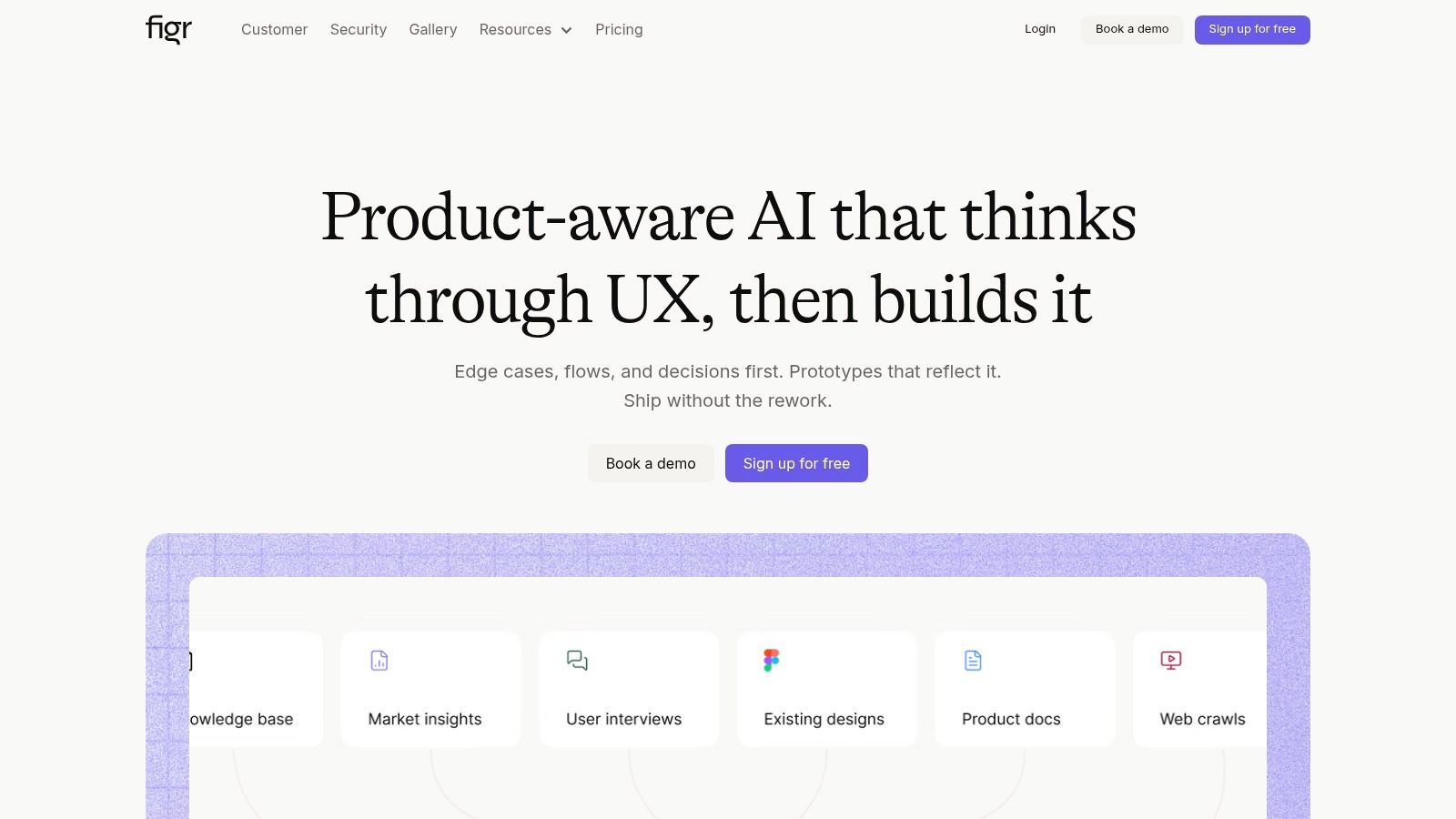
A product review goes sideways fast when the mock is polished but the logic is missing. The layout looks done. Then someone asks about permissions, edge states, or how the flow changes for an existing customer on a legacy plan. That is the gap Figr is built to close.
Figr approaches AI design as a context problem first. It pulls from the live product, Figma files, screen recordings, and docs, then uses that material to generate artifacts that reflect how the product works. The point is not raw screen generation. The point is continuity. Context Is the New Canvas lays out that philosophy clearly.
That changes the jobs the tool can take on. Teams use it to capture an app, map flows, draft PRDs, surface edge cases, generate QA scenarios, and turn all of that into prototypes that stay closer to product reality. I like that framing because it matches where product work gets expensive. The cost usually sits in missed dependencies, not in drawing one more screen.
Where Figr earns its place
The strongest part is persistent product memory. Decisions carry across sessions instead of getting reset every time someone opens a new prompt. For PMs and design leads, that matters more than flashy first drafts. It means the system can keep track of what the team already knows, what constraints exist, and where a new flow could break something upstream or downstream.
It also spans more of the workflow than many design-first tools. You can see what teams have built with Figr, including flows like the Linear Since You Left digest. For teams building their own operating model around AI, Figr fits naturally alongside broader AI workflows for senior product leaders.
A few practical strengths stand out:
Product ingestion: it starts from the live app, existing flows, and design assets.
Cross-functional output: it supports PRDs, flow maps, edge-case reviews, test cases, and prototypes.
System adherence: it works better when tokens, components, and accessibility rules matter.
Shared context: PM, design, research, and QA can work from the same source material.
That breadth is the differentiator. A prompt-only tool can give a convincing screen. A context-aware tool can help a team reason through the product around that screen.
The trade-off
Figr gets stronger as your product artifacts get cleaner. If the app is inconsistent, the design system is loose, and the documentation lives in six places, the tool still helps, but the gains come slower. Teams often expect AI to compensate for missing product discipline. It rarely does.
That makes Figr a better fit for teams who already feel the pain of cross-functional rework. If the recurring argument in reviews is about state logic, permissions, regressions, or QA fallout, this is pointed at the right layer of the problem. Teams comparing it with build-first options such as RapidNative AI app builder should pay attention to that distinction. One path starts with generating interfaces. The other starts with learning the product.
2. Figma AI
Figma AI is powerful because it lives inside the file where a lot of design truth already sits. Layers, libraries, variables, and components aren't abstract ideas here. They're native context.
That makes Figma AI especially useful for teams whose workflow already revolves around a disciplined design system. If your files are clean, your variables are structured, and your libraries are maintained, the model has something solid to stand on.
What it knows well
Figma AI is best at in-file context. It can help draft flows, summarize content, assist with prototyping, and work directly with the system your team has already built. It also matters that Figma is connecting design context outward, including support for sharing design-system context with coding agents through MCP. That's a meaningful step for continuity between design and implementation.
The upside is obvious. Less translation loss. Less copy-paste theater. More alignment to actual components.
The risk is also obvious. If the file is messy, the output inherits the mess.
A lot of teams think they need smarter AI when they really need cleaner source material.
For product teams interested in interfaces that react to behavior in real time, Figr's guide to AI-driven adaptive UX is a smart companion read.
Where it fits
Figma AI is a strong choice when the center of gravity is the design file itself. It is less compelling if your real product knowledge sits outside Figma, in analytics, recordings, docs, or the live app. In that case, the tool sees only part of the system.
That distinction matters. A design file contains structure. It does not always contain product reality.
3. Stitch by Google
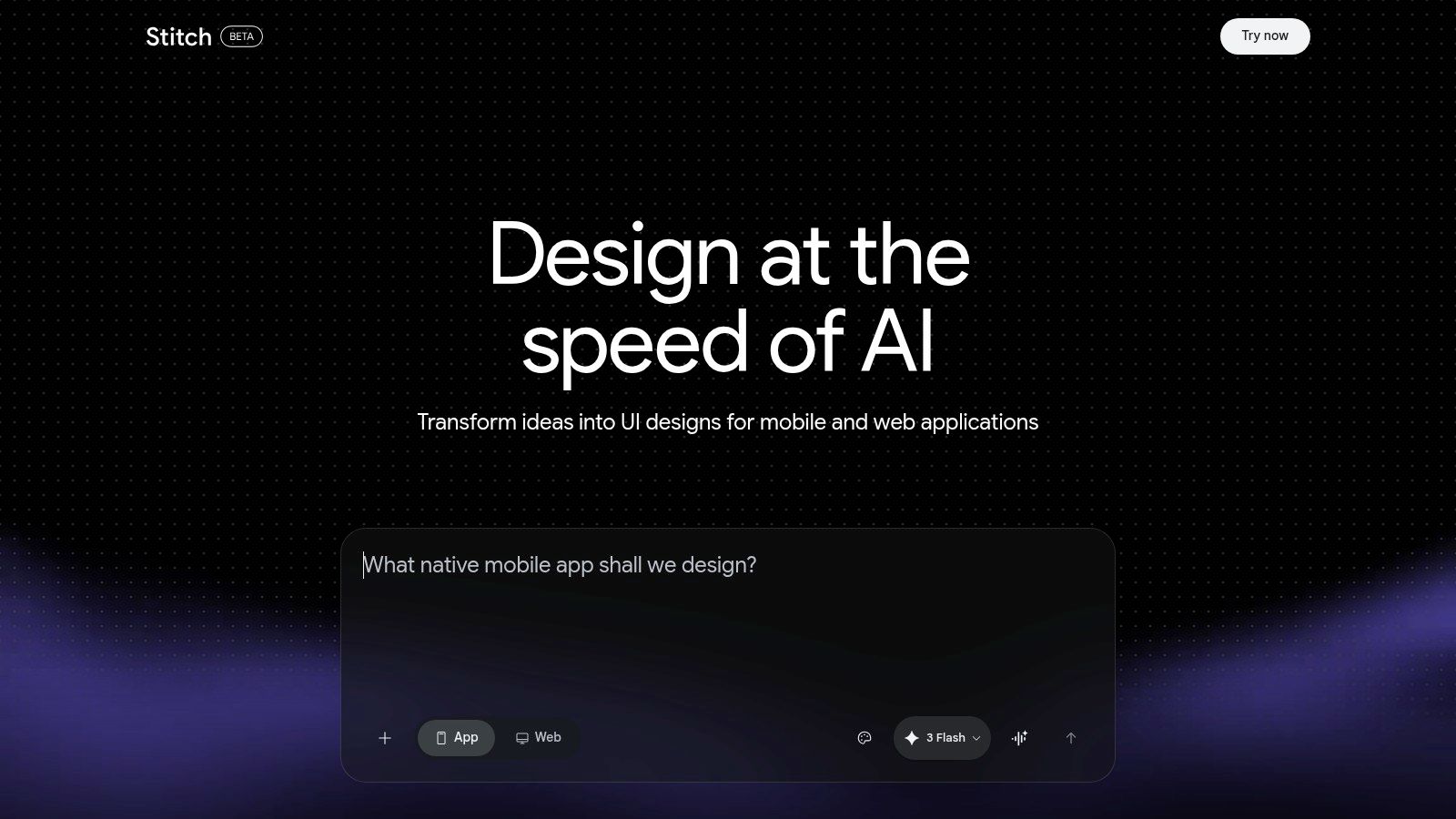
Stitch by Google feels built for speed. You describe what you want, upload references or screenshots, and it generates multi-screen UI ideas quickly. That makes it appealing early in discovery, when the team needs shape, options, and momentum.
It's good at vibe. It's lighter on deep product memory.
Best use case
If you're in the phase where stakeholders need to react to directions, not polish implementation details, Stitch can be productive. Non-designers can use it without much ceremony. Product managers can sketch a concept, test a framing, and export to Figma for refinement.
That's valuable. Early-stage product work often stalls because nobody wants to open the intimidating blank canvas.
The trade-off is that fast ideation doesn't equal grounded execution. Generic outputs can still sneak in, especially when the product has lots of inherited complexity under the surface. That's why design-grounded AI for product managers is such a relevant lens here.
The real caution
I'd use Stitch for exploration, alternatives, and rough narrative. I wouldn't trust it on its own for flows where permissions, states, and system constraints matter. It helps teams get unstuck. It doesn't replace product understanding.
That's a useful tool. It's just not the same thing as AI design memory.
4. v0 by Vercel
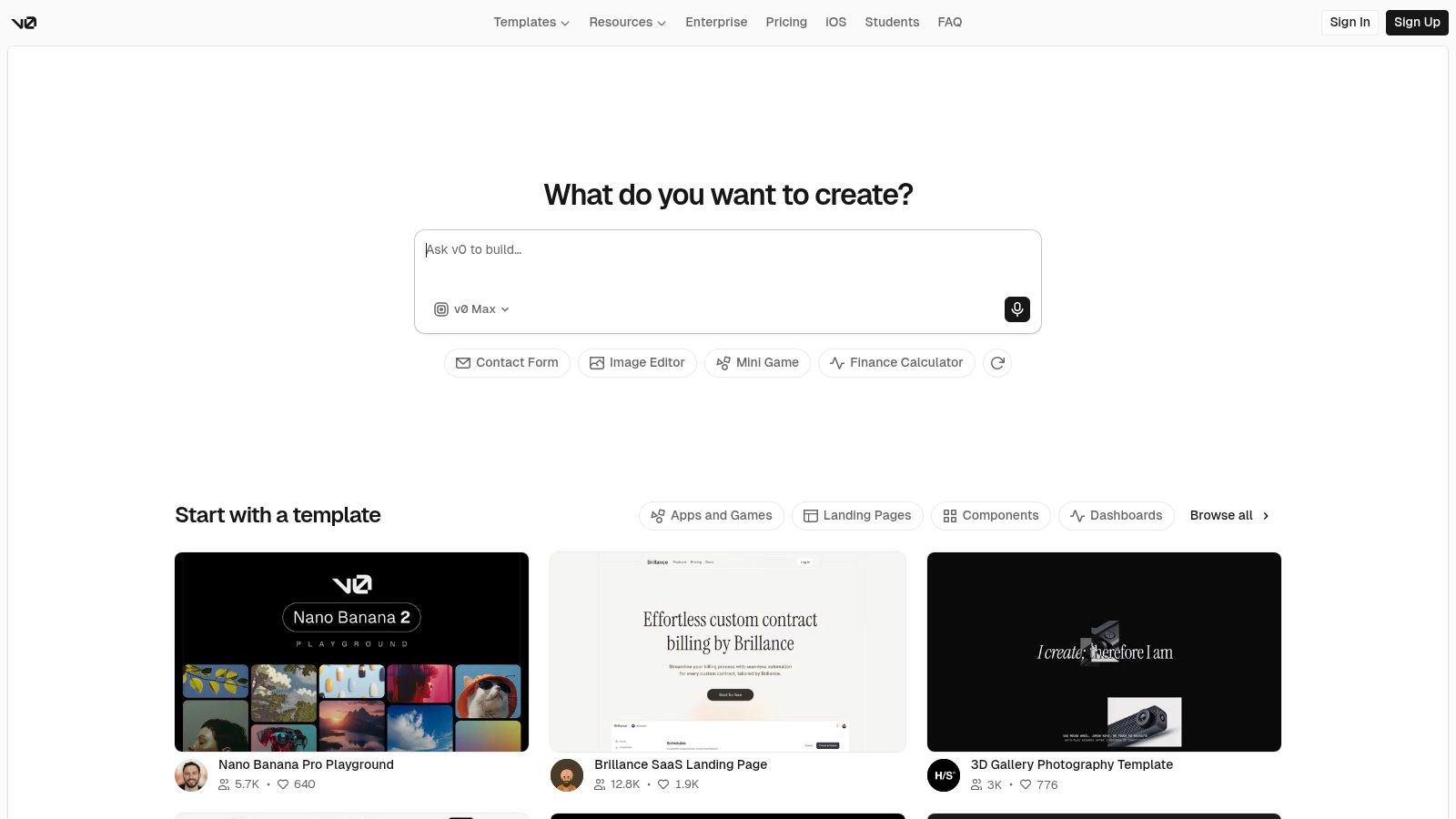
v0 by Vercel sits close to code, and that changes the conversation. This isn't only about generating interfaces. It's about turning ideas, screenshots, and Figma references into working frontend output fast.
For teams that care about the jump from concept to deployed artifact, that's a big deal.
Why teams like it
v0 works well when PM, design, and engineering need a shared object to react to. Instead of arguing over a spec, the team can look at real code and iterate from there. If your stack already leans into modern frontend workflows, that fit becomes even tighter.
It also means the notion of context shifts. The tool can use your design system and components, but it still depends heavily on what you feed it and how clearly those systems are defined.
That can be liberating or expensive.
People often underestimate how sensitive code-generating tools are to iteration quality. Prompt drift becomes architecture drift fast. If you want the broader management angle, AI workflows for senior product leaders gets at the operating model behind using tools like this well. A related angle on code-driven output is RapidNative AI app builder.
The trade-off
v0 is strongest when shipping code is the immediate goal. It is weaker as a memory system for the product itself. If your real problem is fragmented context across docs, behavior, and prior decisions, v0 won't magically fix that. It accelerates execution more than it consolidates understanding.
That can still be exactly what a team needs.
5. Builder.io Visual Copilot
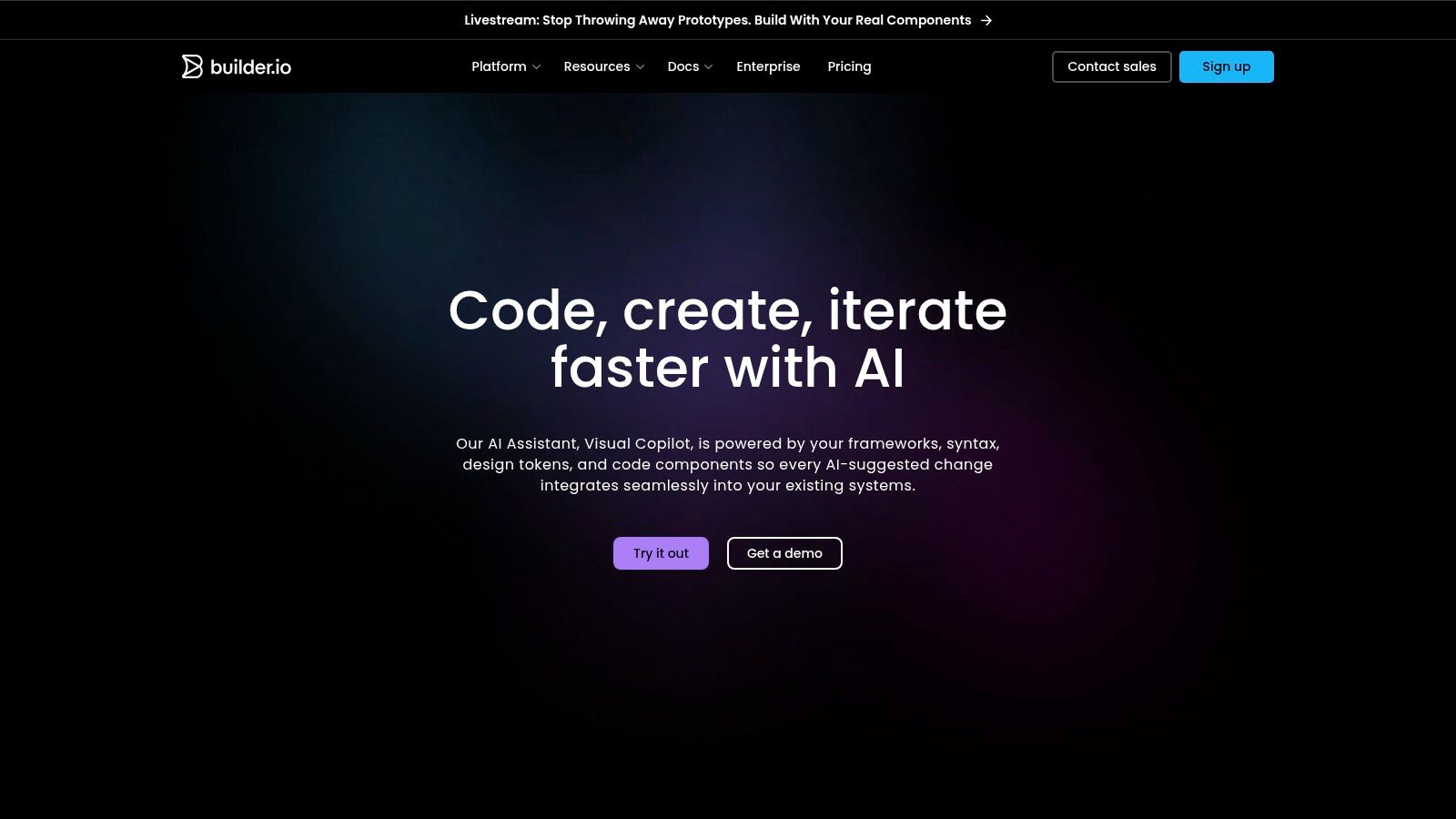
Builder.io Visual Copilot is about translation fidelity. It reads Figma designs and maps them to your code components, which makes it especially relevant for teams that are tired of the handoff tax between design and engineering.
That is a narrower problem than “understand my whole product,” but it's a real one.
What it does well
The component mapping is the point. If your team already has code components with known APIs, Visual Copilot helps turn design intent into implementation with less manual rebuilding. That can keep systems aligned and reduce the weird drift that happens when design and code evolve as parallel universes.
Context engineering becomes practical rather than abstract in this scenario. optimizing AI inputs for product teams is a useful frame because the quality of the mapping depends on how well your components, tokens, and source structures are defined.
The best “AI design” output often looks boring. It looks like your existing system, correctly reused.
What it won't solve
It won't replace product judgment. It won't infer nuanced workflow logic from a pretty frame. It shines when the main issue is turning established design language into code with less friction.
For some organizations, that's enough to matter a lot.
6. Framer AI
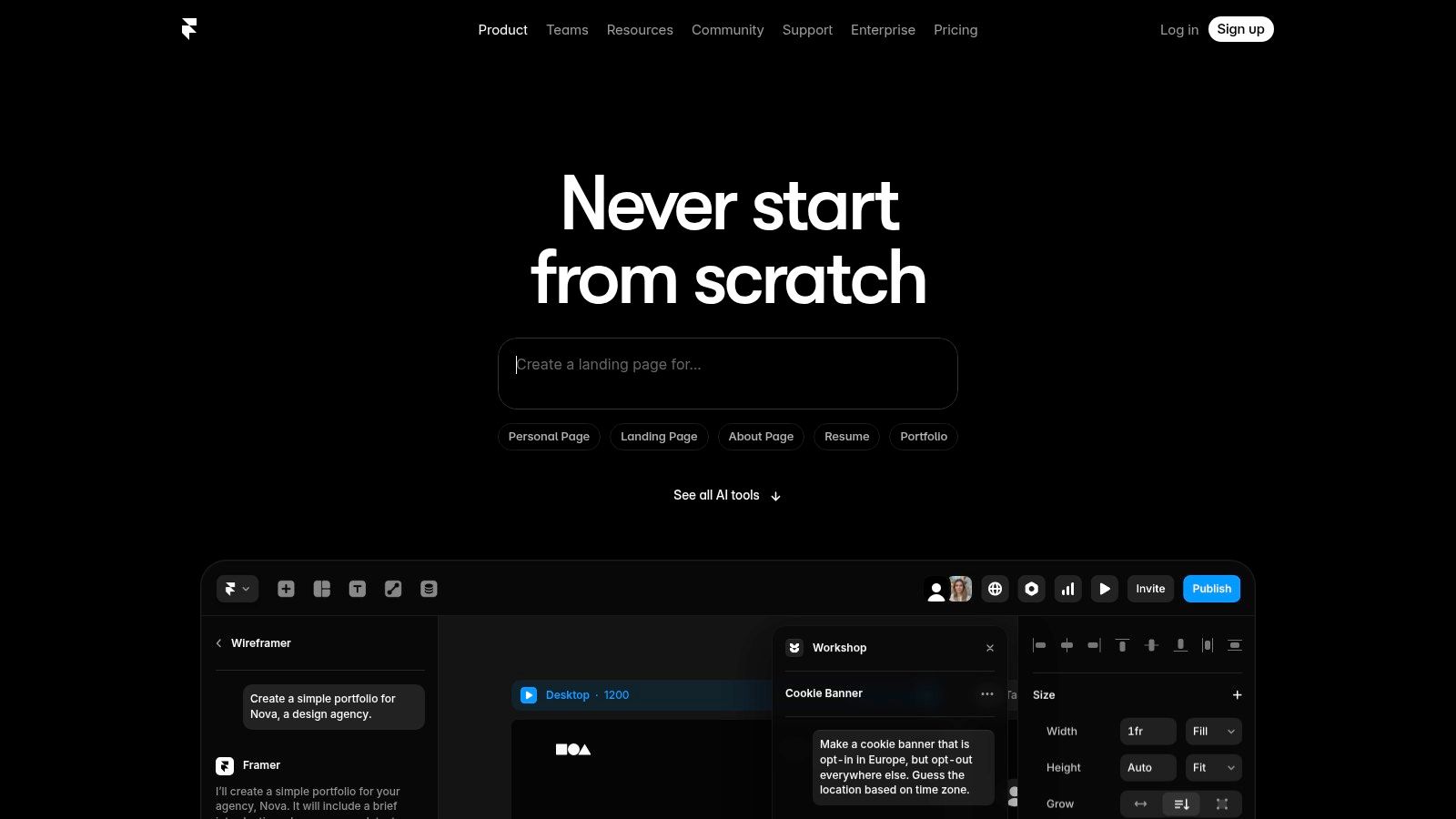
Framer AI is the outlier on this list because its sweet spot is websites, not deep app UX. That's not a flaw. It just means teams should buy it for the job it does.
If you need marketing pages, docs, landing pages, or fast experiments, Framer is sharp.
Where context matters here
Its version of context is brand, page structure, copy, and site-level editing. Cross-functional teams can move quickly because PMM, growth, and design can all touch the same system. For launch work, campaign pages, and localization-heavy environments, that speed is useful.
But if you're evaluating it as a context-aware AI design tool for core product workflows, the fit gets thinner. Website context is not the same as product context. A landing page doesn't have the same behavioral complexity as an enterprise settings flow.
That difference is easy to blur until a team buys the wrong tool for the wrong layer of work.
Bottom line
Use Framer AI when the job is publishing and iterating on web experiences. Don't expect it to become your product brain.
7. Anima
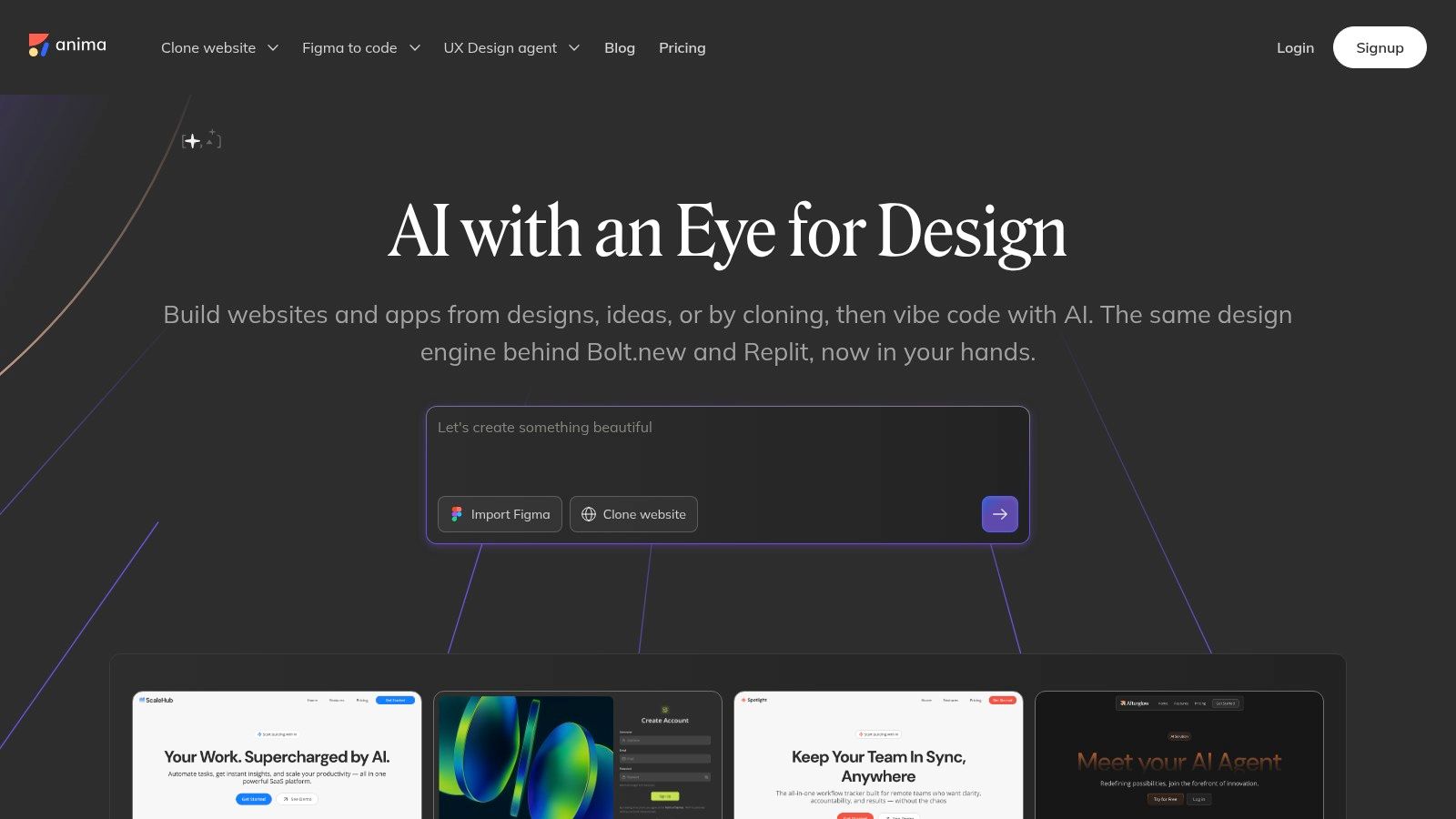
Anima has been useful for teams trying to move from design artifacts to usable code without rebuilding everything by hand. It converts Figma designs into HTML, CSS, React, and Tailwind, and it gives teams a more flexible bridge from mockup to implementation.
That makes it practical. It also makes review mandatory.
How to think about it
Anima is good when speed matters and the team accepts that generated code still needs human cleanup. It can preserve layout and token fidelity better than handoffs done from static screenshots and annotations alone. It also supports more automation-oriented workflows, which matters for teams building repeatable pipelines.
The catch is familiar. Code generation can create a false sense of completeness. The UI exists, but the product logic still needs to be checked. Permissions, validation, accessibility nuances, and odd edge states don't disappear because the first draft compiles.
Where it fits best
I'd put Anima in the “bridge” category. It helps close the distance between design and code. It does not replace a system that understands the broader product.
That distinction is the whole article, really.
Start with an Audit, Not a Tool
Monday morning. The team is excited about a new AI design tool. By Friday, it has produced polished screens that ignore your permissions model, break the design system, and skip the ugliest edge cases in the flow. That usually is not a tooling problem. It is a context problem.
Start by auditing what your product knows about itself and where that knowledge lives. Product truth is rarely in one place. It sits across Figma files, component libraries, Jira tickets, API docs, analytics, support transcripts, screen recordings, and in the heads of the people who have been carrying the product for years.
A one-hour context inventory is enough to expose the gaps. Gather the sources that define the product's real behavior. Note what is current, what is stale, and what only exists as tribal knowledge. That exercise does two things fast. It shows what an AI tool could learn from, and it shows what your team has failed to document.
Then evaluate tools against the thing that matters. Context quality.
The evaluation rubric I'd actually use
What product sources can it ingest: live app, design files, recordings, docs, analytics, or only prompts?
Does it preserve memory across sessions: can it carry decisions forward, or does every interaction start from zero?
Can it reason about constraints: design system rules, accessibility, permissions, and edge cases?
Where does it fit in the workflow: exploration, design, handoff, code generation, or cross-functional review?
What happens when context conflicts: does it explain tradeoffs, or just generate another screen?
One more filter matters if you serve users across regions and languages. Current AI warns that many systems are “trained on Western languages” and that products “need to be open, personal, and multilingual”. In practice, that gap shows up in default copy, flow assumptions, and interaction patterns that feel natural to one audience and wrong to another.
A context-aware AI design tool earns its place when it cuts rework, surfaces missing states, keeps the system coherent, and helps the team make better decisions with more of the product in view.
That is the bar.
For the complete framework on this topic, see our guide to best AI design tools.
If your team is tired of generating polished nonsense, Figr is worth a close look. It is built for teams that want AI to learn the product they already have, carry context forward, and turn product thinking into grounded UX work instead of generic screens.