

A product manager at a growth-stage SaaS company showed me an impressive internal agent. It answered roadmap questions with the right tone, cited docs correctly, and looked production-ready. Then the team asked it to do the job it was designed for: update multiple tools, trigger the next step, and hand work to operations without dropping context. It broke at the handoff.
That failure pattern is common. Product teams often buy a conversational interface and expect process execution. Or they buy an automation layer and expect judgment, synthesis, and domain-specific answers.
The useful way to evaluate no-code AI agent builders is by job archetype, not vendor branding. In practice, these tools fall into three groups: Task Automators, which move data and complete structured actions across systems; Conversational Front-ends, which turn knowledge, prompts, and tools into a usable interface for employees or customers; and Open-Source Frameworks, which give technical teams more control over logic, hosting, and extensibility without starting from scratch. That framing matters because the build decision is really an operating model decision. It determines who can own the agent, how fast it can ship, and where it will fail first.
The market is expanding quickly, but growth alone is not the important signal. Fortune Business Insights projects strong expansion for no-code AI platforms over the next decade, reflecting rising demand from teams that want software creation closer to the business problem instead of buried in engineering queues. Gartner also expects a major shift in who builds software. In its press release on low-code development technologies, Gartner said that by 2026, developers outside formal IT departments will account for at least 80 percent of the user base for low-code tools, up from 60 percent in 2021, as noted in Gartner's primary announcement on low-code development adoption.
For product teams, the implication is straightforward. The main risk is no longer whether you can build an agent without code. The risk is choosing the wrong archetype, redesigning workflows around it, and discovering too late that you needed orchestration instead of conversation, or control instead of speed. If you are still comparing agentic and generative AI, that distinction becomes even more useful here, because these builders package very different assumptions about action, memory, and system boundaries. This list is built to make those assumptions visible before you commit.
1. OpenAI – ChatGPT (Custom GPTs / Agent Builder)
ChatGPT sits squarely in the Conversational Front-end archetype. It shines when a product team wants an internal copilot, a domain assistant, or a fast prototype that turns scattered documentation into a usable interface.
That matters because many teams confuse “agent” with “workflow engine.” ChatGPT's Custom GPTs are better understood as a fast decision surface. You define instructions, attach knowledge, add tools or actions, and distribute it quickly across a team. For a PM trying to stand up a release-notes assistant or a support-enablement bot without waiting on infrastructure, that's often enough.
Where it fits best
Aisera's write-up on enterprise AI agent tools notes that modern no-code platforms use visual workflows, reusable templates, and natural language prompts so non-technical users can create and deploy agents without writing code, which is exactly why ChatGPT tends to be the fastest starting point for product teams testing ideas in plain English through a natural-language no-code agent workflow.
Its edge is speed and familiarity. The tradeoff is orchestration depth. Actions need careful setup, and once your process starts depending on branches, approvals, and exception handling, you'll feel the edges.
Best use case: Internal assistants, knowledge copilots, and quick domain-specific prototypes
What product teams like: Configurable instructions, attached knowledge, tools, team sharing
What to watch: Workflow complexity can outgrow the builder faster than expected
Practical rule: Use ChatGPT when conversation is the product surface and action-taking is secondary.
That distinction also helps when comparing agentic and generative AI. A Custom GPT can feel agentic in use, but product teams still need to ask whether it is mainly answering, or coordinating work across systems.
2. Microsoft Copilot Studio
A familiar enterprise pattern shows up fast with Copilot Studio. The teams that get an agent into real use are usually not the ones with the flashiest demo. They are the ones that can connect identity, permissions, documents, approvals, and chat without creating a governance problem on day one.
That pattern puts Copilot Studio in the Task Automator archetype, with a conversational interface wrapped around Microsoft's existing system of record. For product teams already working inside Microsoft 365, the product decision is less about adding a new AI tool and more about extending an operating environment employees already use in Teams, SharePoint, Outlook, and Power Automate.
Microsoft's own product positioning reflects that focus. Copilot Studio is built to create copilots, connect them to enterprise data and actions, and manage them through the broader Microsoft stack, as outlined on the Microsoft Copilot Studio product page. The practical implication is straightforward. Adoption friction drops when the agent can inherit existing access controls and workflow logic instead of asking IT to approve another standalone platform.
The market is moving in that direction. Grand View Research's analysis of the global no-code AI platform market projects strong growth through the next decade, and large enterprises tend to consolidate that spend into platforms that already own collaboration, identity, and data access. Copilot Studio benefits from that consolidation dynamic more than almost any tool on this list.
For product teams, that changes the buying criteria. Copilot Studio is rarely the best pick for a greenfield consumer AI product. It is strong when the workflow already exists and the bottleneck is execution across Microsoft systems: triaging employee requests, routing approvals, answering policy questions, or pulling information from internal documents while keeping admin oversight intact.
Best use case: Internal support agents, employee service workflows, and enterprise knowledge assistants inside Microsoft
What product teams like: Native Microsoft 365 connections, governance controls, Teams distribution, and workflow handoff through Power Automate
What to watch: Licensing can get expensive, and advanced orchestration still depends on understanding Microsoft's wider stack
The non-obvious point is that Copilot Studio matters less as a chatbot builder than as a control layer for enterprise work. That is why it fits teams thinking about The future of software interaction and teams already Understanding AI in product management. The software surface becomes conversational, but the product work still lives in process design, permissions, and choosing which actions should be automated in the first place.
Visit Microsoft Copilot Studio
3. Google Cloud – Vertex AI Agent Builder (Gemini Enterprise Agent Platform)
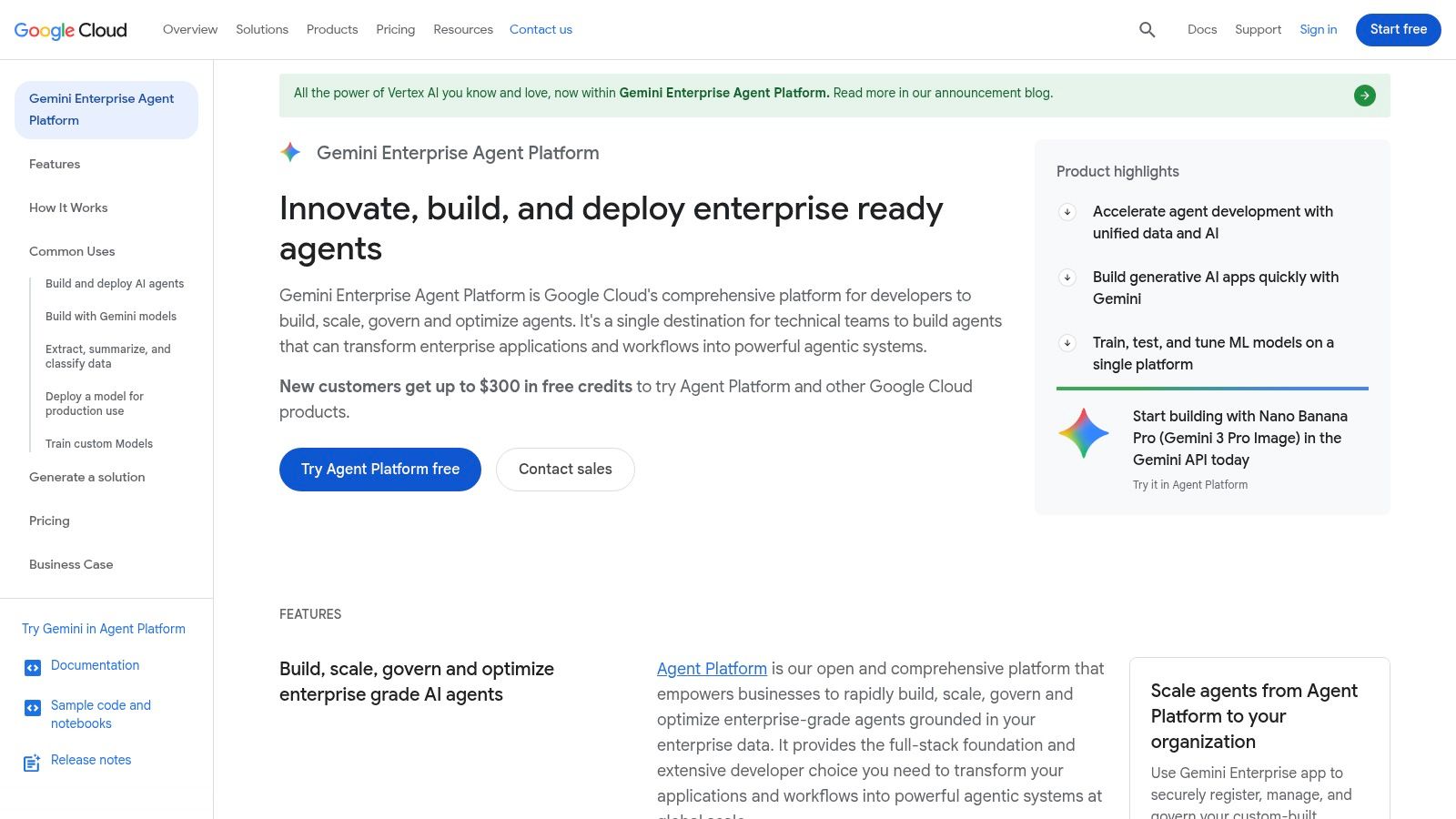
Google's Vertex AI Agent Builder is what product teams reach for when “production” means evaluation, managed runtime, and operational discipline, not just a slick demo. It sits between no-code usability and cloud-native seriousness.
That's a narrower buyer than most articles admit. Many teams don't need this much platform. But when you do, nothing else on this list feels quite as aligned with scale, testing, and runtime control.
The production-first choice
One of the biggest gaps in this market is evaluation. Maxim AI's guide points out that no-code agents commonly expose HTTP endpoints or webhooks, which makes them suitable for simulation-based testing before production in a workflow for evaluating no-code agents through endpoints and webhooks. That evaluation mindset fits Vertex especially well.
For product teams operating under service expectations, the basic gist is this: evaluation is a product requirement, not an ML luxury. If your agent touches live workflows, retrieval quality and tool behavior need to be testable.
Production agents fail in boring ways first, stale grounding, weak permission boundaries, and untested exceptions.
Vertex AI Agent Builder is strongest when your team already uses Google Cloud and wants managed services for compute, storage, grounding, and evaluation. It's weaker when your real need is only “help me automate a handful of cross-tool tasks this week.”
That's also why it maps well to The future of software interaction. The more software becomes a layer of tools behind a reasoning surface, the more runtime governance starts to matter as much as interface design.
Visit Google Cloud Vertex AI Agent Builder
4. Zapier – AI Agents
A common first agent project starts with a support queue, a spreadsheet, and one overloaded operations manager. New feedback arrives from forms, email, and chat. Someone has to sort it, tag it, route it, and notify the right team before the signal goes stale. That workflow explains why Zapier fits the Task Automator archetype better than almost any tool in this list.
The pattern is straightforward. Some agent builders are trying to become the interface. Zapier is trying to become the connective tissue behind work that already exists. For product teams, that distinction matters because the ROI case is usually strongest when the problem is operational throughput, not customer-facing conversation design.
The cost gap between custom builds and no-code automation is real, but the more useful point is practical rather than headline-sized. Full custom agent systems often require engineering time, integration work, and ongoing maintenance that smaller product teams cannot justify for internal workflows. Gartner describes the larger no-code trend as a way to reduce dependency on traditional development resources and speed delivery for business-led automation in its research on the rise of no-code and low-code development technologies.
Zapier's main advantage is integration breadth. Zapier publicly documents connections to over 7,000 apps in its app directory, which helps explain why it shows up so often in product ops and RevOps workflows. Breadth changes what teams can test. Instead of asking whether an agent can answer a question, teams can ask whether it can complete the surrounding work across the systems where that question matters.
That creates a specific product benefit. Teams can run fast experiments in the messy middle of operations, such as classifying incoming feedback, summarizing call notes, creating tickets, updating CRM fields, and routing issues by priority without waiting for a custom integration sprint.
Best use case: Cross-app automation, product ops, RevOps-style internal workflows
What product teams like: Large integration footprint, fast setup, clear payoff on repetitive operational work
What to watch: Logic can sprawl across many steps, so permissions, error handling, and usage limits need clear ownership
The less obvious pattern is governance. A tool that can touch thousands of systems increases execution speed, but it also increases blast radius. Product leaders should treat Zapier agents as operational systems, not lightweight experiments, once they start writing data back into source tools.
That is also why teams building in-app AI assistants for UX often pair an experience-layer product with a back-office automation layer. Zapier is much stronger in the second role.
5. Voiceflow
A common failure pattern shows up early in agent projects. Teams can define what the assistant should do, but they have a much harder time defining how the interaction should feel across handoffs, clarifications, fallbacks, and dead ends.
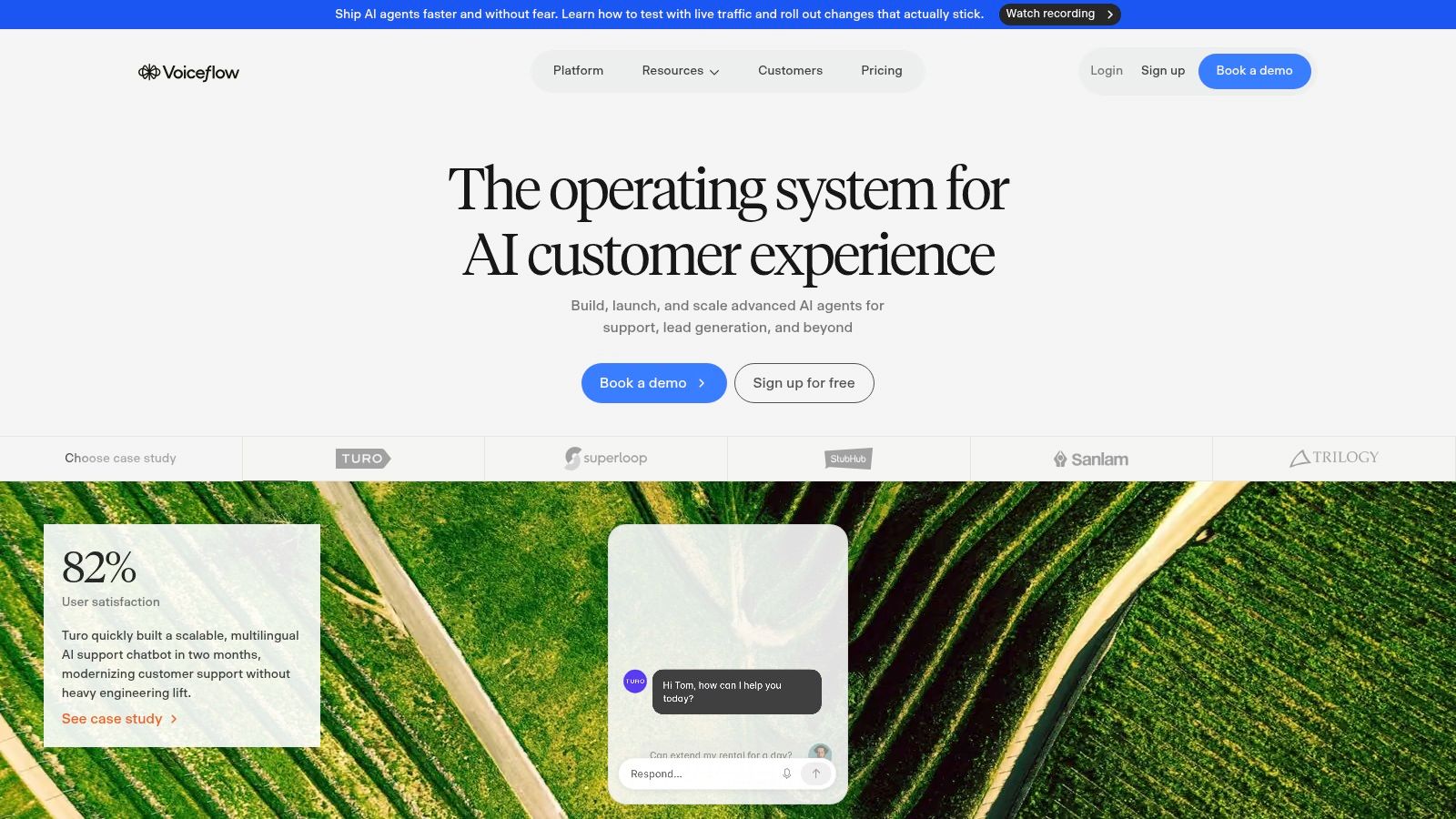
Voiceflow sits clearly in the Conversational Front-end archetype, and that distinction matters. Its value is not broad workflow reach. It is conversation design discipline. Product teams that care about support quality, onboarding guidance, or voice experiences usually discover that a flow chart built for business logic is not the same thing as a flow built for human dialogue.
That difference has practical consequences. Forrester has argued that customer experience quality has a measurable effect on retention and revenue outcomes, which is why design quality cannot be treated as cosmetic in customer-facing automation, as outlined in Forrester's research on how CX leaders drive growth. Voiceflow does not solve retrieval, grounding, or system integration on its own, but it gives PMs, UX teams, and conversation designers a better environment for shaping the behavior users experience.
A stronger fit for interaction-heavy products
The underlying pattern is straightforward. Task Automators win when the job is execution across systems. Conversational Front-ends win when the job is managing turns, intent shifts, and recovery paths without making the product feel brittle.
Voiceflow is strong in the second category. The visual canvas, collaboration model, and multichannel deployment options make it easier to map edge cases before they become production issues. That is especially useful for support agents, IVR replacement pilots, and assistant-style experiences where trust depends on how the system responds when the user goes off script.
Best use case: Support agents, IVR replacement pilots, conversational assistants
What product teams like: Visual flow canvas, team collaboration, versioning, multichannel deployment
What to watch: Branching complexity, testing discipline, and total cost as experiences expand
The strategic tradeoff is easy to miss. Voiceflow can improve the front-end interaction layer, but many teams still need a separate operational layer for post-conversation actions. If your core problem is edge-case dialogue design, Voiceflow is often a better fit than an automation-first builder. If the primary job is updating records, triggering workflows, and writing back across multiple systems, Voiceflow usually works best as one part of a larger stack.
6. Botpress
Botpress is what happens when a conversational platform grows up around deployment reality. It still belongs in the Conversational Front-end archetype, but with more technical elasticity than lightweight builders.
That makes it useful for product teams that want some no-code speed without giving up model choice or deployment control. The bring-your-own-LLM angle matters more than it seems. Why? Because costs, latency, and quality move together, and mature teams eventually want choices.
A stronger fit for serious support flows
Lyzr's review of agent builders emphasizes that visual interfaces, drag-and-drop tools, and natural language inputs are what let business users create and deploy agents independently through an intuitive visual no-code agent builder workflow. Botpress adds to that formula with deeper production options and team controls.
Its sweet spot is support and transactional chat where conversation quality matters, but governance and model flexibility matter too. You can design with a visual studio, then shape deployment more deliberately than you could in simpler chat-centric products.
Strategic takeaway: Botpress makes the most sense when the chat experience is customer-facing and too important to leave inside a generic automation layer.
The tradeoff is learning curve. Teams get more control, but they also inherit more decisions about models, environments, and spend.
7. Dify.ai
A common product story goes like this. A team ships an internal AI assistant in a week, proves demand quickly, then stalls when security review, data handling, and model governance arrive. Dify is built for that exact transition.
It fits the Open-Source Framework archetype, but the more useful pattern is optionality. Product teams often want the speed of a visual builder early and the freedom to self-host, swap models, or own the stack later. Dify is one of the clearer examples of that middle ground.
That design choice matches a broader enterprise reality. McKinsey reports that while companies are increasing AI investment, relatively few have moved beyond isolated use cases to redesign workflows at scale, which helps explain why tools that preserve architectural control keep gaining attention in production discussions (McKinsey global survey on the state of AI).
Built for teams that expect requirements to harden
Dify gives teams a visual app builder, workflow orchestration, API access, model choice, and an open-source deployment path. That mix matters less for demos than for the second phase, when an internal agent starts touching sensitive data, business logic, or multiple systems.
The product implication is straightforward. Dify works best when the workflow problem is already clear, but the final operating model is not. Teams can start with a managed experience, learn where retrieval, approvals, and tool use break down, then decide whether self-hosting or deeper customization is worth the added operational work.
Best use case: Internal agent apps, ops workflows, and teams that want a path from prototype to self-hosted deployment
What product teams like: Visual workflows, model flexibility, versioning, API access, and open-source control
What to watch: The self-hosting path shifts responsibility for uptime, security, and maintenance back to your team
The non-obvious advantage is procurement timing. Dify gives product teams room to validate the job first, before they commit to a vendor boundary that may become expensive or restrictive once the agent becomes part of a real workflow.
8. FlowiseAI
A familiar scene plays out in product teams evaluating agent builders. The first prototype works in a chat window, then the critical questions arrive. Where is retrieval failing? Which tool call caused the bad output? Should memory live across sessions or reset each task?
FlowiseAI is built for that stage.
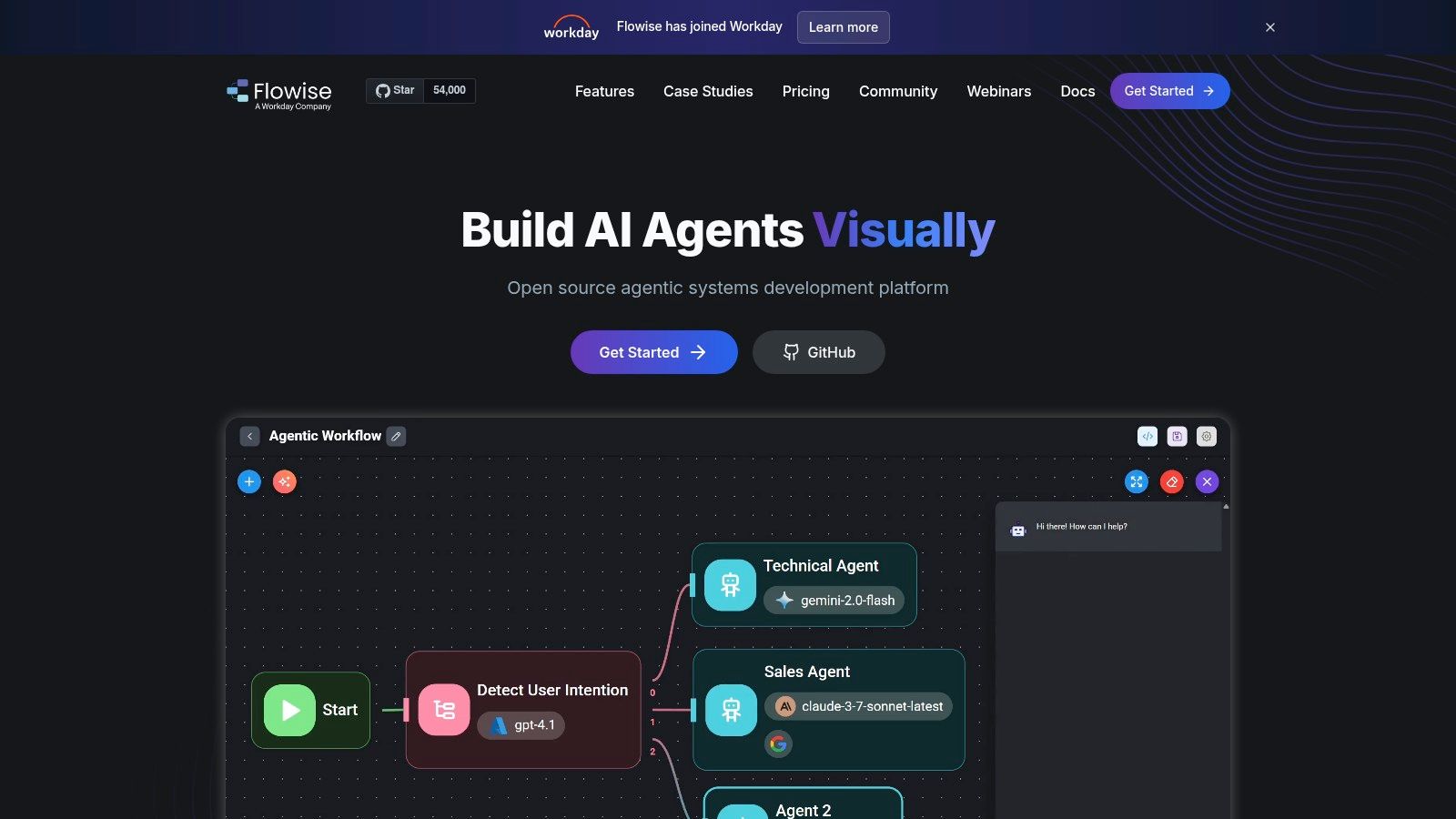
Within the three archetypes in this article, Flowise sits in the Open-Source Framework camp. Its value is not polished business packaging. Its value is visibility. Teams can map chains, agents, retrieval steps, memory, and tool connections in a visual interface that stays close to the underlying logic.
That changes who can participate in design decisions. A PM, design technologist, or technical founder can review the flow with an engineer and discuss the actual system, not just the end response. For teams working on RAG or multi-step internal assistants, that shortens the gap between product intent and implementation.
Best for teams that need to see the architecture
Flowise works well for controllable experimentation. It gives teams a drag-and-drop builder, support for popular model providers and vector stores, API access, and a self-hosted option through its open-source project on FlowiseAI's official site and documentation. That combination makes it a strong fit when the product question is architectural, not just conversational.
The practical implication is easy to miss. Flowise is often less useful for teams looking for a managed conversational front-end with governance built in, and more useful for teams trying to answer design questions before they standardize. Which retrieval pattern produces fewer failures? Where should routing happen? What should stay deterministic, and what should be left to model judgment?
Analysts at Microsoft found that generative AI can improve work performance for knowledge tasks such as writing, summarization, and information retrieval in controlled business settings, according to research published by Microsoft. Flowise fits the product-building side of that pattern. It helps hybrid teams test those workflows faster because the logic is inspectable and editable without rebuilding the whole stack each time.
Best use case: RAG prototypes, internal assistants, and agent workflows where product and engineering need shared visibility into system behavior
What product teams like: Visual flow design, customizable nodes, self-hosting, and direct control over retrieval and tool wiring
What to watch: Your team still owns security, patching, monitoring, and production reliability
Flowise is a strong choice when the job is not "launch a chatbot fast." The job is "understand how the agent should work before we commit to a production architecture."
9. Langflow
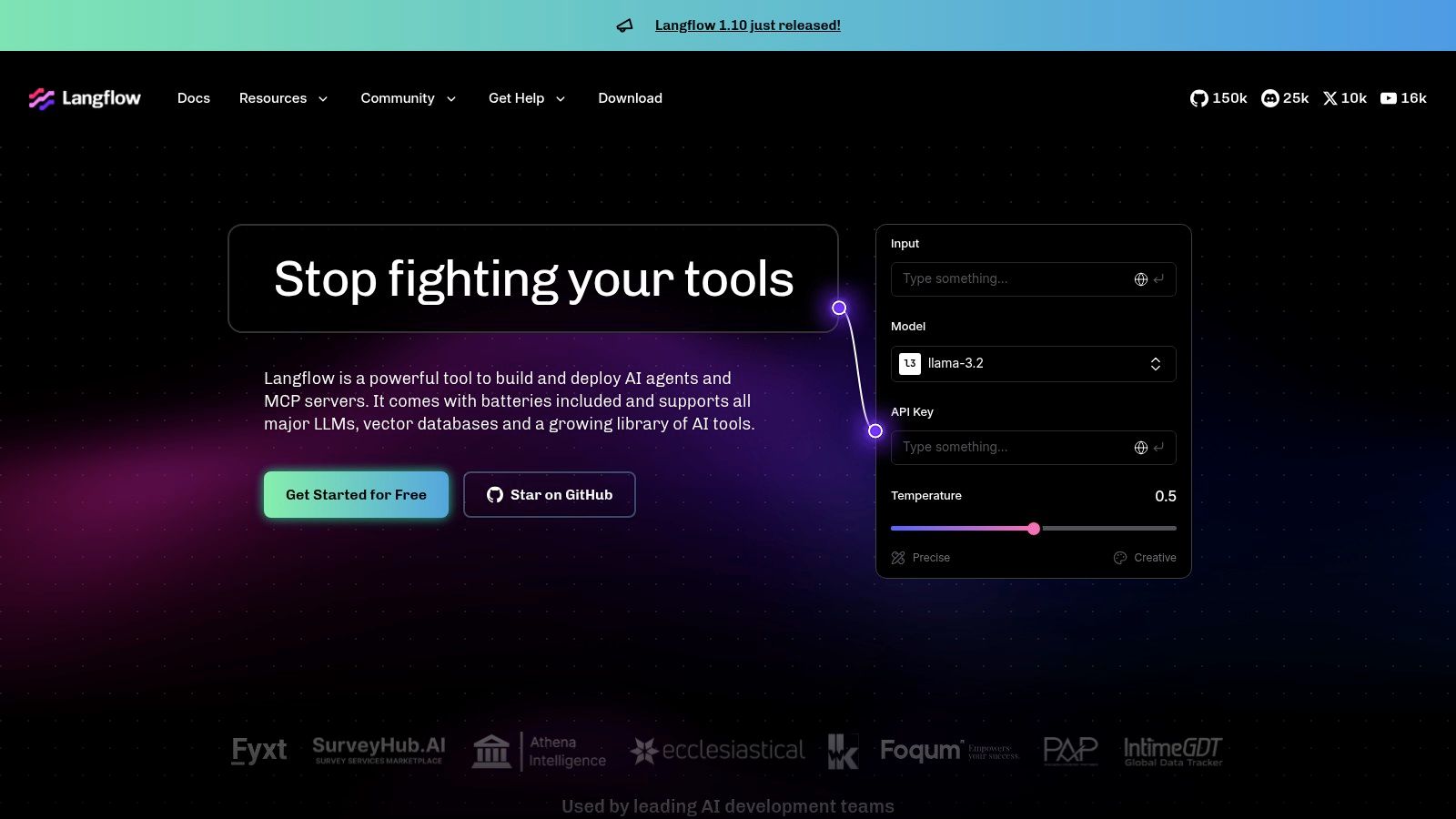
A common moment shows where Langflow fits. A product manager wants an internal research assistant. An engineer asks whether retrieval should happen before tool use or after a classifier routes the request. A designer wants to see the user path before anyone writes production code. Langflow is useful in that meeting because it turns orchestration choices into something the whole team can inspect.
That points to its archetype. Langflow belongs in the Open-Source Framework camp, but within that category it is less about shipping a polished conversational front-end and more about making agent logic visible. The product pattern is clear: teams adopt tools like this when the primary job is not interface design or task automation alone. The job is deciding how the system should reason, route, and call tools under different conditions.
That matters because no-code and low-code adoption is expanding into core application work, not just lightweight workflow tweaks. Gartner says 70% of new applications developed by enterprises will use low-code or no-code technologies by 2025, according to its forecast on enterprise low-code adoption. Langflow sits at the more exploratory end of that shift, where teams use visual builders to answer architecture questions before they standardize a stack.
Its strongest use case is collaborative prototyping for agent systems with multiple steps, branching logic, and retrieval or tool-calling tradeoffs. That makes it relevant for PM, UX, and engineering at the same time. Teams working on multimodal assistants or designing voice-activated prototypes can also use it to test orchestration logic before they commit to a production interface.
The tradeoff is straightforward. Langflow gives visibility and flexibility, but your team still has to handle deployment choices, monitoring, security, and production reliability.
The teams that get the most from Langflow are usually trying to reduce architectural uncertainty before they choose a more opinionated platform.
10. Retell AI (Voice Agents)
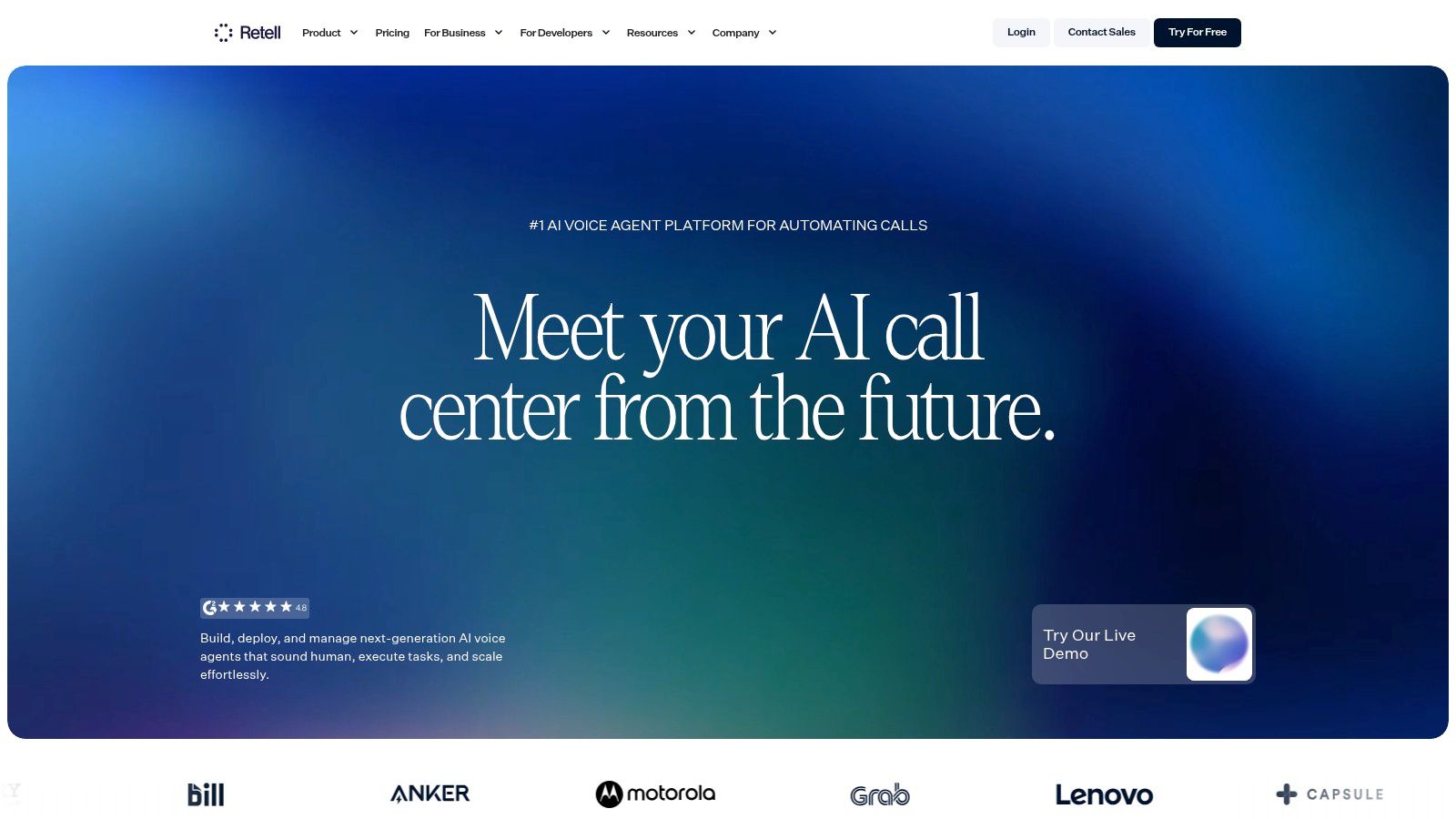
A customer calls to reschedule an appointment. They interrupt halfway through the first prompt, switch details twice, and expect the system to keep up in real time. That moment explains why voice agents belong in their own category.
Retell AI fits the Conversational Front-end archetype, but in a narrower and more operationally demanding form than web chat. Product teams evaluating no-code AI agent builders often underestimate how much the interface changes the product problem. In chat, a slow or awkward turn can be tolerable. On a phone call, latency, barge-in handling, speech recognition quality, routing logic, and fallback behavior shape whether the interaction feels usable at all.
The pattern is specialization at the surface layer. General agent builders are improving quickly, but voice still rewards platforms built around telephony workflows from the start. Gartner includes autonomous decision-making among the defining shifts in agentic AI, noting that by 2028 agentic AI will make 15 percent of day-to-day work decisions autonomously in its Top Strategic Technology Trends for 2025. In practice, that shift is likely to show up first in narrow, high-volume interaction channels such as support calls, intake, qualification, and scheduling, where the workflow is structured and the business outcome is easy to measure.
That is where Retell stands out.
It gives teams built-in telephony, voice orchestration, analytics, call handling, connectors, and webhook support in one product. For a product lead, that changes the implementation question from "how do we assemble a voice stack?" to "where should the agent hand off, confirm, escalate, or recover?" That is a better place to spend time, because those decisions affect conversion, containment rate, and customer trust more than the plumbing does.
Best use case: Inbound or outbound phone agents, call routing, booking flows, lead qualification
What product teams like: Native voice infrastructure, real-time call handling, monitoring and analytics
What to watch: Call costs scale with usage, and production quality depends on disciplined testing across accents, interruptions, and edge cases
Teams designing voice-activated prototypes should view Retell less as a generic agent builder and more as a production-oriented voice layer. That makes it a stronger fit for product teams solving a phone workflow, not just adding another interface to an existing agent.
Final Thoughts
A familiar pattern shows up in early agent rollouts. The team buys a promising builder, launches a pilot, then discovers the actual constraint was never the interface. It was the job definition.
That is why this category makes more sense when you sort tools by the work they are meant to own. Across the ten products above, three archetypes matter more than any vendor checklist: Task Automators, Conversational Front-ends, and Open-Source Frameworks. That framing leads to better decisions because product teams rarely fail from lacking features. They fail from choosing a tool built for the wrong operating model.
Task Automators fit workflows where the main problem is execution across systems. Zapier and Microsoft Copilot Studio are strongest when the goal is throughput, handoffs, and repeatable actions tied to business rules. Conversational Front-ends fit products where interaction quality is part of the value. ChatGPT, Voiceflow, Botpress, and Retell AI sit closer to that surface. Open-Source Frameworks fit teams that expect governance, deployment control, or model flexibility to become strategic requirements. Dify, FlowiseAI, and Langflow are usually the better match there.
The practical implication is straightforward. Product teams should choose the builder that matches the bottleneck, not the one with the longest feature page.
Governance is where that choice becomes visible. Gartner has repeatedly argued in its enterprise AI research that AI projects fail when organizations treat experimentation as a substitute for operating discipline, especially around risk, controls, and deployment accountability. The underlying point matters here. Agents create more failure modes than static software because they combine model uncertainty, tool access, and live execution in the same system. Teams reduce that risk when approvals, permissions, logging, and fallback paths are designed into the workflow before launch, not added after incidents force the issue.
Context is the second dividing line. An agent that cannot access product states, internal documentation, business rules, and current user signals will still generate fluent output. It just will not generate reliable output. That is why many pilots look impressive in demos and weak in production. The surface feels polished while the decision substrate stays shallow.
So the next step is usually smaller than buyers expect.
Start with one workflow. Pick a repetitive product, support, or operations task with clear inputs, clear outputs, and a visible cost of delay. Then identify the actual bottleneck. Is the work mainly cross-system execution, conversation design, or orchestration control?
From there, match the workflow to the archetype:
Task Automator for actions across apps, approvals, and operational throughput
Conversational Front-end for user-facing dialogue, call flows, and response quality
Open-Source Framework for control over deployment, models, governance, and long-term architecture
Then test context before scale. Use real documentation, live product states, and actual exception cases. Review where the agent succeeds, where it hallucinates, and where humans still need to intervene. Handoff design is part of the product.
If you're also thinking about how agents change outbound communication, Breaker's B2B AI email guide is a useful companion read.
The teams that get value from this category will not be the ones deploying the most agents. They will be the ones that assign the right agent shape to the right job, then give it context, constraints, and an operating model that can hold up in production.
If your team is stuck between fast prototyping and production-ready product work, Figr is worth a close look. It helps PMs, designers, and product leaders turn live product context into PRDs, user flows, edge cases, test cases, UX reviews, and high-fidelity prototypes, grounded in your actual app, design tokens, and analytics instead of generic templates.