
Types of Prototyping: 8 Methods Teams Use in 2026
A team is reviewing a polished onboarding prototype when a product manager asks a simpler question: would customers start this task at all? The screens can answer whether people understand the flow. They cannot establish demand. Choosing among the types of prototyping starts with identifying the decision you need to make, not selecting a tool or aiming for maximum polish.
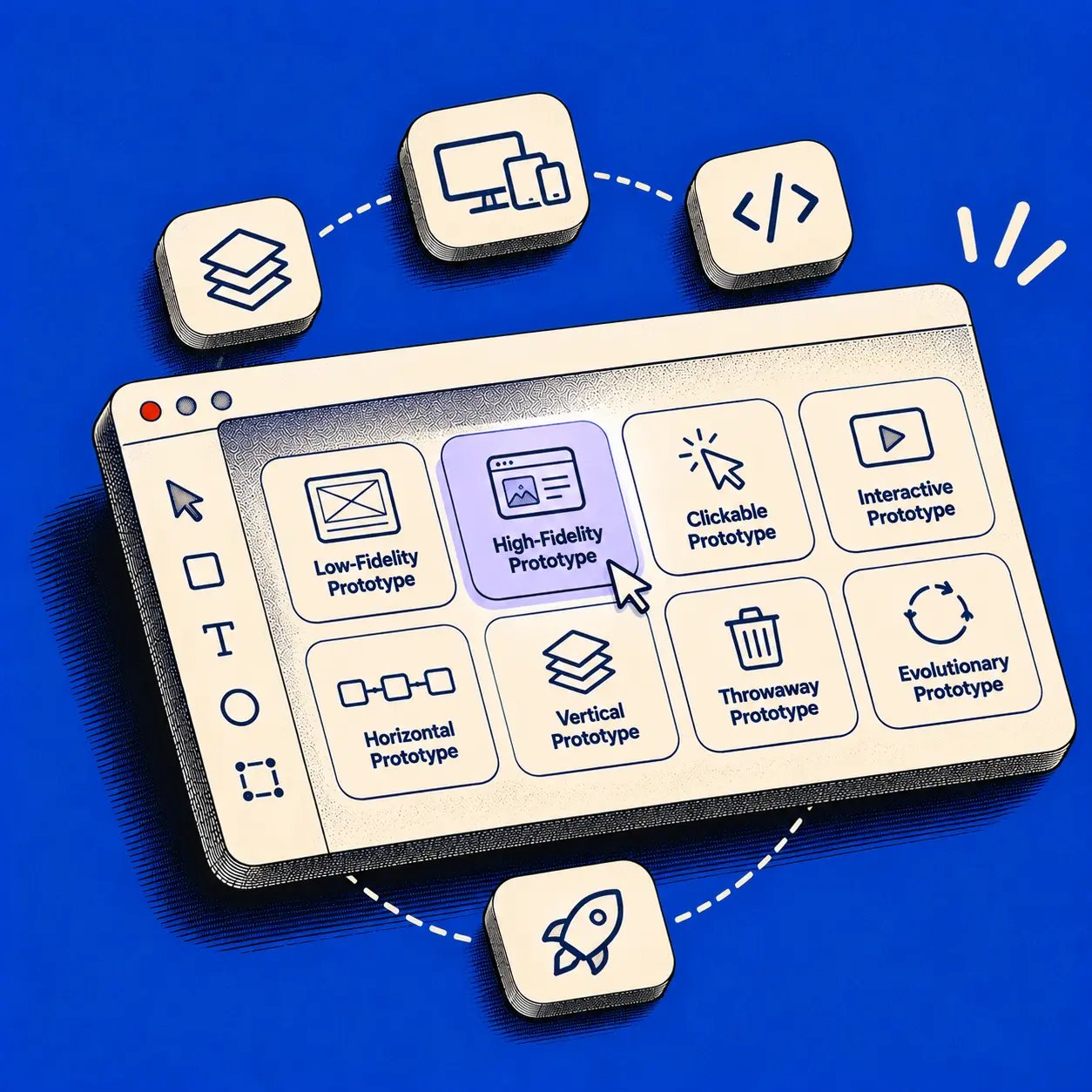
This guide covers eight practical prototyping methods for SaaS teams: paper, low-fidelity digital, high-fidelity, interactive, Wizard of Oz, code-based, horizontal, and vertical. For each, you will find a use case, a realistic example, trade-offs, tools, and a question to validate. These methods overlap. A clickable prototype can be both low fidelity and horizontal; a coded prototype can be vertical and high fidelity.
Understand the dimensions before choosing a method
Not every label describes the same thing. Nielsen Norman Group explains that fidelity spans visuals, content, and interactivity. A prototype might look finished but contain dead-end buttons, or look rough while supporting a complete task. MIT distinguishes horizontal breadth from vertical depth: one shows many surface-level areas, while the other explores a narrow path deeply.
There is also a development-strategy question. A throwaway prototype is an experiment you expect to discard. An evolutionary prototype is refined toward a working system. MIT's prototyping material discusses these as different ways to use what you build. Do not assume a convincing coded demo is safe to evolve into production: shortcuts, security gaps, and unclear ownership need separate review.
MeasuringU review of prototype-fidelity studies
Before building, write down the uncertainty, the evidence that could change your decision, and the minimum behavior needed to observe it.
Eight types of prototyping, with SaaS examples
1. Paper prototyping
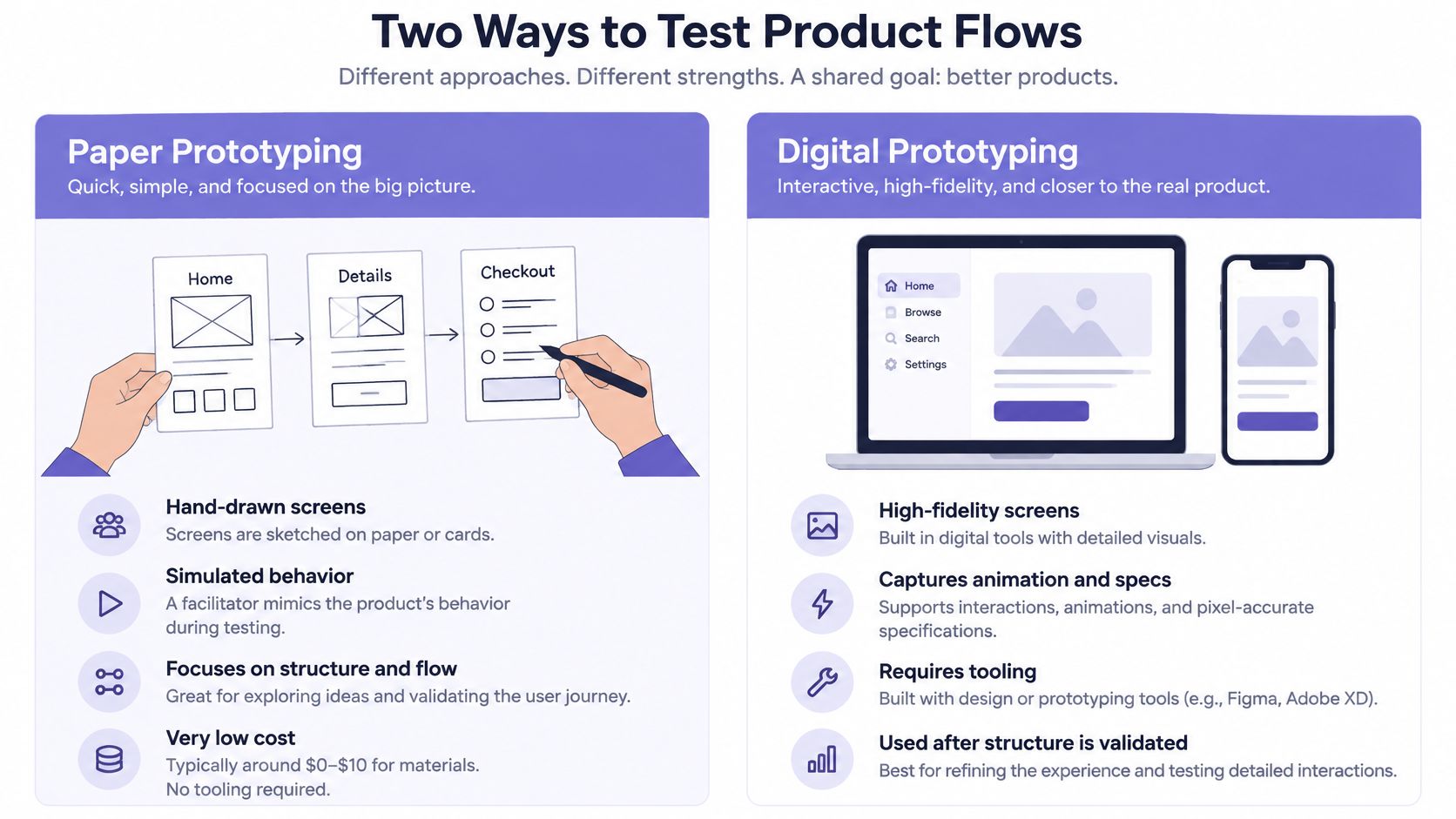
What it is: Hand-drawn screens and states that a facilitator swaps as a participant takes actions. Paper is low fidelity, inexpensive, and suited to testing early structure. NN/g describes paper prototyping as a way to try ideas before investing in code.
Best use case: A team has several possible task sequences but has not settled on labels or navigation. For example, sketch an account-opening flow and ask new customers to show where they would find required documents before starting an application.
Benefits and effort: You can redraw a confusing step during a session. Materials cost little, and the main effort is preparing states, recruiting participants, and facilitating without coaching.
Limits: Paper cannot reliably test precise timing, scrolling, screen-reader behavior, or touch-target size. The facilitator may accidentally help someone past a confusing screen. The evidence concerns comprehension of the simulated flow, not whether the eventual interface performs well.
Tools: Index cards, pens, sticky notes, and a camera for recording revisions. Prepare separate Empty, Loading, Error, and Success cards if those states matter.
Validate: Can participants find the next step without explanation? Record where they hesitate and what they expect to happen after each action. Do not treat the facilitator's ability to improvise as proof the design works.
2. Low-fidelity digital prototyping
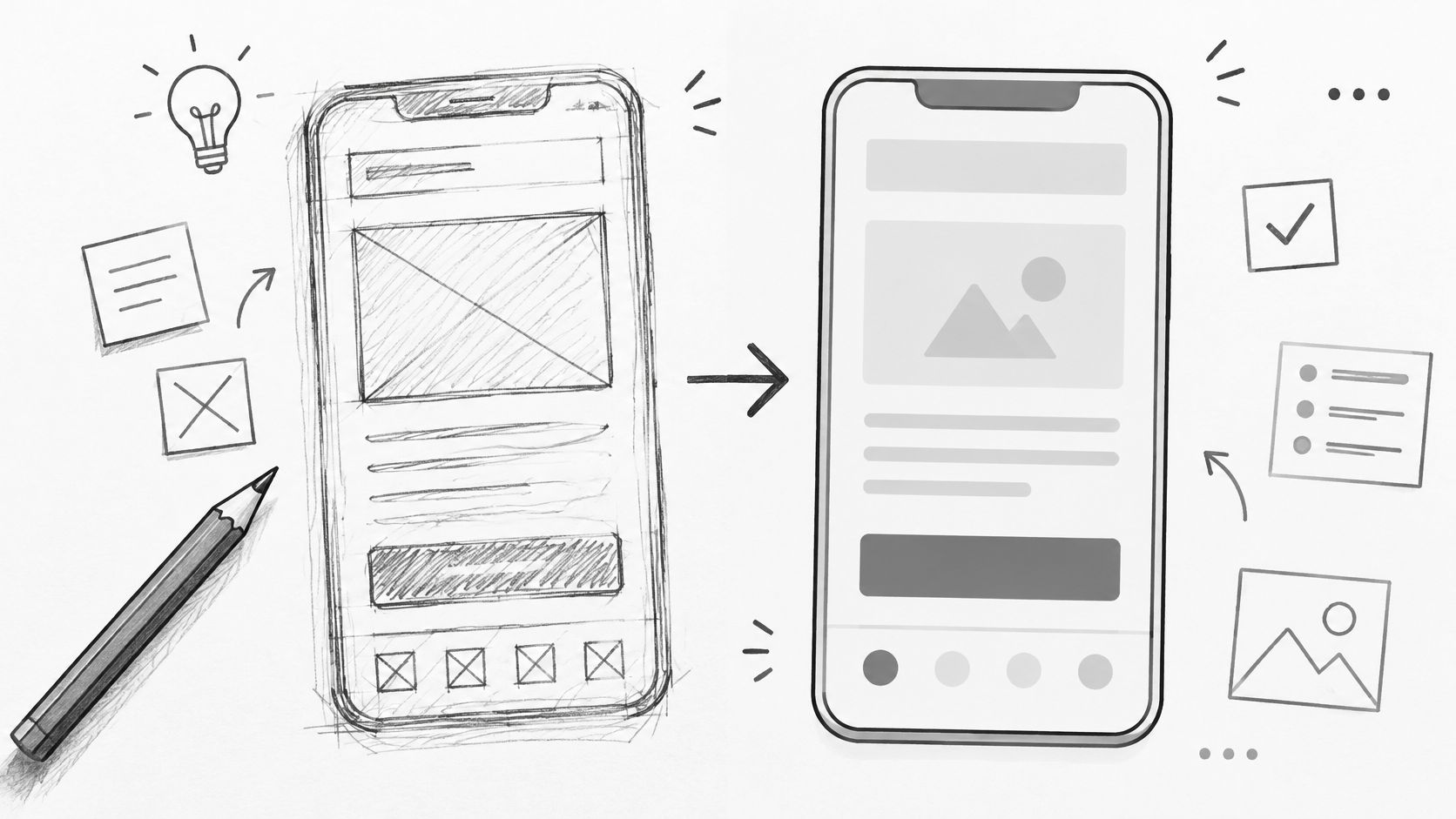
What it is: Digital wireframes or simple linked screens that represent hierarchy and navigation without finished styling. This form of low fidelity prototyping can be static or lightly clickable. For layout conventions, see wireframing explained.
Best use case: You need to compare information architecture or test where someone expects to take action. Imagine a billing dashboard where customers must distinguish an upcoming invoice from an amount already charged. A wireframe lets you test the grouping before designing charts and visual treatments.
Benefits and effort: Screens are relatively quick to revise and easy to share asynchronously. The effort rises when you add realistic content, branches, and many permissions, but those details can expose structural problems that placeholder text conceals.
Limits: A clean wireframe may hide problems caused by long account names, overdue balances, or restricted actions. It cannot answer questions about visual contrast or nuanced feedback unless you represent those features deliberately.
Tools: Digital whiteboards, wireframing tools, or basic linked frames in a design tool. Use representative, privacy-safe content and note which actions have not been simulated.
Validate: Can account owners find the next invoice and tell it apart from past charges? Ask them to attempt the task rather than approve a layout. IxDF's low-fidelity guidance supports using simplified models for early questions, not treating them as a substitute for detailed interaction testing.
3. High-fidelity prototyping
What it is: A product-like representation with realistic typography, content, controls, and visual states. High fidelity prototyping is useful when comprehension depends on detailed presentation. It need not include a working backend, and visual fidelity does not guarantee functional depth.
ACM paper discussing prototype fidelity
Best use case: A SaaS payment approver must understand that submitting a request does not release funds. A realistic confirmation, status label, and pending-approval view can reveal whether the interface communicates that distinction.
Benefits and effort: Participants can respond to believable copy and hierarchy; stakeholders can inspect a proposed direction in context. Building and maintaining realistic screens takes more design effort than sketching, especially while the underlying workflow remains unsettled.
Limits: Polish can invite feedback about colors while the task logic remains wrong. Reviewers may also mistake a finished-looking screen for an implemented feature. IxDF notes the trade-offs of high-fidelity prototypes; choose this level when its detail is needed for the question.
Tools: UI design tools, component libraries, design-system files, and prototyping software. Include believable balances, permissions, rejection messages, and confirmation copy.
Validate: After submission, can participants explain what happened, who acts next, and how to recover if approval is rejected? Label implementation status separately from design confidence.
4. Interactive prototyping
What it is: Connected screens that respond to actions through clickable paths, transitions, branches, or conditional behavior. Interactive prototypes describe interaction, not a fixed fidelity level: a linked wireframe and a polished multi-state flow both qualify.
Best use case: You understand the screen structure but need to test how users move between states. In a SaaS permissions workflow, an administrator invites a teammate, chooses a role, encounters a restricted action, and edits the invitation before sending.
Benefits and effort: A focused flow makes misunderstandings observable. It can expose a missing back path or a confirmation that arrives too early without requiring production code. Effort depends on the number of branches and states, not simply the number of screens.
ACM paper on high-fidelity prototyping
Limits: A scripted click path may work only for the intended route. If participants take an unbuilt path, distinguish a prototype boundary from a product failure. Clickability alone cannot test data integrity, actual access control, or latency. For an iteration-oriented workflow, see rapid prototyping for product teams.
Tools: Linked design frames, interaction builders, or prototyping tools that support variants and conditional paths. Map the important branches before wiring them.
Validate: Can participants complete the task and understand its outcome when they change their minds, make an error, or lack permission? Specify which transitions are simulated and which questions remain open.
5. Wizard of Oz prototyping
What it is: A participant encounters what appears to be an automated system while a person supplies some responses behind the scenes. The method tests expectations about a service before the automation exists; it does not establish that automation is feasible.
Best use case: A SaaS support team wants to learn what customers expect from an AI-assisted answer. A specialist receives requests through a prototype and returns responses using a defined set of information and permitted actions.
Benefits and effort: Engineering investment can stay low while the team observes real requests, desired explanations, and escalation needs. Operator time, preparation, and consistent session logging are the main costs.
Limits: The specialist may infer intent or recover from ambiguity more effectively than a proposed model. A positive session can therefore measure human expertise rather than viable system behavior. Establish consent, disclose any human access to sensitive information, and debrief participants after the simulation.
Tools: A simple request interface, an operator console or shared inbox, a response protocol, and an intervention log. Note every answer that required information or judgment the future system may lack.
Validate: Which responses are useful, when do customers expect escalation, and where does the simulated service fail? Then run a separate technical experiment before claiming the proposed automation can meet those expectations.
6. Code-based prototyping
What it is: A narrow implementation that uses real software behavior to investigate feasibility or interactions that a screen mockup cannot represent. This form of software prototyping may connect to test data, integrations, browser APIs, or assistive technology.
Best use case: A logistics SaaS team needs to know whether a route recalculation can return a usable result under representative data and permission constraints. A clickable animation expresses the intended experience; working code tests whether the dependency supports it.
Benefits and effort: Developers can observe actual payloads, failure responses, performance characteristics, and focus behavior. Engineering time, safe test environments, instrumentation, and teardown make it costlier than most design-only methods.
Limits: One working path is not production readiness. It may omit security review, resilience, maintainability, and scale. Document shortcuts so a demonstration is not mistaken for a deployment plan. For accessibility, Google researchers discuss the gap between new features and supporting assistive experiences; visual accuracy alone is not a substitute for testing real semantics and focus order.
Tools: A small application or component, sandbox services, representative test data, browser developer tools, and assistive technology appropriate to the task.
Validate: Does the integration work under realistic permissions and failures? What remains untested? Assign an owner for the findings, whether the work involves staff engineers, contractors, or LATAM developers, and transfer the results with the design using developer handoff best practices.
7. Horizontal prototyping
What it is: Broad coverage across an interface with little functional depth. MIT describes horizontal prototypes as useful for examining many parts of an interface without implementing the underlying system. They can be low or high fidelity.
Best use case: A product team needs to assess the structure of an account-administration area before committing to individual features. A prototype includes billing, seats, integrations, audit history, and permissions, but each area goes only one or two levels deep.
Benefits and effort: Teams can compare navigation and naming across a broad surface, identify missing destinations, and test whether users understand where tasks belong. Effort grows with screen count, but backend work can remain minimal.
Limits: Breadth can create false confidence about complex tasks. A permissions landing page may be easy to find while its role-editing rules remain unresolved. Do not infer workflow feasibility from a broad clickable map.
Tools: Sitemap diagrams, wireframes, connected frames, and shared component libraries. For context beyond individual screens, journey mapping explained can help identify the touchpoints a horizontal view should cover.
Validate: Can representative users find the correct area for varied tasks? Track wrong turns and unclear category names. Put deep task or technical risks on a separate list for vertical testing.
8. Vertical prototyping
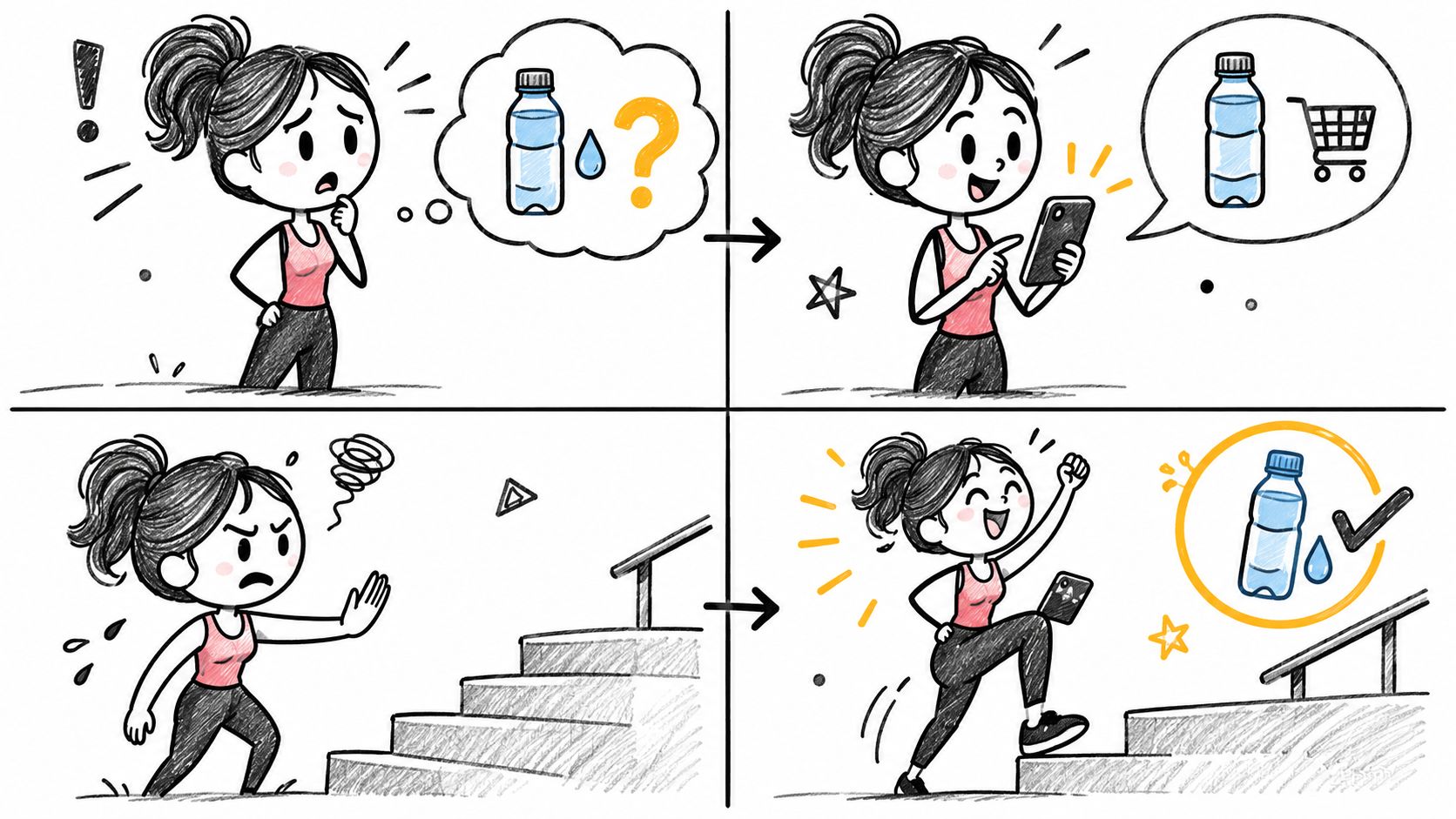
What it is: Deep exploration of one narrow workflow, potentially from interface through services, data, and failure handling. It contrasts with horizontal breadth, but a vertical slice can still use simplified visuals.
Best use case: Before redesigning an entire SaaS permissions area, test one critical workflow: an administrator changes a user's role, the service checks authorization, the change is saved, and the affected user sees the correct access.
Benefits and effort: A vertical slice exposes hidden rules, integration gaps, and edge cases early. It demands more coordination and technical effort per workflow than a surface-level map, so choose a risk worth investigating.
Limits: Success in one path says little about discoverability across the product or other roles. If the slice evolves into production code, review architecture and safeguards rather than quietly inheriting prototype shortcuts. MIT's distinction between horizontal and vertical prototypes is about coverage, not a guarantee that either approach is more polished.
Tools: A focused flow map, API contracts, sandbox environment, representative roles and data, test scripts, and logs for failures.
Validate: Do permissions, state changes, and recovery work end to end under the conditions that matter? Record what the slice proves, what it does not, and whether its code will be discarded or reviewed for further development.
Prototyping methods compared
Effort below is relative to a tightly scoped experiment, not a price estimate. A complex branch structure or difficult recruiting can make an otherwise inexpensive method costly.
| Method | Typical fidelity | Interactivity | Relative effort | Ideal testing stage |
|---|---|---|---|---|
| Paper | Low | Facilitator-simulated | Low | Early structure and sequence |
| Low-fidelity digital | Low | None to basic clicks | Low to moderate | Early navigation and hierarchy |
| High-fidelity | High visually and in content | Variable | Moderate to high | Detailed comprehension and visual evaluation |
| Interactive | Low to high | Clicks, transitions, or branches | Moderate; rises with states | Task-flow and recovery testing |
| Wizard of Oz | Variable | Human-simulated responses | Low engineering, high operator effort | Early service expectations |
| Code-based | Variable visually; functional in a narrow area | Real behavior in scope | High engineering effort | Technical and platform risks |
| Horizontal | Low to high | Usually shallow paths | Moderate; rises with breadth | Cross-feature navigation |
| Vertical | Low to high | Deep within one workflow | Moderate to high | Critical workflow or feasibility risk |
How to choose a prototyping method
Start with the risk, then select the least expensive artifact that can expose it. NN/g treats fidelity as a set of dimensions, which means you can increase content realism without building a backend, or add real behavior without polishing every screen.
- Write the decision. Are you deciding whether customers understand a label, complete a task, expect an automated response, or can use a technically constrained feature?
- Choose the required evidence. Use paper or low-fidelity digital work for early structure; realistic content for interpretation; an interactive flow for branches; Wizard of Oz for service expectations; code for actual technical behavior.
- Set breadth and depth. Test navigation across many areas with a horizontal prototype. Investigate one risky workflow with a vertical slice. Combine them when the question requires both.
- Budget the whole experiment. Include recruiting, facilitation, operator time, revisions, engineering, and analysis, not just screen creation.
- State a stopping rule. Decide what observation would make you revise, build, or abandon the approach. Identify whether the artifact is throwaway or intended to evolve.
For focused formative usability work, Nielsen Norman Group recommends small rounds of roughly five participants and iteration. That is guidance for discovering usability problems, not a sample-size rule for demand estimates or statistical comparisons. If the open question is whether customers will commit time or money at all, manual service delivery may offer better demand evidence than any polished interface prototype.
Common prototyping mistakes
Building too much before the question is clear. A large high-fidelity file takes time to revise and can hide an untested demand assumption. Prototype only the path necessary to make a decision.
Testing too late. If stakeholders have already committed to implementation, usability sessions can become demonstrations. Run an early round while changing the flow is still affordable.
Omitting failure states. Empty results, invalid entries, denied permissions, and interrupted sessions can change the entire task. Represent the states relevant to the risk, even if surrounding screens stay rough.
Confusing simulation with implementation. A Wizard of Oz answer does not prove an AI model can generate it. A clickable confirmation does not prove a payment was submitted. A working slice does not prove production safety. Label each boundary explicitly.
Treating positive reactions as validated demand. Someone can like a prototype without adopting the feature. Define the customer behavior you need to observe separately from usability success.
How AI changes prototyping, and where Figr fits
AI can shorten the time needed to explore screen directions, map flows, and represent multiple states. It can also generate plausible interfaces that ignore role restrictions or unavailable data. Use generation to widen the set of options; use research, testing, and engineering review to determine which options survive. For a wider tool overview, see AI-powered prototyping tools. An application such as generative AI for retail operations likewise needs workflow-specific evaluation before anyone trusts its actions or recommendations.
Consider a hypothetical SaaS permissions redesign. The team brings its current screens, role rules, PRD, and design-system references into Figr. Its Context Pod can hold product context, while the Visual Context Graph connects screens, flows, components, and other product knowledge. The team asks for a flow map showing invitation, role selection, approval, and recovery, then reviews edge cases such as denied access and validation errors. These are proposed artifacts to inspect, not evidence that the workflow is usable.
Next, the team compares multiple design directions and builds a multi-state prototype showing success, error, and restricted-access states. Figr's documented overview describes high-fidelity design and Figma-ready output. Design System Intelligence helps align designs with existing components and tokens; Figma Sync documentation explains how Figma components can inform edits. The Figr changelog documents Context Pod workflows and Direct Editing for on-canvas refinement. Figr's UX Reasoning can support inspection of flow logic and alternatives, but the team remains responsible for checking those suggestions.
The output can support review and Figma-ready handoff, not automatically validate usability or replace engineering. Test the permissions flow with representative administrators, verify authorization in working software, and document findings before implementation. That is the distinction between accelerating a prototype and proving a product decision.
FAQs about types of prototyping
What are the main types of prototyping?
Eight useful methods are paper, low-fidelity digital, high-fidelity, interactive, Wizard of Oz, code-based, horizontal, and vertical prototyping. They overlap rather than forming exclusive categories.
What is the difference between low-fidelity and high-fidelity prototypes?
Low-fidelity prototypes simplify visuals, content, or interaction to test early ideas cheaply. High-fidelity prototypes resemble the intended experience more closely and help test details that depend on realistic presentation or behavior.
What is horizontal vs vertical prototyping?
Horizontal prototyping shows many areas with limited depth, often to test navigation. Vertical prototyping explores one workflow deeply, often to test complex rules or technical feasibility.
Which prototyping method is best for UX design?
Choose the method that can answer your current question: paper or wireframes for structure, interactive prototypes for task flows, and high-fidelity prototypes when realistic content or presentation affects the result.
How does AI help with prototyping?
AI can generate alternatives, map flows, and create candidate states faster. Teams still need to check product constraints, test usability with people, and verify technical behavior separately.
Next step: Name one unresolved question for your feature and select the smallest prototype that could change your team's decision. If you already know the flow worth testing, bring its context to Figr to explore product-fitting directions and prepare a prototype for review.