

Managing a design system across one product is hard. Managing it across a portfolio of products is where consistency starts to fray, because every team swears it is using the same rules while shipping different ones.
When that breaks, the damage shows up in ordinary places. A button behaves one way in the admin app and another way in the customer app. A Product Manager asks for a simple rollout across brands and discovers each product has its own spacing logic, token naming, and exception history. I once watched a fintech team spend a quarter auditing button variants across three core apps because nobody could tell which component was canonical and which was a local patch.
The fix is a system of systems. The Figr multi-product design system approach is interesting because it treats consistency as a context problem, not just a component problem, connecting live product behavior, Figma assets, product decisions, and implementation constraints so teams can keep judgment aligned across products instead of merely keeping files organized.
1. Figr
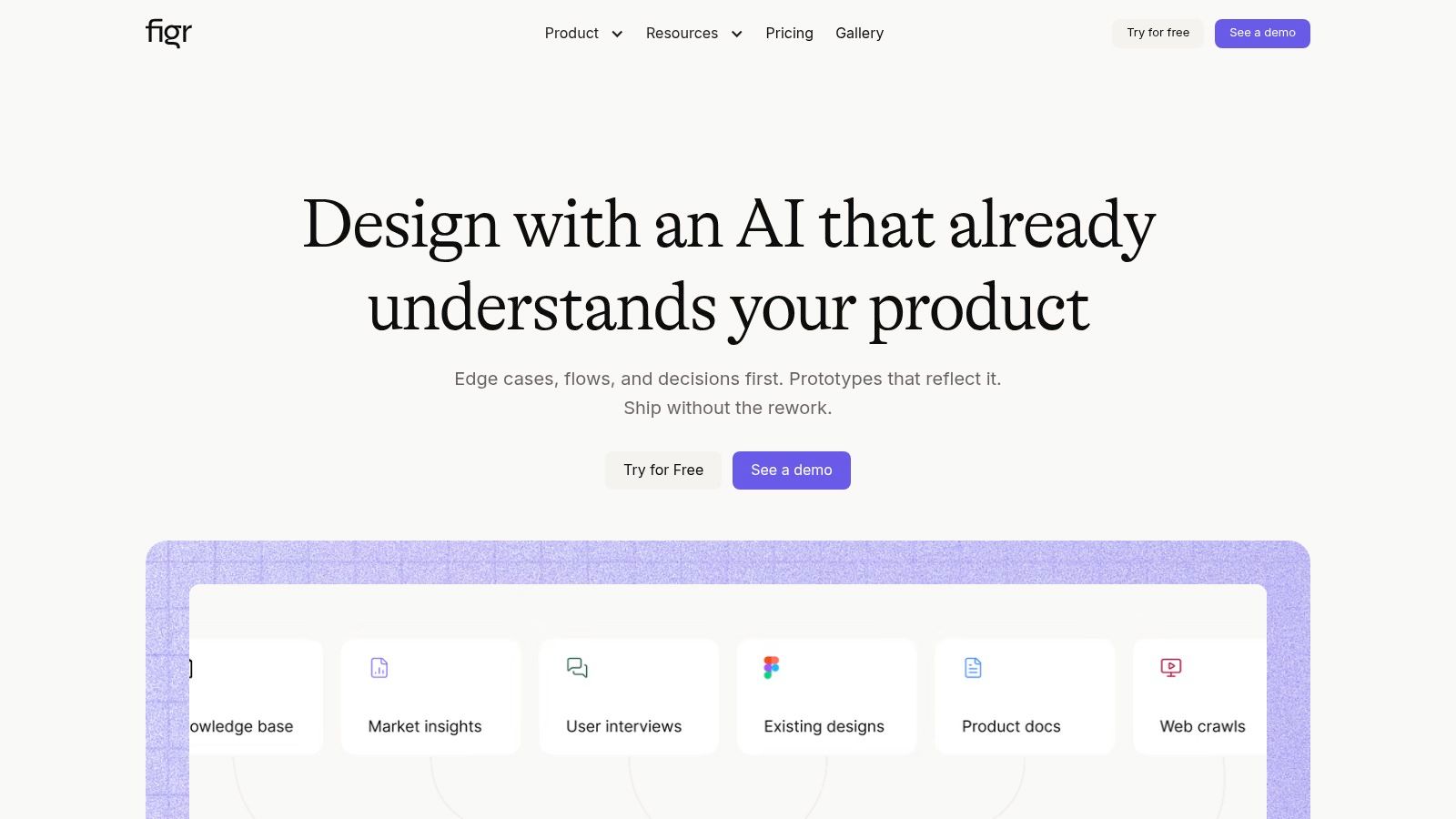
A pattern shows up in large product portfolios. The design system team believes the rules are clear. Product teams believe they are following them. Six months later, the same workflow exists in three products with different states, labels, and interaction logic. The issue is rarely missing components. It is missing shared judgment.
Figr stands out because it addresses that layer directly. It brings together live product behavior, Figma assets, research, PRDs, analytics context, and system artifacts, then uses that context to produce work that fits the product line it came from. For enterprise teams, that matters because consistency usually breaks in interpretation long before anyone notices the documentation is outdated.
Where Figr earns its keep
Figr's Design System Intelligence learns tokens, components, variants, states, and usage rules. It also learns product-specific logic. That is a meaningful difference in a multi-product environment where one shared system has to support different brands, workflows, and technical constraints without collapsing into a pile of exceptions.
In practice, the value shows up when a team needs to answer questions that static documentation cannot settle cleanly. Should this admin workflow inherit the consumer app's interaction pattern or keep its denser enterprise behavior? Which modal structure is canonical for this product line? What edge cases already exist in production that the design file does not show? Figr is built for that kind of system reasoning.
The Context Pod is central here. It stores product memory so outputs stay grounded in the logic, decisions, and constraints of a specific surface while still referencing the shared system.
How the cross-product workflow works
A practical Figr setup usually follows this path:
Capture the live product: Ingest layouts, navigation patterns, action hierarchy, and observable states from each product surface.
Import the design system from Figma: Pull in frames, components, variants, tokens, and examples so the governed source material is part of the model.
Load product memory into Context Pod: Add PRDs, research, walkthroughs, decision logs, and analytics notes so the system has the reasoning behind the UI.
Generate work with context attached: Create flows, UX reviews, edge case maps, state diagrams, QA scenarios, and Figma-ready screens based on the right product context.
Sync back into the workflow: Send outputs into Figma through bi-directional sync so teams keep working in editable files.
That workflow matters because enterprise design systems do not fail only at the library level. They fail in handoffs, local exceptions, inherited product quirks, and forgotten decisions. Figr is one of the few tools in this category aimed at reducing that rework.
Trade-offs to understand
Figr is strongest in organizations where the system already has enough signal to learn from. If your libraries are current, your product decisions are documented somewhere, and your teams need help applying rules consistently across products, it can improve speed and reduce interpretation gaps.
If your source material is weak, the ceiling drops fast. Outdated Figma libraries, inconsistent tokens, and undocumented product logic will limit output quality. Figr can organize and extend existing judgment. It cannot replace governance that never existed.
That makes the buying decision fairly clear. Teams choosing between tooling categories should separate a documentation problem from a systemic consistency problem. If the main pain is publishing guidance, another tool may be enough. If the primary pain is repeated redesign, conflicting implementations, and teams making different calls from the same system, Figr is better aligned with the problem.
Best fit
Figr fits enterprise teams that need:
Cross-product consistency: Shared decision logic across related products, not just a shared library
Artifact generation: Flows, edge case maps, QA scenarios, and screens tied to actual product context
Higher-quality handoff: Figma-ready output that reflects existing tokens and components
Decision memory: Product-specific logic that persists across teams and projects
Teams working through rollout and governance questions may also want a guide to design system adoption.
One final point. A multi-product design system succeeds when it can preserve standards without erasing context. Figr is built for that tension. That makes it more useful for enterprise scaling than tools that stop at components, tokens, or documentation alone.
2. zeroheight
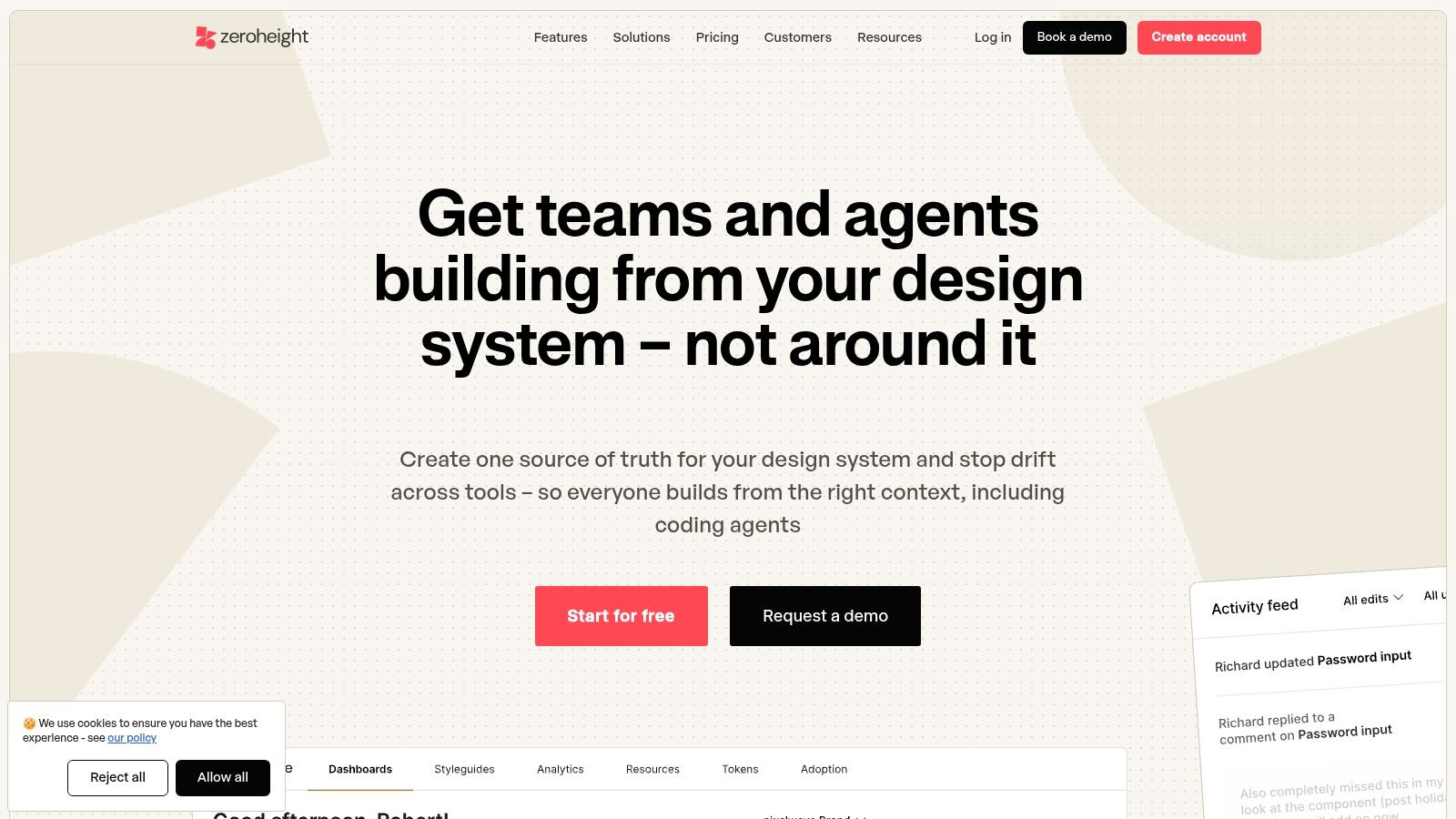
zeroheight is one of the cleanest answers when your main problem is design system communication.
A lot of enterprise teams don't fail because the components are missing. They fail because no one can tell which component is current, what engineering built, or where product-specific exceptions should live. zeroheight is good at making that knowledge visible through documentation portals that stitch together Figma, Storybook, and implementation references.
Where it earns its keep
For multi-product environments, zeroheight works well as the front door to the system. Teams can publish guidance, statuses, coded examples, and governance notes in one place, which is often enough to reduce repeated questions from designers and engineers.
Its value becomes clearer when organizations support multiple brands or product lines. You can expose different documentation paths to different audiences without forcing everyone into the same view. That sounds small until you see how often enterprise systems fail because a central team documented for itself instead of for the people trying to ship features.
The real trade-off
zeroheight is a documentation hub first. That's a strength and a limit.
If your team already has a reasonably healthy token pipeline and component implementation practice, zeroheight helps unify explanation and adoption. If your real issue is upstream, token drift, weak product memory, conflicting rules across product families, then documentation alone won't solve it.
A useful benchmark sits behind that decision. zeroheight cites a Figma experiment where designers were observed to be 34% more efficient when using a design system. The number matters less as a promise and more as a clue. Efficiency gains happen when the system is used, understood, and trusted. zeroheight helps with that trust layer.
When I would pick it
I'd choose zeroheight when the organization says some version of this sentence: "We have a design system, but nobody knows where to find the rule, the status, or the code example."
That often means you need:
Shared visibility: Guidance that both design and engineering can consume
Status communication: Signals for adoption, deprecation, or exceptions
Multi-audience publishing: Private or public portals for different teams and maturity levels
If you're trying to improve adoption discipline, Figr's own guide to design system adoption is a helpful companion lens here, especially because it pushes the conversation beyond component existence and toward operational use.
Use zeroheight when your system exists, but the organization's understanding of it is fragmented.
3. Knapsack
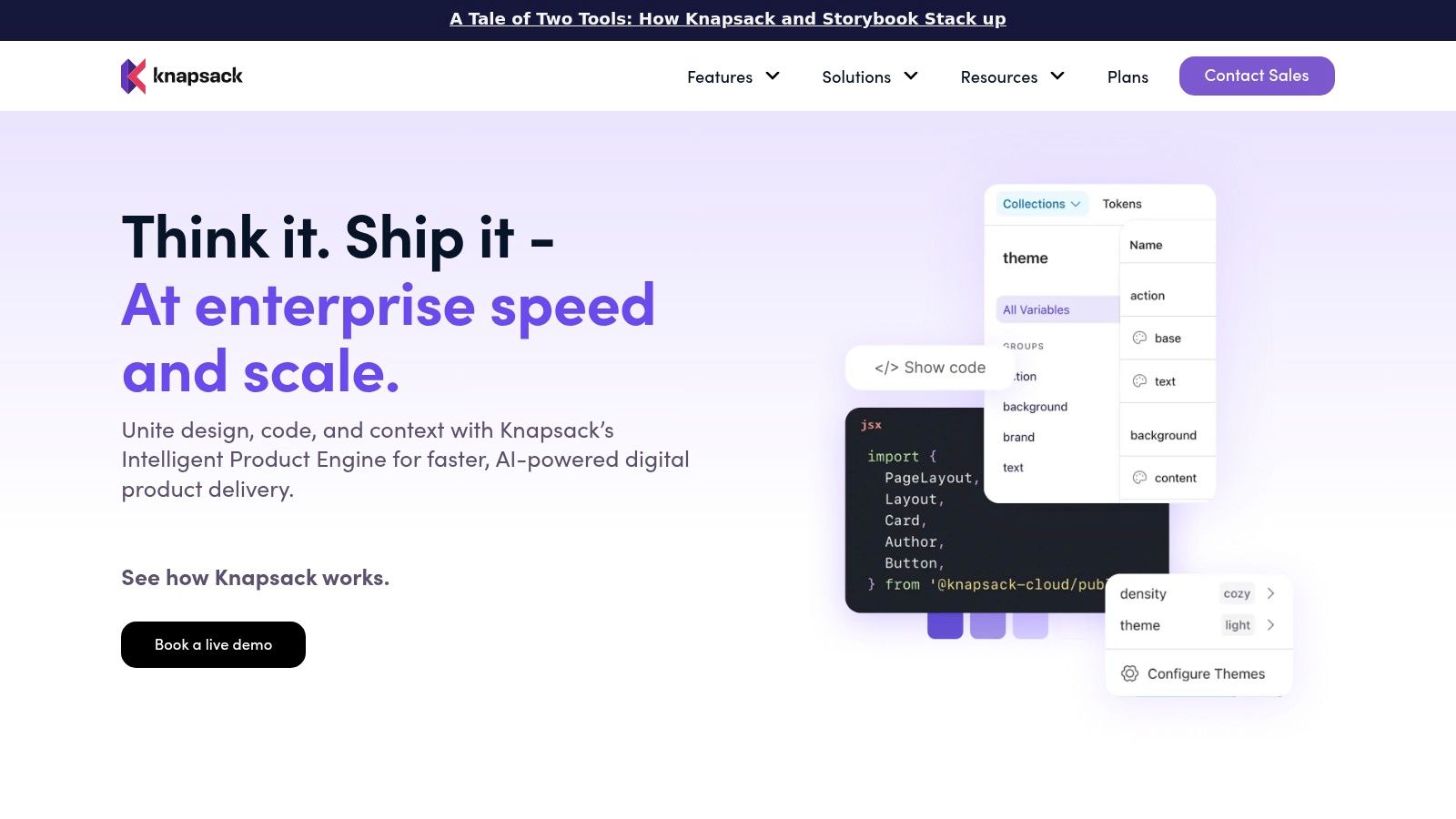
Knapsack is the right tool when your design system has already become an operating model.
Some teams need more than docs. They need a system of record that connects source assets, code, approval workflows, theming, and release visibility. That's where Knapsack tends to land. It is built for organizations where the design system is no longer a side project run by a small central guild, but a formal layer of product infrastructure.
Why enterprise teams look at it
Knapsack's strongest case is scale with control. It pulls from Figma, Git, and CI/CD workflows, then lets teams manage versioning, permissions, approvals, and component status in a more governed way than doc-only tools usually can.
That matters in multi-product environments because ownership gets messy fast. One brand wants a local override. Another product wants an experimental pattern. Engineering wants proof that the approved version is the one shipping. Knapsack gives teams more places to formalize those decisions.
Governance is work. Teams that ignore that fact usually end up with elegant libraries and confused products.
The practical trade-off
The downside is predictable. Knapsack usually asks more from the organization before it pays off.
You need integration effort. You need source discipline. You need people who can define contribution rules and enforce them. If your design system culture is still informal, Knapsack can feel like buying airport infrastructure before you've agreed on where planes should land.
Often, I observe teams misreading their own maturity. They buy governance software when the underlying issue is unresolved ownership. The tool can't decide whether the enterprise team or the product team owns the exception policy. Humans still have to do that.
Where it fits in a portfolio stack
Knapsack makes sense when you need:
Design and code alignment: A stronger bridge between design assets and implementation
Controlled theming: Shared foundations with product or brand variation
Operational governance: Permissions, approvals, versioning, and visibility
Component composition: A way for non-engineering roles to work with live building blocks
Use Knapsack if your enterprise design system already behaves like a platform and the next challenge is keeping governance durable across many teams.
4. Supernova
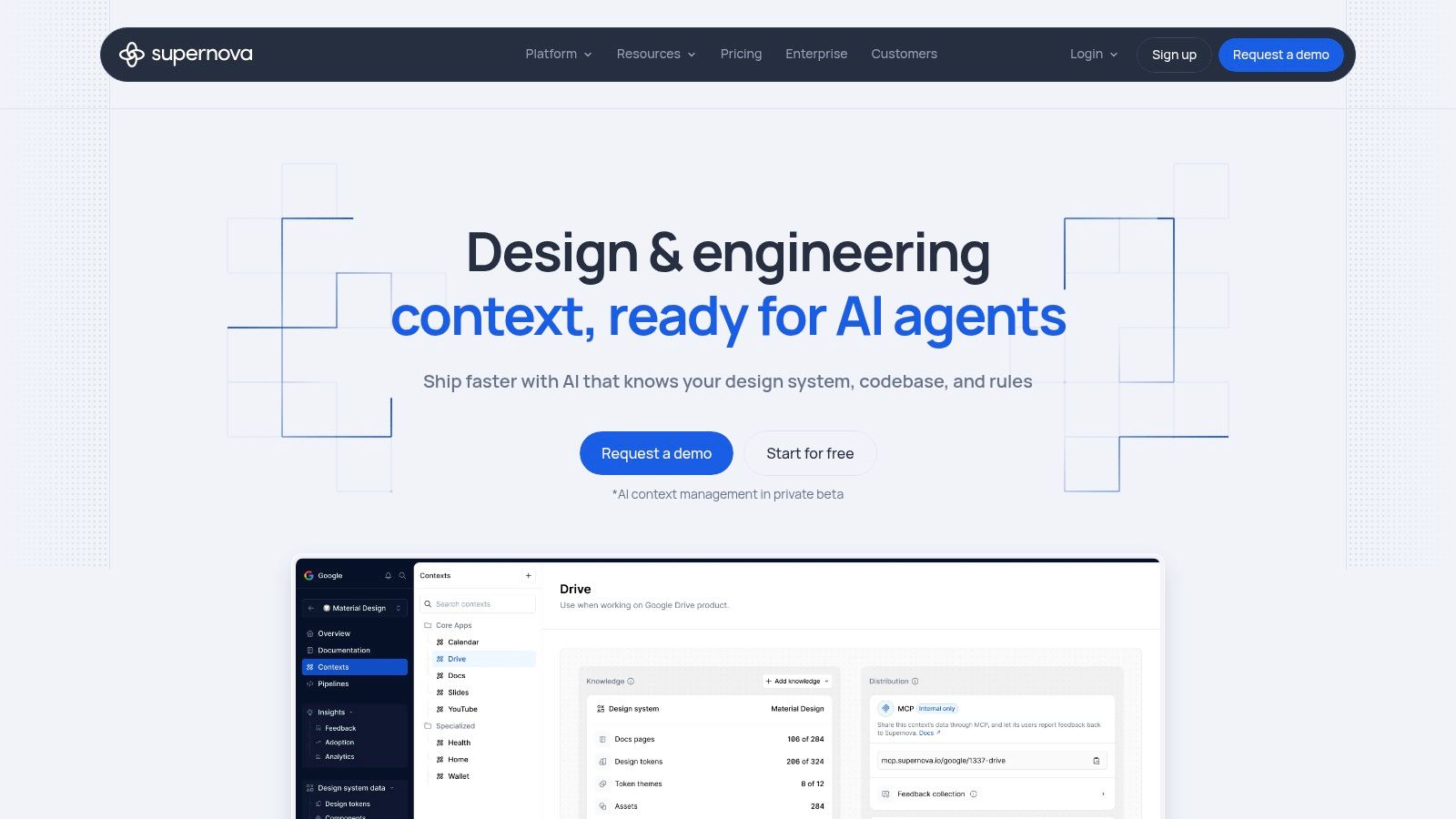
A common enterprise failure starts small. One brand team updates color roles, one product squad renames spacing tokens, and another ships a local theme override to hit a deadline. Six months later, the organization still claims it runs one design system, but it has become a patchwork of near-matches, exceptions, and expensive cleanup.
Supernova is built for that layer of the problem. It is strongest when your design system lives or dies on token management, theme structure, and getting those decisions out of design files and into production channels with less manual translation.
Where it shines
Supernova handles the operational side of foundations well: Figma Variables, Tokens Studio workflows, multi-theme systems, and exporter paths into code. That matters in enterprises with multiple brands, white-labeled products, or regional variants, where inconsistency usually starts below the component layer.
In practice, that changes the role of the design system team. Instead of policing screenshots and chasing drift after release, the team can define token logic upstream and distribute it in a more controlled way. That reduces rework, especially when the same foundation has to support several products without forcing them into a single visual identity.
The bigger value is systemic. Supernova helps organizations treat design decisions as governed inputs to delivery, not just documentation for good intentions.
What to watch carefully
Supernova does not remove the governance burden. It sharpens it.
A token pipeline still needs owners, approval rules, naming discipline, and a clear policy for exceptions. Teams usually hit trouble when they assume better automation will settle unresolved questions such as who can introduce a semantic token, when a product-specific theme becomes shared infrastructure, or how long a temporary fork can stay alive before it becomes permanent debt.
Analysts at Business Research Insights project the design-systems software market at USD 0.39 billion in 2026, rising to USD 0.87 billion by 2035, with a 9.5% CAGR (https://www.businessresearchinsights.com/market-reports/design-systems-software-market-113166). The category is maturing because enterprise buyers increasingly treat design system tooling as operational software. Supernova fits that shift well, but the return depends on organizational discipline as much as product capability.
Best use case
Supernova fits teams that need:
Token operations: Strong support for variables, themes, and export workflows
Multi-brand delivery: A clearer path for shared foundations with controlled variation
Documentation publishing: Public or private system docs with analytics and custom domains
Cross-stack distribution: Outputs that move design decisions closer to implementation
If your evaluation also includes AI-assisted generation, it helps to separate prototyping speed from system governance. This overview of the best AI tools for prototyping is useful for that boundary.
Use Supernova when your hardest problem is not component authoring. It is keeping themes, tokens, and downstream implementation aligned across a portfolio.
5. Specify
Specify is for teams that know their bottleneck lives in token logistics.
This tool is more specialized than some of the others here, and that's a good thing if you understand your problem clearly. When a design system spans products, platforms, and codebases, the painful work often sits in syncing styles, variables, and assets between Figma and engineering destinations. Specify focuses on that pipeline.
What it does well
Specify helps move token and asset data from sources into repositories and packages with less manual translation. That makes it useful for teams trying to keep cross-product foundations aligned across multiple stacks.
In practice, this is often where enterprise consistency fails unnoticed. Design updates something foundational. Engineering applies it unevenly. Three products inherit the change in three slightly different ways. Six months later, everyone believes they're using the same system, but the output says otherwise.
Where it stops
Specify is not the whole design system stack. It handles an important layer, but it doesn't replace docs, product guidance, or exception governance.
That means you'll usually pair it with another system for education and policy. If your team expects Specify to explain when a product should use Pattern A versus Pattern B, you're asking the pipeline to do editorial work. It won't.
This is also where mature teams separate synchronization from judgment. The basic gist is this: token operations keep the system moving, but they don't tell people what good multi-product behavior looks like.
Good fit signals
Use Specify when you need:
Token synchronization: Reliable movement from design sources to code destinations
Asset consistency: Shared visual primitives across repos or packages
Security at scale: Enterprise options like SSO on upper tiers
Focused scope: A specialized layer in a broader design system stack
I like Specify most for teams that already know their architecture. They don't need another philosophy of design systems. They need the token plumbing to stop breaking.
Use Specify if your multi-product design system is structurally sound but operationally fragile at the token layer.
6. Frontify
A common enterprise failure looks mundane at first. The system team publishes clean component guidance. Product squads use part of it. Brand teams maintain separate asset libraries. Regional teams copy old patterns into local pages because they need to ship this quarter, not after a governance review. Six months later, the company has one portal, three interpretations of the same rules, and a growing amount of rework.
Frontify earns its place in that environment because it solves a distribution problem many product-first tools only partially address. Large organizations need a system that reaches beyond designers and engineers. Brand, content, marketing, regional operations, and external partners all need access to approved assets and guidance they can find and use.
That matters in multi-product design systems because scale breaks through organizational drift as often as technical drift. A component can be perfectly built and still fail to shape the business if adjacent teams never adopt the supporting rules, language, and assets around it.
Frontify is strongest as the place where that broader operating model gets published. Teams can bring together guidelines, brand assets, Storybook references, and system documentation in one environment that is easier to distribute across business units. For enterprises managing several brands or product lines, that publication layer reduces one of the most expensive forms of design system waste: duplicated interpretation.
The trade-off is clear. Frontify improves visibility and access, but visibility is not the same as implementation control. It does not guarantee that product teams use the right component, that engineering maps tokens correctly, or that exceptions get reviewed with discipline. It helps people consume the system. It does not enforce the system on its own.
That distinction matters more at scale.
A practitioner write-up on design system adoption argues that teams should measure usage in shipped interfaces, not just count what exists in the library. It describes metrics such as component usage, library usage, and interface coverage, including one example that mapped 61.9% coverage across key pages. That benchmark is far more useful than celebrating a polished portal while product surfaces continue to drift.
A design system earns trust when teams can see it in the shipped interface, not just in the portal.
Where I would use it
Frontify fits teams that need:
Cross-functional distribution: A single destination for brand, content, and product guidance across many audiences
Multi-brand coordination: Shared standards that can travel across regions, business units, or sub-brands
Documentation operations: A publishing layer for assets, references, and rules that need broad internal reach
It is a strong choice when the enterprise problem is clarity at scale. It is a weaker choice if your main bottleneck is implementation fidelity or governance enforcement inside product delivery.
Teams evaluating Frontify should also build effective design system documentation with the harder question in mind: will better publishing reduce inconsistency, or are the actual failures happening in adoption, code, and review workflows?
Use Frontify when your multi-product system needs a wide organizational distribution layer, especially across brand-heavy or multi-audience environments.
7. UXPin Merge

UXPin Merge is compelling when prototype fidelity matters more than design-library presentation.
Some enterprise teams don't struggle with documentation first. They struggle because prototypes diverge from coded reality, and that divergence multiplies across product lines. UXPin Merge addresses that by letting designers prototype with real code components pulled from repositories, which can reduce drift between design intent and implementation.
Why teams choose it
This is valuable in multi-product settings where several squads share a common component foundation and want prototypes to behave closer to production. The more products a system supports, the more expensive speculative design becomes. Designing with real components changes the conversation from "what should this look like?" to "how does this behave in our actual stack?"
That tends to improve handoff quality and reduce arguments late in development.
The practical downside
You need a real component library and engineering partnership for Merge to pay off. If your codebase is fragmented or your shared components are still unstable, UXPin Merge can expose that immaturity quickly.
And that's useful. It reveals whether the organization has a functioning source of truth in code or just the appearance of one. Still, teams should go in knowing that code-based prototyping is only as healthy as the components underneath it.
Where it fits
UXPin Merge works best for teams that need:
Code-based prototyping: Real components inside design workflow
Reduced drift: Better alignment between what gets designed and what gets built
Shared component behavior: More consistency across products using the same coded system
I usually recommend it to organizations where engineers already play an active role in system stewardship. If your design system handoff is weak, that's where good docs still matter, which is why Figr's guide on how to build effective design system documentation stays relevant even in a code-first setup.
Use UXPin Merge when your highest-cost failure mode is design-to-code divergence across a shared system.
Figr Multi-Product Design System: 7-Tool Comparison
Why multi-product design systems break in the first place
Multi-product design systems usually break at the governance layer, not the component layer.
Teams often think they need a bigger library when what they need is a clearer model for ownership, variation, and exceptions. A centralized system sounds clean until one product needs a regulated flow, another needs white-label branding, and a third is shipping on a different technical cadence. Then the hard questions arrive. Who approves divergence? Which tokens are sacred? Which patterns can a product team extend locally?
A useful perspective comes from the multi-brand system discussions collected by the Harry's multi-brand design systems approach. The recurring lesson is simple: centralized systems still have to let brands or products evolve independently, and that creates operational work around ownership, versioning, and drift detection.
The pattern I see repeatedly
Last week, a Product Manager at a growing SaaS company described a familiar scene. Their core platform team had a mature system. Their expansion products inherited it unevenly. Everybody claimed alignment, but every roadmap review surfaced small inconsistencies that nobody owned and nobody wanted to delay delivery to fix.
That's the economics of scale. The more products you support, the more local exceptions people create to hit deadlines. If governance is weak, speed wins every time.
A practical lens for evaluation
When you're comparing tools for a Figr multi-product design system setup, I would evaluate them on four questions:
Judgment retention: Does the tool preserve why a product variant exists, or only what it looks like?
Exception handling: Can teams support product-specific variation without normalizing drift?
Adoption visibility: Can you see usage in live work, or only in documentation and libraries?
Cross-functional utility: Does it help Product Managers, designers, and engineers stay aligned, or only one of those groups?
Those questions expose the true shape of the problem fast.
How to choose the right tool for your enterprise team
The right tool depends on where the friction lives.
If your team keeps rebuilding the same explanations, choose a documentation-centered platform. If token propagation keeps breaking, choose a token operations tool. If handoff collapses because prototypes and production diverge, choose a code-connected environment. If every product squad interprets the design system differently, choose a context-aware layer that can carry product judgment across sessions and outputs.
A practical buying framework
Use this sequence before you commit:
Step 1. Identify the dominant failure mode.
Look for the recurring pain, documentation gaps, token drift, implementation drift, or cross-product decision drift.Step 2. Map your current system maturity.
Check whether your Figma libraries, code components, and governance rituals are healthy enough to support the tool.Step 3. Test with one cross-product workflow.
Pick a real feature that touches multiple products or brands. Avoid a toy example.Step 4. Measure adoption in shipped work.
Review handoff files, live interfaces, and component usage instead of just counting published assets.Step 5. Audit the exception path.
Ask how a product-specific override gets proposed, approved, documented, and retired.
One credible lens beyond product marketing
Harvard Business Review's long-running work on organizational scaling is useful here because it repeatedly points to the same truth: complexity grows faster than most coordination models do. In design systems, that shows up as invisible tax. Teams spend more time reconciling local decisions with shared standards, and tools only help when they reduce that coordination cost instead of adding another surface to manage.
That is why I like tools that expose operational truth, not just polished inventory.
Why Figr's Visual Context Graph matters most at scale
Figr's advantage is the Visual Context Graph, because enterprise consistency depends on connecting multiple layers of truth at the same time.
Most tools go deep on one layer. Figr explicitly works across five connected layers:
Visual context: Screens and frames
Behavioral context: Recordings and flows
Design System context: Tokens and components
Product Knowledge context: PRDs, research, and decisions
Implementation context: Code constraints
Multi-product teams don't make mistakes in one layer at a time. A product variant may be visually correct and still be behaviorally wrong. A component may be system-approved and still violate a decision made in research. A prototype may look right and still ignore implementation constraints.
Why that changes the workflow
When Figr pulls these layers together, Design System Intelligence can do something most design system tools cannot. It can reason about whether a pattern belongs in this product, for this flow, under these constraints, with these existing rules.
That's a much better fit for enterprise teams than generic generation. Generic generation often produces screens that appear polished but detach from the product's own logic. Figr starts from context instead.
The hidden benefit
It also changes the quality of collaboration.
A Designer gets Figma-ready output tied to system rules. A Product Manager gets flows, edge cases, and artifact generation that preserve decision history. Engineering gets work that is closer to existing constraints. QA gets clearer state and scenario coverage. Who benefits most? Usually the team that has been forced to reconcile everyone else's ambiguity.
That is why the Figr multi-product design system story is less about AI novelty and more about operational memory.
From system to intelligence
A shared button library rarely breaks an enterprise rollout. The critical failure surfaces later, when three product teams ship the same customer journey three different ways, each one justified by local context, old decisions, and delivery pressure. By the time anyone notices, design is reconciling variants, product is arguing over intent, and engineering is carrying avoidable complexity into code.
That is the line between system management and system intelligence.
The choice of tool should match the failure pattern you are trying to fix. Some organizations need cleaner documentation because teams cannot find the current rule. Some need token pipelines because brand and product drift between repos. Some need tighter code alignment because prototypes keep promising interactions the frontend cannot support. Others have a harder problem. They already have the assets, but they lack a reliable way to apply shared rules across products without losing the context behind exceptions.
A mature multi-product setup has to answer a harder operational question. When a new initiative spans products, what stays standard, what changes, who approves the deviation, and how does that decision appear in design, specs, and implementation? If that answer depends on tribal memory or the loudest stakeholder in the room, the bottleneck is not the component library. It is the missing layer that connects rules to real product decisions.
That is where the tools in this comparison separate.
zeroheight helps teams align around documentation and guidance. Knapsack brings more structure to governance and production workflows. Supernova and Specify are strong choices when token distribution and system synchronization are the main pain points. Frontify extends system reach across larger brand and content operations. UXPin Merge matters when code fidelity is the priority. Figr aims at a broader enterprise problem. It ties design system logic to product context, historical decisions, and cross-product reasoning, which is the part many organizations end up patching manually.
The trade-off is straightforward. A simpler tool is easier to adopt when your problem is narrow. A context-heavy system asks for more discipline up front, but it can cut rework when multiple teams are shipping against the same customer journey and cannot afford contradictory outcomes.
Use one test before you buy anything. Pick a messy workflow, not a clean demo flow. Choose something that crosses products, includes at least one exception, and forces design, product, and engineering to make a judgment call. Then evaluate which tool reduces ambiguity, preserves decisions, and keeps implementation aligned.
That standard is higher than "can it organize components." It should be. At enterprise scale, the expensive problem is not storing the system. It is applying it coherently under pressure.
If your team is ready to judge tools on that standard, Figr is worth evaluating in a real workflow, with your actual constraints, not a sandbox example.