

Most design systems fail in the quiet space between intention and repetition, where one small exception becomes ten, then a hundred, and nobody can tell whether the system still governs the product or merely decorates it.
When that drift goes unchecked, teams pay for it in slow motion. A Designer adds a one-off variant because the component library feels too rigid. An engineer rebuilds a pattern because the handoff lacks usable rules. A Product Manager reviews a polished screen that still leaves loading, empty, and failure states unresolved. I watched a team recently spend more time debating whether a component was “standard” than improving the flow it sat inside. That's the hidden tax.
The fix is to treat design system setup as workflow design, not library housekeeping. Figr is the strongest example of that shift because its setup process starts from real product context, then turns tokens, components, variants, states, and usage rules into usable memory for future work. The other tools in this guide matter too, each with a different center of gravity, and the right choice depends on where your team's system breaks.
1. Figr
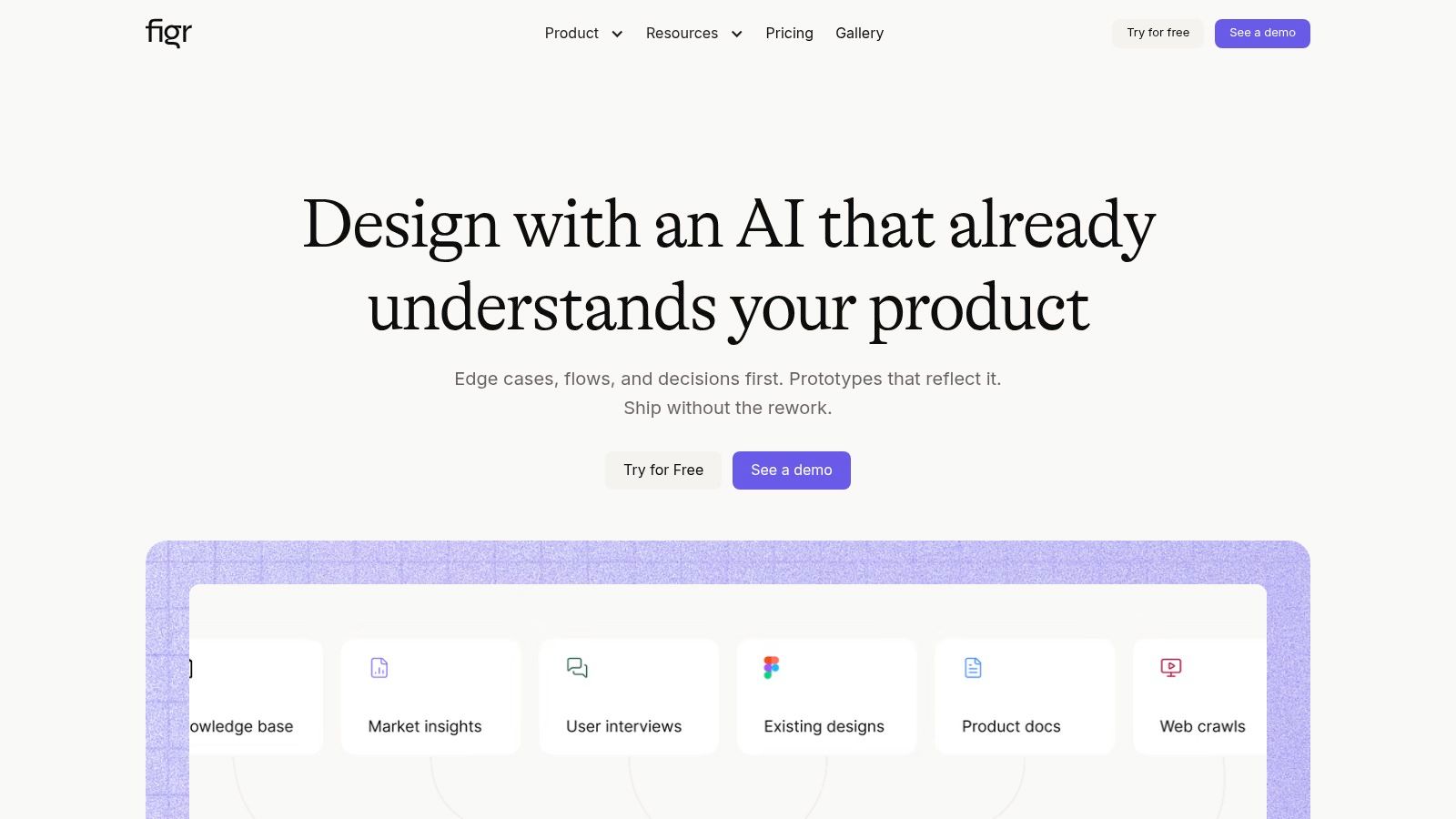
Figr is the best fit when your design system problem is really a context problem.
A lot of teams say they need help “setting up the design system” when what they need is a way to teach a system how their product behaves. That difference matters. A token registry can store color values. A docs tool can explain a button. Figr's value shows up earlier, when you need AI output to respect the product you already have.
The setup flow is unusually explicit. Figr documents a five-step design system setup process: upload screenshots or files, add design instructions, attach supporting files such as CSS or tokens, complete setup, then regenerate if needed. Those docs also state that Figr analyzes uploaded images to extract color palettes, typography, spacing, and component patterns, then combines that with written instructions to generate a design-language profile. That's the core of Figr design system setup.
Why this feels different in practice
Most setup experiences assume you're starting from a clean source of truth. Real teams rarely are.
They have:
Legacy screens: production UI that reflects real constraints better than idealized library pages
Partial token systems: some values are formalized, others still live in files and memory
Inconsistent variants: components that work well in common cases but break at edge states
Scattered rationale: rules explained in PRDs, Slack threads, and handoff comments
Figr is built for that mess. It ingests screenshots, Figma files, written guidance, and supporting artifacts so the design system starts as observed reality, then gets tightened into a usable pattern language.
Practical rule: If your team keeps asking, “Can the AI see how our product actually works?”, you're no longer shopping for a docs tool. You're shopping for product memory.
What Figr is strongest at
Figr's Design System Intelligence centers on tokens, components, variants, states, and usage rules. That matters because a mature system is more than a component gallery. It contains judgment. When should a destructive button appear? Which empty state is instructional versus transactional? When does a form field shift from helper text to warning copy? Those are system questions.
The strongest use case is when you want generated work to arrive Figma-ready and already shaped by your existing product. Figr's Figma import and sync, live product capture, docs ingestion, analytics context, and artifact generation make it useful for Product Managers and Designers working together, not just design ops specialists.
A practical pattern I like is to run a calibration test early. Feed Figr a set of real screens, your token or CSS references, and written rules for one high-friction flow. Then ask it to regenerate adjacent states:
Loading state: where hierarchy often collapses
Error state: where tone and recovery rules surface
Permission edge case: where role logic breaks visual consistency
Variant expansion: where component logic gets exposed
This is what I mean by calibration. You're not checking whether the output looks polished. You're checking whether the system learned your judgment.
Trade-offs you should know upfront
Figr asks for real source context, and that's exactly why it performs better when your team can provide it.
If your org has no stable Figma library, weak naming, and little agreement on usage rules, Figr won't magically invent governance for you. It can help surface and structure what exists, but someone still needs to decide which patterns are canonical. Teams with stronger raw inputs will get value faster.
There's also a workflow implication. Figr is most compelling when design system setup feeds broader product work, not when the only goal is publishing docs. If your immediate need is only to host documentation, a narrower tool may feel simpler.
Still, the directional signal is clear. Figr Identity's public plugin analytics show a historical count of 124,604 by May 21, 2026, up 144 from the prior day, which suggests the setup workflow already has substantial usage inside the Figma ecosystem. That kind of steady growth usually points to repeated utility, not curiosity.
For teams that want system setup to inform real product design work, Figr has the most compelling center of gravity. If you want a deeper sense of that operating model, this piece on streamline digital product design shows the broader philosophy.
2. Supernova
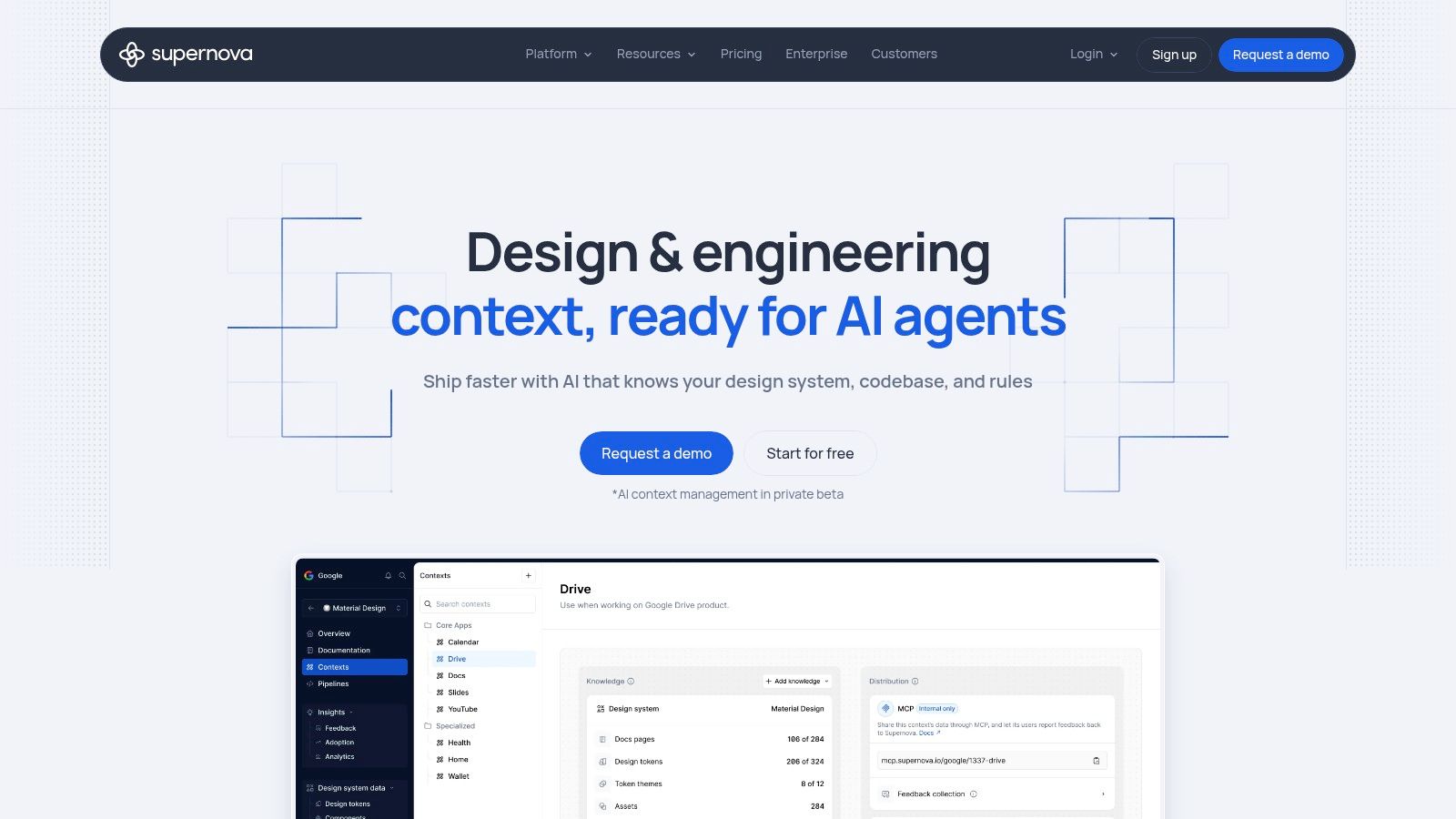
Supernova is strongest when your main bottleneck is token distribution and documentation discipline.
Some teams don't struggle to define patterns. They struggle to move them reliably from Figma into code and docs without manual cleanup every cycle. Supernova meets that need well. It imports Figma variables and styles, turns them into design tokens, and supports automated export paths into engineering workflows while keeping documentation close to the source.
That makes it a good choice for organizations where the design system is already real, but the operational plumbing around it is still fragile.
Where it earns its place
Supernova works best when your team wants one platform to cover:
Token conversion: bringing Figma styles and variables into a formal token layer
Code delivery: exporting into implementation pipelines with managed or custom outputs
System documentation: publishing shared guidance for design and engineering
Storybook alignment: connecting live component references to system docs
This combination matters because a lot of design system pain comes from split ownership. Design updates one thing. Engineering reads another. Docs age in a third place. Supernova's appeal is that it reduces how often your team has to reconcile those worlds by hand.
The trade-off is operational weight
The catch is that Supernova asks you to care about the pipeline.
That sounds obvious, but it changes who needs to be in the room. Once a team starts setting up exporters, naming conventions, and code targets, the design system stops being a design artifact and starts becoming release infrastructure. Some teams are ready for that. Others just want clearer guidance for components and usage.
I've seen organizations buy into this category too early. They expected a quick cleanup project. What they really signed up for was a governance decision. Who owns token naming? Who approves exporter changes? Who decides which source wins when Figma and code diverge?
Teams don't fail at design systems because they lack components. They fail because they never decide where truth lives.
If your team has that clarity, Supernova can be a strong operational layer. If it doesn't, the setup can feel heavier than expected.
A useful companion read is Figr's practical design system guide, especially if your team needs to tighten its foundations before automating the pipeline.
For buyers evaluating the category more broadly, market context matters too. One industry estimate projects the design systems software market at USD 0.39 billion in 2026, rising to USD 0.87 billion by 2035 at a 9.5% CAGR, with North America at about 40%, Europe about 30%, and Asia-Pacific about 25% of UI/UX tool share. The same report says Figma adoption is above 95% and describes it as having almost complete market dominance in the design-system space, which helps explain why Figma-connected workflow depth matters so much in this category.
You can explore the platform directly at Supernova.
3. Specify
Specify is a strong choice when your design system setup problem is really a data pipeline problem.
That distinction matters. Some teams already have components, documentation, and a working library. Their friction shows up later, when styles, variables, and assets need to move into repositories, SDKs, or CI workflows without turning into manual labor. Specify is built around that downstream movement.
It ingests design sources such as Figma styles, variables, and Tokens Studio outputs, then pushes those assets into code destinations through templates, parsers, and automation paths. For engineering-heavy organizations, that can be exactly the right layer.
When Specify fits well
Specify makes the most sense for teams that already know what they want the system to be and need better delivery mechanics.
Good fit signals include:
You already have a token strategy: the issue is distribution, not definition
Engineering wants automation: repositories and pipelines are part of normal system maintenance
Design ops maturity is decent: naming and structure are stable enough to script against
You care more about output reliability than publishing polished docs
This setup often appears in larger product organizations where multiple applications or brands need consistent token delivery, and where manual sync has already become a visible source of error.
What it won't solve for you
Specify won't replace design system thinking.
That sounds blunt, but it's useful to say plainly. If your variants are messy, your usage rules are fuzzy, or your teams still argue about which component is canonical, a distribution layer won't clean that up. It will automate the movement of unresolved decisions.
A friend at a growth-stage SaaS company described this stage perfectly. Their token flow was “technically automated and politically manual.” The files moved cleanly. The arguments didn't.
That's the trade-off. Specify is excellent at making design system assets portable and repeatable, but it assumes someone has already done the conceptual work upstream.
For teams that want a technical rail for tokens and assets, that's a strength. For teams still assembling the system itself, it may feel like starting in the middle.
You can evaluate it directly at Specify.
4. zeroheight
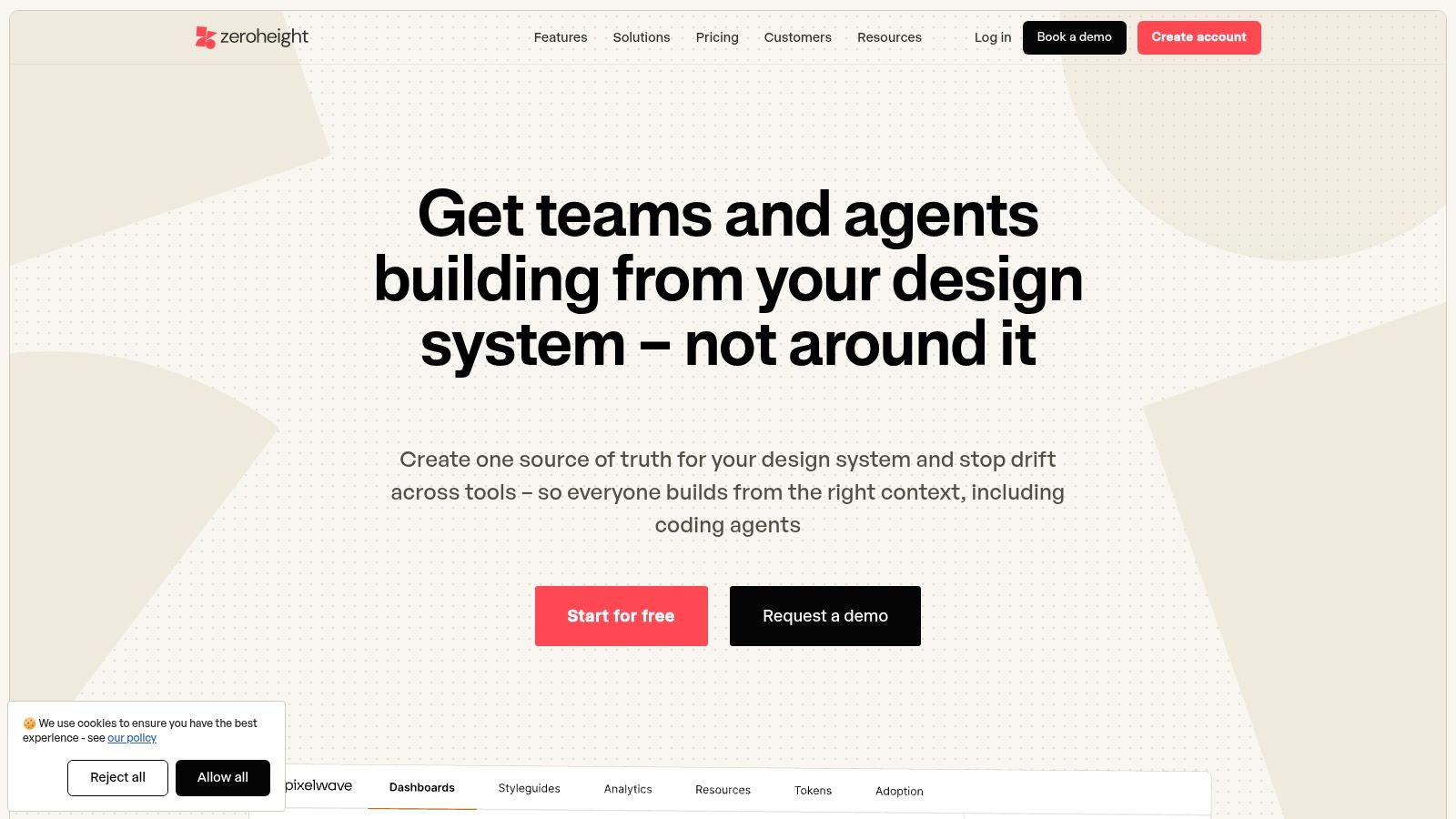
zeroheight is the right pick when adoption is blocked by understanding, not asset creation.
A surprising number of design systems don't fail because components are missing. They fail because people can't tell how to use what already exists. zeroheight has long been good at solving that layer. It gives teams a documentation-first hub that syncs with Figma, supports tokens, and embeds Storybook so stakeholders can find and understand patterns in one place.
That focus changes the nature of the setup work. You aren't just organizing files. You're reducing interpretation debt.
Why documentation changes behavior
When a system lives only in design files, new contributors have to infer the rules. That works for experienced Designers who know the history. It breaks for Product Managers, engineers, and newer team members who need fast answers without reverse-engineering intent.
zeroheight helps by creating a readable home for:
Component guidance: when to use a pattern and when not to
Style references: visible links to type, color, and spacing decisions
Token information: imported or generated values that support consistency
Code context: Storybook embeds that connect abstract guidance to implementation reality
This is the layer where a design system becomes teachable.
Field note: If your system only works for the people who built it, you don't have a system yet. You have tribal knowledge with screenshots.
The limitation is loop closure
zeroheight is excellent at explanation, but explanation alone doesn't fully close the design-to-code loop.
Its Figma sync is read-oriented, and token workflows often still depend on supporting processes or companion tools if your team needs stronger automation. That means it's best viewed as a system hub, not the whole operating model. Teams often pair it with more specialized token or pipeline tools when maturity increases.
Many organizations get clearer about their actual need at this point. If they want shared understanding, zeroheight is a natural fit. If they want AI-generated work to inherit system judgment, or they want active token delivery into code, they'll need more than a documentation layer.
If your immediate gap is adoption through clarity, though, zeroheight remains a very practical option. For teams tightening the written layer of their system, this guide on how to build a design system is a useful companion.
You can see the platform at zeroheight.
5. Knapsack
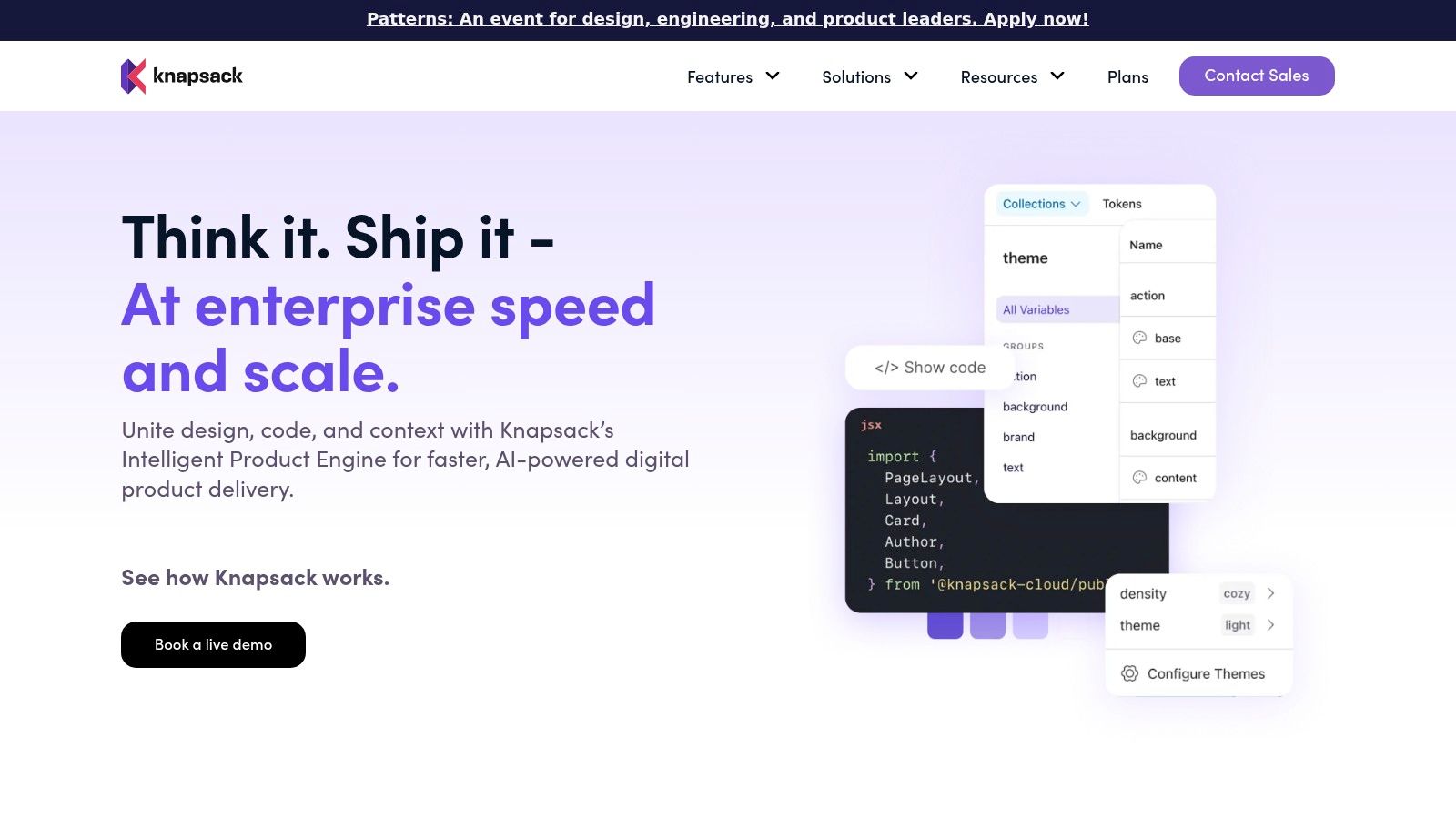
Knapsack is built for teams that treat the design system as production infrastructure.
That orientation makes it appealing to larger organizations where the system spans frameworks, governance processes, and release mechanics. Knapsack combines token management, code component rendering, Git-backed workflows, hosted documentation, and organizational controls in one platform. If your company wants a formal operating system for design-to-code collaboration, this category of tool starts to make sense.
What Knapsack is really selling
The visible features matter, but the deeper offer is governance.
Knapsack helps teams centralize:
Token management: with Figma integration and system structure
Rendered code components: across multiple front-end environments
Versioned workflows: tied to Git and CI processes
Documentation and policy: so usage rules live alongside implementation
Rollout support: including organizational guidance for adoption
That matters at scale because system inconsistency is rarely just a design problem. It's an incentive problem. When teams can bypass the system faster than they can use it, they will. Platforms like Knapsack try to change that by making the sanctioned path visible, governed, and tied to production assets.
Why some teams bounce off it
Heavier platforms ask for heavier commitment.
You need cross-functional ownership, stable workflows, and enough component maturity that formal governance won't just expose unresolved ambiguity. If the organization is still deciding whether tokens should be source of truth, or whether Storybook or Figma leads, a platform like this can feel premature.
I've seen this happen after a leadership push to “professionalize the design system.” The intent was right. The timing was off. The team still needed naming discipline and component cleanup, not a full operational shell.
Knapsack becomes more persuasive when the system already matters across multiple teams and codebases, and when the cost of inconsistency is high enough to justify process overhead.
You can explore it at Knapsack.
6. Tokens Studio
Tokens Studio is the right tool when tokens are the heart of your system, not a cleanup task.
That sounds narrow, but it's a serious distinction. In many organizations, design tokens sit underneath every brand theme, spacing rule, and visual update, yet they're still managed as an afterthought. Tokens Studio gives them a proper operating layer through its Figma plugin and Studio environment, with support for authoring, governance, visualization, and syncing into code repositories.
If your team wants tokens to become the source of truth, this is where the conversation gets real.
Where it shines
Tokens Studio is especially useful for teams dealing with complexity that Figma-native styling alone doesn't fully tame.
Common reasons teams adopt it:
Multi-brand theming: one system needs controlled variation across products or clients
Org-level governance: token changes need visibility and review, not casual edits
Interoperability needs: DTCG-aligned JSON and Git workflows matter to engineering
Cross-file coordination: token structure has outgrown simple local library habits
This tool rewards teams that are willing to formalize the underlying design language. That includes naming, layering, aliasing, and release behavior. In return, you get a cleaner foundation for scale.
The real cost is process change
Most friction with token-first tooling is cultural, not technical.
When tokens become authoritative, people have to stop making visual decisions ad hoc. Designers need to think in system primitives. Engineers need to trust the token model. Product leaders need to accept that some visual changes now move through a governed layer rather than a quick file tweak.
That shift can feel heavy at first. Then it starts paying back every time the team updates a theme or expands the product without re-litigating the basics.
The basic gist is this: Tokens Studio is powerful when your team is ready to think structurally. If you aren't there yet, it can feel like advanced machinery parked in a garage with no floor plan.
If your current challenge is understanding token practice before adopting a token-first workflow, this piece on applying design tokens for automatic updates is a solid starting point.
You can review the platform at Tokens Studio.
7. Zeplin
Zeplin works best when your biggest design system failure point is handoff discipline.
That may sound less glamorous than AI or token orchestration, but it's where many systems break. Teams might have good components and decent docs, yet engineers still receive ambiguous screens, unclear variants, or designs that were never officially approved for build. Zeplin helps create a clearer separation between exploratory design and production-ready handoff.
That's valuable because a design system only matters if it survives contact with implementation.
Why handoff deserves its own tool
Zeplin's practical strength is curation. It helps teams move finalized screens and components into a space built for engineering consumption, with support for variants, token export, and Storybook linking.
That helps with a few recurring problems:
Final-state confusion: teams can identify what's ready to build
Variant clarity: component differences are easier to inspect
Developer readability: implementation-facing views reduce translation work
System reinforcement: exported tokens and linked code references support consistency
For organizations where Figma remains too broad a workspace for clean build handoff, this focused layer can make downstream execution calmer.
What Zeplin won't replace
Zeplin is an output layer, not a full design system operating model.
It doesn't become your token authoring engine, your system memory, or your AI context layer. It helps downstream teams work with decisions that have already been made. That's useful, and for some teams it's the missing piece, but it doesn't solve upstream ambiguity.
Tool selection should prioritize workflow maturity over feature count. If your biggest issue is build-ready communication, Zeplin can be a strong fit. If your issue is that the team still hasn't captured tokens, states, usage rules, or component logic consistently, you need to solve earlier in the chain first.
For teams trying to clean up that implementation boundary, these developer handoff best practices are worth reviewing alongside the tool itself.
You can evaluate it at Zeplin.
How to run Figr design system setup without creating a future mess
A clean Figr design system setup starts with deliberate calibration, not bulk import.
Teams get into trouble when they dump files into a system and call that setup. What they've really created is a larger search problem. The goal is to teach Figr the governing rules of your product so future outputs inherit them. That means choosing source material with care and validating the first pass before scaling.
A practical setup workflow
Step 1. Start with the most representative screens.
Use live product screenshots, Figma frames, or mockups that show your core interaction patterns.
Pick flows with meaningful variation, not just your prettiest happy path.
Step 2. Add written design instructions.
Spell out what your team usually leaves implicit.
Include usage rules, brand tone, state behavior, and where consistency matters most.
Step 3. Attach supporting files.
Bring in CSS, token references, or other style artifacts that express the system's real constraints.
At this stage, visual preference becomes a governed language.
Step 4. Generate the first design-language profile.
Review what Figr inferred about color, typography, spacing, and component patterns.
Look for mismatches in judgment, not just visual mismatches.
Step 5. Run the calibration test.
Ask Figr to regenerate adjacent states for one critical flow.
Use cases like empty, loading, error, permissions, and edge conditions reveal whether the system is learned.
What to inspect during calibration
It's common to over-focus on surface fidelity.
The better review checklist is:
Token discipline: did spacing, typography, and color choices stay within your intended system
Component reuse: did the output align to known patterns rather than invent new ones
State coverage: were edge states handled with the same level of care as the main path
Usage rules: did the output reflect where a component should or shouldn't appear
Product tone: did labels, actions, and hierarchy feel native to your app
The fastest way to lose confidence in AI-assisted design is to skip calibration and discover the drift during handoff.
Why adoption measurement matters more than setup ceremony
A design system is only real if you can see whether people are using it.
Many setup projects often become mere theater. The library is cleaner. The docs look sharper. Nobody can say whether shipped product work is becoming more system-aligned. If you care about outcomes, you need a measurement model that tracks actual usage in work that's heading to production.
A practical pattern comes from Figma's adoption model. The strongest way to measure design system adoption in a Figr workflow is to calculate the share of design nodes originating from the system, while restricting analysis to files edited in the last two weeks and pages marked as handoff, as outlined in Figma's write-up on how Pinterest's design systems team measures adoption. That same article also describes using a nightly background job with the Figma REST API to monitor adoption continuously and drill from organization-level patterns into individual files.
How I'd apply that in a Figr environment
Use Figr setup artifacts as tagged inputs, then measure what happens after recommendation and regeneration.
That means:
Tagging imported assets: screens, tokens, and components by team or product area
Tracking reuse behavior: whether work continues to rely on system components
Watching detachment patterns: where teams break from the system in handoff-bound work
Comparing before and after: whether Figr-assisted recommendations increase compliance over time
This matters at scale because incentives shape behavior. If adoption is invisible, system drift stays cheap. Once teams can see where they detach, where reuse falls, and which flows keep spawning exceptions, the conversation gets sharper. The system stops being an article of faith and becomes an operating metric.
The Visual Context Graph is the real reason Figr holds together
Figr works best because it treats design system setup as one layer of a larger context model.
The phrase Figr uses for this is the Visual Context Graph, and it's the clearest explanation of why its outputs tend to feel more grounded than generic AI design tools. Instead of treating the design system as an isolated library, Figr connects five layers of product context so generated work can inherit both visual and product judgment.
The five layers are:
Visual context: screens and frames
Behavioral context: recordings and flows
Design System context: tokens and components
Product Knowledge context: PRDs, research, and decisions
Implementation context: code constraints
Why this matters for setup
A design system doesn't live alone in the wild.
A button's right variant depends on the flow. A warning pattern depends on risk. A state decision may depend on business logic or implementation constraints that never appear in a component doc. When teams isolate the design system from the surrounding product knowledge, they create brittle consistency. Everything looks aligned until a real edge case appears.
That's why I'd choose Figr when the goal is not just to document the system, but to make it usable inside live product work. The setup becomes durable because the system is connected to the rest of the product's memory.
From system to workflow
Choosing a design system tool is really choosing where your team wants truth to live.
Figr leads this list because it approaches setup as a context-building exercise. It helps teams capture tokens, components, variants, states, and usage rules in a way that supports real product generation later. That's a different ambition from documentation hubs, token pipelines, or handoff tools, even though those can all be useful parts of the stack.
The rest of the field separates along workflow lines. Supernova and Specify are stronger when automation and distribution are the core problem. zeroheight helps when adoption depends on understandable documentation. Knapsack serves teams that need formal governance around production assets. Tokens Studio shines when tokens need to become the actual source of truth. Zeplin is practical when the biggest cost sits in handoff ambiguity.
The zoom-out is simple. Design systems fail when teams treat them as static assets, while product work keeps moving. They hold when the system becomes part of the daily operating rhythm, visible in design decisions, build workflows, and review standards. That's why setup matters so much. It's where you decide whether the system will become memory or ceremony.
Start smaller than you think.
Pick one critical flow. Capture the actual screens. Document the usage rules your team usually leaves unsaid. Run a calibration test across the states that tend to break. Then measure whether later work stays closer to the system in handoff-bound files. That sequence will teach you more than a month of abstract cleanup.
If you want the shortest path from setup to actual product work, try Figr.
If your team is tired of rebuilding the same patterns, Figr is worth trying with a single high-friction flow first. Load your real product context, run the calibration test, and see whether the next set of states comes back closer to how your team designs and ships.