
FIGR / UI TEMPLATE
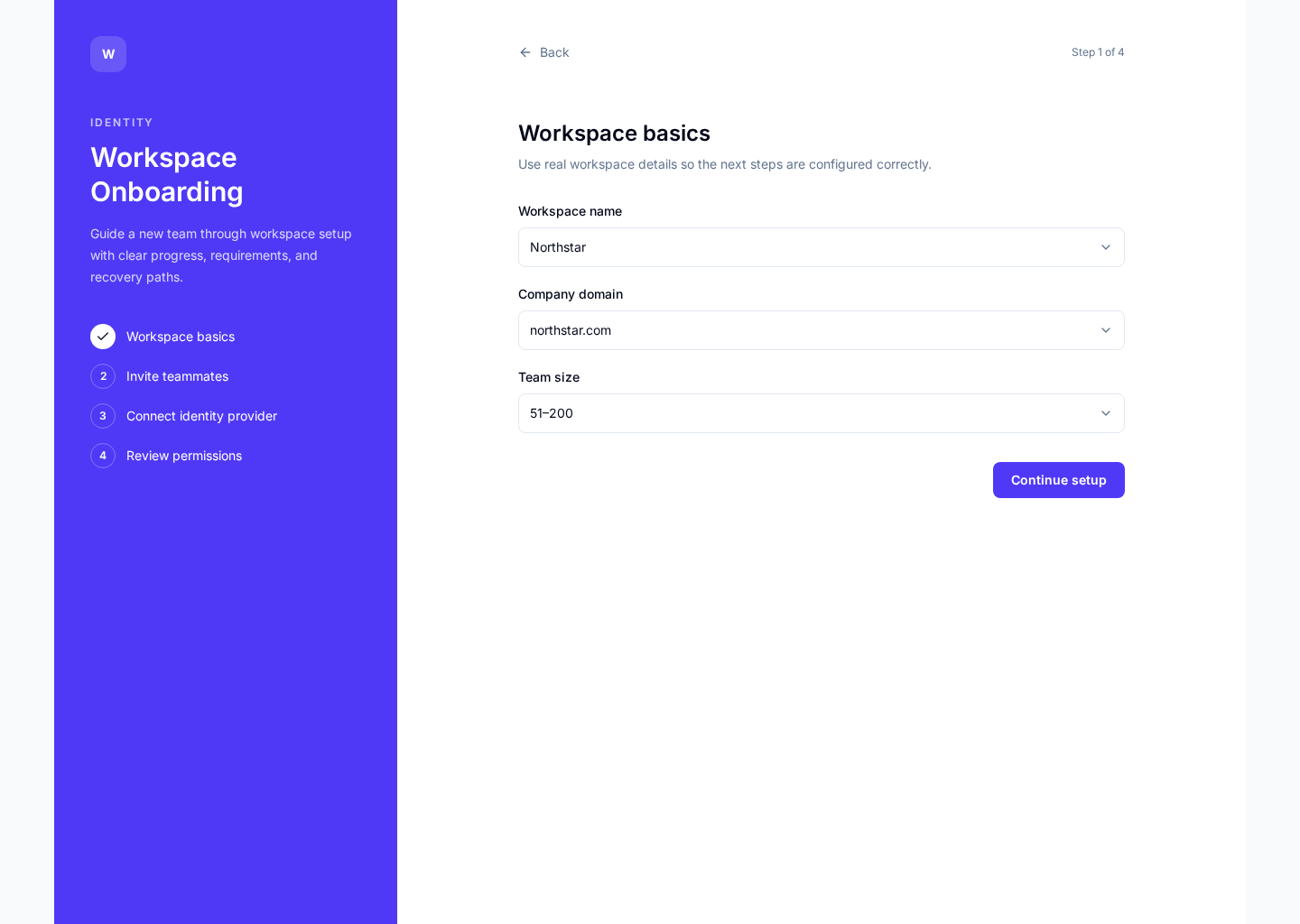
A guided workspace setup screen for teams that need to name the workspace, invite teammates, connect tools, and reach a useful first state without getting lost.
BUILD ON THIS
Explore this screen, then bring in your own product and design system to shape the next version.
Onboarding
Set up a workspace
Stepper
Default
Halo Consumer
New admins need to get a workspace ready quickly while deciding what to configure now and what to skip until later.
Sign up → Workspace setup → Invite team → Connect tools → Home
Stepper, checklist, progressive disclosure, form, invite flow
Keep the first steps lightweight. Ask for settings only when they help the team reach a useful first state. Make every optional step clearly skippable.
Create a high-fidelity workspace onboarding flow for a B2B product. Help a new admin name the workspace, invite teammates, connect key tools, skip optional setup, and land in a useful first workspace.
KEEP EXPLORING
Browse other product UI examples, compare patterns, and pick the direction that suits your product.