
FIGR / UI TEMPLATE
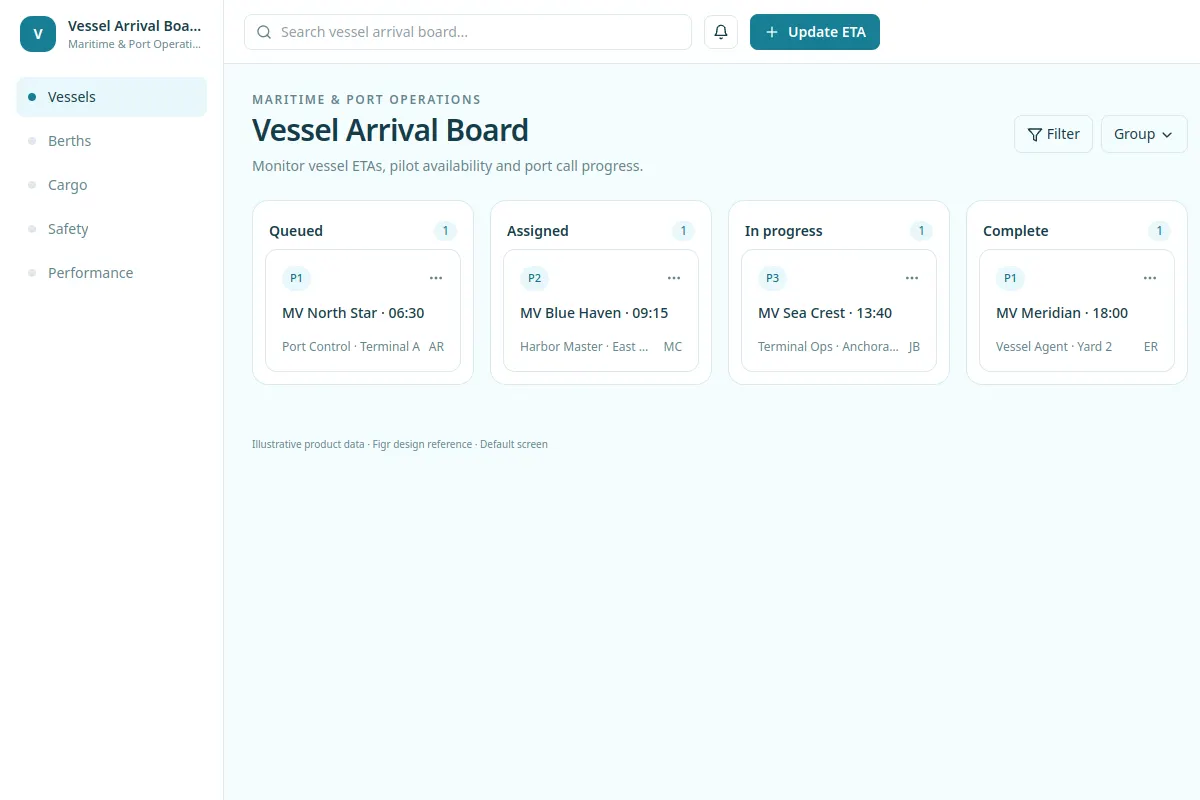
Monitor vessel ETAs, pilot availability and port call progress.
This UI reference covers Maritime & Port Operations software with fictional example records.
BUILD ON THIS
Explore this screen, then bring in your own product and design system to shape the next version.
board
Update ETA
board workflow
Default, loading, empty, warning, error, success
Independent product UI reference; no 1mg design system
Monitor vessel ETAs, pilot availability and port call progress.
Sections: Vessels, Berths, Cargo, Safety, Performance. Primary action: Update ETA.
Empty schedules, conflicting assignments, delayed records, restricted access, failed saves and success.
Vessels → Vessel Arrival Board → Update ETA
board, filters, status labels, detail views
Keep vessel, berth or cargo status and the next action in view. Show conflicts, missed cutoffs, incomplete inspections and recovery from failed updates.
Use a record such as MV North Star · 06:30 to check how the workflow handles exceptions.
Adapt Vessel Arrival Board to our existing product and design system. Use actual vessel and resource rules, then explore exceptions and states before creating editable designs.
KEEP EXPLORING
Browse other product UI examples, compare patterns, and pick the direction that suits your product.