
FIGR / UI TEMPLATE
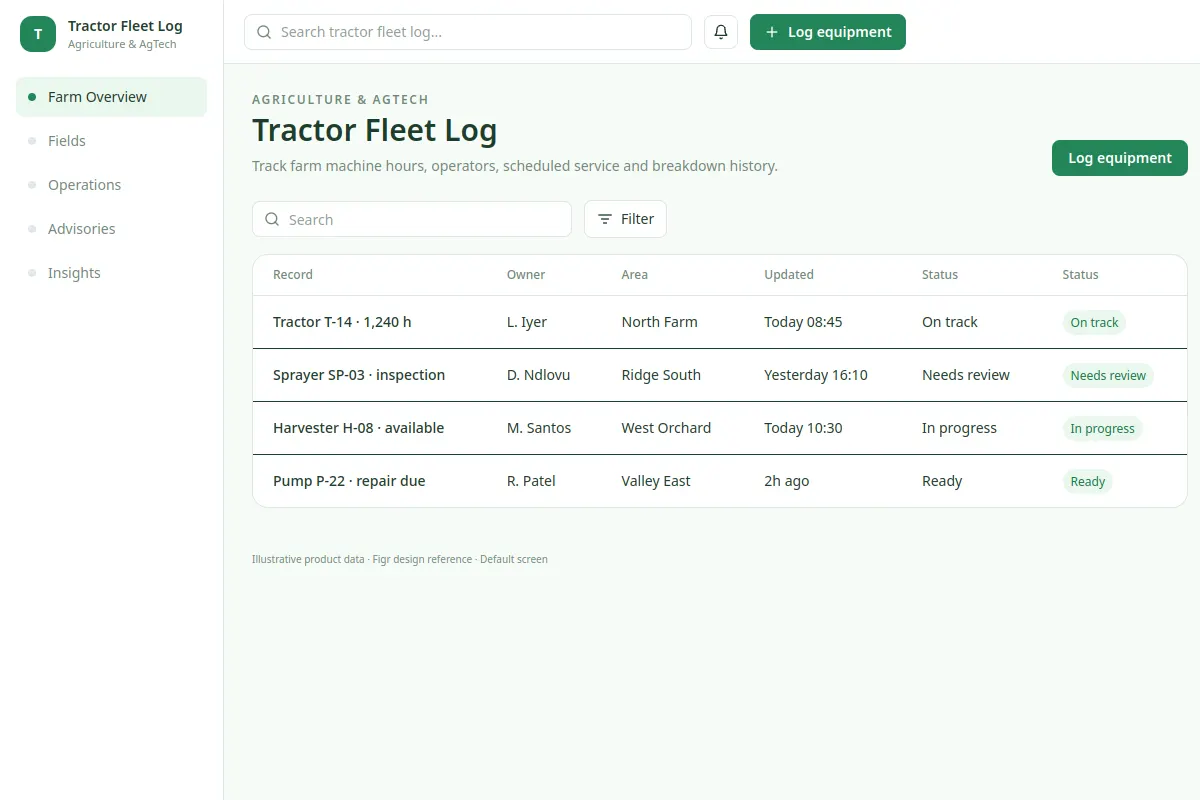
Track farm machine hours, operators, scheduled service and breakdown history.
This UI reference shows Agriculture & AgTech workflows using fictional demo records.
BUILD ON THIS
Explore this screen, then bring in your own product and design system to shape the next version.
table
Log equipment
table workflow
Default, loading, empty, warning, error, success
Independent UI reference; no 1mg design system
Track farm machine hours, operators, scheduled service and breakdown history.
Sections: Farm Overview, Fields, Operations, Advisories, Insights. Main action: Log equipment.
Design loading, empty, warning, failed save, permission denied and success states.
Farm Overview → Tractor Fleet Log → Log equipment
table, filters, statuses, record details
Keep current records, status and primary actions visible. Check how users handle Tractor T-14 · 1,240 h and recover when an action fails.
Include empty, loading, permission and error states.
Adapt the Tractor Fleet Log workflow to our product and design system. Respect existing screens, flows, components and constraints, and check edge cases before handing off editable design.
KEEP EXPLORING
Browse other product UI examples, compare patterns, and pick the direction that suits your product.