
FIGR / UI TEMPLATE
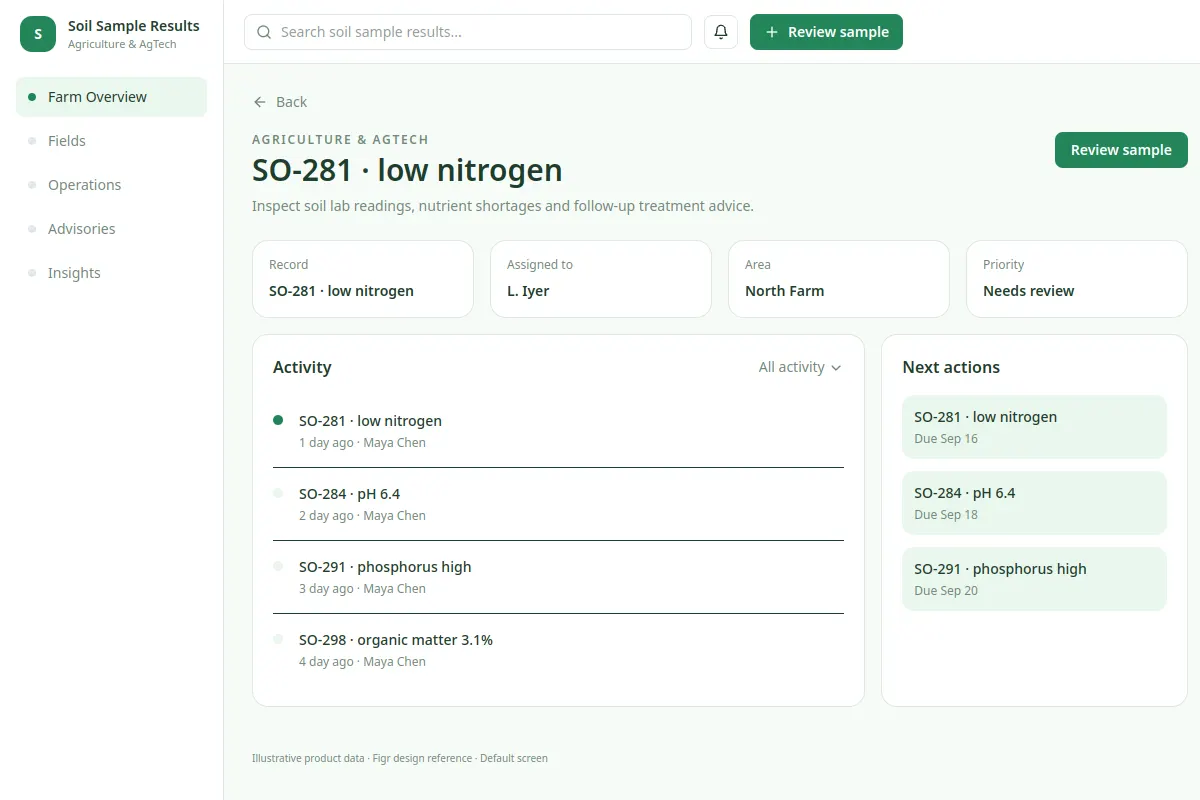
Inspect soil lab readings, nutrient shortages and follow-up treatment advice.
Explore Agriculture & AgTech workflows in an existing product. The sample names and values are fictional.
BUILD ON THIS
Explore this screen, then bring in your own product and design system to shape the next version.
detail
Review sample
detail workflow
Default, loading, empty, warning, error, success
Independent UI reference; no 1mg design system
Inspect soil lab readings, nutrient shortages and follow-up treatment advice.
Farm Overview, Fields, Operations, Advisories, Insights. Primary action: Review sample.
Cover loading, empty, error, warning, permission denial and success.
Farm Overview → Soil Sample Results → Review sample
detail, status indicators, record drill-down
Keep the current task, status and next action visible. Test a case such as SO-281 · low nitrogen alongside empty, warning and failed-save states.
Adapt Soil Sample Results to our existing product context and design system. Review our flow constraints, real states and edge cases before making Figma-ready designs.
KEEP EXPLORING
Browse other product UI examples, compare patterns, and pick the direction that suits your product.