
FIGR / UI TEMPLATE
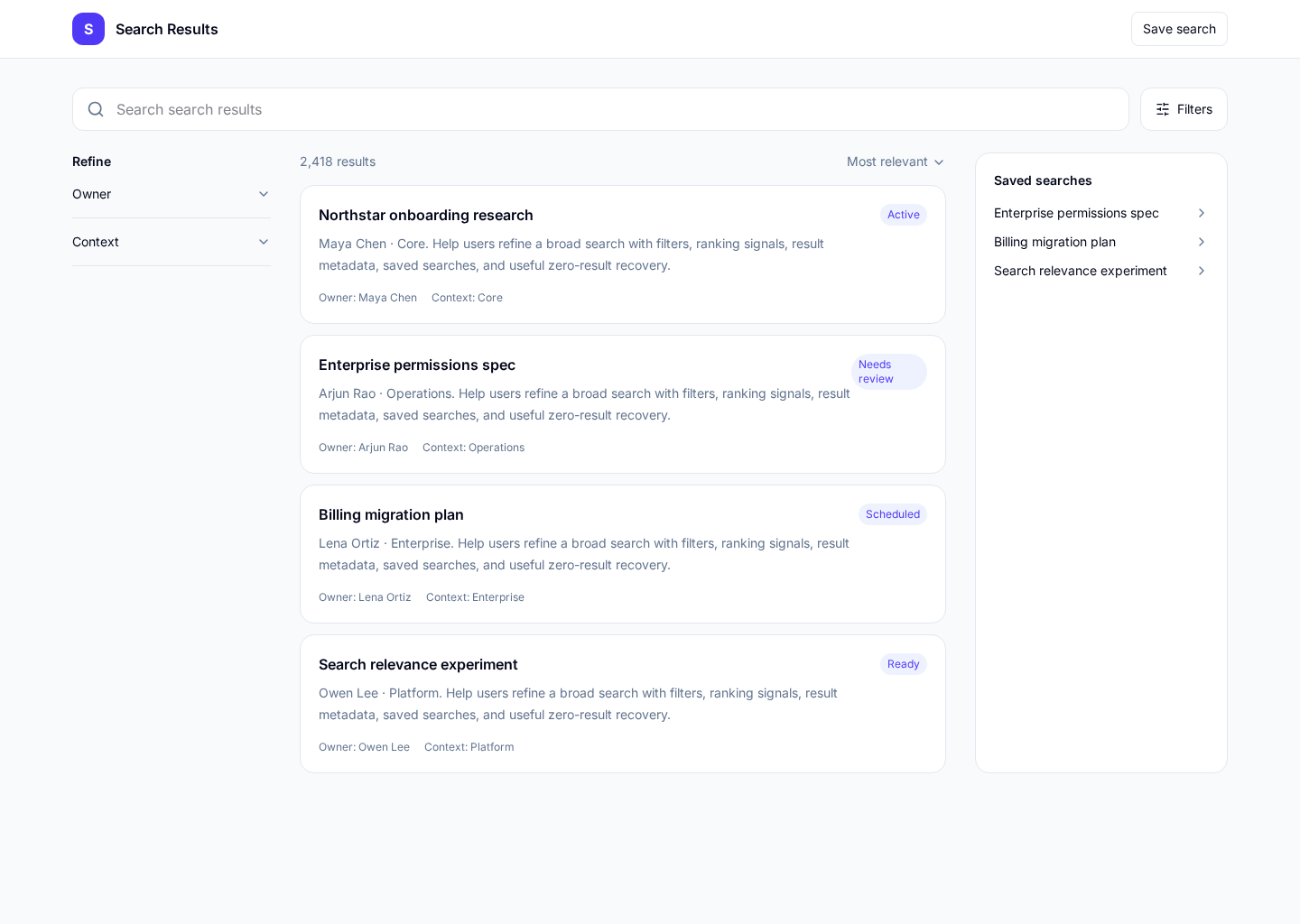
A search results screen that helps users understand what matched, narrow the set, compare options, and recover when the query is too broad or too narrow.
BUILD ON THIS
Explore this screen, then bring in your own product and design system to shape the next version.
Search
Find and narrow relevant results
Filtered results list
Default
Calm Editorial
Users need to find the right item quickly, refine the query, and understand why each result is relevant enough to inspect.
Search Entry → Results → Filter / Sort → Result Detail → Back to Results
Search, filters, sort, result list, pagination, empty state
Keep the query visible while users refine. Preserve filters when they open a result and return. Treat zero results as a recovery problem, not a dead end.
Create a high-fidelity search results screen for a modern software product. Include realistic results, useful filters, sort, result count, loading, no-results recovery, and a path into detail.
KEEP EXPLORING
Browse other product UI examples, compare patterns, and pick the direction that suits your product.